Your portfolio is often the first real conversation you have with a potential client or employer. Before you say a word, before a handshake, your work either holds attention or loses it. A flat PDF sent over email, or a Google Drive folder with "Portfolio_Final_v3.pdf," does not hold attention. It barely asks for it.
That is where a flipbook changes everything. Not as a gimmick, but as a format that respects both your work and the time of the person looking at it. Flipbooks AI turns your PDF portfolio into an interactive, page-turning digital experience that feels like a physical book without any of the printing cost or logistical headaches.
This article covers why the format matters, who benefits most, how to build one step by step, and what features are worth paying attention to.
Why Static Portfolios Fail
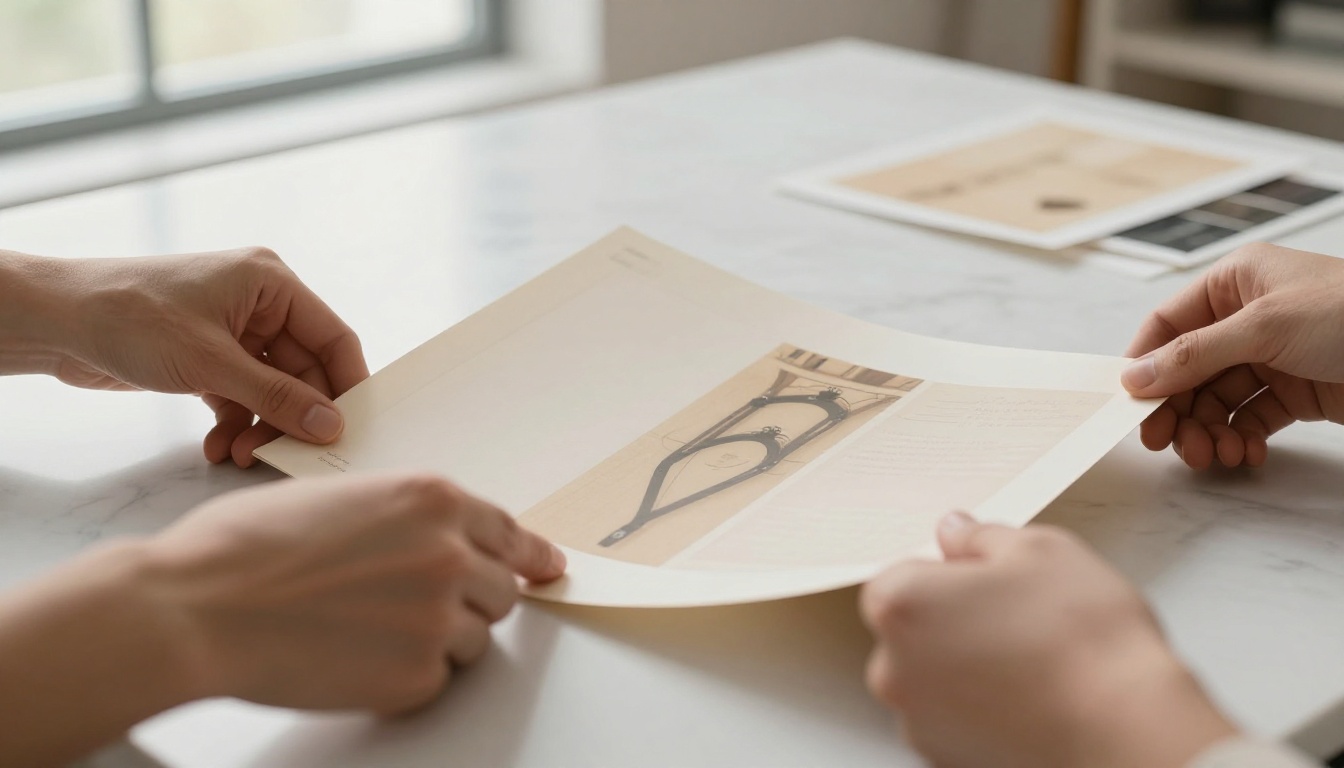
The attention window is shorter than you think
Research from eye-tracking studies consistently shows that hiring managers and clients spend between 5 and 30 seconds on an initial portfolio review. That is not a reading session. It is a glance. If your format requires downloading a file, waiting for it to open, scrolling through pages that all look the same, and hunting for relevant work, you have already lost half your audience before they reach page two.
A flat PDF also signals effort proportional to itself. It took someone ten seconds to attach it to an email. That is the implicit message it sends, regardless of how many hours the work inside it required.
What actually holds attention
Formats that create physical intuition hold attention longer. A page-turning flipbook activates the same mental model as a physical book or magazine. The reader navigates with a sense of place: "I am on page 7 of 24." They can flip ahead, flip back, pause on a page. The tactile metaphor keeps them oriented and engaged.
Interactive elements compound this effect. Embedded links, video clips within pages, and responsive mobile formatting mean that a client on their phone at 11pm gets the same quality experience as one sitting at a desktop in the office. With a PDF, they get a tiny unreadable file that requires downloading and pinching to zoom.
What a Flipbook Portfolio Actually Does
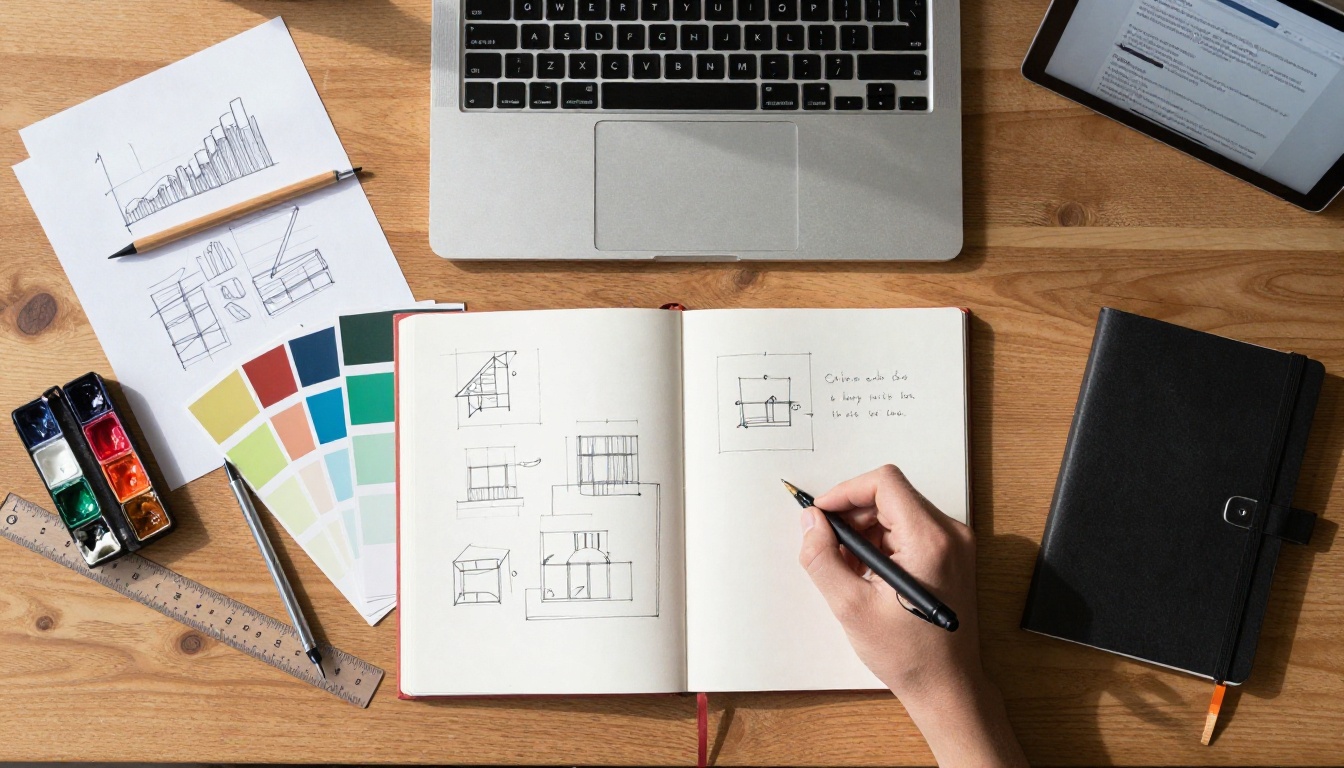
The phrase "portfolio flipbook" refers to a digital publication with realistic page-turning animation, hosted online, and accessible via a link. No downloads. No plugins. No software required from the viewer.
The page-turn effect and why it works
The page-turning animation is not decoration. It creates a reading rhythm. Viewers naturally slow down because turning a page is a deliberate action, even when it is simulated. This slowing-down means your work gets more time in front of eyes that are actually focused.
It also creates a premium perception. The same portfolio work presented in a flipbook consistently reads as more polished and professional than the same work in a PDF. The format borrows credibility from the publication industry.
Interactive features worth using
A well-built flipbook portfolio supports:
- Embedded hyperlinks: Link from a project page directly to a live case study, website, or social media profile
- Video clips within pages: Show motion work, reel clips, or time-lapse processes without sending separate files
- Table of contents: Let viewers jump directly to relevant sections (branding work, web design, photography, etc.)
- Password protection: Share confidential work with specific clients without making it public
- Analytics: See exactly which pages a viewer spent time on, and follow up strategically
- Mobile-responsive layout: Full flipbook experience on any screen size

Designers and art directors
For visual creatives, the flipbook format is a natural fit. It treats each spread as a canvas, the same way a printed design book would. Branding projects, packaging mockups, typographic work, and campaign visuals all benefit from having a dedicated page or spread rather than being stacked in a scroll. The Digital Portfolio Creator and Portfolio Flipbook Builder tools at Flipbooks AI are built specifically for this use case.
Photographers
Photography portfolios require large, breathing images that command space. A flipbook gives each photograph the full-page treatment it deserves, without the compression artifacts or thumbnail-view issues that plague most portfolio websites. The Photography Portfolio tool handles this specifically, preserving image fidelity across the conversion.
Freelancers sending cold pitches
When you send a cold pitch, you are competing for attention against dozens of other messages. A direct flipbook link, not a PDF attachment, removes friction immediately. The client clicks and they are already inside your work. Password protection means you can share work under NDA without attaching files.
Agencies presenting credentials
Agencies benefit from the format during pitches and credential presentations. A shared flipbook link works in a boardroom on a large screen and in a follow-up email on a phone. Analytics show which sections of the credentials deck the prospect spent time on, which informs the follow-up conversation.
💡 Include a table of contents page in your portfolio PDF before converting. Flipbooks AI preserves your internal PDF links, turning them into a clickable navigation system inside the flipbook.
| Feature | PDF Portfolio | Website Portfolio | Flipbook Portfolio |
|---|
| No download required | No | Yes | Yes |
| Page-turning experience | No | No | Yes |
| Mobile-optimized | Sometimes | Yes | Yes |
| Password protection | Limited | Limited | Yes |
| Analytics per page | No | With tracking code | Yes (Pro plan) |
| Embed on website | No | N/A | Yes |
| Video within pages | No | Yes | Yes |
| Print quality maintained | Yes | No | Yes |
| Setup time | Minutes | Days to weeks | Minutes |
| Cost | Free | High | Low |
The flipbook format sits in a sweet spot: it has the visual quality of a PDF, the accessibility of a website, and the interactivity of neither.
How to Build Your Portfolio Flipbook
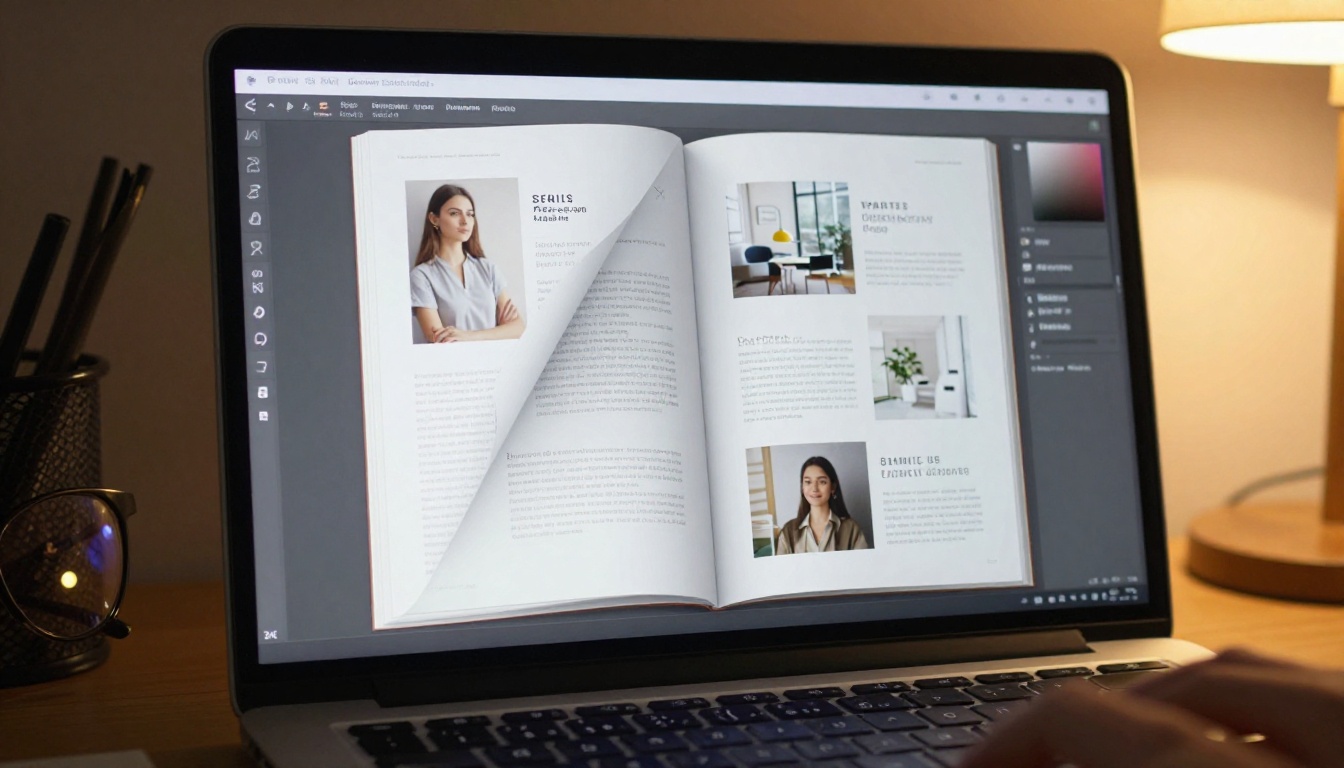
The process on Flipbooks AI is straightforward. Here is the exact sequence:
Step 1: Prepare your PDF
Before uploading, make sure your PDF is presentation-ready:
- Set the page size to A4 landscape or a standard widescreen ratio (16:9 works well for digital viewing)
- Embed all fonts and flatten any transparency layers
- Include a title page, a brief introduction or bio page, and clearly separated project sections
- Add internal hyperlinks if you want clickable navigation (Flipbooks AI preserves these)
- Keep file size under 200MB for fastest upload. Compress images to 150-200 DPI for screen viewing
Step 2: Upload and convert
- Create an account on Flipbooks AI (free to start)
- Click "New Flipbook" and upload your PDF
- The conversion takes seconds to a few minutes depending on file size
- Preview the flipbook to verify page order, image quality, and link behavior
Step 3: Customize your brand
This is where the format earns its premium feel:
- Custom domain: Use your own domain or subdomain for the flipbook URL
- Cover style: Choose between hard cover, soft cover, or open-flat presentation
- Background color: Match your portfolio's aesthetic. Dark backgrounds work particularly well for photography
- Logo placement: Add your logo or signature to the viewer interface
- Color theme: Align the navigation controls with your brand colors
- Page shadows and effects: Adjust the depth and realism of the page-turning animation
Step 4: Share and distribute
Flipbooks AI gives you several distribution options:
- Direct link: A clean shareable URL you can drop into emails, social bios, or LinkedIn
- Embed code: Paste a snippet to embed the full flipbook on your website or portfolio page. The Embed Flipbook on Website tool makes this straightforward
- Password-protected sharing: Set a password for confidential client-specific versions
- QR code: Generate a QR code for printed business cards or in-person networking
Step 5: Track and follow up
On the Professional plan, analytics show you exactly which pages viewers spent time on. If a client opens your flipbook and spends 40 seconds on your brand identity work and 2 seconds on everything else, that is your conversation starter for the follow-up call. Lead generation forms can also be embedded, turning passive viewers into warm leads.
Flipbooks AI Plan Comparison

Understanding which plan fits your needs saves time. Here is what each tier offers for portfolio use:
| Feature | Free | Standard | Professional |
|---|
| Flipbooks | Limited | Unlimited | Unlimited |
| Watermark | Yes | No | No |
| Custom branding | No | Yes | Yes |
| Password protection | No | Yes | Yes |
| Embed on website | No | Yes | Yes |
| Analytics per page | No | No | Yes |
| Lead generation forms | No | No | Yes |
| Offline downloads | No | No | Yes |
| Custom domain | No | Yes | Yes |
| Video and audio embed | No | Yes | Yes |
⚠️ The free plan includes a watermark on every page. For any professional context, a paid plan is the right move. The Standard plan removes watermarks and allows unlimited flipbooks, which covers most individual portfolios.
For agencies or anyone using analytics to inform client conversations, the Professional plan's per-page analytics and lead generation tools pay for themselves quickly.
Explore pricing plans to compare what works for your workflow.
Real Situations Where This Works

The cold pitch email
A UX designer sending cold outreach to product companies drops a flipbook link into the email body. No attachments. No "please download this." The link opens a full-screen interactive portfolio. Click-through rates on emails with interactive links outperform PDF attachments because the viewer does not have to commit to a download to see the work.
The in-person meeting
An interior designer brings a tablet to a client meeting. Rather than flipping through a physical book or navigating a website with a slow internet connection, they open the flipbook link offline (downloaded in advance using the Professional plan feature) and walk through projects page by page. The page-turn animation on a 12-inch screen is immediately impressive.
The agency credentials deck
A small creative agency updates their credentials deck quarterly. Rather than emailing a new PDF every time it changes, they update the same flipbook link. All previously shared links automatically show the new version. Clients who bookmarked the link always have the current credentials.
The job application
A recent design school graduate sends their portfolio as a flipbook link in a job application. The hiring manager opens it on their phone during commute, spends three minutes on it, and marks it for follow-up. The same PDF attachment from another candidate required downloading to a computer first.
✅ Create two versions of your portfolio flipbook: one public (no password, shareable broadly) and one extended version with NDA case studies (password-protected). Share the extended version selectively in follow-up conversations.
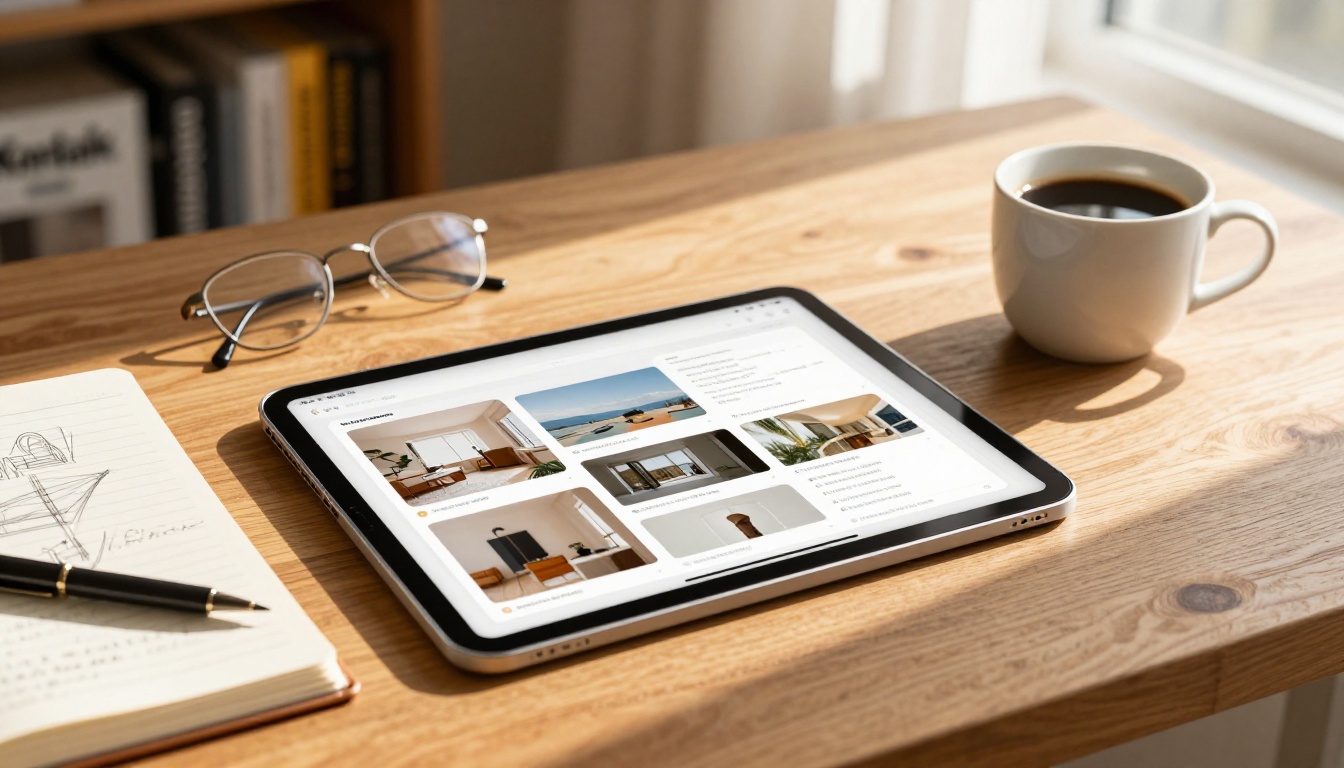
Flipbooks AI has built specific tools for different creative disciplines. These are not generic converters; they are purpose-built for specific content types:
Browse all available flipbook tools to find the closest match for your specific use case.
Common Mistakes When Building a Portfolio Flipbook
Putting too much on one page. A flipbook is not a scroll. Each page gets full attention. Crowded pages lose the impact of the format. Treat each spread like a magazine page: one focal point, breathing room, clear hierarchy.
Using portrait-orientation PDFs for digital viewing. Landscape orientation fills the screen. Portrait pages appear smaller and require more zooming. If your existing PDF is portrait, consider rebuilding it at 16:9 before converting.
Skipping the table of contents. For portfolios with more than 10 pages, a linked table of contents is essential. It respects the viewer's time and signals that you thought about their experience, not just your own.
Not testing on mobile. Before sharing your flipbook, open it on your phone. Flipbooks AI flipbooks are mobile-responsive, but your content layout should still hold up at smaller sizes. Text that is too small to read on mobile is still too small to read.
Leaving the watermark on. If you are sharing your portfolio professionally, the free plan's watermark visually undercuts the premium impression the flipbook format creates. Upgrade before you start sending links.
💡 Use the analytics from your first few shares to edit your flipbook. If viewers consistently skip the same section, that section either belongs later in the order or needs stronger opening visuals.
Your Portfolio, Actually Working For You

Your work is already good. The format you present it in either amplifies that or mutes it. An interactive flipbook amplifies it by giving your work the space, pacing, and visual weight it deserves, without requiring anything complicated from the person on the other end.
The barrier to doing this is genuinely low. If you have a PDF portfolio today, you can have a professional flipbook live in under ten minutes. The PDF to Flipbook Converter handles the technical side. The work you have already done handles everything else.
Ready to build yours? Get started for free on Flipbooks AI, or compare plans to see which features make sense for your practice. Browse all tools and templates to find the right starting point for your creative discipline.



