Your portfolio is often the first and only impression you get to make. In a world where attention spans shrink by the second, handing someone a flat PDF or linking to a basic image gallery simply does not cut it anymore. The creatives who land the clients, the roles, and the attention are the ones who show up differently. Flipbooks AI gives you a way to do exactly that: turn any portfolio PDF into a living, interactive experience with realistic page-turning effects, embedded media, and full-screen visual impact.
This is not about gimmicks. It is about giving your work the presentation it deserves.
Why a Static PDF Loses the Room
A PDF is functional. It opens, it displays pages, and it closes. That is the full extent of the experience. The problem is that creative work is not functional. It is emotional. A landscape photographer's portfolio should feel expansive. A fashion lookbook should feel editorial. An architect's project showcase should feel considered and precise. A flat PDF delivers none of that.
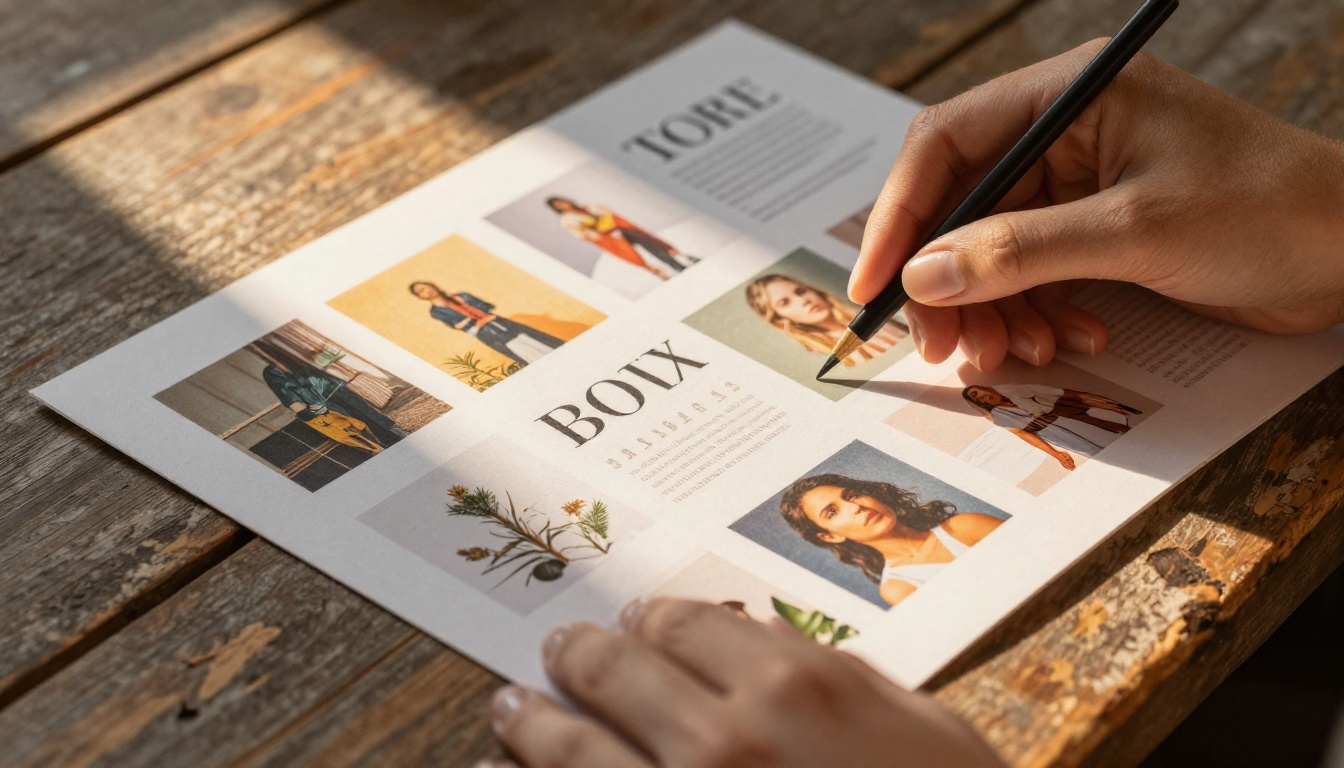
When you send a PDF portfolio to a potential client or recruiter, here is what actually happens: they open it, skim through a few pages, and close it. There is no incentive to linger. No visual hierarchy that pulls the eye. No interactivity that signals craft and intentionality. You are essentially presenting your best work inside a word-processor format.
The numbers back this up. Interactive digital documents see significantly higher engagement rates than static PDFs. Readers spend more time on pages, scroll further, and return more often when the experience itself feels dynamic.
⚠️ Sending the same static PDF portfolio as everyone else signals that you have not thought about the viewing experience. That is a missed opportunity to differentiate before a single piece of work is even evaluated.
What Clients Actually Remember
Memory is tied to experience. When a client clicks through an interactive portfolio with smooth page-turn animations, embedded video samples, and bold full-bleed images, they associate that experience with you. That is brand-building before the invoice stage. Contrast that with "the person who sent me a PDF." Not memorable.
The presentation of your work is itself a demonstration of how you approach a brief. A considered, visually sharp portfolio flipbook tells a client that you think about the audience, not just the output. That inference happens before they have read a single project description.
The Cost of a Forgettable First Impression
Creative industries run on referrals and recalled work. Art directors, hiring managers, and procurement leads see dozens of portfolios each month. The ones they remember are the ones that felt different. A well-built interactive portfolio does not just show work: it creates a moment. And moments are what get you called back.
What an Interactive Flipbook Actually Does
An interactive flipbook replicates the physical act of flipping through a magazine or printed book, translated to the digital screen. The page-turn effect is not decorative. It creates a reading rhythm that keeps viewers engaged and signals that the content inside is worth taking time with.
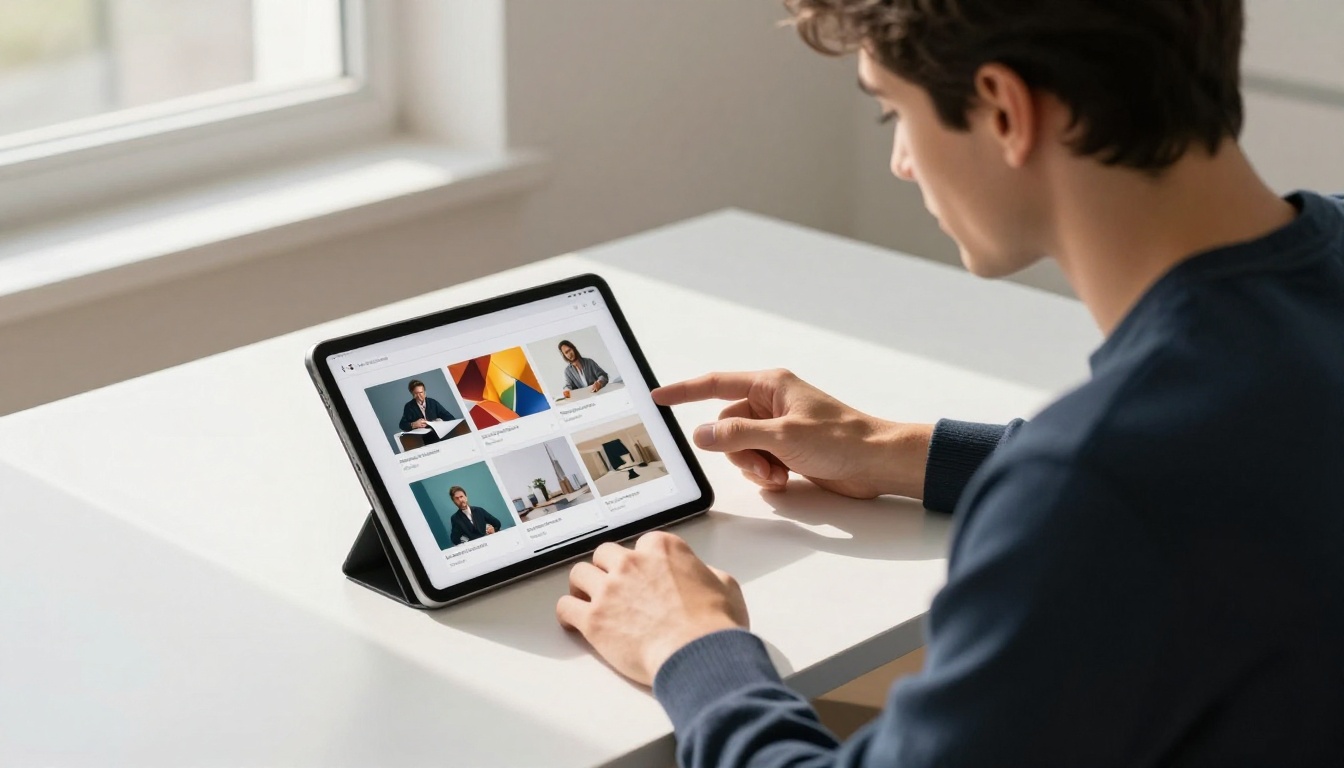
Beyond the visual effect, a digital flipbook built on a platform like Flipbooks AI offers a set of capabilities that a PDF simply cannot match:
- Embedded multimedia: Video reels, audio narrations, and interactive links live inside the document
- Mobile-responsive layout: The portfolio adapts to any screen without pinching and zooming
- Real-time analytics: See which pages got viewed, for how long, and by whom
- Instant sharing: One URL, shareable anywhere, no download required
- Custom branding: Your colors, logo, and domain, not a generic viewer
- Password protection: Share confidential or NDA-protected work selectively
This combination turns a portfolio into a micro-website with the tactile feel of a physical book. That contrast is what makes it memorable.
The Page-Turn Effect in Context
The page-turn animation is the hook that pulls viewers in, but it is what they find on each page that keeps them there. A well-structured flipbook portfolio uses full-bleed images on one page and concise project descriptions on the facing page. That rhythm mirrors how design annuals and creative magazines are built, and it works for the same reason: it gives the reader visual breathing room while moving the story forward.
💡 Treat your flipbook portfolio like an editorial publication. Lead with your strongest piece, use spread layouts for hero projects, and end with a clear call-to-action page that includes your contact information and a booking link.
Portfolio Types That Work Best as Flipbooks
Not every portfolio type benefits equally from the flipbook format, but creative and professional portfolios almost universally do. Here is a breakdown of the categories that see the strongest results:
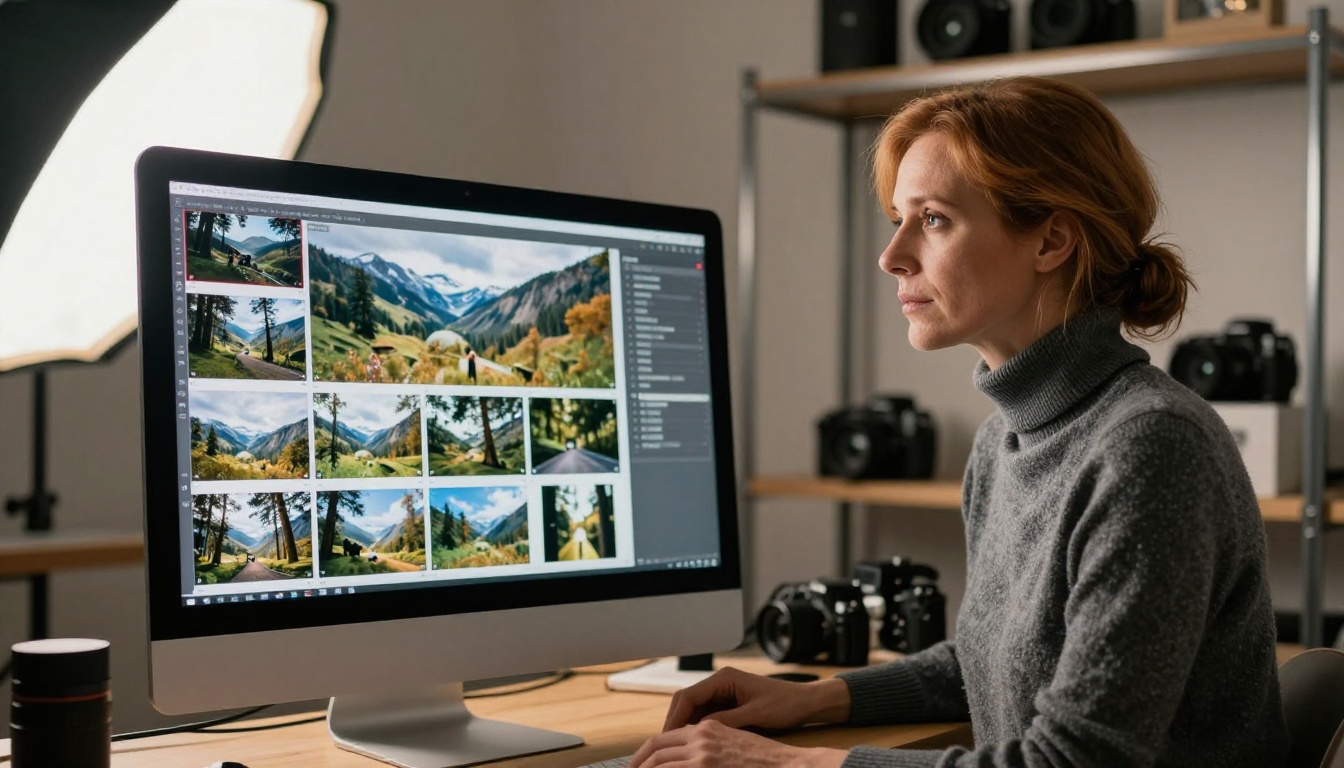
The common thread is work that benefits from visual presentation at scale. If your output is primarily visual, a flipbook format will always outperform a static document.
Lookbooks and Fashion Portfolios
Fashion designers and stylists have used printed lookbooks as a staple presentation format for decades. The digital flipbook is the natural evolution: the same editorial feel, minus the printing costs and distribution limitations. A fashion lookbook built on Flipbooks AI can be password-protected for exclusive pre-season previews, embedded directly on a brand website, or shared via a single link in an email pitch.
✅ For fashion portfolios, use full-width images with minimal text on each page. Let the work speak. Reserve text for the opening spread and the contact page.
How to Build Your Portfolio Flipbook
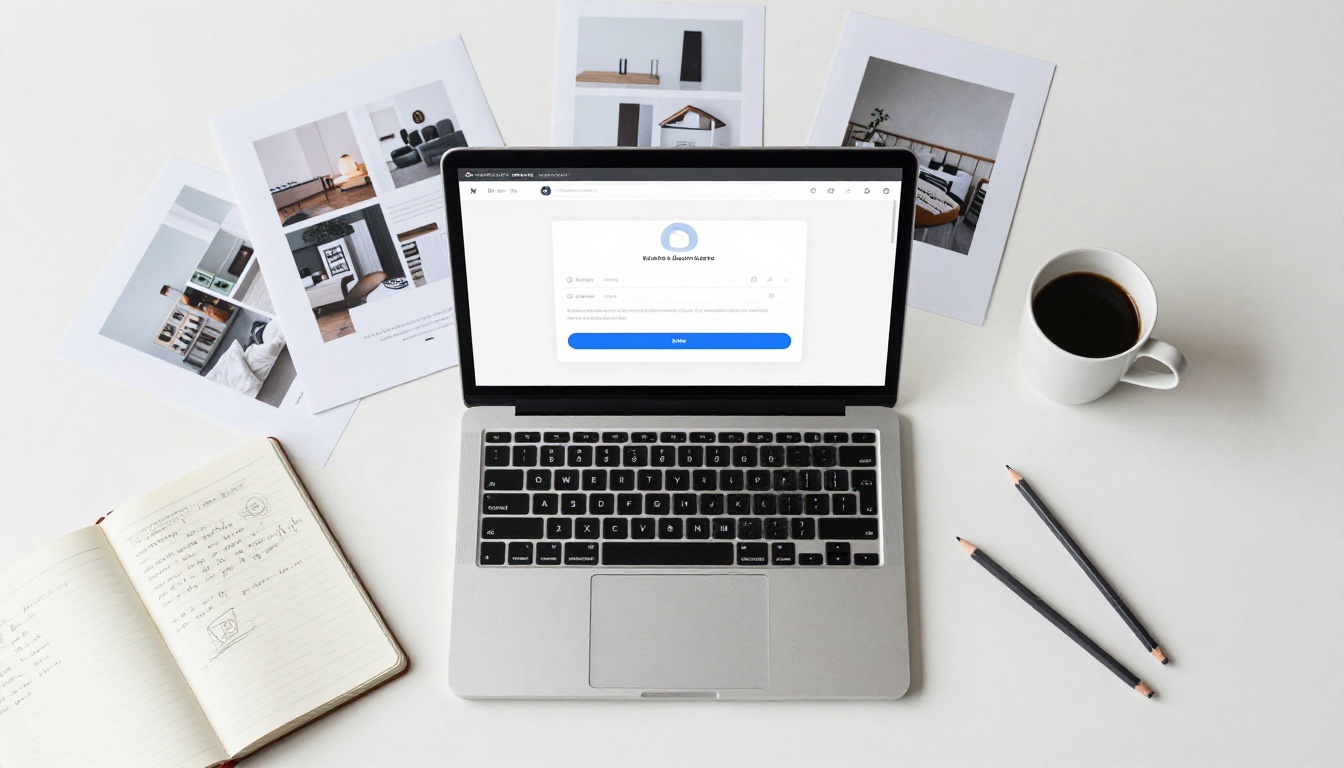
This is where it gets practical. Building an interactive portfolio flipbook on Flipbooks AI takes less time than most people expect. Here is the full process:
Step 1: Prepare Your PDF
Before anything else, get your portfolio into PDF format. Most design tools, including Adobe InDesign, Illustrator, Canva, and Affinity Publisher, export directly to PDF. Pay attention to these specifics:
- Export at 300 DPI for sharp image quality across all screen sizes
- Use a 16:9 or A4 landscape ratio for screen-optimized layouts
- Embed all fonts to avoid rendering issues on other systems
- Keep file size under 100MB for the fastest upload and conversion
Step 2: Create Your Account
Go to Flipbooks AI and create your account. The Standard plan and above offer unlimited flipbook creation with no watermarks, which is non-negotiable for a professional portfolio presentation.
Step 3: Upload and Convert
Use the PDF to Flipbook Converter to upload your file. The conversion process is automatic. Within minutes your PDF becomes a fully interactive flipbook with page-turn animations ready to share.
Step 4: Customize Branding
This is where your portfolio becomes distinctly yours:
- Set your brand colors for the viewer interface chrome
- Upload your logo to the flipbook player
- Choose a page-turn animation style (hard cover, soft page, or magazine style)
- Add a custom cover image if different from the PDF's first page
Step 5: Add Multimedia
Embed video reels, background audio, or hyperlinks directly onto specific pages. If you are a filmmaker or animator, this feature alone justifies the format. A client can watch your showreel without ever leaving the portfolio.
Step 6: Set Sharing Preferences
Flipbooks AI gives you several distribution options:
- Public link: Share a direct URL via email or social media immediately
- Embedded code: Drop the flipbook directly onto your personal website using the Embed Flipbook on Website tool
- Password protection: Restrict access to specific clients or for confidential pitch situations
- Offline download: Available on Professional plans, lets clients review without an internet connection
Step 7: Activate Analytics
On the Professional plan, analytics show you exactly which pages of your portfolio get the most attention, how long each viewer spends on specific spreads, and whether they returned for a second look. This data is genuinely useful for refining which projects to lead with in future versions.
💡 After sharing your portfolio with a prospective client, check the analytics before your follow-up call. Knowing which project they spent the most time on gives you a natural, informed conversation opener.
Features That Set Your Portfolio Apart

The difference between a good portfolio and one that gets callbacks often comes down to the details of presentation. Here is what interactive flipbook features actually do for you in practice:
No Watermarks
A watermark on a professional portfolio looks like a demo. It signals that you have not committed to the tool you are using. Flipbooks AI does not add watermarks on any Standard plan or above. Your portfolio looks exactly as you designed it.
Password Protection for Selective Sharing
Some portfolio content is confidential: NDA-protected work, unreleased campaigns, or exclusive client projects. Password protection lets you include this work in your portfolio and share it selectively, without creating separate documents for different audiences.
Mobile-First Performance
Over 60% of digital content is now consumed on mobile devices. An interactive portfolio that breaks on a phone-sized screen is worse than no portfolio at all. Flipbooks AI's mobile-responsive viewer ensures your work looks intentional on every screen size, from a 13-inch laptop to a 6-inch phone.
Embed Anywhere
Your portfolio does not have to live only at a Flipbooks AI URL. The embed tool lets you drop it directly into any website, so visitors to your personal site get the full interactive experience without being redirected elsewhere.
Real Professionals Who Use Flipbook Portfolios

The flipbook portfolio format has broad application across creative and professional industries. Here are specific scenarios where it delivers measurable results:
Photographers: A wedding photographer sends a prospective couple a password-protected flipbook of their last three weddings. The couple spends twelve minutes browsing, shares it with family members via the same link, and books a consultation the next morning. The PDF alternative would have been downloaded, renamed, and forgotten in a Downloads folder.
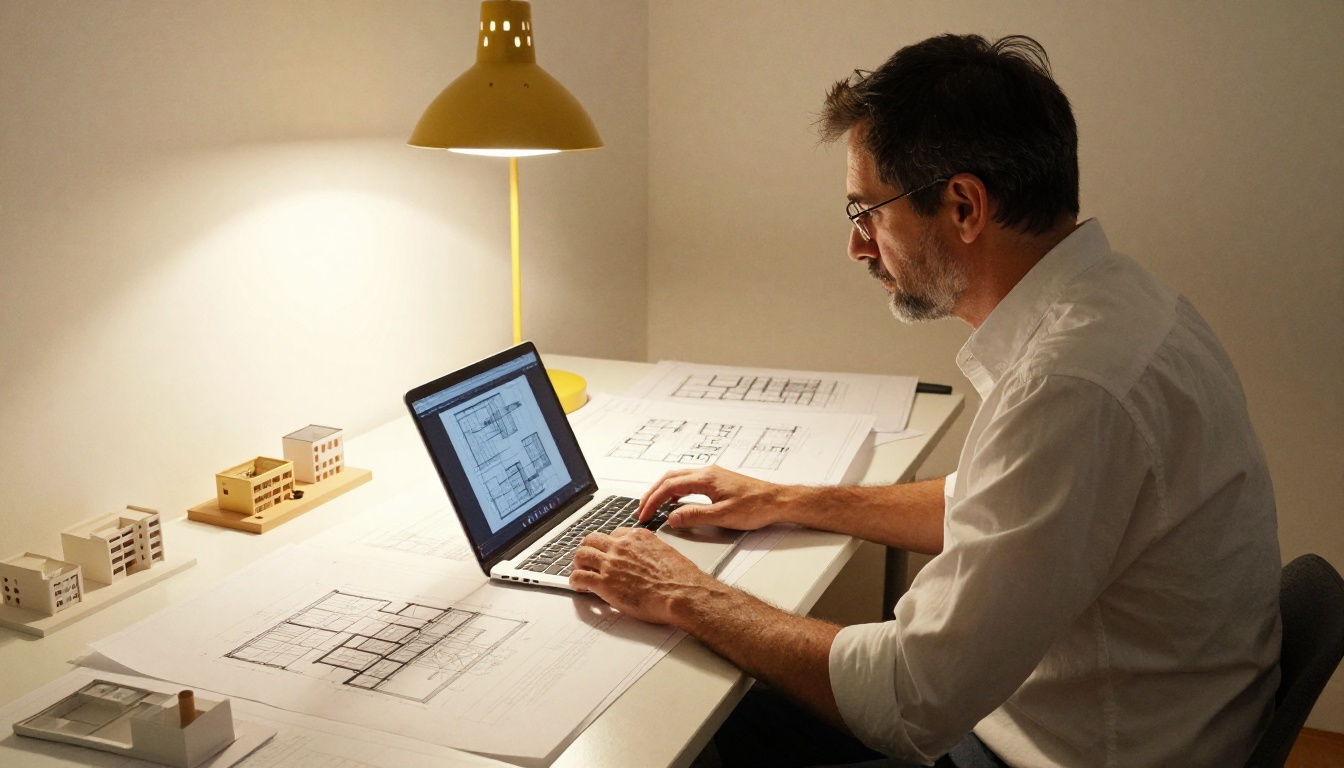
Architects: An architectural firm pitches a residential developer with a project portfolio embedded directly in the proposal email. The flipbook shows floor plan spreads alongside rendered exterior photography, with a video walkthrough embedded on the hero project spread.
Graphic Designers: A freelance brand designer shares a case-study portfolio where each project occupies a full chapter, with before-and-after spreads, color palette pages, and logo variations. The client can jump to the section most relevant to their own brand category using a linked table of contents.
Fashion Designers: A fashion school graduate presents their final collection through an editorial-style lookbook that mirrors the format of major fashion publications, creating a professional presentation that stands alongside established brands during agency outreach.
Illustrators: A children's book illustrator shares a flipbook portfolio where each page turn reveals a new character or scene, creating a storytelling experience that mirrors the books they create. Clients immediately understand the narrative quality of the work.
Not all digital portfolio formats are equal. Here is how the most common options stack up against an interactive flipbook:
| Format | Visual Impact | Interactivity | Shareability | Mobile Performance | Analytics |
|---|
| Static PDF | Low | None | Medium | Poor | None |
| Personal Website | High | High | High | Variable | Basic |
| Interactive Flipbook | Very High | High | Very High | Excellent | Advanced |
| Google Slides | Low | Low | Medium | Poor | None |
| Behance / Dribbble | Medium | Low | High | Good | Basic |
The interactive flipbook sits in a unique position: it combines the visual weight of a well-designed print document with the shareability and interactivity of a digital product. A personal website requires significant design and development investment to achieve comparable results. The flipbook achieves them with a PDF upload.
Plan Comparison
Here is what each Flipbooks AI pricing tier includes for portfolio use:
| Feature | Free | Standard | Professional |
|---|
| Flipbooks | 1 | Unlimited | Unlimited |
| Watermarks | Yes | No | No |
| Custom Branding | No | Yes | Yes |
| Password Protection | No | Yes | Yes |
| Analytics | No | No | Yes |
| Lead Generation | No | No | Yes |
| Offline Downloads | No | No | Yes |
| Embedded Video | No | Yes | Yes |
For a working professional portfolio, the Standard plan covers all the essentials. Upgrade to Professional when analytics and lead generation become part of your client acquisition process.
The Presentation Is Part of the Work

There is an argument that work should speak for itself, that presentation does not matter if the creative output is strong enough. That argument is wrong in practice, even if it sounds principled in theory.
Clients do not just buy work. They buy confidence in the person delivering it. A portfolio that arrives as a well-considered interactive experience communicates that you have thought about the client's viewing experience before they have even engaged you. It is the first evidence of your professional judgment.
The photographers, designers, architects, and illustrators who present their work through an interactive flipbook are not relying on the format to carry weak work. They are ensuring that strong work gets the presentation it deserves. The format amplifies, it does not substitute.
✅ Update your flipbook portfolio every quarter. Add recent projects, remove older work that no longer represents your current level, and check analytics to see which projects consistently attract the most attention. Build more of that.
Consistency Across Every Touchpoint
One underrated advantage of the flipbook format is consistency. A PDF looks different depending on the viewer: some software renders fonts incorrectly, others change margin display, and mobile PDF readers are notoriously unpredictable. A Flipbooks AI flipbook looks identical everywhere, because it renders in a controlled web viewer, not a third-party PDF application. What you design is what your client sees.
Your Portfolio Deserves More Than a Download

A PDF download ends the moment it is saved. An interactive flipbook continues to work: it can be bookmarked, reshared, revisited, and analyzed. It exists at a URL that you control and can update without resending links. It gives your clients and collaborators a living document of your capabilities, not a frozen snapshot.
Get started for free on Flipbooks AI and convert your first portfolio today. If you are ready to invest in the full professional toolkit, compare pricing plans to choose what fits your practice.
For specific portfolio formats, browse the tools built for creative professionals: the Digital Portfolio Creator, the Photography Portfolio Flipbook, and the Interactive Lookbook Designer are purpose-built for the work you do.
Explore all available flipbook tools to find the format that fits your creative discipline. Your work is already strong. Give it the stage it deserves.



