Your printed menu is costing you more than you think. Every reprint after a price change, every laminated card that cracks or stains, every guest who cannot read small text under dim lighting, that is money and missed opportunity walking out the door. The good news: there is a better option, and you can set it up today at zero cost.
Flipbooks AI lets you convert your existing restaurant menu PDF into a stunning, interactive flipbook that any guest can browse on any device. No app download. No printing. No laminating. Just upload your PDF, and within minutes you have a digital menu with a satisfying page-flip effect that works beautifully on phones, tablets, and desktop browsers alike.
This article shows you exactly how to make your restaurant menu a flipbook for free, what to expect from the process, and why so many restaurant owners are ditching paper menus for good.
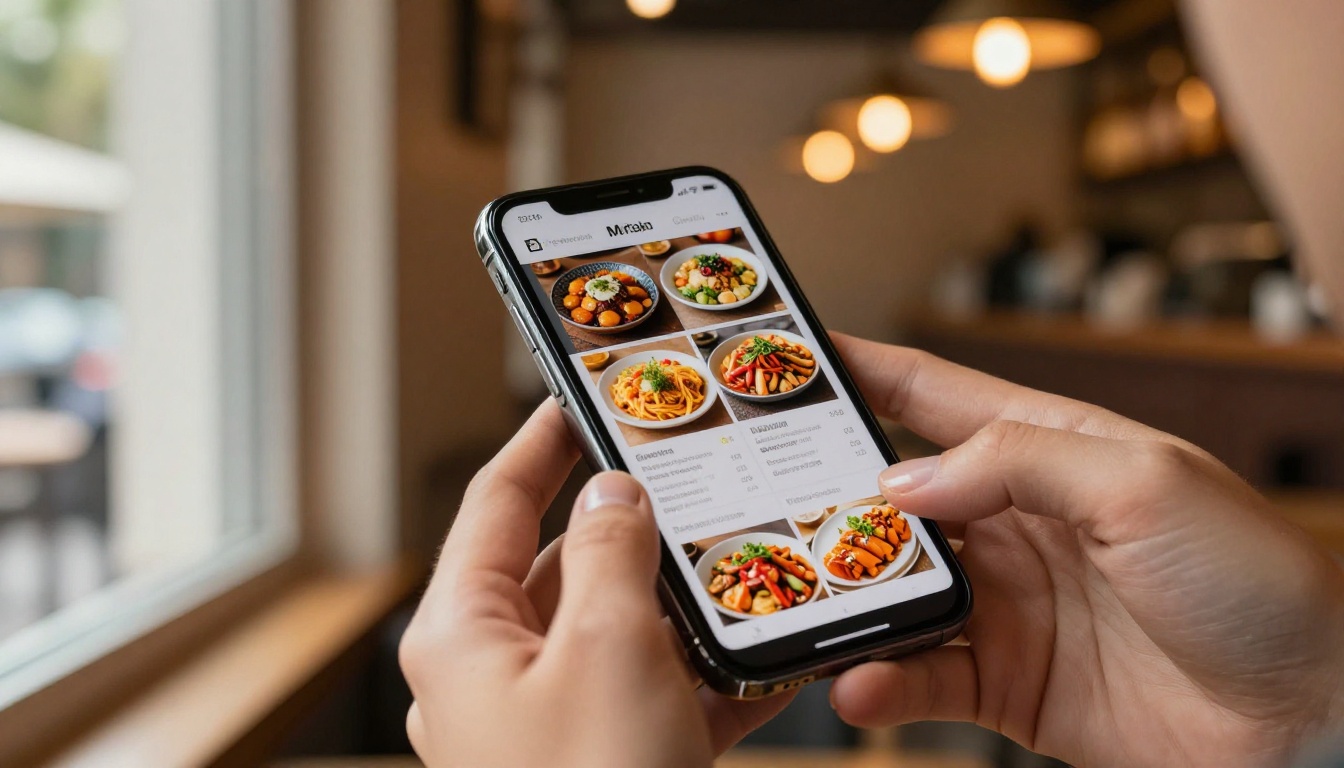
Most restaurant owners think of their printed menu as a one-time cost. It is not. Every seasonal update, every price adjustment, every typo caught three days after the reprint, that is another invoice from your printer. Laminated menus wear down. Insert sheets fall out. A single menu redesign for a mid-sized restaurant can cost hundreds of dollars in printing and design fees.
The real numbers behind menu printing
The average cost to print a full-color restaurant menu ranges from $2 to $8 per copy, depending on paper weight, finish, and quantity. A restaurant with 30 tables typically needs 100 to 150 copies to account for wear and backup stock. That is $200 to $1,200 per print run, and most restaurants reprint at least twice per year for seasonal changes alone.
Digital flipbook menus eliminate that cost entirely. Update the PDF, re-upload, and every shared link and embedded menu automatically reflects the new version. No reprinting. No delay.
What guests expect from a modern dining experience
Customer expectations have shifted. After years of ordering food through apps, browsing food photography on social media, and interacting with QR codes at every turn, guests are comfortable, even eager, for digital menus. A 2024 restaurant technology survey found that 67% of diners prefer viewing a menu on their phone when a QR code is available, particularly for takeout, delivery, or casual dining contexts.
A flipbook format goes further than a basic PDF link. It creates an experience, one that feels intentional and polished rather than like a file attachment.
💡 Pro Tip: A well-designed digital menu does not replace the physical experience at a fine dining restaurant. It supplements it. Use your flipbook as the shareable, online-accessible version of your menu while keeping printed menus for table service if that fits your concept.
A flipbook is a digital publication that simulates the physical experience of flipping through a real book or magazine. When you open one, pages turn with a realistic animation, you can zoom in to read details, and on mobile you swipe to navigate. It is not just a PDF viewer. It is an entirely different user experience.
PDF vs. flipbook vs. printed menu
| Format | Interactivity | Cost | Shareable | Mobile-Friendly | Instantly Updatable |
|---|
| Printed menu | None | High (per print run) | No | No | No |
| Plain PDF link | Minimal | Low | Limited | Poor | Yes, but clunky |
| Restaurant flipbook | High | Free to start | Yes | Excellent | Yes, instantly |
The difference between a plain PDF and a flipbook is felt immediately. PDFs on mobile require pinching, zooming, and scrolling in awkward directions. A flipbook adapts to the screen, presents spreads correctly, and gives the user intuitive page navigation from the first tap.
Why the page-flip effect matters
It sounds like a small visual detail, but the page-flip effect signals to guests that your restaurant has put thought into their experience. It is the same principle as a beautifully bound printed menu at a fine dining establishment: the format communicates the quality of what is inside. A polished digital menu with smooth page animations and full-bleed food photography creates appetite before the first order is placed.
This is the step-by-step process using Flipbooks AI, which offers a free plan that is genuinely capable for most restaurants starting out.
Step 1: Prepare your menu PDF
Before uploading anything, make sure your PDF is ready:
- Resolution: Export at 150 DPI minimum for crisp screen display. 300 DPI is ideal if your design software supports it.
- Spreads: If your menu is designed as a two-page spread (facing pages), keep it that way. Flipbooks AI will display double-page spreads correctly.
- File size: Aim for under 20MB for fast loading. Compress images within the PDF if needed.
- Embedded fonts: Flatten text to avoid font substitution issues on different devices.
⚠️ Warning: Avoid scanning a physical menu to create your PDF. The image quality will be poor and the file size unnecessarily large. Always export from your original design file (InDesign, Canva, Illustrator, etc.).
Step 2: Create a free account and upload
Head to flipbooksai.com/account and create a free account. The process takes under two minutes. Once inside:
- Click Create New Flipbook
- Select Upload PDF
- Drag and drop your menu file or browse to select it
- Wait for the conversion process, typically 30 to 90 seconds for most menu PDFs
- Preview the result in the built-in viewer
The Restaurant Menu Creator tool is specifically designed for this use case, with optimized defaults for menu layouts and food photography display.
Step 3: Customize the appearance
Once uploaded, tailor the flipbook to match your restaurant's brand identity:
- Cover style: Choose how the cover page is displayed (full cover, thumbnail preview, etc.)
- Background color: Match your brand palette. Dark backgrounds work especially well for upscale restaurant menus with dramatic food photography.
- Page flip sound: Toggle the realistic page-turn sound on or off
- Navigation controls: Customize the toolbar appearance and position
- Table of contents: Add a clickable TOC if your menu has multiple sections (appetizers, mains, desserts, wines)
✅ Best Practice: Keep the background color consistent with your restaurant's branding. If your printed menu uses a cream or ivory background with a dark serif font, replicate that palette in your flipbook settings for a cohesive brand experience.
Step 4: Share, embed, and distribute
This is where digital menus immediately surpass print. After publishing your flipbook, you have multiple distribution options:
Direct link: Copy a shareable URL and add it to your website, Instagram bio, Google Business profile, or email newsletter.
Embed code: Paste a snippet of HTML into your restaurant website and the flipbook appears inline, right on your menu page. Use the Embed Flipbook on Website tool for specific guidance.
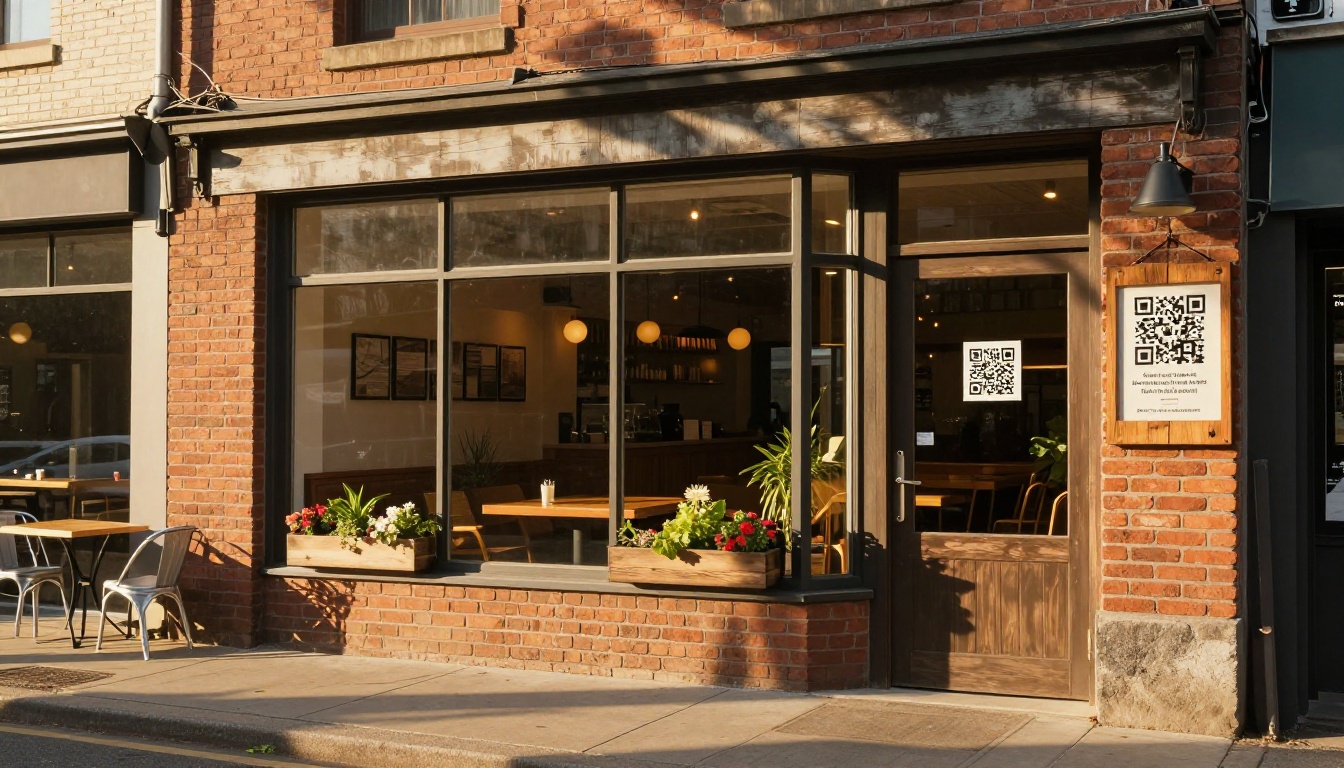
QR code: Generate a QR code linked directly to your flipbook. Print it on table cards, add it to your storefront window, or include it on business cards.
Password protection: Set a password if you want to share a seasonal menu or private dining package with only certain guests (available on Standard plan and above).
Free vs. Paid Plans
The free plan covers the essentials for most small restaurants. Here is an honest breakdown of what each tier offers:
| Feature | Free | Standard | Professional |
|---|
| Flipbooks | 3 total | Unlimited | Unlimited |
| Watermarks | None | None | None |
| Custom branding | Limited | Full | Full |
| Password protection | No | Yes | Yes |
| Analytics | No | Basic | Advanced |
| Lead generation | No | No | Yes |
| Offline downloads | No | No | Yes |
| Embed on website | Yes | Yes | Yes |
| QR code sharing | Yes | Yes | Yes |
| Video and audio embed | No | Yes | Yes |
| Custom domain | No | No | Yes |
💡 Pro Tip: Start with the free plan to validate the concept with your team and get feedback from a few regular customers. Most restaurant owners who try it are on a paid plan within 30 days because the response from guests is so positive.
For restaurants operating multiple concepts, seasonal menus, and event-specific menus, the Standard plan from Flipbooks AI is worth the upgrade for unlimited flipbooks alone.
Real-World Uses Beyond the Main Menu
A restaurant's main dining menu is the obvious starting point, but the use cases multiply quickly once you have the workflow set up.
Seasonal specials and limited menus
Rather than reprinting insert cards every quarter, create a separate flipbook for each season's specials. Share it on social media as a preview before the seasonal menu launches. Link to it in email campaigns. When the season changes, simply upload the new PDF and the link stays the same.
Wine and cocktail menus
Beverage menus change frequently as inventory shifts and new bottles arrive. A wine list as a flipbook is especially effective because it can include vintage notes, pairing suggestions, and sommelier commentary alongside each listing. That is content which is impractical to include on a laminated card but works beautifully in a digital format with ample page space.
Takeout and delivery menus
For restaurants with an active takeout business, a flipbook menu shared across food delivery social channels gives potential customers a much richer preview of your offerings than a plain text list. The Menu Flipbook Designer is built for exactly this scenario.
Private dining and event packages
Hotels, event venues, and restaurants that host private dining create custom packages for each event type. A corporate dinner package, a wedding rehearsal dinner menu, a holiday party menu, each one can be a beautifully designed flipbook shared with the event planner or sent directly to the client for approval. The password protection feature keeps pricing confidential until the right time.
Staff training menus
New servers need to know every dish: ingredients, preparation method, allergen information, wine pairings. A detailed PDF converted into a flipbook and shared with the entire front-of-house team is a more engaging training resource than a printed manual that gets left in a break room. The Training Manual Flipbook tool covers this use case in depth.
Creating the flipbook is step one. Getting it in front of guests is what creates the actual impact.
QR codes at every touchpoint
Print your flipbook QR code on:
- Table cards: The most direct touchpoint for seated guests
- Storefront window: Lets passersby browse before deciding to walk in
- Business cards: Especially useful for event venues and catering services
- Receipts and takeout bags: Encourage repeat visits by making the full menu easy to reference at home
- Google Business profile: Guests searching for your restaurant on Google can access the menu instantly
Embedding on your website
The embedded flipbook on your website turns a static menu page into an interactive experience that keeps visitors engaged longer. It is also more likely to be shared than a PDF download link. A visitor who shares your website's flipbook menu on social media is effectively doing word-of-mouth marketing for you.
✅ Best Practice: Place the embedded flipbook above the fold on your menu page, not buried below lengthy text. The interactive element is your best conversion tool for visitors deciding whether to make a reservation.
Social media and Google Business
A link to your flipbook menu in your Instagram bio, Facebook page About section, and Google Business profile gives every potential guest immediate access to your full menu without leaving the platform they are already on. This is especially critical for capturing last-minute dining decisions where the guest is choosing between two nearby restaurants and browses menus to decide.
Not all digital menu solutions are created equal. Here is what separates a well-built flipbook platform from a basic PDF hosting service.
Flipbook menus vs. the alternatives
| Feature | Flipbook Menu | Basic PDF Link | Menu Ordering App | Static Image Menu |
|---|
| Page-flip experience | Yes | No | No | No |
| No app download required | Yes | Yes | Usually No | Yes |
| Mobile-optimized display | Yes | Poor | Yes | Partial |
| Instant updates | Yes | Yes | Requires admin | No |
| Embed on website | Yes | Limited | Yes | Yes |
| Custom branding | Yes | No | Varies | No |
| Analytics | Yes (paid plans) | No | Yes | No |
| Cost to start | Free | Free | Often commission-based | Free |
The column that matters most for most independent restaurants is cost. Menu ordering apps often take a commission on each order or charge a significant monthly fee. A flipbook menu on Flipbooks AI is free to create and share, with zero commission on any orders that result from a guest browsing it.
Mobile-first design matters more than ever
Over 78% of restaurant website visits in 2024 came from mobile devices. A menu that requires horizontal scrolling, pinching, and zooming on a phone is a frustrating experience that reflects poorly on the restaurant before a single dish arrives. Flipbooks are built mobile-first, responding automatically to screen size and orientation, giving every guest a smooth browsing experience regardless of their device.
Analytics for smarter menu decisions
On the Professional plan, Flipbooks AI provides analytics that show which pages guests spend the most time on, how long they browse before closing, and which sections get the most engagement. This is data that is completely invisible with a printed menu and can directly inform decisions about which dishes to feature more prominently in future redesigns.
If guests consistently spend the most time on your dessert section but dessert sales are low, that is actionable information. If the wine list page has almost no engagement, the design or pricing may need attention.
A Chef's Work Deserves a Better Stage
A restaurant menu is not just a list of dishes. It is the first impression of your kitchen's philosophy, your chef's creativity, and the experience you want guests to have. A beautifully photographed menu with well-crafted descriptions, displayed in a polished interactive flipbook, sets expectations that your food and service will then exceed.
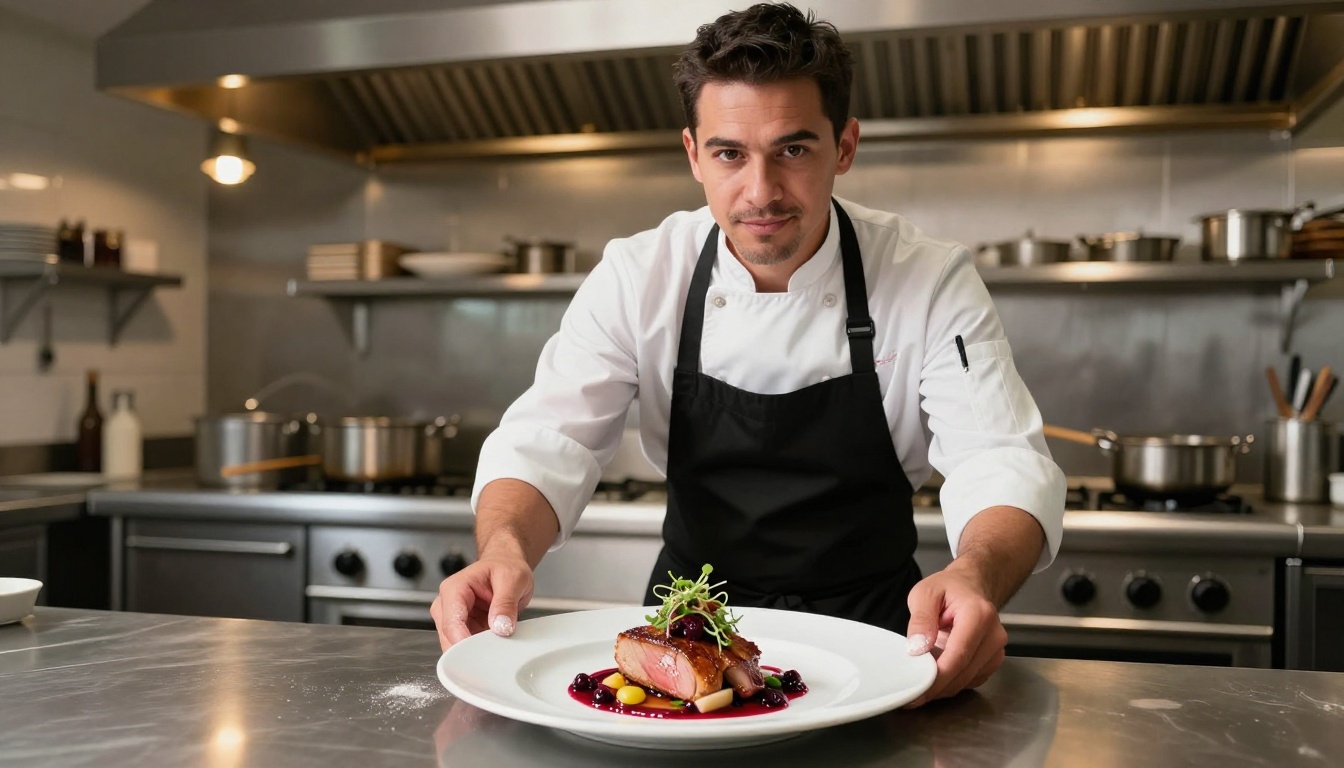
The work that goes into designing a great menu deserves a format that showcases it properly. A flat PDF buried on a website or a laminated card under dim restaurant lighting does not do justice to high-quality food photography and carefully written dish descriptions. A flipbook puts your menu in the best possible light, literally, on the bright, high-resolution screen every guest already has in their pocket.
The best time to switch to a digital flipbook menu is your next menu update, when you are already producing a new PDF anyway. Instead of sending that file to the printer, upload it to Flipbooks AI first. Create your flipbook, share the link with your team and a few loyal customers, and collect their feedback.
You will spend zero dollars on the first version. If the response is positive (and it typically is), you can then decide whether to continue using the free plan or upgrade to the Standard or Professional plan for features like unlimited flipbooks, analytics, and offline downloads.
The free plan allows three flipbooks with no watermarks. For most restaurants just starting with digital menus, three slots covers the main dining menu, the drinks menu, and one seasonal or event menu. That is a complete digital menu setup at no cost.
Ready to stop reprinting and start impressing? Create your first restaurant menu flipbook for free on Flipbooks AI. Or compare pricing plans to see what works best as you scale. Browse the full collection of tools for restaurants, including the Restaurant Menu Creator, the Menu Flipbook Designer, and the Digital Price List Generator for takeout and catering contexts.



