Every time you share a PDF link with a mobile user, you are making a bet most marketers consistently lose. The average person on a smartphone will pinch-zoom, squint, scroll sideways, lose their position, and close the tab before finishing a single page. PDFs were engineered for laser printers and desktop monitors, not for the 6-inch glass rectangle that now accounts for the majority of web traffic worldwide. Flipbooks AI was designed specifically to close that gap, turning static PDFs into responsive, tap-friendly digital publications that mobile users actually read.
PDFs Were Not Built for Phones
The Portable Document Format was created by Adobe in 1993. At the time, a mobile internet user was a science fiction concept. PDFs were made to preserve layout fidelity across different printers and operating systems, not to reflow text for a 375-pixel-wide viewport. Decades later, that design philosophy still lives inside every PDF you open on a phone.
The result is a reading experience that fights the user at every step.
The Zoom-and-Scroll Trap
Open any PDF on a smartphone and you immediately hit the core problem: the document renders at full desktop width, which makes the text too small to read without zooming in. Once you zoom in, horizontal scrolling becomes unavoidable because the text does not reflow to fit the screen width. You are now navigating a two-dimensional document on a one-dimensional swipe interface.
Progress tracking disappears. Users constantly lose their place. The mental overhead of simply navigating the document erodes any interest in the content itself.

⚠️ Multi-column PDF layouts are essentially unreadable on mobile. A two-column corporate document requires the reader to zoom in, read the left column, scroll back up, then read the right column. Most users simply do not bother.
Slow Loads on Mobile Networks
PDF file sizes create a second friction point. A standard product catalog with embedded high-resolution images can easily reach 10 to 40 megabytes. On a 4G connection, a 20MB PDF takes around 8 to 12 seconds to download before the browser can even begin rendering it. On a congested 3G connection, that same file may never finish loading before the user has already left.
Google's own research established that 53 percent of mobile visits are abandoned if a page takes longer than three seconds to load. PDFs routinely violate this threshold by a factor of three or four.
What the Data Reveals
The case against sending mobile users to PDFs is not anecdotal. The numbers from web analytics, UX research, and mobile usage studies consistently tell the same story.
Mobile Traffic Has Already Won
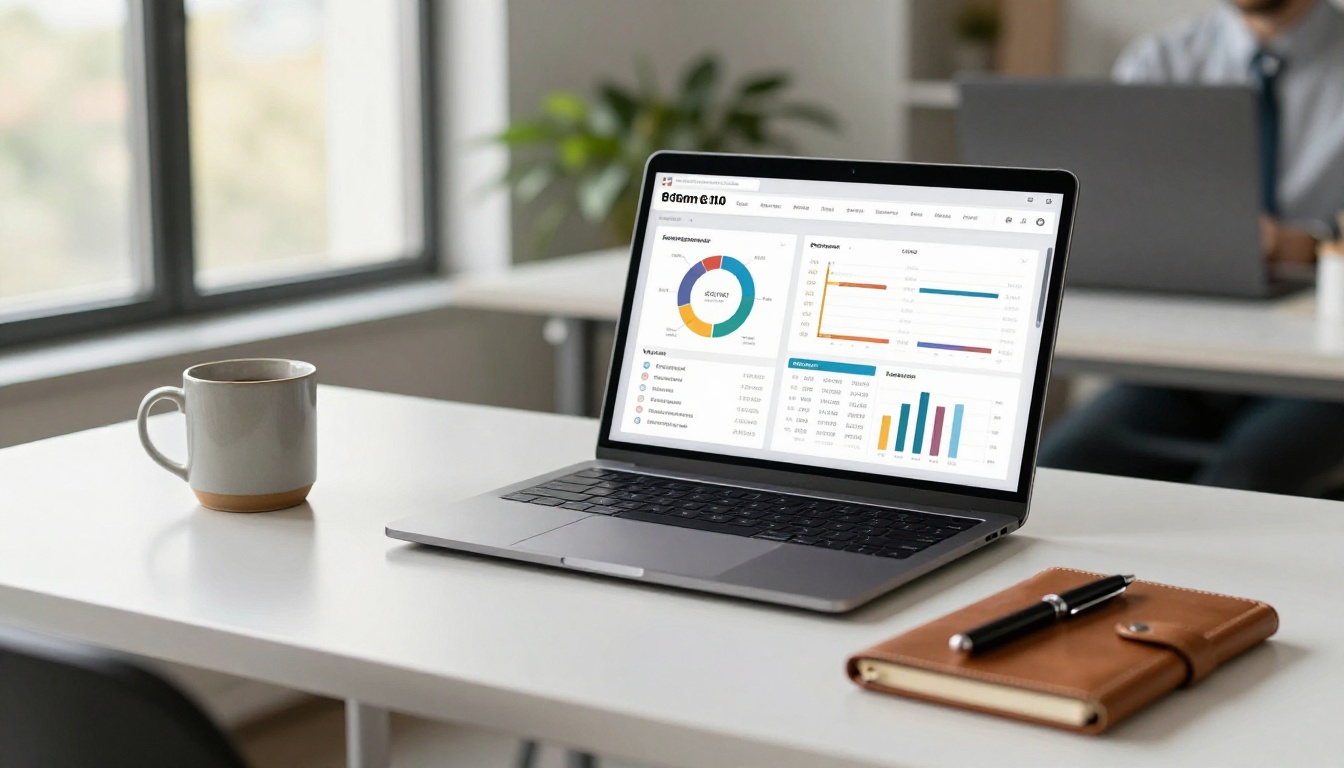
As of 2024, mobile devices account for approximately 60 percent of global web traffic, and in some markets and industries that figure exceeds 75 percent. For consumer-facing content like product catalogs, restaurant menus, real estate brochures, and event programs, mobile traffic is often well above 70 percent. If your content is delivered as a PDF, you are delivering a broken experience to the majority of your audience.
Bounce Rates Tell the Real Story
PDF links sent through email campaigns, social media posts, or messaging apps suffer from what digital marketers call the open-and-abandon pattern. The link opens, the PDF starts downloading, the user gets impatient or the layout frustrates them on the first page, and they close it.
Email marketing platforms that track PDF click-to-read rates consistently show high click rates but low actual consumption on mobile. The content was interesting enough to tap on. The format was not good enough to stay with.
💡 Replace your PDF links with flipbook links in your next email campaign and compare the average session duration. The difference in mobile reading time is typically significant.
What a Flipbook Does Differently
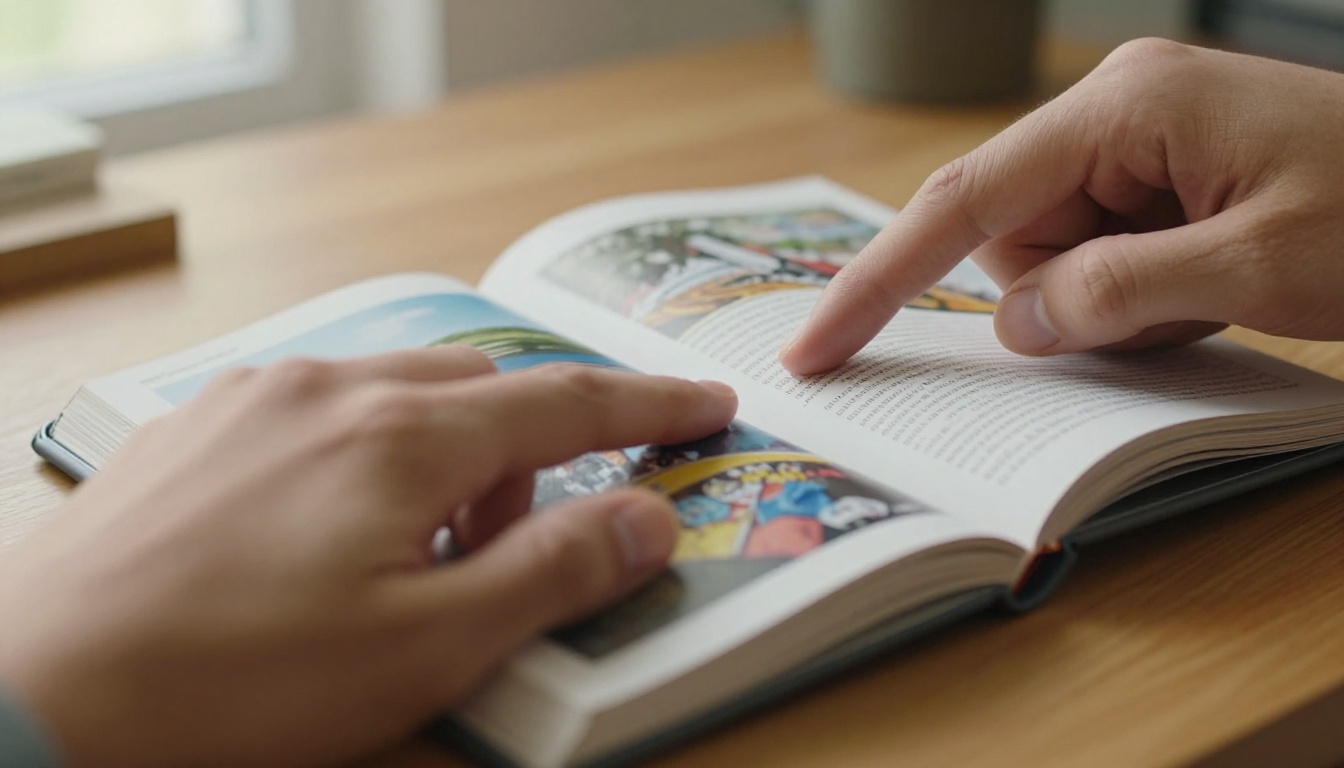
A digital flipbook is not just a PDF with a page-turn animation bolted on top. The architecture is fundamentally different at the delivery level. Instead of sending one large static file, a flipbook platform serves the content as optimized web pages, loading only what the reader is about to see.
Responsive Without the Headaches
A flipbook rendered by a platform like Flipbooks AI automatically adapts its layout to the device displaying it. On a desktop, the reader sees two-page spreads with full sidebar navigation. On a tablet, the layout shifts to a single-page view with touch-friendly controls. On a smartphone, the content fills the screen edge to edge with swipe navigation and pinch-to-zoom on individual pages that actually works smoothly. No horizontal scrolling. No lost position. No download delay.
Tap-to-Turn vs. Pinch-to-Zoom
The interaction model of a flipbook maps directly to how people already use their smartphones. Swiping left and right to turn pages is the same gesture used to browse photos, scroll through social feeds, and navigate apps. It is intuitive at zero learning curve.
The page-turn animation reinforces the mental model of reading through a physical magazine or catalog, which increases dwell time and the sense of progress through the content. Compare that to the PDF experience, where every interaction requires a pinch-zoom in, scroll right, scroll back left, scroll down, pinch-zoom out, and repeat. The mental friction is constant. Flipbooks remove it entirely.
PDF vs. Flipbook: Side by Side
The differences go well beyond the reading experience. This table summarizes the most important distinctions for anyone deciding which format to use for mobile content distribution.
| Feature | PDF | Flipbook |
|---|
| Mobile layout | Fixed desktop width, requires zoom | Responsive, fills screen automatically |
| Load time | Full file downloads before display | Progressive loading, instant first page |
| Navigation | Scroll-based, no page sense | Tap/swipe page turns with progress indicator |
| Embedded media | No video or audio | Supports video and audio embeds |
| Reader analytics | No native tracking | Page views, time on page, click tracking |
| Sharing | File attachment or direct link | Shareable URL, embeddable, QR code |
| Branding | Basic metadata only | Custom colors, logo, fonts |
| Password protection | Requires Adobe Acrobat features | Built-in on paid plans |
| Offline access | Available if downloaded | Offline downloads on Professional plan |
| File size burden | Full download required | Only viewed pages loaded |
✅ For mobile distribution, flipbooks win on every metric that affects the reader's actual experience.
Where Flipbooks Work Best
The flipbook format solves a specific and very common problem extremely well: delivering rich, visually designed content to people on smartphones. Here are the industries and use cases where the impact is most immediate.
Restaurants and Hospitality
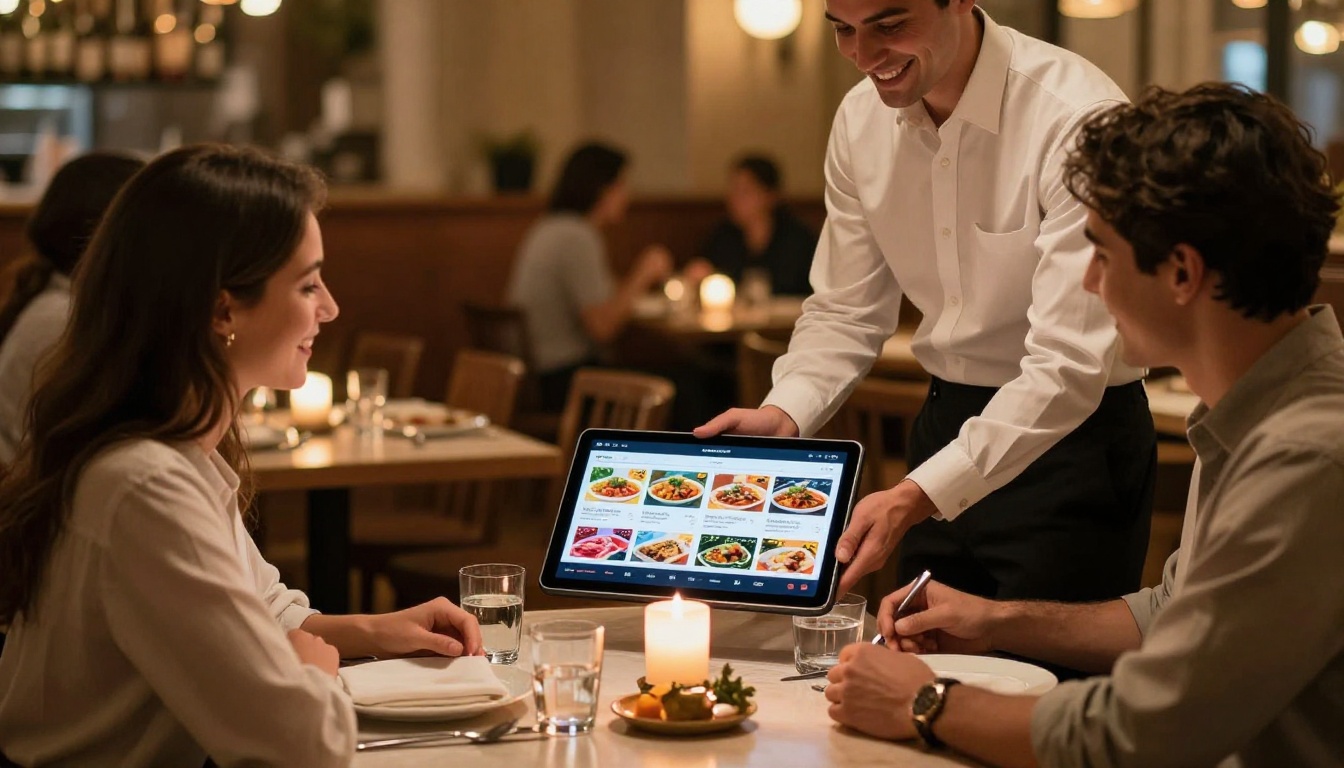
Restaurant owners who send PDF menus via WhatsApp or email links know the frustration well: customers open the file, struggle with the small text, and often just call to ask what is on the menu. A flipbook menu created with the Restaurant Menu Creator loads instantly, displays beautifully on any phone, and can be updated without resending a file. The same applies to hotel brochures built with the Hotel Brochure Designer, which guests browse on their phones before booking.
Real Estate
Property listings are inherently visual. A real estate brochure with floor plans, room photos, and neighborhood maps that lands as a PDF link in a messaging app is almost impossible to appreciate on a small screen. The same content as a flipbook, built with the Real Estate Brochure Creator, gives potential buyers a proper viewing experience on their phone, with large images, smooth navigation, and the ability to share the link instantly.

E-Commerce and Retail
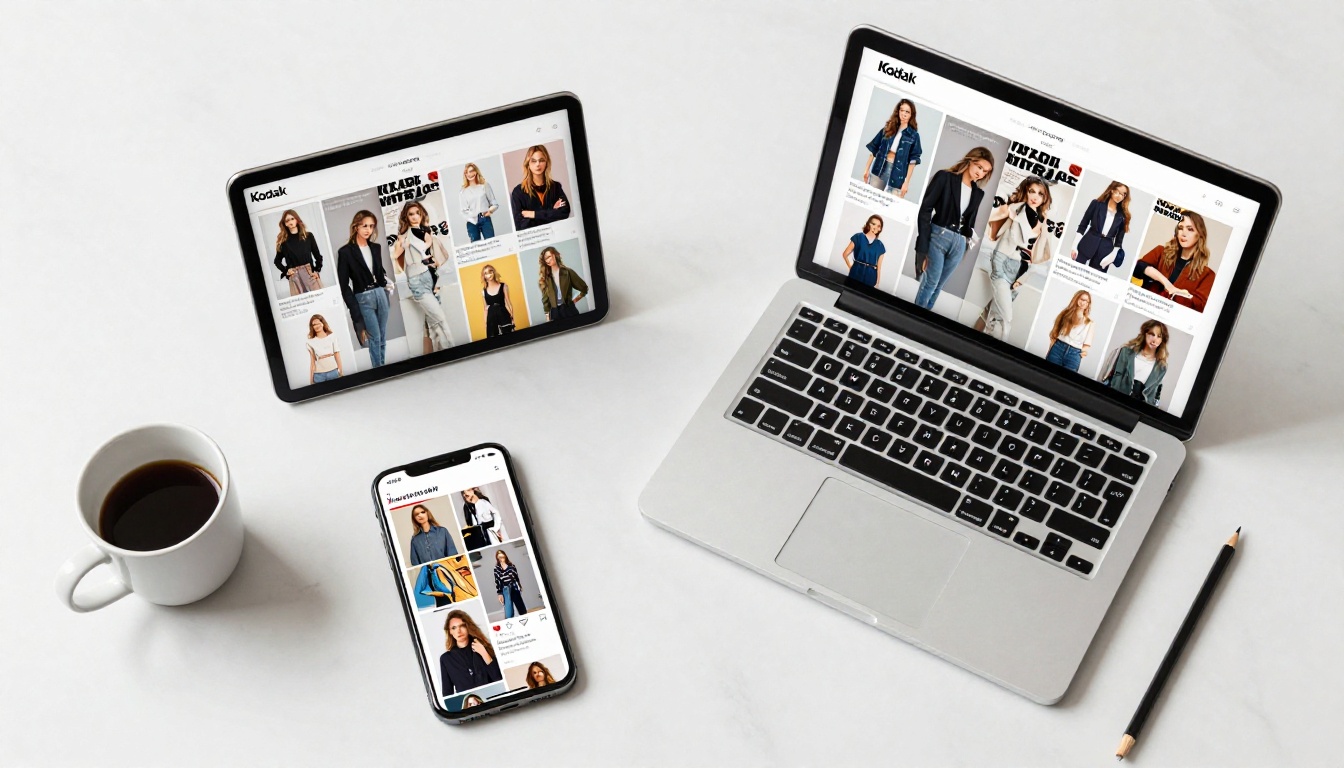
Product catalogs sent as PDFs to retail buyers or consumers face the same mobile usability wall. A 60-page catalog PDF is essentially unusable on a phone. As a flipbook created with the Digital Catalog Maker or the Fashion Catalog Creator, it becomes a browsable, shoppable experience that works on every device. Brands can embed product videos, link directly to purchase pages, and track which products get the most attention through page-level reading data.

Education and Training
Training materials, course guides, and educational publications distributed as PDFs to students who primarily use smartphones are largely ineffective. The Training Manual Flipbook and Course Material Publisher tools convert those materials into mobile-first publications that students actually read through rather than scroll past.
Corporate and Business
Annual reports, investor presentations, and press kits are typically designed with strong visual identity. Delivering them as PDFs degrades that experience on mobile. A Corporate Report Maker flipbook preserves the design intent on every device, while adding professional features like password protection, reader analytics, and offline download capability for stakeholders who need to review documents on the go.

How to Convert Your PDF with Flipbooks AI
The process of turning a PDF into a mobile-ready flipbook takes minutes. Here is how to do it on Flipbooks AI.
Step 1: Create Your Account
Go to flipbooksai.com/account and sign up for free. The free tier lets you create your first flipbook immediately with no credit card required. You can evaluate the full reading experience before committing to a paid plan.
Step 2: Upload Your PDF
From your dashboard, click "Create New Flipbook" and upload your PDF file. The platform accepts files up to several hundred pages and processes them automatically. High-resolution images inside the PDF are preserved and optimized for fast mobile delivery. The conversion typically completes in under 60 seconds for standard documents.
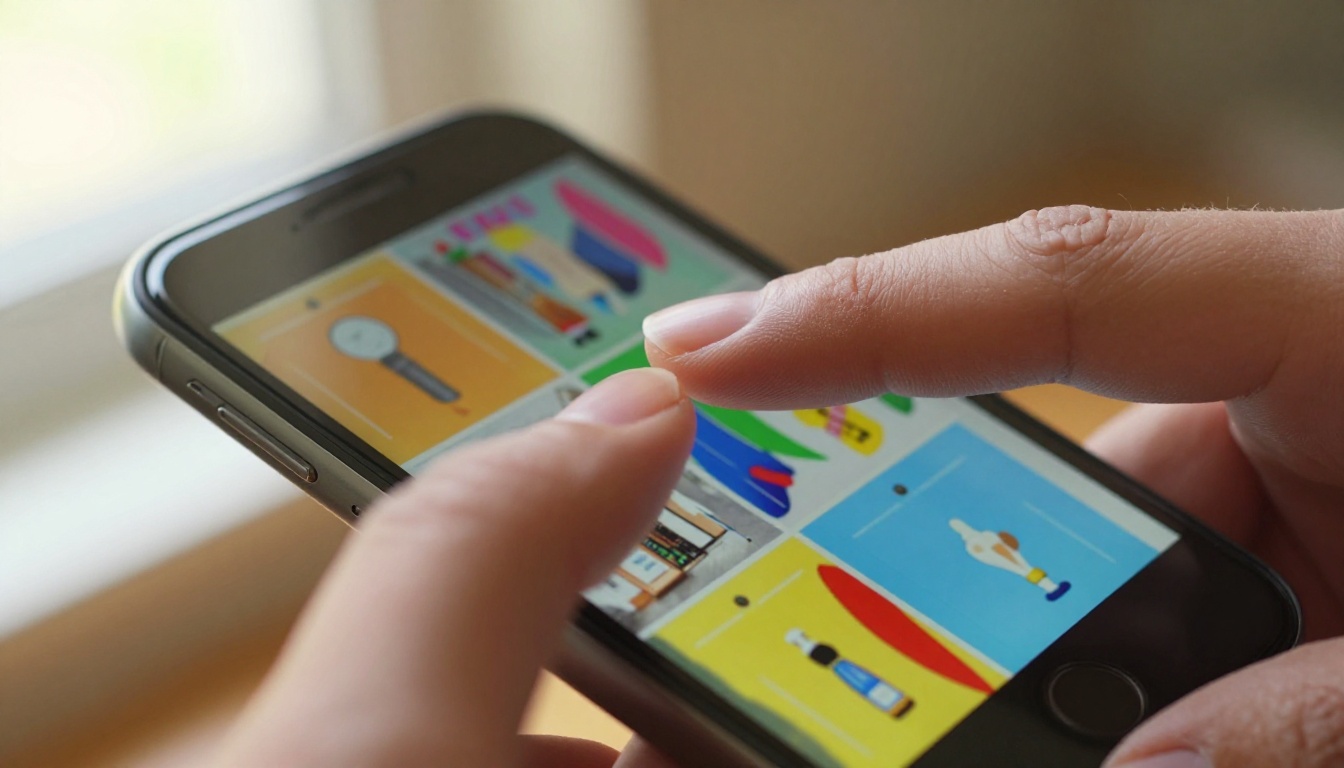
Step 3: Customize the Experience
Once your flipbook is generated, you can customize the branding to match your organization. This includes:
- Custom colors matching your brand palette
- Logo placement on the viewer interface
- Background textures and page shadow effects
- Table of contents generated from your PDF headings
- Embedded video and audio for multimedia content
💡 Customizing the flipbook viewer with your brand colors takes less than two minutes and makes the publication feel like a native part of your digital presence rather than a repurposed document.
Step 4: Set Privacy and Sharing Options
Choose how your flipbook is shared:
- Public link: anyone with the URL can view it
- Password protection: restrict access to specific audiences, available on all paid plans
- Embed code: paste a single line of HTML to place the flipbook directly on your website using the Embed Flipbook on Website tool
- QR code: generate a scannable code for print materials that links straight to the mobile flipbook
Step 5: Share and Track Performance
With the Professional plan, you get access to reader analytics that show page-by-page reading patterns. You can see which pages hold attention longest, where readers drop off, and how many unique viewers your publication has received. The pricing plans page breaks down exactly which features are included at each tier.
Flipbooks AI Plans at a Glance
The platform offers tiered plans to suit different needs, from individual creators to enterprise teams.
| Plan | Flipbooks | Watermark | Analytics | Password Protection | Offline Downloads |
|---|
| Free | 1 | Yes | No | No | No |
| Starter | 10 | No | No | No | No |
| Standard | Unlimited | No | No | Yes | No |
| Professional | Unlimited | No | Yes | Yes | Yes |
✅ The Standard plan and above include no watermarks and unlimited flipbooks, making it the right starting point for any business that distributes content regularly.
The Professional plan adds the features that matter most for teams who rely on flipbooks as a sales or marketing channel: reader analytics, lead generation forms, and offline download access for readers who need to review documents without an internet connection. Check the full breakdown at flipbooksai.com/pricing.
Stop Losing Mobile Readers Today
PDFs have been the default document format for thirty years. That default made sense when most people accessed digital content on a desktop at a desk. It does not make sense when the majority of your audience is tapping through their phone on a commute, in a waiting room, or between meetings.
The fix is not complicated. Every PDF you currently distribute can be converted to a mobile-ready flipbook in minutes. The content stays exactly the same. The reading experience improves dramatically. And with a platform like Flipbooks AI, you gain branding control, sharing tools, and reader analytics that PDFs can never offer.
Ready to see the difference? Create your first flipbook for free and share the link with your next mobile audience. Browse all available tools and templates to find the right format for your content type. Or check pricing plans to choose the tier that fits your volume and feature needs.
Your audience is on mobile. Give them content that actually works there.



