If you have ever emailed a PDF to a client and heard nothing back, you already know the problem. PDFs were designed in 1993 to preserve document formatting across devices, and they did that job well. But in a world where people read on phones, expect interactive content, and abandon anything that takes more than two seconds to load, a static flat file is no longer enough. Flipbooks AI exists precisely to fix that problem, turning your existing PDFs into rich, interactive flipbooks that people actually read.
Why PDFs Feel Like Yesterday
The Static Download Problem
When someone receives a PDF, they face two choices: download it and open it in a separate app, or view it in a browser viewer that strips out most of the experience. Either way, the document sits flat on a screen with no animation, no embedded media, and zero interactivity. The reader's only option is to scroll.
This matters more than it sounds. A product catalog that forces a download will lose a significant portion of its audience before they see page two. A restaurant menu that opens as a clunky PDF on a phone creates friction right at the moment a customer is about to order.
⚠️ Downloads kill attention. Research on mobile browsing consistently shows that users abandon experiences requiring app launches or file downloads. Your PDF may never be opened at all.
What Readers Expect Now
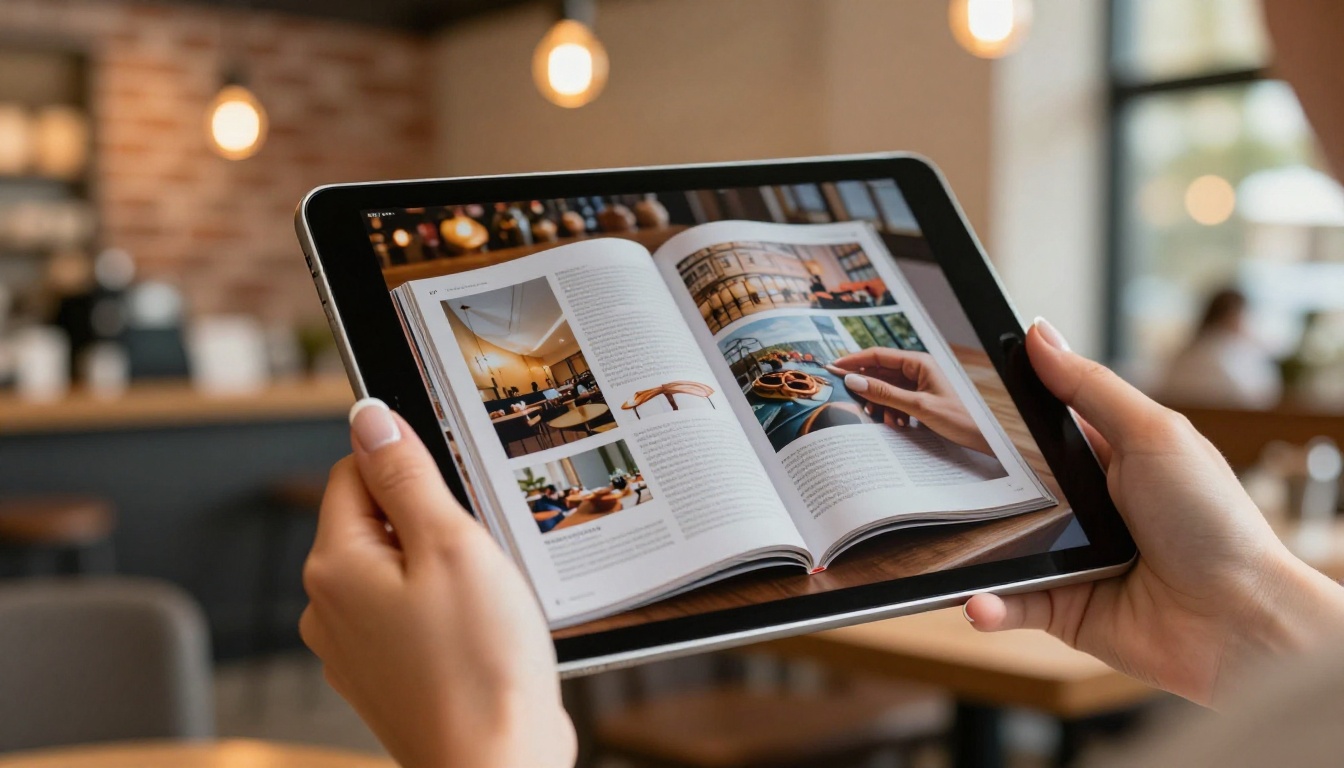
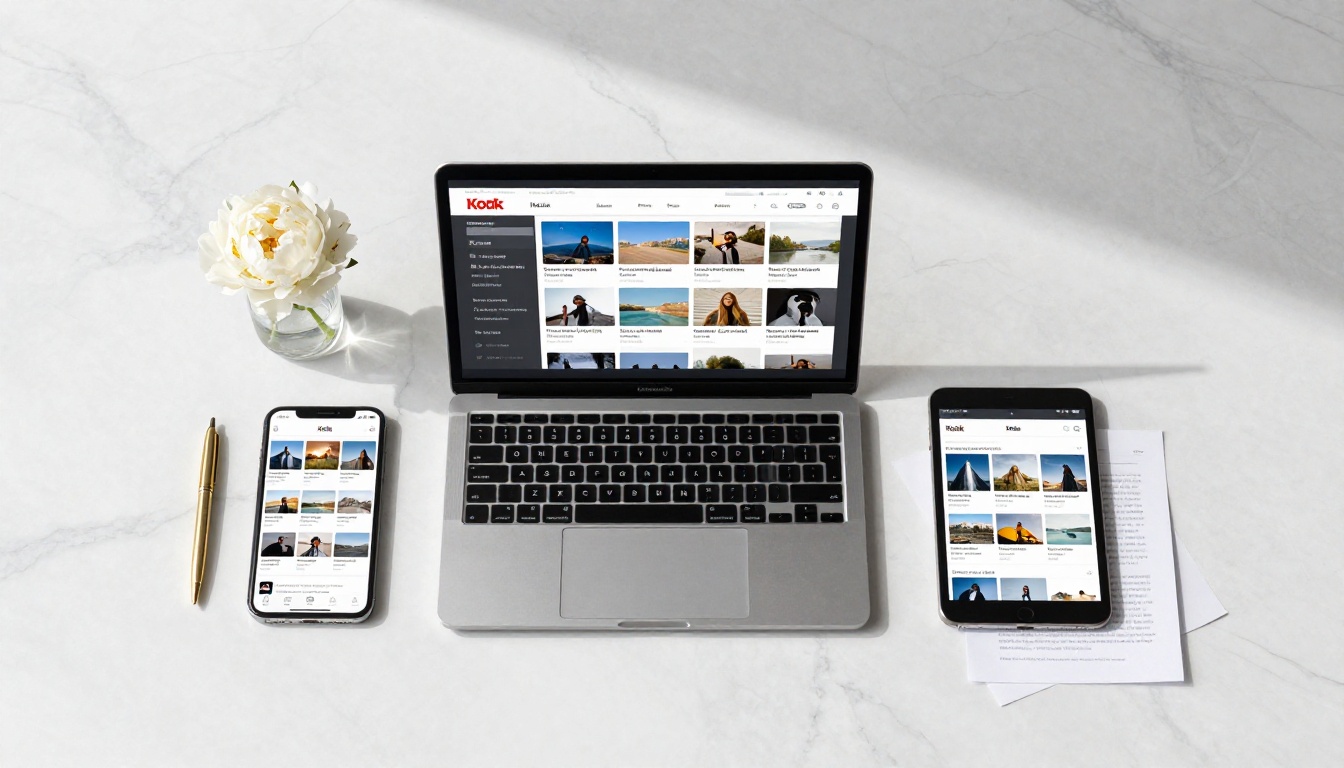
The bar has moved. People now routinely interact with digital magazines, online lookbooks, and interactive annual reports that feel like real publications. Embedded video plays inline. Pages turn with a satisfying animation. The whole experience works perfectly on a phone without an app download.
A flat PDF next to any of these feels immediately cheap, regardless of how strong the content inside it is. Presentation is now part of the message.
PDF vs. Flipbook: A Real Comparison
Here is a direct feature-by-feature breakdown showing where PDFs fall short and where flipbooks win.
| Feature | Static PDF | Interactive Flipbook |
|---|
| Page-turn animation | No | Yes |
| Mobile optimization | Poor | Native responsive |
| Embedded video and audio | No | Yes |
| Reader analytics | No | Yes (Professional plan) |
| Password protection | Requires external tool | Built-in |
| Shareable link | Download required | Direct browser link |
| Embed on website | No | Yes, iframe embed |
| Custom branding and colors | No | Full custom branding |
| Lead generation forms | No | Yes (Professional plan) |
| No watermarks | N/A | Yes, on all paid plans |
The difference is not subtle. A flipbook is built for the web from the ground up, while a PDF is a print format adapted poorly for screens.
Who Actually Benefits from Flipbooks
The switch from PDF to flipbook is relevant to almost any business that shares documents. But some use cases produce the biggest return.
Restaurants and Hospitality
A restaurant menu as a flipbook solves a real problem: the menu is always current, it works on any device, and it can be shared as a QR code on the table or a link in the Instagram bio. The Restaurant Menu Creator on Flipbooks AI was built specifically for this workflow, allowing restaurateurs to upload a PDF menu and have a polished, shareable flipbook in minutes. Hotels benefit similarly, with brochures and spa menus that guests browse without downloading anything.
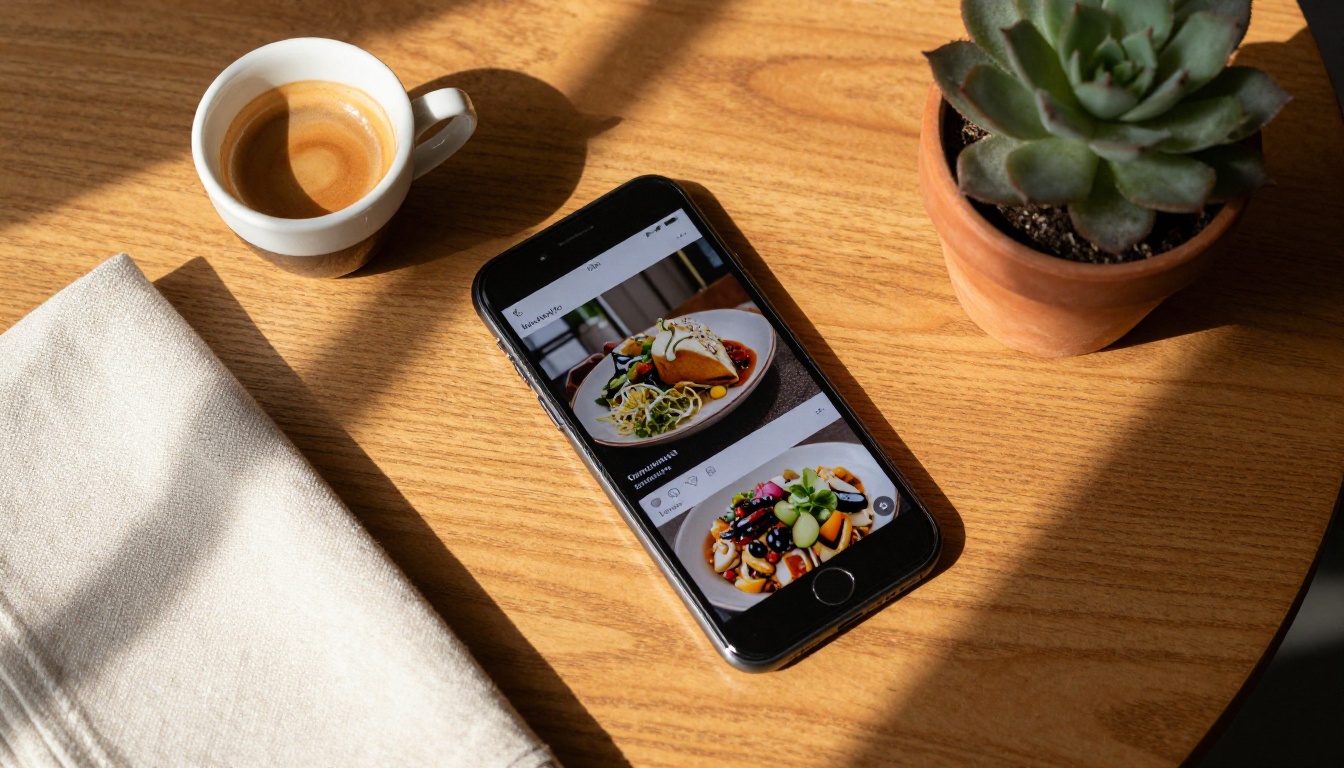
💡 Pro tip: Link your flipbook menu directly from your Google Business Profile. Customers checking reviews can open your menu right there without leaving the app.
Real Estate
Property brochures with 20 pages of photography are exactly the type of content that suffers most as a PDF. The file is large, it loads slowly on mobile, and there is no way to know whether anyone actually looked at the property details. As a flipbook, the same brochure loads instantly in a browser, can be embedded on a property listing page, and the agent receives data on which pages received the most attention.
The Real Estate Brochure Creator handles this conversion with branding options to match agency colors and custom cover designs.

Creative Professionals and Agencies
Photographers, designers, and agencies present portfolios constantly. Sending a PDF portfolio by email is the lowest-impact way to share work. A flipbook portfolio loads in the browser, pages through elegantly, and can be password-protected for specific clients. The Digital Portfolio Creator and Photography Portfolio tools are purpose-built for exactly this.
Education and Training
Training materials and course content shared as PDFs get read once, if at all. As an interactive flipbook, the same content can include embedded video explanations, is easy to page through on a tablet, and can be updated without redistributing a file. Schools can use the Course Material Publisher or Training Manual Flipbook to create materials that students actually work through.

Flipbooks AI Plan Comparison
Not every use case requires the same features. Here is how the main tiers compare so you can choose without guesswork.
| Plan | Flipbooks | Watermarks | Analytics | Password Protection | Lead Gen |
|---|
| Free | Limited | Yes | No | No | No |
| Standard | Unlimited | No | No | No | No |
| Professional | Unlimited | No | Yes | Yes | Yes |
✅ Best practice: If you share content with clients or track document performance for sales, the Professional plan pays for itself quickly. Page-by-page analytics alone tell you which pages hold attention and which ones lose readers.
For a full breakdown, check the Flipbooks AI pricing page.
How to Convert Your PDF to a Flipbook
This is where the rubber meets the road. The conversion process on Flipbooks AI is genuinely fast, even if you have never used the platform before.
Step-by-Step Conversion
1. Create your account
Go to flipbooksai.com/account and sign up. The free plan lets you test the workflow before committing to a paid tier.
2. Upload your PDF
From your dashboard, click "New Flipbook" and upload your existing PDF. The platform accepts files of any page count and converts them automatically. There is no need to reformat or resize anything beforehand.
3. Set your branding
Once converted, open the flipbook editor. You can set a custom color scheme to match your brand, add a logo to the header, choose from several page-turn effect styles, and adjust the cover image. This takes about five minutes for most documents.
4. Add multimedia (optional)
The editor allows you to embed videos or audio files on any page. This is particularly useful for product catalogs where a video demo would add real value, or for training materials where a walkthrough video on page one sets context for the rest.
5. Configure sharing settings
Set a password if the content is private, or leave it open for public access. Copy the direct shareable link or grab the embed code to drop the flipbook directly into a website or landing page using the Embed Flipbook on Website tool.
6. Share and track
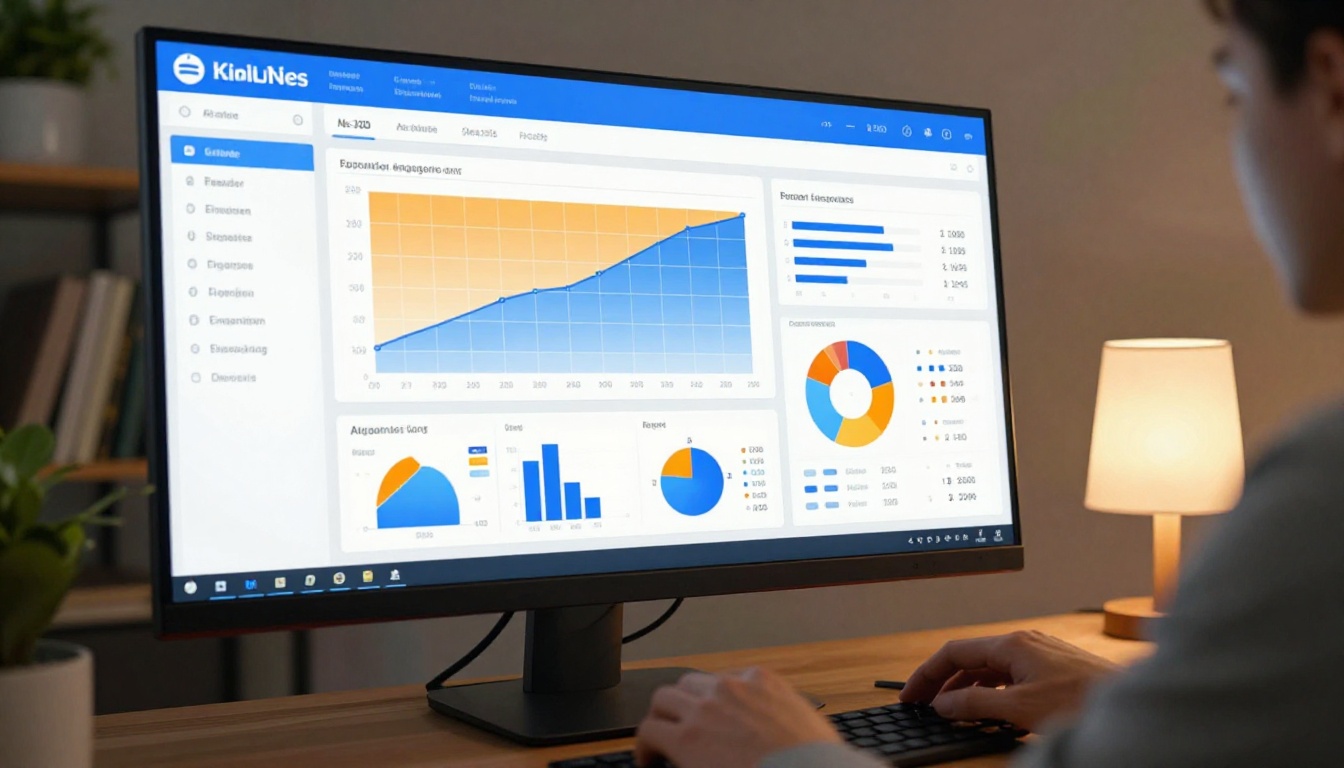
With the Professional plan, the analytics dashboard activates immediately. You can see total views, average time on document, page-by-page heatmaps, and lead capture data if you have enabled a lead form. This is information you simply cannot get from a PDF.
Reading the Data: Flipbook Analytics vs. PDF
One of the strongest arguments for switching is analytics. With a PDF, you know nothing. You sent it. Maybe someone opened it. You have no idea.
A flipbook on Flipbooks AI with the Professional plan gives you:
- Total views with timestamps
- Unique reader count vs. repeat readers
- Average time spent per session
- Page-by-page attention maps showing where readers linger and where they drop off
- Lead capture data if a form gate is enabled
This data changes how you create documents. If page 7 of your product catalog loses 60% of readers, that page needs work. If the pricing page holds attention for three minutes on average, your pricing presentation is working. None of this is visible when sharing PDFs.
5 Document Types to Switch from PDF Right Now
Some documents make more sense as flipbooks than others. These five are the highest-return conversions.
1. Product Catalogs
Static PDF catalogs are the worst offenders. Dozens of pages, heavy images, slow to load, impossible to browse on a phone. The Digital Catalog Maker converts any product catalog into a fully browsable flipbook that works on any device.
2. Company Newsletters
Emailing a PDF newsletter attachment almost guarantees low open rates. A flipbook link in the email body loads instantly in the browser, pages through like a real publication, and can be embedded on your website as a permanent archive. The Newsletter Flipbook Publisher handles this in one step.
3. Annual Reports
Corporate annual reports need to project professionalism. A PDF dropped into an email thread does not accomplish that. An interactive annual report that stakeholders can page through in their browser, with embedded charts and video messages from leadership, does. The Annual Report Creator was designed for exactly this scenario.
4. Event Programs
Physical event programs used to be the only option. Now, a QR code on a ticket or venue sign can open a full interactive program in seconds. The Event Program Maker makes creating these straightforward and fast.
5. Sales Presentations
Sales decks shared as PDFs after a call are forgettable. A flipbook version with embedded product videos, page-by-page analytics, and a lead capture form tells you exactly how interested the prospect is after the conversation. The Sales Presentation Flipbook tool was built for sales teams that need to know if their content is working.
Sharing at Scale: QR Codes and Embeds
The real advantage of flipbooks over PDFs becomes obvious when you think about distribution at scale.
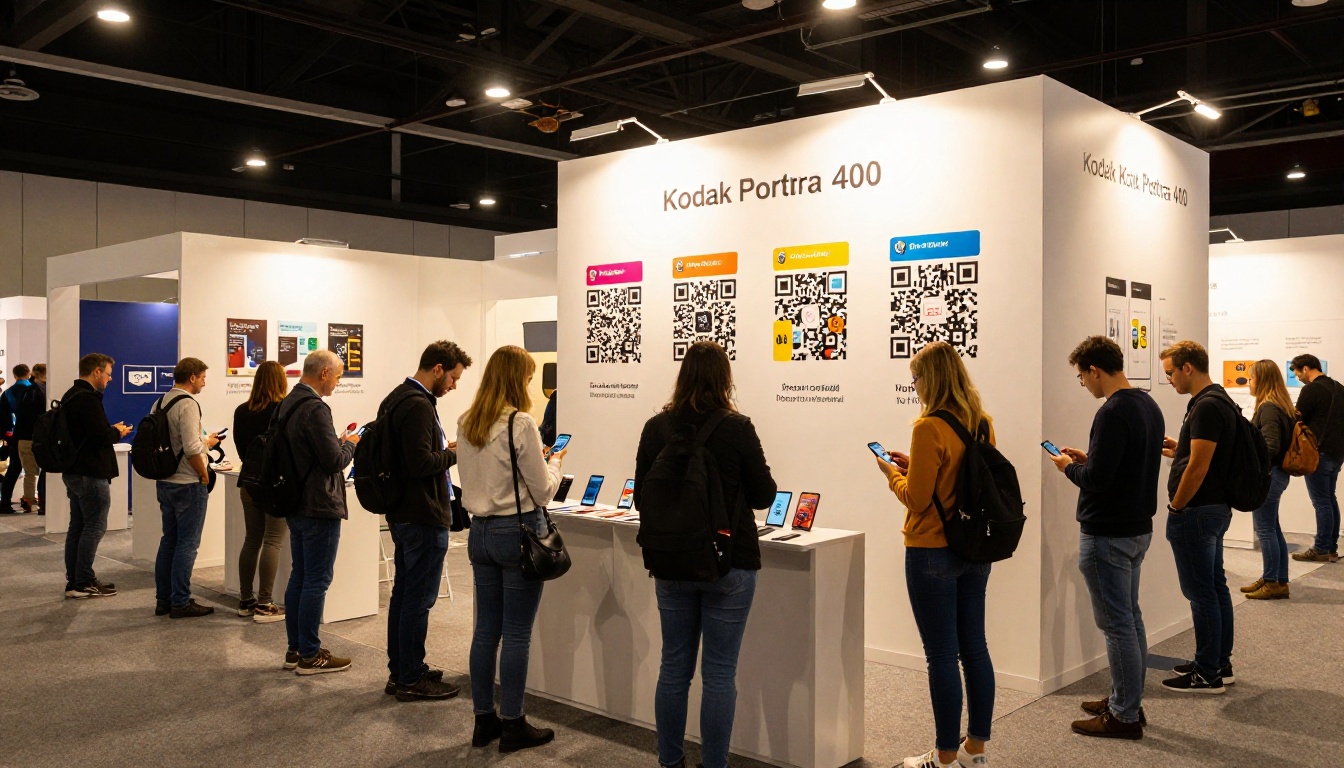
A trade show exhibitor with a PDF catalog either prints thousands of physical copies or hopes people will actually download a file. A flipbook catalog printed as a QR code on a banner means every visitor scans and opens a beautifully formatted, mobile-perfect publication right on the show floor. No downloads. No printing costs. No outdated information.
The embed option is equally powerful. Any flipbook created on Flipbooks AI can be embedded directly into a webpage with a single iframe code. This means your product catalog, hotel brochure, or fashion lookbook lives on your site and loads without any external tool or plugin.
💡 Pro tip: Embed a password-protected flipbook on a private client portal for a professional, white-label experience that beats sending attachments every time.
One of the practical advantages of Flipbooks AI over a generic converter is the library of purpose-built tools for specific document types. Rather than a one-size-fits-all approach, each tool is pre-configured with the right templates, layouts, and settings for its category.
Browse all flipbook tools to find the one that matches your document type.
Stop Sharing PDFs Today
The shift from static PDFs to interactive flipbooks is not a minor upgrade. It changes how your audience experiences your content, whether you are a restaurant putting a menu in front of a potential diner, a sales rep following up with a prospect, or an educator sharing course materials with students.
The tools exist. The process takes minutes. The data you get back is information you cannot access any other way.
Ready to make the switch? Create your first flipbook for free on Flipbooks AI. If you want to see what the Professional plan's analytics and lead generation features can do for your business, compare pricing plans and find the right fit. Browse all available tools to find the one built for your exact use case.
Your PDFs already have the content. They just need a better way to be read.



