PDF files are everywhere. They have been the default document format since the 1990s, and most teams share them without asking whether there is a better option. Upload, link, done. But if your content needs to do more than just transfer information, that habit is silently costing you reader attention, retention, and conversions. Flipbooks AI has built a platform around exactly this gap, and the difference in results is measurable.
Static PDFs: What You're Actually Getting
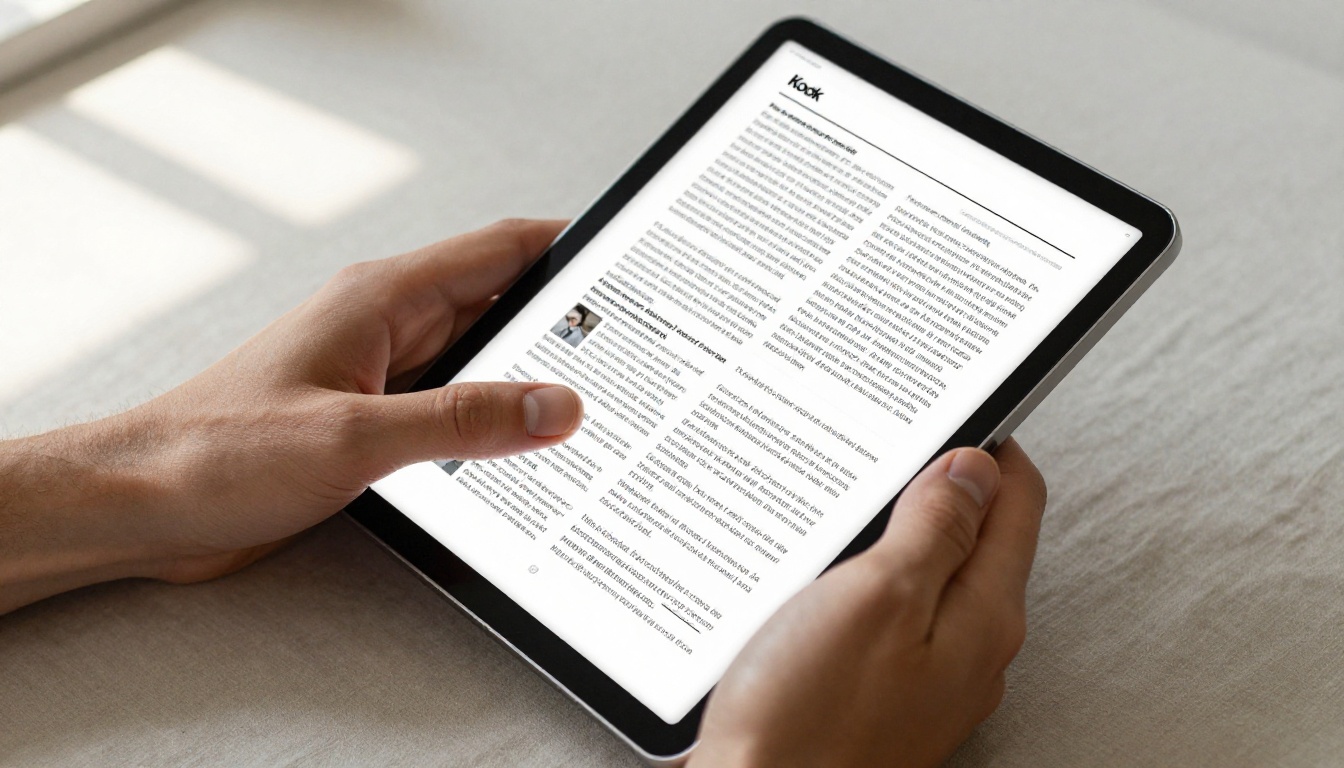
PDFs were designed for printing. The format locks content into a fixed layout optimized for paper output, not screen interaction. When someone opens your PDF in an online viewer, they see a scrollable stack of pages rendered as static images or text with minimal interactivity.
The PDF Viewer Experience
Most online PDF viewers, whether embedded on a website or opened through a cloud storage link, offer the same basic set of controls: zoom in, zoom out, scroll, download. Some allow text search. A few support annotation. That is largely the ceiling.
The reading experience is passive. Pages feel like digital printouts. There is no context for navigation, no visual indicator of how far through the document the reader is, and no way to embed multimedia content like video or audio into the flow of the document.
Where PDFs Fall Short
Beyond the reading experience, static PDF viewers have practical limitations that compound over time:
- No branding control: Most PDF viewers strip or override your visual identity with their own chrome and toolbars
- No tracking data: You have no idea who opened the document, which pages they read, or where they stopped
- Poor mobile performance: Fixed-layout PDFs rarely adapt well to smaller screens, and pinch-zoom is a frustrating substitute for responsive design
- No interactive elements: No embedded media, no clickable product hotspots, no dynamic features beyond basic hyperlinks
- Limited shareability: You are handing over a file, not a URL-based experience that lives anywhere
- No lead capture: You cannot gate content or collect viewer information without third-party tools
What Makes a Flipbook Different
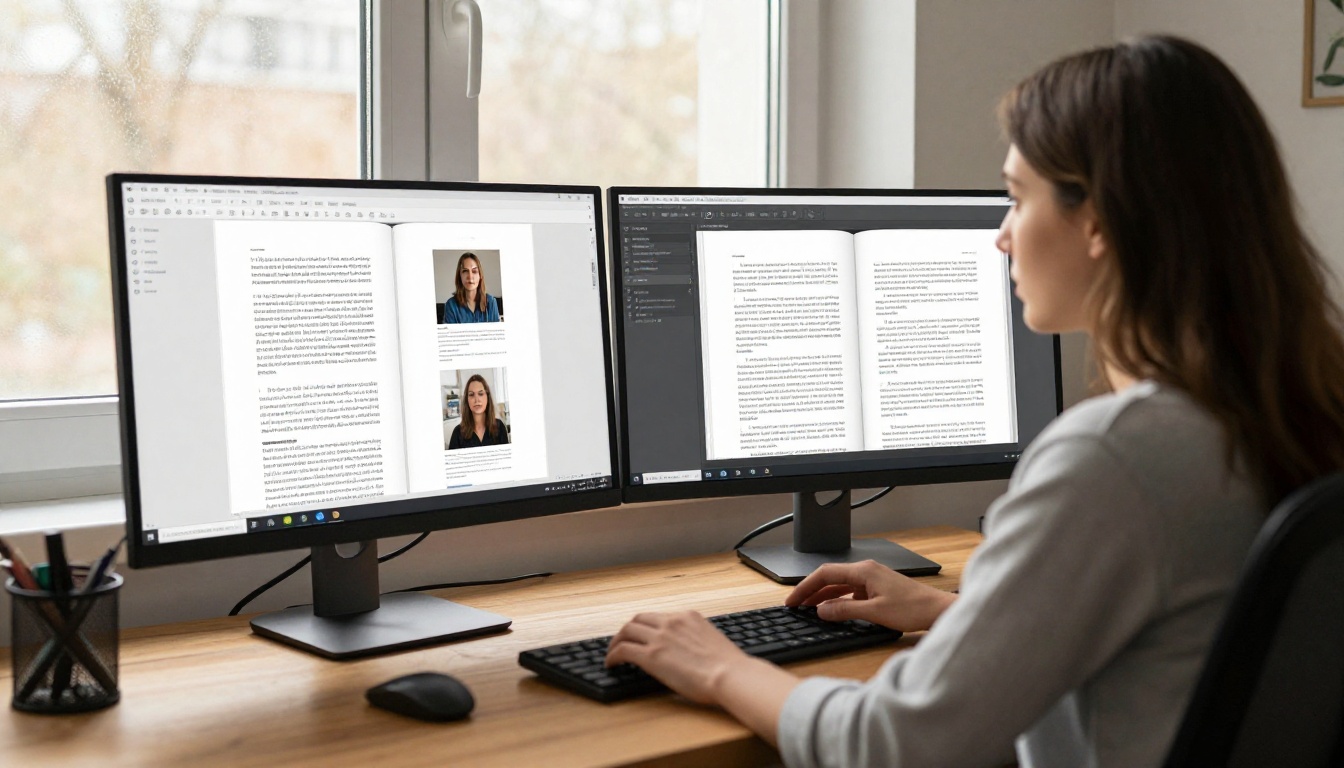
A flipbook is a web-based digital publication that transforms your PDF pages into an interactive reading experience with page-turn animation, navigation controls, and a built-in set of features. The core difference is not aesthetic, it is functional.
Page Flip Animation and Feel
The page-turn effect is not just visual flair. It provides spatial context. Readers understand where they are in the document at a glance. The familiar sensation of turning pages, even digitally, increases reading time and comprehension. Research into digital reading consistently shows that spatial navigation cues improve content retention compared to continuous scrolling.
Interactive Features Built In
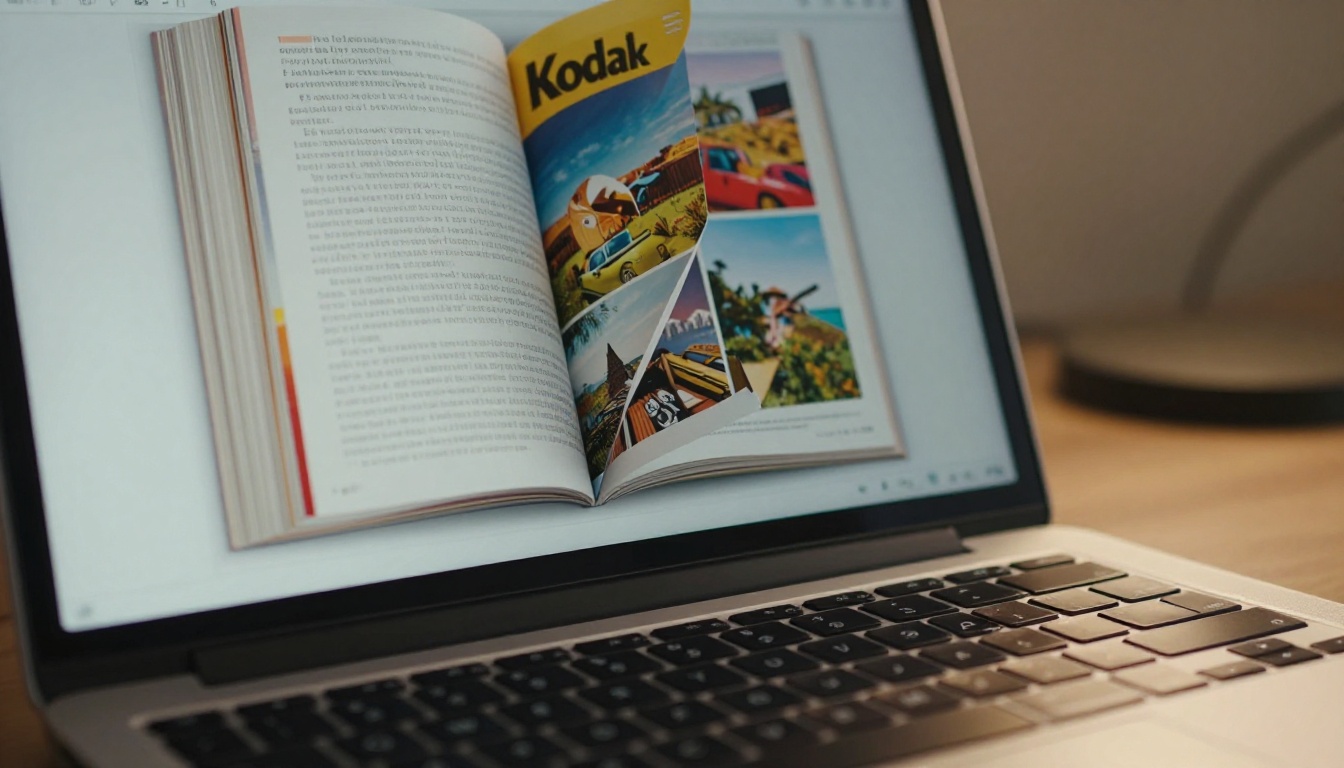
Beyond the animation, flipbooks offer a layer of functionality that static PDFs cannot match:
- Embedded video and audio: Add product videos, testimonials, or background music directly into pages
- Clickable hotspots: Link buttons, product pages, or external resources right from within a page
- Mobile responsiveness: Flipbooks reflow and adapt to any screen size automatically
- Password protection: Control who can view your content with private access settings
- Custom branding: Your logo, colors, and domain throughout the entire reading experience
- Social sharing: Built-in share buttons for email, social media, and direct links
- Embed codes: Drop your flipbook onto any website with a single HTML snippet
Side-by-Side: The Real Differences
💡 This table covers the most decision-relevant factors for anyone choosing between PDF viewers and flipbook platforms.
| Feature | PDF Online Viewer | Flipbook (Flipbooks AI) |
|---|
| Page-turn animation | No | Yes |
| Mobile optimization | Poor | Excellent |
| Embedded video/audio | No | Yes |
| Tracking and reader data | No | Yes (Professional plan) |
| Custom branding | Minimal | Full |
| Password protection | No | Yes |
| Lead generation / gating | No | Yes (Professional plan) |
| Embed on website | Limited | Yes, seamless |
| SEO visibility | No | Yes |
| Offline download | Depends on tool | Yes |
| Time to publish | Instant | Under 2 minutes |
| File size handling | Large files slow | Optimized for web |
| Social sharing | Manual link | Built-in buttons |

When PDF Viewers Make Sense
PDFs are not obsolete. They remain the right choice in specific situations where their original design strengths align with the task at hand.
3 Cases Where PDFs Win
1. Legal and compliance documents: Contracts, NDAs, and regulatory filings need to be tamper-evident, signable, and printable. PDFs with digital signatures are the industry standard here and that will not change any time soon.
2. Internal technical documentation: If your audience needs to search, annotate, and reference dense technical text, a PDF reader's search and comment features are genuinely useful. Developer docs, engineering specs, and internal procedures often fit this profile.
3. Print-ready files: If the end goal is physical printing, PDFs preserve your exact print specifications. Flipbooks are optimized for screens, not print production workflows.
⚠️ If your goal involves print production or legal signatures, stay with PDF. For any content where presentation and distribution matter, keep reading.
For any content where presentation, brand perception, or distribution matters, flipbooks consistently outperform static PDF viewers across every measurable metric.
5 Scenarios Flipbooks Dominate
1. Product and service catalogs: A catalog needs to sell. Static PDFs show products. Flipbooks present them. Embedded links, videos, and visual layouts drive click-through and purchase intent in ways a scrollable PDF never can. The Digital Catalog Maker is built specifically for this workflow.
2. Marketing brochures and lookbooks: Brand perception lives or dies on presentation. A flipbook delivers a premium, branded reading experience that a PDF viewer simply cannot replicate. Consider the Brochure Flipbook Maker for polished output.
3. Restaurant menus: Digital menus viewed on a tablet or phone benefit enormously from responsive layout, visual richness, and instant updates without redistributing files. The Restaurant Menu Creator makes this turnkey.
4. Annual reports and investor documents: Reports shared publicly or with stakeholders should reflect the quality of your brand. Reader data tells you which sections investors actually read, which is information a PDF link never provides.
5. Educational materials and training manuals: Interactive features, embedded video tutorials, and progress indicators make flipbook-based training materials far more effective than PDF equivalents. The Training Manual Flipbook tool supports this directly.

| Content Type | PDF Viewer | Flipbook | Better Format |
|---|
| Product catalog | Basic display | Interactive, linked, tracked | Flipbook |
| Marketing brochure | Static layout | Branded, animated | Flipbook |
| Legal contract | Signable, annotable | Not ideal | PDF |
| Training manual | Searchable | Video-enhanced, trackable | Flipbook |
| Restaurant menu | Poor mobile UX | Responsive, visual | Flipbook |
| Technical docs | Strong search | Moderate | PDF |
| Annual report | Flat presentation | Data-driven, branded | Flipbook |
| Price list | Simple static | Interactive with links | Flipbook |
| E-book / publication | Passive reading | Page-turn, immersive | Flipbook |
How to Create a Flipbook from Your PDF
If you have decided a flipbook is the right format, Flipbooks AI makes the conversion fast and straightforward. Here is exactly how it works.

Step 1: Create your account
Go to flipbooksai.com/account and sign up. The free plan is available immediately with no credit card required. You will be in your dashboard within 60 seconds.
Step 2: Upload your PDF
Click "New Flipbook" and upload your PDF file. The platform accepts all standard PDF sizes and processes them automatically. A live preview appears within seconds, and every page is rendered with clean fidelity.
Step 3: Customize your branding
Set your brand colors, upload your logo, and choose a background style. You can select the page-turn animation style, add a custom cover, and apply your domain for a fully white-labeled experience.
Step 4: Add interactive elements
Use the built-in editor to insert clickable links on any page, embed YouTube or Vimeo videos directly into the content, add audio tracks, and create hotspot buttons that point to product pages or contact forms.
Step 5: Configure sharing and access
Choose whether your flipbook is public or password-protected. Generate an embed code to place it directly on your website, or use a shareable direct link. Enable social sharing buttons so readers can distribute your content with a single click.
Step 6: Publish and track performance
Hit publish. Your flipbook is live at a permanent shareable URL immediately. On the Professional plan, full reader analytics activate: page-by-page view counts, total time per session, geographic data, device breakdowns, and lead capture forms to collect viewer information.
✅ No watermarks on Standard plan and above. Unlimited flipbooks on Standard and Professional. Full offline download support for every published flipbook.
Pricing and Plans Worth Knowing
One common hesitation with flipbook platforms is cost. Here is how Flipbooks AI pricing stacks up on the features that actually matter:
| Feature | Free | Standard | Professional |
|---|
| Flipbooks | Limited | Unlimited | Unlimited |
| Watermark | Yes | No | No |
| Custom branding | No | Yes | Yes |
| Password protection | No | Yes | Yes |
| Reader tracking data | No | No | Yes |
| Lead generation | No | No | Yes |
| Offline downloads | No | Yes | Yes |
| Embed on website | Limited | Yes | Yes |
| Video/audio embed | No | Yes | Yes |
| Custom domain | No | No | Yes |
For teams producing content regularly, the Standard plan removes all practical limitations at a fraction of the cost of comparable platforms. The Professional plan makes sense the moment reader data and lead generation become priorities for your content strategy.
Real-World Wins: Who Uses Flipbooks
Abstract comparisons matter less than concrete applications. Here is how three different businesses changed their outcomes by moving from PDF viewers to flipbooks.
Retail and Product Catalogs
A product catalog in a PDF viewer is a file transfer. A product catalog as a flipbook is a shopping experience. Each product page can carry direct buy links, embedded demo videos, and zoom capabilities on high-resolution photography. Teams using the Catalog Flipbook Creator see significantly higher click-through rates compared to PDF-shared catalogs because every page is an active touchpoint rather than a passive display.

Real Estate Brochures
Real estate agents share property brochures constantly. A PDF link in an email gets downloaded, forgotten, or forwarded without any tracking. A flipbook shared via link lives on a URL, can be updated after sending (price changes, open house dates, availability status), and provides data on which properties the client spent the most time reviewing. The Real Estate Brochure Creator is built specifically for this workflow.
Restaurants and Menus
Restaurant menus need to look beautiful and work flawlessly on mobile. A PDF sent to a customer's phone is a friction point. A flipbook menu opens in any browser, scales to any screen automatically, and can be updated instantly when items change. Seasonal specials, pricing revisions, new photography: all reflected in real time at the same URL your customer already has.

Tracking Results: The Data Advantage
One of the clearest arguments for flipbooks over PDF viewers is measurement. When you share a PDF, you know nothing about what happens next. Did anyone open it? Did they read past page two? Did the product section hold their attention or did they close it immediately?
Flipbook reader data changes the entire feedback loop. On the Professional plan, you see:
- Total unique viewers and returning readers
- Time spent per page and per session
- Geographic distribution of your audience
- Device and browser breakdown
- Drop-off points showing where readers stop
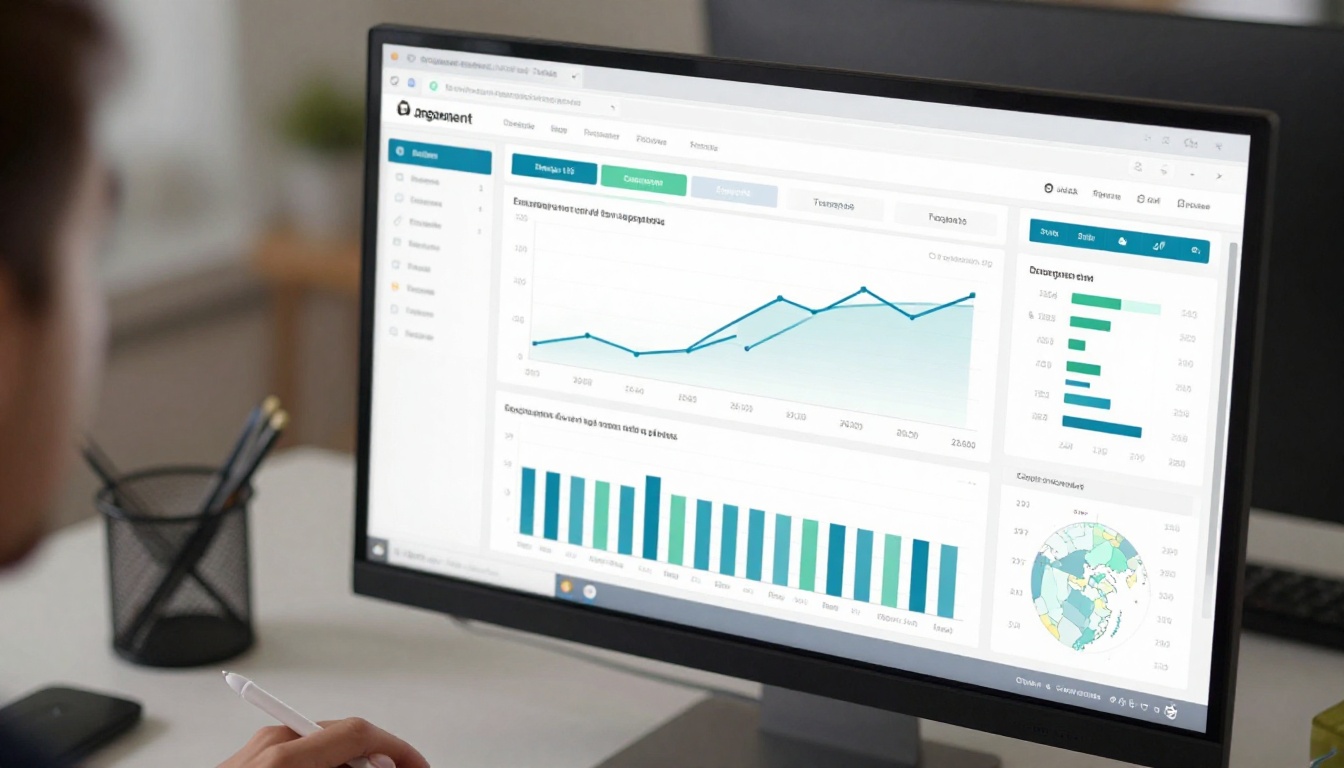
This data is not available in any static PDF viewer. It transforms your documents from one-way broadcasts into measured communication channels you can iterate and improve.
💡 Use page-level data to identify weak sections in your catalog or brochure and improve them before the next version. The numbers show you exactly where readers lose interest.
Available Tools for Every Content Type
Flipbooks AI is not a single-purpose converter. It includes a library of purpose-built tools for specific content types, each with relevant templates and settings pre-configured:
- Catalogs: Fashion Catalog Creator, Furniture Catalog Maker, Product Catalog Generator
- Business: Annual Report Creator, Sales Presentation Flipbook, Press Kit Designer
- Education: Training Manual Flipbook, Course Material Publisher, Yearbook Flipbook Maker
- Publications: Interactive E-Book Publisher, Magazine Flipbook Creator, Newsletter Flipbook Publisher
- Creative: Photography Portfolio Flipbook, Interactive Lookbook Designer, Wedding Album Flipbook
- Core: PDF to Flipbook Converter, Embed Flipbook on Website
Browse all flipbook tools to find the one built for your specific use case.
Make the Switch Today
If your current workflow ends with "attach PDF and send link," you are leaving reader attention, data, and brand impact behind. Static PDF viewers were never designed for the way people consume content on screens today.
Flipbooks solve every core limitation: mobile-responsive, fully branded, trackable, interactive, and shareable with a single URL. The conversion from PDF to flipbook takes under two minutes.
Ready to create your first flipbook? Get started for free on Flipbooks AI. No watermarks, no credit card required on the free plan.
Browse all available tools and templates to find the perfect fit for your content type.
Compare pricing plans to choose what works for your team and budget.



