PDF files have been the default format for sharing documents for decades, but they were never built for how people actually read online. Static pages, no interactivity, and a reading experience that feels stuck in the early 2000s. A PDF to flipbook converter changes that equation entirely, turning flat documents into interactive, page-turning publications that look and feel like real magazines or catalogs. Whether you are publishing a product catalog, a company report, or a digital magazine, knowing how these tools work will save you time and help you pick the right one. Flipbooks AI is one of the most capable platforms available today, and this article walks you through everything you need before hitting upload.
What a PDF Flipbook Converter Actually Does
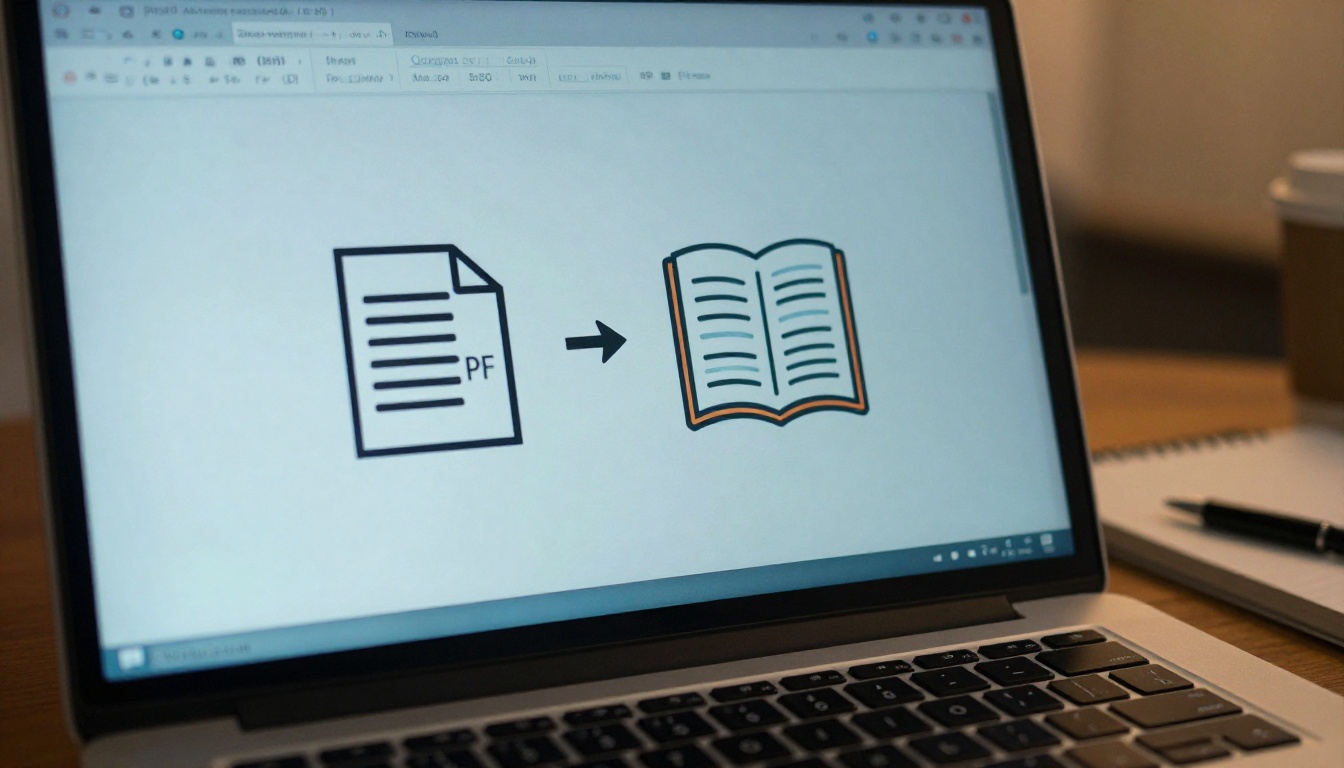
A PDF to flipbook converter takes your existing PDF and renders it as an HTML5 publication with animated page-turn effects. When a reader opens your flipbook, they see pages they can click or swipe to flip, just like a physical magazine. The pages load in a browser or embedded on a website, with no downloads required.
The conversion process involves several technical steps happening behind the scenes:
- PDF parsing: The tool reads each page of your PDF and extracts text, images, and layout data.
- Page rendering: Each page is converted into a high-resolution image or vector layer.
- HTML5 wrapping: The pages are wrapped in a JavaScript-based viewer with page-flip animations.
- Hosting and delivery: The finished flipbook is hosted online, usually on a CDN for fast load times globally.
The result is a publication that works on any device, desktop or mobile, without plugins or software installs.
💡 Always upload a high-resolution PDF (at least 150 DPI) to ensure your flipbook pages render sharply on retina displays.
Why PDFs Alone Are Not Enough Anymore
The problem with static PDFs is engagement. Research consistently shows that people skim and abandon PDFs quickly, especially on mobile devices where scrolling through a multi-page PDF is frustrating. Flipbooks solve this by creating an experience that is closer to reading a physical publication.

Beyond the reading experience, flipbooks offer capabilities that PDFs simply cannot match:
- Embeddable: Paste a single line of code to embed your flipbook on any website or landing page.
- Trackable: Analytics tools built into platforms like Flipbooks AI let you see page views, time spent, and drop-off points.
- Shareable: A single URL gives anyone instant access without requiring a download.
- Multimedia-ready: Some platforms let you embed videos, audio, and clickable links directly into pages.
If your audience is viewing your content on a phone, a well-designed flipbook will hold their attention in a way that a PDF never will.
How the Conversion Process Works
The actual conversion is simpler than most people expect. You upload a PDF, the tool processes it, and within seconds or minutes depending on file size, you have a flipbook ready to share. The heavy lifting happens on the server side.

Here is what happens at each stage:
| Stage | What Happens | Time Required |
|---|
| Upload | PDF file is transferred to the server | Seconds |
| Processing | Pages are rendered and converted to web format | 10 seconds to 5 minutes |
| Optimization | Images compressed, fonts embedded | Automatic |
| Publishing | Flipbook URL is generated and hosted | Instant |
| Customization | Branding, colors, effects applied | User-controlled |
Most modern platforms handle files up to several hundred pages without issues. Very large files (500+ pages) may take longer but quality platforms process them reliably.
⚠️ Avoid uploading password-protected PDFs or PDFs with embedded DRM. Most converters cannot process these and will return an error. Remove protections from the source file before uploading.
Not every PDF to flipbook converter is created equal. The interface might look similar across tools, but the features underneath determine whether you end up with a polished publication or a frustrating experience.
Here is a comparison of the features that actually matter:
| Feature | Why It Matters | Available on Flipbooks AI |
|---|
| Custom branding | Remove third-party logos and add your own colors and logo | ✅ Yes |
| Password protection | Control who can view private or internal documents | ✅ Yes |
| Analytics | Track reader behavior per page | ✅ Professional plan |
| Lead generation forms | Capture emails from readers inside the flipbook | ✅ Professional plan |
| Offline downloads | Readers can save and view without internet | ✅ Yes |
| Embed codes | Paste on websites, landing pages, emails | ✅ Yes |
| No watermarks | Publish without branding from the tool provider | ✅ No watermarks, ever |
| Mobile responsiveness | Works correctly on phones and tablets | ✅ Yes |
| Video embeds | Add video to specific pages | ✅ Yes |
The absence of watermarks is one of the most important factors for professional use. Many free tools stamp their branding on every page, which looks unprofessional when sharing with clients or customers. Flipbooks AI never adds watermarks to your publications.
✅ When evaluating tools, always test the mobile experience before committing. A flipbook that looks great on desktop but breaks on mobile is not usable for most modern audiences.
Who Uses PDF to Flipbook Converters and Why
The range of industries and use cases for flipbook converters is broader than most people realize. The common thread is that these users all need to share document-style content in a way that feels polished and accessible.

Real use cases across industries:
- Retail and e-commerce: A clothing brand creates a seasonal Fashion Catalog from a product PDF, embeds it on their website, and links directly to product pages.
- Restaurants: A restaurant converts its printed menu PDF into a digital flipbook menu and shares the link via QR code on tables.
- Real estate: Agents convert property brochures into shareable real estate flipbooks and send the link via email instead of heavy PDF attachments.
- Publishers and bloggers: Digital magazines and newsletters published as e-magazine flipbooks with proper page-turn navigation.
- Education: Teachers convert course materials into interactive publications students can access from any device.
- Corporations: Finance teams convert annual reports into professional corporate report flipbooks for investor presentations.
How to Convert Your PDF with Flipbooks AI
Flipbooks AI makes the PDF to flipbook process straightforward. Here is the exact process from upload to published link.
Step 1: Create Your Account
Go to flipbooksai.com/account and sign up. The free tier lets you test the platform before committing to a paid plan.
Step 2: Upload Your PDF
From your dashboard, click to create a new flipbook and upload your PDF file. The platform accepts files of all sizes and processes them automatically. Use the PDF to Flipbook Converter tool for a direct, no-fuss conversion.
Step 3: Customize Your Flipbook
Once uploaded, you can:
- Add your logo and adjust brand colors to match your identity
- Set the background and page effect style (hard-page flip, soft flip, zoom)
- Embed videos or audio on specific pages
- Enable table of contents navigation for long documents
- Toggle mobile view settings for optimal phone display
Step 4: Set Access Controls
Decide who can see your flipbook:
- Public: Anyone with the link can view
- Password protected: Viewers must enter a password before accessing
- Embed only: Only accessible when embedded on your site
Step 5: Share or Embed
Copy the direct link to share via email, social media, or messaging. For website embedding, use the generated embed code and paste it into your site's HTML. The Embed Flipbook on Website tool gives you a clean, customizable embed block.
Step 6: Track Performance (Professional plan)
Open the analytics dashboard to see total views, per-page engagement, time spent on each page, and lead capture data if you have enabled forms. This tells you exactly which pages readers find most interesting and where they drop off.
💡 Use analytics data to improve future publications. If readers consistently stop on page 3, that page has strong content. If they drop off at page 10, the content there likely needs work.
Mobile Reading: Why It Changes Everything
More than half of all web traffic comes from mobile devices, and that percentage is even higher for content shared via social media or messaging apps. A flipbook that is not optimized for mobile is not a serious publishing tool.
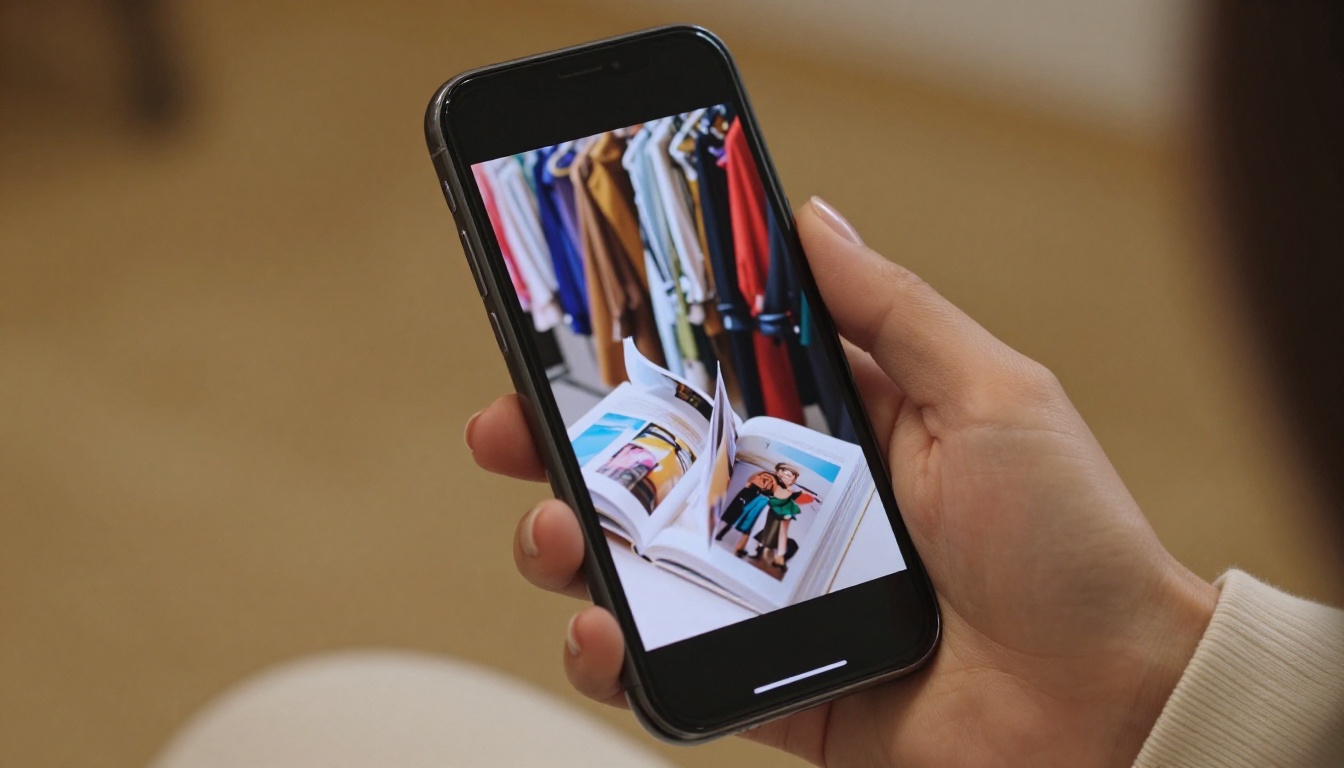
Flipbooks AI renders its publications with mobile-first responsiveness. On a phone, the page-flip animation adapts to swipe gestures rather than mouse clicks. Text remains legible without pinch-to-zoom, and navigation controls resize automatically.
When creating a PDF intended for flipbook conversion, keep these design principles in mind:
- Use large fonts (minimum 11pt body text) so text is readable without zooming
- Avoid tiny footnotes or dense text blocks that become unreadable at small sizes
- Landscape layouts often work better on mobile than portrait-oriented pages
- High-contrast colors ensure readability in varying lighting conditions
Pricing and Plans: What to Expect
Most PDF to flipbook platforms offer tiered pricing based on features and volume. Flipbooks AI pricing is structured to serve individuals, growing teams, and large organizations.
| Plan | Flipbooks | Watermarks | Password Protection | Analytics | Lead Gen | Offline Downloads |
|---|
| Free | Limited | None | No | No | No | No |
| Standard | Unlimited | None | ✅ | No | No | ✅ |
| Professional | Unlimited | None | ✅ | ✅ | ✅ | ✅ |
The Standard plan is the right starting point for most users: unlimited flipbooks, no watermarks, password protection, and offline downloads. Upgrading to Professional adds analytics and lead generation, which are valuable for marketing teams tracking campaign performance or capturing leads from publications.
✅ Start with a Standard plan and upgrade once you need analytics. Most users do not need lead generation forms until they are actively using flipbooks as part of a marketing funnel.
Common Mistakes That Hurt Your Results
After converting a PDF, many users publish without testing, which leads to preventable problems.

1. Uploading a low-resolution PDF
Blurry text and images ruin the reader experience. Always export your source document at 150 DPI minimum, ideally 300 DPI for image-heavy publications.
2. Not testing on mobile
Always open your published flipbook on a phone before sharing it. What looks fine on desktop can be unreadable on a small screen.
3. Skipping password protection on sensitive content
Internal reports, pricing sheets, and confidential proposals should always be password protected. It takes ten seconds to set up and prevents accidental exposure.
4. Ignoring the table of contents
For flipbooks longer than 20 pages, a table of contents is not optional. Readers need navigation to find specific sections quickly, especially in professional documents.
5. Sharing the wrong URL
Make sure the link you share is the flipbook URL, not the raw PDF file URL. Some dashboards show both, and sharing the wrong one sends users to a static PDF download instead of the interactive flipbook.
6. Not customizing branding
A flipbook with default colors and no logo looks like a draft. It takes a few minutes to add your brand colors and logo, and it makes a significant difference in how readers perceive the professionalism of your content.
7. Choosing a tool that adds watermarks
Many free tools brand every page of your flipbook with their logo. If you are sharing this with clients or customers, that is their branding on your content. Choose a platform like Flipbooks AI that never adds watermarks, even on lower-tier plans.
Make Your First Flipbook Today
Converting your PDFs into interactive flipbooks is one of the most practical upgrades you can make to how you share documents. The reading experience is better, the sharing process is simpler, and the professional impression is stronger than any static PDF could deliver.
Flipbooks AI makes the process fast, with no watermarks, full mobile support, and the customization tools needed to publish something that truly represents your brand. Whether you are creating a product catalog, a company newsletter, a real estate brochure, or a training manual, the platform has specific tools built for your use case.
Browse all available flipbook tools to find the right starting point for your document type. Compare pricing plans to choose the features that match your needs. Ready to start? Create your free account and have your first flipbook live in minutes.



