If you've ever sent a PDF to clients or customers and wished it could be more engaging, you're not alone. Static documents often get skimmed or ignored entirely. The solution? Digital flipbooks – interactive publications that retain the familiar page-turning experience while adding modern features like videos, analytics, and mobile responsiveness. What used to require specialized design skills is now accessible to anyone with a PDF file and a few minutes to spare. Platforms like Flipbooks AI have simplified the process so dramatically that beginners can produce professional results on their first attempt.
Why Static PDFs Fall Short in Today's Digital World
PDFs were revolutionary when they launched – consistent formatting across devices, reliable printing, and universal compatibility. But digital expectations have evolved. Readers now expect:
- Interactive elements – Clickable links, embedded videos, zoomable images
- Mobile optimization – Content that adjusts perfectly to smartphones and tablets
- Engagement analytics – Data on what readers actually look at and for how long
- Easy sharing – Simple embed codes for websites and social sharing buttons
- Professional presentation – Custom branding without watermarks or limitations
💡 Real impact: Restaurants using digital menus see 27% longer engagement times compared to PDF downloads. Real estate agents report 41% more inquiries from interactive property brochures versus static PDF attachments.
The gap between traditional PDFs and modern expectations creates a clear opportunity. Digital flipbooks bridge this divide by maintaining PDF's structural integrity while adding the interactive features today's audiences expect.
What Exactly Is a Digital Flipbook?
A digital flipbook converts your PDF pages into an online publication with realistic page-turning animation. Think of it as your PDF coming to life – readers can flip pages by clicking or dragging, just like a physical book, but with additional digital capabilities:
- Page curl effects that mimic real paper
- Zoom functionality for detailed inspection of images or text
- Full-screen mode for immersive viewing
- Search functionality to find specific content quickly
- Table of contents with clickable navigation
- Multi-device compatibility that works perfectly on phones, tablets, and desktops
Your First Flipbook: Step-by-Step Walkthrough
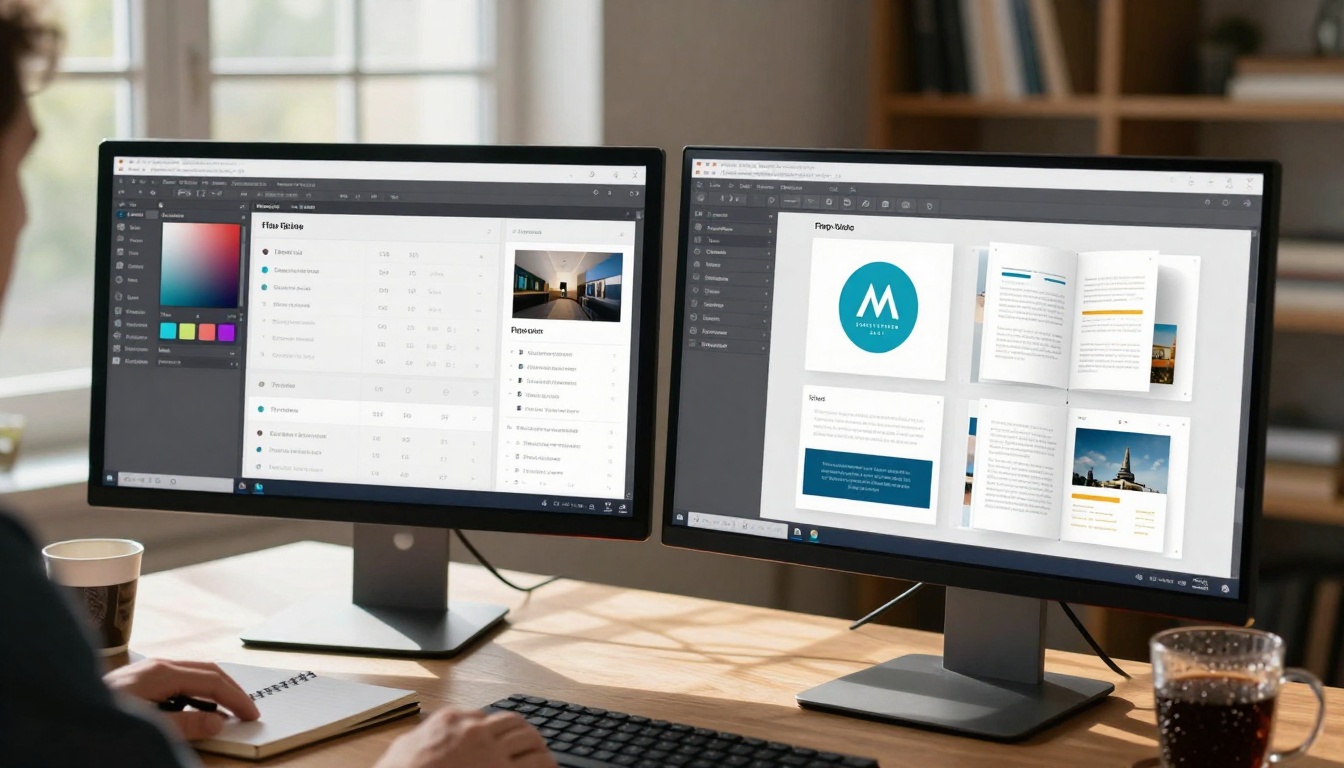
Creating your first flipbook takes about five minutes. Here's the exact process:
-
Prepare your PDF: Ensure your document is final and proofread. Optimal PDFs have:
- High-resolution images (300 DPI minimum)
- Clear typography and sufficient contrast
- Logical page sequence and numbering
- Embedded fonts if using custom typefaces
-
Upload to platform: Visit Flipbooks AI and create your free account. Click "Create New Flipbook" and upload your PDF file. The platform automatically processes each page while you wait.
-
Customize appearance: Use the intuitive interface to:
- Add your logo and choose brand colors
- Select page transition effects (gentle curl, slide, fade)
- Configure navigation controls position and style
- Set background colors or patterns
- Enable or disable specific interactive features
-
Add interactive elements (optional but recommended):
- Embed YouTube or Vimeo videos on relevant pages
- Insert clickable links to product pages or contact forms
- Add background music or voiceover narration
- Create interactive hotspots that reveal additional information
- Include social sharing buttons for easy distribution
-
Preview and publish: Test your flipbook on multiple devices before publishing. Check mobile responsiveness, loading speed, and interactive features. When satisfied, click "Publish" to generate your unique URL and embed code.
-
Share and track: Distribute your flipbook via email, social media, or website embedding. Monitor engagement through built-in analytics to see which pages perform best.
Different documents need different features. Here's how to match flipbook capabilities with specific use cases:
| Use Case | Essential Features | Recommended Tool | Pro Tip |
|---|
| Product Catalogs | Zoom, product links, video demos | Product Catalog Generator | Add "Add to Cart" buttons directly on product pages |
| Restaurant Menus | Mobile optimization, daily specials, allergy info | Restaurant Menu Creator | Include chef video introductions for signature dishes |
| Real Estate | Property tours, floor plans, neighborhood videos | Real Estate Brochure Creator | Embed virtual tours and mortgage calculator links |
| Portfolios | Full-screen mode, image galleries, client testimonials | Digital Portfolio Creator | Organize work by category with filterable navigation |
| Corporate Reports | Data visualization, executive summaries, downloadable PDFs | Annual Report Creator | Include interactive charts that reveal data on hover |
| Training Manuals | Search functionality, bookmarking, progress tracking | Training Manual Flipbook | Add quiz questions at the end of each section |
| Event Programs | Schedule integration, speaker bios, venue maps | Event Program Maker | Include countdown timers to event start times |
| Lookbooks | Mood boards, collection groupings, behind-the-scenes | Interactive Lookbook Designer | Add music playlists that match collection themes |
Professional vs. DIY: What Works for You?
The approach you choose depends on your needs, budget, and technical comfort. Here's a detailed comparison:
Professional Flipbook Platforms (Recommended for most users)
Platforms like Flipbooks AI provide complete solutions with:
Advantages:
- No technical skills required – Drag-and-drop interface
- Built-in hosting – No server setup or maintenance
- Automatic updates – Always access latest features
- Customer support – Help when you need it
- Scalable pricing – Pay only for what you use
Feature comparison across plans:
| Feature | Basic (Free) | Standard (€3/month) | Professional (€7/month) | Lifetime (€200) |
|---|
| Flipbook Limit | 5 | Unlimited | Unlimited | Unlimited |
| Watermarks | Yes | No | No | No |
| Custom Branding | Limited | Full | Full | Full |
| Analytics | Basic | Standard | Advanced | Advanced |
| Lead Generation | No | No | Yes | Yes |
| Password Protection | No | Yes | Yes | Yes |
| Offline Downloads | No | No | Yes | Yes |
| Video/Audio Embed | Basic | Full | Full | Full |
| Priority Support | No | No | Yes | Yes |
⚠️ Cost consideration: While free tools exist, they typically add watermarks, limit features, or restrict the number of publications. For professional use, even the Standard plan at €3/month provides better value through unlimited creations and full branding control.
DIY Coding Approach (For developers only)
Creating flipbooks from scratch requires:
- JavaScript frameworks like Turn.js or PageFlip
- HTML5/CSS3 expertise
- Server hosting and maintenance
- Ongoing security updates
- Cross-browser compatibility testing
When DIY makes sense:
- Enterprise-scale deployments with thousands of publications
- Highly customized interactions requiring custom coding
- Integration with proprietary internal systems
- When you have dedicated development resources
For 95% of users, professional platforms offer better value, reliability, and time savings.
Common Mistakes Beginners Make (And How to Avoid Them)
After helping thousands create their first flipbooks, we've identified common pitfalls:
1. Starting with incomplete PDFs
- Mistake: Uploading draft documents with placeholder text or low-res images
- Solution: Finalize your PDF completely before conversion. Check image resolution, proofread text, and verify page order.
2. Ignoring mobile optimization
- Mistake: Assuming desktop appearance translates to mobile
- Solution: Always preview on actual mobile devices. Test touch controls, loading speed, and readability on smaller screens.
3. Overloading with effects
- Mistake: Using every animation and transition available
- Solution: Choose one consistent page effect. Simplicity often creates better user experience than complexity.
4. Neglecting analytics setup
- Mistake: Publishing without tracking enabled
- Solution: Configure analytics before sharing. Monitor page views, time spent, and popular content sections.
5. Forgetting about SEO
- Mistake: Creating content that search engines can't index
- Solution: Add proper meta titles, descriptions, and alt text for images. Some platforms offer SEO optimization features.
6. Underestimating file size impact
- Mistake: Uploading massive PDFs with uncompressed images
- Solution: Optimize PDFs before upload. Compress images, remove unnecessary pages, and use PDF optimization tools.

Measuring Success: Analytics and Engagement Tracking
Creating flipbooks is only half the battle. Understanding how they perform completes the picture. Modern platforms provide detailed analytics:
Key metrics to monitor:
- Page views: Total and unique viewer counts
- Time spent: Average duration per session and per page
- Device breakdown: Mobile vs. desktop vs. tablet usage
- Geographic data: Where your audience is located
- Referral sources: How readers found your flipbook
- Interaction rates: Clicks on links, videos, and hotspots
- Completion rates: Percentage who reach the final page
Using analytics effectively:
- Identify popular content: See which pages hold attention longest
- Optimize weak sections: Improve pages with high bounce rates
- Time your updates: Publish new content when engagement is highest
- Test different formats: Compare performance of various flipbook styles
- Measure conversion impact: Track how flipbooks influence sales or inquiries
✅ Best practice: Review analytics weekly during campaign periods. Look for patterns rather than reacting to daily fluctuations. Seasonal businesses should compare month-over-month and year-over-year data.
Taking Your Flipbooks to the Next Level
Once comfortable with basics, explore advanced capabilities:
Interactive enhancements:
- Quizzes and assessments: Test knowledge within training materials
- Interactive maps: Clickable locations with additional information
- Product configurators: Let customers customize options visually
- 360-degree views: Rotatable product images or environment panoramas
- Augmented reality: Link to AR experiences through QR codes
Workflow integrations:
- CRM connections: Capture leads directly into your sales system
- E-commerce links: Connect product pages to shopping carts
- Email marketing: Automate follow-ups based on engagement
- Social media: Enable easy sharing with pre-written captions
- Team collaboration: Multiple editors with version control
Accessibility features:
- Screen reader compatibility: Ensure content is accessible to all users
- Keyboard navigation: Full functionality without mouse dependency
- Text size adjustments: Reader-controlled font scaling
- High contrast modes: Options for users with visual impairments
- Closed captioning: For embedded video content
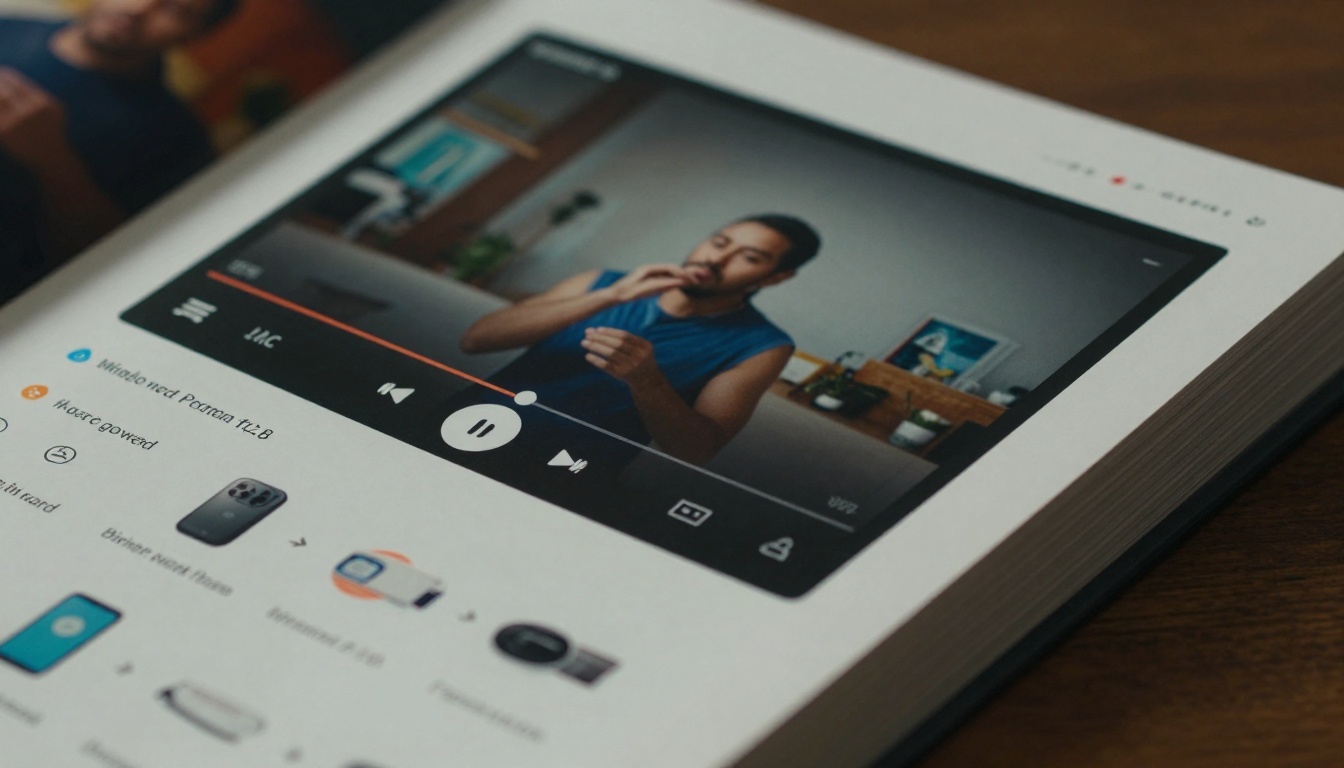
Practical Applications Across Industries
Education Sector:
- Interactive textbooks with embedded video explanations
- Course materials that students can annotate digitally
- School newsletters with parent feedback collection
- Yearbooks that include student video messages
Healthcare:
- Patient education materials with multilingual options
- Medical procedure explanations using 3D animations
- Research findings presented with interactive data visualizations
- Staff training manuals with competency checkpoints
Non-Profit Organizations:
- Annual reports with donor impact stories
- Program overviews showing community benefits
- Grant applications with multimedia supporting evidence
- Volunteer guides with training videos and resources
Manufacturing:
- Product catalogs with technical specifications and diagrams
- Safety manuals with procedure demonstration videos
- Maintenance guides with troubleshooting flowcharts
- Supplier documentation with compliance tracking
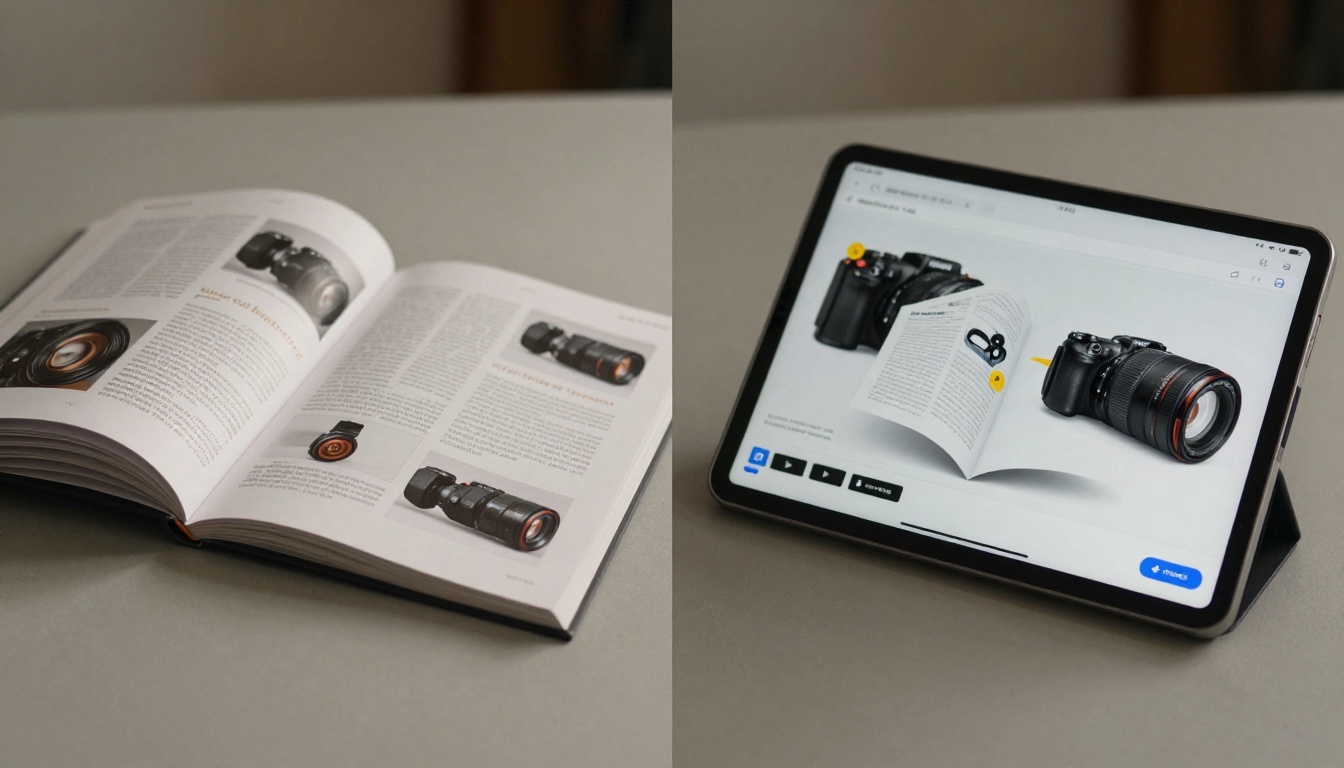
Technical Considerations for Optimal Results
PDF preparation checklist:
Platform selection criteria:
- Ease of use: Intuitive interface with clear tutorials
- Feature set: Matches your specific use case requirements
- Pricing transparency: No hidden fees or surprise charges
- Support quality: Responsive customer service channels
- Update frequency: Regular feature additions and improvements
- Integration options: Compatibility with your existing tools
- Scalability: Ability to grow with your needs
- Trial availability: Test before committing financially

Getting Started Today
The transition from static PDFs to interactive flipbooks represents one of the most accessible digital upgrades available. The barrier to entry has never been lower, and the potential impact has never been higher.
Your next steps:
- Identify one PDF that could benefit from interactivity
- Create your free account on Flipbooks AI
- Upload and convert following the simple steps outlined above
- Share with a small test group and gather initial feedback
- Review basic analytics to understand engagement patterns
- Explore pricing plans as your needs grow
Remember: Your first flipbook doesn't need to be perfect. The learning curve is minimal, and improvements can be made iteratively. Many users report significant engagement improvements with their very first conversion.
Additional resources to explore:
The digital publication landscape continues evolving, but the core principle remains: Content should engage, not just inform. Flipbooks provide that engagement bridge with minimal technical overhead. Whether you're sharing restaurant menus, product catalogs, training materials, or creative portfolios, the interactive format creates memorable experiences that static documents simply cannot match.
Ready to transform your PDFs? Get started with Flipbooks AI and create your first interactive publication in minutes. The platform's intuitive interface means you'll see results immediately, and the free tier lets you experiment without financial commitment. As your needs grow, transparent pricing plans provide clear upgrade paths without surprise costs.



