Static PDFs are forgettable. They open flat, they scroll vertically, and the moment someone has to pinch-zoom on a phone, you've already lost them. A flipbook changes that completely, giving your document the feel of a real printed publication with page-turn animations, mobile responsiveness, and the ability to share it with a single link. The best part? You don't need to install anything. With Flipbooks AI, you can go from a plain PDF to a published interactive flipbook in under 5 minutes, entirely inside your browser.
Why PDFs Fall Flat Online
The PDF format was invented in 1993 to preserve print layouts for digital distribution. That was over 30 years ago. The web has moved on, but a lot of businesses haven't.
The Attention Problem With Static Files
When you share a PDF link, you're betting that the reader will:
- Click the link
- Wait for the file to download or load
- Scroll through dense pages with no visual pull
- Somehow remember to come back to it
Most don't. Research consistently shows that interactive content gets far more readership than static documents. A page that feels like it's being physically turned triggers a different kind of attention than scrolling through a flat PDF viewer.
What a Flipbook Actually Does Differently
A digital flipbook renders your PDF content inside an HTML5 viewer with a realistic page-turn effect. But that's just the surface. A well-built flipbook tool also gives you:
- Mobile-first rendering that adapts to any screen size
- Shareable URLs instead of file downloads
- Embeddable code to drop directly into your website
- Analytics showing who read what and for how long
- Password protection for private or client-specific content
That's the difference between a document and a digital reading experience.
How to Convert PDF to Flipbook in 5 Minutes
This is the part most tools make complicated. Flipbooks AI doesn't. Here's exactly how the process works from upload to published link.
Step 1: Upload Your PDF
Go to Flipbooks AI and create a free account. No credit card needed to start. Once inside your dashboard, click the upload button and either drag your PDF into the upload zone or browse to select it from your files.
The system processes your PDF and converts every page into a crisp, high-resolution flipbook page. For a standard 20-30 page document, this typically takes under 60 seconds. Larger files process entirely in the cloud, so your computer isn't doing any work.
💡 Pro tip: Export your PDF at 150-300 DPI before uploading. Higher-resolution source files produce sharper flipbook pages, especially when readers zoom in on detail-rich layouts.
Step 2: Customize Your Flipbook
Once processed, you land in the customization panel. This is where you can:
- Set a custom title and description for your publication
- Choose background colors or upload a branded background image
- Add your logo to the viewer interface
- Enable page flip sound effects for a more tactile feel
- Set the starting page if you want readers to open at a specific spread
No design skills required. Every option is a simple toggle, dropdown, or color picker. The live preview updates in real time as you make changes.
✅ Best practice: Match your flipbook's accent color to your brand's primary color. It takes 10 seconds and makes the whole publication feel intentional rather than generic.
Step 3: Share or Embed It
Hit publish and your flipbook gets a permanent URL immediately. From the sharing panel you can:
- Copy the direct link to paste into emails, messages, or social posts
- Grab the embed code to drop the flipbook directly into any webpage
- Generate a QR code that opens the flipbook on mobile when scanned
- Set a password if the content is private or client-confidential
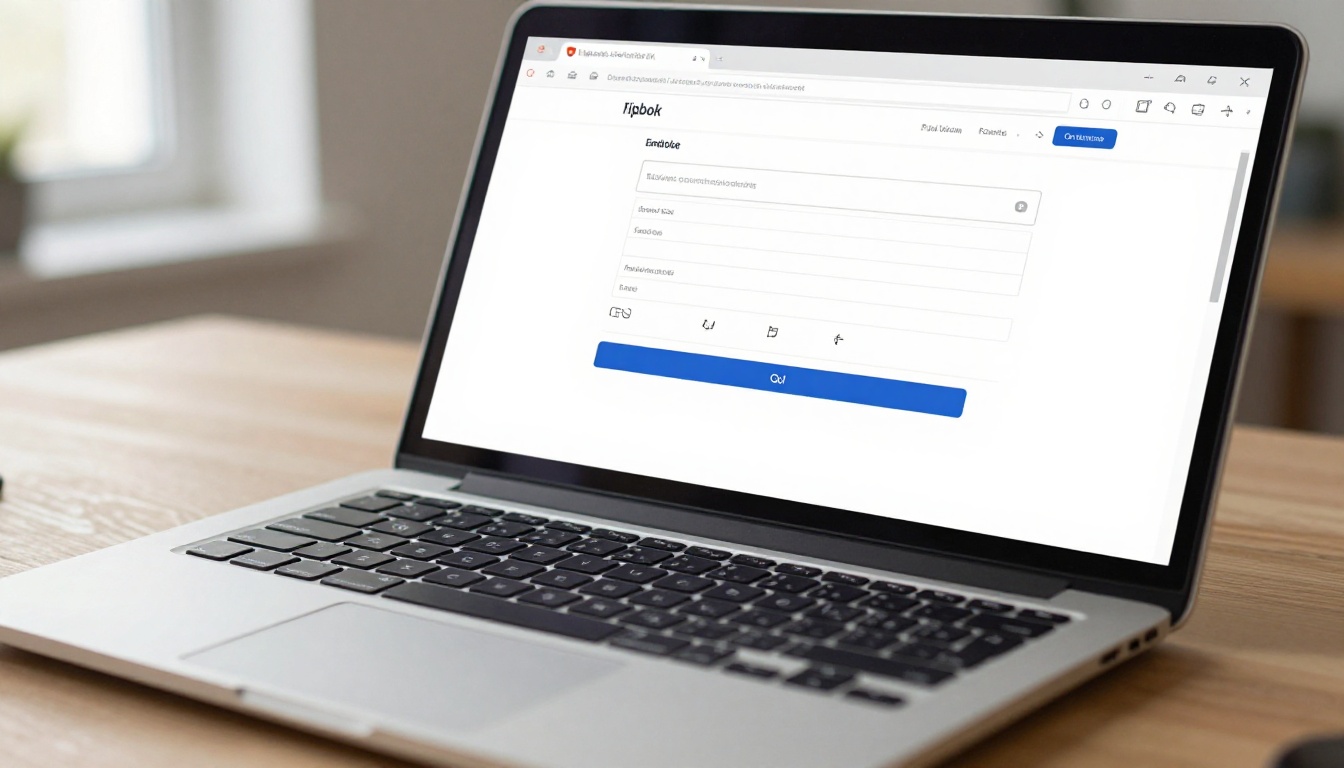
That's it. Three steps, under 5 minutes, no software installed anywhere.
What a Flipbook Can Do That a PDF Can't
Let's put both formats side by side. No guesswork, just what's actually true about each one.
| Feature | PDF | Flipbook |
|---|
| Page-turn animation | No | Yes |
| Mobile-optimized viewing | Partial | Yes |
| Shareable link, no download | No | Yes |
| Embeddable in websites | No | Yes |
| Password protection | Requires software | Built-in |
| Real-time analytics | No | Yes (Professional) |
| QR code generation | No | Yes |
| Custom branding | No | Yes |
| Auto-updates when edited | No | Yes |
| Works on any device or browser | Partial | Yes |
The PDF is still useful as a source format and for offline printing. For distribution and reading online, the flipbook wins in almost every category.
Who Actually Uses This
Flipbook conversion isn't just for publishers. The "no software" angle makes it accessible to anyone who regularly shares PDFs and wants them to perform better.
Businesses and Marketing Teams
Marketing teams use flipbooks for digital catalogs, pitch decks, and product brochures. Instead of emailing a PDF attachment that may never get opened, they send a link that loads instantly in any browser.

A few real-world scenarios:
- E-commerce brands convert product catalogs using the Digital Catalog Maker, making every product page feel like a premium shopping experience
- Real estate agents send property brochures as flipbooks instead of PDF attachments, with the Real Estate Brochure Creator
- Hospitality teams publish seasonal menus as shareable flipbooks using the Restaurant Menu Creator
Educators and Trainers
Teachers and instructional designers use flipbooks to distribute course materials, training manuals, and reading assignments in a format students actually read. The Training Manual Flipbook tool and Course Material Publisher are built specifically for this.

The shareable link format also means no file management headaches: just update the flipbook and the same URL reflects the new content automatically.
Creatives and Independent Professionals
Photographers, designers, and consultants use flipbooks for portfolio presentation. A digital portfolio that page-turns feels significantly more curated than a Google Drive folder of files. The Digital Portfolio Creator and Photography Portfolio tools make this effortless.
Choosing a Plan That Fits
Flipbooks AI offers tiered plans so you only pay for what you actually need.
| Plan | Flipbooks | Watermarks | Password Protection | Analytics | Offline Downloads |
|---|
| Free | Limited | Yes | No | No | No |
| Standard | Unlimited | No | Yes | No | No |
| Professional | Unlimited | No | Yes | Yes | Yes |
⚠️ Worth noting: Free accounts include watermarks on published flipbooks. If you're sharing with clients or customers, the Standard plan removes them entirely and includes unlimited publishing.
For teams that need to track reader behavior, the Professional plan adds full analytics including page-level data and lead generation forms. Check pricing plans to see which tier fits your workflow.
Types of PDFs That Convert Best
Not all PDFs are equal. Some convert into genuinely stunning flipbooks; others benefit from a bit of preparation first.
| PDF Type | Flipbook Quality | Notes |
|---|
| Magazine or catalog layouts | Excellent | Rich visuals translate perfectly |
| Presentations, slide-format | Excellent | Wide pages map naturally to spreads |
| Text-heavy reports | Good | Clean typography, minimal images |
| Scanned physical documents | Fair | Quality depends on scan resolution |
| Form-based PDFs | Good | Static rendering, not interactive |
💡 Tip: If you're starting from scratch rather than converting an existing PDF, use one of the flipbook tools to build directly in Flipbooks AI. Templates for catalogs, menus, brochures, e-books, and more are all available without needing to create a PDF first.
Sharing Without Any Software on Either End
One of the most overlooked advantages of browser-based flipbook tools is the sharing story. No one you send a link to needs any software either. They click the URL, the flipbook opens in their browser, and they're reading.
Compare that to sending a PDF: the recipient needs a PDF reader, the file has to fully download before reading, and there's no easy way for you to know if they actually opened it.

With a flipbook link:
- It opens instantly in the browser with no download required
- It works on phones, tablets, and desktops without a dedicated app
- You can share it anywhere: email, WhatsApp, LinkedIn, Slack, or as a QR code on printed material
- With a Professional account, you see exactly who opened it and how far they read
Using the PDF to Flipbook Converter
If you already have a PDF ready and want the fastest possible path to a published flipbook, the PDF to Flipbook Converter tool is purpose-built for this. Here's the direct process:
- Go to flipbooksai.com and sign in to your account (or create one for free)
- Click Create New Flipbook from your dashboard
- Select Upload PDF and drop your file into the upload zone
- Wait for processing (usually under 60 seconds for files under 50MB)
- In the editor, set your title, adjust colors and branding, and toggle any options you want
- Click Publish and copy your shareable link
- Optionally, click Embed to get the iframe code for your website
Seven steps, none of which require installed software, design knowledge, or technical skill beyond clicking buttons.
✅ Best practice: After publishing, test your flipbook link on your phone before sharing it widely. Mobile rendering is excellent, but a quick 10-second check is always worth it.

Features Worth Knowing Before You Start
A few things that catch people off guard (in a good way) when they first use Flipbooks AI:
No watermarks on paid plans. Most free flipbook tools stamp their branding on every page. Flipbooks AI removes watermarks completely on Standard plans and above.
Embed videos and audio. If your PDF was a static version of something that should have multimedia, you can add video embeds and audio directly to specific pages in the editor.
Offline downloads. Professional plan users can offer their readers a downloadable version of the flipbook that works without an internet connection.
Lead generation forms. Build an email capture form that appears before readers access the content. Useful for gated reports, exclusive catalogs, or any content you want contact information in exchange for.
Unlimited flipbooks. Standard plan and above gives you no cap on how many flipbooks you can create and publish.
The Real Cost of "No Software"
When people say they want to convert a PDF to flipbook without software, what they're really saying is: they don't want friction. They don't want to buy a license, wait for a download, learn an unfamiliar interface, or maintain an installation on their machine.
Browser-based tools like Flipbooks AI eliminate all of that. The tool is always current, always accessible from any computer, and never needs maintenance on your end. You close the tab and there's nothing left on your machine. You open it from a different device and everything is exactly where you left it.
That's not just convenient. For small teams and solo operators, it's the right architecture entirely. Pay for what you need, access it from anywhere, share with anyone.
Ready to publish your first flipbook? Get started for free and have a shareable link in your hands in under 5 minutes. Want to see what's possible before picking a plan? Browse all the tools or compare pricing tiers to find exactly what fits your workflow.



