If you run a small business and still send static PDFs to clients, you're competing with yourself. The format is familiar, yes, but familiarity and effectiveness are not the same thing. Every time a prospect downloads a PDF attachment, opens it in a separate window, and then closes it, you've lost the moment. Flipbooks AI changes that equation by turning your existing PDF files into interactive, page-turning digital publications that work on every device, open instantly in a browser, and actually get read.
This is not about replacing your content. The copy, the design, the photography you already have in your PDF stays exactly as it is. What changes is how it's delivered and how it feels to the person on the receiving end. And for small businesses where every client interaction counts, that difference matters.
Why Static PDFs Are Costing You Clients
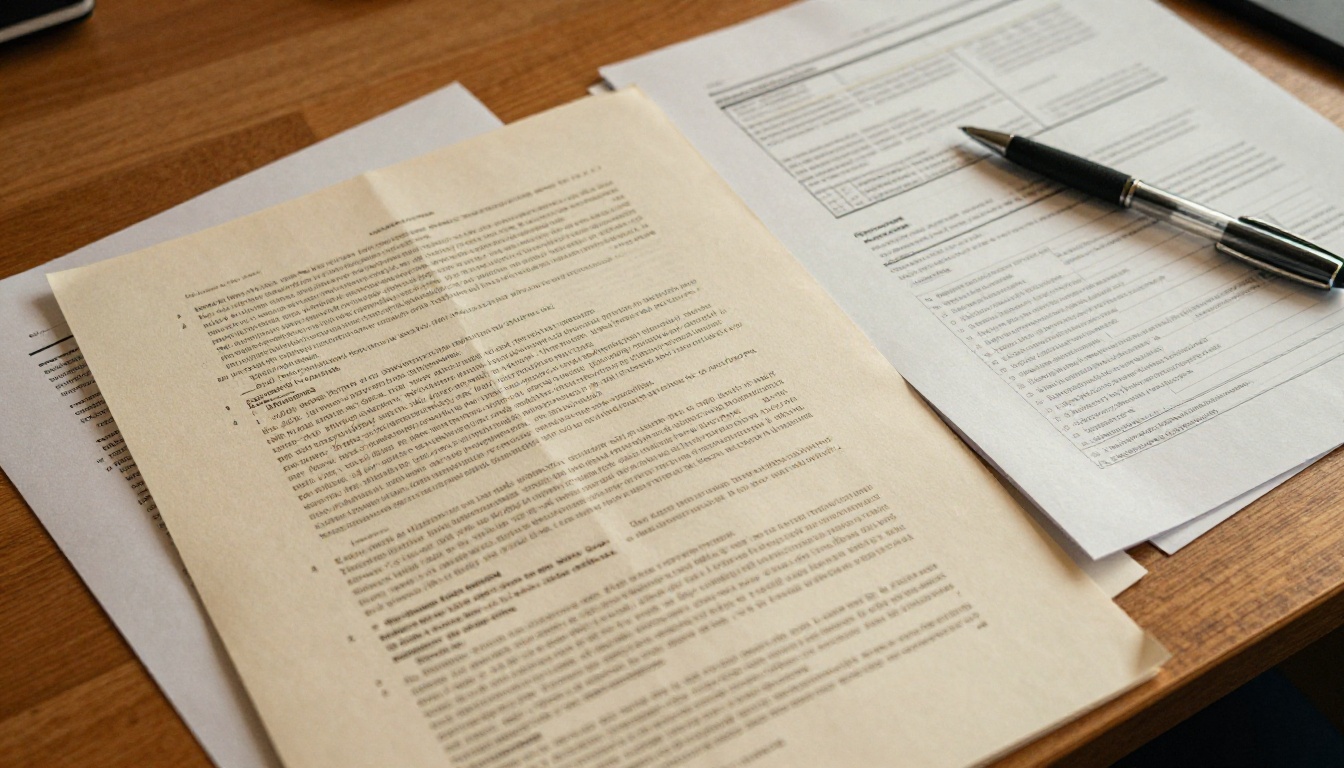
There's nothing fundamentally broken about a PDF. It's a portable, printable, universally supported format that has served businesses well for decades. But the context in which people receive documents has changed dramatically, and a format designed for printing is now being used primarily on mobile screens in environments built for scrolling, tapping, and interacting.
The Attention Problem
The average professional receives dozens of documents each week. A PDF that arrives as an email attachment is already starting in a disadvantaged position. It requires a download, a separate viewer, and deliberate effort to open and read. Research consistently shows that document engagement drops significantly when friction is introduced at the point of access.
Your competitors who are already using interactive flipbooks are removing that friction. Their documents open in seconds, look polished on mobile, and give readers a reason to stay. Yours, if still delivered as a PDF attachment, are asking clients to do more work before they've even seen your value proposition.
What Clients Actually Expect Now
Think about the digital experiences your clients have every day. They browse e-commerce catalogs that scroll and zoom. They read digital magazines with embedded video. They receive interactive event programs they can share with a tap. The bar for "impressive" has risen, and a 10-page PDF in an email attachment rarely clears it anymore.
A flipbook sets a different tone from the moment the link opens. The pages turn. The design breathes. The experience signals that whoever sent this document took care with how it would be received, not just what it contains.
💡 Pro Tip: Send your next client proposal as a flipbook link instead of a PDF attachment. The difference in response rate is something most small business owners notice within the first few sends.
What a Flipbook Actually Does
A flipbook takes your PDF and converts it into a digital publication with a realistic page-turn animation, viewable in any modern browser without plugins or downloads. The reader sees your document exactly as designed, page by page, but with the tactile metaphor of flipping through a physical book.
The Page-Turn Effect and Why It Works
The page-turn animation is more than a visual flourish. It creates a reading frame. It tells the viewer that this is a curated document with a beginning, middle, and end. It slows down the reading experience in a way that invites closer attention, rather than the rapid scroll-and-dismiss behavior that most digital content triggers.
On touchscreens, readers can swipe to turn pages naturally. On desktop, they use arrow keys or click the page edges. Either way, the interaction is intuitive and pleasurable in a way that scrolling through a PDF is not.
Interactivity That Works for Real Businesses
Beyond the animation, flipbooks support a suite of interactive features that static PDFs cannot provide:
- Clickable hyperlinks on any area of any page, linking to product pages, booking systems, or external resources
- Embedded video from YouTube or Vimeo, playable directly within the flipbook page
- Audio clips for narration, ambient sound, or product demonstrations
- Lead capture forms embedded within the publication (Professional plan)
- Password protection for sensitive documents like proposals, pricing sheets, or client deliverables
- Analytics showing exactly which pages received the most attention and for how long (Professional plan)
These are capabilities that transform a document from a static file into an active part of your marketing and sales process.
Real Business Use Cases That Work
The businesses that benefit most from flipbooks are often the ones still surprised they hadn't made the switch sooner. The use cases span almost every industry vertical where documents play a role in the client relationship.
Restaurants and Food Businesses
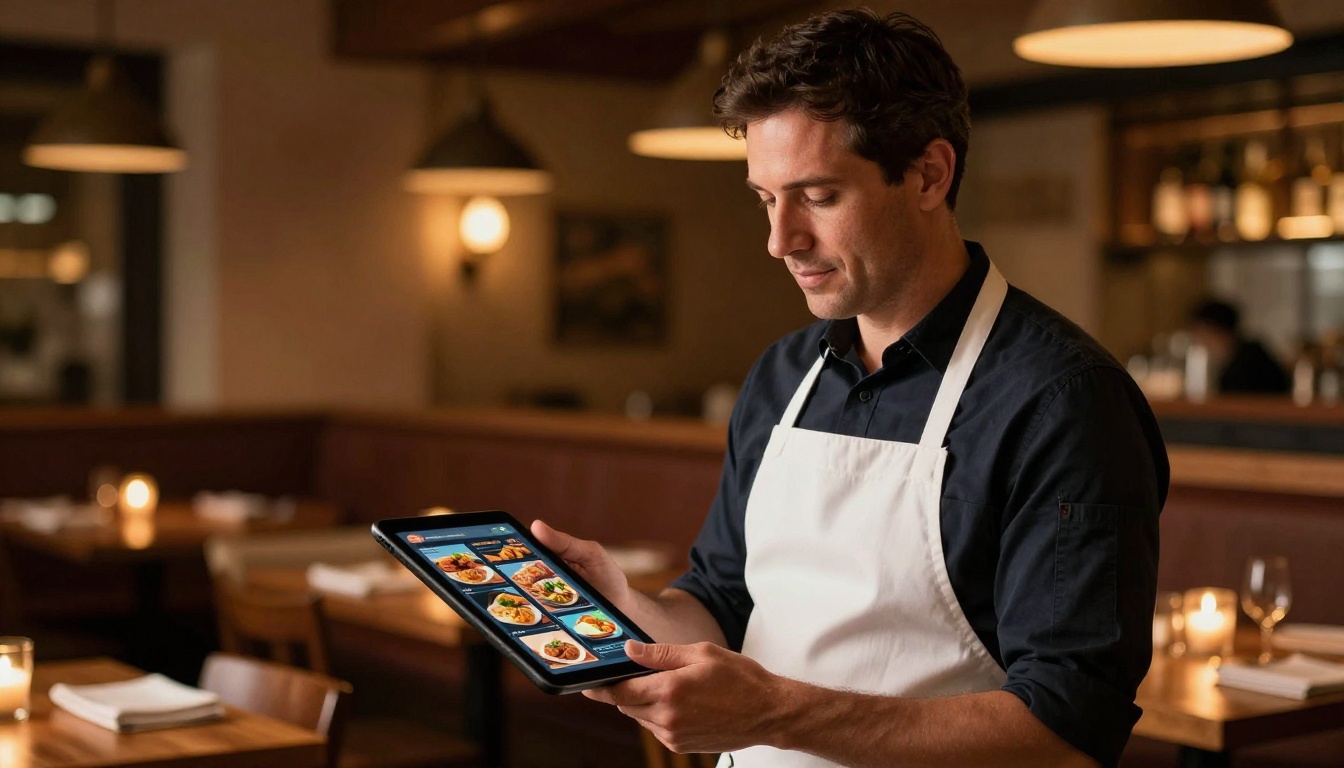
A restaurant using a digital menu flipbook can update seasonal offerings without printing costs, version confusion, or waiting on a designer. QR codes printed on table cards link directly to the flipbook. Customers browse the menu on their own phones while they're seated, eliminating the handling of physical menus entirely.
A Spa and Wellness Menu works the same way. Instead of a laminated sheet that looks outdated after six months, clients browse a polished digital publication that shows treatments, pricing, and package options in a format that matches the premium nature of the service.
Real Estate Agents
A real estate brochure flipbook replaces the printed property pack with something far more effective. High-resolution room photos, floor plans, and neighborhood information flow page by page. The link can be shared via email, text, or embedded directly on a property listing. For exclusive listings, password protection ensures only qualified buyers see the details.

Retail and Product Catalogs
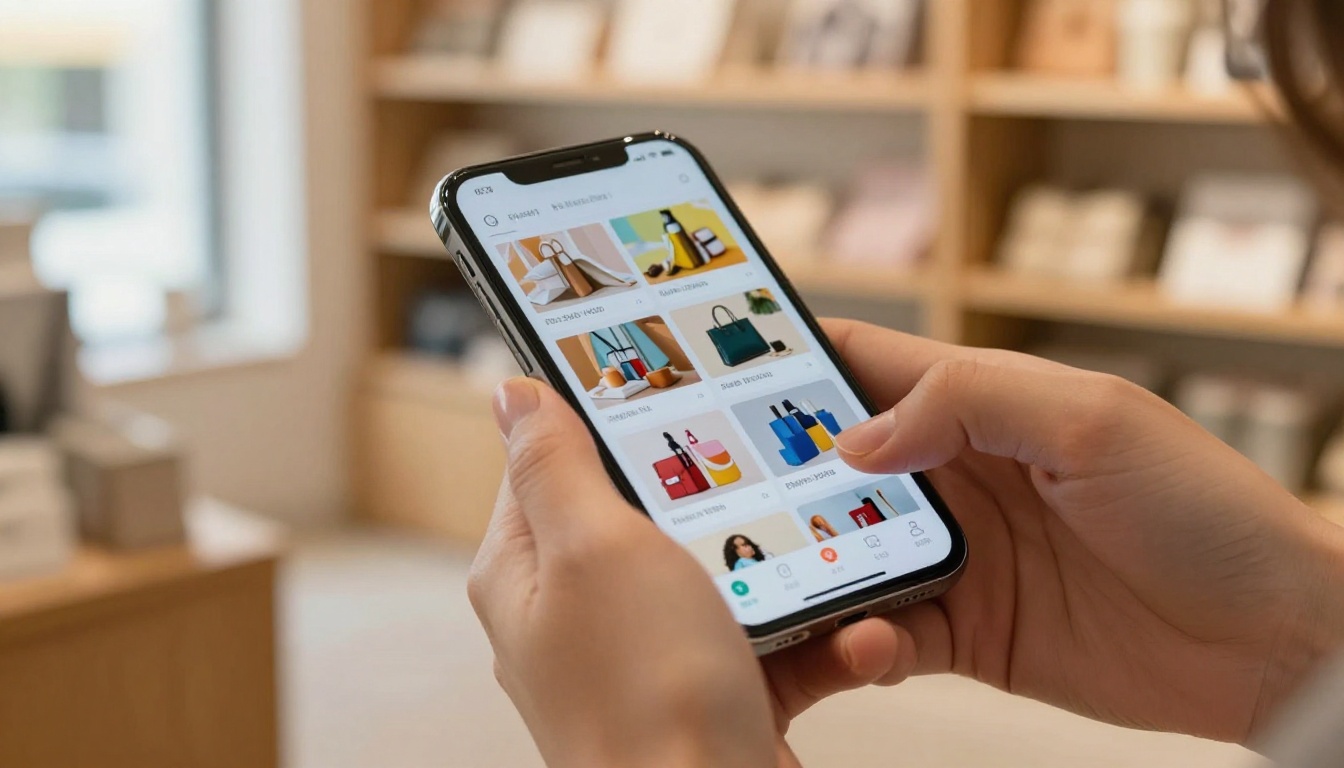
A product catalog as a flipbook becomes a browsing experience rather than a reference document. Customers page through it the way they would a print catalog, but each product image can link directly to the purchase page on your site. Seasonal updates take minutes, not print cycles measured in weeks.
The Digital Catalog Maker and Product Catalog Generator are built specifically for this use case, with templates that work for everything from artisan food producers to fashion boutiques.
| Business Type | Best Flipbook Use Case | Key Benefit |
|---|
| Restaurant | Digital menus | Instant updates, QR code access, no printing |
| Real Estate | Property brochures | Rich visuals, secure sharing, mobile-ready |
| Retail | Product catalogs | Shoppable links, seasonal refresh in minutes |
| Consulting | Proposals and reports | Professional presentation, read-receipt analytics |
| Education / Training | Course materials | Embedded video, offline download available |
| Events | Programs and schedules | Last-minute updates without reprinting |
| Non-Profit | Annual reports | Wide distribution, measurable reach |
How to Convert Your PDF in Minutes
The conversion process on Flipbooks AI is built for non-technical users. You do not need design software, coding knowledge, or any prior experience with digital publishing tools.

Step 1: Create Your Account
Go to flipbooksai.com/account and register. The free tier lets you test the conversion with one flipbook. For unlimited publications with no watermarks, the Standard plan is the right starting point.
Step 2: Upload Your PDF
From your dashboard, click Upload PDF and drag your file in. The converter processes each page automatically, preserving your fonts, images, and layout exactly. Most documents are ready within two minutes. Larger files with many high-resolution images may take a little longer, but the process requires no input from you while it runs.
Step 3: Customize Your Branding
Once the conversion is complete, open the editor to apply your brand:
- Set the background color or texture behind the pages
- Add your logo to the flipbook viewer toolbar
- Choose brand colors for interactive elements and controls
- Set a custom URL slug that matches your business name
This step turns a generic flipbook into a branded asset that feels like a natural extension of your website and marketing materials.
Step 4: Add Interactive Elements
Click any page in the editor to add interactivity:
- Hyperlinks: Draw a hotspot over any area and link to a URL, email address, or phone number
- Video: Embed a YouTube or Vimeo video that plays directly within the page
- Audio: Upload an audio file for narration or ambient sound
- Forms: Add a lead capture form to a specific page (Professional plan)
For a Sales Presentation, adding a clickable CTA button on the final page that links to your booking calendar turns a static document into an active sales tool.
Step 5: Publish and Distribute
When you publish, you receive three distribution options immediately:
- Direct link: Shareable by email, SMS, social media, or QR code
- Embed code: Paste into any website builder to place the flipbook inline on a page
- QR code: Download and print on physical materials for offline-to-online connection
✅ Best Practice: Always preview your flipbook on a mobile device before sending it to clients. The majority of recipients will open it on a phone, and what looks great on desktop may need minor adjustments for the smaller viewport.
⚠️ Warning: If your flipbook contains proprietary pricing, unreleased product information, or client-specific proposals, enable password protection before sharing the link. Anyone with an unprotected link can access the content.
Plans and What You Actually Get
Small business owners need to know exactly what they're paying for before committing. Here is an honest breakdown of each plan tier.
| Feature | Free | Standard | Professional |
|---|
| Number of flipbooks | 1 | Unlimited | Unlimited |
| Watermark on viewer | Yes | No | No |
| Custom branding | No | Yes | Yes |
| Password protection | No | Yes | Yes |
| Embed on website | No | Yes | Yes |
| Video and audio embed | No | Yes | Yes |
| Analytics and view tracking | No | No | Yes |
| Lead generation forms | No | No | Yes |
| Offline downloads | No | No | Yes |
| Custom domain | No | No | Yes |
The Standard plan is the right choice for most small businesses that want unlimited flipbooks without watermarks, full embed capability, and custom branding. The upgrade to Professional makes sense once you're using flipbooks as part of an active sales or content marketing process and want measurable data on what clients are reading.
See exact pricing on the pricing page.
Sharing Your Flipbook Across Every Channel
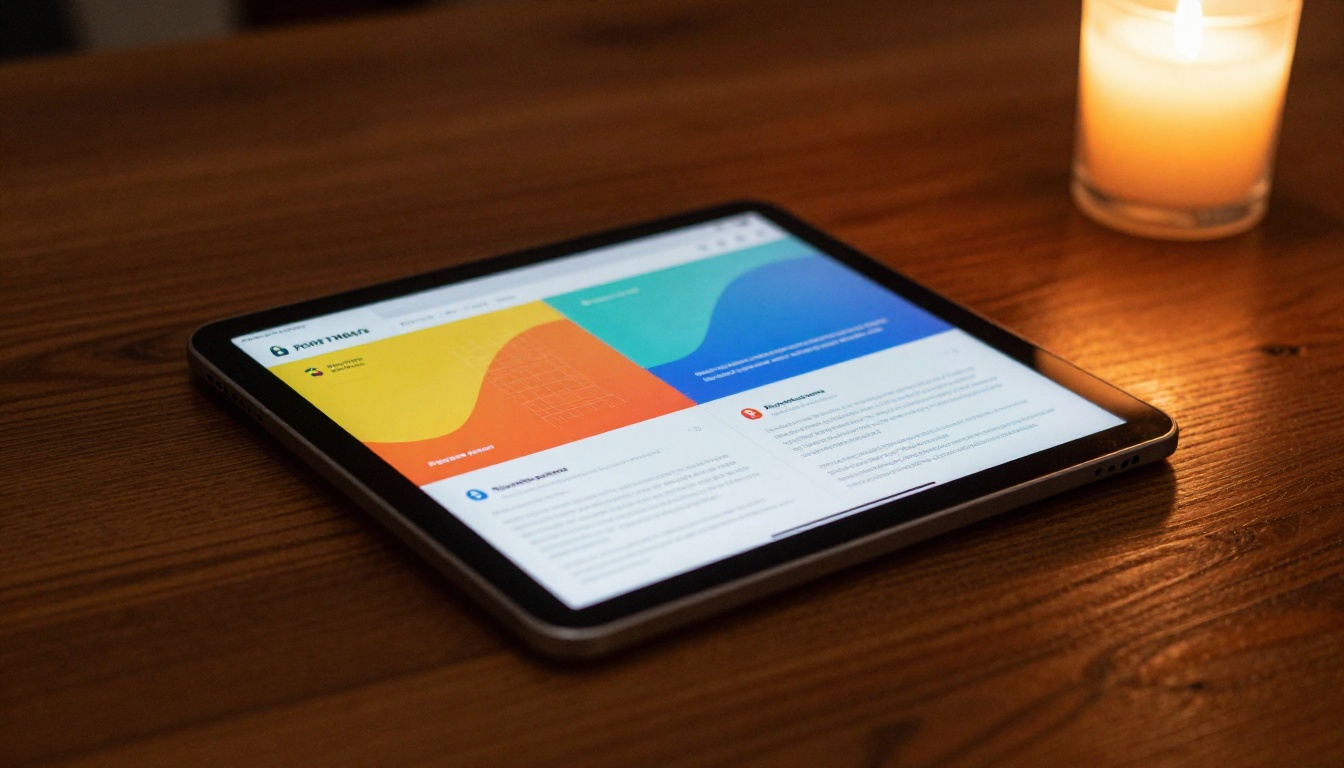
A flipbook is only as effective as its distribution. The sharing architecture built into Flipbooks AI covers every channel a small business uses.
On Your Website
Use the Embed Flipbook on Website tool to place your flipbook inline on any page. Visitors browse your catalog, brochure, or menu without leaving your domain. This keeps session time on your site higher, reduces bounce, and puts your most important marketing assets front and center for every visitor.
Via Email and Direct Link
Paste your direct flipbook link into:
- Email newsletters as the primary CTA
- Proposal emails instead of an attachment
- LinkedIn posts and direct messages where PDF attachments often get filtered
- Instagram bio links pointing clients to your latest catalog
- WhatsApp group messages for community-based businesses
Because the flipbook opens directly in the browser, recipients never need to download a file or open a separate application. The entire experience happens instantly from the link tap.
QR Codes for Physical Materials
Print the generated QR code on:
- Business cards
- Retail packaging and product labels
- Restaurant table cards
- Event programs and posters
- Vehicle signage
When someone scans the QR code, they arrive at your flipbook immediately. This is one of the most effective ways to bring physical marketing materials into a measurable digital channel.
Measuring What Actually Gets Read

The Professional plan includes analytics that give small business owners something genuinely useful: real data on how clients interact with their documents.
What the Analytics Show You
- Total views and unique visitor count per flipbook
- Time spent on each page so you know which content holds attention longest
- Geographic data showing where your viewers are located
- Lead data collected through embedded forms
When you send a business proposal as a flipbook and can see that the client spent six minutes on the pricing page and two minutes on the deliverables section, you have a clear picture of where to focus your follow-up conversation. That kind of insight is not available from a PDF download.
Using Data to Improve Your Content
Analytics also show you what to cut. If page 8 of your 12-page catalog gets an average of 4 seconds of attention while page 3 gets 45 seconds, you know where your most compelling content lives. The next version of the catalog leads with the content that actually works.
💡 Pro Tip: Track which product pages hold attention longest in your catalog. Those are your actual bestsellers and your most persuasive content. Let that data shape your next promotional campaign.
Common Mistakes Small Businesses Make with Digital Documents
Before switching to flipbooks, it's worth knowing what not to do, because many businesses make the same errors regardless of format.
Sending documents that are too long: A 40-page catalog sent to a cold prospect is still 40 pages. Flipbooks make long documents more readable, but the best practice is still to segment content by audience. Create a prospect version and a client version of the same document.
Skipping mobile preview: The embed looks perfect on desktop and breaks on mobile because the container width was not adjusted. Always test on a real phone before distributing.
No call-to-action on the final page: The last page of any sales document should tell the reader exactly what to do next. A clickable link to a booking page, a contact form, or a product page should appear on the final spread.
Ignoring password protection: Sensitive pricing and proprietary content sent via an unprotected link is accessible to anyone who receives or forwards that link. Enable password protection on any document you would not want a competitor to read.
| Format | Print-Ready | Interactive | Shareable via Link | Measurable | Mobile-Friendly |
|---|
| Printed brochure | ✅ | No | No | No | No |
| Static PDF | ✅ | No | Via attachment | No | Partial |
| PowerPoint / Slides | Partial | Partial | Via file share | No | Partial |
| Flipbook | No | ✅ | ✅ | ✅ | ✅ |
| Full web page | No | ✅ | ✅ | ✅ | ✅ |
Flipbooks fill a specific gap in this landscape. They keep the structured, page-by-page reading experience that makes sense for documents designed to be read sequentially, catalogs, reports, proposals, menus, brochures, while adding the shareability, interactivity, and measurability of modern web content. For most small business marketing materials, that combination is more practical than building a full web page for every document, and far more effective than sending a PDF attachment.

Start Sending Documents That Actually Work
Your business materials deserve more than an inbox attachment that never gets opened. The content is already there. The design work is already done. All that's missing is a format that makes clients want to read what you've built.
Whether you need a product catalog, a sales presentation, an online brochure, or a restaurant menu, there's a purpose-built tool ready for exactly that use case. Browse all flipbook tools to find what fits your business.
Ready to stop sending attachments and start sharing something worth reading? Create your account and publish your first flipbook today. No design skills, no printing costs, no waiting.



