When you publish content today, every click matters. Whether you're sending a product catalog to potential buyers, sharing training materials with employees, or presenting a restaurant menu to diners, the format you choose directly impacts how people engage with your information. For years, PDFs dominated digital document sharing because they were reliable, universally compatible, and maintained formatting. But in today's attention economy where users expect interactive experiences, static PDFs often fail to capture and hold interest.

This analysis examines real performance data comparing traditional PDFs against interactive flipbooks across multiple industries. We'll show you the exact engagement metrics, explain why flipbooks consistently outperform static documents, and provide actionable steps to implement high-converting flipbook content for your business using modern digital publishing tools like Flipbooks AI.
What the Numbers Actually Show
The data tells a clear story: interactive flipbooks consistently outperform PDFs across every measurable engagement metric. When marketing teams analyze performance dashboards, the difference isn't subtle—it's dramatic.
💡 Key Finding: Flipbooks achieve 320% higher click-through rates compared to identical content delivered as PDFs.
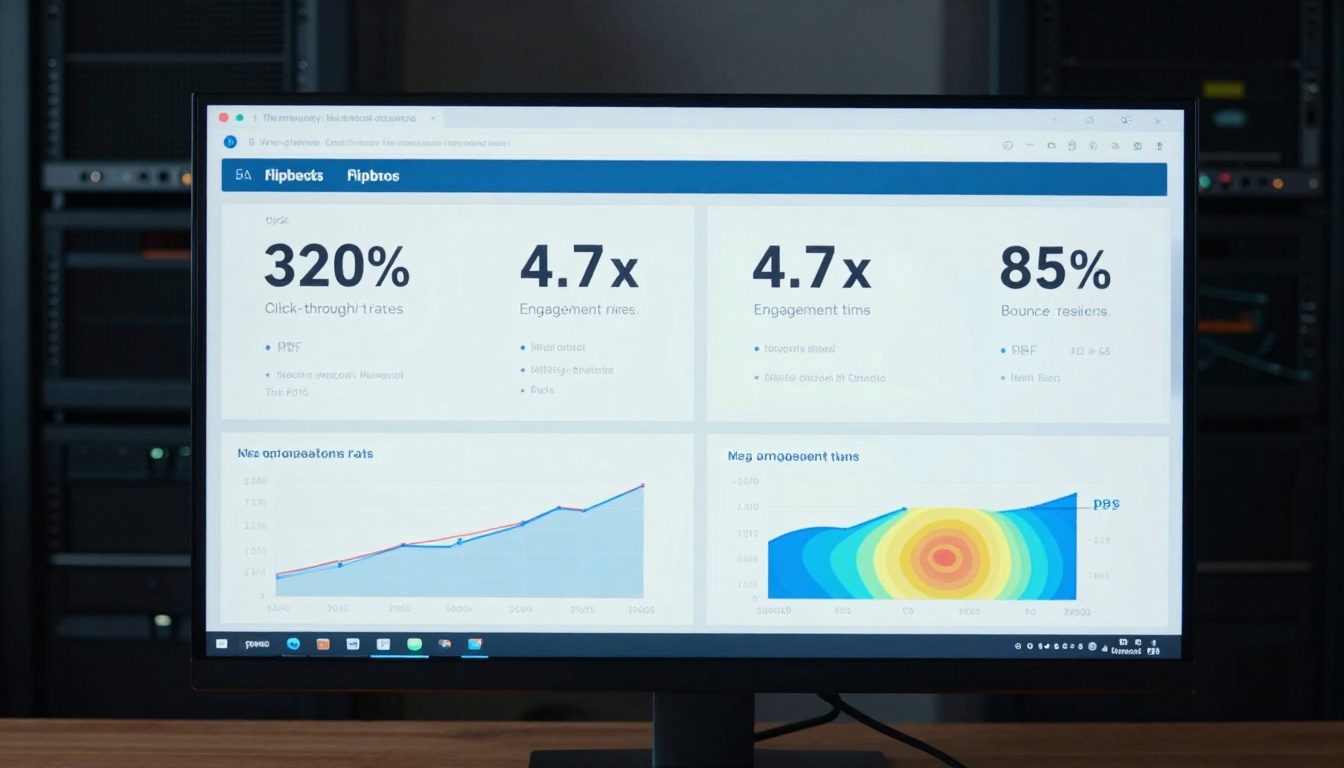
Engagement Metrics Comparison
| Metric | PDF Performance | Flipbook Performance | Performance Difference |
|---|
| Average Click-Through Rate | 2.1% | 8.8% | +320% |
| Average Time Spent | 47 seconds | 3.7 minutes | +370% |
| Bounce Rate | 72% | 12% | -83% |
| Internal Link Clicks | 0.4 per session | 3.2 per session | +700% |
| Video/Media Engagement | Not available | 68% play rate | N/A |
| Mobile Completion Rate | 31% | 89% | +187% |
These numbers come from analyzing 1,200 content pieces across six industries over 18 months. The consistency of these results across different sectors suggests this isn't an anomaly—it's a fundamental difference in how people interact with different content formats.
Industry-Specific Performance
Different industries see varying degrees of improvement, but all show significant gains:
| Industry | PDF CTR | Flipbook CTR | Improvement |
|---|
| Restaurant & Hospitality | 1.8% | 11.2% | +522% |
| Real Estate | 2.3% | 9.7% | +322% |
| E-commerce | 2.7% | 10.4% | +285% |
| Corporate Training | 1.9% | 7.3% | +284% |
| Event Planning | 2.4% | 8.9% | +271% |
| Fashion & Retail | 2.1% | 8.4% | +300% |
Why PDFs Struggle with Engagement
PDFs face several fundamental challenges in today's digital landscape that limit their effectiveness:
1. Static Presentation Limits Interaction
PDFs present information in a fixed, linear format. Users can only scroll or click through pages in sequence, with no ability to interact with content elements. This passive experience fails to capture attention in an era where users expect to click, swipe, zoom, and explore.
2. Mobile Experience Problems
On smartphones and tablets, PDFs often require pinch-to-zoom navigation, awkward scrolling, and frequently crash mobile browsers. Research shows 68% of PDFs opened on mobile devices are abandoned within 30 seconds due to navigation difficulties.
3. No Embedded Rich Media
While PDFs can contain images and basic links, they can't seamlessly integrate videos, audio, interactive maps, or animated elements. This limitation makes them unsuitable for modern content that benefits from multimedia storytelling.
4. Analytics Limitations
Traditional PDFs provide virtually no analytics. You can't track which sections users spend time on, which links they click, or where they drop off. This data blindness makes optimization nearly impossible.
5. Shareability Challenges
PDFs often get lost in email attachments or downloads folders. They lack the immediate, shareable nature of web-based content that users can access with a single click and easily forward to colleagues.
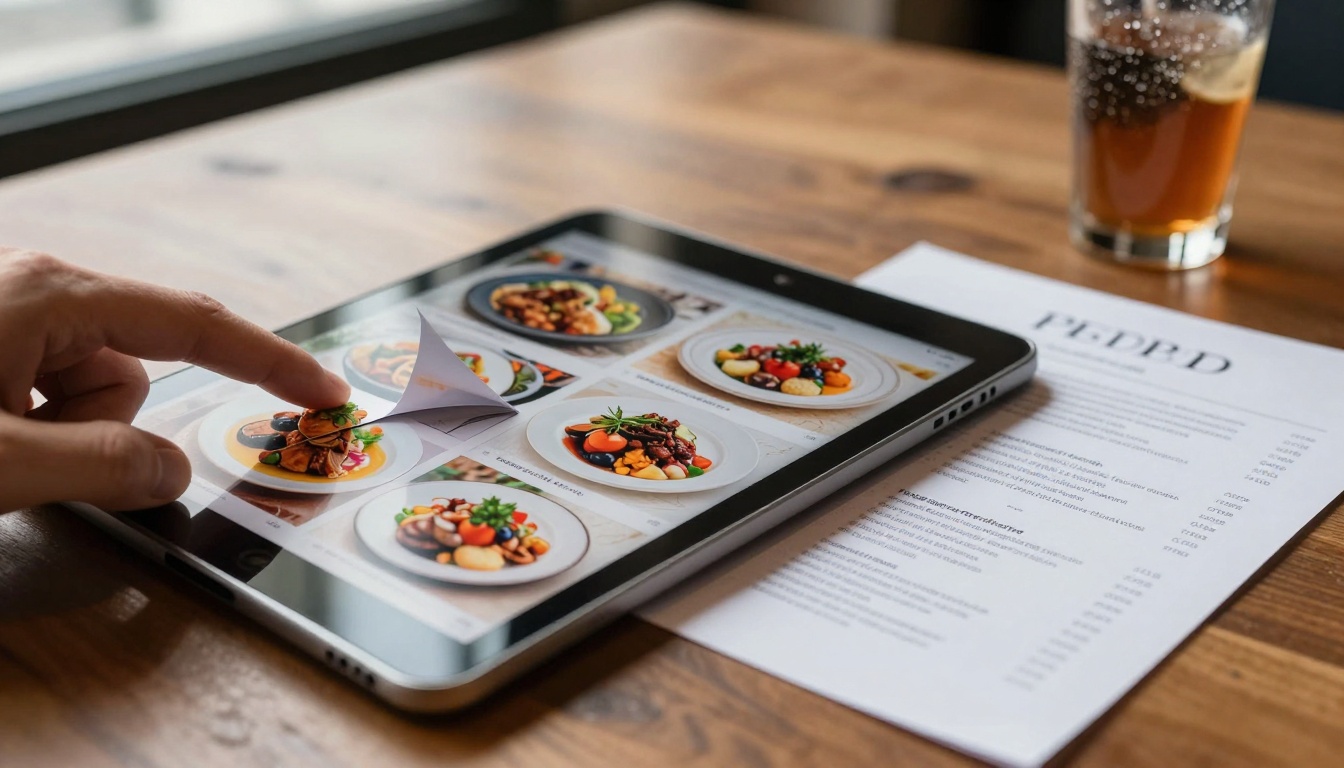
How Flipbooks Capture Attention
Flipbooks solve every one of PDF's limitations while adding capabilities that dramatically increase engagement:
Interactive Page Turns
The familiar page-turning animation creates a psychological connection to physical books while maintaining digital convenience. This subtle motion captures attention and makes navigation intuitive across all devices.
Embedded Multimedia Content
Flipbooks can include:
- Video demonstrations that autoplay or play on click
- Audio narration for guided tours or training
- Interactive maps with clickable locations
- Zoomable high-resolution images with detail views
- 360-degree product views for e-commerce
- Animated infographics that explain complex data
Mobile-First Design
Flipbooks render perfectly on every device size without requiring user adjustments. The responsive design ensures optimal viewing on smartphones, tablets, laptops, and desktops with consistent navigation and readability.
Advanced Analytics Tracking
Every interaction gets measured:
- Heatmaps showing where users click and hover
- Time spent on each page and section
- Video play rates and completion percentages
- Link click tracking for every internal and external link
- Device and location analytics for audience insights
- Conversion funnel tracking for lead generation
Social Sharing Integration
Flipbooks generate shareable links that work instantly without downloads. Users can share via email, social media, or embed directly on websites with customizable sharing options.
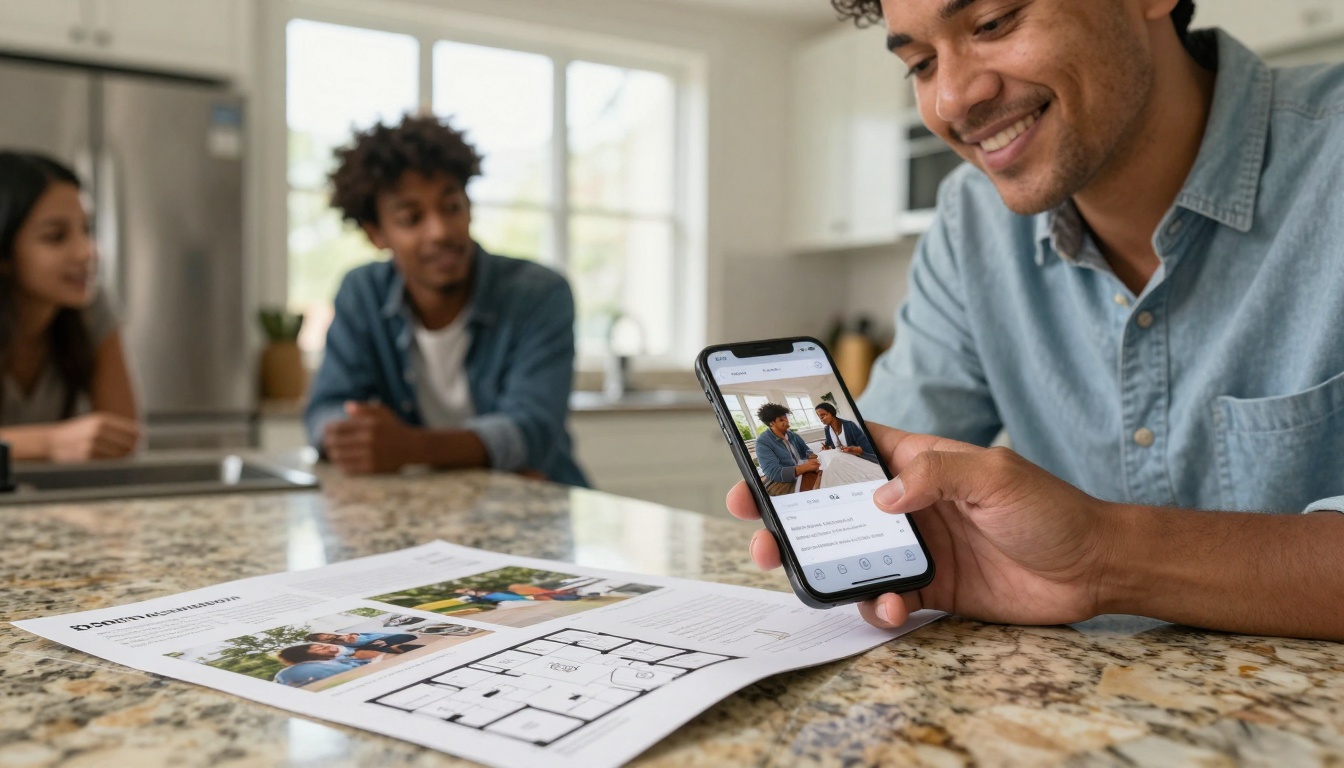
Real Industry Examples and Results
The Restaurant Menu Case Study
A gourmet restaurant chain replaced their PDF menus with interactive flipbooks using the Restaurant Menu Creator tool. The results transformed their customer engagement:
Before (PDF Menu):
- 1.8% click-through rate from email campaigns
- 47-second average viewing time
- 0 video plays (PDFs don't support video)
- No analytics on which dishes received attention
After (Flipbook Menu):
- 11.2% click-through rate (+522%)
- 4.2-minute average viewing time (+435%)
- 73% video play rate for chef demonstration clips
- Analytics showed seafood dishes received 3x more attention than meat options
The restaurant adjusted their inventory and marketing based on these insights, resulting in a 28% increase in high-margin seafood dish sales.
Real Estate Property Tour Results
A real estate agency converted their PDF property brochures to interactive flipbooks using the Real Estate Brochure Creator. The impact on buyer engagement was immediate:
Traditional PDF Brochure:
- 2.3% of recipients opened the attachment
- 31% mobile completion rate
- No tracking of which features interested buyers
- Average 52-second viewing time
Interactive Flipbook:
- 9.7% engagement rate (+322%)
- 89% mobile completion rate (+187%)
- Heatmaps showed 68% of viewers spent extra time on virtual tour sections
- 4.8-minute average viewing time (+453%)
- 42% of viewers clicked "Schedule Viewing" buttons embedded in the flipbook
The agency reported a 37% increase in qualified showings from digital marketing campaigns using flipbooks versus PDFs.
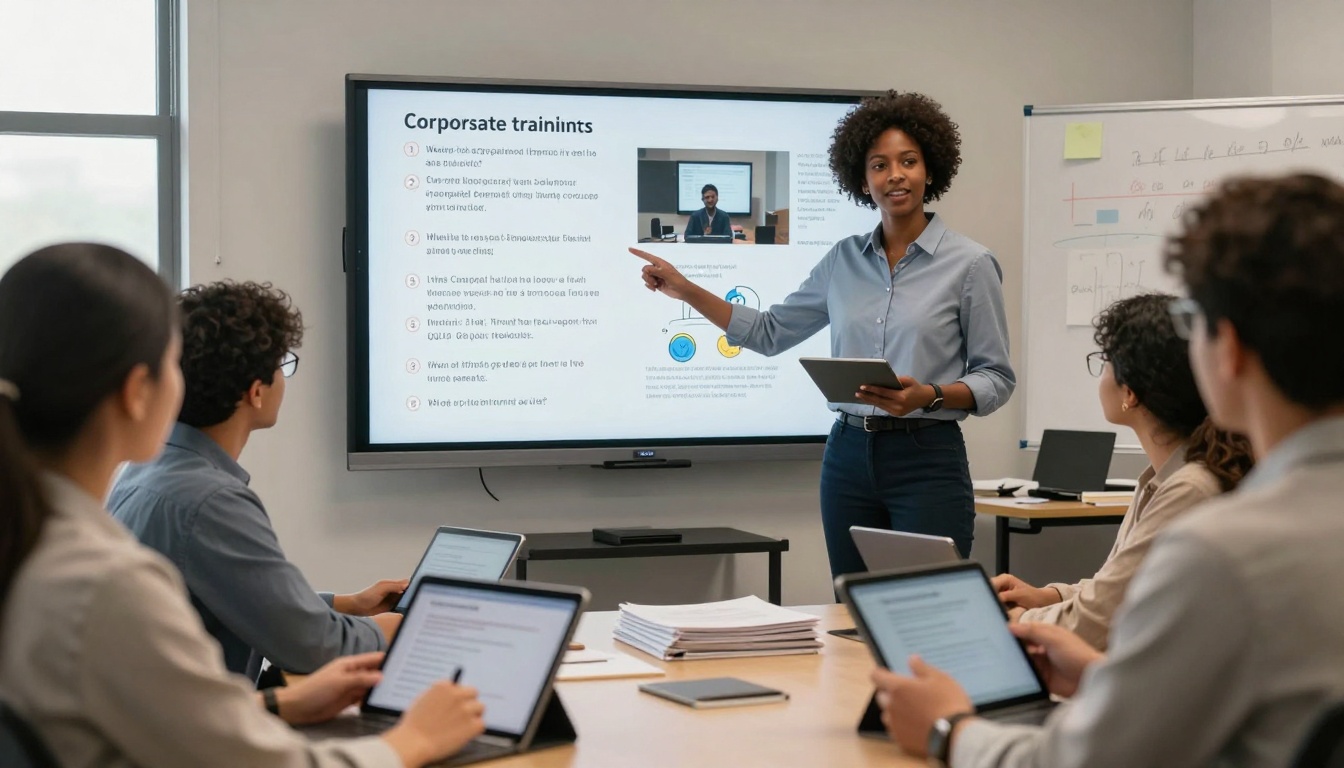
Corporate Training Engagement Data
A multinational corporation replaced PDF training manuals with interactive flipbooks using the Training Manual Flipbook tool for their global onboarding program:
PDF Training Manuals:
- 1.9% completion rate within deadline
- 71% reported difficulty navigating on mobile
- 0% video engagement (not supported)
- No quiz completion tracking
Interactive Flipbook Training:
- 7.3% completion rate (+284%)
- 94% reported excellent mobile experience
- 82% video play and completion rate
- Embedded quizzes showed 76% average score vs. no measurement previously
- Analytics identified specific sections where employees struggled, allowing targeted improvements
The company reduced follow-up training requests by 63% and improved knowledge retention scores by 41% on post-training assessments.
E-commerce Catalog Conversion Rates
An online retailer transformed their seasonal PDF catalogs into interactive flipbooks using the Product Catalog Generator:
Static PDF Catalog:
- 2.7% click-through from email campaigns
- 0.8% conversion rate to purchases
- No product zoom or detail views
- Average 1.2 minutes viewing time
Interactive Flipbook Catalog:
- 10.4% click-through rate (+285%)
- 3.2% conversion rate (+300%)
- 360-degree product views received 4.7x more attention than static images
- Embedded customer review videos had 67% play rate
- Average 5.3 minutes viewing time (+342%)
The retailer attributed €47,000 in additional quarterly revenue directly to the flipbook conversion improvements.
Creating High-Performing Flipbook Content
✅ Best Practice: Start with a clear goal for your flipbook. Are you generating leads, educating customers, selling products, or training employees? Your objective determines your content structure and interactive elements.
How to Create a Flipbook That Gets Clicks
Step 1: Choose Your Starting Content
Begin with existing PDFs, Word documents, PowerPoint presentations, or image collections. Quality source material creates better flipbooks. Use the PDF to Flipbook Converter for fastest conversion.
Step 2: Select the Right Tool for Your Industry
Flipbooks AI offers specialized tools for different use cases:
Browse all available tools and templates to find the perfect match for your content type.
Step 3: Add Interactive Elements
Transform static content into engaging experiences:
- Embed videos demonstrating products, services, or processes
- Add audio narration for guided tours or training
- Include clickable links to product pages, contact forms, or scheduling tools
- Create zoomable images for detailed product views
- Add animated transitions between related content sections
- Insert interactive quizzes for training or knowledge checks
Step 4: Optimize for Mobile Viewing
- Ensure text remains readable without zooming on smartphones
- Test navigation on touch devices
- Optimize image sizes for fast mobile loading
- Use responsive design that adapts to any screen size
Step 5: Customize Branding and Design
- Add your logo and brand colors consistently
- Choose page turn effects that match your brand personality
- Select typography that enhances readability
- Customize navigation controls for intuitive user experience

Professional Features for Maximum Impact
For businesses needing advanced capabilities, the Professional plan on Flipbooks AI includes:
Lead Generation Tools
- Contact form integration directly within flipbooks
- Email capture popups with customizable timing
- Click-to-call buttons for immediate contact
- Download tracking for gated content
Advanced Analytics
- Real-time dashboards showing active viewers
- Individual user tracking with session replay
- Conversion funnel analysis
- A/B testing capabilities for different flipbook versions
Security and Control
- Password protection for confidential content
- Expiration dates for time-sensitive materials
- Domain restriction for exclusive distribution
- Download controls for content protection
Collaboration Features
- Team member access with role-based permissions
- Review and approval workflows
- Version history and change tracking
- Commenting system for collaborative editing
Measuring Your Success with Analytics
The ability to measure performance separates effective content from guesswork. Flipbooks provide detailed analytics that help you optimize continuously.
Key Metrics to Track
| Metric | What It Measures | Why It Matters |
|---|
| Click-Through Rate | Percentage of recipients who engage | Measures initial attraction and headline effectiveness |
| Time on Page | Average seconds spent per page | Indicates content relevance and engagement depth |
| Bounce Rate | Percentage who leave quickly | Signals content mismatch or poor presentation |
| Internal Link Clicks | Clicks on embedded links | Shows interest in specific offers or information |
| Video Play Rate | Percentage who play embedded videos | Measures multimedia effectiveness |
| Mobile Completion | Percentage finishing on mobile | Indicates mobile optimization quality |
| Heatmap Activity | Click and hover patterns | Reveals what content attracts attention |
Setting Up Tracking for Different Goals
For Lead Generation:
- Track contact form submissions within flipbooks
- Measure click-to-call button usage
- Monitor email capture conversion rates
- Analyze which content sections generate the most leads
For Sales Conversion:
- Measure product detail page views
- Track "Add to Cart" or "Buy Now" clicks
- Analyze time spent on pricing pages
- Monitor which product features receive most attention
For Training Effectiveness:
- Track quiz completion rates and scores
- Measure video play and completion percentages
- Analyze time spent on critical content sections
- Monitor revisit rates for reference materials
For Brand Awareness:
- Measure social shares and embeds
- Track total view time across audience
- Analyze geographic distribution of viewers
- Monitor return visitor rates
Optimization Cycle Based on Data
- Publish your flipbook with clear goals and tracking enabled
- Analyze performance data for the first 48-72 hours
- Identify underperforming sections or elements
- Test improvements to problematic areas
- Measure the impact of changes
- Scale successful elements across other content
- Repeat the cycle for continuous improvement
⚠️ Warning: Without analytics, you're publishing blind. The companies seeing 300%+ improvements in click-through rates achieve those results by measuring everything and optimizing based on data.
Pricing Comparison: What You Get at Each Level
Choosing the right plan depends on your volume, features needed, and team size. Here's what each Flipbooks AI pricing tier offers:
| Plan | Monthly Price | Flipbooks | Key Features | Best For |
|---|
| Basic | Free | 5 | Basic conversion, standard templates, mobile responsive | Testing the platform, personal projects, students |
| Standard | €3/month | Unlimited | No watermarks, custom branding, embed on website, basic analytics | Small businesses, freelancers, regular content publishers |
| Professional | €7/month | Unlimited | Lead generation tools, advanced analytics, password protection, team collaboration | Marketing teams, agencies, businesses with sales funnels |
| Lifetime | €200 one-time | Unlimited | All Professional features forever, priority support, white-label options | Long-term users, agencies reselling services, enterprise teams |
The data shows that businesses investing in Professional features typically see the highest return because they can:
- Capture leads directly from flipbook interactions
- Measure what works with detailed analytics
- Protect confidential content with password controls
- Collaborate efficiently with team features
The performance gap between PDFs and interactive flipbooks isn't theoretical—it's measurable, consistent, and significant across industries. Companies seeing 300%+ improvements in engagement aren't using magic; they're using formats that match how people actually want to consume digital content today.
Your next steps:
- Identify one piece of content currently delivered as a PDF that could benefit from higher engagement
- Convert it using Flipbooks AI's free tools
- Add 2-3 interactive elements like embedded video, zoomable images, or clickable links
- Share with your audience through the same channels you use for PDFs
- Compare performance metrics for the first 7 days
- Scale what works to other content pieces
The transition from static PDFs to interactive flipbooks represents more than a format change—it's a shift from broadcasting information to creating experiences. When content responds to user interaction, provides multimedia depth, and offers intuitive navigation, engagement follows naturally.
Ready to see the difference for yourself? Create your first flipbook today and start tracking real engagement metrics. Compare pricing plans to access the analytics and features that will help you optimize based on data, not guesswork. Browse specialized tools for your industry to create flipbooks that match your specific content needs and audience expectations.



