Your photography portfolio is either winning clients before you say a word, or it is putting them to sleep. Most photographers know their work is strong. The problem is the delivery. A static PDF attached to an email, a disorganized Google Drive folder, or a slow-loading website gallery does not do justice to years of craft. That is where a photography portfolio flipbook changes everything, and Flipbooks AI makes building one possible in minutes, without any design or technical skills required.
The photographers booking premium clients consistently are not always the ones with the most technically perfect shots. They are the ones who understand that presentation is part of the product. A client who opens a beautifully formatted, page-turning digital portfolio has already started to trust you before they have read a single word of your bio.
Why a Static PDF Loses You Clients
The Psychology of First Impressions
Clients form opinions fast. Visual impressions are made in under a second, and the format of how you present work carries as much weight as the work itself. A flat PDF attached to an email signals "generic." An interactive, page-turning digital portfolio signals "professional, creative, detail-oriented."
Photographers who switch to an interactive flipbook format regularly hear something they rarely heard before: "This is the most beautiful portfolio I have ever seen." That reaction is not just about the photos. It is about the experience of seeing them, the sense that this photographer takes every detail seriously, including how they show up to a first impression.

What Clients Actually Look For
Before choosing a photographer, clients scan for three things: quality, range, and trust. A well-structured flipbook portfolio addresses all three in a single presentation. It puts your best work front and center with controlled sequencing, shows your breadth without overwhelming the viewer, and the professional format itself builds trust from the very first page turn.
The typical client has never hired a professional photographer before. They do not know how to evaluate lighting ratios or color grading precision. What they do know is whether your portfolio felt like a premium experience or a folder of JPEGs. A flipbook settles that question immediately in your favor.
💡 Pro Tip: Clients who spend more time in your portfolio are far more likely to book. Interactive formats increase dwell time significantly compared to static PDFs because the page-turn mechanic rewards continued interaction.
The Page-Flip Effect Changes Everything
Why Page-Turning Builds Emotional Connection
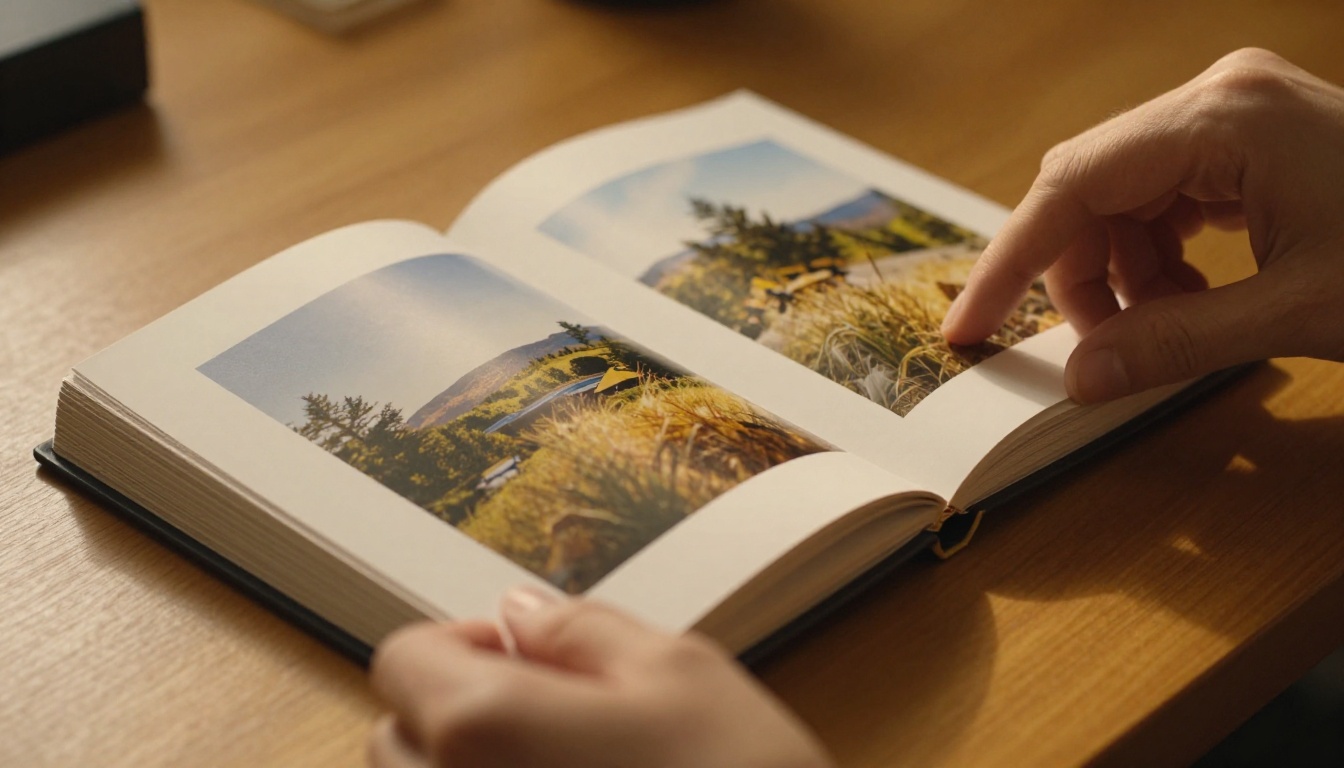
There is a reason print magazines still exist. The act of turning a page, even digitally, creates a sense of ritual and anticipation. When a client "turns" to the next spread in your portfolio, they are actively participating with your work rather than passively scrolling past it. That active participation translates directly into emotional investment, and emotional investment leads to bookings.
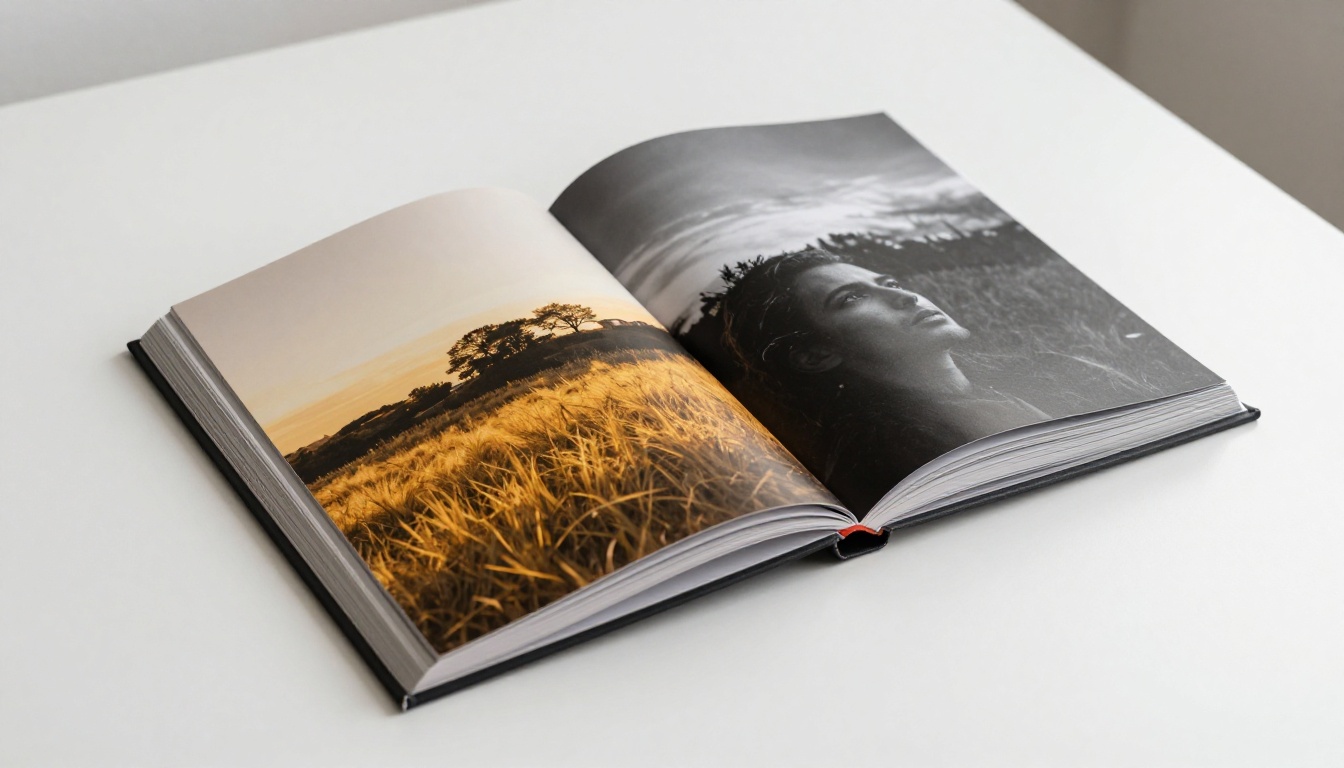
A photography portfolio flipbook mimics the premium feel of a printed lookbook or editorial magazine while being infinitely easier to share. Send one link. No attachments, no version confusion, no worrying about whether the file was too large to open. The client opens it on any device and gets the full experience.
Digital vs. Printed Portfolio
| Feature | Printed Portfolio | Digital Flipbook Portfolio |
|---|
| Shareability | In-person only | Instant link, email, or embed |
| Cost per presentation | High (printing, shipping) | Zero after creation |
| Updateability | Full reprint required | Updated in minutes |
| Client access | One copy at a time | Unlimited simultaneous viewers |
| Page-turn experience | Physical feel | Realistic digital animation |
| Analytics | None | View tracking (Professional plan) |
| Multimedia support | Impossible | Video, audio, and links supported |
| Mobile-friendly | Requires physical presence | Fully responsive on all devices |
The comparison makes a clear case. A printed portfolio costs money every time you need to update or share it. A digital flipbook is a one-time creation you can send to an unlimited number of clients, refresh after every major shoot, and track with detailed view analytics. It also never gets damaged in a bag or left behind at a meeting.
Building Your Photography Portfolio Flipbook
The Photography Portfolio Flipbook tool on Flipbooks AI is built specifically for photographers. Here is exactly how to go from a folder of images to a client-ready interactive portfolio.
Step 1: Prepare Your PDF Portfolio
Start in your favorite design tool, whether that is Adobe InDesign, Canva, or Lightroom's book module. Build your portfolio as a multi-page document with a consistent visual flow:
- Opening page: Your name, specialty, and one hero image that defines your entire style
- About/Style page: Brief bio, your creative philosophy, and what clients can expect working with you
- Portfolio spreads: Curated galleries organized by category or shoot type, maximum 3 to 4 images per spread
- Packages page (optional): Makes it easy for clients to move directly from "wow" to "how much?"
- Contact page: A clear call to action at the very end
Export as a high-resolution PDF. Aim for a consistent aspect ratio across all pages, with 16:9 or 4:3 working well for landscape-heavy photography work.
✅ Best Practice: Keep your PDF under 50MB. Compress images in Lightroom or Acrobat to ensure fast loading without visible quality loss on screen.
Step 2: Upload and Convert
Head to Flipbooks AI and create your account. From the dashboard:
- Click "Create New Flipbook"
- Select "Upload PDF" and drag your portfolio file into the uploader
- Wait for automatic conversion (usually under 60 seconds for most portfolio files)
- Preview the page-turn result in the live viewer and check every spread
The PDF to Flipbook Converter handles all technical rendering automatically. You get a realistic page-curl animation immediately after conversion, with no additional setup required.
Step 3: Brand It as Yours
A generic-looking viewer breaks the premium feel you worked hard to build. Flipbooks AI gives you full control over every visual detail of the presentation:
- Custom colors: Match your brand palette exactly, with hex-code precision
- Logo placement: Add your studio logo to the viewer interface for a professional, branded experience
- Background and shadow styles: Control page shadow depth and background tone to suit your photography aesthetic
- Custom domain: Use your own domain for a fully white-label presentation that shows only your brand
💡 Pro Tip: Use a background color that complements your photography style. Dark charcoal works beautifully for moody portrait and fine art photographers. Clean white suits commercial product and architecture work.
Step 4: Add Multimedia
This is where a digital portfolio completely surpasses print. Inside Flipbooks AI, you can embed directly onto any page:
- Video clips from your shoots on relevant gallery spreads
- Audio for behind-the-scenes atmosphere, narration, or spoken client testimonials
- Hyperlinks to your booking calendar, Instagram feed, or contact form on any page
A wedding photographer, for example, can add a 30-second highlight reel to the wedding gallery spread. The client sees the still images, hears the music, and feels the full emotional weight of the day, all in one seamless experience that no static PDF could ever replicate.

What Goes Into a Portfolio That Wins Bookings
5 Portfolio Sections Every Photographer Needs
Not all portfolios are structured the same, but the ones that consistently convert clients into bookings share common structural elements:
- A single hero opening spread that immediately communicates your style and quality level, no warm-up images
- A curated "best of" gallery of 12 to 20 images maximum, showing range without overwhelming the viewer
- A specialty or signature series demonstrating depth and mastery in your primary category
- Social proof: A testimonials page or direct quote from a real, named client builds credibility immediately
- A clear next step: Contact details, booking link, or pricing overview placed exactly where a convinced client needs to act
The structure should feel like a story with a natural arc from introduction to resolution. Clients should feel naturally led from first impression through emotional investment to an obvious, low-friction next action.
Image Sequencing That Tells a Story
The order of images matters as much as the images themselves. Professional photo editors follow one consistent principle: open strong, build rhythm, and close even stronger.
- First spread: Your absolute best image. No gradual warm-up, no context-setting filler.
- Middle spreads: Variety in mood, light quality, and subject matter. Never run three visually similar images back to back as it creates visual monotony.
- Final spread: A warm, emotionally resonant image. Something that makes the client feel genuinely positive about the idea of working with you.
⚠️ Warning: Including too many images consistently dilutes overall impact. A focused portfolio of 25 images is rarely weaker than a portfolio of 60. Edit with ruthless discipline and let each image earn its position.

Sharing Your Flipbook Portfolio with Clients
Once your flipbook is live, you have multiple sharing methods available. Each one serves a different client interaction scenario.
Direct Link vs. Embedded Portfolio
| Sharing Method | Best For | How to Use |
|---|
| Direct link | Email and direct message outreach | Copy shareable URL from dashboard |
| Website embed | Portfolio page on your photography site | Use Embed Flipbook on Website tool |
| Password-protected link | Private galleries for existing clients | Set custom password in flipbook settings |
| QR code | In-person meetings and printed materials | Generate directly from your dashboard |
| Social preview link | Instagram, LinkedIn, and other platforms | Auto-generated preview thumbnail on link share |
The direct link approach works exceptionally well for initial client outreach. Instead of attaching a large PDF to an email, you send one clean link. The client clicks it on their phone or laptop and gets a polished, magazine-quality portfolio experience in seconds.
Password Protection for Private Client Work
Not every portfolio needs to be publicly visible. If you shoot high-profile clients, corporate events, or private occasions where confidentiality is essential, password protection is a critical feature. Flipbooks AI lets you set a unique password per flipbook, so you can share a private gallery in premium flipbook format while maintaining complete confidentiality.
This feature is available on all paid plans and takes seconds to configure from the flipbook settings panel. It also works perfectly for sharing proofing galleries with clients before final delivery.

Plans Worth Looking At
Flipbooks AI pricing is structured around volume and feature depth. Here is how the plans map directly to different photographer profiles:
| Plan | Best For | Standout Features |
|---|
| Free | Testing the platform and basic exploration | 1 flipbook, standard viewer |
| Standard | Independent working photographers | Unlimited flipbooks, no watermarks, custom branding, all sharing options |
| Professional | Studios and high-volume commercial shooters | Analytics, lead generation forms, offline downloads, priority support |
💡 Pro Tip: The Standard plan covers the full needs of most independent photographers. The Professional plan pays for itself if you want to track which specific clients have viewed your portfolio, how long they spent on each spread, and which sections generated the most interest before a booking inquiry.
View analytics alone can transform your follow-up strategy. If you can see that a prospective client spent four minutes on your wedding gallery but closed the browser before reaching your pricing section, you know exactly what to address in your next message.
Real Photographers, Real Use Cases
Wedding Photographers
Wedding clients spend months searching for the right photographer. A flipbook portfolio that feels and reads like a premium wedding magazine immediately positions you above photographers sharing JPEG folders or basic website galleries. The format signals that you approach every detail of your work with the same care you bring to a wedding day.
Include full-day storytelling sequences that demonstrate your ability to document everything from quiet morning preparation to late-night reception dancing. Clients want to see the full arc of a day, not just the highlight moments. The Wedding Album Flipbook tool is built for exactly this purpose, letting you create not just a portfolio presentation but also post-shoot digital albums to deliver to clients after their wedding.
Commercial and Brand Photographers
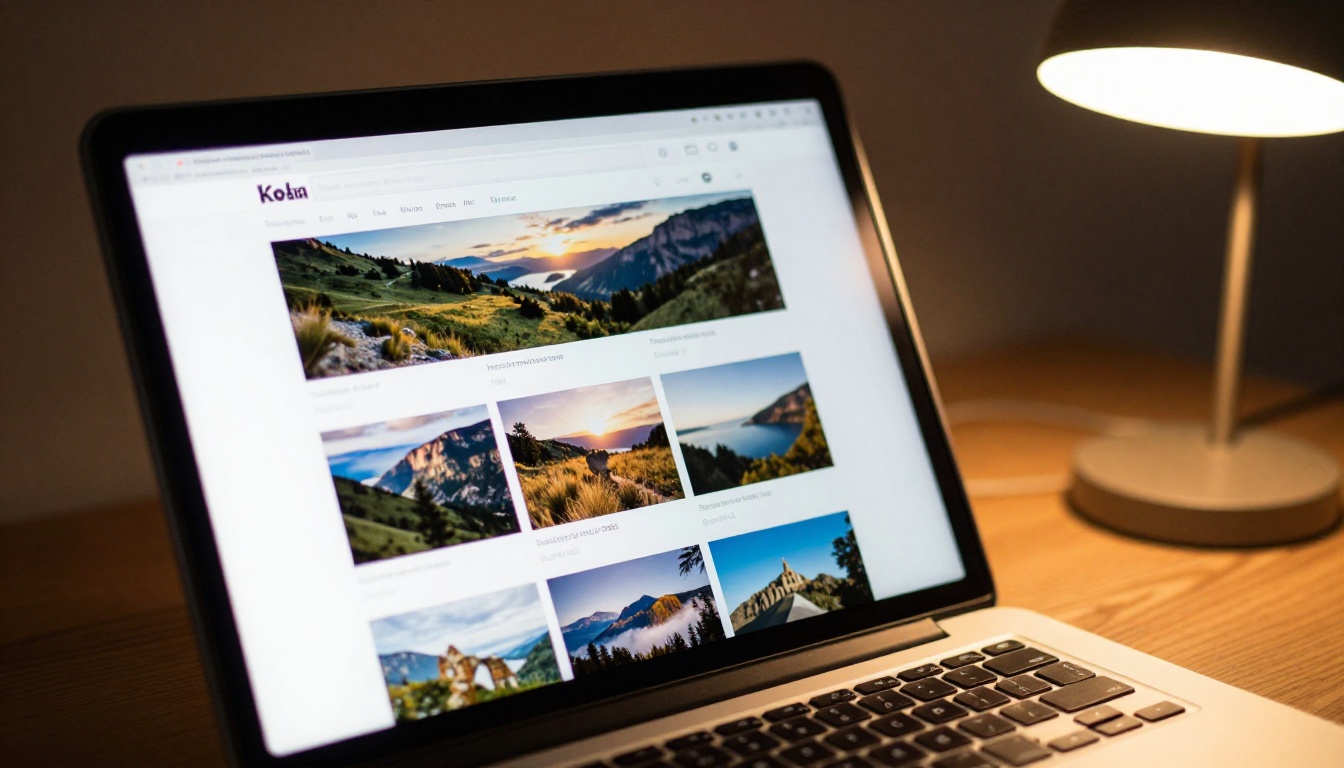
Commercial clients want to see range, technical precision, and brand alignment in a single focused presentation. A flipbook portfolio lets you organize work by industry vertical as separate sections or even as entirely separate flipbooks per pitch context. Food photography, product photography, architecture, and lifestyle can each have their own focused flipbook built for that specific type of client meeting.
The Digital Portfolio Creator is built for exactly this kind of tailored, strategic presentation. Sending an industry-specific, beautifully formatted portfolio to a prospective brand client is dramatically more effective than a general link to your website gallery. It signals that you did the work to present yourself specifically for their needs.
Fashion and Portrait Photographers
Fashion photographers are judged entirely on how their work looks in a curated format. A flipbook that behaves like a digital magazine positions your portfolio at the same level as high-end editorial spreads. The Interactive Lookbook Designer is a natural companion for photographers working in fashion, beauty, and glamour photography.
Portrait photographers benefit most from the emotional sequencing a flipbook enables. You control exactly how a client moves through a session, deliberately building emotional connection across each page turn. A portrait client is not evaluating technical camera settings. They are asking: "Will this photographer make me feel something? Will they capture my personality?" A well-sequenced flipbook portfolio answers both questions before the client even picks up the phone.
Every Detail of Presentation Counts
The photographers who consistently stand out are not always the ones with the most technically perfect shots. They are the ones who take presentation as seriously as they take photography itself. Every touchpoint with a prospective client, from the first portfolio view to final image delivery, is an opportunity to signal quality and professionalism.
A photography portfolio flipbook is one of the highest-leverage investments you can make in your photography business. It takes the work you have already done and presents it in a format that clients remember, share with their partners, and return to multiple times before making a decision. The Portfolio Flipbook Builder on Flipbooks AI is purpose-built for photographers who take this level of detail seriously.
Ready to build the portfolio your work deserves? Get started for free on Flipbooks AI and have a client-ready flipbook portfolio live before the day is over. Browse all portfolio and creative tools to find the right fit for your photography specialty, or compare plans to see exactly which features match where you are in your business right now. Your next booking is one link away.



