If you've ever spent hours building a precise multi-page layout in Photoshop, you already know the frustration: you export a flat PDF, send the link, and it just sits there. No interactivity, no page-turn effect, no impression of quality. The good news? There's a direct path from your Photoshop layout to a fully interactive flipbook that takes less than 5 minutes. Flipbooks AI is the bridge between your PSD file and a polished digital publication anyone can flip through on any device.
Why Designers Are Ditching Static PDFs
For years, the PDF was the default delivery format for design work. Client mockups, product catalogs, editorial layouts, brand proposals — they all ended up as flat files with zero interactivity. The problem isn't the design. It's the format.
Static PDFs Kill Presentation Impact
When you hand a client a PDF, they scroll. There's no tactile feedback, no sense of turning a page, no reason to slow down and absorb each spread. Research consistently shows that interactive content generates twice the engagement of static content. The page-turn effect alone changes how readers perceive professionalism.
Photoshop Layouts Deserve More
Photoshop is built for precision. You're controlling every pixel, managing artboards, balancing grid systems and typography. That level of craft deserves a presentation format that matches the quality of the work. Converting your Photoshop layout to flipbook format takes that craft and puts it in a medium your audience will actually remember.
The 5-Step Photoshop to Flipbook Workflow
This is the core workflow. Every step is fast and requires no technical setup. No plugins, no scripts, no developer needed. Just Photoshop and Flipbooks AI.
💡 Before you start: Make sure your Photoshop document is structured correctly. Each artboard or layer group will become a page in your flipbook, so organize them in the final reading order before exporting.
Step 1 — Set Up Your Photoshop Document
Your Photoshop file needs to be structured as a multi-page layout before exporting. The two most common approaches:
- Artboards: Create one artboard per page. Photoshop exports each artboard as a separate page in the PDF. This is the cleanest workflow for multi-page documents.
- Layer Comps: Use Layer Comps if you built your layout on a single canvas with toggled visibility layers. More manual, but workable.
Recommended document settings:
| Setting | Recommended Value | Why |
|---|
| Resolution | 150–300 PPI | Crisp on screen without bloating the file |
| Color Mode | RGB | Accurate screen colors, no conversion artifacts |
| Canvas Size | A4 or custom per use case | Consistent page proportions across spreads |
| Bit Depth | 8-bit | Optimized file size for web delivery |
⚠️ CMYK Alert: If your document is in CMYK mode (print-ready), convert to RGB before exporting. CMYK PDFs can produce washed-out or color-shifted pages when rendered in browsers.
Step 2 — Export as PDF from Photoshop
This is the step most designers rush and regret. The PDF export settings in Photoshop directly determine your flipbook's visual quality.
Export path: File > Export > Export As PDF or for artboard-based files: File > Export > Artboards to PDF
Recommended settings for flipbook-ready export:
| PDF Setting | Best Choice | Notes |
|---|
| Preset | High Quality Print | Balances sharpness and file size |
| Compatibility | PDF 1.6 or higher | Broad browser and reader support |
| Compression | JPEG High or Lossless | Lossless for text-heavy layouts |
| Color Profile | Embed sRGB | Consistent, accurate screen colors |
| Crop Marks | Off | Clean edges for paginated display |
| Layers | Flatten | Reduces file complexity and size |
💡 File Size Tip: Aim for under 50MB per upload. If your file runs larger, drop image resolution to 150 PPI — on screen, it's visually identical to 300 PPI and cuts file size by up to 75%.
For artboard-based documents, Artboards to PDF is the fastest path. It exports every artboard as a clean, correctly ordered page automatically.
Step 3 — Upload to Flipbooks AI
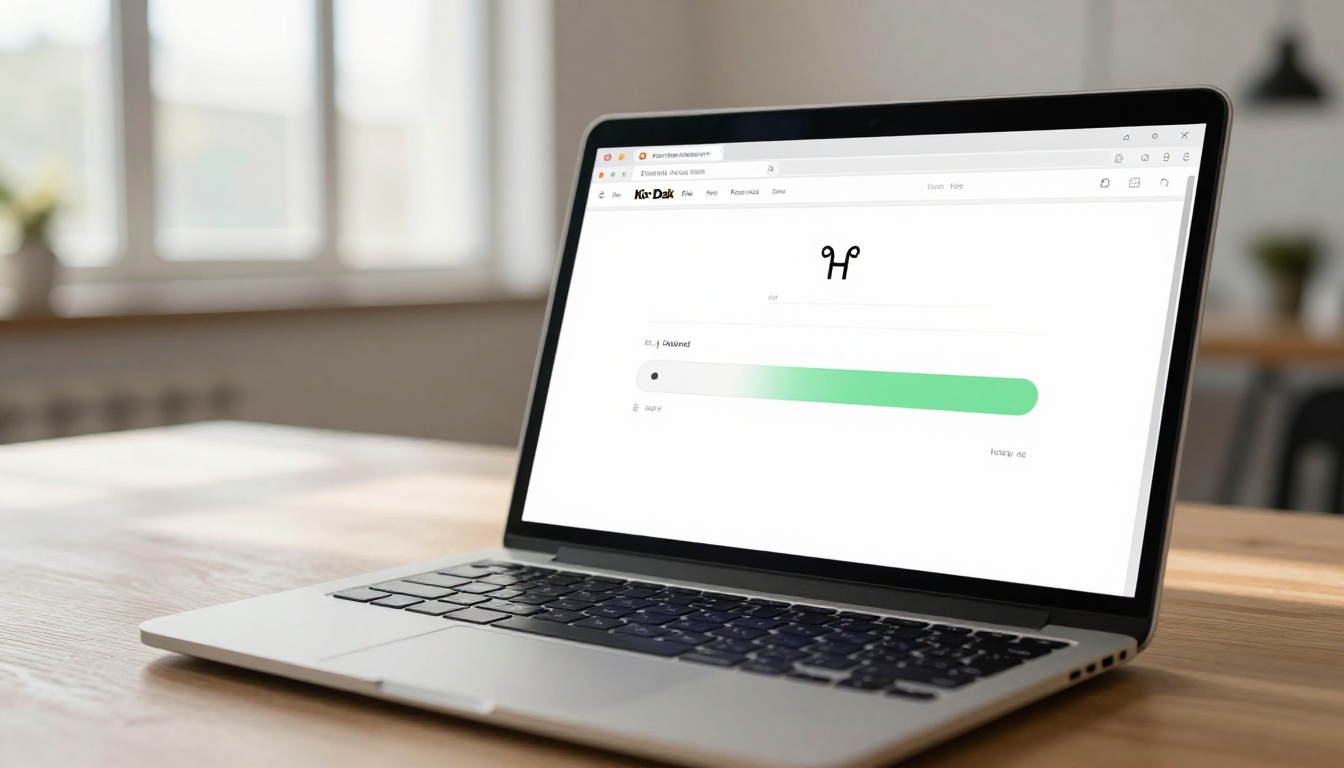
Once your PDF is exported, head to Flipbooks AI and create your account. The PDF to Flipbook Converter processes your file and builds the interactive flipbook in under 60 seconds for most documents.
Upload process:
- Click Create New Flipbook from your dashboard
- Drag and drop your exported PDF or click to browse files
- Wait for processing — typically 30–60 seconds depending on page count
- Preview the auto-generated flipbook before publishing
The platform automatically detects page count, dimensions, and layout order. Every page from your Photoshop export appears in the correct sequence with smooth page-turn animation applied instantly.
Step 4 — Customize Your Flipbook
This is where your attention to detail pays off again. Flipbooks AI gives you full control over the presentation layer without touching a line of code.
Branding options:
- Upload your logo for the flipbook header or page corner
- Set custom brand colors for the viewer interface chrome
- Choose from multiple page-flip animation styles
- Add a custom background color or texture behind the pages
Interactive elements you can embed:
- Clickable links on any page area
- YouTube or Vimeo video embeds within spreads
- Audio tracks for narrated presentations or product demos
- Hotspots that reveal product details on hover
✅ Best Practice: Match your flipbook interface colors to your client's brand palette. It takes 30 seconds and makes the entire delivery feel purpose-built, not templated.
Privacy and access controls:
- Password-protect confidential client presentations
- Set expiration dates for time-sensitive proposals
- Generate shareable links that work without viewers needing an account
Step 5 — Share or Embed Instantly
Your flipbook is live. Now it needs to reach your audience.
Sharing options at a glance:
| Method | Best For | Notes |
|---|
| Direct Link | Email campaigns, client delivery | One-click sharing, no login needed for viewers |
| Embed Code | Website or blog integration | iFrame embed, fully mobile-responsive |
| Social Share | LinkedIn, Instagram link-in-bio | Auto-generates preview thumbnail |
| QR Code | Print materials, physical signage | Links directly to the live flipbook |
| Offline Download | Presentations without internet | Readers can save for offline viewing |
Use the Embed Flipbook on Website tool to drop your interactive document directly into any web page with a single line of embed code.
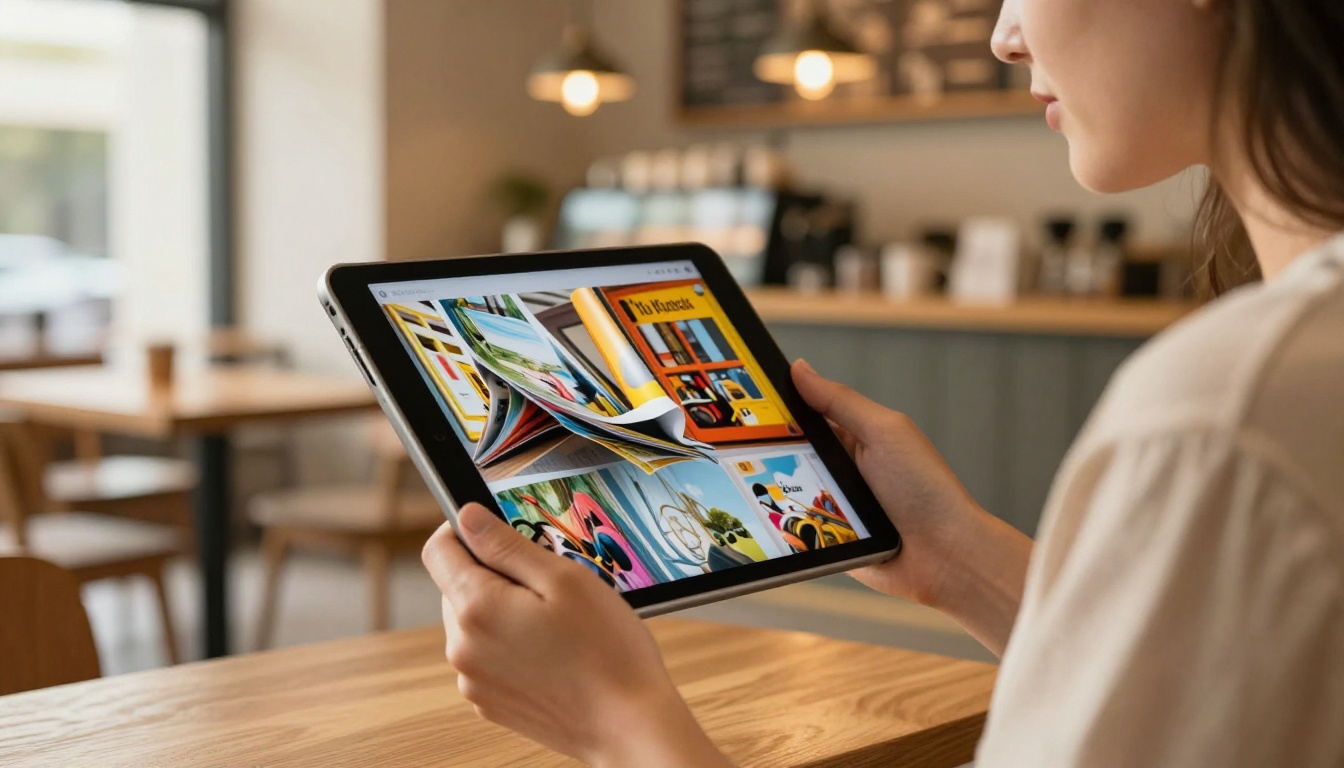
Photoshop Artboards vs. Single Canvas
One of the most common questions from designers making this conversion for the first time: does file structure matter?
Artboard Workflow (Recommended)
Artboards are Photoshop's native multi-page system. Exporting via Artboards to PDF gives you:
- Guaranteed page order — no manual sorting required post-export
- Individual artboard sizing — useful for mixed-orientation or mixed-dimension documents
- Clean page separation — no risk of layer bleed between spreads
Single Canvas with Layer Comps
If your design lives on a single large canvas with Layer Comps controlling visibility, you'll need to export each comp manually as a separate file, then merge them into a single ordered PDF. This adds steps and introduces ordering errors.
⚠️ The single canvas approach works fine for simple documents, but artboards are faster, cleaner, and less error-prone for any layout over 4 pages.
Real-World Use Cases
The Photoshop to flipbook workflow applies across every design discipline. Here's how different professionals use it:
Portfolio Presentations
Photographers and graphic designers who build their portfolios in Photoshop can convert them into interactive flipbooks using the Digital Portfolio Creator or Photography Portfolio tool. Clients flip through the work instead of scrolling a PDF — a dramatically stronger impression.
Product Catalogs
Retail brands designing product spreads in Photoshop can feed layouts directly into the Product Catalog Generator or Fashion Catalog Creator. Each product page becomes an interactive spread with clickable pricing or buy links embedded.
Client Mockup Reviews
Agencies presenting design mockups to clients can share a password-protected flipbook instead of a static PDF. Clients flip through the full mockup and approve without ever opening a design file.
Lookbooks and Editorial Work
Fashion designers and photographers building editorial lookbooks in Photoshop can publish them directly as interactive flipbooks with the Interactive Lookbook Designer. The page-turn effect adds genuine editorial feel that flat PDFs simply cannot replicate.
Training Materials
HR teams and training departments building employee handbooks or procedure documents in Photoshop can distribute them using the Training Manual Flipbook tool. Password protection keeps internal content private and access controlled.

Flipbooks AI Plans at a Glance
Whether you're a solo designer or an agency managing multiple client accounts, there's a plan that fits:
| Feature | Free | Standard | Professional |
|---|
| Flipbooks | 1 | Unlimited | Unlimited |
| Watermark | Yes | No | No |
| Custom Branding | No | Yes | Yes |
| Password Protection | No | Yes | Yes |
| Analytics | No | No | Yes |
| Lead Generation | No | No | Yes |
| Offline Downloads | No | Yes | Yes |
| Embed on Website | No | Yes | Yes |
| Video and Audio Embed | No | Yes | Yes |
| Mobile-Responsive | Yes | Yes | Yes |
💡 The Standard plan removes watermarks and enables unlimited flipbooks, making it the minimum viable choice for professional client delivery. Compare all plans to pick the right tier for your volume.
Common Mistakes That Slow You Down
Even experienced designers hit friction the first few times. These are the issues that consistently cause problems:
Wrong PDF Compression
Exporting with maximum compression reduces file size but introduces JPEG artifacts on fine typography and thin lines. Always use High Quality or Lossless compression for text-heavy or vector-rich layouts.
Forgetting to Flatten Layers
Exporting a PDF with live Photoshop layers enabled can cause transparency rendering inconsistencies. Always flatten before export via Layer > Flatten Image or by enabling the flatten option in the PDF save preset.
Color Profile Mismatch
Using an untagged or CMYK color profile results in washed-out or color-shifted pages in the browser viewer. Embed sRGB explicitly in every single export.
Oversized File Sizes
Files above 100MB slow upload and processing time noticeably. For a 20-page layout, 150 PPI is visually identical to 300 PPI on screen and cuts file size by 75%.
Publish Your Photoshop Work in 7 Steps
Here is the direct, numbered tutorial for getting your first flipbook live from a Photoshop file:
- Create your account at Flipbooks AI — free signup, no credit card required
- Export your Photoshop document using
File > Export > Artboards to PDF with High Quality settings and sRGB color profile embedded
- Upload the PDF via the PDF to Flipbook Converter — drag and drop, processing completes in under 60 seconds
- Customize branding by uploading your logo, setting interface colors, and choosing your page-flip animation style
- Add interactive elements if needed: clickable links, embedded video, product hotspots
- Set privacy options — password protect, add an expiry date, or leave it publicly accessible
- Share your flipbook via direct link, embed code, QR code, or social share
Total time from finished Photoshop file to live shareable flipbook: under 5 minutes.
✅ Pro tip for agencies: Create a single Flipbooks AI account for all client projects. Each flipbook is stored separately with its own URL, branding, and access settings. Manage an entire client portfolio from one clean dashboard.
Photoshop designers work across every industry. Flipbooks AI has purpose-built tools for each specific workflow:
Browse the full tools directory to find the exact tool for your next project.

Stop Sending Flat Files
Static PDFs were the best option available for a long time. They are not anymore. Every Photoshop layout you have built deserves to be seen in a format that matches the craft behind it. The 5-minute conversion workflow exists right now. The tools are free to start.
Ready to publish your first interactive flipbook? Create your free account on Flipbooks AI and upload your first PDF today. Already know you need professional features? Review pricing plans and pick the right tier for your volume. Your Photoshop work is too good to sit in a static file.



