Photoshop is where the magic happens, but it's rarely where the sharing happens. You spend hours on layouts, carefully crafting every pixel, and then the delivery method is a PDF attached to an email. Or worse, a zip file of JPEGs. Clients scroll through static images, teammates struggle with file sizes, and the work never gets the presentation it deserves. There's a cleaner solution, and it starts the moment you export from Photoshop. Flipbooks AI turns that PDF into an interactive, animated flipbook that's built for the web and genuinely effortless to share.
Why Static File Sharing Falls Short
Most designers have been through this cycle: finish the project, export a PDF, send the email, wait for a reply asking how to open the file. Static delivery is friction at every step.
The PDF Doesn't Do Your Work Justice
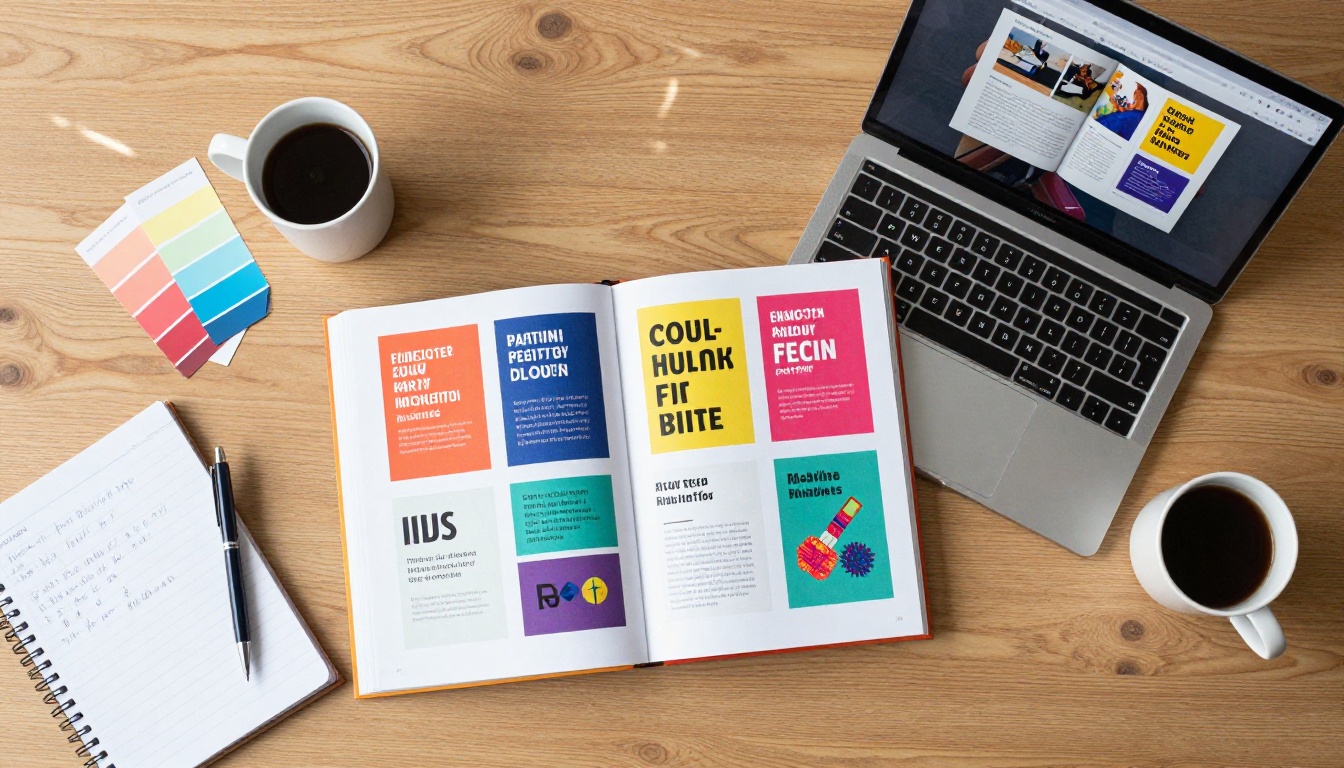
PDFs are functional but flat. A brand identity system with custom typography, color hierarchies, and intricate layout grids deserves to be experienced in motion, not scrolled through as a static document. Pages that turn, animations that draw attention, a presentation that feels like a product: that's what clients actually respond to.
The most common complaints from clients receiving PDF deliverables:
- "The file is too large to open on my phone."
- "I don't have Adobe Reader installed."
- "Can you send it as a JPEG instead?"
- "How do I share this with my team?"
None of these problems exist with a browser-based flipbook. It opens on any device, without software, instantly.
What Clients Actually Respond To
The experience of presentation shapes the perceived value of the work. Agencies that deliver interactive flipbooks report noticeably better client feedback, not because the design changed, but because the presentation elevated it. A page that turns with a realistic animation signals craft and professionalism. A link that opens in any browser, on any device, without a single download, signals that you respect the client's time.
💡 Sharing your work as an interactive flipbook removes every technical barrier between your client and your design. The viewing experience starts in under two seconds, on any screen.
From Photoshop to PDF: The Right Export Settings
The workflow from Photoshop to flipbook starts with one clean step: exporting your file as a PDF. Getting this right determines how your final flipbook looks and performs.

Setting Up Your Photoshop Document
Before you export, your document structure determines how clean the PDF conversion will be. A few things worth confirming before you hit save:
- Use Artboards for multi-page work. If your project spans multiple pages (a brochure, a catalog, a portfolio), organize each page as a separate artboard in Photoshop. This maps cleanly to individual flipbook pages.
- Set resolution to 150-300 PPI. For digital flipbooks, 150 PPI delivers crisp, sharp images without inflating file size. For print-quality assets being repurposed digitally, 300 PPI is fine.
- Flatten complex effects carefully. Some Photoshop effects including 3D layers and certain blending modes can shift on PDF export. Flatten or merge these layers before exporting.
- Check color mode. RGB is ideal for screen presentation. If your document is in CMYK for a print workflow, convert to RGB before exporting for accurate screen color rendering.
Exporting as PDF from Photoshop
Go to File > Export > Export As or File > Save As, then select PDF as the format. For multi-artboard documents, use File > Save As > Photoshop PDF and check the option to save as a multi-page document.
Recommended PDF export settings for flipbook use:
| Setting | Recommended Value | Why It Matters |
|---|
| Color Profile | sRGB | Accurate, consistent colors across all screens |
| Resolution | 150 PPI | Sharp images without oversized file |
| Compression | JPEG Medium | Balances quality and fast loading |
| Image Interpolation | Bicubic Smoother | Best quality for downsampled images |
| Include Layers | Off | Simplifies file and reduces size |
| Embed Fonts | On | Preserves typography exactly as designed |
⚠️ PDFs above 100MB can slow down the upload and conversion process. If your file is that large, reduce image compression or lower the PPI to bring it under 50MB before uploading.
How to Turn Your PDF Into an Interactive Flipbook
Once your PDF is exported from Photoshop, the conversion takes a few minutes. Flipbooks AI handles the technical complexity so you don't write a single line of code.
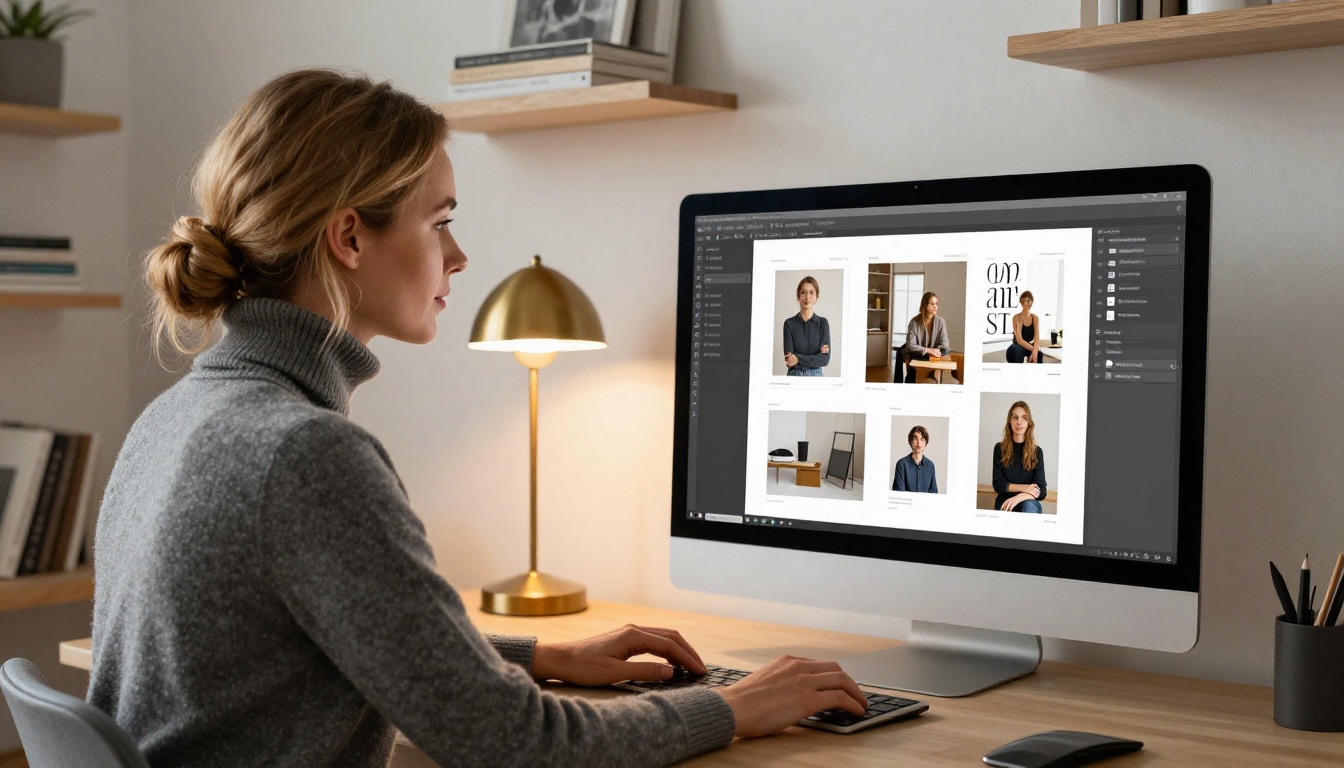
Step 1: Create Your Account
Head to flipbooksai.com/account and sign up. The free tier lets you test the full conversion workflow end-to-end. For client-facing work and professional delivery, the Standard plan removes watermarks and gives you unlimited flipbooks.
Step 2: Upload Your Photoshop PDF
From the dashboard, click Create New Flipbook and upload your exported PDF. The platform accepts large PDFs and processes each page individually, rendering them at high fidelity.
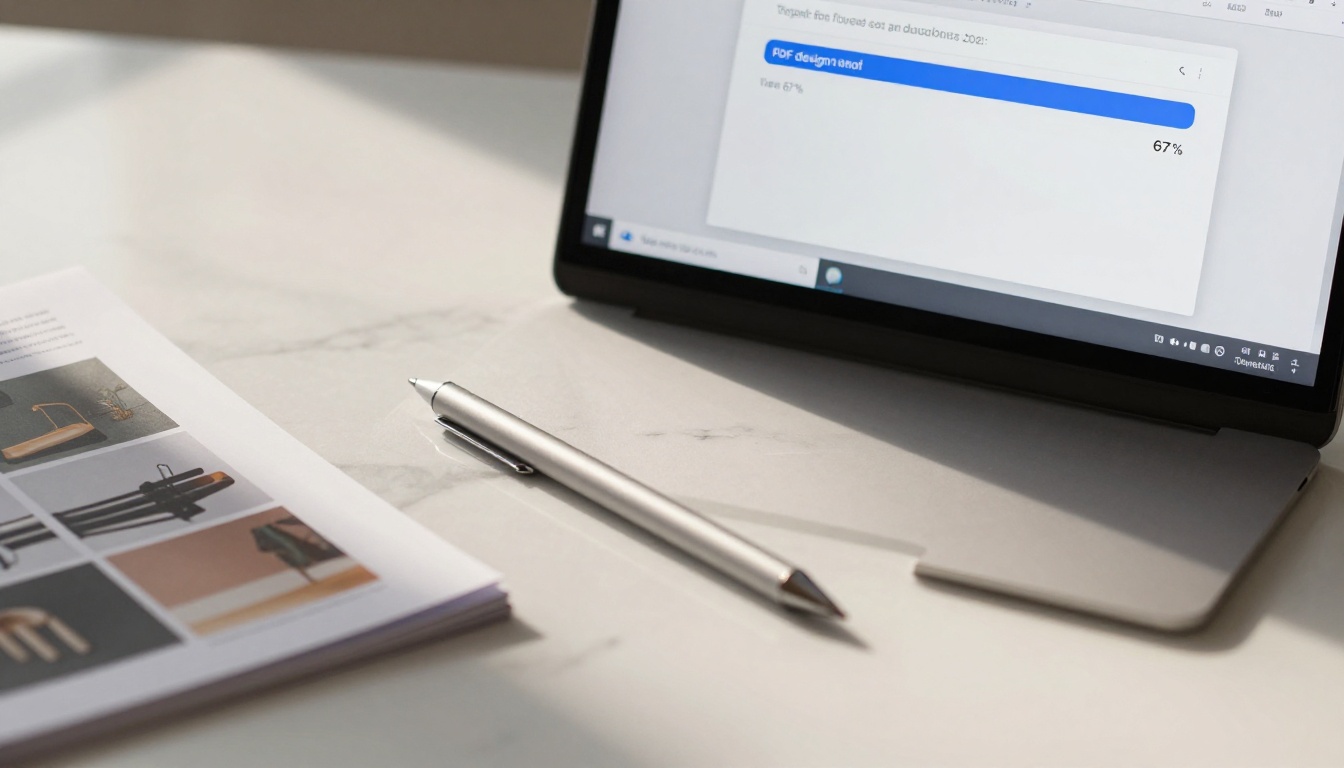
Processing time depends on the number of pages and file size, but most design files convert in under two minutes. A real-time progress indicator shows you each artboard page being processed.
Step 3: Customize the Presentation
This is where the platform separates itself from basic PDF viewers. After conversion, you can:
- Apply custom branding: Add your studio or client's logo to the flipbook header
- Set a custom background: Match the flipbook environment to the brand palette from your Photoshop project
- Control page behavior: Enable or disable auto-flip, set flip speed, choose between soft and hard page turn effects
- Add multimedia: Embed video links or audio within specific pages for richer presentations
- Set a cover style: Choose from full-cover, thumbnail, or custom entry page options
✅ Match your flipbook's background color to the primary brand color from the Photoshop project. It creates a cohesive, branded experience that clients notice and appreciate immediately.
Step 4: Set Sharing and Privacy
Before sharing, decide who can access the flipbook:
- Public link: Anyone with the URL can view the flipbook
- Password protection: Ideal for client drafts or confidential brand work in progress
- Embed code: Drop the flipbook directly into your portfolio site or a client's website
For sensitive client deliverables, always use password protection. You control the password, share it separately from the link, and the client gets a clean, professional experience without downloading anything.
Step 5: Share It
Copy the generated link and send it. Via email, Slack, WhatsApp, or a client portal. It opens in any browser, on any device, with no plugins, no downloads, and no instructions required. Your Photoshop work now exists as a living, interactive digital presentation.

Flipbook vs. PDF vs. Image Gallery
Designers debate the best format for delivering work. Here's an honest breakdown across the formats most commonly used:
| Format | Mobile-Friendly | Interactive | Shareable Link | Custom Branding | Page Animation | No Download Needed |
|---|
| Photoshop PDF | Partial | No | No | No | No | No |
| JPEG Image Gallery | Yes | No | Partial | No | No | Yes |
| Google Slides Export | Yes | Minimal | Yes | Minimal | Minimal | Yes |
| Interactive Flipbook | Yes | Yes | Yes | Yes | Yes | Yes |
The flipbook wins across every dimension that matters for client presentation. And it takes no more time to create than exporting a PDF, because the PDF is the starting point.
Real Use Cases for Designers
Brand Identity Presentations
When delivering a full brand identity system, the page-by-page reveal of a flipbook changes how clients absorb the work. Each page turn creates a natural pause before moving to the next element. Logo variations, color palettes, typography systems, and usage examples each get their own moment.
The Digital Portfolio Creator tool is purpose-built for this, letting designers publish portfolio work as a polished interactive experience rather than a static download.
Client Design Proposals
Proposals are often dense documents. Turning a Photoshop-designed proposal into a flipbook makes it easier to read, easier to reference, and far more likely to be revisited. Clients can bookmark the link, share it internally with decision-makers, and return to it without hunting through email attachments.
💡 For proposals, use password protection so only the intended client can view the work. Analytics on the Professional plan show you when and how often the link was opened, which is valuable information before a follow-up call.
Interactive Lookbooks and Catalogs
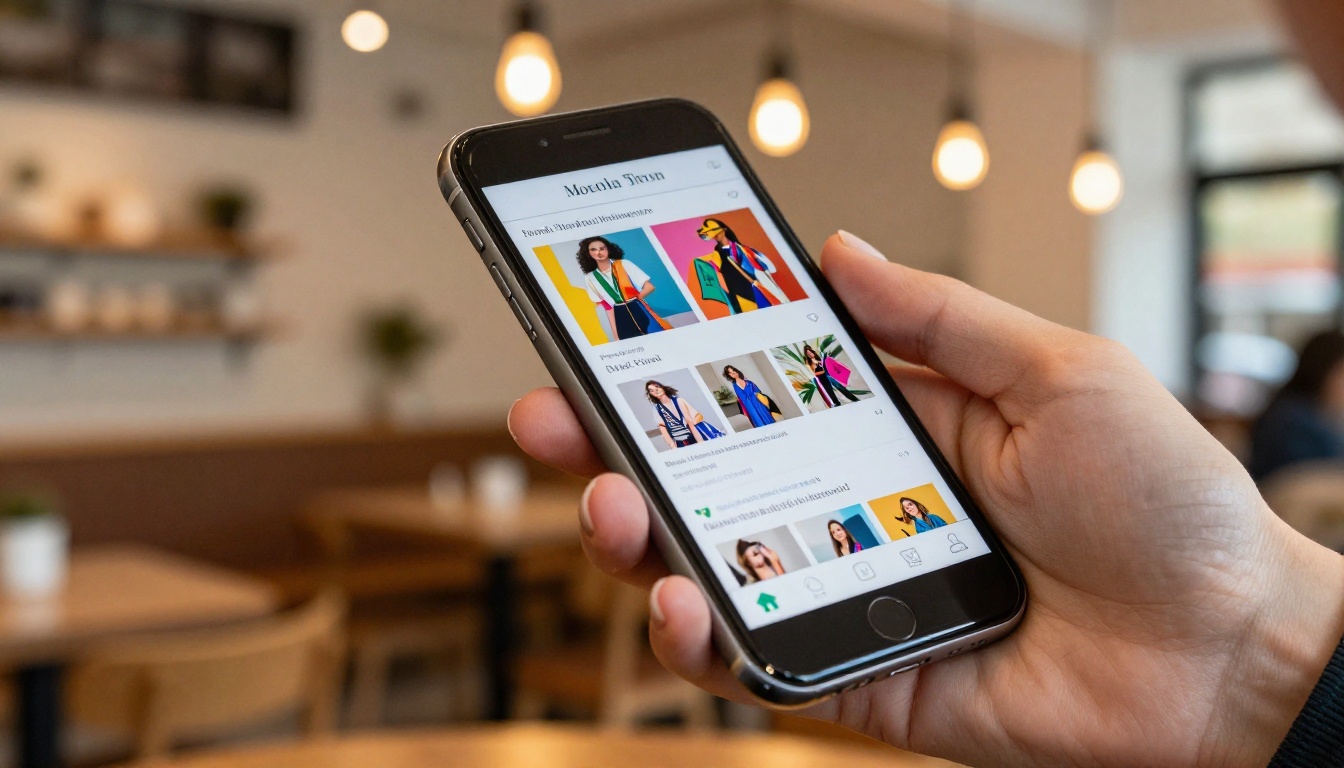
Fashion designers, furniture brands, and product studios regularly use Photoshop to design seasonal lookbooks. Exported as a flipbook, these become interactive digital catalogs that buyers and clients browse on their phones. The Interactive Lookbook Designer handles this use case with dedicated templates and customization for retail presentations.
Photography Portfolio Delivery
Photographers using Photoshop for layout design can convert their work into a stunning interactive portfolio in minutes. The Photography Portfolio tool creates a presentation-ready experience that outperforms any static image gallery in terms of visual impact and ease of sharing.
Print-to-Digital Repurposing
Many design studios produce Photoshop files for print (brochures, menus, annual reports) and then scramble to create a separate digital version. The flipbook workflow eliminates that duplication entirely. Export the print file as PDF, upload it, and the digital version is done. The Online Brochure Designer offers additional layout customization if the design needs adjustments for digital-first viewing.
Flipbooks AI Plan Comparison
Choosing the right plan depends on your volume of projects and the features your clients expect. Here's a clear breakdown:
| Feature | Free | Standard | Professional |
|---|
| Flipbooks | 3 | Unlimited | Unlimited |
| Watermark | Yes | No | No |
| Password Protection | No | Yes | Yes |
| Custom Branding | No | Yes | Yes |
| Embed on Website | No | Yes | Yes |
| Analytics | No | No | Yes |
| Lead Generation Forms | No | No | Yes |
| Offline Downloads | No | No | Yes |
| Video and Audio Embed | No | Yes | Yes |
| Mobile-Responsive | Yes | Yes | Yes |
For freelancers delivering to clients, the Standard plan is the natural entry point. Watermark-free flipbooks with password protection are non-negotiable for professional delivery. The Professional plan adds analytics so you can see when and how often clients open and review your work, plus lead generation features that work well for agencies running design-led campaigns.
3 Common Mistakes When Sharing Design Work
Sending Raw Photoshop Files
Even other designers struggle with PSD files across different systems, font libraries, and plugin ecosystems. Sending raw PSDs to clients almost always creates confusion and extra back-and-forth. Always deliver a finalized presentation format that requires no special software.
Over-Compressing the PDF
Designers sometimes compress PDFs aggressively to reduce email file size, and the images in the final flipbook look muddy and low quality. Use medium-quality JPEG compression as a minimum, and always preview the exported PDF at 100% zoom before uploading.
No Page Structure in Multi-Page Files
If your Photoshop document doesn't use artboards for multi-page layouts, your PDF export becomes a single stretched page rather than a clean multi-page document. The flipbook conversion reflects this directly. Structure your documents with artboards from the start of each project.
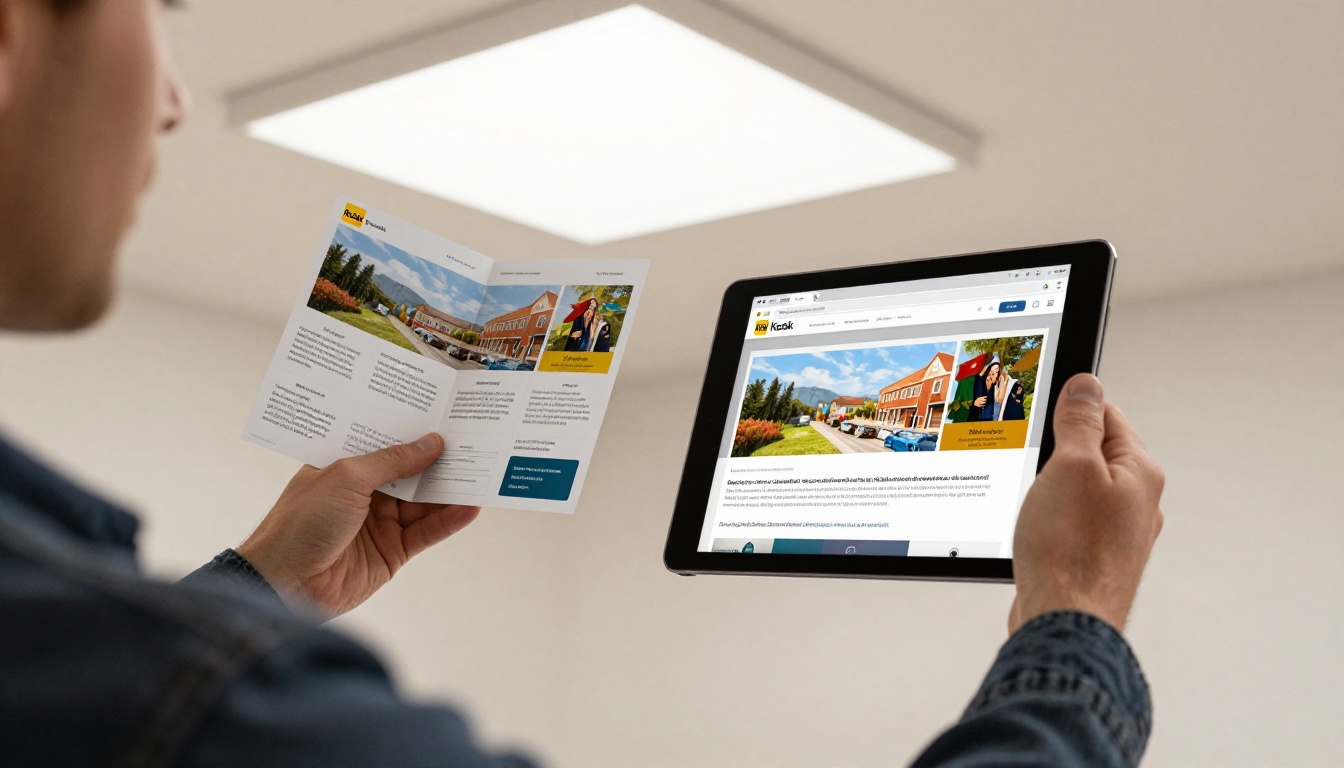
Beyond the core PDF-to-flipbook workflow, the platform offers specialized tools for specific design delivery scenarios:
Browse the full tools directory to find the right fit for your specific project type and audience.
Embedding Your Flipbook
One underused feature: once your flipbook is live, you can embed it directly into any website. The platform generates a standard iframe embed code that you paste into your portfolio, your client's marketing page, or your agency site. No iframes knowledge required on your end.
✅ Embed your latest project flipbook on your portfolio homepage. It's a live, interactive demonstration of your work that no static screenshot can replicate.
The Embed Flipbook on Website tool gives you full control over embed dimensions, flip behavior, and whether to show or hide the flipbook navigation controls.
Your Next Project, Presented Right
The gap between finishing work in Photoshop and sharing it with the world doesn't need to involve awkward file sizes, incompatible software, or flat static documents. A clean Photoshop export plus a two-minute upload to Flipbooks AI produces something your clients will actually enjoy opening and revisiting.
The flipbook format respects the effort that went into the design. It presents the work in motion, on any device, at any time, with zero friction for the viewer. Presentation shapes perception, and better presentation means clients who feel the full value of what they received.
Ready to try it? Create your first flipbook for free and see how your Photoshop work looks when it's given a proper stage. When you're ready for professional delivery without watermarks and with full password protection, compare pricing plans to choose the right tier for your workflow.



