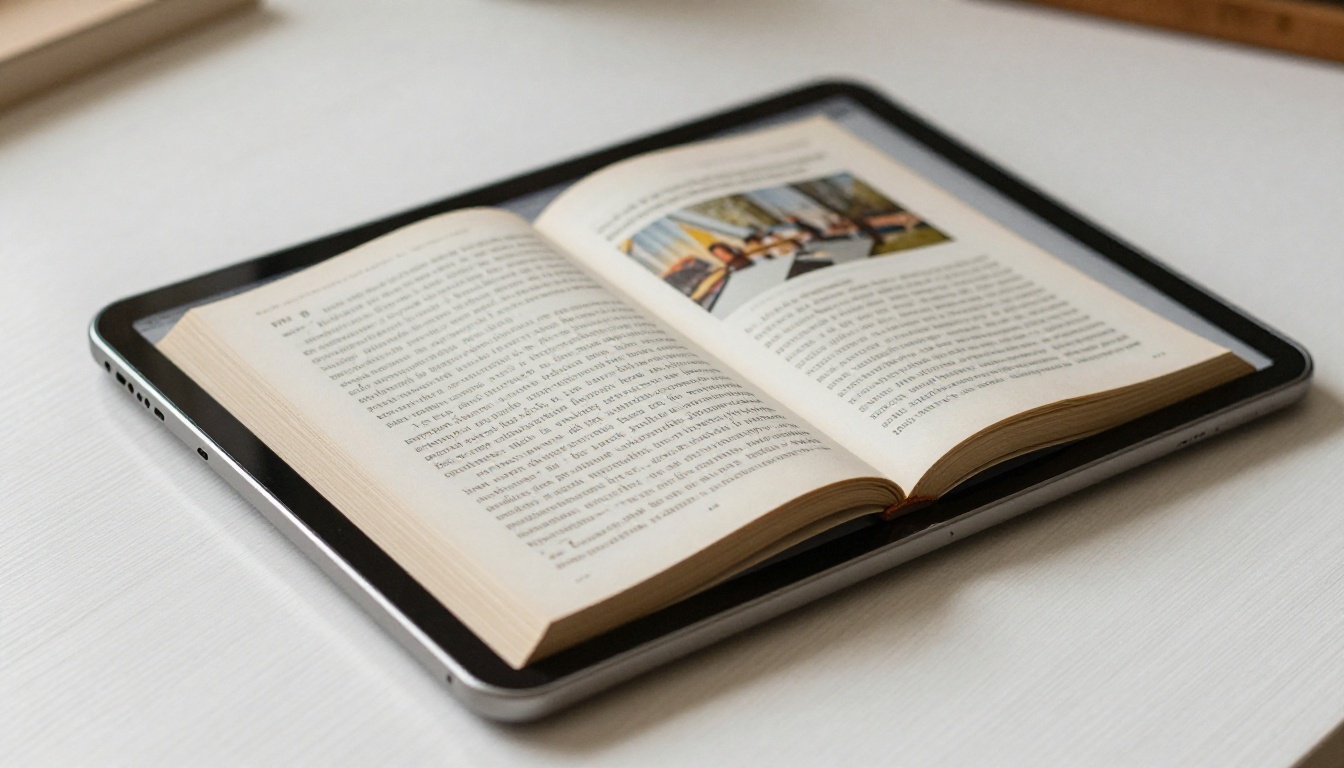
Most authors pour months into writing an eBook, design a cover, export the PDF, and then share a download link. That is where the audience stops growing. A PDF download requires action from the reader: they have to save it, open it with a separate app, and hope it renders correctly on their device. There is no page-turn experience. No sharing link. No way to know if anyone actually read past page three. If you want to publish your eBook as a flipbook and reach more readers, the approach changes everything about how your content travels across the web.
Flipbooks AI converts any PDF eBook into a fully interactive, browser-based flipbook in minutes. No software to install. No file attachments. Just a link that works on every device, in every browser, with a reading experience that feels like holding the real thing.
Why a Static PDF Loses Readers
The friction problem nobody talks about
PDF downloads are stuck in 2005. A reader clicks your link, a file saves to their downloads folder, and if they remember to open it later, they are confronted with a flat document that looks nothing like a book. There is no page turn. No table of contents that scrolls. No embedded video or audio. And if they want to share it with a friend, they are emailing a file attachment.
The result is predictable: drop-off. Readers engage with content significantly longer when it has an interactive, scrollable, or page-turning format compared to static documents. The format of your eBook is not a minor detail. It is a core part of whether people actually read it.
What readers expect in 2026
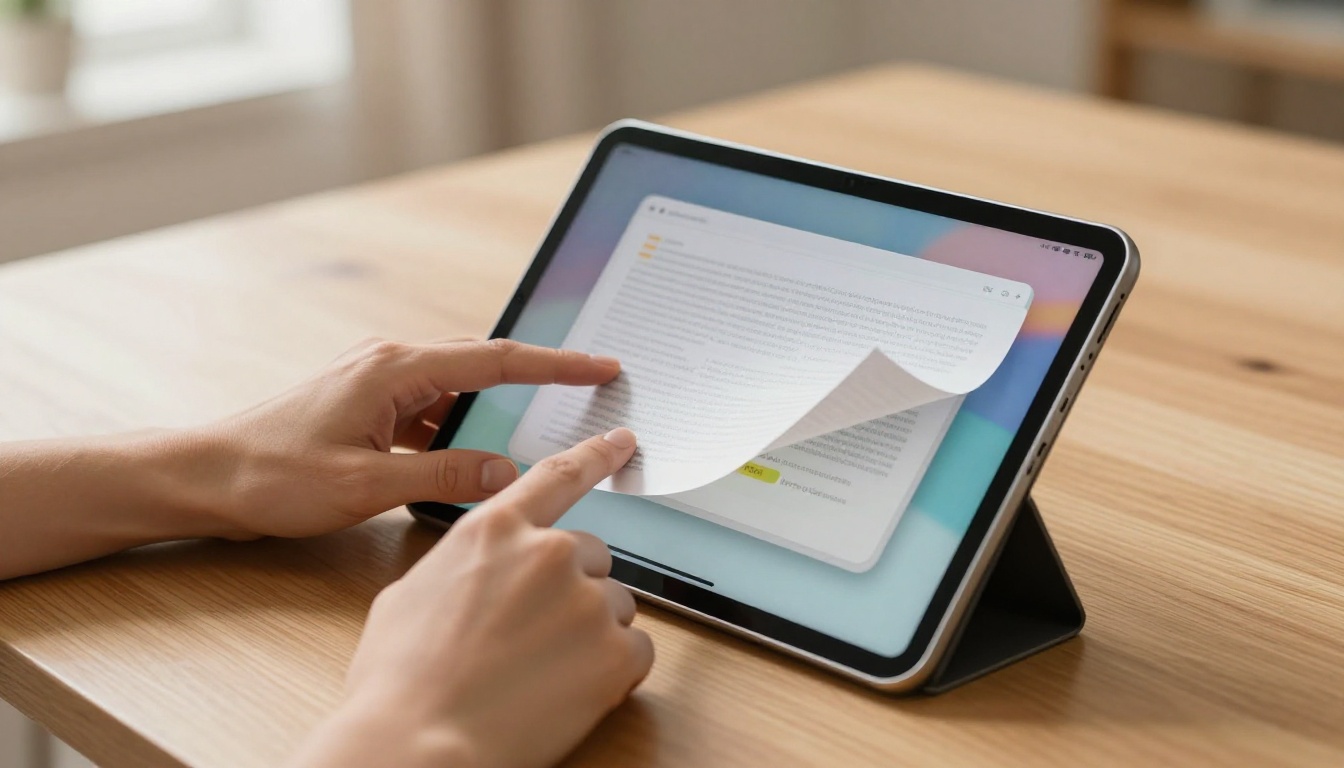
Readers today are accustomed to responsive, visual content. They read on phones, tablets, and laptops interchangeably. They share links, not files. When you give them an interactive flipbook with a real page-turn effect, a clean two-page spread, and a shareable URL, you remove every barrier between your content and their attention.
Not all digital publishing formats are created equal. Here is how the most common options stack up:
| Format | Interactivity | Mobile-Friendly | Shareable Link | SEO Indexable | Reader Experience |
|---|
| PDF | None | Limited | File only | Low | Basic |
| EPUB | Basic | Good | App-dependent | Low | Moderate |
| Static HTML | Medium | Good | Yes | High | Good |
| Flipbook | High | Excellent | Yes | High | Excellent |
A flipbook wins across every dimension that matters for reaching a wider audience. It is shareable, indexable by search engines, mobile-responsive by default, and provides the richest reading experience of any format.
💡 If you already have your eBook as a PDF, you are one upload away from a fully interactive flipbook. No redesign needed.
What a Flipbook Does for Your eBook
The page-turn effect and reader retention
The physical sensation of turning a page is deeply tied to the feeling of reading a real book. Digital flipbooks replicate this with a smooth, animated page-turn that readers trigger by clicking or swiping. On mobile, a swipe gesture feels completely natural. The result is that readers stay in the content longer because the experience feels familiar and immersive.
Beyond aesthetics, the format signals quality. A beautifully rendered flipbook with your branding, custom colors, and embedded visuals tells readers that you took the presentation seriously, not just the writing.
Interactive features that work harder for you
A flipbook is not just a prettified PDF. With the Interactive E-Book Publisher and E-Book Flipbook Generator tools on Flipbooks AI, you can add:
- Clickable links inside the content that open in new tabs
- Embedded videos and audio that play directly within the flipbook
- A searchable table of contents for longer eBooks
- Password protection for premium or member-only content
- Lead generation forms to capture reader emails before they read (Professional plan)
How to Publish Your eBook as a Flipbook on Flipbooks AI
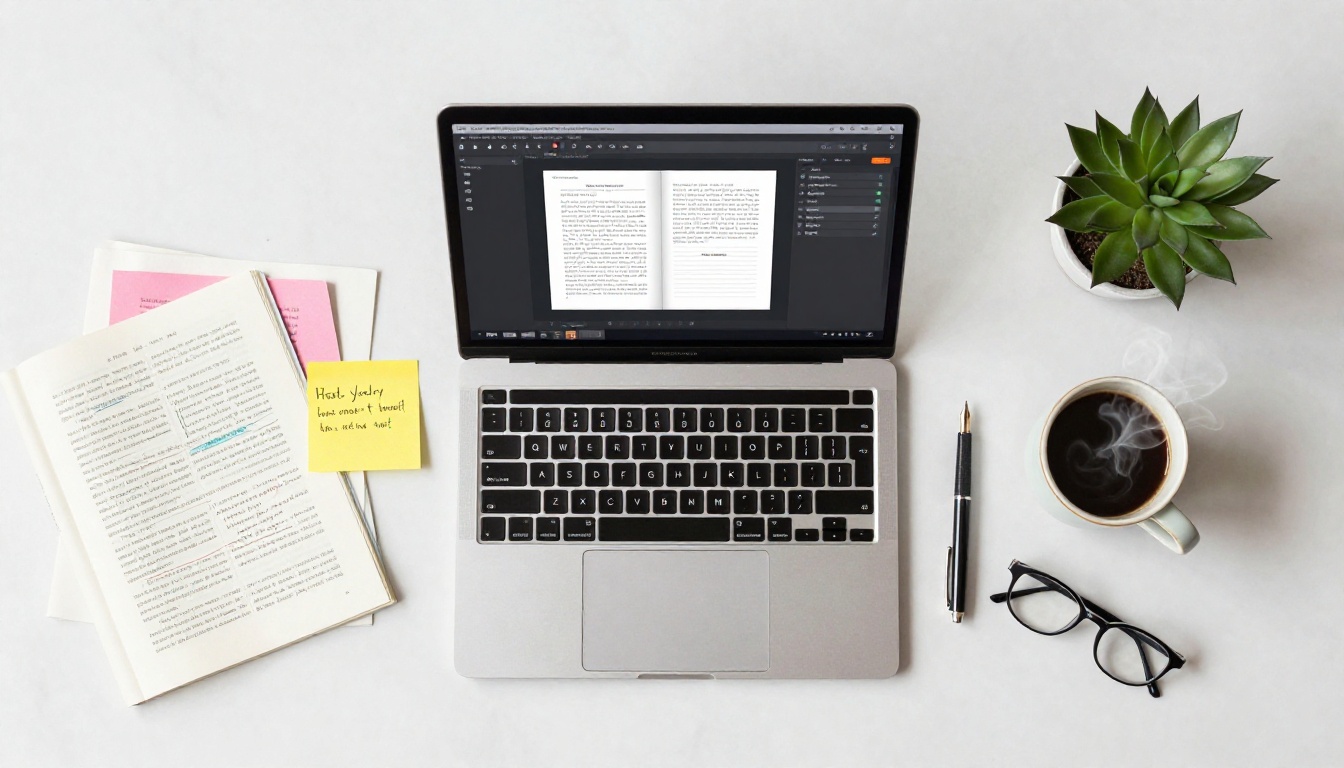
This is a direct walkthrough. The whole process takes under five minutes.
Step 1: Prepare your PDF
Before uploading, make sure your PDF is export-ready. Use high-resolution images (300 DPI minimum), embed all fonts, and check that internal links are active. The better your source PDF, the sharper your flipbook will render.
Step 2: Upload and convert
Go to Flipbooks AI and create a free account. Once inside your dashboard, click New Flipbook and drag your PDF into the upload area. The platform processes your file and automatically converts every page into a responsive, flippable format.
For eBook-specific workflows, the E-Book Flipbook Generator tool is purpose-built for authors. It handles page layout detection, image optimization, and link preservation automatically.
⚠️ Make sure your PDF is text-based, not a scanned image. Scanned PDFs will not have searchable text inside the flipbook.
Step 3: Customize branding and appearance
After conversion, open the flipbook editor. Here you can:
- Set a custom background color or texture
- Upload your logo for corner branding
- Choose a page flip animation style (soft, hard, or no shadow)
- Add a table of contents with clickable chapter links
- Enable or disable the download button for readers
- Toggle fullscreen mode as the default view
Custom branding makes the flipbook feel like an extension of your author platform, not a third-party tool. Readers see your name and visual identity throughout the experience.

Step 4: Share your flipbook everywhere
Once published, Flipbooks AI gives you multiple distribution options:
- Direct link: A clean, shareable URL you can post anywhere
- Embed code: Drop your flipbook into any website or blog with a single HTML snippet using the Embed Flipbook on Website tool
- QR code: Auto-generated for print materials, events, and packaging
- Social sharing: One-click sharing to major platforms directly from the dashboard
Step 5: Track performance with analytics
With a Professional plan, you get access to reader analytics: page views, time spent per page, geographic data, and device breakdown. This tells you exactly which chapters keep readers hooked and which ones lose them. For anyone iterating on their eBook content, this data is invaluable.
Flipbooks AI Plans at a Glance
Before choosing a plan, here is how the features break down:
| Feature | Free | Standard | Professional |
|---|
| Flipbooks | Limited | Unlimited | Unlimited |
| Watermark | Yes | No | No |
| Password Protection | No | Yes | Yes |
| Custom Branding | No | Yes | Yes |
| Embed on Website | No | Yes | Yes |
| Offline Downloads | No | Yes | Yes |
| Embed Video / Audio | No | Yes | Yes |
| Analytics | No | No | Yes |
| Lead Generation Forms | No | No | Yes |
| Mobile-Responsive | Yes | Yes | Yes |
✅ Start with Standard for a clean, watermark-free eBook experience. Upgrade to Professional when you are ready to capture reader emails and track real engagement data.
See all available pricing plans to find what fits your publishing workflow.
Distribution Channels That Actually Work
Publishing the flipbook is step one. Getting it in front of readers is the real job.

Embedding on your website or blog
An embedded flipbook on your author site or blog turns passive visitors into active readers. Because the flipbook loads directly in the browser, there is zero friction. Readers see your eBook the moment they land on the page. The Embed Flipbook on Website tool generates a responsive iframe snippet that works with WordPress, Webflow, Squarespace, and any other platform.
Real-world example: A self-published non-fiction author embeds Chapter 1 of their eBook on their homepage as a teaser. Visitors can read the first 20 pages instantly, no download required. The Professional plan's lead generation form captures their email at the end of the preview, gating the rest of the content.
Sharing via social media
A flipbook URL is a social media-friendly asset. Share the link on LinkedIn, X, Instagram bio, or Facebook with a preview screenshot. Because the flipbook lives at a permanent URL, every click takes the reader directly to the reading experience, not a file download page.
💡 Record a short screen capture of the page-turn animation and post it as a reel or short video. The visual of flipping pages is highly clickable on social feeds.
Email newsletters
For authors with an existing mailing list, a flipbook link in an email newsletter is far more effective than a PDF attachment. Links are scannable by spam filters while attachments are frequently flagged. A clean "Read the full eBook here" button linking to your flipbook drives click-through rates that file attachments never will.
QR codes for print and events
The auto-generated QR code from Flipbooks AI is a physical-to-digital bridge. Print it on promotional cards, event programs, or bookmarks. At speaking events or book fairs, attendees scan the code and are reading your eBook within seconds.
Channel comparison
| Distribution Channel | Reach Potential | Setup Effort | Cost | Best Use Case |
|---|
| Website Embed | Medium | Low | Free | Owned audience |
| Social Media Link | High | Low | Free | Discovery |
| Email Newsletter | Medium | Low | Free | Loyal readers |
| QR Code (Print) | Medium | Low | Print cost | Events, packaging |
| Direct Link Share | High | Minimal | Free | Referrals, DMs |
Who Gets the Most from Flipbook Publishing
Flipbook publishing works across a wide range of author and creator types:
- Self-published authors who want a professional presentation without paying for a dedicated web app
- Course creators who package supplementary reading materials as eBooks and want to embed them inside their course platforms
- Business authors who produce thought leadership eBooks for lead generation, using the Digital Portfolio Creator as a professional showcase
- Educators using the Course Material Publisher to distribute textbooks and reading packs
- Publishers who want to give potential readers a sample chapter online before purchase
The common thread is this: anyone who has written content worth reading deserves a format that earns the reader's attention rather than fighting it.

Common Mistakes When Publishing eBooks Online
Skipping mobile optimization checks
Over 60% of web traffic is mobile. Before you share your flipbook link publicly, open it on your phone and tablet. Check that text is legible without zooming, images load at the right size, and the page-turn gesture responds correctly. Flipbooks AI renders responsively by default, but checking your specific layout on mobile takes two minutes and prevents bad first impressions.
Hiding your flipbook behind too many gates
Password protection is a powerful tool for premium content, but using it on a public-facing eBook preview kills discovery. Keep your top-of-funnel content open. Gate only the premium or complete version.
Forgetting to update links after edits
If you revise your eBook and re-upload the PDF, make sure all your shared links and embeds point to the updated version. Flipbooks AI preserves your URL when you update an existing flipbook so existing shares stay valid.
Take Your eBook Further
Publishing your eBook as a flipbook is not just a formatting upgrade. It is a distribution strategy. Every shareable link is a permanent entry point to your content. Every embed is a silent salesperson on your website. Every QR code is an offline-to-online bridge that keeps working long after you print it.
The authors and creators who build audiences online in 2026 are the ones who remove friction from the reading experience. A flipbook does that better than any other format available today.
Ready to publish your eBook as a flipbook and reach more readers? Create your free account on Flipbooks AI and upload your first PDF in minutes. No watermarks on paid plans. No limits on the number of flipbooks you create with Standard and above.
Browse all publishing tools to find the right format for your content, and check pricing plans to choose the tier that fits your audience goals.