Putting a flipbook behind a QR code on your packaging turns a static box into a living, browsable brand experience. The moment a shopper scans that code with their phone, a page-turning digital catalog, product manual, or recipe book opens instantly, no app required. It is one of the most cost-effective moves in physical retail right now, and brands doing it are seeing real engagement numbers where printed inserts never could. Flipbooks AI makes the whole process straightforward, from uploading your PDF to getting a scannable link in minutes.
Why QR Codes on Packaging Are Changing Retail
Physical packaging has always had a space problem. You have a finite amount of surface area and an infinite amount of information you want to share: ingredient lists, usage instructions, brand stories, promotions, tutorials, all competing for a few square centimeters. QR codes broke that constraint wide open.
The Limitation of Static Print
Before QR codes became mainstream, the only way to get more content to a shopper was to print a longer insert, a bigger leaflet, or a URL they had to manually type. All three approaches had terrible follow-through rates. Nobody types a URL from a cereal box. Nobody reads a sixteen-fold paper insert in a cosmetics kit.
Static print also cannot be updated. If you change an ingredient, run a seasonal promotion, or add a new product to the line, you have to reprint everything. That costs money and creates landfill.
What Actually Happens When Shoppers Scan
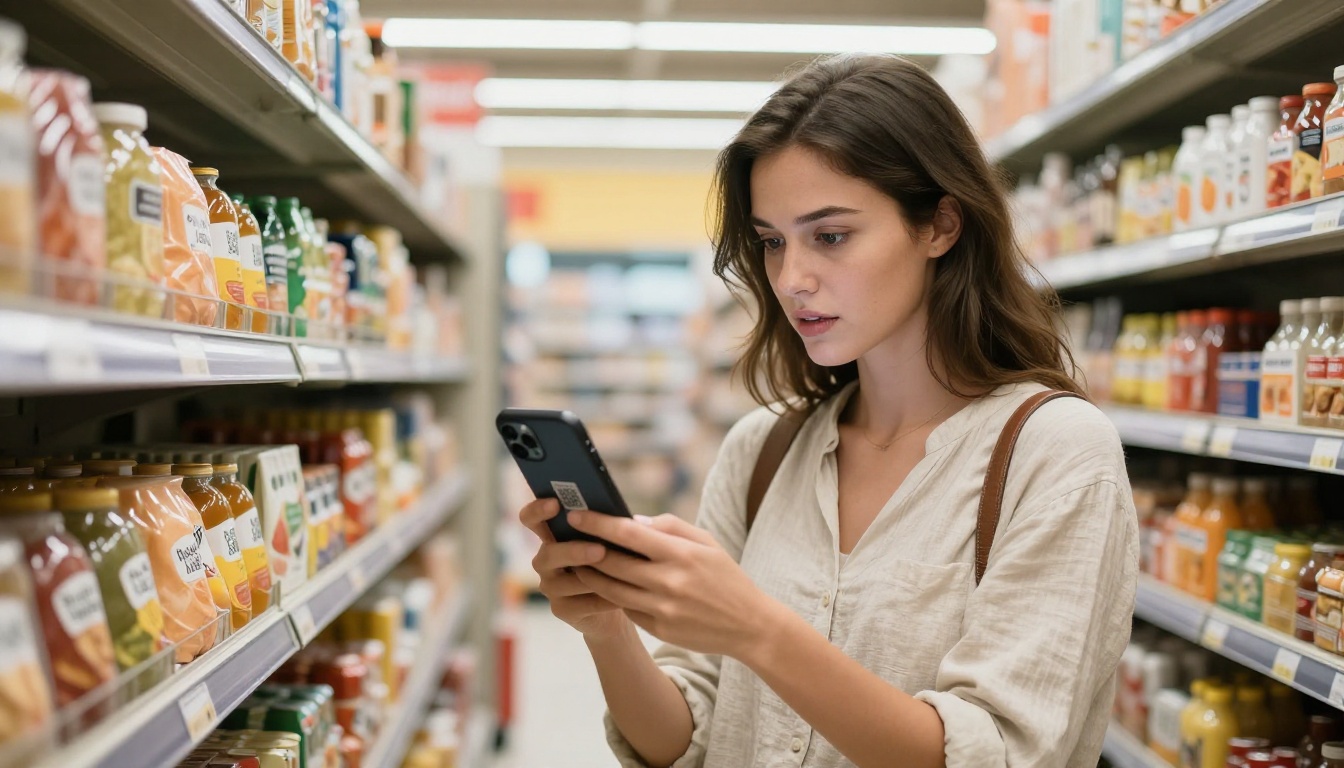
Research from multiple retail studies shows that QR code scans peak during two moments: in-store before purchase and at home during unboxing. Both are high-intent moments. The shopper is already holding your product and their curiosity is at its highest. What you show them in that moment matters enormously.
If the scan leads to a flat webpage or a PDF download, most users bounce. If it opens an interactive, page-turning flipbook that looks like a premium publication, people stay. The experience itself signals quality.
What a Flipbook Actually Is
A digital flipbook is a PDF converted into an interactive browser-based experience with realistic page-turning animations, smooth navigation, and full mobile responsiveness. It opens instantly in any browser with no app installation.
The difference between a flipbook link and a raw PDF link is the difference between handing someone a printed magazine versus handing them a stack of loose pages. Same content, completely different impression.
Flipbooks vs. Other Link Formats
| Format | Mobile Experience | Page-Turn Animation | Embeddable | Updateable | Analytics |
|---|
| Raw PDF | Poor (requires app) | No | No | No | No |
| Static webpage | Variable | No | Yes | Yes | Basic |
| Digital flipbook | Excellent | Yes | Yes | Yes | Advanced |
| Image carousel | Moderate | No | Yes | Yes | Basic |
A flipbook wins on every metric that matters for post-scan engagement. It loads fast, works on any device, and the page-turn mechanic creates a tactile familiarity that flat web pages simply do not have.
The Attention Span Factor
Digital flipbooks keep readers engaged longer than any other format linked from a QR code. The interactive nature means users actively participate rather than passively scroll. Each page turn is a micro-commitment. Unlike a video, which the user can only watch passively, a flipbook lets them move at their own pace, revisit pages, and skip to what interests them most.
How to Put a Flipbook Behind a QR Code on Packaging
The actual process has four steps and takes under twenty minutes once your PDF is ready.
Step 1: Create Your Flipbook
Head to Flipbooks AI and create a free account. Once inside, upload your PDF. The platform converts it automatically into a fully interactive flipbook with realistic page-turn animation. You can upload any PDF: a product catalog, a recipe book, a user manual, a lookbook, or a seasonal promotion.
During this step you can also:
- Add your brand logo and colors
- Choose a background style for the flipbook viewer
- Enable or disable the table of contents sidebar
- Set a custom domain for the flipbook URL (Professional plan)
- Add password protection if the content is for trade audiences only
💡 Use the Digital Catalog Maker or Product Catalog tool if you are starting from scratch without an existing PDF.
Step 2: Get Your Shareable Link
Once published, Flipbooks AI gives you a direct shareable link to your flipbook. This is the URL your QR code will point to. Before moving on, open the link on your phone in both Safari and Chrome. Confirm it loads fast and the page turn works correctly on mobile, because that is exactly what your customers will experience.
✅ Test on multiple devices and screen sizes before committing to production. A smooth scan-to-flipbook experience is the whole point.
Step 3: Generate and Print the QR Code
Take the flipbook URL and paste it into any QR code generator. Free options are widely available online. If you want analytics on scan counts per packaging type, use a dynamic QR code service that tracks scans by location, device, and time.
Dynamic QR codes also allow you to update the destination URL without reprinting the packaging. This means you can swap the linked flipbook seasonally without changing the physical package design at all.
Step 4: Test Before Production
Add the QR code to your packaging artwork file following these sizing and placement rules:
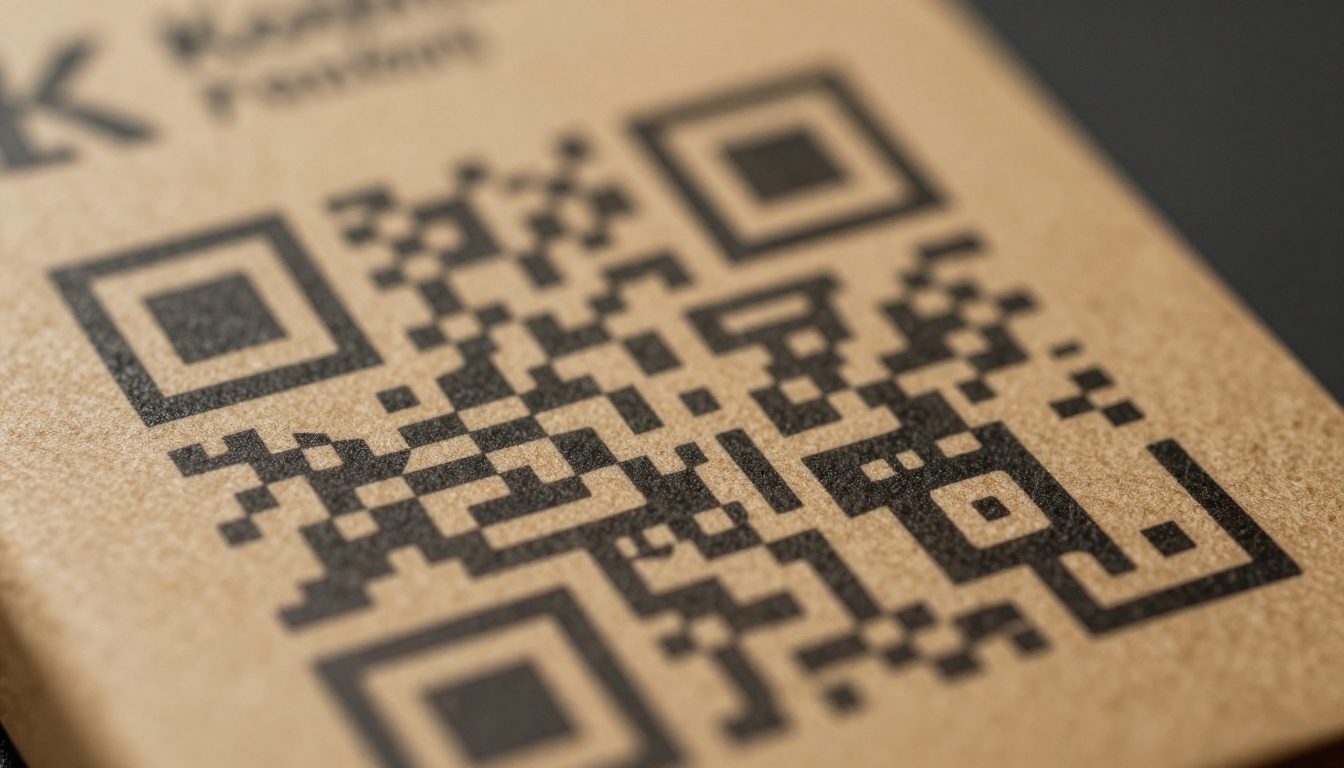
- Minimum size: 2cm x 2cm for most packaging applications
- Contrast: Black QR code on white or light background is most reliable
- Placement: Back panel or side panel near a natural hold position for the hand
- Call to action: Add 3-5 words beside the code, like "Scan for the full catalog" or "Scan for recipes"
⚠️ Always test the QR code by printing it on paper at the actual size it will appear on the final packaging. Scan with multiple phone models. QR codes that are too small or low-contrast will fail in the real world.
What Content Works Best Behind the QR Code
Not all flipbook content performs equally. The type of content that works depends on what the shopper needs at that specific moment in their purchase journey.
Product Manuals and Setup Guides
Electronics, appliances, fitness equipment, furniture: any product that requires assembly or configuration is a natural fit. A printed manual has to be stripped down to essentials due to space constraints. The QR flipbook version can include full-color diagrams, expanded troubleshooting sections, and multiple language editions in one document.
💡 A product manual flipbook also reduces inbound customer service calls. Brands that implement this report significant drops in "how do I set this up" support tickets within the first quarter.
Lookbooks and Seasonal Catalogs
Fashion, home decor, and lifestyle brands see strong results linking packaging QR codes to interactive lookbooks. When someone buys a single product from a collection, the flipbook shows them the full range. The Interactive Lookbook Designer is built exactly for this use case.
The conversion logic here is powerful: the customer already bought one item. They are warm to the brand. Showing them a beautifully presented flipbook catalog of the rest of the range is low-friction upselling that does not feel like advertising.
Recipe Books for Food Brands
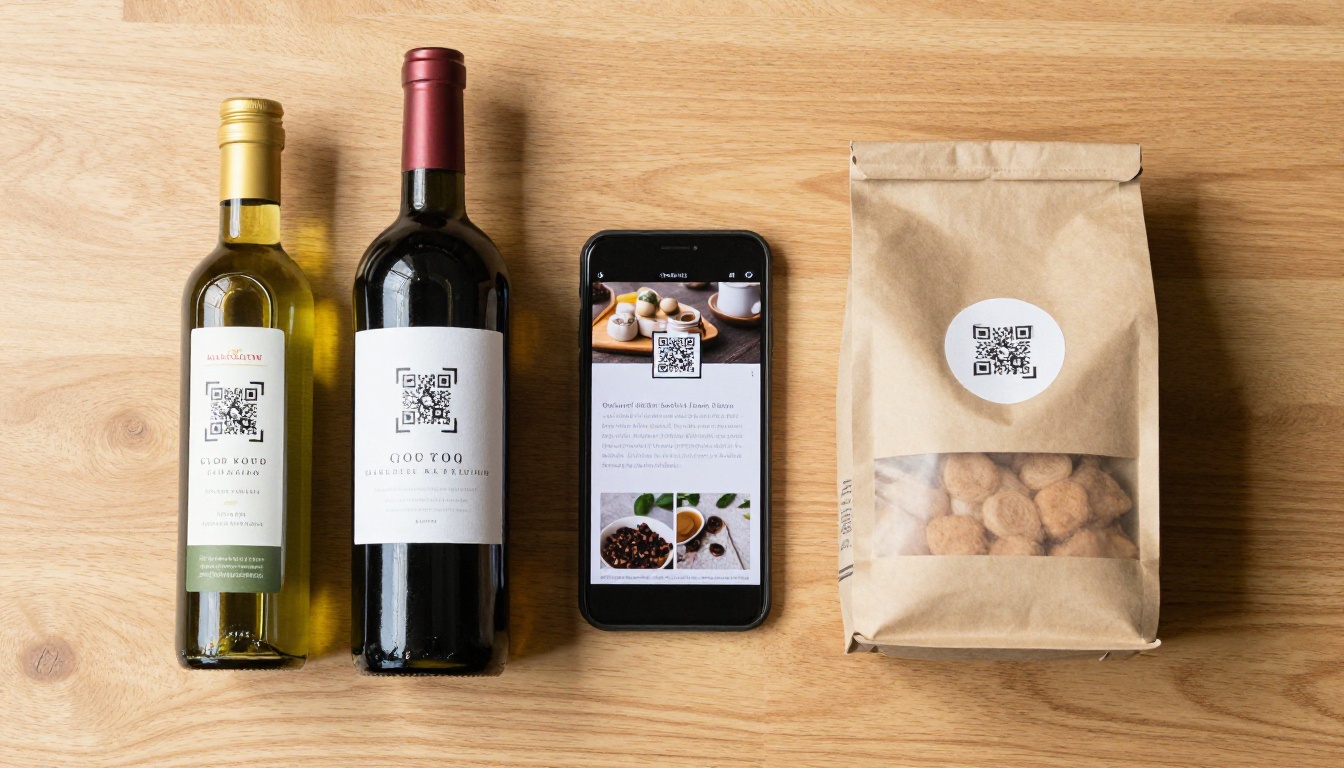
For food and beverage brands, a recipe flipbook is arguably the single best-performing QR code destination. If someone buys your olive oil, hot sauce, or spice blend and scans the QR code to find forty curated recipes, they will reference that flipbook repeatedly. Use the Recipe Book Flipbook tool to build it.
Repeat scanning keeps your brand in their phone's recent history. That kind of sustained visibility cannot be bought with a display ad.
Packaging Types That Benefit Most
Some packaging contexts produce dramatically higher scan rates than others. Here is a breakdown by industry.
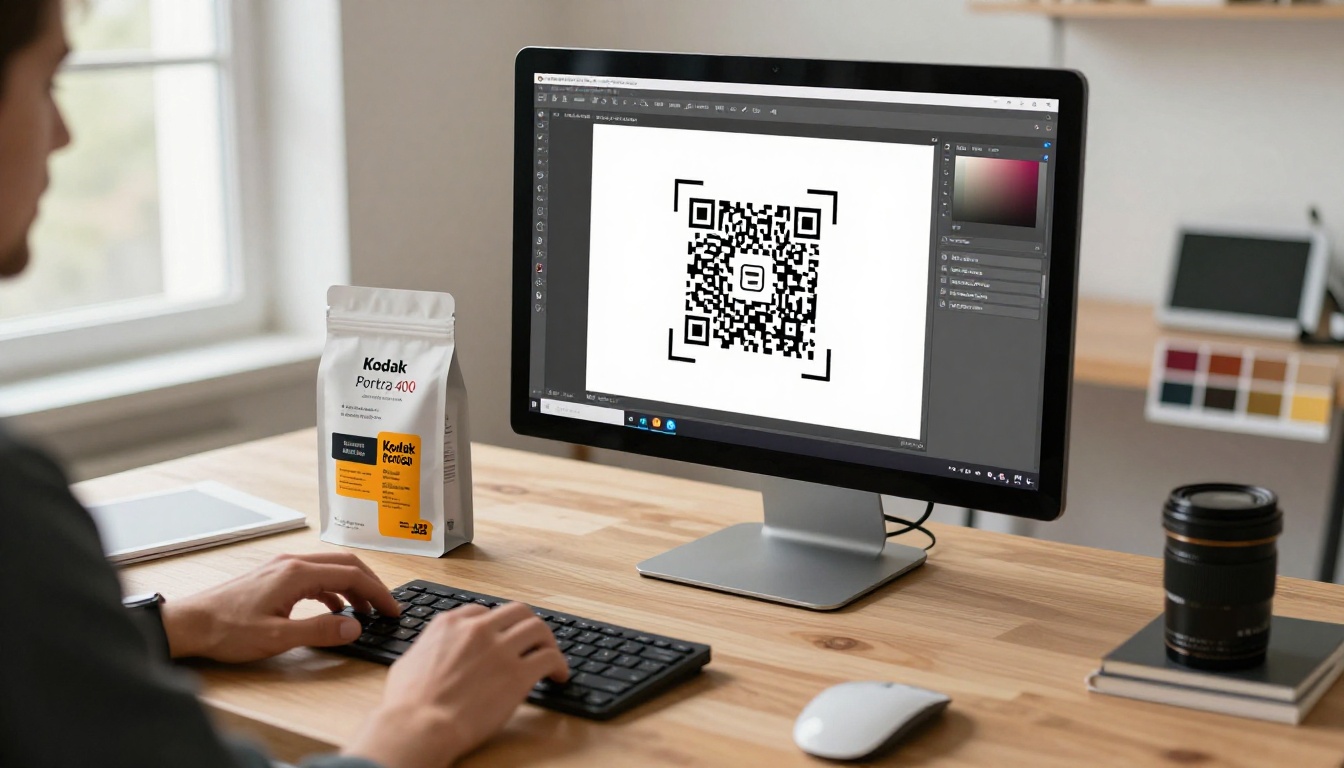
Food and Beverage
This segment has the highest QR scan rates of any retail category. Shoppers here are motivated: they want recipes, nutritional detail, sourcing stories, and pairing suggestions. A wine brand linking to a vintage catalog flipbook, a coffee brand linking to a brew guide, or an artisan sauce brand linking to a recipe book all see strong engagement. The content is relevant, timely, and genuinely useful.
Best flipbook types: Recipe books, product origin stories, pairing guides, seasonal collections.
Beauty and Cosmetics
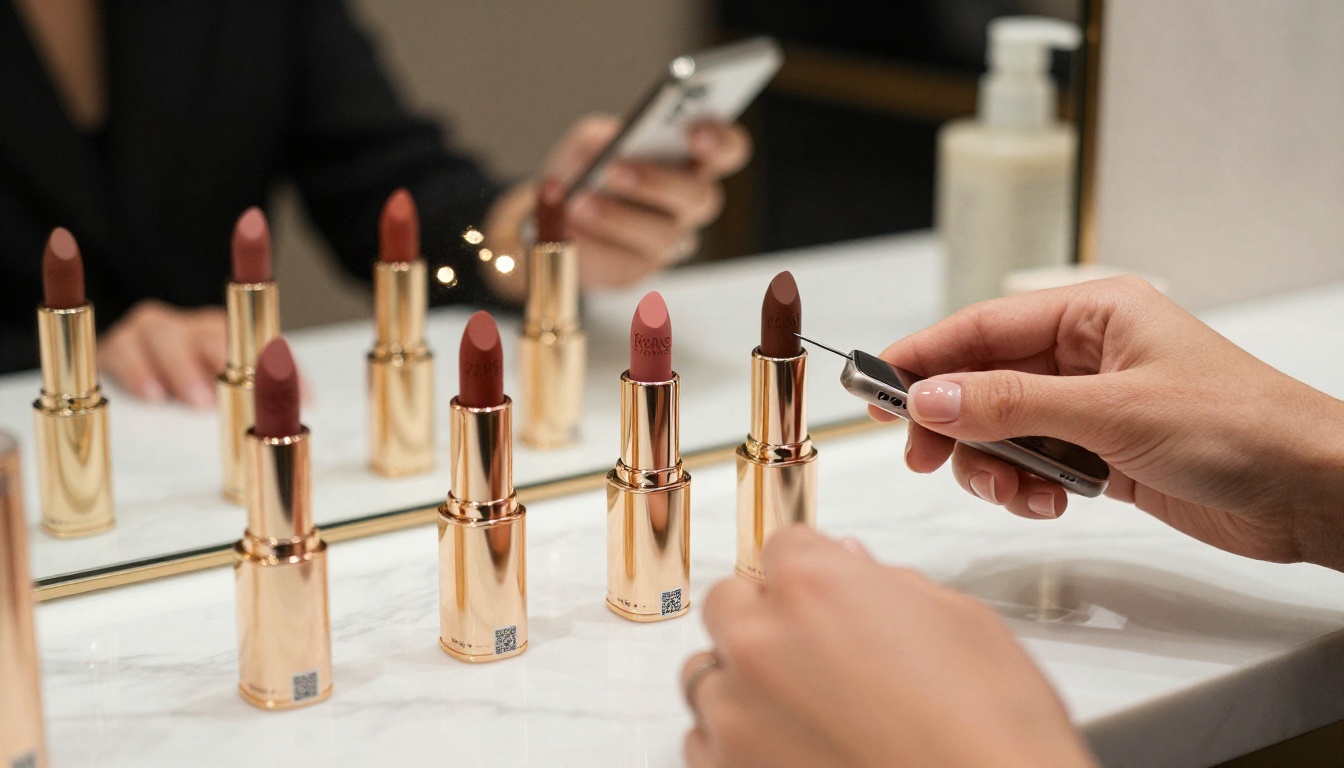
The beauty industry was among the first to adopt QR codes on packaging, and for good reason. Consumers in this category research heavily before and after purchase. A QR code linking to an application tutorial flipbook, a shade range lookbook, or a skincare routine guide gives shoppers exactly the information they are seeking.
This format also solves a real compliance problem: regulatory ingredient information can be moved largely off the physical label and into the digital flipbook, freeing up valuable label space for brand communication.
Electronics and Tech
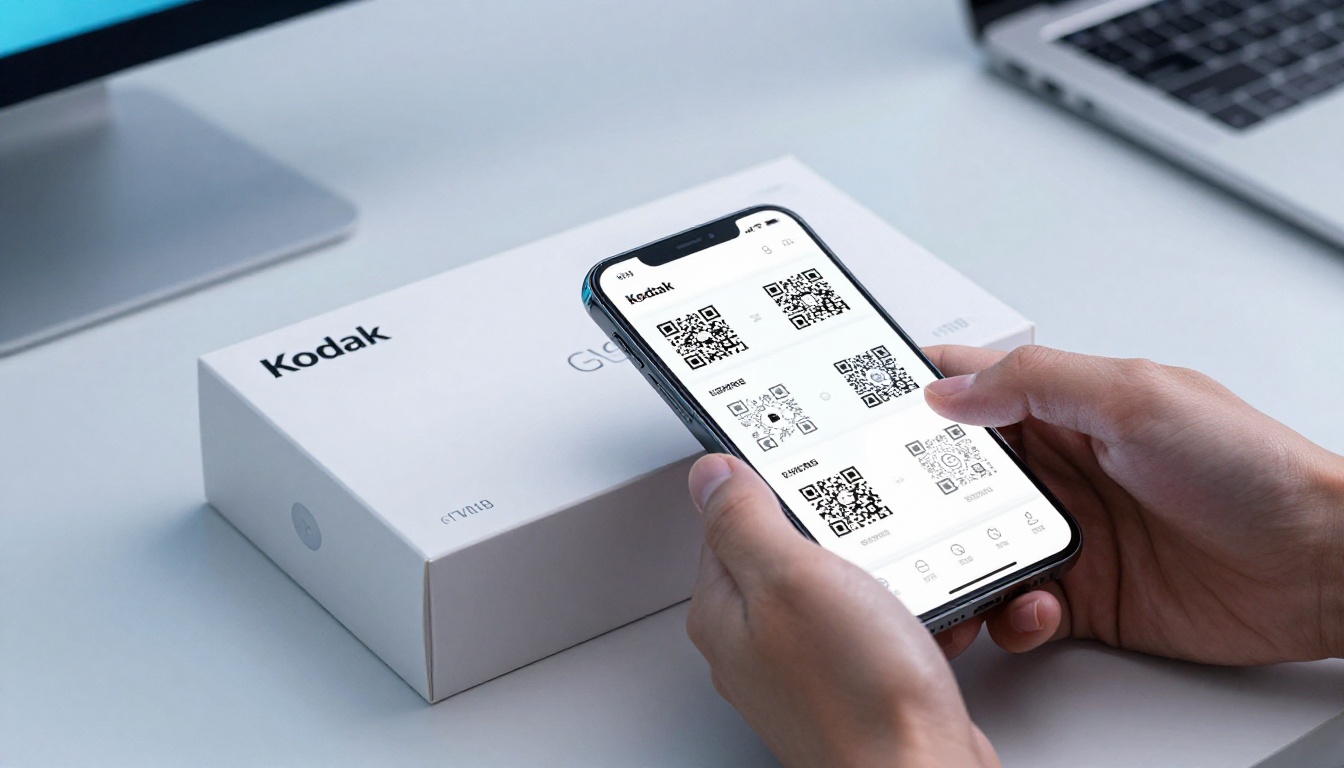
Setup guides, compatibility charts, warranty information, and accessory catalogs all work exceptionally well as flipbooks behind electronics packaging. The audience is tech-comfortable and already has their phone in hand during unboxing. The Training Manual Flipbook tool works well for this category.
Electronics brands also benefit from the updateable nature of dynamic QR codes. Firmware updates, new accessory releases, and support documentation can all be refreshed in the linked flipbook without touching the physical packaging.
Flipbooks AI Features That Make This Easy
Flipbooks AI has specific features that make it the right platform for QR-linked packaging content.
| Feature | Free Plan | Standard Plan | Professional Plan |
|---|
| Flipbooks | 3 total | Unlimited | Unlimited |
| Watermarks | Yes | No | No |
| Custom branding | No | Yes | Yes |
| Password protection | No | Yes | Yes |
| Analytics | No | No | Yes |
| Lead generation | No | No | Yes |
| Offline downloads | No | No | Yes |
| Custom domain | No | No | Yes |
No Watermarks, Ever
When a shopper scans your packaging QR code and the flipbook viewer shows a third-party watermark, it damages your brand presentation. Flipbooks AI removes all watermarks on Standard plans and above, making the experience completely branded to your business with no external platform attribution.
Mobile-Responsive by Default
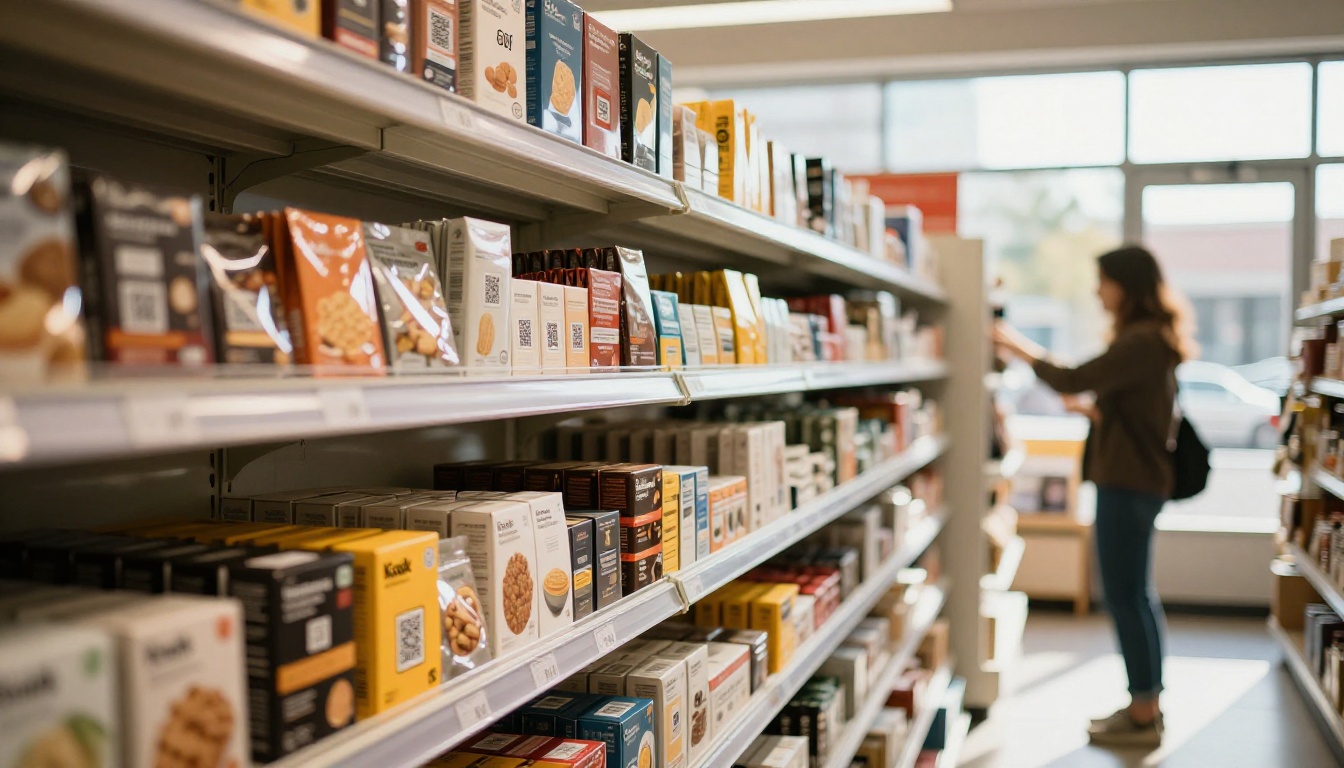
Every flipbook created on Flipbooks AI is fully mobile-responsive from day one. There is no separate mobile version to manage. The viewer adapts automatically to any screen size, whether a budget Android phone or a large iPad. This matters because the majority of QR code scans happen on mobile devices in-store or during unboxing.
Analytics to Track Scans and Behavior
On the Professional plan, you get detailed analytics showing exactly how readers interact with your flipbook. You can see which pages get the most attention, how long sessions last, and where readers drop off. Combined with QR code scan tracking, this gives you a full picture from the physical scan to the last page read.
💡 Use flipbook analytics to shape future packaging designs. If data shows readers consistently stopping at page 8 of a 20-page catalog, those first 8 pages are your highest-value real estate for promotions and cross-sells.
Common Mistakes Brands Make
Skipping the Physical Test
The single most common error is designing the QR code at a size or contrast level that looks fine in a digital mock-up but fails to scan in physical print. Always test with a physical printed sample at actual production size before approving final artwork files.
Linking to a Non-Mobile-Optimized Page
Brands that already have a QR code on packaging but link to a desktop-designed PDF or webpage are wasting the scan. The experience needs to be built for the 4-inch to 6-inch screen first, and tested there before anything else.
Using Static QR Codes
Printing a static QR code locks you to that URL permanently. If the flipbook URL changes for any reason, the packaging is broken forever. Use dynamic QR codes from day one, even if you never end up needing to change the destination.
No Call to Action Next to the QR Code
A bare QR code with no context gets ignored. Shoppers do not know what they will get when they scan. Three to five words of context, like "Scan for recipes" or "Scan for the full catalog," meaningfully increase scan rates across every product category.
Forgetting Password Protection for Trade Content
If your flipbook contains wholesale pricing, trade terms, or content not intended for end consumers, Flipbooks AI's password protection keeps it private. Set the password and share it only with trade partners, while a consumer-facing flipbook lives behind the same QR code on retail packaging.
Real Scan Rates Worth Knowing
| Packaging Category | Average QR Scan Rate | Top Performing Content |
|---|
| Food and beverage | 18-24% | Recipe books, pairing guides |
| Supplements and health | 16-22% | Usage guides, ingredient detail |
| Beauty and cosmetics | 14-20% | Application tutorials, shade guides |
| Electronics | 12-18% | Setup guides, compatibility charts |
| Apparel and fashion | 8-14% | Lookbooks, size guides |
These figures represent packaging where the QR code has a clear, legible call to action printed beside it. Unmarked QR codes consistently perform 40-60% lower across all categories, regardless of the quality of the flipbook behind them.
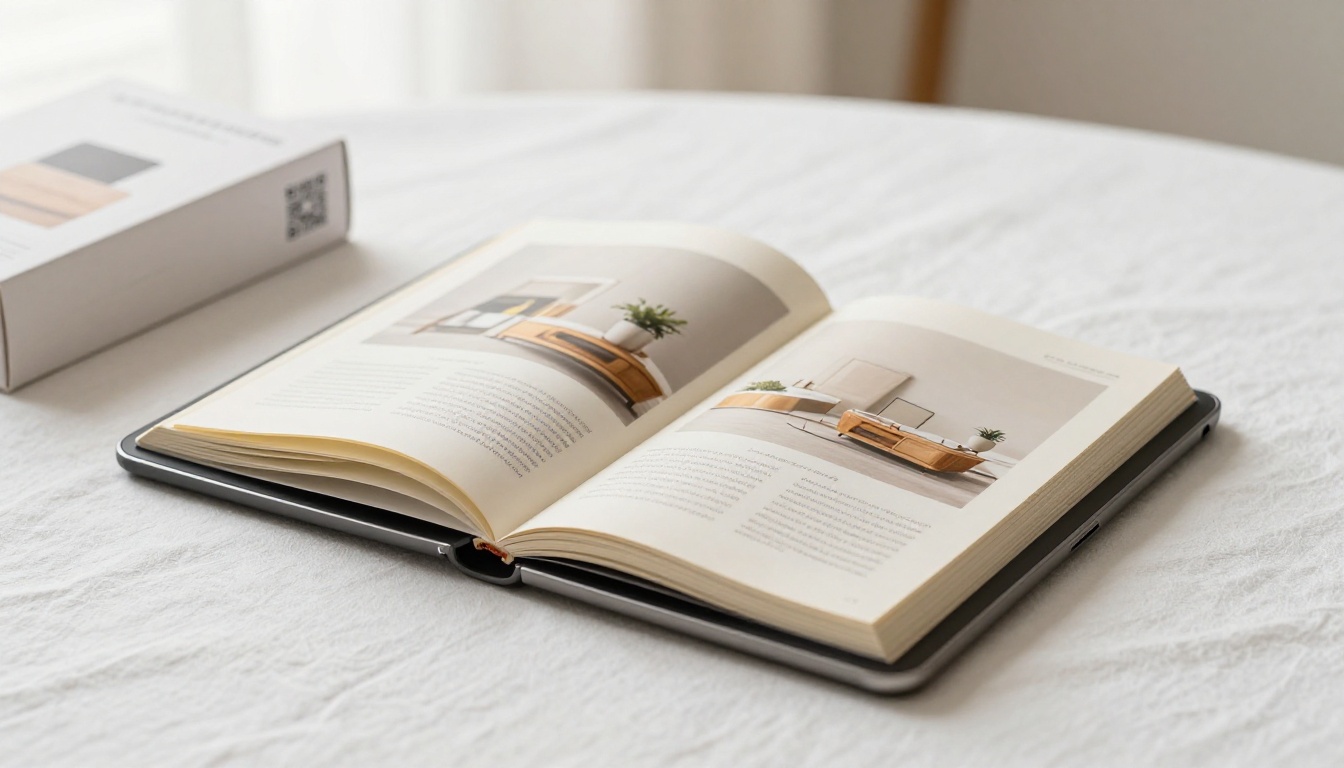
Your First QR-Linked Flipbook
The path from idea to live QR-linked flipbook is shorter than most brand managers expect. You need three things: a PDF of your content, fifteen minutes, and a free account.
If you have the PDF ready:
- Create your account on Flipbooks AI
- Upload the PDF and publish it
- Copy the shareable link
- Generate a dynamic QR code pointing to that link
- Drop the QR code into your next packaging revision
If you are starting from scratch:
For brands ready to invest in full tracking and branded experiences, the Professional plan adds analytics, lead generation, and custom domains that transform a simple QR code into a complete customer intelligence tool.
Browse all available tools to find the right starting point for your industry and content type. Your packaging is already in customers' hands. The flipbook makes it worth scanning.



