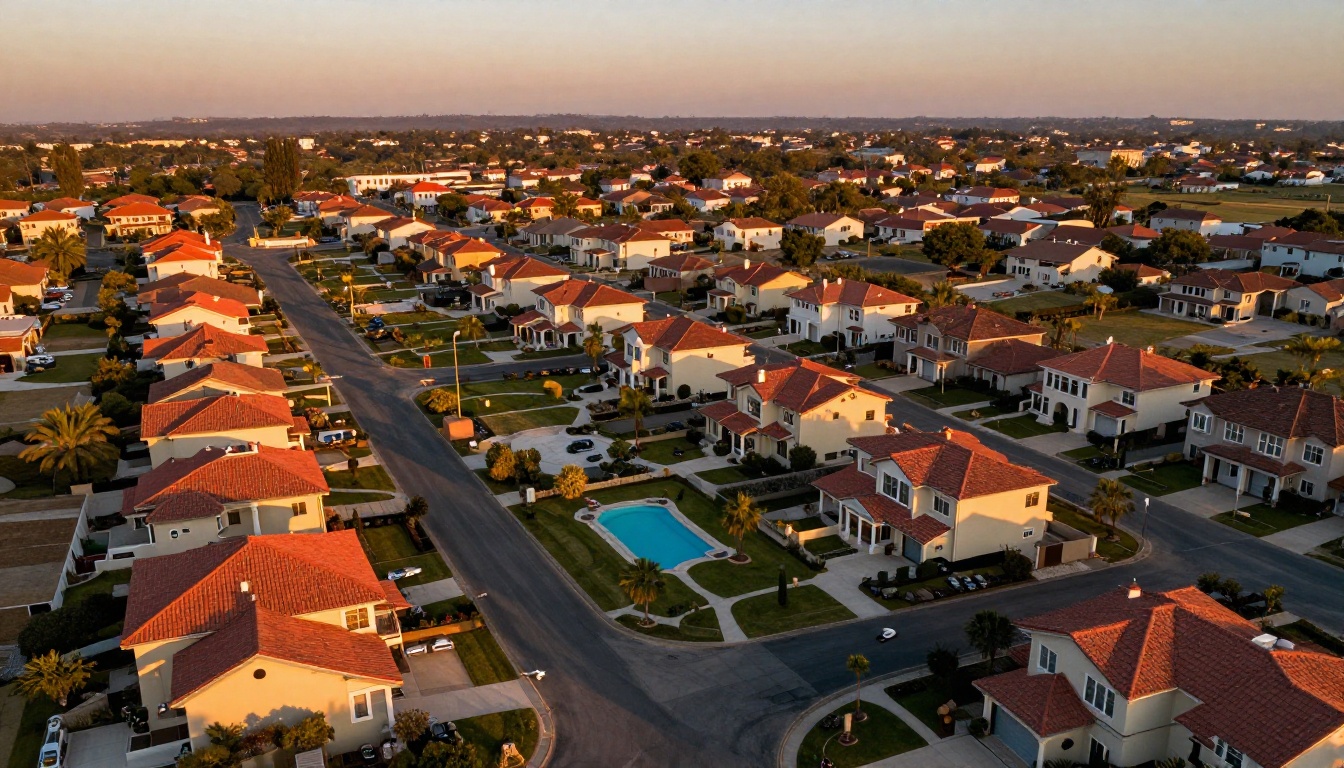
Real estate has always been a visual business. But in a market where buyers scroll through dozens of listings before stepping foot in a single open house, how you present a property matters as much as the property itself. That's exactly why the real estate flipbook with video tours inside has become one of the most powerful tools in a modern agent's arsenal.
Flipbooks AI lets you convert any PDF property brochure into an interactive, page-turning digital flipbook that embeds video walkthroughs, floor plans, and clickable links directly inside the pages. No app downloads. No clunky attachments. Just a clean, shareable URL that works on any device.
Why Static PDFs Don't Cut It Anymore
For years, real estate agents relied on PDF brochures sent via email. The problem? They're flat, they're boring, and they don't work well on mobile. A 15MB file that opens slowly on a phone isn't going to hold a buyer's attention for long.
Here's what happens when buyers receive a traditional PDF versus an interactive flipbook:
| Experience Factor | Traditional PDF | Interactive Flipbook |
|---|
| Mobile experience | Poor (zoom/scroll frustrating) | Excellent (responsive, touch-friendly) |
| Video integration | Not possible | Embedded directly in pages |
| Time spent on listing | Avg. 30-45 seconds | 3-5+ minutes |
| Sharing | Attachment only | Single shareable link |
| Analytics | None | View counts, time-on-page |
| Branding | Static | Custom colors, logo, domain |
Buyers who spend more time with your listing are more likely to schedule a showing. That's not a theory; it's conversion psychology.
What a Real Estate Flipbook with Video Tours Does
A real estate flipbook with video tours inside is a digital publication that looks and feels like a glossy property magazine but lives in a browser. Readers flip through pages just like a physical brochure, but each page can contain:
- Embedded video walkthroughs (YouTube, Vimeo, or direct uploads)
- Clickable floor plan links
- High-resolution photography that loads fast
- Agent contact buttons and inquiry forms
- Password protection for off-market listings
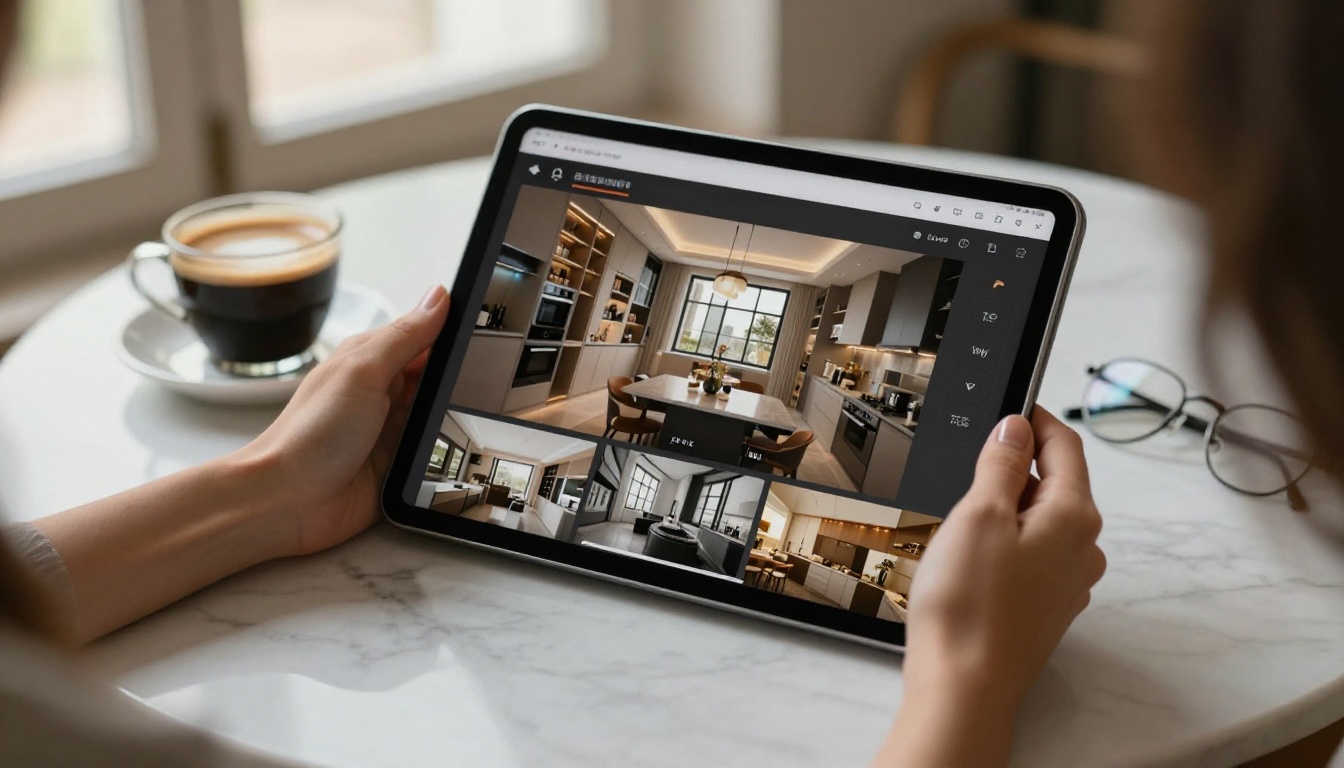
The video tour doesn't redirect buyers to a separate page. It plays directly inside the flipbook, so buyers never lose context. They can watch the kitchen walkthrough on page 4, flip to page 5 to see the floor plan, then flip back to rewatch a section. That's an experience no static PDF can replicate.
💡 Pro Tip: Place your video tour on the second or third page, not the first. Hook buyers with your best hero photo on page 1, then let the video seal the deal once they're already invested.
The Buyer Psychology Behind Video Tours
Numbers don't lie. Properties marketed with video receive significantly more online inquiries than those without. But the format of that video matters too.
A video buried in an email or linked separately from the listing creates friction. Every extra click costs you potential buyers. When the video is embedded inside the flipbook presentation itself, the experience becomes immersive and uninterrupted.
Think about it from the buyer's perspective. They open a link their agent sent. Instead of a flat PDF that downloads to their phone, they get a beautiful page-turning presentation. Page 1 is a stunning exterior photo. Page 2 has a brief introduction paragraph. Page 3? A full video walkthrough of the living room and kitchen that plays instantly without leaving the document.
That moment of delight, that surprise of the video just being there, builds trust. It signals that this agent is serious. That this property is worth attention.
How to Create a Real Estate Flipbook with Video Tours Inside
Creating one takes less time than you might think. Here's how to build your first one using Flipbooks AI:
Step 1: Prepare Your PDF Brochure
Start with a well-designed PDF. Include:
- Opening page with the property's best exterior photo
- Interior room-by-room photos (kitchen, bathrooms, living areas, bedrooms)
- Floor plan (even a basic one helps enormously)
- Property specs table (beds, baths, sq ft, lot size, year built)
- Neighborhood highlights
- Agent contact page
If you don't have a designer, tools like Canva produce solid real estate PDF templates in under an hour.
Step 2: Upload to Flipbooks AI
- Go to Flipbooks AI and create your account
- Click "New Flipbook" and upload your PDF
- The platform automatically converts every page into a high-quality flipbook spread
- Your flipbook is ready to preview in under two minutes
Step 3: Embed Your Video Tour
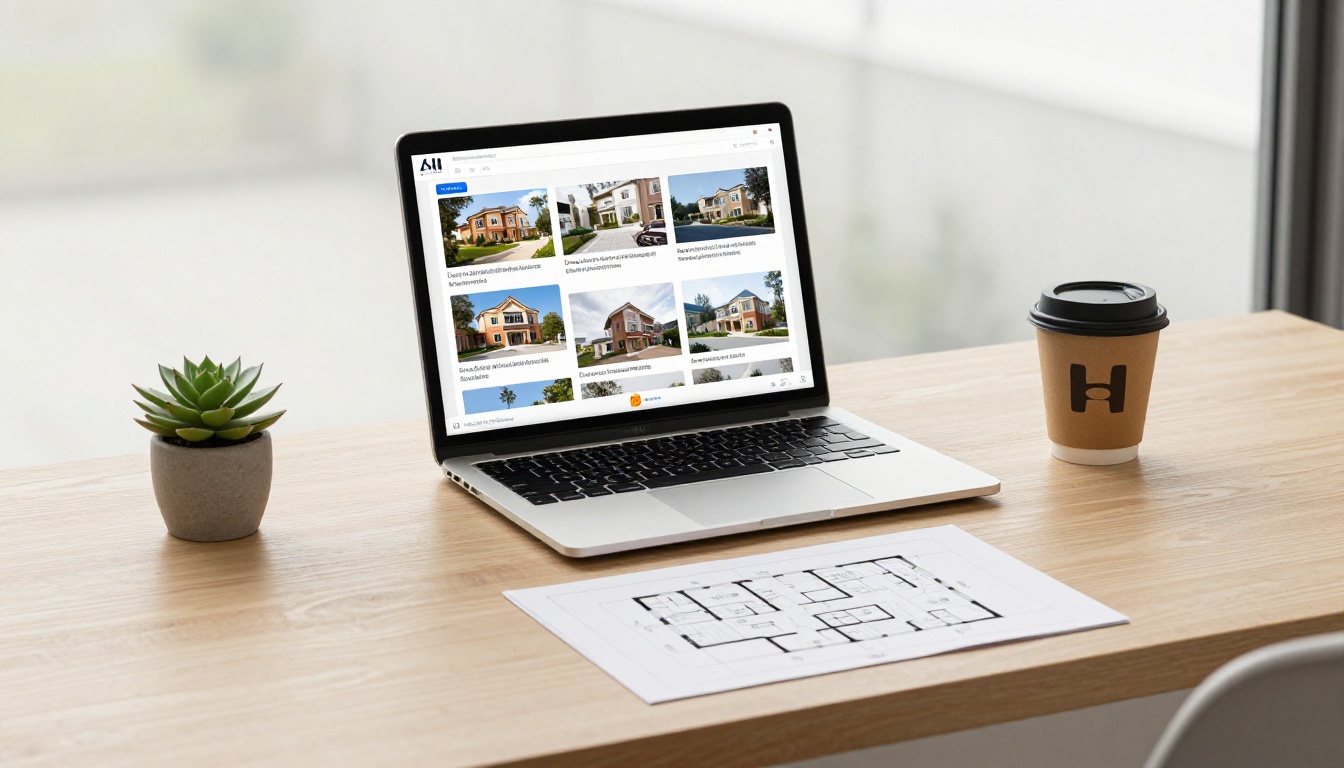
This is where the magic happens. Inside the flipbook editor:
- Navigate to the page where you want the video to appear (typically pages 3-5)
- Click "Add Element" and select "Video"
- Paste your YouTube or Vimeo URL, or upload a video file directly
- Resize and position the video player on the page
- Set autoplay preferences (click-to-play is recommended for mobile compatibility)
✅ Best Practice: Use a YouTube unlisted link if you want to keep the video exclusive to flipbook viewers without having it appear in public search results.
Step 4: Customize Your Branding
Real estate is a personal business. Your flipbook should reflect your brand:
- Upload your agency logo to the header
- Set accent colors to match your brand palette
- Add your custom domain if using the Professional plan
- Include your contact information on the final page
Step 5: Set Privacy and Sharing Options
Not every listing is public. Flipbooks AI gives you flexible sharing controls:
- Public link: Anyone with the URL can view
- Password protected: Ideal for off-market or pre-listing presentations
- Embeddable: Drop the flipbook directly into your website or MLS listing page
Use the Real Estate Brochure tool for a purpose-built template optimized for property presentations.
Step 6: Share and Track
Once live, share your flipbook link via:
- Email to qualified buyers
- WhatsApp or iMessage
- Your website listing page
- Social media (the link previews beautifully)
- QR code on printed signage at the property
With the Professional plan on Flipbooks AI, you get analytics: who opened the flipbook, how long they spent on each page, and which video was watched most. That data tells you exactly which buyers are serious.
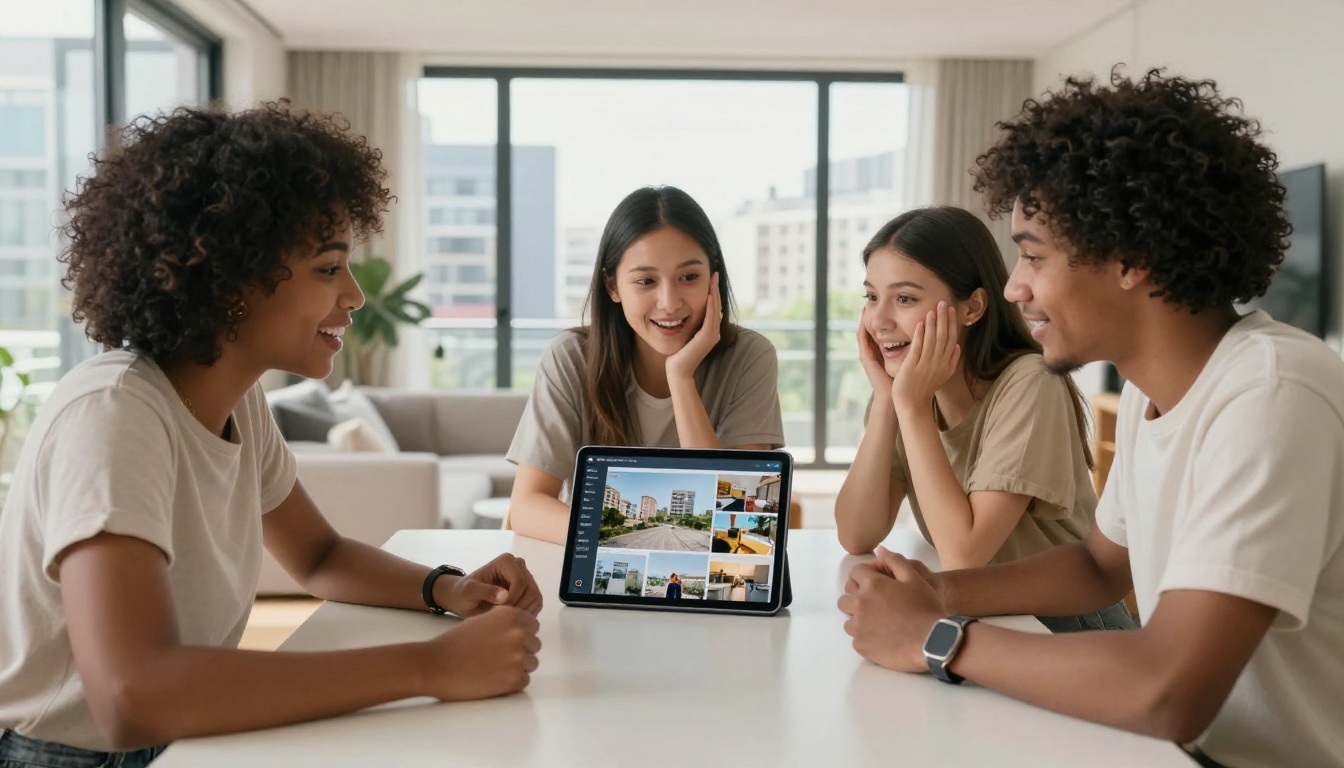
What to Include in Your Video Tour
Not all video tours are equal. The best ones follow a structure that mirrors how buyers physically walk through a property. Here's a proven format:
- Exterior approach (30 seconds): Drive up to the property, walk to the front door
- Entry and first impression (20 seconds): The foyer, sight lines to main living areas
- Living room and dining (45 seconds): Show the space from multiple angles
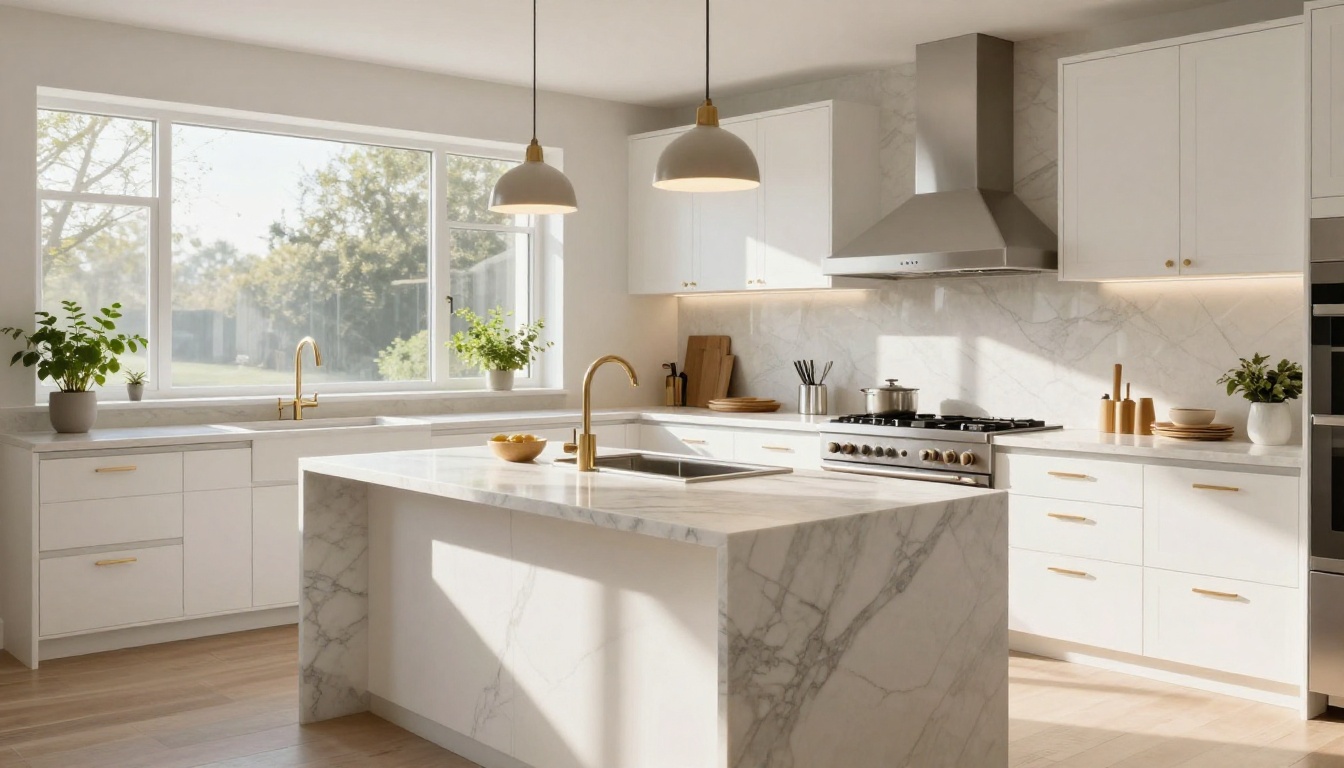
- Kitchen (60 seconds): This is the room buyers scrutinize most, give it full attention
- Bedrooms (30 seconds each): Natural light, closet space, views from windows
- Bathrooms (20 seconds each): Highlight finishes and fixtures
- Outdoor spaces (45 seconds): Backyard, pool, patio, garden
- Neighborhood context (optional, 30 seconds): Drone shot of the street or surrounding area
Keep the total video under 4 minutes. Buyers who are genuinely interested will rewatch it. Buyers who aren't won't sit through 10 minutes regardless.
Flipbook Plans: Which One Is Right for Agents?
Different agents have different needs. Here's how the Flipbooks AI pricing tiers map to common real estate use cases:
| Plan | Best For | Flipbooks | Standout Features |
|---|
| Free | Testing, first listing | 1 | Basic flipbook creation |
| Standard | Individual agents | Unlimited | No watermarks, custom colors, branding |
| Professional | Teams and agencies | Unlimited | Analytics, lead gen, password protection, custom domain |
⚠️ Warning: The Free plan includes Flipbooks AI branding on your flipbook. For client-facing presentations, the Standard plan (or above) removes all watermarks and makes your listing look completely professional.
For most solo agents, the Standard plan covers everything needed to create polished, video-enabled flipbooks for every listing. Teams and agencies handling multiple listings simultaneously benefit most from the Professional plan's analytics and lead generation capabilities.
Real-World Use Cases for Video Flipbooks
The concept scales well beyond single-family homes. Here are specific scenarios where a real estate flipbook with video tours inside delivers measurable results:
Luxury residential listings: High-net-worth buyers often can't visit properties in person before making decisions. A flipbook with a cinematic video tour replaces that first visit effectively.
New construction pre-sales: Show what the finished property will look like using 3D walkthrough videos embedded in a flipbook that also contains floor plans, material selections, and specs.
Commercial real estate: Office buildings and retail spaces benefit from video tours. A flipbook lets you show the space, neighborhood, foot traffic patterns, and nearby amenities all in one document.
Relocation buyers: Buyers moving from another city or country make faster decisions when they have a thorough video tour alongside the spec sheet. The flipbook format means they can share it easily with family members weighing in on the choice.
Property management: Landlords and property managers can create flipbooks for available units with embedded video tours, making the rental process faster and more visual for applicants.
SEO and Digital Marketing Benefits
Sending buyers a flipbook link instead of a PDF attachment has a secondary benefit: it's trackable and shareable in ways a PDF never can be.
When a buyer shares your flipbook with a friend, that friend sees your branding. When you embed the flipbook on your website, it increases time-on-site, which is a positive SEO signal. Each flipbook lives at a unique URL, so you can include them in email drip campaigns, social media posts, and even Google Business profile updates.
A well-structured property flipbook with an embedded video tour also performs well as a landing page for paid advertising campaigns. Instead of sending ad traffic to a static listing page, send them to an immersive flipbook experience. The difference in response rates is significant.
Not every digital presentation tool is built the same way. Here's how flipbooks compare to the alternatives real estate professionals typically use:
| Format | Video Support | Mobile-Friendly | Shareable Link | Analytics | Custom Branding |
|---|
| PDF Attachment | No | Poor | No (download) | No | Static |
| Website Listing Page | Yes | Varies | Yes | Limited | Agency-level |
| Virtual Tour (Matterport) | 3D only | Yes | Yes | Basic | Limited |
| Interactive Flipbook | Yes (embedded) | Excellent | Yes | Yes (Pro) | Full custom |
| Video Only (YouTube) | Yes | Yes | Yes | Basic | Platform branding |
The flipbook format wins on versatility. It combines the visual richness of a website, the portability of a document, and the interactivity of a video platform, all in one shareable link.

Tips for Better Real Estate Video Quality
Your flipbook is only as good as the content inside it. A shaky, poorly lit video tour will undermine even the most beautiful property. Follow these standards before shooting:
- Use a gimbal or stabilizer: Nothing kills a video tour faster than shaky footage
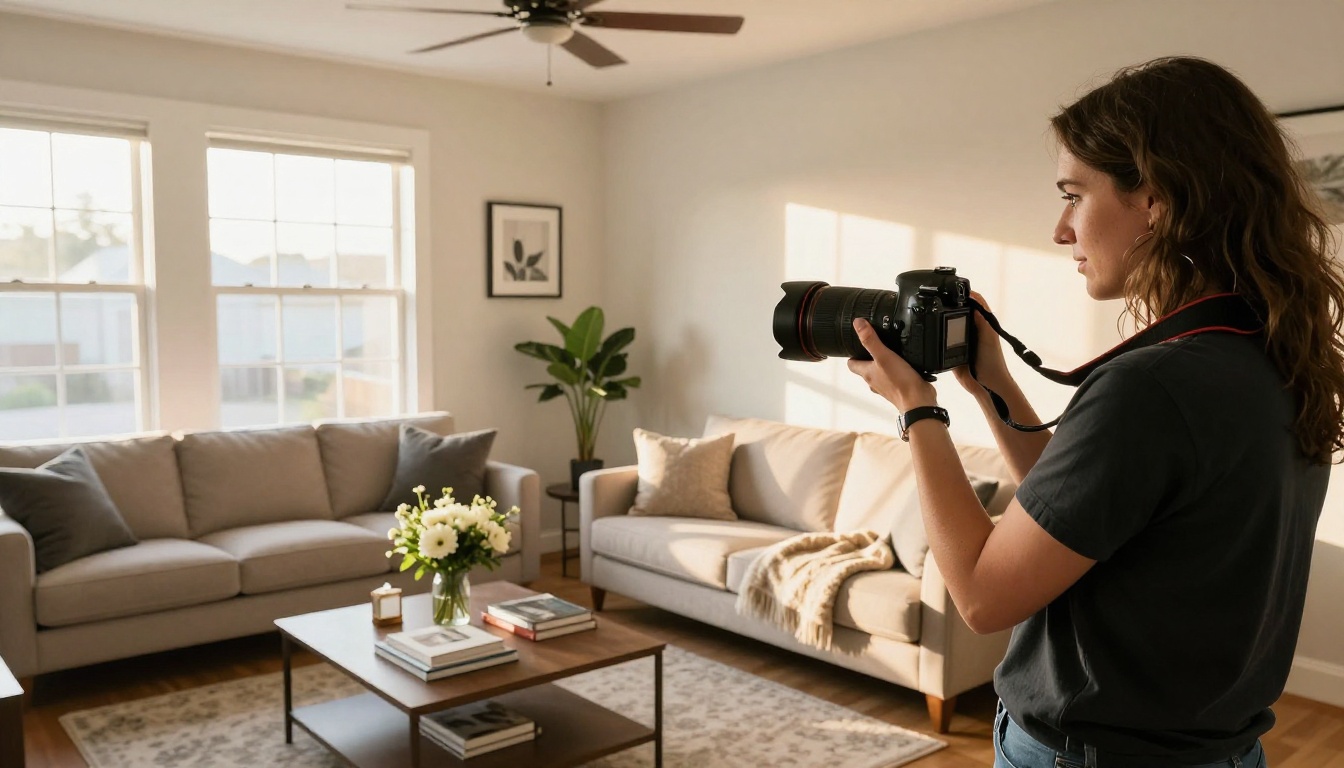
- Shoot during golden hour: Natural light makes every room look better
- Open all blinds and curtains: More light means better camera performance
- Turn on all lights in the property: Even in daytime, supplement with interior lighting
- Shoot wide-to-narrow: Start with the widest shot of each room, then move closer for details
- Avoid talking over music: Let the property speak. Add a simple music bed in post-production
If budget allows, hire a professional real estate videographer for luxury listings. The cost is minimal compared to what a high-quality video tour does for perceived property value.
Offline Access and On-Site Presentations
One underrated feature of Flipbooks AI is offline download capability, available on the Professional plan. For agents presenting at open houses or on-site without reliable WiFi, having the flipbook available offline means the experience never breaks down.
You can also display the flipbook on a tablet or laptop at the property itself, letting walk-in visitors flip through the presentation during their tour. It doubles as a leave-behind and a live presentation tool at the same time.
From Listing to Closing: The Full Workflow
Here's the workflow top-producing agents use to take a property from listed to sold faster:
- Stage and photograph the property, record video walkthrough
- Design PDF brochure using a real estate template
- Upload to Flipbooks AI and embed the video tour
- Customize branding with agency colors and logo
- Set privacy settings (public or password-protected)
- Share flipbook link via email, social, and by embedding on the listing page
- Monitor analytics to identify serious buyers (Professional plan)
- Follow up with buyers who spent the most time on the flipbook
This workflow creates a feedback loop: you see which properties generate the most interest, which pages buyers linger on, and which video tours get rewatched. That data makes every future listing sharper.
Ready to Build Your First Property Flipbook?
The real estate market rewards agents who present properties better than everyone else. A real estate flipbook with video tours inside isn't a luxury feature anymore. Buyers expect immersive digital experiences, and agents who deliver them win more listings and close more deals.
Get started for free on Flipbooks AI today. Your first flipbook takes less than 10 minutes to publish, and the difference it makes in buyer interest is immediate.
For agencies managing multiple listings, compare pricing plans to find the right fit. The Professional plan's analytics alone pay for themselves when they help you identify and prioritize serious buyers before your competition does.
Browse all available real estate tools and templates to find purpose-built options for your specific market, from luxury residential to commercial properties.



