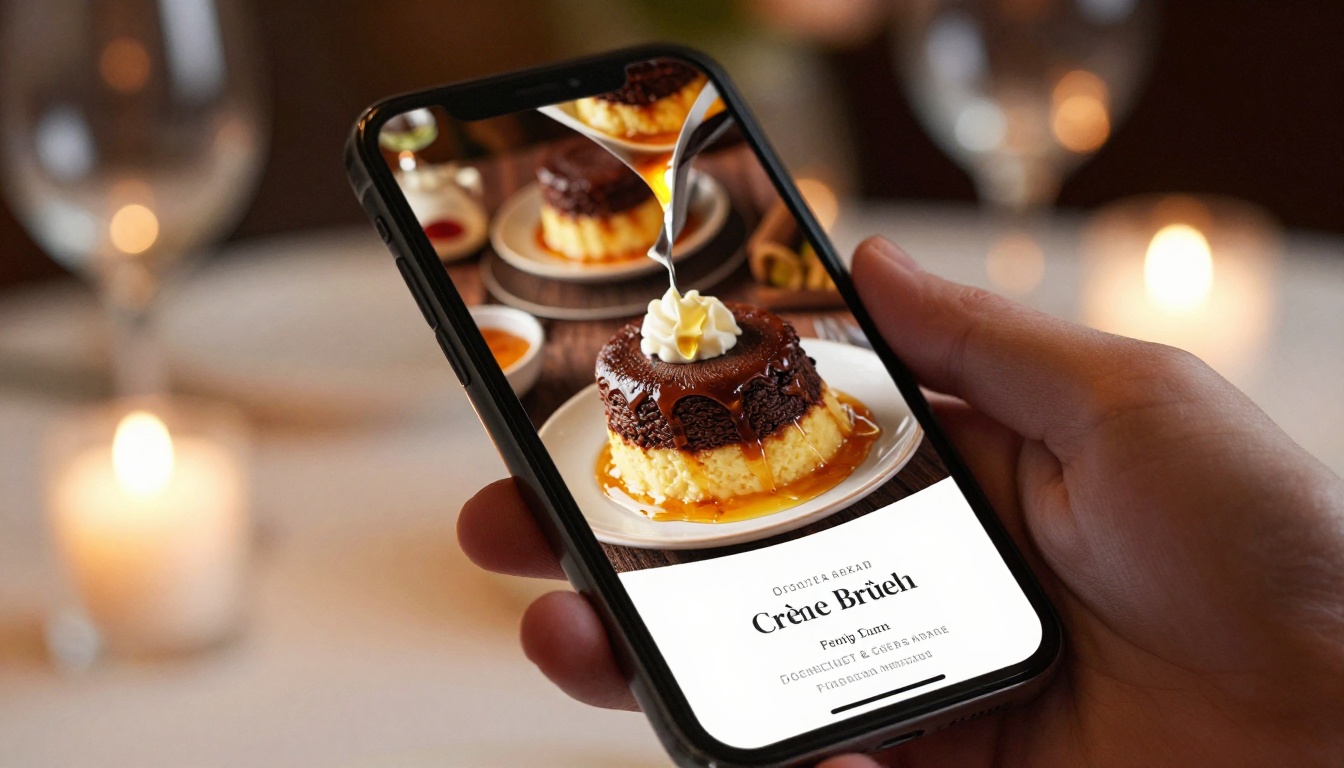
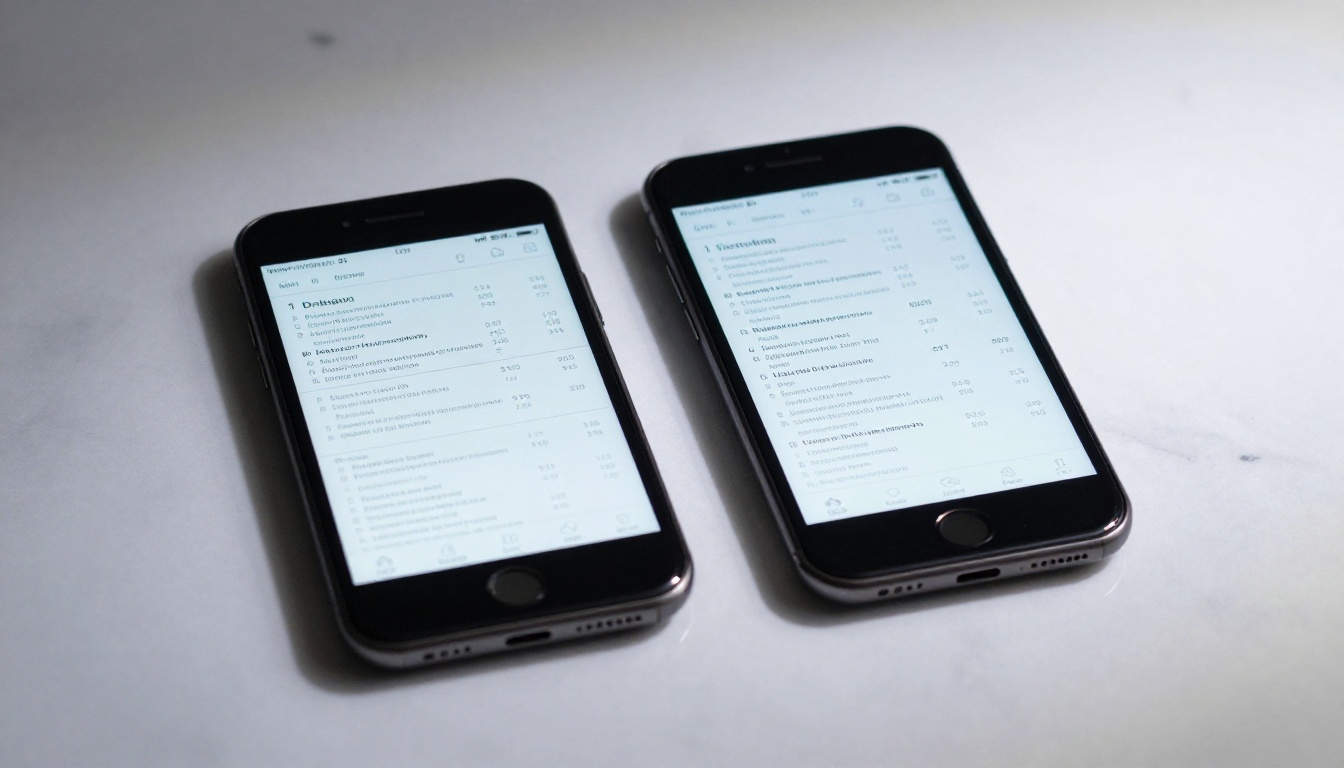
Your guests already have their phones out before they sit down. That moment when they tap your QR code and wait for your menu to load is your first real impression of the night. A flat PDF that requires pinching and zooming on a 6-inch screen is not just inconvenient, it is a signal that you did not think about their experience. A restaurant menu flipbook that looks amazing on phones changes all of that in seconds.
Flipbooks AI converts your existing PDF menu into a fully interactive, page-turning digital menu that renders beautifully on any smartphone without requiring an app, a download, or a design team. The difference in how guests respond is immediate and measurable.
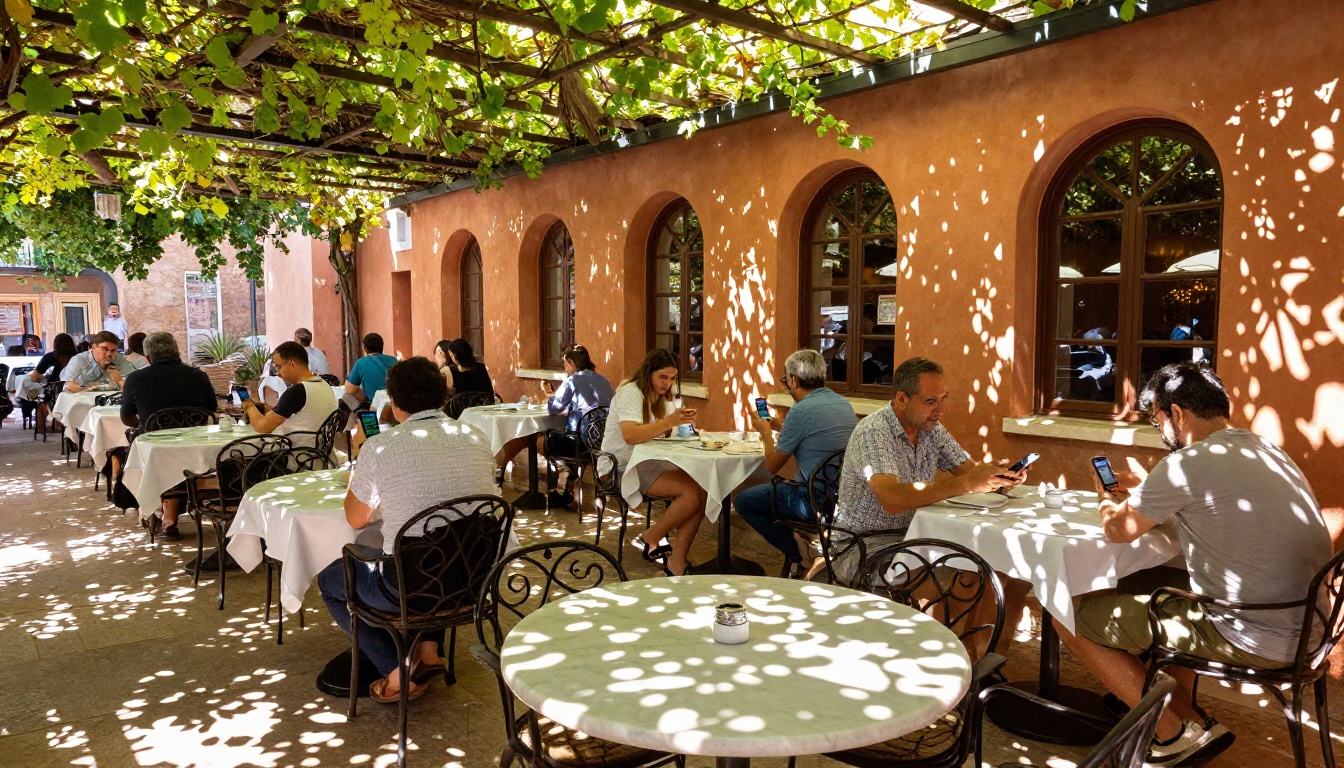
More than 70% of restaurant searches happen on mobile devices. When someone finds your restaurant on Google, Instagram, or a review platform, they are almost always on their phone. The decision to walk in or keep scrolling often comes down to one thing: how quickly they can figure out what you serve and what it costs.
If your menu is a static image, a poorly formatted PDF, or buried in a web page that does not load properly on mobile, they bounce. Research consistently shows that users abandon pages that take more than 3 seconds to load on mobile, and that friction with navigation reduces time-on-page significantly.
The problem is not just aesthetics. It is friction. Every extra pinch, zoom, or scroll-back is a small frustration that stacks up. By the time a guest has wrestled with your menu for 90 seconds, their appetite for your restaurant has already cooled. A well-built phone menu removes all of that friction at the source.
The 3-Second Phone Menu Test
Open your current menu on a phone right now and time how long it takes to find the price of your most popular dish. If it takes more than 3 seconds, you have a problem worth solving today. A well-designed flipbook menu built for phones delivers:
- Clear section tabs at the top (Starters, Mains, Desserts, Drinks)
- Large, readable font that never requires zooming
- High-quality food photography visible without tapping to expand
- Smooth page navigation that feels natural on a touchscreen
- Instant load time even on mid-range cellular connections
What PDFs Look Like on a 6-Inch Screen
A typical restaurant menu PDF is designed for an 8.5x11 inch printed page. On a 6-inch phone screen, that content shrinks to roughly 40% of its intended size. The text becomes unreadable without zooming, images lose their detail, and multi-column layouts collapse into confusing horizontal strips. This is not a PDF problem specifically, it is a format mismatch between print design and pocket-sized screens.
The solution is not to redesign your menu from scratch. It is to convert what you already have into a format that was built for the device your guests are actually using.
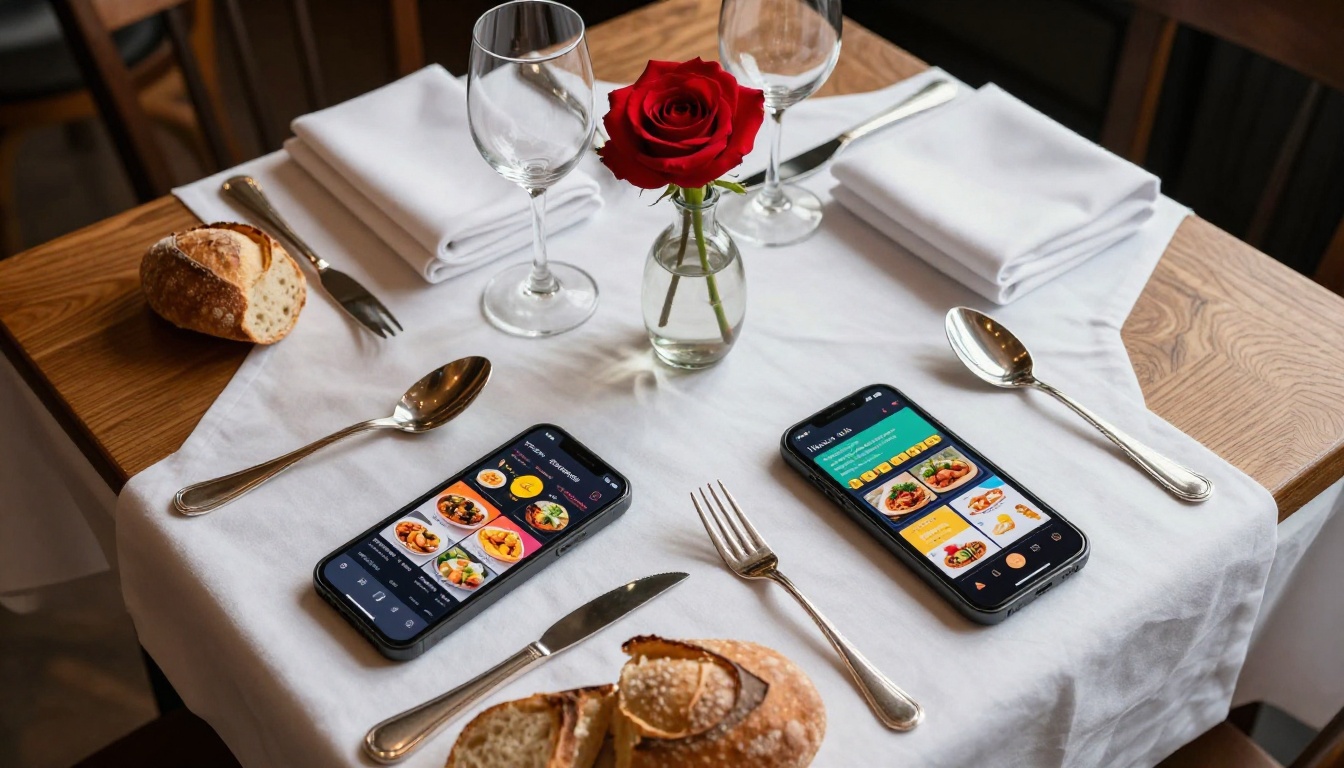
The difference between a flipbook that impresses and one that frustrates comes down to specific design principles. These are not subjective preferences, they are measurable qualities that affect how long a guest stays engaged with your menu and how confidently they order.
Page Flip vs Scroll: The Real Difference
Scrolling is passive. Flipping is interactive. When a guest swipes through a page-flip menu, they are engaged with a tactile, familiar experience borrowed from physical menus and magazines. That physical metaphor matters because it tells the guest that there is structure here, that sections are organized, and that browsing is intentional rather than endless.
Scrolling menus, even well-designed ones, carry the psychological weight of social media feeds. There is no clear endpoint, no sense of completion when you reach the dessert section. A flipbook menu has pages, which means it has a natural rhythm that feels deliberate and considered.
💡 Pro tip: Page-flip animations on phones should render in under 200ms. Anything slower feels broken and undermines the premium impression you are trying to create. Flipbooks AI uses optimized rendering so the animation never lags on mid-range devices.
Typography That Reads at Arm's Length
Most restaurant menus are designed with 9-12pt body text for print. On mobile, that translates to something barely legible at normal arm's length. A phone-optimized flipbook menu should display dish names at equivalent sizes of 16-18pt on screen, with prices always rendered in a contrasting weight or color so guests can scan columns quickly without reading every word.
Bold section headers for each category, italics for dish descriptions and wine notes, and consistent spacing between items all contribute to how fast a guest finds what they want. Speed of comprehension directly affects order confidence.
Food Photography That Pops on Small Screens
On a phone screen, a well-composed food image can look genuinely stunning if it is properly compressed and color-graded. Flat or overexposed food photography kills appetite regardless of the dish. The best flipbook menus use:
- Natural window or ambient light in food photography (not harsh studio flash)
- Top-down or 45-degree angles for main dishes and flatbreads
- Tight close-up shots for desserts and specialty cocktails
- Consistent white balance across all images in the menu so the visual language feels unified
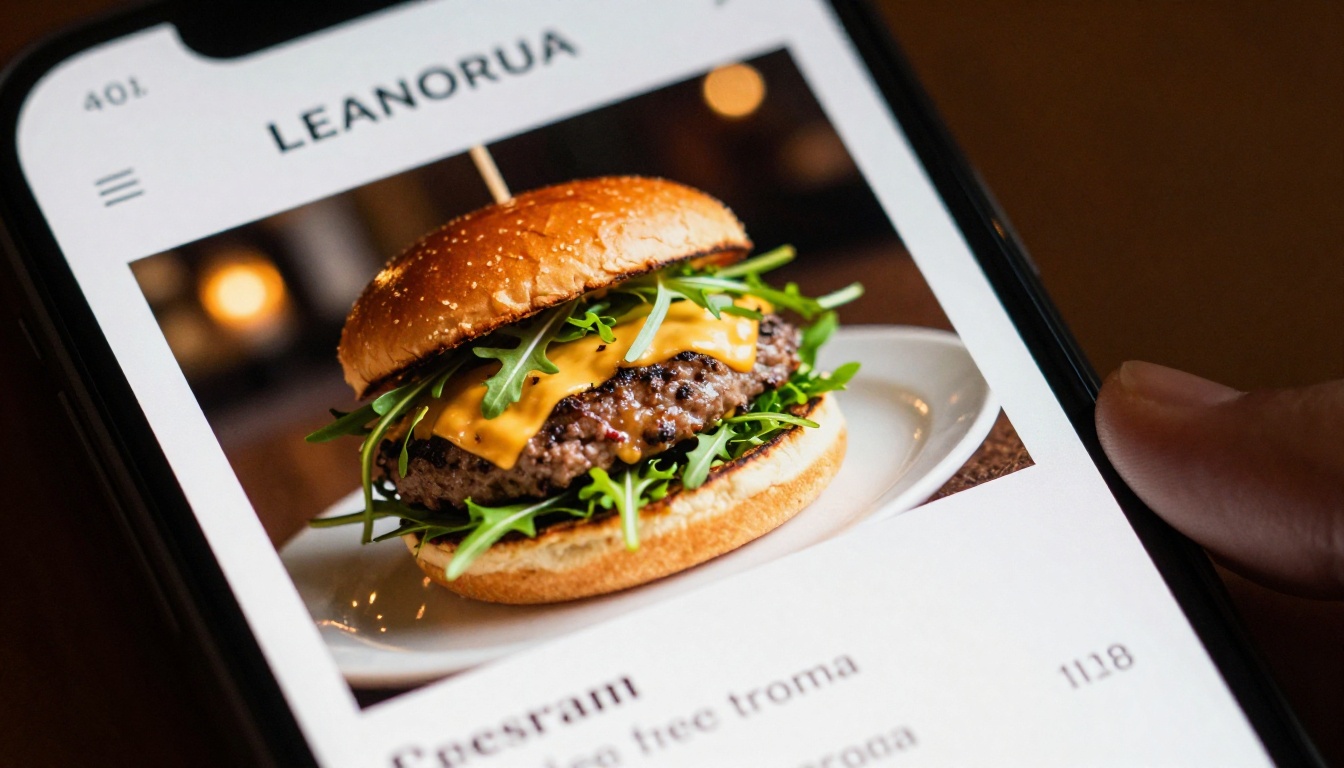
The gap between a static PDF and an interactive flipbook is not just visual. It affects how long guests spend with your menu, which directly correlates with order value, upsell awareness, and overall satisfaction with the dining experience.
| Feature | Static PDF | Interactive Flipbook |
|---|
| Mobile readability | Poor (requires zoom) | Excellent (auto-responsive) |
| Page navigation | Scroll only | Swipe, tap, or click |
| Food photography display | Compressed and small | Full-width, crisp |
| Load time on 4G | 3-8 seconds | Under 2 seconds |
| Update without reprinting | No | Yes, instantly |
| Embed on website | Limited | Full embed code provided |
| QR code sharing | Manual setup | Built-in one-click share |
| Analytics on views | None | Full analytics on Pro plan |
| Custom branding and colors | Fixed to PDF design | Fully customizable |
| Password protection | No | Yes |
The comparison tells a clear story: a flipbook is not just a prettier PDF. It is a different class of document built specifically for the device your guests are holding.
The Restaurant Menu Creator tool handles the entire conversion process. Here is exactly how to go from a PDF menu to a phone-ready flipbook without any design experience:
Step 1: Sign up and create your account
Visit flipbooksai.com/account and register in under 2 minutes. No credit card required for the free plan. You can test the full conversion process before committing to any paid tier.
Step 2: Upload your PDF menu
Click "New Flipbook" and drag your restaurant menu PDF into the upload area. The platform accepts PDFs up to 500MB and processes most menus under 30 pages in under 60 seconds.
Step 3: Apply your branding
Once uploaded, the visual editor opens with your menu pages already laid out. From here you can:
- Set your restaurant's primary and accent colors to match your brand identity
- Upload your logo (appears in the header and navigation bar)
- Choose a page flip style: classic, slide, or fade
- Set the background color for the viewer frame
Step 4: Optimize for mobile viewing
In the settings panel, toggle "Mobile-First Layout" to ensure the flipbook auto-adjusts its zoom level for phone screens. This one setting prevents the shrink-to-fit problem that makes PDFs unreadable on mobile and is the single most impactful change you can make for phone users.
Step 5: Add interactive elements
This is where the Menu Flipbook Designer separates itself from static alternatives. You can embed:
- Clickable links from dish names to your online ordering platform
- Audio clips such as background music or a short chef introduction
- Video embeds showing signature cocktail preparations or dish plating
- Tappable phone numbers for instant reservation calls
Step 6: Publish and share everywhere
Click "Publish" to generate your shareable link. From the sharing panel you can:
- Copy a direct URL for QR code generation or social bio links
- Download an auto-generated QR code as a PNG for print collateral
- Get an embed code for your restaurant website's menu page
- Set a password for staff-only or private event menus
- Enable offline download for guests dining in areas with poor signal
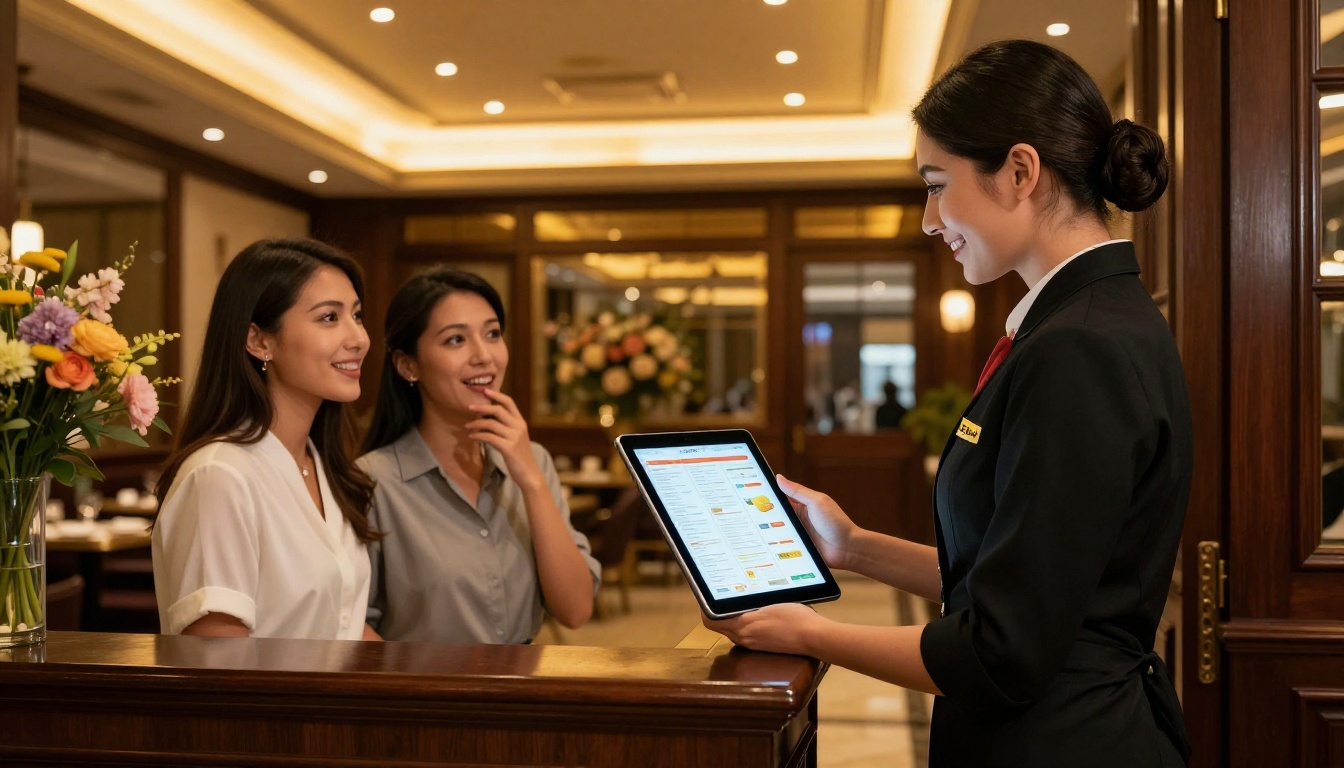
✅ Best practice: Print the QR code on table cards, your front door, and printed receipts. Guests scan once and always see your most current menu, even after you update it.
Flipbooks AI Plan Options for Restaurants
Choosing the right plan depends on how many menus you operate and whether you need analytics data to inform decisions. Here is a direct comparison of what each tier delivers:
| Feature | Free | Standard | Professional |
|---|
| Number of flipbooks | 1 | Unlimited | Unlimited |
| Watermark | Yes | No watermarks | No watermarks |
| Custom branding | No | Yes | Yes |
| Password protection | No | Yes | Yes |
| Analytics dashboard | No | No | Yes |
| Lead generation forms | No | No | Yes |
| Offline downloads | No | Yes | Yes |
| Full website embed | Limited | Yes | Yes |
| Video and audio embeds | No | Yes | Yes |
| Priority support | No | No | Yes |
For a single-location restaurant, the Standard plan covers everything needed for a professional, phone-ready menu with no watermarks and full branding. Multi-location groups or restaurants that want to track which sections guests spend the most time on should review the Professional plan for its analytics and lead generation features.
💡 Pro tip: Analytics on the Professional plan show you exactly which pages get the most views. If your cocktail section gets 3x more attention than your desserts, that is actionable data for your next menu redesign and a strong argument for featuring cocktails earlier in the menu flow.
Real-World Restaurant Use Cases
The same tool works differently depending on the type of restaurant. Here is how various operators are actually using flipbook menus on phones right now.
Fast Casual vs Fine Dining
A fast casual burger spot has fundamentally different menu needs than a 12-course tasting menu restaurant. For fast casual, the flipbook should be short (4-6 pages), image-heavy, and navigation-forward so guests make a decision in under 2 minutes. For fine dining, browsing the menu is part of the ritual itself. A longer flipbook with wine pairing pages, chef philosophy notes, and carefully art-directed food photography builds anticipation before the first dish arrives.
Both formats benefit from mobile optimization, but the priority differs. Fast casual prioritizes speed of decision. Fine dining prioritizes depth of experience.
QR Codes and Contactless Menus in Practice
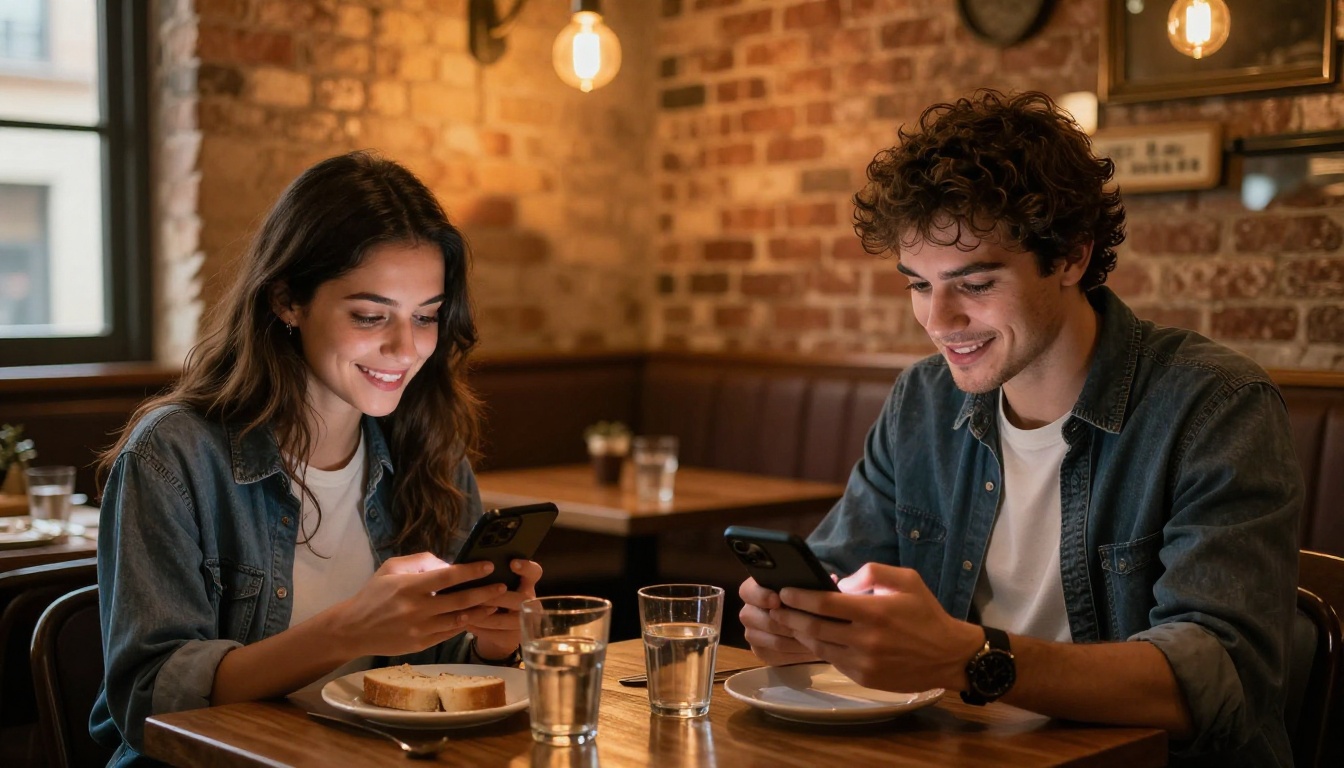
The most practical deployment for most restaurants is a table QR code that opens the flipbook directly on a guest's phone. No app required, no staff involvement, no physical menu to sanitize. The guest scans, the menu opens in their browser instantly, and they browse at their own pace while you focus on service.
Some restaurants operate two separate flipbooks from one account:
- The dine-in menu with full course descriptions, wine pairings, and chef notes
- The takeout and delivery menu with streamlined pricing and direct order links
Both are managed from the same Flipbooks AI dashboard and updated independently whenever the kitchen changes availability.
The biggest barrier for most restaurant owners is time. Between running the kitchen, managing staff, and handling reservations, spending 3 hours on a digital menu project is not realistic. The PDF to Flipbook Converter was designed with that constraint in mind.
From PDF to Phone in Under 10 Minutes
If you already have a PDF menu, the actual conversion takes about 8 minutes when you know what you are doing:
- 2 minutes to upload and process the PDF
- 3 minutes to apply branding (logo and colors)
- 2 minutes to configure mobile layout settings
- 1 minute to publish and copy the share link
You do not need design software, a web developer, or a new photo shoot. The platform handles all technical conversion automatically and outputs a flipbook that is immediately shareable.
Share Links and Embed Codes That Just Work
Once published, sharing happens through three primary channels:
- Direct link: A clean, permanent URL you can share via text, email, Instagram bio, or Google Business profile
- QR code: Auto-generated and downloadable as a high-resolution PNG ready for print
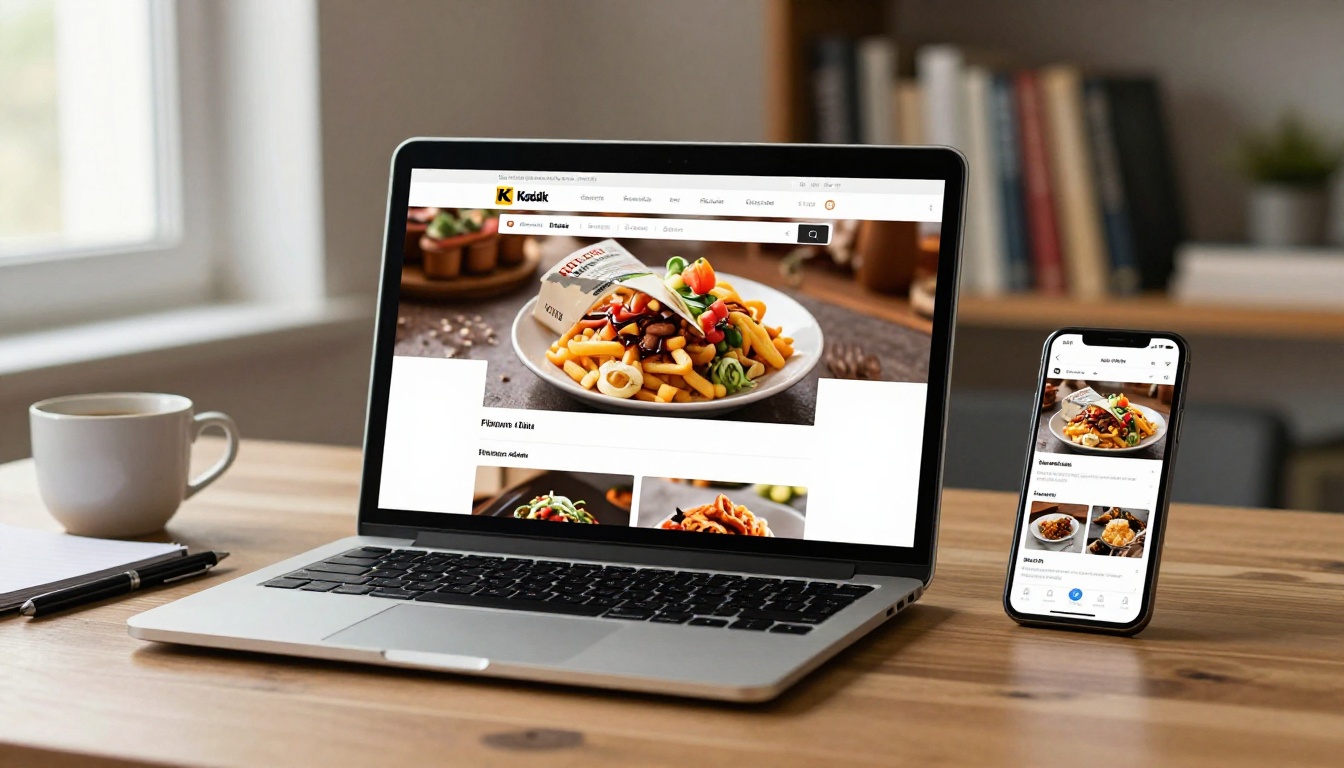
- Embed code: A single iframe snippet you paste into your website's existing menu page
Sharing Options at a Glance
| Method | Best For | Setup Time | Guest Experience |
|---|
| Direct URL | Social media, bio links, email | 0 minutes | Opens in browser instantly |
| QR code | Table cards, receipts, front door | 2 minutes to print | One scan, menu loads immediately |
| Website embed | Restaurant website menu page | 5 minutes (copy/paste) | Seamless, stays on your site |
| Password link | Staff menus, private events | 1 minute to configure | Secure, requires code to open |
Mistakes That Kill the Phone Experience
Even with the right tool, a few common errors will break the experience for mobile guests and undo the work you put into conversion.
Font Sizes Too Small to Read Without Zooming
Menus designed for print often use 9-10pt body text. In a flipbook on phones, guests can technically zoom in, but they should never have to. When preparing your PDF before conversion, set body text at a minimum of 12pt and section headers at 18pt or larger. This translates to comfortable reading on a standard 5-inch screen with no interaction required.
Too Many Pages Without Clear Structure
A 40-page menu is overwhelming on any device. On a phone, it becomes genuinely hostile to navigate. If your current menu runs that long, splitting it into separate focused flipbooks is the right move:
- One flipbook for food, organized by course or protein
- One flipbook for drinks, cocktails, and wine
- One flipbook for seasonal specials that updates weekly
The Digital Price List Generator tool also works well for simple drink or dessert lists that do not need the full flipbook treatment but still need to look polished on a phone.
⚠️ Warning: Uploading a PDF with embedded 20MB uncompressed photos will slow your flipbook on cellular connections. Flipbooks AI auto-compresses images on upload, but compressing extremely large source files in Photoshop or a free tool like Squoosh before uploading will give you the best load performance on all devices.
Seasonal Menus and Daily Specials Without the Hassle
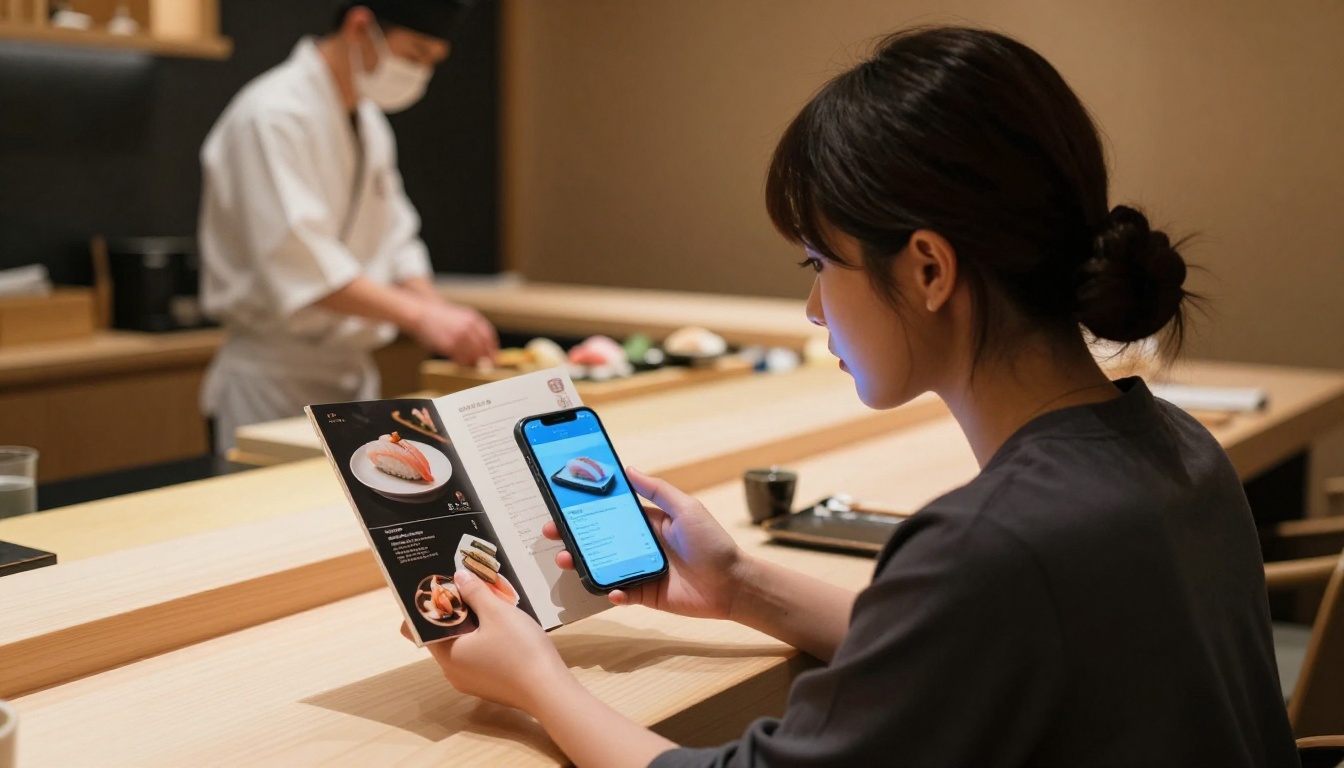
One of the most practical advantages of a digital flipbook menu is that updating it costs nothing and takes minutes. No reprinting, no designer fees, no waiting on delivery.
Update Without Reprinting Anything
When you change a dish, add a seasonal special, or update a price, you upload the revised PDF to your Flipbooks AI account and replace the existing flipbook file. The URL and QR code stay exactly the same, meaning every piece of print collateral you have already distributed automatically shows your new menu from that moment forward.
This is particularly valuable for:
- Daily specials: Photograph this morning's catch and update the flipbook before lunch service
- Seasonal rotations: Switch your full menu quarterly without ordering new QR code prints
- Price corrections: Fix a pricing error in minutes rather than reprinting an entire menu run
Multiple Menu Versions at No Extra Cost
Restaurants operating multiple concepts under one ownership can manage every menu from a single Flipbooks AI account. The Standard plan includes unlimited flipbooks, so there is no cost penalty for maintaining separate menus for:
- Brunch, lunch, and dinner service with different pricing
- Private dining and event packages with custom covers
- Bar-only menus for happy hour and late-night service
Your Next Step Is Simple
A restaurant menu flipbook that looks amazing on phones is no longer a luxury reserved for high-end establishments. It is the baseline expectation from guests who research restaurants on their phones before deciding where to eat tonight. Every day your menu stays as a pinch-to-zoom PDF on mobile is a day you are not making that first impression count.
The tools are there, setup takes less than 10 minutes, and the result speaks for itself the first time a guest swipes through your menu and actually smiles before the food arrives.
Ready to see what your menu looks like as a flipbook? Create your account on Flipbooks AI and upload your PDF today. Already on a plan? Compare upgrades to access analytics and unlimited menus. Browse all available restaurant and menu tools to find the right fit for your operation.



