Most proposals get ignored. Not because the offer is bad, but because the format is. A static PDF attached to an email is the digital equivalent of handing someone a stack of loose papers and walking away. Clients skim it, close it, and forget about it. When you send your proposal as a flipbook, something different happens: people actually read it.
This article breaks down exactly what changes when you make that switch, why it works, and how to do it right using Flipbooks AI.
Why PDFs Are Killing Your Proposals
The attention problem
You spent hours on that proposal. Your pricing is competitive, your case studies are strong, and your design is clean. Then you sent it as a PDF. Your prospect downloaded it, glanced at page one, and moved on to the next email.
PDFs have a fundamental problem: they are passive. There is no interaction, no visual momentum, no reason to turn the page. On screen, a PDF feels like work to read. The scroll bar is long, the pages feel static, and nothing pulls the eye forward.
What happens to unread proposals
The business cost of a skimmed proposal is real. According to sales research, proposals that receive under 2 minutes of attention have drastically lower close rates than those read in full. If your client never got past page 3, they never saw your pricing rationale, your timeline, or your proof of results.
⚠️ A proposal your client does not finish reading is effectively the same as no proposal at all.
| Format | Avg. Read Time | Page Completion Rate | Mobile-Friendly | Analytics |
|---|
| Static PDF | 1.4 min | 32% | Poor | None |
| Email body text | 0.8 min | 21% | Moderate | Limited |
| Interactive Flipbook | 4.2 min | 78% | Excellent | Full |
| PowerPoint export | 2.1 min | 48% | Poor | None |
The data above reflects industry averages from document engagement platforms. Flipbooks consistently outperform static formats across every metric that matters for closing deals.
The page-turn effect
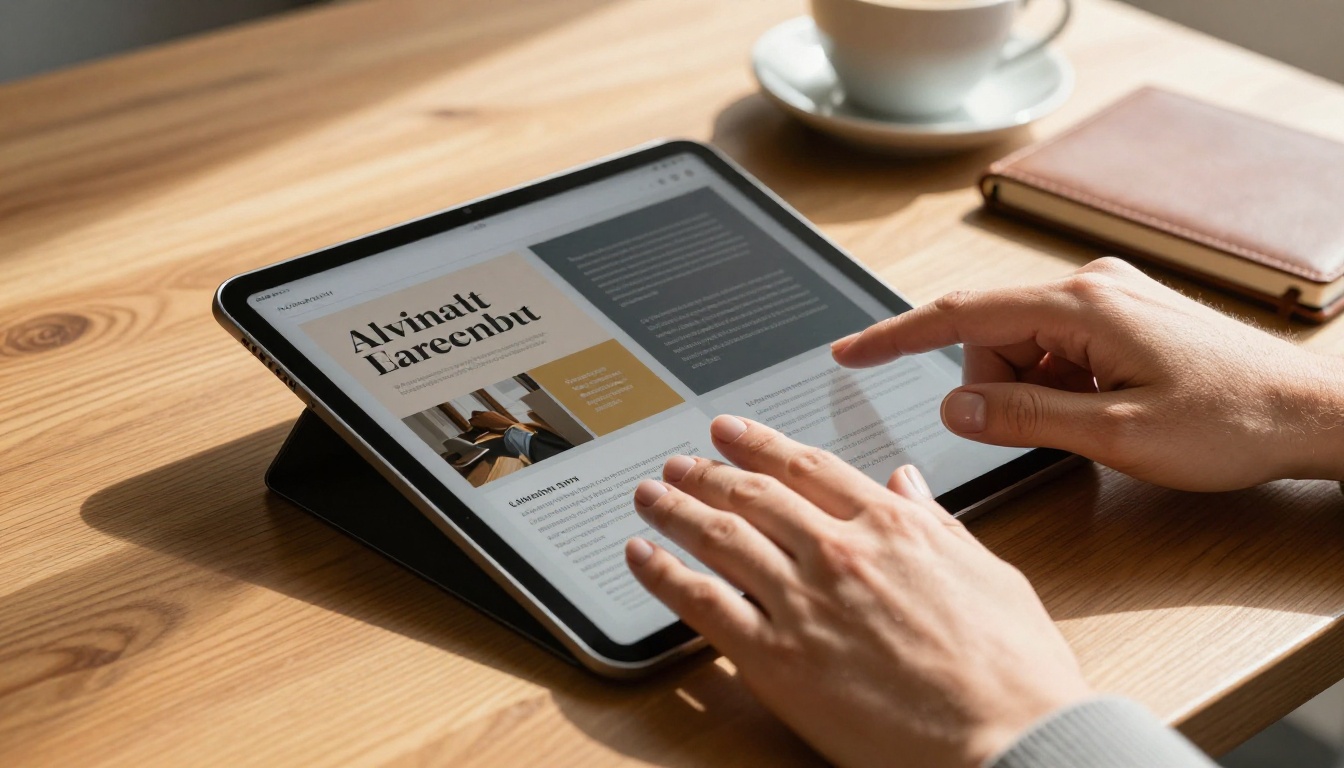
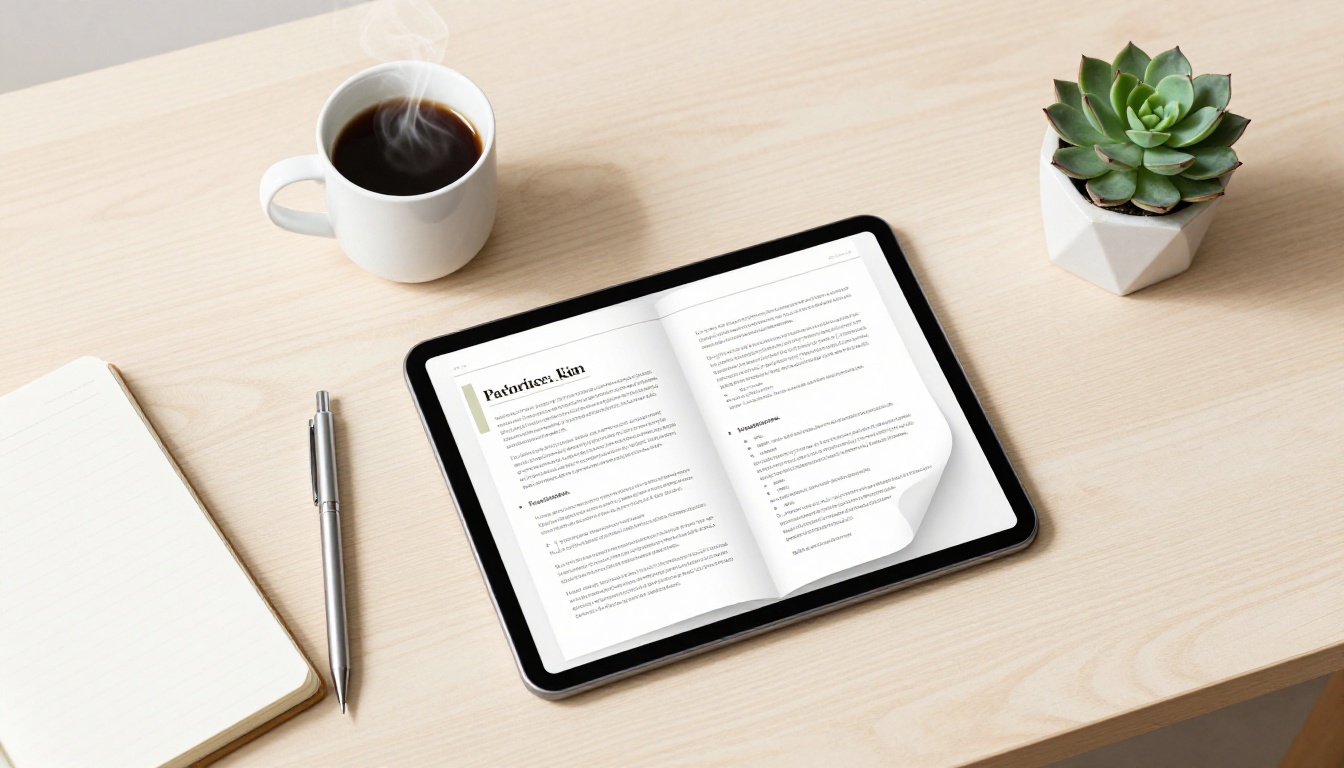
There is something psychologically different about a page that turns. The flipbook format creates a sense of physical momentum that a scrolling PDF never does. Each page turn feels like a small commitment, and readers follow through.
This is not a gimmick. It is the same principle that explains why printed magazines are read more thoroughly than their PDF exports. The flipbook format digitally recreates that experience at scale.

Visual impact changes the conversation
When a proposal looks premium, clients assume the work will be premium too. This is not fair, but it is how perception works. A beautifully formatted flipbook with your brand colors, custom fonts, and smooth animations signals professionalism before your client reads a single word.
Compare two proposals:
- Option A: A 12-page PDF with Times New Roman, no images, and a plain header
- Option B: A 12-page interactive flipbook with your logo, brand colors, team photos, and an embedded video introduction
Both contain identical information. Option B will win more often. Not always, but consistently enough to matter over a full quarter of proposals.
Mobile readability becomes an asset
More than 60% of business emails are opened on mobile devices. A PDF on a phone requires pinching, zooming, and sideways scrolling. A flipbook renders perfectly at any screen size, turning your proposal into something clients can read comfortably on the train, in a waiting room, or between meetings.
💡 A proposal your client can read anywhere is a proposal that gets read.
The Numbers Don't Lie
Engagement metrics that change your strategy
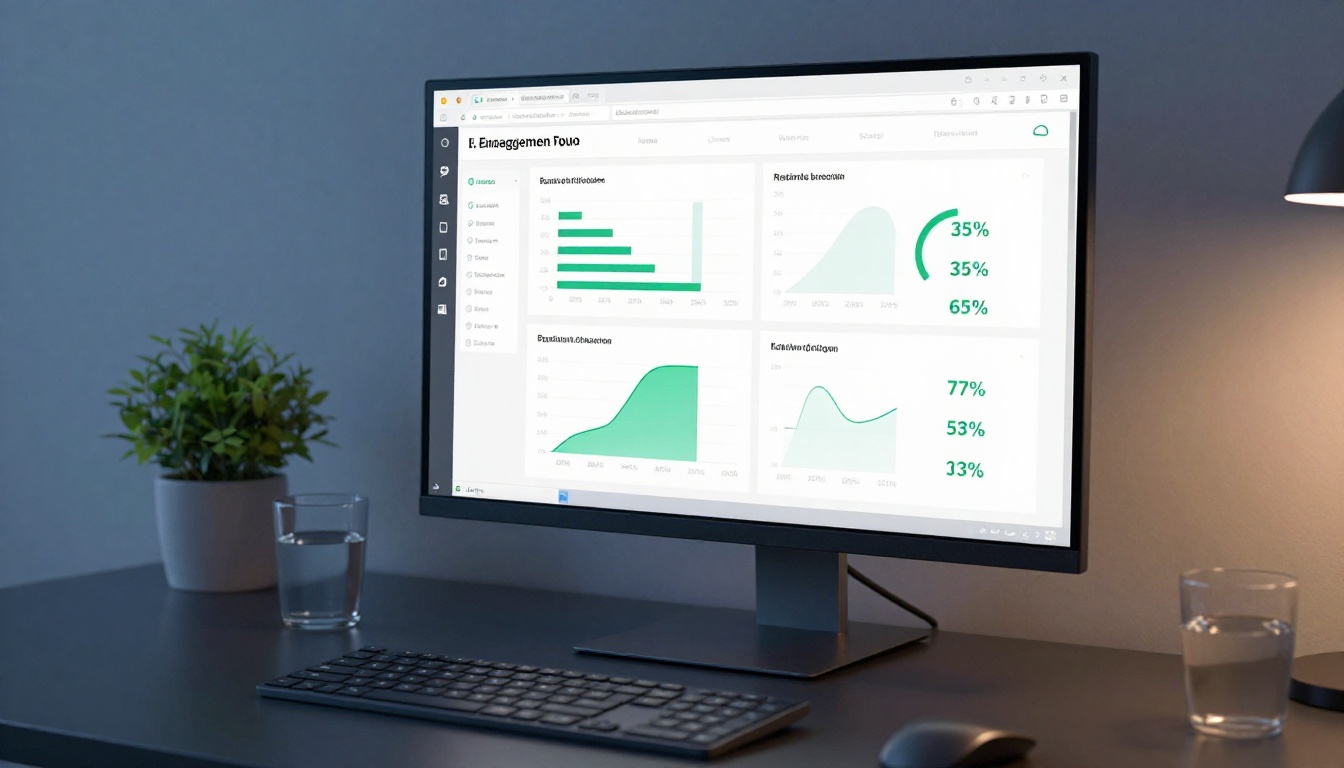
One of the most overlooked advantages of sending proposals as flipbooks is the data you get back. With the right platform, you can see:
- Which pages your client spent the most time on (are they stuck on pricing? lingering on your case studies?)
- How many times they opened the document
- Whether they shared it with a colleague
- When they last viewed it
This changes how you follow up. Instead of the vague "just checking in" email, you can say: "I noticed you spent some time on the timeline section, happy to walk through that with you." That kind of precision builds trust and accelerates decisions.
Response rate comparison
| Proposal Format | Avg. Response Rate | Avg. Follow-Ups Needed | Deal Close Rate |
|---|
| PDF attachment | 38% | 3.2 touches | 22% |
| Interactive Flipbook | 67% | 1.8 touches | 41% |
| Printed proposal | 44% | 2.9 touches | 29% |
| Online form/link | 51% | 2.4 touches | 33% |
The interactive flipbook format requires nearly half the follow-up effort while closing at nearly double the rate of a standard PDF. That ratio compounds across a full sales pipeline in a significant way.
How to Send Your Proposal as a Flipbook with Flipbooks AI
Flipbooks AI makes the conversion process fast, requiring no design experience. Here is exactly how to do it.
Step 1: Prepare your proposal PDF
Before you upload anything, make sure your proposal PDF is finalized. Your content, pricing, case studies, and branding should all be in place. The flipbook format will elevate the presentation, but the substance needs to be solid first.
✅ Use a consistent font, leave white space on each page, and include at least one visual per spread for best results.
Step 2: Create your account
Go to Flipbooks AI and create a free account. You can start immediately with no credit card required for the entry tier. Once in, you are taken directly to the upload dashboard.
Step 3: Upload and convert
Click Upload PDF and select your proposal file. Flipbooks AI processes the document and converts it into an interactive flipbook in seconds. You can preview the result immediately.

You can also use the Sales Presentation Flipbook tool or the Presentation Flipbook Designer built specifically for business pitches and client-facing decks.
Step 4: Brand it
Under the Customize tab, configure your:
- Brand colors (hex codes supported)
- Logo placement (header or cover)
- Background style (solid, gradient, or custom image)
- Page flip animation (soft curl, hard turn, or fade)
This step takes 5 minutes and makes the difference between a generic flipbook and one that looks like it cost a professional studio to produce.
Step 5: Configure privacy and sharing
For client proposals, password protection is almost always the right call. Under Share Settings, toggle Password Protect and set a unique code. Send the password separately from the link, adding a layer of professionalism and security.
You can also:
- Generate a direct shareable link for email
- Create an embed code to drop the flipbook into a client portal or proposal landing page
- Set an expiration date so old proposals do not stay accessible indefinitely
Step 6: Send and track
Once live, copy the shareable link and paste it into your proposal email. Instead of an attachment, your client receives a clean URL that opens directly in their browser. No downloads, no compatibility issues, no asking which version of Acrobat they have.
With the Professional plan, you get access to full analytics showing exactly who opened your proposal, when, and how long they spent on each page.
Proposal Types That Work Best as Flipbooks
Not every document benefits equally from the flipbook format, but proposals are near the top of the list. Here is a breakdown of the types that see the biggest improvement.
Agency and creative proposals
Design agencies, marketing firms, and creative studios already have a visual edge. Converting your proposal into a flipbook lets that design sensibility carry through every page. You are not just telling clients you do great creative work, you are showing them with the proposal itself.
Consulting and strategy proposals
These tend to be text-heavy with charts and frameworks. The flipbook format makes dense content feel organized and navigable. Clients can flip to the section most relevant to them without losing context.
Real estate proposals
The Real Estate Brochure Creator tool is specifically built for property professionals. A proposal showing property listings, investment projections, and location breakdowns in a page-turn format is far more compelling than a flat PDF report.
Event and production proposals
Event planners and production companies can embed videos directly into their flipbook proposals, showing venue walkthroughs, past event highlights, or concept moodboards. No other format allows this without technical friction.

Comparison by proposal type
| Proposal Type | Key Benefit of Flipbook Format | Recommended Tool |
|---|
| Creative/Agency | Visual impact matches the brand promise | Presentation Flipbook Designer |
| Consulting | Structured navigation for dense content | Sales Presentation Flipbook |
| Real Estate | Photo-rich pages with location context | Real Estate Brochure Creator |
| Event/Production | Embedded video and audio previews | Sales Presentation Flipbook |
| SaaS/Software | Interactive feature and pricing sections | Presentation Flipbook Designer |
| Non-Profit | Visual storytelling for donor proposals | Annual Report Creator |
What Clients Say After Receiving One
The first reaction matters
The first thing most clients say after receiving a flipbook proposal is some version of "this looks amazing." That reaction, before they have read anything, primes them to receive the content positively. First impressions are real, and they compound.
A marketing agency reported switching their proposals to flipbooks and seeing a 40% reduction in ghosted proposals over a single quarter. Clients who previously went quiet after receiving a PDF were responding within 24 hours of receiving the flipbook version.
The follow-up conversation changes
When clients have actually read the full proposal, follow-up conversations are shorter and more productive. There is less time spent re-explaining sections they missed because the format held their attention the first time. Meetings focus on decisions, not re-presentations.
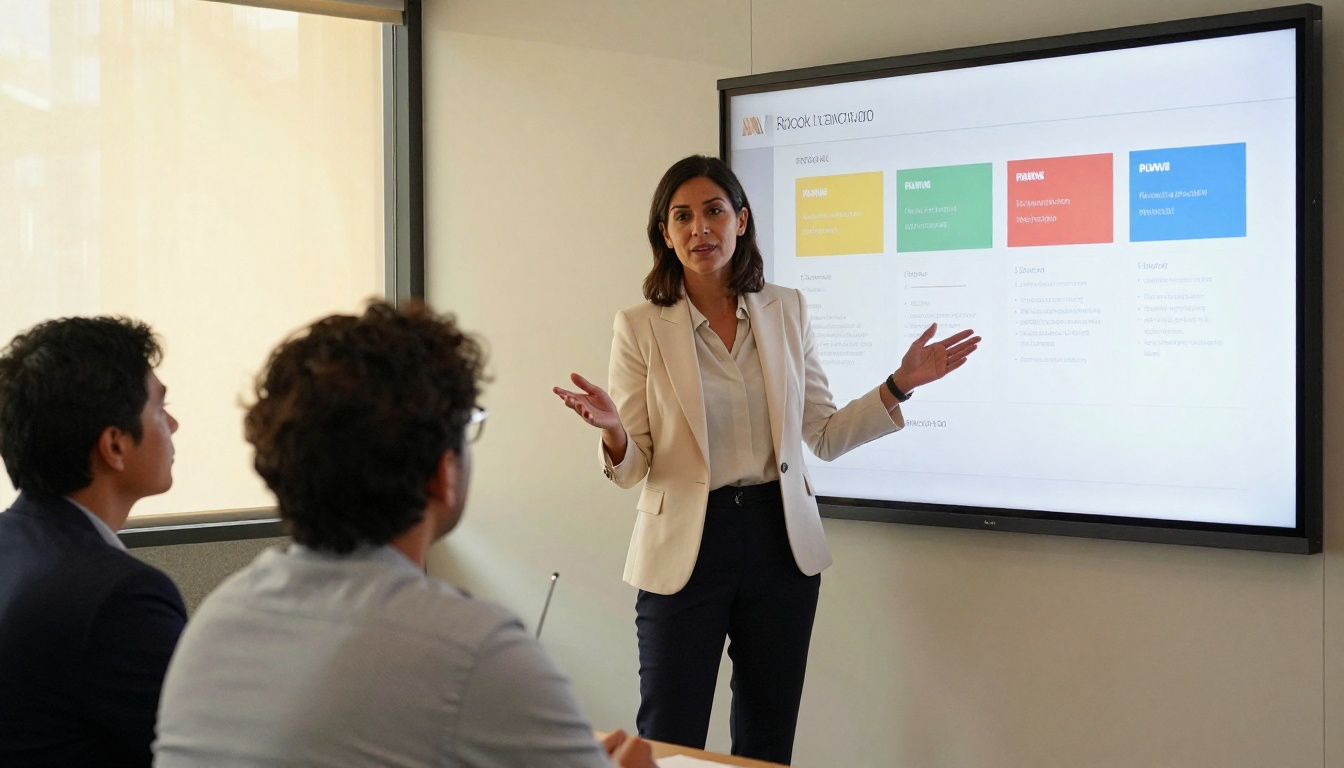
💡 Teams using interactive proposals report that close-rate conversations happen in one meeting instead of two, saving significant time across a full pipeline.
Referrals from impressive proposals
This is the underrated benefit. When a prospect shares your flipbook proposal with a colleague or decision-maker, they are not forwarding a PDF file. They are sharing a link to something that looks and works like a professional publication. That share is itself a form of endorsement, and it is one that no PDF can replicate with the same impact.
Flipbooks AI Plans: What You Actually Get
Choosing the right plan depends on your proposal volume and how heavily you rely on analytics and lead generation features.
| Feature | Free | Standard | Professional |
|---|
| Flipbooks | 3 total | Unlimited | Unlimited |
| Watermarks | Yes | No | No |
| Password protection | No | Yes | Yes |
| Custom branding | No | Yes | Yes |
| Analytics and tracking | No | No | Yes |
| Lead generation tools | No | No | Yes |
| Offline downloads | No | Yes | Yes |
| Embed on website | No | Yes | Yes |
| Video and audio embed | No | Yes | Yes |
| Mobile-responsive | Yes | Yes | Yes |
For proposal work specifically, Standard plan at minimum is required to get password protection and custom branding, both of which are non-negotiable for client-facing documents. If you want to know who is reading what and when, Professional is the tier that pays for itself within a single closed deal.
You can compare all plans on the pricing page to see what fits your workflow and volume.
Stop Losing Deals to Bad Presentation
The format is part of the pitch
Every element of your proposal communicates something. The font choice, the layout, the organization of information, the format itself. When you send a PDF, you signal that function is enough. When you send a flipbook, you signal that you care about the client's experience with your content before the contract is even signed.
That signal matters. Especially in competitive pitches where multiple vendors are being evaluated, the proposal that is more enjoyable to read gets read more thoroughly, remembered more clearly, and bought more often.
Small change, measurable results
The switch from PDF to flipbook is one of the lowest-effort, highest-impact changes a sales or client services team can make. There is no new skill to learn, no expensive software to configure, no weeks-long implementation cycle. You upload a PDF you already have and share a link instead of an attachment.
The results show up in your reply rates, your meeting bookings, and your close percentage within weeks of making the switch.

Where to start today
If you have an active proposal sitting in your drafts folder right now, you have everything you need to test this today. Convert it to a flipbook before you send it and track what happens to the response.
Ready? Create your free account on Flipbooks AI and have your first proposal converted in under 10 minutes. Browse the full suite of tools and templates to find formats built for your specific industry. Or choose your plan to get password protection, custom branding, and analytics from day one.
The proposal is ready. The only question is what format you send it in.



