Every professional has sent a long email they later regretted writing. Pages of context, bullet points stacked on bullet points, attachments that nobody opens. The person on the other end reads the first two sentences and stops. That is not a content problem. It is a format problem. And the fix is simpler than most people expect.
Flipbooks AI offers a direct solution: replace that email body with an interactive flipbook link that opens instantly in any browser, looks stunning on any device, and gives your reader a visual experience instead of a wall of text.
Why Long Emails Fail
The average professional receives over 120 emails per day. That number alone tells you everything about the attention your email is competing for.
Long emails fail for four predictable reasons:
- No visual hierarchy: Dense paragraphs all look the same. The eye has nowhere to land.
- No interaction: Reading is passive. Flipping, scrolling, and navigating is active.
- No mobile optimization: A 600-word email in a mobile inbox is brutal to read.
- No clear action: Long emails often ask the reader to do multiple things, which means they do none.
The Inbox as a Battlefield
When someone opens their inbox, they are in triage mode. They are deciding in under three seconds whether to read, skip, or delete your message. A wall of text signals "this will take effort." A clean one-liner with a link signals "this is worth a click."
That psychological shift is exactly what sending a flipbook instead of a long email exploits in your favor.
What Happens to Attachments
PDF attachments compound the problem. Roughly 67% of email attachments go unopened. Even when they are opened, a static PDF gives the reader no reason to stay. No animations, no page-turn feel, no embedded media. Just pages.
What a Flipbook Does Differently

A digital flipbook is a browser-based, page-turning document. It looks like a magazine, reads like an app, and shares like a link. That combination is what makes it the right replacement for a long email in most professional situations.
Here is what changes when you send a flipbook link instead of writing a long email:
| Factor | Long Email | Flipbook Link |
|---|
| Open rate psychology | Readers see volume and hesitate | Single link, low friction |
| Visual appeal | Plain text formatting | Rich imagery, layout, typography |
| Mobile experience | Scrolling text walls | Responsive page-flip navigation |
| Attachment risk | Often blocked or ignored | No attachment, browser-native |
| Analytics | None | Page views, time on page, clicks |
| Sharing | Forward with context loss | One link, full fidelity |
| Interactivity | None | Embedded video, audio, links |
💡 A flipbook link in an email body performs better than a PDF attachment in almost every industry tested, from real estate to hospitality to B2B sales.
Visual Information Lands Faster
Humans process visual information roughly 60,000 times faster than text. When your content has images, layout, color, and typographic hierarchy, readers absorb it faster and retain it longer. A flipbook gives your content that visual scaffolding. A long email gives it none.
It Signals Professionalism
There is a secondary effect that is harder to measure but very real. Receiving a beautifully designed flipbook instead of a multi-paragraph email signals that the sender took time to craft something worth reading. It raises your perceived professionalism before the recipient reads a single word.
Real-World Scenarios Where Flipbooks Win

The case for flipbooks over long emails is not theoretical. It plays out across industries every day.
Sales Proposals
A typical sales proposal email runs 400 to 800 words with multiple attachments. The prospect opens the email, feels the weight of it, and saves it to read later. Later never comes.
Replace that with a two-sentence email and a link to your Sales Presentation Flipbook. The prospect clicks it, flips through your offer visually, and responds the same day because the experience was effortless.
Internal Team Updates
Weekly team updates stuffed into email threads get buried. When you convert your update into a formatted flipbook and share the link in a single-line email, team members actually open it. The structure makes the content easy to move through: project status, blockers, next steps, each on its own clear page.
Client Onboarding
Onboarding emails are notoriously long. Terms, processes, contacts, timelines. All of it ends up in one overwhelming block of text. A flipbook version of your onboarding materials, shared as a link, lets clients move through information at their own pace, return to specific sections, and actually absorb what you sent.
Marketing Campaigns
Email campaigns that replace long body copy with a flipbook link consistently outperform text-heavy alternatives. A Newsletter Flipbook shared via email gives subscribers a magazine-quality reading experience that text simply cannot match.
✅ Keep your email body to three sentences or fewer. One to introduce the content, one to explain why it matters to the recipient, one clear call to action pointing to the flipbook link.
Email vs. Flipbook: Side-by-Side
Let us be specific about the situations where this swap makes the most sense.
| Use Case | Stick with Email | Use a Flipbook |
|---|
| Quick yes/no questions | ✅ | |
| Product proposals | | ✅ |
| One-line scheduling | ✅ | |
| Team reports and updates | | ✅ |
| Client onboarding docs | | ✅ |
| Short follow-ups | ✅ | |
| Quarterly and annual reviews | | ✅ |
| HR offer and onboarding packets | | ✅ |
| Price lists and catalogs | | ✅ |
| Urgent immediate replies | ✅ | |
The pattern is clear. Any communication that would normally require scrolling, involves multiple sections, or relies on visual content is better served by a flipbook.
⚠️ Flipbooks are not a replacement for every email. Quick questions, direct replies, and time-sensitive messages are better as plain text. Use the flipbook format when the content warrants it.
Industries Getting the Most From This
- Real estate: Property tours, listing presentations, neighborhood overviews
- Hospitality: Hotel brochures, restaurant menus, event packages
- B2B sales: Product catalogs, proposals, company profiles
- HR and recruiting: Offer letters, onboarding packets, company culture docs
- Education: Course materials, school newsletters, training manuals
- Marketing agencies: Campaign reports, brand presentations, media kits
How to Send Your First Flipbook via Email
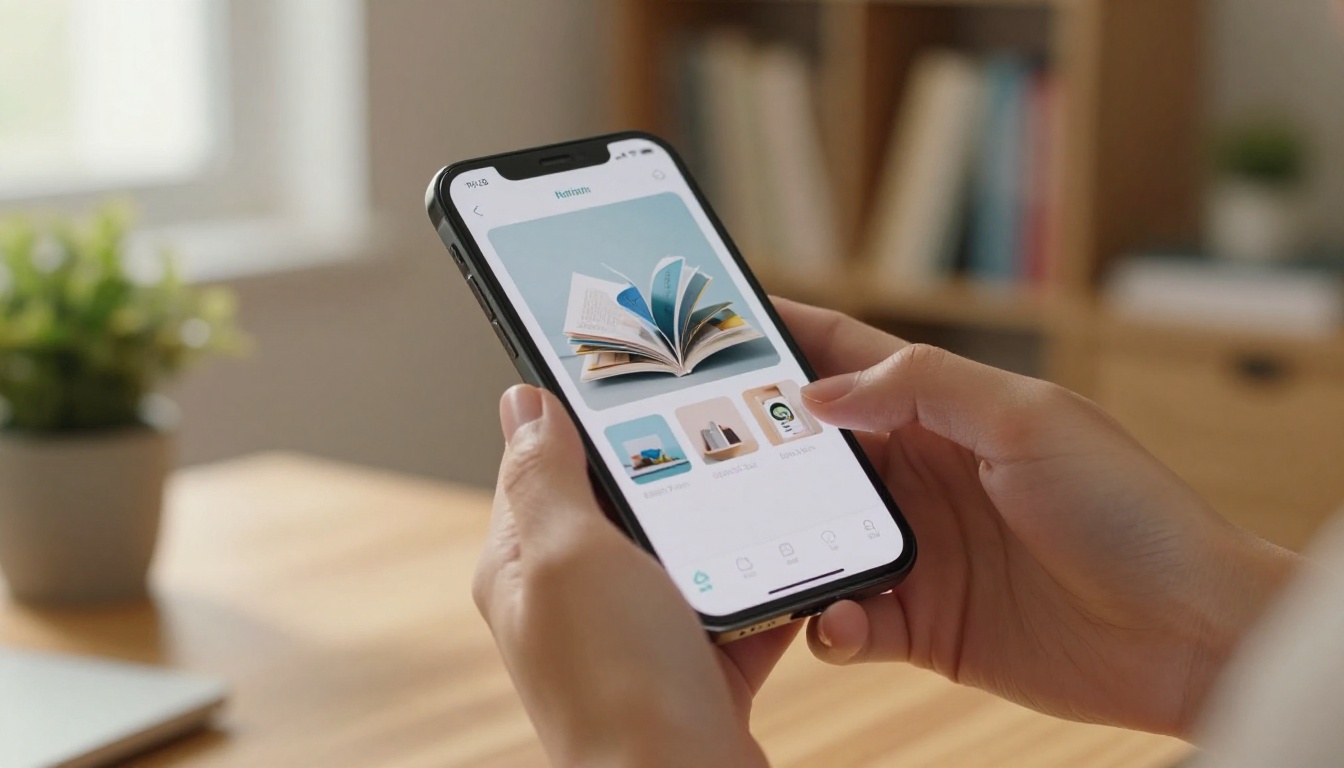
The process is faster than writing the email you were planning to send.
Step 1: Create Your Account
Go to Flipbooks AI and sign up. No credit card required to publish your first flipbook.
Step 2: Upload Your PDF
Take the document you were planning to summarize in a long email and upload it directly. Flipbooks AI converts any PDF into a fully interactive, page-turning flipbook in seconds. Drag and drop the file and wait for the conversion.
Step 3: Customize the Appearance
Before you share anything, make it yours:
- Add your logo and brand colors to the opening page
- Choose a background style that fits your industry
- Add a custom domain or subdomain if your plan supports it
- Enable or disable the download option depending on content sensitivity
Step 4: Configure Sharing Settings
This is where flipbooks separate themselves from attachments:
- Public link: Anyone with the link can open it instantly in their browser
- Password protection: Restrict access to specific recipients, ideal for proposals or confidential materials
- Embed code: Drop the flipbook directly into a webpage or client portal
- Analytics: On Professional plans, see who opened it, how long they spent, and which pages they read
Step 5: Send the Email
Write three sentences. Paste the flipbook link. Send. The email took 90 seconds to write. The flipbook was already done before you sat down to type.
💡 Put the flipbook link as both a text hyperlink and a clickable thumbnail in the email body. Two visual entry points significantly increase click-through rates.
Plans That Fit Different Needs

Flipbooks AI offers tiered plans so you only pay for what you actually use.
| Feature | Free | Standard | Professional |
|---|
| Number of flipbooks | Limited | Unlimited | Unlimited |
| Watermarks | Yes | No | No |
| Custom branding | | ✅ | ✅ |
| Password protection | | ✅ | ✅ |
| Analytics and tracking | | | ✅ |
| Lead generation forms | | | ✅ |
| Offline downloads | | | ✅ |
| Embed on website | | ✅ | ✅ |
| Mobile-responsive | ✅ | ✅ | ✅ |
For anyone sending flipbooks in a professional or client-facing context, Standard is the minimum worth considering. No watermarks alone justifies the upgrade. For sales teams, consultants, and agencies tracking open rates and read depth, Professional is the tier that pays for itself.
See the full breakdown on the pricing page.
Specific Tools for Your Content Type

One of the advantages of Flipbooks AI is the library of purpose-built tools organized by content type. Rather than starting from a blank PDF, you can choose a template designed specifically for your industry and use case.
A few worth bookmarking based on the email-heavy scenarios above:
Browse the full library at flipbooksai.com/tools.
The People Receiving Your Emails
It is worth thinking about this from the other side. What does the recipient of your email actually experience?
They open the message. They see a long block of text. Their eyes glaze. They scroll to find the main idea but cannot. They mark it as unread to deal with later, then forget about it entirely.
Now imagine they open the message and see one line: "Here is the proposal you asked for." Then a link. They click it. A beautifully designed, page-turning document opens in their browser. They flip through it with the same ease they would scroll through their phone. Done in three minutes. They actually absorbed what you sent.
That is the difference between sending a long email and sending a flipbook.
Accessibility and Device Compatibility
Flipbooks generated through Flipbooks AI are mobile-responsive by default. They work on every major browser, on phones, tablets, and desktop screens, without the recipient needing to download anything. This removes the friction that kills attachment open rates.
Clients checking email on their phone can read your full proposal without pinching to zoom or scrolling sideways through a compressed PDF. That alone makes a measurable difference in response rates.
The Habit Worth Building

The shift from writing long emails to sending flipbook links is not a one-time optimization. It becomes a habit that changes how you think about professional communication.
When you know your content will be presented visually, you design it better. You cut filler. You structure information so it has a natural flow. Your proposals get tighter. Your reports become more scannable. Your newsletters feel worth reading.
Over time, recipients start to associate your name with communications that are clear, beautiful, and easy to consume. That reputation compounds.
Start with one email you were planning to write this week. The proposal. The update. The onboarding packet. Convert the underlying document into a flipbook, paste the link, and see what happens to your response rate.
Ready to make the switch? Create your account on Flipbooks AI and publish your first flipbook in minutes, with no watermarks, no downloads required for recipients, and no walls of text to write.
Compare pricing plans to find the right tier, or browse all available tools and templates to find the format that fits your content.



