How to Share a Flipbook Inside a Discord Server (Without the Confusion)
Sharing a flipbook inside a Discord server is one of the fastest ways to put your digital content in front of a live community. This article covers every method, from direct links to pinned channels, plus tips for building a flipbook worth sharing in the first place.
Discord has over 500 million registered users, and most of them are in at least one server where people share links, resources, and digital content every hour. If you have a flipbook and want to drop it into a server, the process is simpler than most people expect. But there are a few things worth knowing before you paste and hit enter.
Why Discord Works for Flipbook Sharing
Most platforms throttle how content travels. Social feeds bury posts within hours. Email open rates hover around 20% on a good day. Discord is different because every message you send lands in a visible channel that community members actively scroll, and pinned content stays accessible for weeks.
A Direct Line to Real People
A Discord server is a living space. People check their servers daily, sometimes multiple times per day. When you drop a flipbook link into the right channel with a short explanation, you're not competing with an algorithm. The message sits there, visible to everyone with access to that channel.
What Happens When You Paste a URL
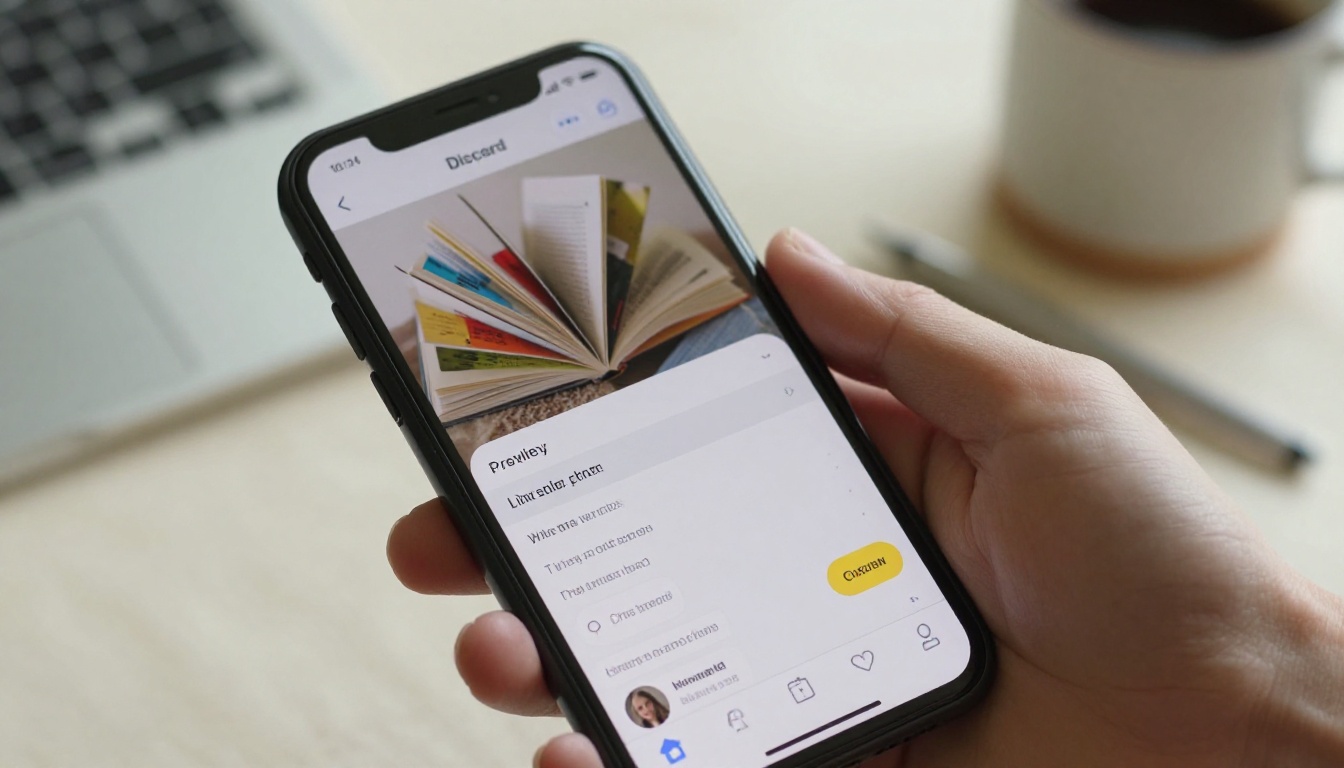
Discord automatically tries to generate a link preview for any URL you paste. Depending on how the flipbook platform handles Open Graph metadata, the preview will show a title, description, and sometimes a thumbnail image. Flipbooks AI generates proper OG metadata for every published flipbook, which means Discord pulls a preview card automatically.
💡 If the preview doesn't appear, Discord's preview system may have cached a bad result. Delete the message, wait 60 seconds, and paste again.
Before You Share Anything
Sharing a broken or inaccessible link in a Discord server is one of the fastest ways to lose credibility with a community. Two things to check before you paste.
Is Your Flipbook Set to Public?
If your flipbook is set to private or password-protected, anyone who clicks the link will hit a wall. This is intentional for some use cases, but if you're sharing inside a community server and want everyone to read it freely, the flipbook must be set to public before you share the URL.
Getting a Clean, Correct Link
Open your flipbook in a browser and copy the URL directly from the address bar. Avoid copying from the dashboard's sharing panel if the URL contains session tokens or tracking parameters that expire. The cleanest link is the one that loads the flipbook when you paste it into an incognito window without being logged in.
⚠️ Always test your link in a private/incognito browser window before sharing. What you can see while logged in is not what others see without an account.
Sharing a Flipbook in Discord
There are three practical methods. Which one you use depends on whether you want the share to be a one-time message, a permanent resource, or a featured announcement.
Method 1: Drop the Direct Link
This is the most common approach. Navigate to the appropriate channel, whether that's resources, announcements, general, or a dedicated reading channel. Type a short context line, then paste the URL on a new line or at the end of your message.
Example message structure:
Hey everyone, just published our monthly lookbook for August.
Flip through it here: https://flipbooksai.com/your-flipbook-url

Let me know what you think below!
Discord will auto-generate the link preview below your message. Members can click the preview card or the raw URL.
Method 2: Pin It to a Channel
Pinning makes the link permanently accessible at the top of any channel's pinned messages, regardless of how much new content flows below it. This is ideal for flipbooks that function as reference materials: a server rulebook, a product catalog, a training manual.
Steps to pin a message in Discord:
Post the flipbook link as a regular message.
Hover over the message until the emoji and options toolbar appears on the right.
Click the three-dot menu.
Select Pin Message.
Confirm in the popup. Discord will post a system notification that a message was pinned.
Members can access all pinned messages at any time by clicking the pin icon at the top of any channel.
Method 3: Use the Announcements Channel
If the server has an announcements channel, this is the highest-visibility option. Announcement channels in Discord have a "Follow" feature, which means members in other servers can receive those announcements in their own servers too. A flipbook shared here has the potential to travel beyond a single server.
Method
Visibility
Permanence
Best For
Direct link in channel
Medium (scrolls away)
Low
One-time shares, casual drops
Pinned message
High (always accessible)
Permanent
Reference docs, catalogs, manuals
Announcements channel
Highest (can cross-server)
Medium
New releases, product launches
✅ For ongoing communities, use the pin method for your most important flipbooks so members can find them any time without searching through chat history.
How to Build a Flipbook Worth Sharing
Before focusing on the Discord side, the flipbook itself needs to be worth clicking. A poorly converted PDF with no branding and tiny unreadable text won't hold anyone's attention past page two.
Start on Flipbooks AI
Flipbooks AI converts PDFs into interactive, page-turning digital publications. The platform handles formatting automatically so the output looks polished regardless of the original PDF quality. You don't need design experience to produce something that looks professional.
Wait for the conversion, which typically takes under 60 seconds for a standard document.
Review the converted flipbook in the preview panel.
Adjust settings: title, cover image, page effects, and branding colors.
Set visibility to Public.
Click Publish.
The resulting URL is what you paste into Discord.
Customize Before You Share
The default conversion looks clean, but a few customizations significantly improve the first impression your flipbook makes:
Cover image: Upload a custom cover that tells viewers what they're about to read.
Page flip effect: The animated page turn is what makes a flipbook feel alive versus a static PDF.
Branding colors: Match the accent color to your brand or community aesthetic.
Table of contents: If your flipbook is long, enable the TOC so Discord users can jump to sections quickly.
💡 Use the PDF to Flipbook Converter if you want to go straight from file to published link with zero extra setup.
Writing the Message That Gets Clicks
The flipbook is only half the equation. The message you write around the link determines whether anyone opens it.
Short Context, Big Impact
Discord members are skimming. They're seeing dozens of messages in multiple servers. A link without context gets ignored. One sentence explaining what the flipbook is and why they should read it is enough.
Formats that work:
"Just dropped our August issue. 30 pages, all the updates from this month's projects."
"Resource for new members: full onboarding flipbook here. Start on page 4."
"Lookbook is live. New colorways, new drops, worth a scroll."
Formats that don't:
Just the raw URL with nothing else.
A three-paragraph explanation that buries the link at the bottom.
Asking people to "check this out" with no specifics about what it is.
Discord Markdown for Better Formatting
Discord supports a subset of markdown you can use to make your message stand out:
Markdown Syntax
Result
**bold text**
bold text
*italic text*
italic text
`code`
Monospaced inline code
> quote
Block quote
# Heading
Large heading in longer messages
||spoiler||
Hidden spoiler text
Using bold to highlight the flipbook title inside your message draws the eye before members even look at the link preview.
Flipbook Use Cases by Discord Community Type
Not all Discord servers are the same. The right flipbook type depends on what the community is about and what members expect to receive.
Community Type
Best Flipbook Format
Example Content
Gaming servers
Event programs, lore books
Seasonal event guides, character lore
Creator communities
Lookbooks, portfolios
Monthly lookbook, artist portfolio
Business servers
Product catalogs, reports
New product catalog, quarterly report
Education servers
Course materials, newsletters
Study guides, school newsletters
Food and lifestyle
Recipe books, menus
Digital recipe collection, restaurant menu
Real estate groups
Brochures, property guides
Property showcase, market report
Gaming Communities
Gaming servers are among the largest on Discord, often with thousands of members spread across dozens of channels. A flipbook works well here as a seasonal event program, a lore document, or a beginner's handbook. Pin it in a dedicated "resources" or "start-here" channel and it becomes a permanent part of the server's infrastructure.
Creator and Art Servers
For artists, designers, and content creators, a digital portfolio or lookbook is a natural fit. The digital portfolio creator lets you convert a portfolio PDF into an interactive, scrollable flipbook that displays images at full resolution. Drop it in an art-sharing channel and members can flip through your work the same way they'd browse a printed magazine.
Business and Professional Servers
Private professional Discord servers are increasingly common among teams, agencies, and freelance collectives. Sharing a product catalog or company report as a flipbook is more effective than attaching a PDF, because the recipient doesn't need to download anything. A digital catalog maker output is viewable immediately in the browser after one click.
Education and Study Communities
Schools, tutors, and online course creators use Discord to build student communities. A course material publisher lets educators convert lesson PDFs into interactive flipbooks that are easier to read on a phone than a downloaded file. Students can flip through the material on any device without needing specific software.
Mistakes That Kill Clicks
There are patterns that consistently result in your flipbook being ignored inside a Discord server.
Sharing a Private Link by Accident
This happens more than you'd expect. You create a flipbook, copy the URL from your dashboard while logged in, and paste it into Discord. Members click it and get a login screen or an "access denied" page. Always verify the link is public before sharing.
No Context Around the Link
A raw URL dropped into a channel with no explanation reads as spam or a mistake. Members don't know if it's safe to click, what they'll find, or why it matters. Even one sentence of context changes the click rate dramatically.
Wrong Channel Placement
Dropping a flipbook link into #general when there's a dedicated #resources or #announcements channel is a missed opportunity. Many servers have members who specifically monitor certain channels for exactly this kind of content. Posting in the right channel targets the members most likely to click.
Overly Long Messages
Discord is a chat platform, not a newsletter. A long block of text before the link buries it. Write lean. State what the flipbook is, why it matters, and then give the link.
⚠️ If your server has a bot that auto-deletes messages containing URLs, a common moderation setup, check with the server admin before sharing. Some servers require links to be posted by moderators only.
Flipbooks AI Plans for Sharing
If you're planning to share flipbooks regularly inside Discord servers, the right plan makes a difference. Here's how the options compare for sharing use cases:
Feature
Free
Standard
Professional
Watermark-free
No
✅ Yes
✅ Yes
Number of flipbooks
Limited
Unlimited
Unlimited
Password protection
No
✅ Yes
✅ Yes
Analytics and view counts
No
No
✅ Yes
Lead generation forms
No
No
✅ Yes
Offline downloads
No
No
✅ Yes
Custom domain
No
No
✅ Yes
For a community manager sharing flipbooks regularly in Discord, the Standard plan gives unlimited flipbooks with no watermarks, which is the baseline for looking credible. For creators who want to track how many Discord members actually opened and read the content, the Professional plan provides analytics that show view counts and reading behavior.
The servers that make the most out of shared content do a few things consistently.
They have a dedicated content channel. A channel called #resources, #reads, or #library is where members go specifically to find shared content. Dropping a flipbook there signals that this is something worth keeping, not just a passing message.
They use announcements for big releases. When a new issue, a new catalog, or a new training document drops, it goes in announcements. This signals to the entire community that something new is available.
They ask for reactions. After sharing a flipbook, asking members to react with an emoji if they found it useful turns passive consumption into visible social proof. Other members see the reaction count and are more likely to click something that already has 15 thumbs-up on it.
They follow up. If a flipbook contains time-sensitive content, a follow-up message a week later referencing specific pages or highlights keeps the content alive in conversation.
✅ Treat each flipbook share as the start of a conversation, not a one-way broadcast. The servers that build real community around shared content see far more interaction than those that drop links and disappear.
Ready to Share Something Worth Clicking?
If you don't have a flipbook yet, creating one takes about five minutes. Get started for free on Flipbooks AI, upload your PDF, and you'll have a shareable link in less time than it takes to write a Discord message.
Already have content in a specific format? Browse all flipbook tools to find the right template for your use case, whether that's a product catalog, a restaurant menu, a portfolio, or a training manual. And if you're ready to remove watermarks, add password protection, or track who clicks from Discord, check the pricing plans to find the tier that fits.
The link is ready. The channel is waiting. All that's left is the message.