Your design portfolio is the first thing a potential client or hiring manager actually judges you on. Not your LinkedIn profile. Not your resume. The portfolio. And if you're still sending it as a flat PDF attachment, you're leaving a poor first impression before a single word gets read.
Flipbooks change that completely. An interactive, page-flipping portfolio feels alive. It behaves like a magazine, not a file. And with Flipbooks AI, you can share your design portfolio as a flipbook for free, in minutes, with no technical setup required.
Why Static PDFs Hurt Your Portfolio
The attachment problem nobody talks about
When you email a PDF portfolio, three things almost always happen. The recipient has to download it, wait for it to open, then scroll through a document that looks nothing like the polished presentation you intended. On mobile, it looks worse. On some email clients, it never opens at all.
Creative directors and recruiters review dozens of portfolios per week. The ones that stay memorable are the ones that feel intentional from the first second. A flipbook portfolio does exactly that. It opens instantly in a browser, pages turn with a click or swipe, and the whole experience signals that you care about presentation as much as craft.
⚠️ Warning: A portfolio that takes more than 5 seconds to open loses attention before a single piece of work is seen.
What clients are actually looking for
Beyond aesthetics, hiring managers and clients are assessing how you communicate. Do you tell a story with your work? Do you show context and process, or just finished outputs? A flipbook format creates natural pacing, with each page turn building anticipation the way a well-edited magazine does. That structure alone makes your thinking visible in a way that a scrollable PDF never can.
What Makes a Flipbook Portfolio Different
The page-turn experience is not a gimmick
There's a reason print magazines feel premium. The act of turning a page creates rhythm, pacing, and anticipation. Digital flipbooks replicate this with smooth page-flip animations that run entirely in the browser. Each spread becomes a deliberate visual moment, not just another section in an endless scroll.
For designers, this is a natural fit. Your work is already structured in spreads, case studies, and project sections. A flipbook honors that structure instead of flattening it into a linear document. Brand identity systems, double-page editorial layouts, and photography series all render exactly as intended.
Works everywhere without plugins
Flipbook portfolios built with Flipbooks AI are fully browser-based. No Flash, no PDF viewer plugins, no app downloads required. A client on an iPhone, an art director on a Windows laptop, a recruiter on a tablet, all see the same crisp and consistent experience. Mobile-responsive by default, with no extra configuration needed on your end.

How to Create Your Portfolio Flipbook for Free
The process is faster than most designers expect. Here is exactly how it works, step by step.
Step 1: Prepare your portfolio PDF
Before uploading, make sure your portfolio PDF meets these standards:
- Page size: A4 or Letter (landscape orientation works well for double-page spreads)
- Resolution: 150 DPI minimum for web viewing, 300 DPI for sharper rendering on retina displays
- File size: Aim for under 50 MB for fastest upload and conversion
- Fonts: Embed all fonts to prevent substitution during conversion
If you designed in Figma, Adobe InDesign, or Canva, export directly to PDF using the highest quality settings. Canva users should choose PDF Print for the sharpest output.
Step 2: Upload to Flipbooks AI
Head to Flipbooks AI and create your free account. The upload process is straightforward:
- Click Upload PDF from your dashboard
- Drop your portfolio file into the upload zone
- Wait 30 to 60 seconds for conversion (larger files take slightly longer)
- Your interactive flipbook preview appears automatically
The PDF to Flipbook Converter handles all processing server-side. There is nothing to install and no software to configure.
Step 3: Customize your presentation
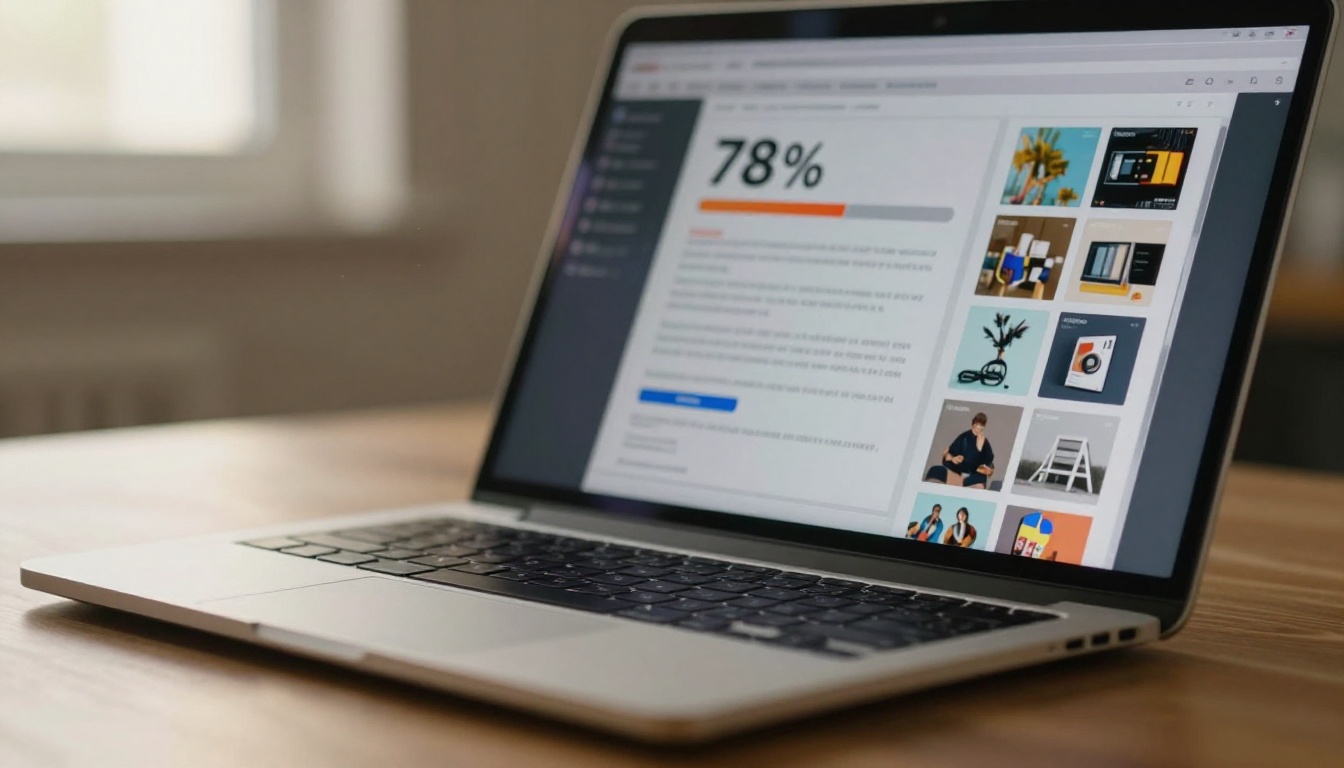
Once converted, you have full control over how your portfolio looks and behaves:
- Background color or texture: Match your personal brand palette
- Page flip animation speed: Fast for live pitches, slower for casual browsing
- Auto-flip timer: Set a hands-free presentation mode for conferences or client meetings
- Logo placement: Add your initials or monogram to the header area
- Table of contents: Let viewers jump directly to specific projects or case studies
✅ Best Practice: Add a table of contents if your portfolio has more than 8 pages. Viewers appreciate being able to jump straight to project types like branding, UX, or photography without flipping through everything.
Step 4: Share your portfolio link
Instead of attaching a file to every email, you share a single URL. Clicking it opens your flipbook in any browser in under 3 seconds.
Sharing options available on the free plan:
- Direct link: Copy and paste into emails, LinkedIn messages, or job applications
- Social sharing: One-click share buttons for major platforms
- QR code: Download a QR code to print on your business card or resume
💡 Pro Tip: Shorten your flipbook URL and add it to your email signature. Passive portfolio exposure with every message you send, at zero extra effort.
Free Plan vs Paid: What You Get
One of the most common questions is what the free tier actually includes. Here is a clear breakdown across all plans.
| Feature | Free Plan | Standard Plan | Professional Plan |
|---|
| Number of flipbooks | 1 | Unlimited | Unlimited |
| Watermark | None | None | None |
| Custom branding | Limited | Full | Full |
| Password protection | No | Yes | Yes |
| Analytics | No | Basic | Detailed |
| Lead generation | No | No | Yes |
| Offline downloads | No | Yes | Yes |
| Embed on website | Yes | Yes | Yes |
| Custom domain | No | No | Yes |
| Video and audio embed | No | Yes | Yes |
✅ No watermarks on any plan. This is what sets Flipbooks AI apart from most competitors, which force branding onto free-tier content. Your portfolio looks professional from day one.
The free plan is genuinely functional for designers who maintain a single active portfolio. Freelancers juggling multiple portfolios by discipline, such as branding work, UX case studies, and photography, will find the Standard plan's unlimited flipbooks worth the upgrade.
Who Gets the Most From a Flipbook Portfolio
Graphic and brand designers
Branding work lives and dies by its visual presentation. A flipbook honors double-page spreads exactly as you designed them. Logo systems, typography hierarchies, and brand color applications all render at full fidelity. The Digital Portfolio Creator and Portfolio Flipbook Builder are built specifically for this type of work.
UX and product designers
Case studies are long. Nobody reads a 40-slide PDF from start to finish. A flipbook with a table of contents lets hiring managers jump directly to the projects most relevant to the role they're filling. Flow diagrams and wireframe sequences also benefit from the page-turn rhythm that mirrors how real user journeys progress.
Photographers
Photography portfolios depend entirely on image quality and pacing. A flipbook gives full-bleed spreads where each photograph can breathe. No thumbnails, no grids, no compression artifacts from a social platform. The Photography Portfolio tool is built specifically for this workflow.

Illustrators and motion designers
Sequential work like comic-style illustration or storyboard sequences translates naturally to flipbook format. The page-turn adds narrative momentum that a static gallery simply cannot replicate. Each spread becomes its own visual chapter, letting the story of a project build naturally as the viewer flips through.
Sharing Options That Make a Difference
Direct link sharing
Every flipbook gets a unique URL that works anywhere. No login required for viewers. No app download. Just a link that opens in under 3 seconds. This is the format most hiring managers and clients prefer because it removes every point of friction between them and your work.
Embed on your website
Already have a personal site? You can embed your flipbook directly into any page using the Embed Flipbook on Website tool. The embed is fully responsive and adjusts to whatever width your page container provides.
This is especially useful for designers who want a visually dynamic portfolio section on their existing site without rebuilding the entire thing around a custom gallery solution.
Password protection for client work
Many designers include confidential client projects that should not be publicly accessible or indexed by search engines. On Standard and Professional plans, you can add a password to any flipbook. Share the password alongside the link in your outreach email, keeping the work visible to the right people while staying off public search results entirely.
5 Things Every Portfolio Flipbook Needs
A flipbook is only as strong as the portfolio inside it. These five elements separate the portfolios that get responses from the ones that get ignored.
1. A strong opening spread
The first two pages are your handshake. Lead with your best work, not an about page or index list. First impressions anchor everything that follows, so put your most impressive project at the front.
2. Project context on every case study
Show the brief, the challenge, and your process, not just the finished output. Clients and employers want to see how you think, not only what you produce at the end.
3. Consistent visual rhythm
Use a repeating layout grid across case studies so viewers develop a visual expectation as they flip through. Consistency signals professionalism and intentionality.
4. Contact information on the last page
Make it effortless to reach you. Name, email, LinkedIn, and website on a clean final spread. If someone reaches the last page, they liked what they saw.
5. A focused project count
Eight to twelve projects is the sweet spot. More than that dilutes attention and makes curation feel lazy. Fewer than six can feel sparse. Choose with intent.
⚠️ Warning: Do not include every project you have ever worked on. A portfolio is an argument for your capabilities, not a complete archive of your work history.
Portfolio Types That Work Best as Flipbooks
Different types of design work translate to flipbook format with varying degrees of impact. Here is a practical reference for planning your layout and page structure.
| Portfolio Type | Ideal Orientation | Why Flipbook Works |
|---|
| Brand identity | Landscape double-page | Shows full logo systems and collateral together |
| UX case studies | Portrait single-page | Easy navigation with table of contents |
| Photography | Landscape full-bleed | Immersive, magazine-style image presentation |
| Illustration | Sequential pages | Narrative pacing for comics or storyboard flow |
| Print and editorial | A4 landscape spreads | Exact replication of print layout intent |
| Web and app design | Single-page screenshots | Clean device-framed captures at consistent scale |
| Motion and video | Still spreads with links | Cover stills link out to hosted video files |
💡 Pro Tip: For web and app work, use consistent device mockup frames at the same scale across all screenshots. It makes your flipbook feel like a curated publication rather than a random collection of screen captures.
Before committing to a platform, it helps to see how the options compare for creative professionals specifically.
| Tool | Flipbook Format | Free Tier | No Watermark | Embeddable | Mobile-Ready |
|---|
| Flipbooks AI | Yes | Yes | Yes | Yes | Yes |
| Behance | No (gallery) | Yes | N/A | No | Yes |
| Adobe Portfolio | No (website) | With CC plan | N/A | No | Yes |
| Cargo | No (website) | Limited | No | No | Yes |
| Issuu | Yes | Yes | No | Yes | Yes |
| Canva | PDF or website | Yes | No | Limited | Yes |
The main differentiator for Flipbooks AI is the combination of flipbook format, zero watermarks across all plans, and a fully functional free tier with no forced branding on your work. Issuu offers a similar format but adds watermarks on free accounts, which undermines the professional impression your portfolio is supposed to create.
Presenting Your Work the Way It Deserves
Your work is only as impressive as the container it lives in. Sending a flat PDF in 2025 is the creative equivalent of handing someone a crumpled printout. It signals that presentation stopped at the export button.
A flipbook portfolio says something different. It says you thought about the experience of viewing your work with the same care you put into creating it. That signal matters, especially in competitive hiring markets and saturated freelance platforms where dozens of portfolios land in the same inbox the same day.
The barrier to getting started is close to zero. You already have the PDF. The conversion takes under a minute. The sharing is a single link. There is no technical skill required, no design tool to buy, and no watermark to apologize for.

Ready to present your work the way it deserves? Create your free flipbook portfolio on Flipbooks AI today, no credit card required, no watermark, and no limits on how polished it looks.
Want more from your portfolio presentation? Compare pricing plans to add password protection, detailed analytics, and unlimited flipbooks for every discipline and client type you work with.
Browse all available portfolio tools and templates to find the right format for your specific type of creative work.