LinkedIn is one of the few social platforms where sending someone a link to a 20-page document is not only acceptable but actually appreciated. If you have built a flipbook and want it to reach the right people, how you post it on LinkedIn matters as much as what is inside it. A poorly formatted share can bury your best content beneath the algorithm before anyone clicks. A well-constructed post can put it in front of thousands of decision-makers, recruiters, clients, and collaborators in a single afternoon. This is a practical breakdown of exactly how to share your flipbook on LinkedIn without wasting its potential.
Why LinkedIn Is the Right Place for Flipbooks
LinkedIn is not built for casual scrolling. Its users arrive with professional intent: they are evaluating vendors, researching industries, building networks, or staying current in their field. That mindset makes them far more likely to spend time reading a multi-page document than someone on Instagram or Twitter.
The Format That Fits
Flipbooks align naturally with LinkedIn's content culture. The platform already supports PDF document uploads, long-form articles, and external links to rich content. A flipbook is, at its core, a professional document made interactive. It has page-turning animation, embedded media, and a polished visual structure that reads differently from a static PDF or a block of plain text.
What the Algorithm Actually Rewards
LinkedIn's algorithm rewards dwell time. The longer someone spends with your content, the more the algorithm pushes it to additional viewers. Flipbooks, because they are multi-page and visually engaging, naturally extend the time someone spends with a post. That is the mechanism that makes sharing a flipbook on LinkedIn worth doing well.
Post Types That Work for Flipbooks
There are three main ways to share a flipbook on LinkedIn, and each has different strengths. Choosing the wrong format for your goal is one of the most common mistakes people make.
External Link Post
You paste the direct URL to your flipbook into a LinkedIn post. LinkedIn pulls a preview card from the URL, showing a thumbnail, title, and description. The reader clicks through to the full interactive experience on your flipbook platform.
Best for: When you want readers to experience the full interactive version with page-turning, embedded video, and audio. Traffic goes to your platform, which means you can track views and analytics.
Native PDF Upload
You export your flipbook content as a PDF and upload it directly to LinkedIn as a document post. LinkedIn renders it as an inline carousel that users can swipe through without leaving the app.
Best for: Reach. Native uploads tend to get higher organic distribution because LinkedIn prefers content that keeps users on-platform. If your primary goal is impressions and brand visibility rather than traffic, this is the stronger move.
Article or Newsletter Post
You write a LinkedIn article or newsletter and embed your flipbook link within the body. This is a longer-form approach suited to thought leadership content.
Best for: SEO within LinkedIn, building subscriber bases, and situations where the flipbook supports a broader narrative.
| Post Type | Algorithm Boost | Click-Through | Analytics | Best Goal |
|---|
| External Link | Medium | High | Full | Traffic + Leads |
| Native PDF Upload | High | Low | Limited | Reach + Brand |
| LinkedIn Article | Low-Medium | Medium | Moderate | Authority + SEO |
| Newsletter | Medium | Medium | Good | Subscriber Growth |
💡 Pro tip: Post the external link first with a strong hook caption. Then, 2-3 days later, post the native PDF version targeting reach. Two posts, one asset, doubled exposure.
How to Share Your Flipbook on LinkedIn

Execution matters. Here is the step-by-step process that gets results.
Step 1: Prepare Your Flipbook
Before you post anything, your flipbook needs to be ready for a professional audience. That means:
- Custom branding: Your colors, logo, and font should be consistent throughout.
- Strong opening page: The first page is the thumbnail LinkedIn pulls for the preview card. It needs to communicate the topic instantly at small size.
- Clean URL or custom link: A short, readable URL looks more professional than a long string of characters.
- Mobile optimization: Over 60% of LinkedIn users browse on mobile. Your flipbook must display correctly on a small screen.
If you are using Flipbooks AI, all of this is handled in the platform before you even share. The PDF to Flipbook Converter takes your existing PDF and converts it into a fully branded, mobile-responsive interactive flipbook in minutes.
Step 2: Write a Caption That Works
The caption is what determines whether anyone opens your flipbook at all. LinkedIn captions have a character limit but more importantly they have a visual limit: only the first 2-3 lines appear before the "see more" cutoff. Those first lines must create enough curiosity or provide enough immediate value that someone taps through.
Avoid starting with "I am excited to share..." or "Check out our new..." These openers signal nothing specific and get scrolled past.
Instead, try openers like:
- A direct statement of who this is for: "If you are a sales manager running a team of 10 or more..."
- A surprising number or stat: "78% of B2B buyers review 3 or more pieces of content before contacting a vendor."
- A specific situation they recognize: "You spent two weeks building that proposal. It should not look like a flat PDF."
Step 3: Structure the Post Body
After the hook, your caption needs to:
- Briefly describe what is inside the flipbook (not vague hype, specific content)
- Tell them who it is most useful for
- Give the link or direct them to click the preview card
Keep it under 200 words. Long captions on LinkedIn tend to work for personal storytelling; for content promotion, shorter is sharper.
Step 4: Post at the Right Time
LinkedIn activity peaks on weekday mornings, particularly Tuesday through Thursday between 8 AM and 10 AM in the audience's local timezone. For global audiences, targeting 9 AM EST covers a solid overlap of US, UK, and Central European business hours.
Avoid Mondays (inboxes are full) and Fridays (attention is elsewhere). Weekend posting reaches a much smaller active audience.
Step 5: Stay Active in the First 60 Minutes
After posting, stay present. Reply to comments, thank people who reshare, and respond to direct messages. LinkedIn's algorithm weighs early reactions heavily. A post that receives 10 comments in the first hour gets pushed to far more people than one that sits quiet for a day and then picks up 10 comments later.
⚠️ Warning: Do not ask people to like or comment in your caption. LinkedIn has penalized interaction-bait posts. Instead, ask a genuine question that invites a real response.
Create Your Flipbook with Flipbooks AI

Before you can share anything on LinkedIn, you need a flipbook worth sharing. Flipbooks AI is built specifically for professionals who need high-quality interactive publications without a design team behind them.
Upload and Convert Your PDF
Start at Flipbooks AI and upload your PDF. The platform converts it automatically into an interactive flipbook with realistic page-turning animation. Whether you are converting a sales deck, a product catalog, a company brochure, or a research report, the output is immediately presentable.
Relevant tools you can use depending on your content type:
Branding and Customization
Apply your brand colors, add your logo, choose a background theme, and set the page transition style. Everything is customizable so the flipbook looks like an extension of your existing visual identity rather than a generic template.
Flipbooks AI offers:
- ✅ No watermarks, ever
- ✅ Unlimited flipbooks on Standard plan and above
- ✅ Custom branding on all plans
- ✅ Password protection for private or gated content
- ✅ Mobile-responsive design out of the box
- ✅ Embed videos and audio directly in pages
Sharing Options Built In
Once your flipbook is published, Flipbooks AI gives you a direct link to share anywhere. For LinkedIn specifically, use the direct link in an external link post. The platform generates a preview-friendly URL that LinkedIn's scraper can read, which means your preview card populates correctly with the title and opening image you set.
For Professional plan users, analytics show exactly who is viewing your flipbook, which pages they spend time on, and where they drop off. That data is invaluable for refining content between LinkedIn posts.
3 Common Mistakes That Kill Reach

Most people who share flipbooks on LinkedIn and see poor results are making one of these mistakes.
Burying the Link in Comments
Some creators post without a link and then drop the URL in the first comment, believing this avoids an algorithm penalty. The evidence for LinkedIn penalizing external links in posts is mixed and has changed over time. What is consistently true is that requiring an extra click to find the link reduces your click-through rate significantly. If your goal is traffic, put the link in the post.
Skipping Thumbnail Optimization
LinkedIn generates a preview thumbnail from the first page of your document or from the Open Graph image tag on your URL. If your flipbook's opening page is text-heavy or low contrast, that thumbnail is difficult to read at preview card size. Invest 20 minutes in making your opening page work at thumbnail scale. Large type, strong color contrast, and one clear focal point are what you need.
Ignoring Mobile Viewers
If your flipbook has tiny text, complex multi-column layouts, or popups that do not work on touchscreens, mobile viewers will drop off within the first two pages. Test your flipbook on a phone before posting. On Flipbooks AI, the mobile-responsive engine handles this automatically.
✅ Best practice: Keep a simple content calendar. Schedule your flipbook to be reshared or referenced every 6-8 weeks as long as it remains relevant.
Who Benefits Most from Flipbooks on LinkedIn

Flipbooks on LinkedIn are not a tactic for every profession equally. These are the audiences where the format performs strongest.
B2B Sales Teams
Sales professionals use flipbooks as digital leave-behinds after meetings, proposal documents, and product capability decks. Sharing them on LinkedIn creates warm inbound leads from people who find the content useful before any cold outreach. A well-shared flipbook can generate DMs from prospects who came to you, which converts at a much higher rate than outbound.
Freelancers and Consultants
For independent professionals, LinkedIn is often the primary business development channel. A flipbook portfolio showcasing past projects, methodologies, and results is a far more compelling LinkedIn asset than a list of bullet points on a profile. Pinning a flipbook link to your LinkedIn profile's featured section keeps it visible without requiring active posting.
Marketing and Communications Teams
Brand managers, content strategists, and communications professionals use flipbooks to distribute reports, press kits, and campaign recaps. Sharing them on the company LinkedIn page and employee advocacy channels simultaneously multiplies organic reach without paid spend.
Getting More from Every Post

A single LinkedIn post is not the ceiling. Once a flipbook is performing, there are several ways to extend its reach and lifespan.
Use Analytics to Refine Content
With Flipbooks AI's Professional plan, you get viewer analytics that show page-by-page data. If readers consistently drop off on page 4, that page needs work. If they spend disproportionate time on page 8, that section is your strongest and probably deserves its own post or expansion in the next version.
This feedback loop, post to LinkedIn, check analytics, improve content, repost, is what separates professionals who consistently build audiences from those who post and hope.
Repurpose Across LinkedIn Formats
A single flipbook contains enough material to fuel multiple posts:
- Pull a single statistic or insight from inside the flipbook and post it as a text-only post with the flipbook link at the bottom.
- Turn a strong page into a single image post with a caption referencing the full document.
- Write a LinkedIn article expanding on one section of the flipbook with the flipbook embedded as supplementary reading.
- Record a 60-second video walking through the highlights and link the flipbook in the caption.
Four post formats from one flipbook is not lazy repurposing. It is how professionals build recognizable, consistent authority on a single topic.
Add It to Your LinkedIn Profile
Beyond posts, add your best flipbook to the Featured section of your LinkedIn profile. This puts it in front of everyone who visits your profile organically, including recruiters, prospects, and collaborators who find you through search. It costs nothing extra and works around the clock.
Not every piece of content suits every flipbook format. Matching your content type to the right format saves design time and improves reader experience.
Measuring What Works
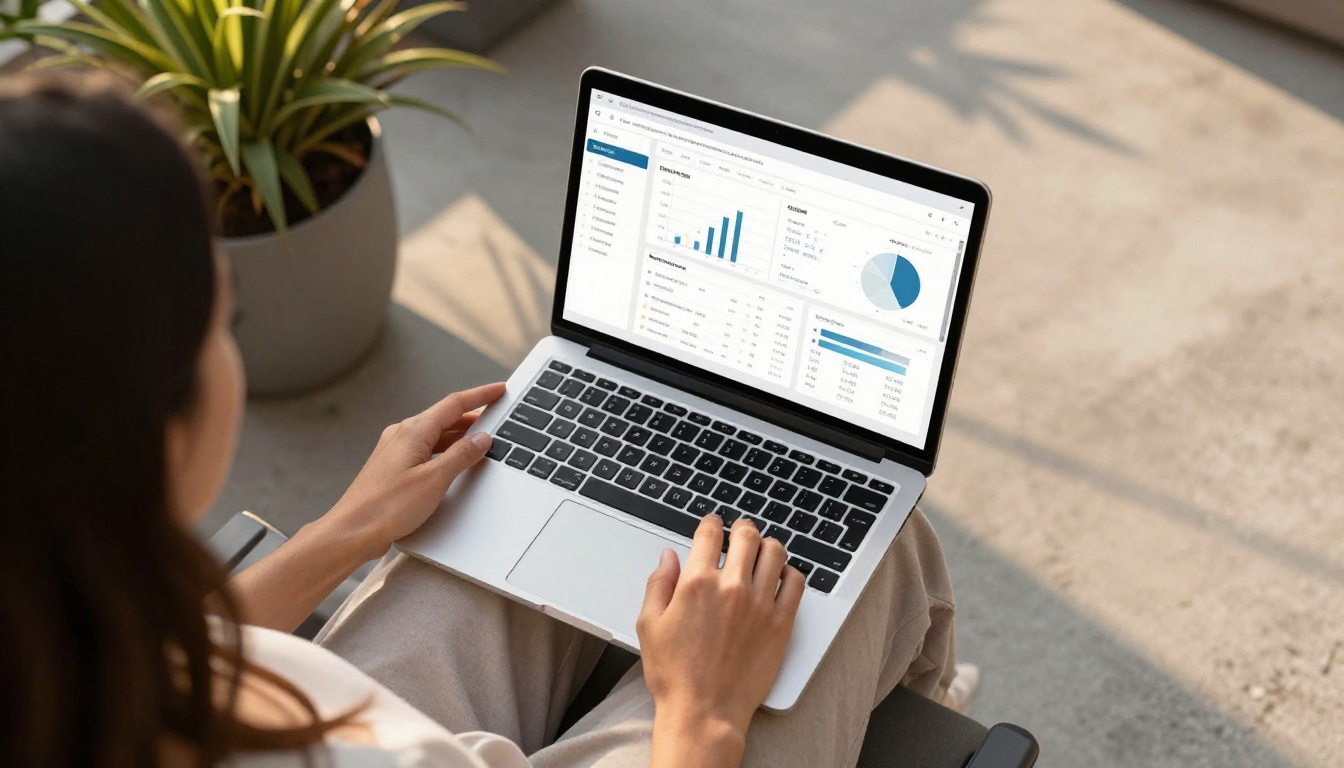
Sharing without measuring is guessing. Here is how to track performance properly.
LinkedIn native analytics (available on all posts):
- Impressions: how many times the post appeared in feeds
- Reactions, comments, reposts: activity signals
- Click-through rate on the preview card link
Flipbooks AI analytics (Professional plan):
- Total views of the flipbook
- Time spent per page
- Geographic distribution of viewers
- Devices used (mobile vs. desktop)
- Lead capture data if you have the lead gen form enabled
Together, these two data sources tell you both how the LinkedIn post performed and what readers did once they opened the flipbook. That combination is what lets you improve both the content and the post strategy in tandem.
💡 Pro tip: Use UTM parameters in your flipbook URL when sharing on LinkedIn. Add ?utm_source=linkedin&utm_medium=post&utm_campaign=your-flipbook-name to the end of your URL. This tracks visits in Google Analytics and separates LinkedIn traffic from other sources with precision.
LinkedIn's built-in link click tracking is useful, but UTM parameters give you cross-platform data that persists even if you change where you share the link.
Start Sharing Smarter
Sharing your flipbook on LinkedIn is not about posting a link and hoping for the best. It is about choosing the right format for your goal, writing a caption that earns the click, optimizing the timing, and following through with reactions in the hours after posting. Done right, a single flipbook can generate weeks of consistent reach and inbound attention from exactly the professional audience you want to reach.
If you do not have a flipbook yet, get started for free on Flipbooks AI. Convert your first PDF in minutes, apply your branding, and you are ready to post. Browse all available tools to find the format that fits your content type, or compare pricing plans to see which features match where you are going.
The content is already inside your documents. Make it interactive, and LinkedIn will do the rest.



