Most people avoid digital publishing because they assume it requires some kind of technical background. They picture code editors, confusing settings panels, and menus packed with options nobody ever explained to them. That assumption is wrong, and Flipbooks AI is one of the clearest examples of how far things have changed.
If you've ever wanted to turn a PDF into a polished, page-turning digital publication without touching a single line of code or calling someone for help, you're in the right place. This is about the simplest flipbook maker built for real people with real busy lives who just need something that works.
Why Most People Avoid Digital Publishing
The barrier isn't skill. It's the fear of looking incompetent in front of a screen. Most publishing tools were built by developers for developers, and that shows in every menu, setting, and button placement.
The Software Problem Nobody Talks About
Traditional document tools assume you know what "raster vs vector" means, what DPI is, or why your fonts aren't embedding correctly. None of that matters for a simple flipbook. You have a PDF. You want people to flip through it online. That should be the end of the conversation.
Tools that require 45 minutes of setup before you can do anything have trained an entire generation of non-technical people to just stop trying.
Too Many Options, Too Much Confusion
Have you ever opened a software panel and immediately felt lost because there were 200 buttons and none of them were labeled clearly? That's a design failure, not a user failure. The best tools make decisions for you, surface only what matters, and hide complexity until you actually want it.
A genuinely simple flipbook maker should take three inputs from you: your file, your style preference, and your destination. That's it.
What Actually Makes a Flipbook Maker Simple
Simple doesn't mean limited. It means you're not forced to deal with complexity you didn't ask for.

The Three Things That Matter Most
- Upload without friction: Drag a PDF in. No file size warnings, no format conversion, no pre-processing on your end.
- Instant preview: See exactly what your flipbook will look like before sharing it. No guessing.
- One-click sharing: Get a link. Done. No FTP uploads, no server configurations, no mystery settings.
💡 The best flipbook makers don't ask you to learn anything. They do the technical work invisibly so you only see results.
What You Can Safely Ignore
Most flipbook tools come with features you'll never use in your first year: API integrations, webhook triggers, custom domain CNAME setups. These are useful at scale, but if you're a small business owner, teacher, or freelancer, you don't need them right now.
A tool that puts these options front and center isn't designed for you. A tool that tucks them away in a settings panel is telling you something important: they thought about beginners first.
From PDF to Flipbook in Under 3 Minutes
This is where most people are genuinely surprised. The process is shorter than making a cup of coffee.
Step 1: Have Your PDF Ready
Your PDF doesn't need to be perfect. It can be a simple Word document exported as PDF, a Canva design, an InDesign file, even a scanned paper document. The flipbook tool handles the conversion automatically.
⚠️ If your PDF has very small fonts or low-resolution images, those will carry over into the flipbook. A quick visual check before uploading saves time later.
Step 2: Upload and Let It Convert
Drag your file into the upload zone. Within seconds, the platform processes your PDF and generates a live preview with realistic page-turn animations. You're not waiting minutes for a render. You're waiting seconds.
Step 3: Pick a Style
You don't need to configure colors, fonts, or layouts from scratch. Most simple flipbook tools offer pre-built themes. Pick one that matches your brand or feels right, and move on.
Step 4: Share It
Copy the link. Embed it in a website. Send it via email or WhatsApp. Your flipbook is live, mobile-responsive, and accessible on any device without any app download required.
How to Create Your First Flipbook with Flipbooks AI
Flipbooks AI was specifically built with non-technical users in mind. Here's exactly how the process works from upload to share.
1. Create a free account
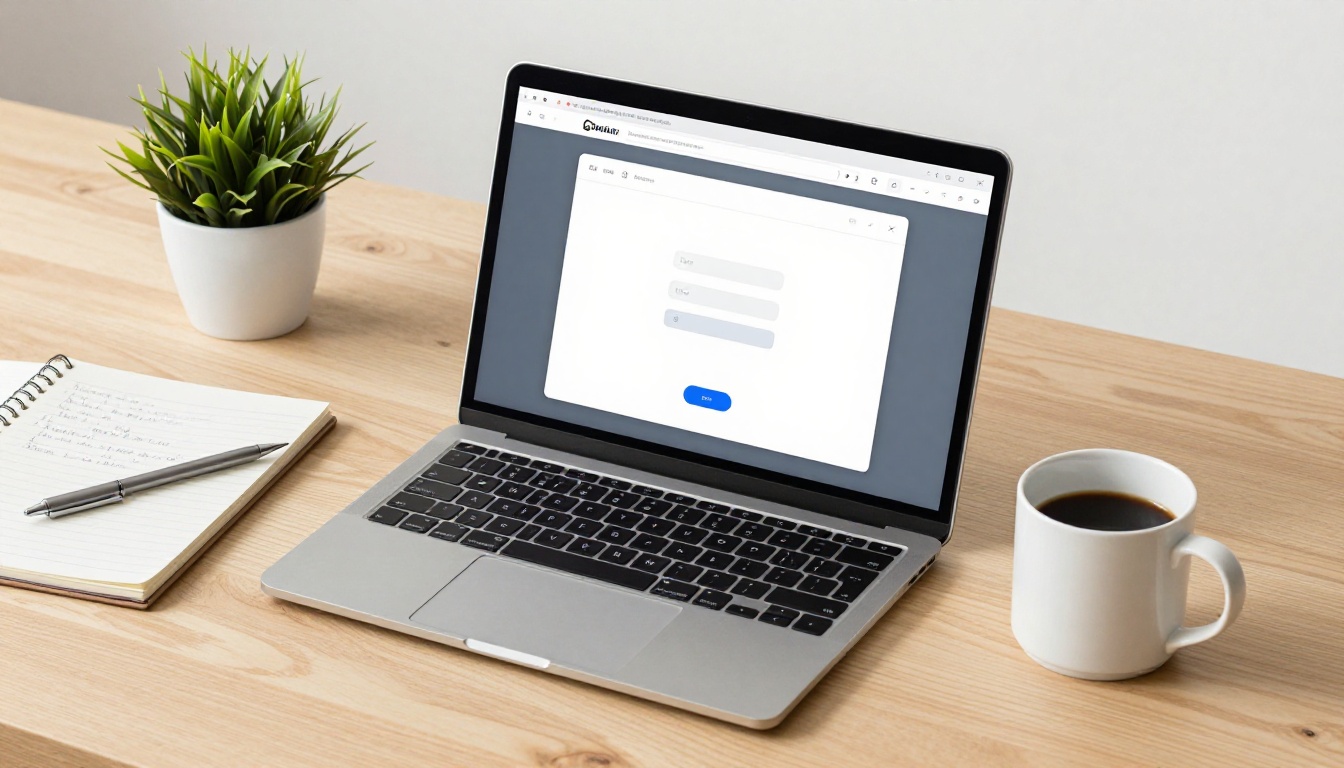
Go to flipbooksai.com/account and sign up. No credit card required for the free tier. The signup takes about 30 seconds.
2. Upload your PDF
From your dashboard, click "New Flipbook" and drag your PDF into the upload area. The PDF to Flipbook Converter processes your file automatically, generating a page-by-page preview in real time.
3. Choose your theme
Select from pre-built themes. You can adjust the background, button colors, and cover style without touching any code. Everything is visual and point-and-click.
4. Add your branding
Upload your logo, set your brand colors, and customize the cover. Even on the free plan, there are no watermarks, which is genuinely rare and worth noting.
5. Configure sharing settings
- Toggle password protection if the content is private
- Copy the direct share link for emails or messaging apps
- Use the embed code tool to place the flipbook directly on your website
6. Publish and share
Click publish. Your flipbook is live instantly, mobile-responsive, and accessible to anyone with the link.
✅ Every plan on Flipbooks AI includes mobile-responsive design automatically. Your flipbook looks great on phones, tablets, and desktops with zero configuration.
The people getting the most value from no-tech flipbook makers aren't developers or designers. They're the ones who used to rely on PDF attachments and printed handouts.
Small Business Owners
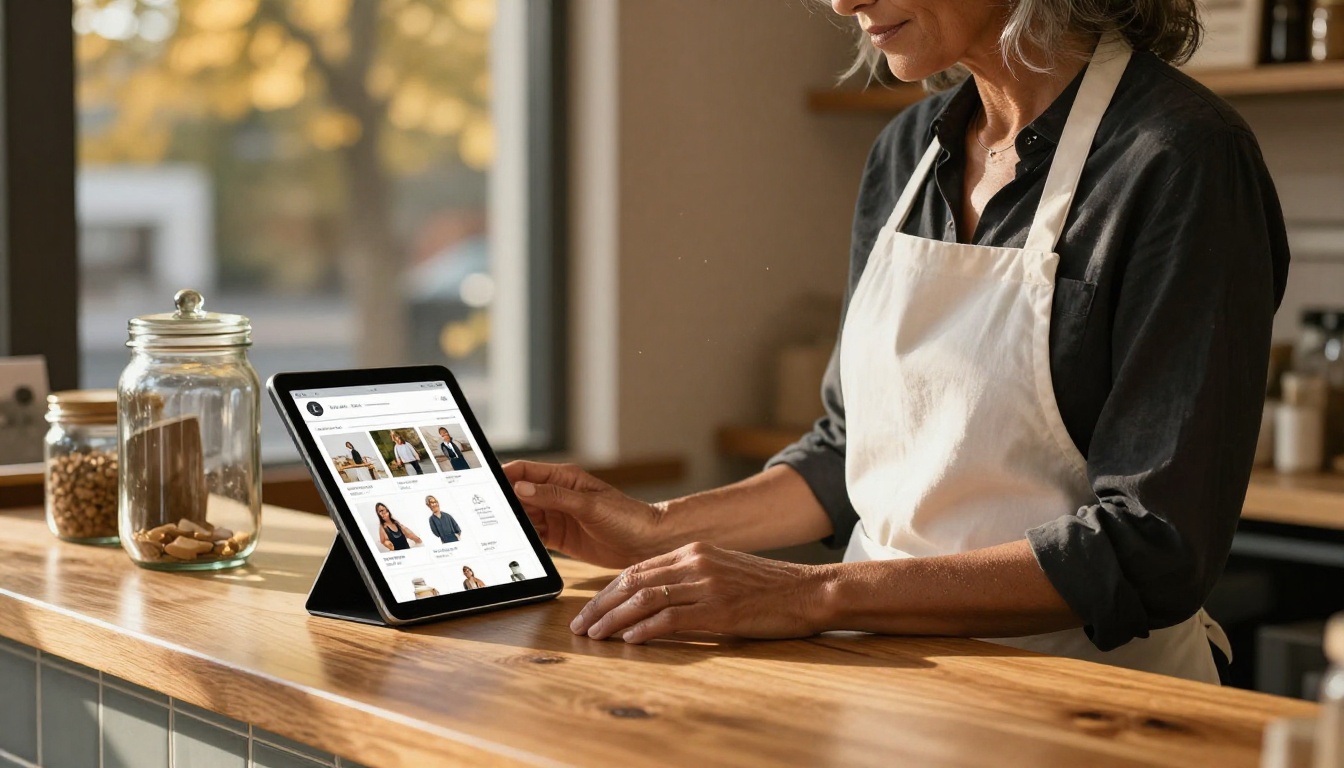
A bakery owner doesn't want to hire a web designer to share their seasonal menu. A boutique clothing shop doesn't need a developer to publish a new lookbook. With Flipbooks AI, they upload a PDF and have a shareable, professional publication within minutes.
Practical tools for this group:
Teachers and Trainers
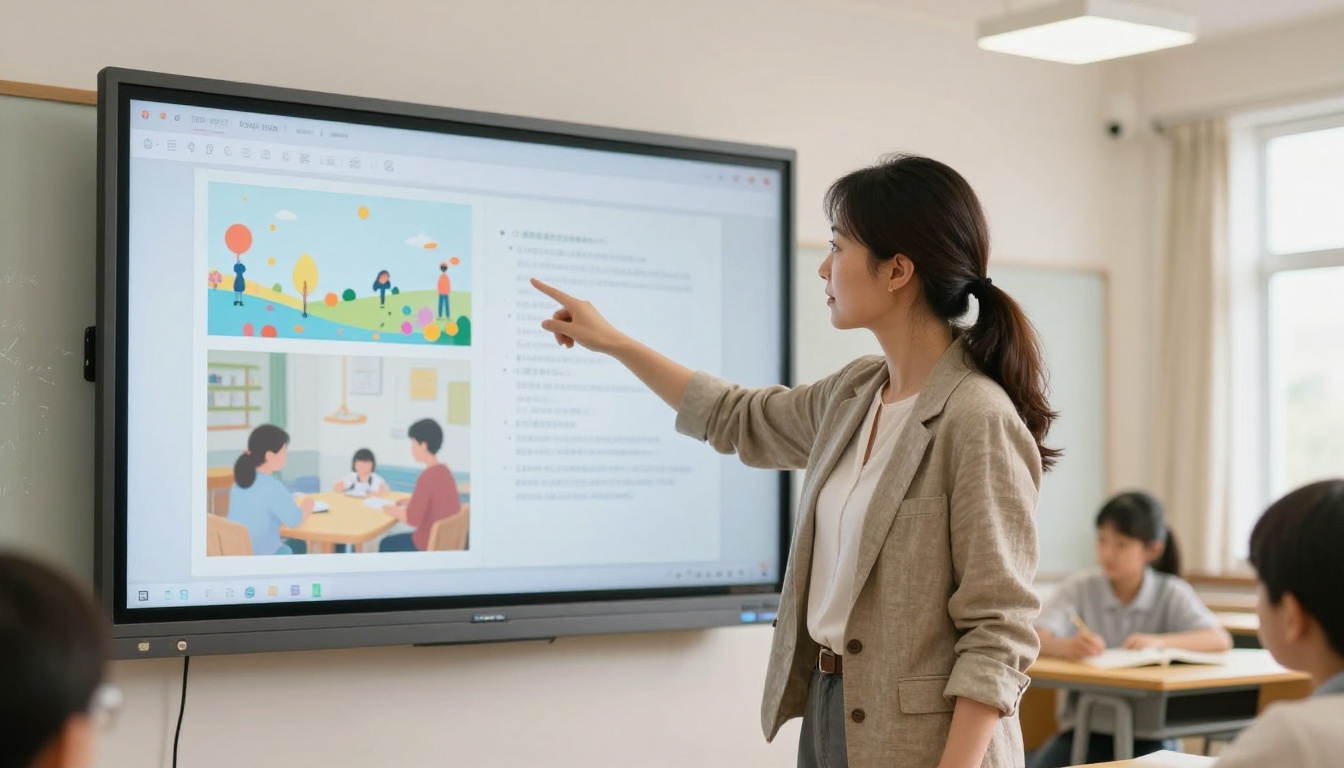
Educators produce enormous amounts of content: course packets, reading lists, training manuals, school newsletters. Printing is expensive. Email attachments get lost. A flipbook link shared in a class chat or learning platform is cleaner, more engaging, and trackable.
Useful tools for educators:
Real Estate Professionals
Property brochures used to require a professional printer and a courier. Now a real estate agent can create a digital property brochure, share it via text before a showing, and track how many times it's been opened (with the Professional plan).

The Real Estate Brochure Creator handles the heavy lifting. The agent uploads a PDF and shares a link.
Freelancers and Creatives
A photographer sharing a portfolio, a graphic designer presenting a proposal, a writer submitting work samples. All of these benefit from a polished flipbook presentation over a static PDF attachment.
Relevant tools:
Not every flipbook maker is built the same way. Here's a side-by-side look at what separates beginner-friendly tools from everything else.
| Feature | Simple Flipbook Tools | Traditional Design Software |
|---|
| Setup time | Under 2 minutes | Hours to days |
| Technical knowledge needed | None | Significant |
| PDF upload support | Yes, automatic | Manual export required |
| Mobile-responsive output | Automatic | Manual configuration |
| Sharing options | Link, embed, QR code | Export file only |
| Price point | Free to affordable | Often $50+/month |
| Learning curve | Minimal | Steep |
| Real-time preview | Instant | Render wait required |
💡 For most non-technical users, traditional design software is like using a professional kitchen to make toast. The tool can do it, but it's wildly overqualified and you'll spend more time reading the manual than actually making anything.
Pricing That Won't Scare You Off
One of the biggest reasons people avoid digital tools is pricing that feels unpredictable. Hidden fees, sudden paywalls, and "contact sales" pages create real anxiety. Here's what a straightforward pricing structure looks like with Flipbooks AI:
| Plan | Best For | What's Included |
|---|
| Free | Trying it out | Basic flipbooks, no watermarks, link sharing |
| Standard | Regular users | Unlimited flipbooks, custom branding, password protection |
| Professional | Power users | Analytics, lead generation, offline downloads, priority support |
✅ Every plan includes no watermarks, which makes even the free tier genuinely usable for real work, not just testing.
The pricing page shows exactly what's included at each level, with no ambiguity. You pay for what you use, and you can start without a credit card.
Real Use Cases That Need Zero Tech Skills
The practical applications for a simple flipbook maker are wider than most people realize. Here are real scenarios where the tool solves a problem immediately.

A cafe sharing its monthly specials
Instead of printing 200 flyers, a cafe owner uploads a one-page PDF design and posts the link on Instagram. The flipbook loads instantly on mobile, looks professional, and can be updated whenever the specials change. No printing cost, no waste.
A yoga studio distributing class schedules
A wellness center produces a monthly schedule as a PDF. Instead of emailing a heavy attachment, they share a flipbook link that opens cleanly in any browser. The Spa and Wellness Menu tool makes the output feel premium without any design work.
An HR team sending onboarding documents
A small company's HR manager creates a new-employee welcome packet as a PDF. Converting it into a flipbook with the Training Manual Flipbook tool takes two minutes and produces something new hires actually want to read.
A wedding planner sharing inspiration boards
A planner creates a PDF mood board for each client. As a flipbook, it becomes a shareable link they can send via WhatsApp, pin to Pinterest, or embed on their website. The Wedding Album Flipbook tool handles the styling automatically.

With a few solid options in the market, here's a quick checklist to find the right fit:
| Criteria | Why It Matters |
|---|
| No watermarks on free plan | Watermarks signal the tool isn't confident in its own product |
| Instant preview | You need to see what you're getting before sharing |
| Mobile-responsive output | Over 60% of content is consumed on phones |
| No coding required | If you need a developer, it's not built for you |
| Simple sharing via link and embed | Friction in sharing means fewer people see your content |
| Privacy and password protection | Essential for internal documents or client work |
| No app required for viewers | Your audience shouldn't need to download anything |
⚠️ Be cautious of tools that require your viewers to create an account just to open a flipbook. That friction kills readership instantly.
Ready to Create Your First Flipbook
You don't need a design degree. You don't need to sit through video tutorials. You don't need to understand anything technical about how it works under the hood.
You need a PDF and two minutes.
Create your first flipbook for free on Flipbooks AI and see exactly what the simplest flipbook maker actually feels like in practice. No jargon, no setup headaches, no surprises.
If you want to see what's possible before committing, browse all flipbook tools and templates to find the right starting point for your specific use case.
When you're ready to access analytics, lead generation, and offline downloads, check the pricing plans to choose what works for your workflow.



