If you've ever attached a PDF to an email and watched it vanish into someone's downloads folder, never to be opened again, you already know the problem. PDFs were built for printing, not for the way people consume content today. They're static, cold, and completely forgettable on mobile. Flipbooks AI was built for exactly this moment: to take your existing documents and turn them into something people actually want to read, share, and come back to.
Why PDFs Are Costing You More Than You Think
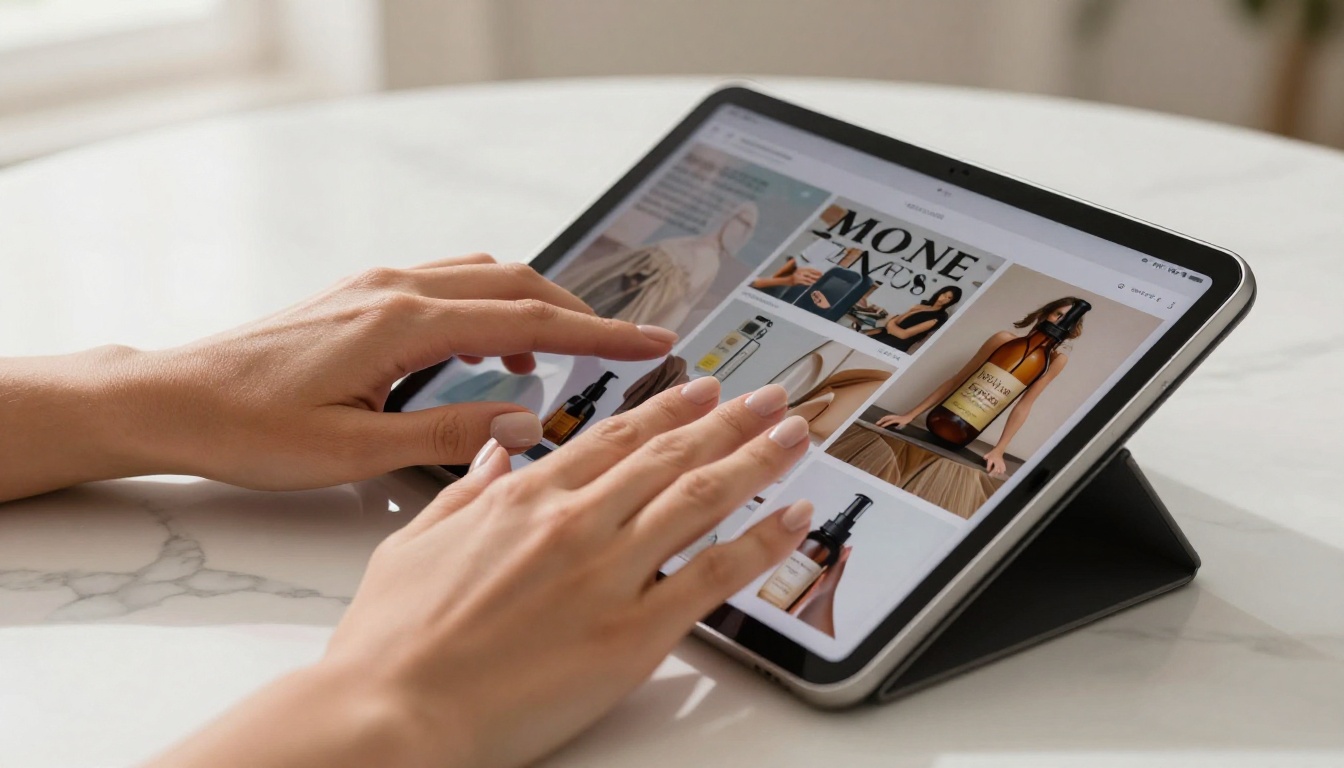
The average email attachment gets glanced at for under 10 seconds before it's closed or ignored. That brochure you spent two weeks designing? That annual report your team polished for months? It's sitting in a downloads folder alongside tax receipts and software installers. The format has betrayed the content.
The Open Rate Problem Nobody Talks About
PDFs offer zero visibility after you hit send. You have no idea who opened the file, how long they read it, which page made them stop, or whether they shared it with anyone. That information is invaluable for sales teams, marketing managers, and anyone trying to improve their materials over time. Static document files simply don't provide it.
Flipbooks built on Flipbooks AI with a Professional plan include detailed reader analytics: time on page, total reads, geographic data, and lead capture forms embedded directly in the content. That's a completely different level of visibility from anything a PDF attachment can offer.
Static Files Don't Work on Mobile
PDF readers on mobile are clunky at best. Pinch-to-zoom on a two-column layout is not a reading experience, it's a frustration. With over 60% of email opens now happening on smartphones, sending a PDF brochure is essentially sending something designed to annoy the reader from the first tap.
Flipbooks are mobile-responsive by design. The page-flip format scales to any screen size, navigation feels natural, and the content never breaks layout regardless of device orientation or screen dimensions.
What Actually Makes a Flipbook Different
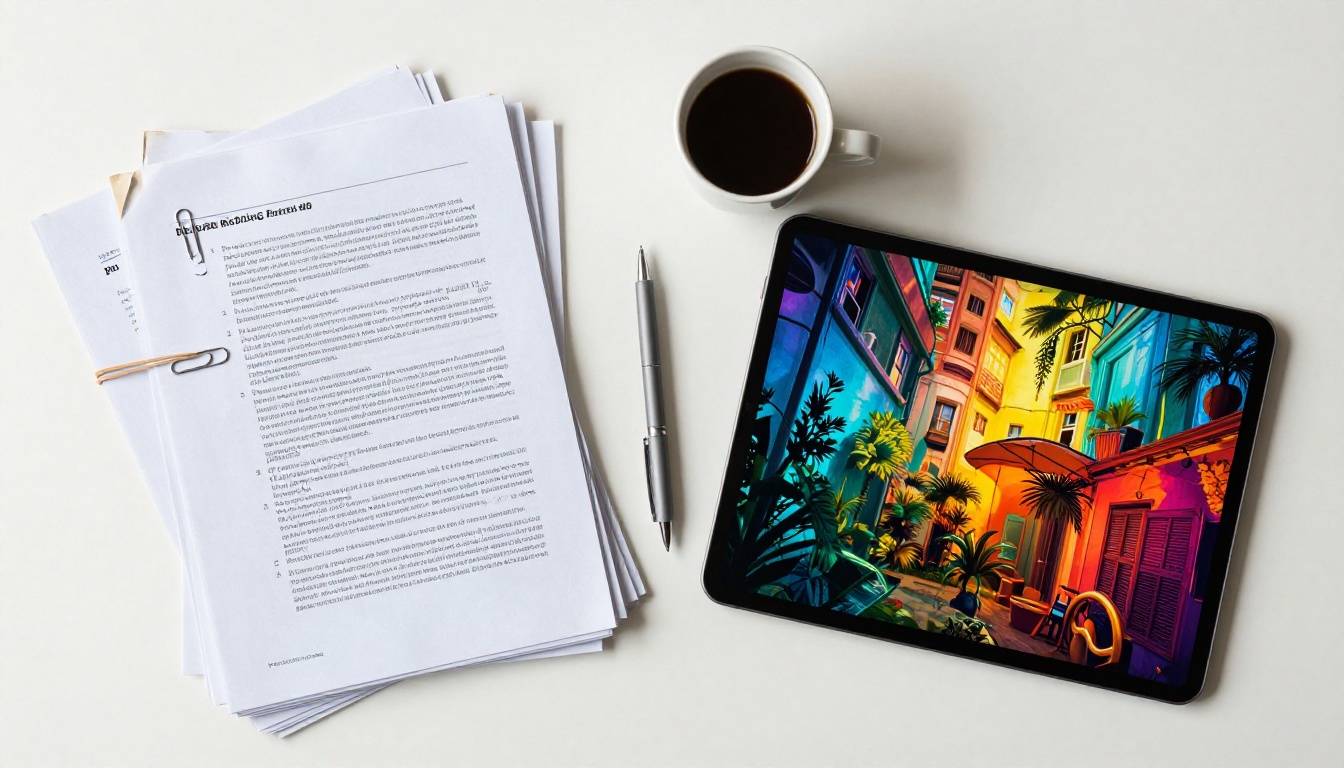
A flipbook isn't just a PDF in a different container. It's a fundamentally different reading experience that mimics the physical sensation of turning pages while adding capabilities that paper could never have.
Page-Turn Animation That Hooks Readers
The page-turn effect is not a gimmick. Research on digital reading behavior consistently shows that animated page transitions increase dwell time and create a sense of progression that flat scrolling doesn't replicate. When someone flips through your catalog or brochure, they feel like they're holding something real. That tactile impression matters for brand perception and recall.
Multimedia You Can Drop Right In
This is where flipbooks leave PDFs completely behind. You can embed YouTube videos, audio clips, hyperlinks, lead generation forms, and product galleries directly inside the pages. A real estate flipbook can have a virtual tour video on the property page. A restaurant menu can have a short video on the specials page. A training manual can embed instructional clips exactly where the reader needs them most.
💡 Pro tip: Embedding a short product demo video on the relevant page of your catalog can increase click-through rates significantly compared to linking to an external URL.
Who Should Stop Using PDFs Right Now
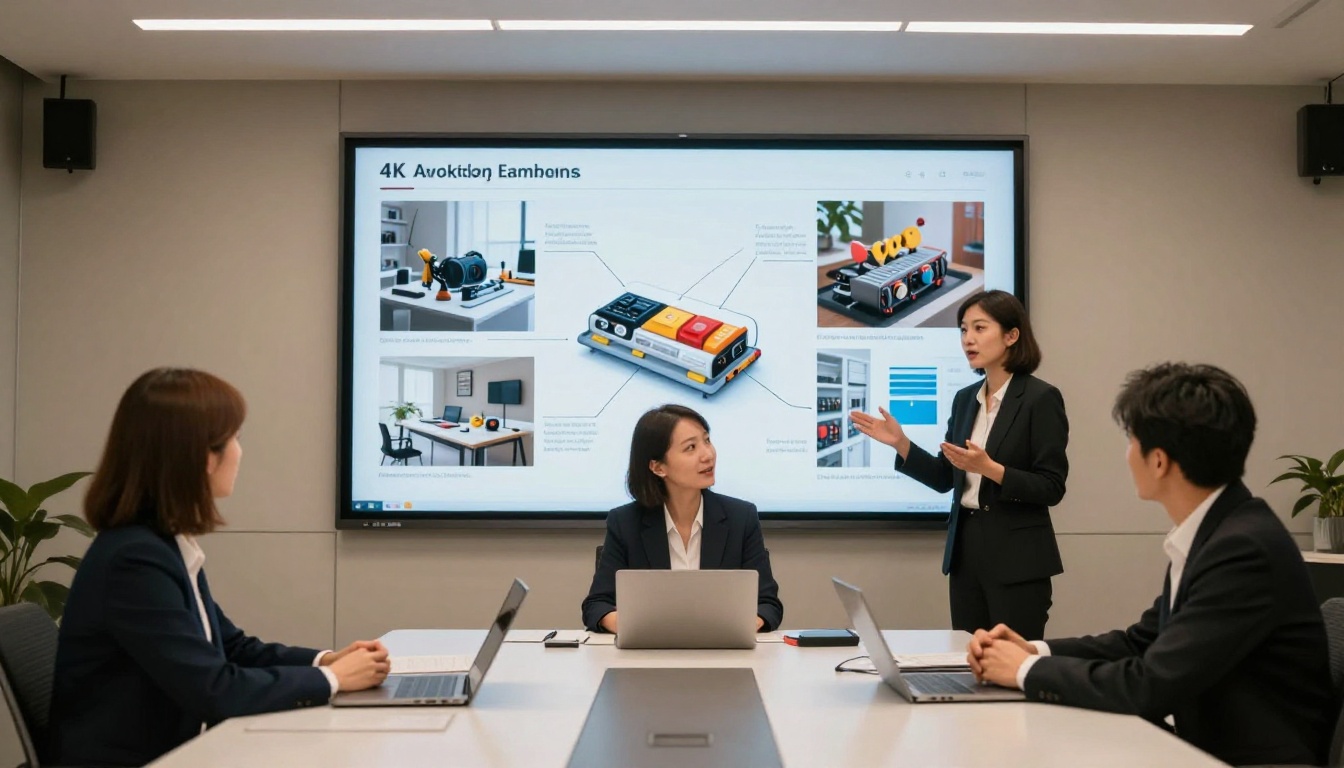
The short answer: anyone who sends documents to people they want to impress. But some industries feel the pain more acutely than others.
| Industry | Current Pain Point | Flipbook Solution |
|---|
| Real Estate | PDF brochures look cheap, no tracking | Interactive property flipbooks with video tours |
| Restaurants | Printed menus get outdated, can't be emailed | Digital menu flipbooks, updated instantly |
| Marketing Agencies | PDFs feel dated in client pitches | Animated, branded presentations |
| E-commerce Brands | Static catalogs miss cross-sell opportunities | Shoppable product catalogs with embedded links |
| Education | Training PDFs are hard to use on mobile | Structured training manuals with embedded media |
| Event Organizers | Paper programs waste print budget | Digital event programs shared via QR code |
Marketing Teams Burning Budget on Print
If your agency still sends client proposals as email attachments, you're missing a strong first impression. A flipbook proposal, shared via a clean link, opens instantly in any browser with no download required. The client clicks, the flipbook appears, and the pages turn. Before they've read a single word, the presentation is already doing its job.
The Sales Presentation Flipbook tool makes this transition straightforward. Upload your existing PDF deck, apply your brand colors, and share the link directly in your email or embed it on a landing page.
Real Estate, Restaurants, and Retail
Real estate agents have some of the most to gain from this switch. Property brochures are expensive to print, impossible to update once sent, and wasteful when a deal falls through. A digital property brochure created with the Real Estate Brochure Creator can be sent to 50 prospects in the time it takes to print five copies, and you can update pricing or availability without resending anything.
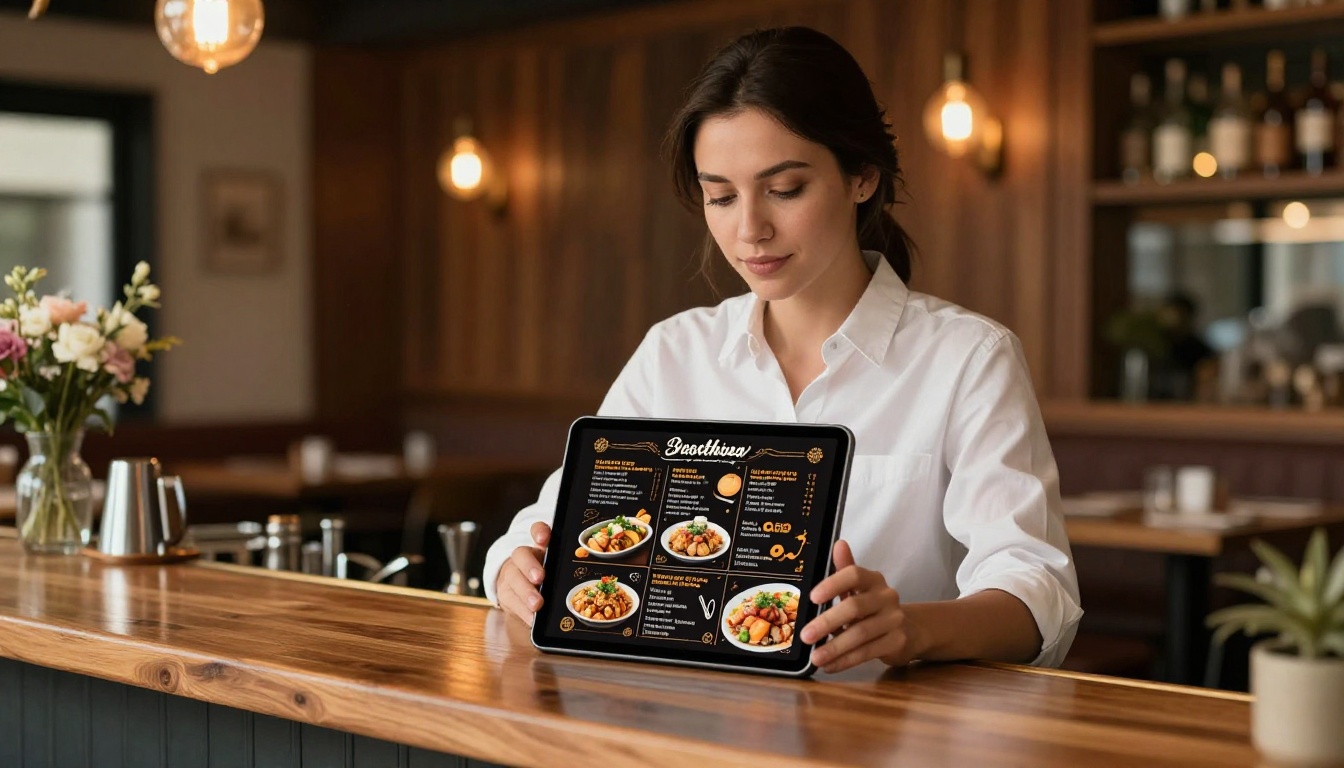
Restaurant owners who still rely on printed menus face a different problem: ongoing printing costs, the inability to make quick changes, and zero sharability. A flipbook menu created with the Restaurant Menu Creator can be embedded on your website, linked in your Google Business profile, and emailed to new customers, all from a single updatable file.

5 Types of Content That Work Best as Flipbooks
Not every document benefits equally from the flipbook format, but the following five categories see dramatic improvements in how content performs once the switch is made.
Product Catalogs and Lookbooks
Product catalogs are the classic flipbook use case, and for good reason. The page-turn format mirrors how people browse physical catalogs in stores. With embedded product links, shoppable hotspots, and animated transitions between collections, a digital catalog built with the Digital Catalog Maker or the Interactive Lookbook Designer can act as both a browsing experience and a direct sales channel.
Corporate Reports and Annual Reviews
Annual reports are expensive to print and rarely read in full when sent as PDF attachments. As a flipbook, the same content becomes navigable, visual, and shareable via a single link. The Annual Report Creator and Corporate Report Maker let teams present financials, milestones, and photography in a format that stakeholders actually read through.
Menus and Hospitality Materials
Menus change constantly, and printing costs add up fast. Spa and wellness businesses, hotels, and restaurants all benefit from materials that can be updated in seconds and shared across every digital channel simultaneously. The Spa & Wellness Menu Creator and Hotel Brochure Designer make this workflow simple and brand-consistent.
Portfolios and Creative Work
A PDF portfolio attached to an email is forgettable. A flipbook portfolio with embedded video samples, animated page turns, and a clean shareable URL is memorable. The Digital Portfolio Creator and Photography Portfolio tools are built specifically for creatives who want their work presented at its best, not buried in an email thread.
Training and Educational Materials
Employee onboarding documents, course materials, and training manuals are among the most poorly formatted documents in most organizations. Pages of dense text with no navigation feel immediately overwhelming on any screen. The Training Manual Flipbook and Course Material Publisher allow teams to structure content into navigable sections, embed instructional videos, and distribute materials via a simple link rather than a confusing file attachment.
How to Create Your First Flipbook
The process takes under five minutes for a basic flipbook, and the results are immediately shareable. Here's exactly how it works on Flipbooks AI.
Step 1: Upload Your PDF
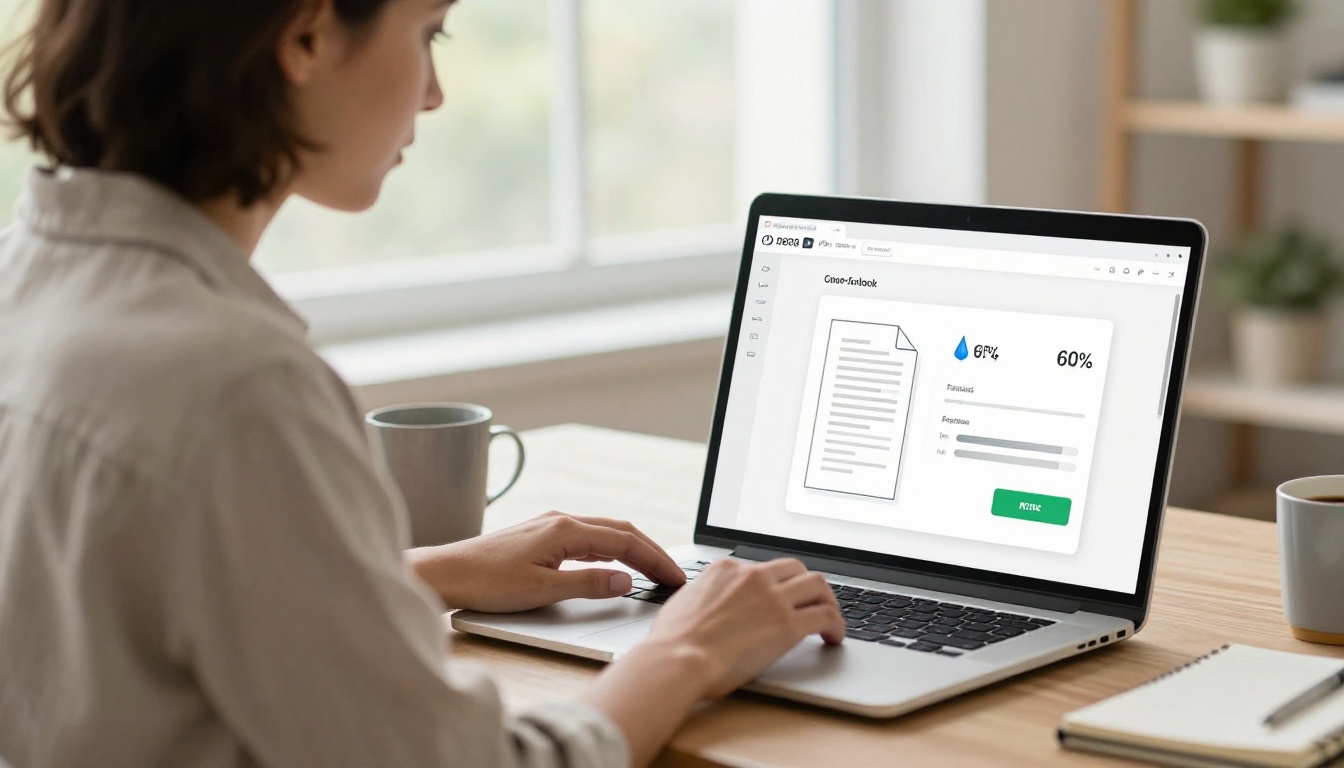
Create a free account and click New Flipbook from your dashboard. Drag your PDF into the upload zone. The platform converts every page automatically, preserving your fonts, images, and layouts with high fidelity.
✅ Best practice: Use a high-resolution PDF for the sharpest page quality. Low-resolution scans will appear blurry when zoomed.
The PDF to Flipbook Converter handles files of any size and complexity, from a two-page flyer to a 200-page annual report.
Step 2: Customize Your Brand
Once your pages are imported, the customization options include:
- Set brand colors for the reader interface, controls, and toolbar
- Add your logo to the header or front page
- Choose page effects: realistic 3D page-turn, flat slide, or fade transitions
- Set a custom domain for your flipbook URL (Professional plan)
- Add a background image or texture behind the open pages
- Embed multimedia: drop video links, audio clips, or external URLs onto any page
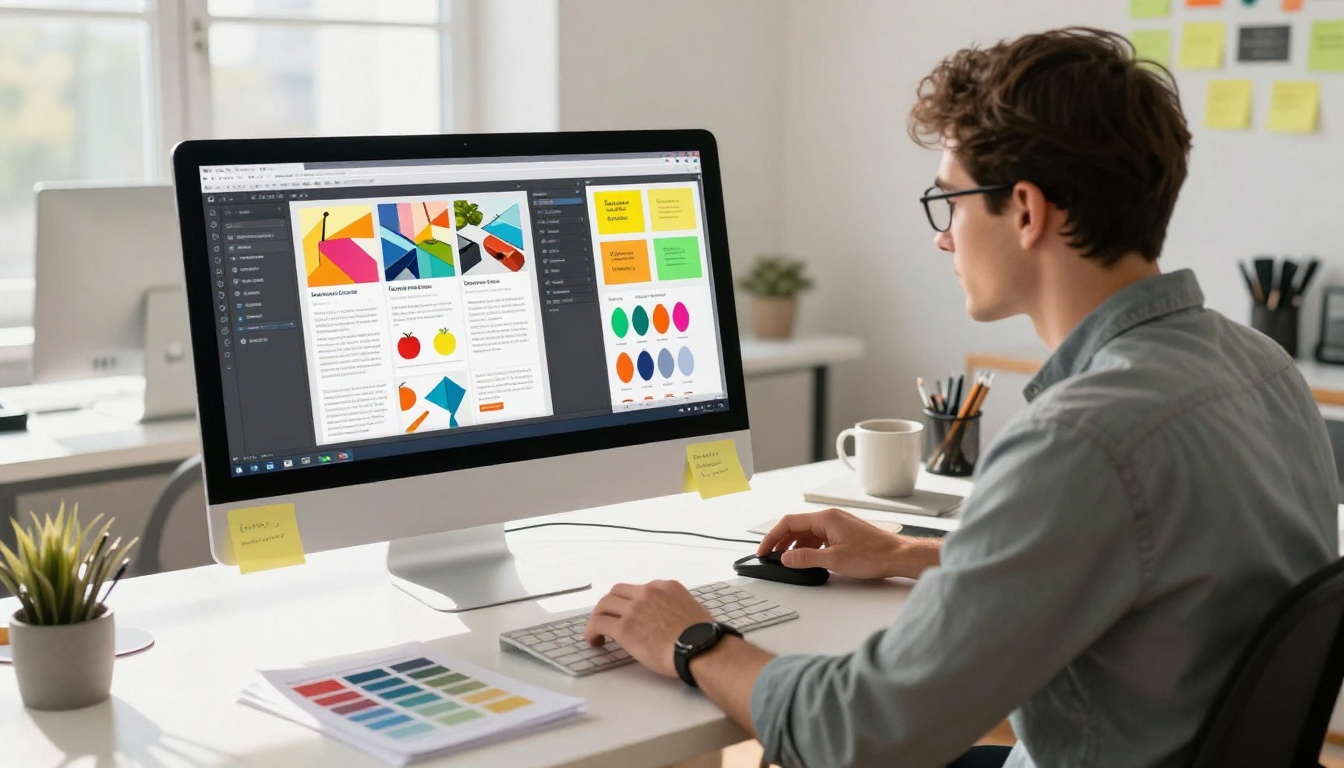
The customization panel is fully visual and requires no technical knowledge. What you see is what your reader sees.
Step 3: Share It Everywhere
Publishing gives you multiple distribution options simultaneously:
- Direct link: a clean, shareable URL that opens in any browser instantly
- Embed code: paste a snippet into any website or landing page with the Embed Flipbook on Website tool
- Password protection: restrict access to specific recipients, useful for proposals and private reports
- QR code: print it on physical materials to bridge offline and online distribution
- Email sharing: share directly from the dashboard with a single click
⚠️ Warning: If you set a password, share it through a separate channel (like a text message) rather than in the same email as the flipbook link.
Plan Features at a Glance
Before choosing a plan, it helps to see exactly what you get at each tier. Full details are on the pricing page.
| Feature | Free | Standard | Professional |
|---|
| Flipbooks | 1 | Unlimited | Unlimited |
| Watermark | Yes | No | No |
| Custom branding | No | Yes | Yes |
| Password protection | No | Yes | Yes |
| Analytics dashboard | No | No | Yes |
| Lead generation forms | No | No | Yes |
| Offline downloads | No | No | Yes |
| Embed videos and audio | No | Yes | Yes |
| Mobile-responsive | Yes | Yes | Yes |
Analytics That Show You What's Working
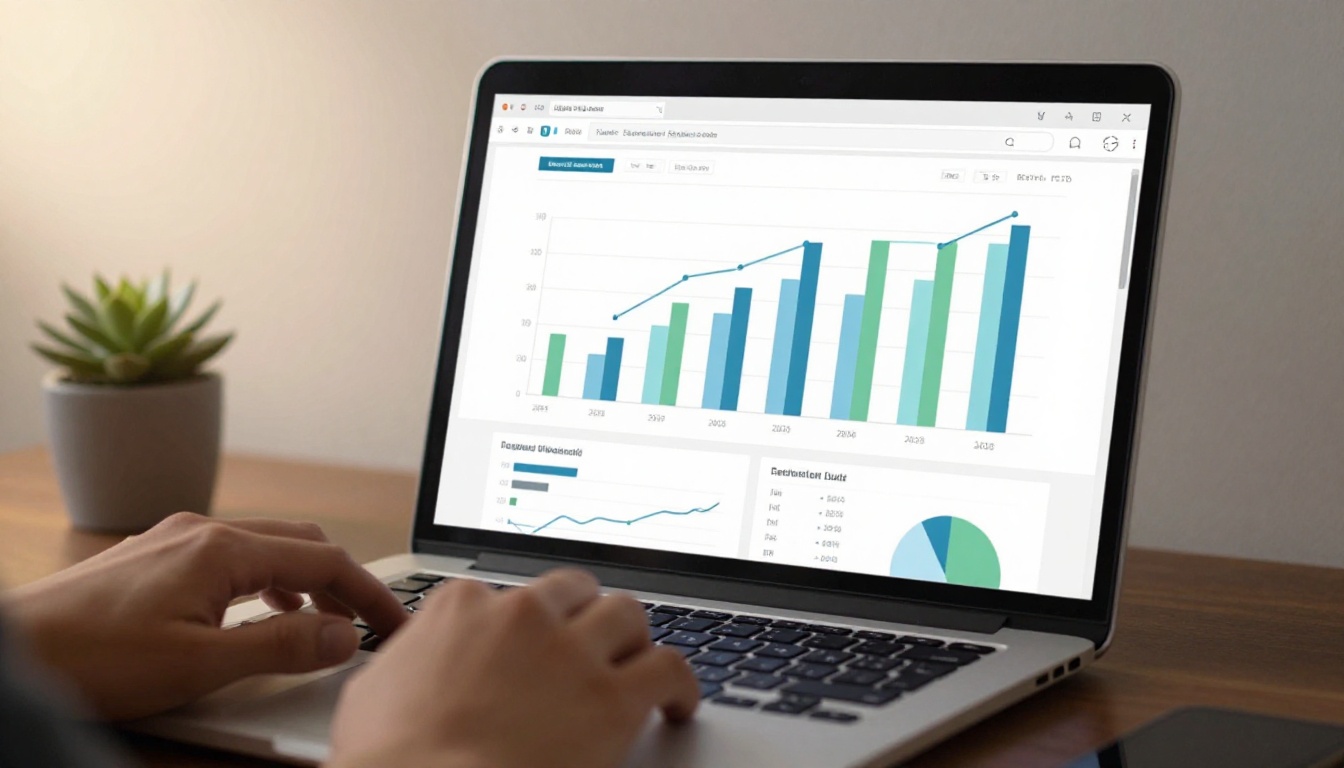
The Professional plan analytics panel shows exactly how people interact with your flipbook: which pages they spend time on, where they drop off, how many unique readers opened the link, and where those readers are located. For sales teams, this changes everything. You can see that a prospect spent four minutes on the pricing page and barely touched the introduction, then follow up with precisely the right message.
Lead Generation and Password Protection
Two features that make the Professional plan particularly valuable for B2B teams. Lead generation forms can appear before the reader accesses the content, capturing name and email before they flip a single page. Password protection means you can send proposals and confidential reports without worrying about unauthorized forwarding.
It's worth being specific about how flipbooks stack up against the two most common alternatives: plain PDFs and slide-based presentation tools.
| Criteria | PDF | Slide Presentations | Flipbook |
|---|
| Mobile experience | Poor (pinch-to-zoom) | Moderate | Excellent |
| Interactive media | None | Basic (links only) | Full (video, audio, forms) |
| Reader analytics | None | Limited (some tools) | Full (Professional plan) |
| File sharing | Email attachment | Link or download | Direct link, no download |
| Update content | Re-send file | Re-share link | Edit in place, same link |
| Custom branding | Partial | Yes | Full |
| Page-turn experience | No | No | Yes |
| No download required | No | Sometimes | Always |
The column that matters most for most businesses: No download required. Every extra step between your content and the reader's eyes is a drop-off point. A flipbook opens instantly in any browser, on any device, with zero friction.
Real Use Cases Worth Stealing
Sometimes the fastest way to see value is through specific scenarios. Here are four that show the range of what's possible.
The Fashion Brand That Doubled Catalog Views
A mid-size fashion brand switched their seasonal PDF lookbook to a flipbook built with the Fashion Catalog Creator. They embedded shoppable product links on every spread and placed the flipbook directly on their homepage. Average time-on-page doubled compared to the PDF download they previously offered, and the return rate on those catalog links was measurably higher.
The Hotel That Replaced Its Printed Brochure
A boutique hotel designed a property brochure using the Hotel Brochure Designer and embedded a short welcome video on the opening page. They placed the link in every booking confirmation email. Guest pre-arrival interaction with the brochure went from near zero to a trackable metric in their CRM within the first month.
The Corporate Report Nobody Ignored
An NGO replaced their annual PDF report with a flipbook created via the Non-Profit Annual Report tool. With embedded donor testimonial videos and a lead generation form for new donor sign-ups, the same content that previously sat unread in inboxes became their highest-performing outreach asset of the year.
The Training Manual People Actually Finished
A logistics company converted their 80-page employee onboarding PDF into a training manual flipbook using the Training Manual Flipbook tool. With video walkthroughs embedded on relevant process pages and built-in checkpoints, overall training pass rates improved within the first quarter.

The Switch Is Simpler Than You Expect
There's a version of this decision where you have to redesign all your documents from scratch. That's not what this is. You upload the PDFs you already have, apply your brand, and publish. The content you've already created becomes significantly more valuable without additional design work, and the same link works everywhere your audience is.
Browse all flipbook tools to find the right option for your industry, whether it's catalogs, menus, brochures, portfolios, publications, or business reports. Every tool is built around a specific use case so the starting point is already optimized for what you need.
The question isn't really whether your content deserves a better format. It clearly does. The question is how long you want to keep sending boring PDFs when the alternative is this straightforward.
Ready to create your first flipbook? Get started for free on Flipbooks AI. Want to see what the Professional plan offers? Compare pricing plans and choose what works for your team.



