PDFs had a great run. For over three decades, they were the go-to format for sharing documents, brochures, reports, and catalogs across every industry. But the web has moved dramatically forward, and PDFs simply have not kept up. Today, attaching a PDF to an email is the digital equivalent of handing someone a fax when they own a smartphone. There is a better way, and it starts the moment you decide to stop sending PDFs and start sending flipbooks.

Why PDFs Are Failing Your Audience
Let us call it what it is: PDFs are static. They were designed for printing, not for the interactive, mobile-first world your audience lives in today. When someone opens a PDF on their phone, they are immediately confronted with tiny text, awkward zoom gestures, and zero visual flow. There is no delight, no interactivity, and absolutely no way to know if anyone read past page one.
The problems with PDFs run deeper than just mobile formatting:
- No reader tracking: You send it into the void with no visibility into whether anyone opened it, let alone read it
- Heavy file sizes: Large PDFs clog inboxes and get blocked by corporate email servers with size limits
- No interactivity: No easy-to-use clickable links, no embedded video, no animations or transitions
- Static branding: Your logo sits on a page, but there is no cohesive branded reading experience
- No sharing control: Once downloaded, a PDF can go anywhere, with no password protection or access restrictions
- Poor mobile experience: Text wraps incorrectly, images scale badly, and the scroll experience feels broken
⚠️ Over 60% of email opens happen on mobile devices. A PDF that frustrates mobile readers is a business document that fails at its most critical job.
The Real Cost of Sticking With PDFs
Every time you send a static PDF, you are leaving measurable business value on the table. Consider what you cannot do with a PDF that businesses using flipbooks can do right now.
| What You Lose With PDFs | What Flipbooks Give You Instead |
|---|
| Zero reader analytics | Page-by-page reader tracking |
| Files stuck in inboxes | Shareable links and embeds anywhere |
| No mobile optimization | Auto-responsive flipbook layouts |
| Flat, unbranded experience | Custom colors, logos, and branded pages |
| No interactivity | Embedded video, audio, and clickable links |
| No access control | Password protection per document |
| One-time downloads | Evergreen links you can update anytime |
| Large, slow file transfers | Instant-loading cloud-hosted content |
This is not a minor upgrade. Switching from PDFs to flipbooks fundamentally changes the relationship between your document and your audience.
What a Flipbook Actually Does
A flipbook converts your PDF into a fully interactive digital publication with a realistic, satisfying page-turning effect. But the experience goes far beyond the visual. When someone opens a flipbook you created on Flipbooks AI, they are not just reading a document. They are experiencing your brand.
Here is what that means in practice:
- Page-turning animation: A natural, tactile feel that mimics a physical book, instantly signaling quality
- Full-screen reading mode: Optimized for any screen size, including tablets and phones
- Embedded multimedia: Add video, audio, or hyperlinks directly inside individual pages
- Custom branding: Your logo, your colors, your domain, your reading experience
- Instant sharing: One link, shared anywhere, opens immediately in any browser
- No app downloads required: Works natively in every modern browser on every device
💡 A flipbook is not just a prettier PDF. It is a content channel with real metrics, real branding, and real interactivity that PDFs cannot offer.
Who Should Switch Right Now
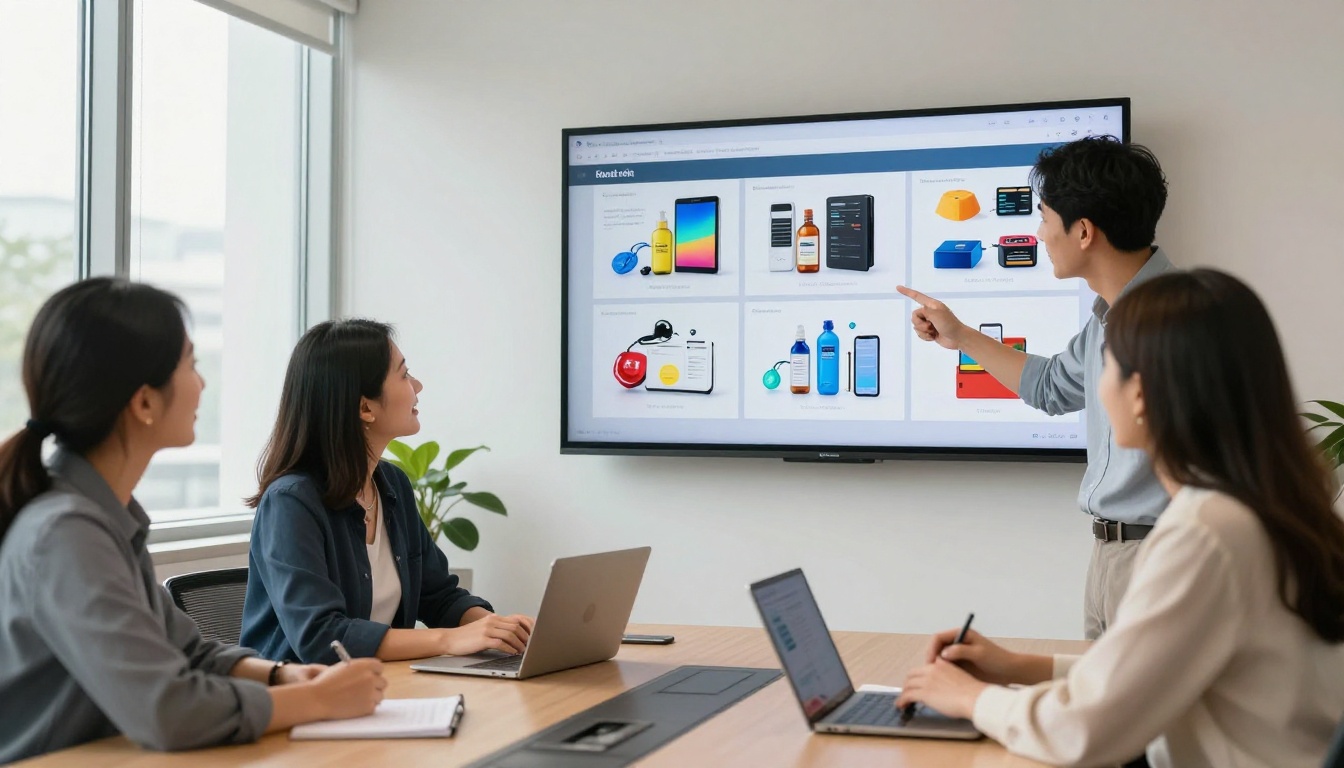
Almost every industry that relies on documents for communication stands to gain immediately from making the switch. Here are the most impactful use cases happening across industries today.
Real Estate Agents
Property brochures sent as PDF attachments are heavy, often blocked by spam filters, and impossible to update after you have distributed them. A real estate flipbook can be updated in real-time and reshared with the same link. Use the Real Estate Brochure Creator to build stunning property presentations your clients will actually open, read, and remember.

Restaurants and Hospitality
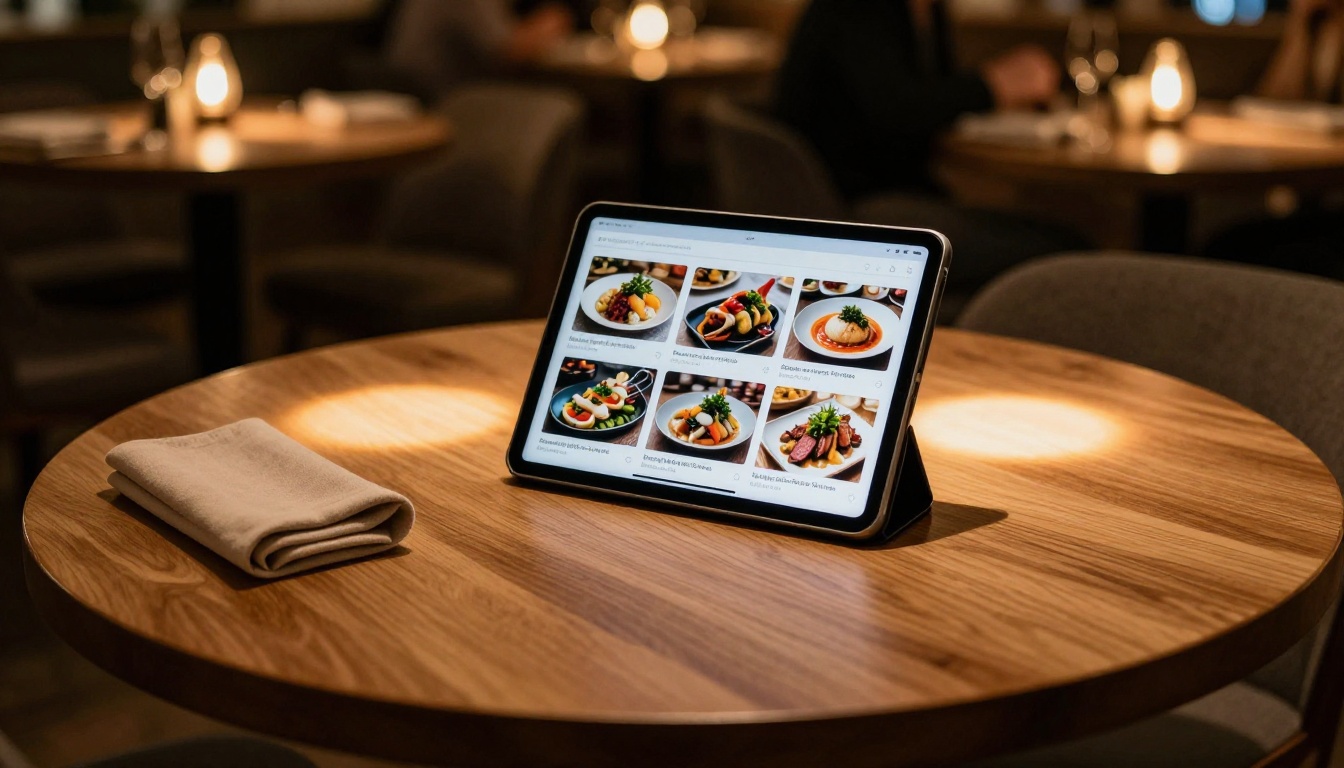
A PDF menu is outdated the moment prices or items change. A digital menu flipbook can be updated instantly and shared via a QR code at the table or in a reservation confirmation email. The Restaurant Menu Creator handles everything from seasonal menus to curated wine lists with a polished, professional flip experience.
Marketing and Sales Teams
Product catalogs, lookbooks, and sales decks sent as PDFs disappear into email threads and forgotten downloads. As a flipbook, your product catalog becomes a living asset you can embed on your website, post in social media, and track with detailed analytics. You will know exactly which pages hold attention and which sections need stronger content.
Corporate Communications
Annual reports, investor presentations, and press kits carry your brand reputation. A flipbook treats them with the care they deserve. The Annual Report Creator and the Press Kit Designer produce documents that command the attention they have earned.
Educators and Trainers
Training manuals and course materials distributed as PDFs get ignored. An interactive flipbook with embedded video, rich imagery, and clean navigation creates a learning experience students and employees will actually work through. The Training Manual Flipbook tool is built specifically for this workflow.
PDF vs. Flipbook: The Metrics That Matter
Here is the side-by-side breakdown on every feature that affects real business communication outcomes.
| Feature | PDF | Flipbook |
|---|
| Mobile-friendly reading | ❌ | ✅ |
| Reader analytics | ❌ | ✅ |
| Embed on website | Limited | ✅ |
| Password protection | ❌ | ✅ |
| Custom branding | ❌ | ✅ |
| Embedded video and audio | ❌ | ✅ |
| Shareable link | ❌ | ✅ |
| Real-time content updates | ❌ | ✅ |
| Offline download option | ✅ | ✅ |
| No watermarks | ✅ | ✅ (paid plans) |
| Lead generation forms | ❌ | ✅ (Professional) |
| Page-turn animation | ❌ | ✅ |
The comparison is not close. PDFs survive only because of inertia, and inertia is not a content strategy.
How to Create Your First Flipbook
The process with Flipbooks AI takes minutes from start to published. Here is exactly how it works.
Step 1: Create Your Account
Head to flipbooksai.com/account and sign up. The process takes under two minutes.
Step 2: Upload Your PDF
Once inside, click "New Flipbook" and upload your PDF file directly from your computer or cloud storage. The platform processes it automatically, preserving all your formatting, fonts, and images with high fidelity.
Step 3: Customize the Experience
This is where the difference becomes visible. You can:
- Set your brand colors and upload your logo to the reading interface
- Choose a background texture or color for the flipbook viewer
- Add a branded front page with a title overlay
- Enable or disable the page flip sound effect
- Set up password protection for sensitive proposals or private reports
- Embed video and audio directly into specific pages
Step 4: Publish and Share
Click publish and your flipbook goes live instantly. You receive:
- A direct shareable link you can send via email, Slack, WhatsApp, or social media
- An embed code to place the flipbook on any website or landing page
- A QR code for use in print materials, menus, or event signage
✅ Use the Embed Flipbook on Website tool to generate a clean embed code that works on WordPress, Squarespace, Webflow, and any custom site.
Step 5: Track Performance
On the Professional plan, you get full reader analytics. Track:
- Total views and unique visitors per flipbook
- Page-by-page time spent: Which pages readers focus on most
- Drop-off points: Exactly where readers stop
- Lead capture data: Names and emails collected before readers access gated content

Flipbooks AI Plans: What You Get
Choosing the right plan depends on how and how often you publish. Here is the breakdown.
| Feature | Free | Standard | Professional |
|---|
| Number of flipbooks | Limited | Unlimited | Unlimited |
| Custom branding | ❌ | ✅ | ✅ |
| Password protection | ❌ | ✅ | ✅ |
| Analytics dashboard | ❌ | Basic | Full |
| Lead generation forms | ❌ | ❌ | ✅ |
| Offline downloads | ❌ | ✅ | ✅ |
| No watermarks | ❌ | ✅ | ✅ |
| Embed on website | ✅ | ✅ | ✅ |
| Custom domain | ❌ | ❌ | ✅ |
💡 The Standard plan covers 90% of professional business use cases: unlimited flipbooks, no watermarks, full branding, and password protection. See all options at flipbooksai.com/pricing.
Flipbooks AI has built a purpose-specific tool library so you are never starting from scratch.
For Business:
For Creative Industries:
For Publishing:
For Education:
Browse the full collection at flipbooksai.com/tools.
The Sharing Problem PDFs Cannot Solve
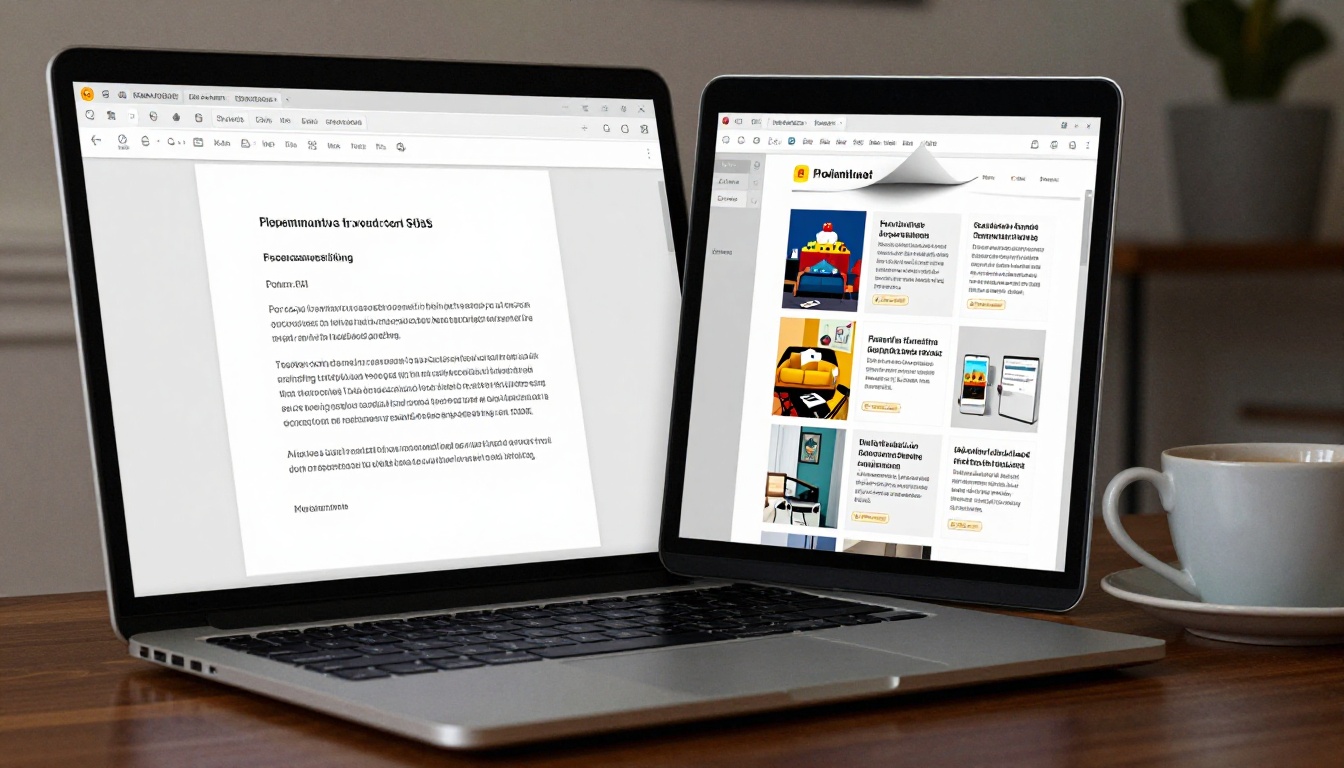
One of the most underrated advantages of flipbooks is how they handle distribution. With a PDF, your options are email attachment or file hosting. Both have friction. Both give you zero visibility into what happens after delivery.
With a flipbook, sharing looks like this:
- Copy a link and share it anywhere: email, Slack, WhatsApp, LinkedIn, or an Instagram bio
- Embed it directly on your website or landing page with one line of code
- Add a QR code to physical print materials that opens the flipbook instantly on any phone
- Share it password-protected for sensitive proposals or private reports
- Update the content at any time without resending. The same link always reflects the latest version
That last point alone justifies the switch. No more sending "v2" or "FINAL_updated" file versions. No more clients working from an outdated document. One link, always current.
⚠️ Sending revised PDFs creates version control chaos. Recipients save multiple files with no way to know which is current. A flipbook link eliminates this problem permanently.
The Analytics Advantage
Here is something PDF users never get: the ability to see what your audience actually read.
With analytics on the Flipbooks AI Professional plan, you track:
- Which flipbooks were opened and how many unique visitors viewed them
- Time spent per page: A precise look at where readers focus
- Drop-off points: The exact pages where readers stop, so you know what to improve
- Lead capture data: Names and emails collected from readers before they access gated content
This data changes how you create content. If your analytics show readers consistently stop on page four of your sales deck, you fix page four. If your product catalog shows readers spending disproportionate time on a specific section, you prioritize that product in sales conversations.
PDFs give you nothing. Flipbooks give you actionable data.
3 Mistakes to Avoid When Switching
Knowing what not to do saves time and frustration when making the move.
Mistake 1: Uploading a PDF built for print
PDFs originally designed for printing often have tiny fonts, multi-column layouts, and print-bleed margins that look wrong in a flipbook. Before converting, make sure your PDF uses legible digital-sized text and single or two-column layouts.
Mistake 2: Skipping the branding setup
The first thing to do after uploading is set your brand colors and logo. A flipbook without branding misses the biggest visual upgrade over a PDF.
Mistake 3: Ignoring the embed option
Sharing a link is effective, but embedding your flipbook directly on a product page or landing page creates far higher interaction rates. Readers engage with embedded content without ever leaving your site.
✅ Use the PDF to Flipbook Converter for the fastest, cleanest conversion from any PDF format.
The Switch Starts Now
If you are still sending PDFs, you are offering your audience a worse experience than you could be, without any reader data, without interactivity, and without a brand impression that sticks beyond the inbox.
The switch takes minutes. Create your first flipbook on Flipbooks AI today, no credit card required. Upload your most important document, whether it is a catalog, a proposal, a brochure, or a report, and see the difference immediately.
Compare pricing plans to find the option that fits your volume and team. Browse all flipbook tools to find the right template for your industry. Your audience deserves better than a static file attachment. Stop sending PDFs.



