Imagine sending your portfolio to a college admissions committee or a potential employer and, instead of a flat PDF that looks like everyone else's submission, they open something that actually turns pages. That single difference has changed outcomes for students all over the world, and it takes less than twenty minutes to set up with Flipbooks AI.
A student portfolio is not just a collection of work. It is the first real impression you make outside the classroom, and how you present it matters as much as what is inside it. Reviewers are busy. They scan fast, click away faster, and remember almost nothing from a stack of identical documents. A flipbook changes that equation entirely.
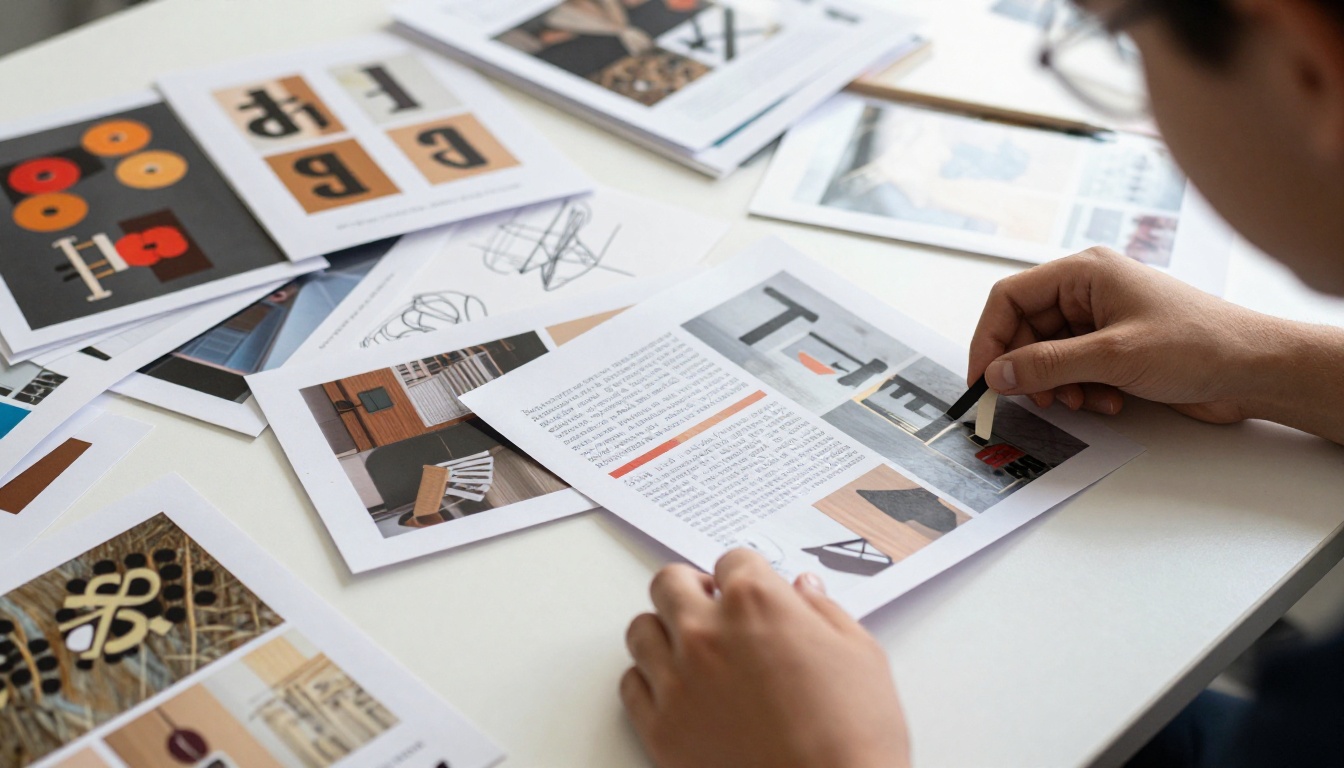
Why Static PDFs Fall Flat With Reviewers
Most students spend months on the work inside their portfolio and about fifteen minutes on how they send it. A PDF attached to an email is still the default, and that default is working against you.
What Reviewers Actually See
A hiring manager or admissions officer reviewing student applications on a Tuesday afternoon is looking at dozens of submissions in a row. A standard PDF opens in a browser tab, shows page one, and requires scrolling through a document that feels exactly like a report. Nothing about it signals that the student cares about presentation.
The moment a flipbook opens, the experience is different. Pages animate with a natural page-turn effect. The layout feels intentional. The work is displayed at full width with proper margins. Even before the reviewer has read a single line, the format has told them something about the student: this person thinks about details.
The Attention Problem With Flat Documents
Attention research is consistent on one point: visual novelty increases time-on-page. When something looks different from the ten things before it, people slow down. A student portfolio presented as an interactive flipbook gets more time from reviewers simply because it does not look like everything else in their inbox.
That extra time is the opening. Once a reviewer is engaged, the actual quality of the work carries the rest.
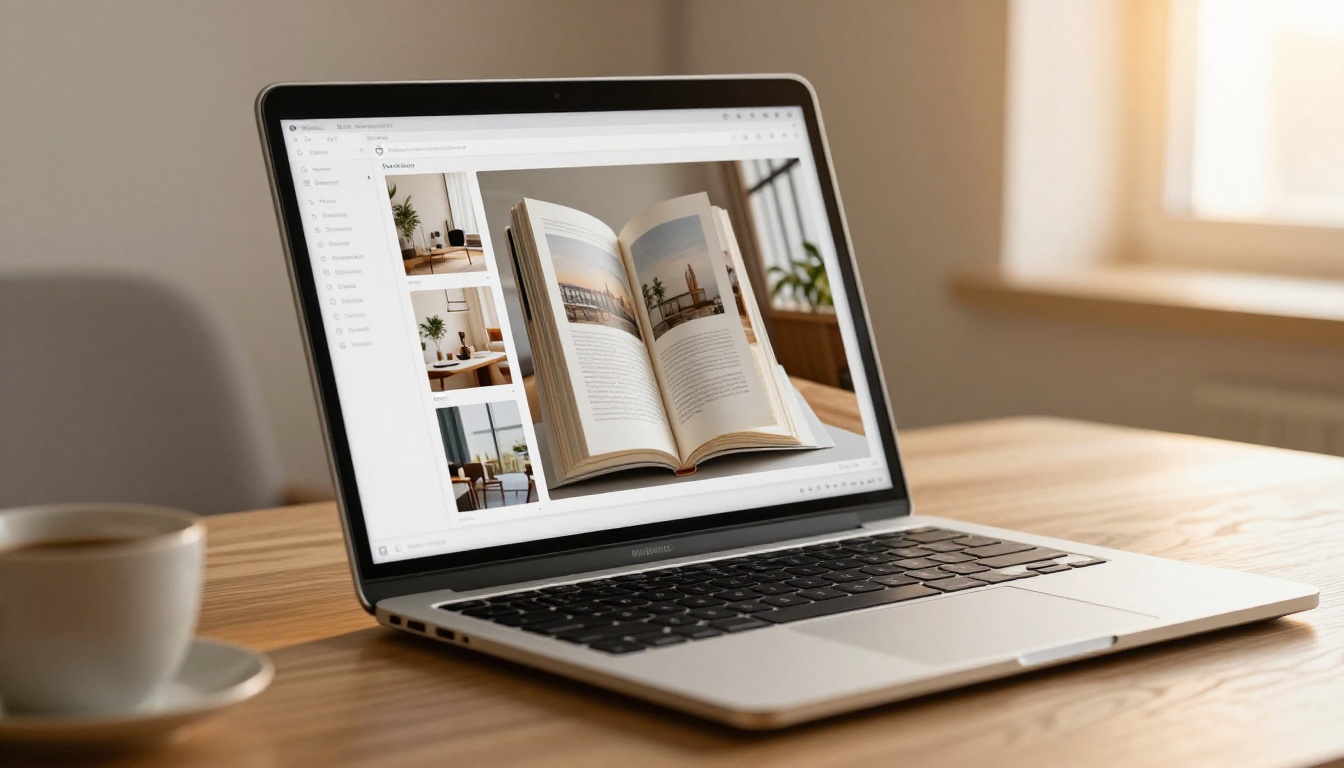
What Makes a Flipbook Portfolio Different
A flipbook is not just a PDF with animations. The format changes how content is consumed, how it is shared, and what data you can collect about who viewed it.
Beyond Page-Turning Animations
The visual presentation is the first thing people notice, but it is not what makes a flipbook portfolio genuinely useful. The format comes with features that a PDF simply cannot offer:
- Instant sharing via link instead of email attachments that get flagged or lost
- Password protection so your portfolio only goes to the people you choose
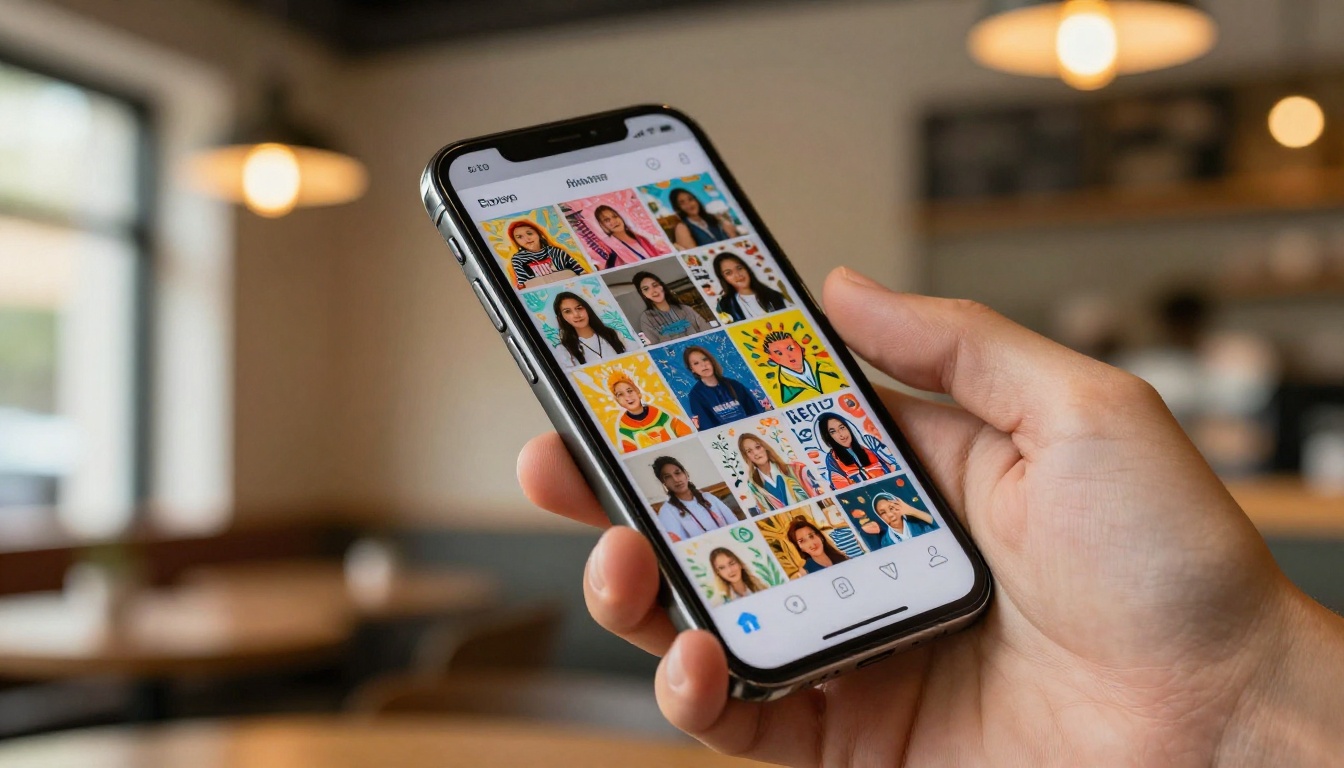
- Mobile-responsive design that works on phones without zooming and pinching
- Embeddable format you can drop directly onto a personal website or LinkedIn profile
- Analytics tracking so you can see how many people opened your portfolio and which pages they spent the most time on (available on the Professional plan)
Interactive Features That Matter
The table below shows the core differences between a standard PDF portfolio and a flipbook portfolio.
| Feature | PDF Portfolio | Flipbook Portfolio |
|---|
| Page-turn animation | No | Yes |
| Shareable link | No (attachment only) | Yes |
| Mobile-optimized | No | Yes |
| Password protection | No | Yes |
| View analytics | No | Yes (Professional) |
| Embeddable on websites | Limited | Yes |
| Custom branding | No | Yes |
| Offline download | No | Yes |
| No watermarks | N/A | Yes (Standard and above) |

Which Students Need This Most
The flipbook format is flexible enough to work across disciplines, but it has a particularly strong impact in fields where visual presentation is already part of the evaluation.
Art and Design Students
For art and design students, the portfolio is the application. Every pixel of it is being judged. A flipbook renders images at high quality across all screen sizes, keeps layouts intact, and allows for the kind of spread-style presentation that mirrors a physical printed book. The Digital Portfolio Creator and Portfolio Flipbook Builder tools are built specifically for this use case.
Architecture and Engineering
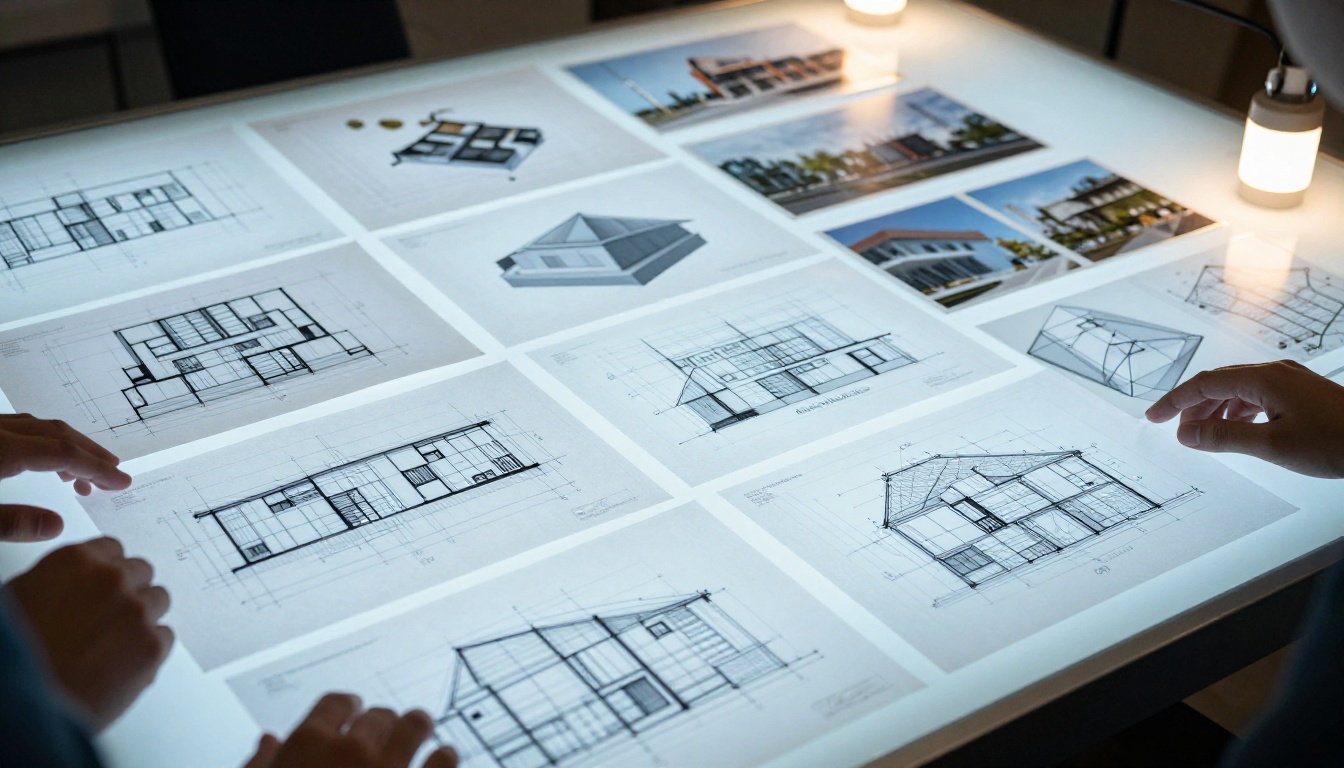
Architecture portfolios are notoriously large files packed with technical drawings, renderings, site plans, and photographs. These are painful to share as PDFs because of file size and formatting issues. A flipbook converts the PDF without compression artifacts and delivers it as a fast-loading link that opens cleanly in any browser. The Photography Portfolio tool also works well for students who include photo documentation of physical models and installations.
Writing, Journalism, and Media Students
Writing students often assume the flipbook format is for visual fields only, but a well-designed layout for a writing portfolio is just as powerful. A journalism student who presents published articles as a formatted flipbook rather than a list of links signals professionalism immediately. Media students can use flipbooks to combine written work, screenshots of broadcast projects, and multimedia content in a single shareable document.

How to Create Your Portfolio With Flipbooks AI
Flipbooks AI is the fastest way to turn any PDF portfolio into a polished interactive flipbook. Here is the full process from start to finish.
Step 1: Prepare Your PDF
Before uploading, organize your PDF so that the first page works as a strong opening spread. This is the first thing reviewers see, so it should include your name, discipline, and one standout piece of work. Keep the file clean: consistent margins, high-resolution images, and a clear typographic hierarchy throughout.
💡 If you are working in Canva, Adobe InDesign, or Figma, export as PDF print quality rather than compressed web quality for the best result after conversion.
Step 2: Upload and Convert
Go to Flipbooks AI and create a free account. Once inside, upload your PDF directly to the dashboard. The platform converts it automatically into an interactive flipbook with page-turn effects. The process takes seconds for most portfolios.
The PDF to Flipbook Converter is the core tool and handles files of any length without losing your original formatting.
Step 3: Customize Your Branding
Once converted, you can personalize the flipbook to match your personal brand:
- Custom colors: Match the accent colors already in your portfolio design
- Logo or name: Add your name or monogram as a persistent element across pages
- Background style: Choose from minimal white, dark mode, or a custom background color
- Page effects: Control animation speed and style of the page-turn interaction
For students applying to multiple programs or positions, you can duplicate the flipbook and create variations with different opening pages or color schemes for each application.
Step 4: Share With Reviewers
Once your flipbook is published, you get a clean shareable link that you can:
- Drop into the body of an email without worrying about attachment size limits
- Add to your CV or resume as a live portfolio URL
- Embed directly on a personal website using the Embed Flipbook on Website tool
- Set a password before sending so only your intended reviewer can access it
✅ Always test your link in an incognito browser tab before sending to confirm it loads cleanly for someone without an account.
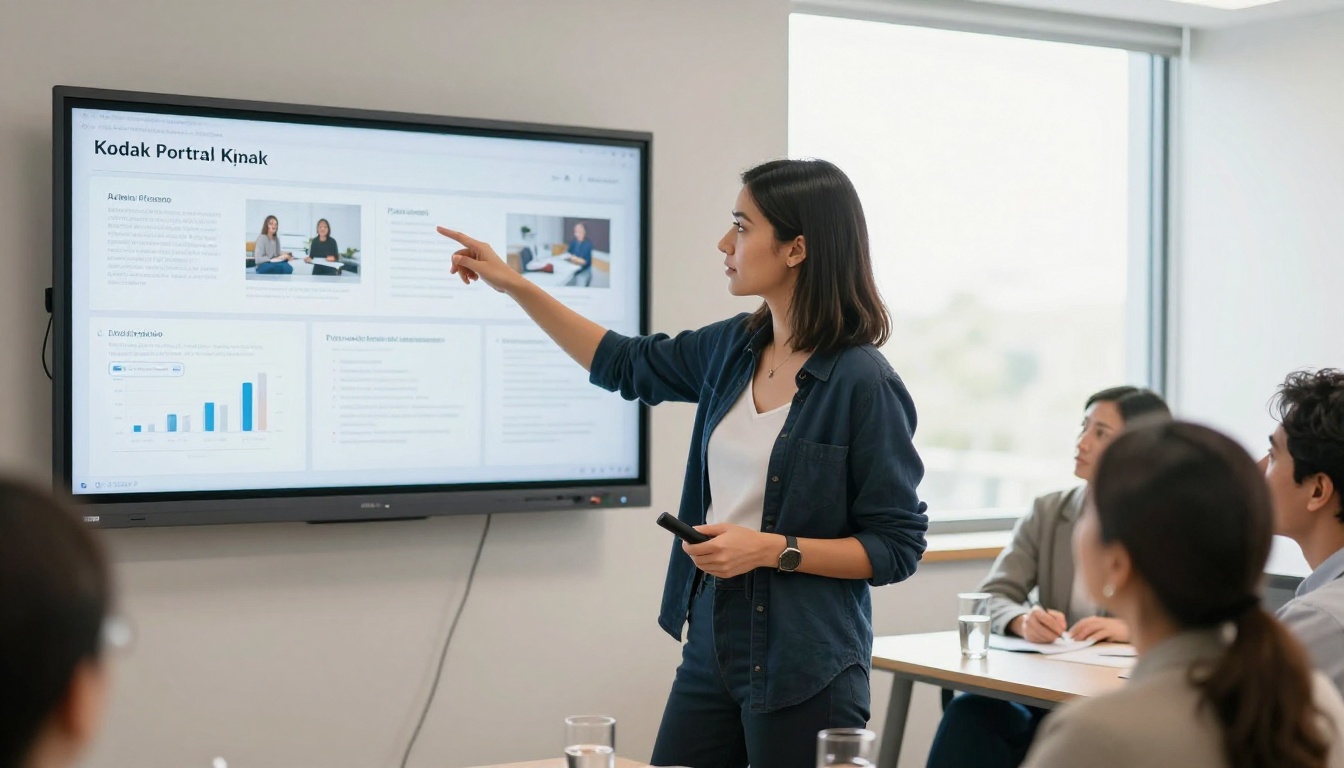
Different reviewers have different expectations. The table below shows which format works best depending on where you are sending your portfolio.
| Review Context | Recommended Format | Why It Works |
|---|
| College or university admission | Flipbook link | Stands out, no attachment issues |
| Internship application | Flipbook link in CV | Professional and fast-loading |
| Job application | Password-protected flipbook | Controlled access, trackable views |
| Personal website | Embedded flipbook | Fully interactive, no redirect needed |
| In-person interview | Flipbook on tablet | Natural page-turn interaction in person |
| Social media sharing | Flipbook link | Mobile-optimized and instantly shareable |
Flipbooks AI Plans for Students
Students often work within tight budgets, so the plan structure matters. Here is a breakdown of what each tier offers.
| Plan | Flipbooks | Watermark | Password Protection | Analytics | Best For |
|---|
| Free | 1 | Yes | No | No | Testing the format |
| Standard | Unlimited | No | Yes | No | Active applications |
| Professional | Unlimited | No | Yes | Yes | Tracking who views your work |
⚠️ The free plan includes a watermark on your flipbook. For any real application or job submission, use at least the Standard plan to remove it and present your work without platform branding on it.
See the full breakdown on the Flipbooks AI pricing page.
What to Put in Your Flipbook Portfolio
A flipbook does not fix a weak portfolio, but it does make a strong one considerably more memorable. The content strategy still matters.
Projects Worth Showing
Be selective. Three to five genuinely strong projects presented with context beat ten average ones with no explanation. For each project, include:
- The brief or objective: What problem were you solving, or what was the assignment?
- Your process: A page or two showing sketches, drafts, or iterations
- The final result: Full-bleed images or clean typography showing the finished piece
- The outcome: Did it win an award, get published, receive a top grade, or get used by a real client?
What to Cut
The biggest mistake students make is including everything. A 60-page flipbook with half-finished projects reads as insecurity about the work. Remove anything that does not represent your current skill level, anything that duplicates another project in terms of the skill set shown, and anything that requires a paragraph of explanation to make sense.
Even with a beautiful format, small decisions affect how reviewers interact with your portfolio. These are the ones that matter most.
Open with your single best piece. Do not save the best for last. Reviewers who see weak opening pages often never reach the strong work further in. Put your strongest project on pages two and three, right after your introduction spread.
Use consistent typography throughout. A portfolio with three different font styles across different projects looks assembled in a rush. Pick one typeface for headings and one for body text, then use them without exception throughout.
Caption every image. A reviewer should never have to guess what they are looking at. Short captions like "Brand identity for student-run coffee collective, 2024" add context without requiring a long read.
Add a contact page at the end. The final page of your flipbook should have your name, email, and a link to your website or LinkedIn. When a reviewer wants to follow up, make it effortless.
Check the mobile view before sending. A significant portion of reviewers will open your link on a phone. The Flipbooks AI platform renders flipbooks responsively, but your original PDF layout should also be readable at smaller sizes.
💡 Use the analytics in the Professional plan to see which pages reviewers spend the most time on. If they consistently skip a section, remove it from your next version.
Real-World Scenarios
The flipbook format has concrete advantages in situations that come up regularly for students.
Scenario 1: The competitive program application. A graphic design student applying to ten MFA programs sends a portfolio link to each institution rather than a PDF. Three admissions coordinators reply within 24 hours noting that her portfolio "loaded beautifully." Two programs that had previously waitlisted her offer a spot in the next round. The format did not create the work, but it put it in front of the right people in the best possible light.
Scenario 2: The internship follow-up. After a phone screening for a marketing internship, a communications student sends a follow-up email with a link to her flipbook portfolio. The hiring manager forwards it to two colleagues. Because she is on the Professional plan, she can see that three different people at the company opened it over the following two days. She knows her application is being seriously considered and times her follow-up call accordingly.
Scenario 3: The in-person review. An architecture student brings a tablet to a portfolio review session. Instead of scrolling through a PDF, he opens his flipbook in the browser and hands the tablet to his reviewer. The page-turn interaction prompts the reviewer to spend longer with each spread, and the session runs fifteen minutes longer than scheduled.

Make Your Work Stand Out
Your portfolio represents months or years of effort. It deserves a presentation that gives that work the best possible chance of being seen, remembered, and acted on. A flipbook does not require design skills to set up, does not cost much, and takes less time to build than writing the email you would otherwise use to attach a PDF.
Ready to stop sending flat documents? Create your flipbook portfolio for free on Flipbooks AI and see the difference for yourself. If you want to remove watermarks and add password protection, the Standard plan is the right starting point. For students who want to track exactly who opens their work and which pages they spend the most time on, the Professional plan gives you that data.
Browse the full list of creative tools available on the platform, or go straight to the Digital Portfolio Creator to begin building. If you are ready to upgrade, check the pricing page and choose the plan that fits your situation.
Your work is worth presenting properly.



