Your summer menu is a first impression, a sales tool, and a seasonal statement rolled into one. When a customer sits down at a cafe patio on a hot July afternoon, that menu needs to do more than list drinks. It needs to make them want three things at once. Flipbook menus change the dynamic entirely, swapping static paper for interactive, scroll-through pages that feel premium and modern. This article breaks down the best summer menu flipbook ideas for cafes that actually work, how to build one from scratch, and why Flipbooks AI makes the whole process faster than you'd expect.
Seasonal menus boost repeat visits
Regulars come back when there's something new to look at. A summer-specific flipbook signals that your cafe takes the season seriously. It tells customers: "We update our menu based on what's fresh, what's cold, and what's actually good right now." That sense of seasonal care builds loyalty.
A good summer menu flipbook for a cafe should feel entirely different from the winter one. Lighter colors, more imagery of cold drinks and fresh fruit, and a structure built around the fact that people are warm and want refreshment.
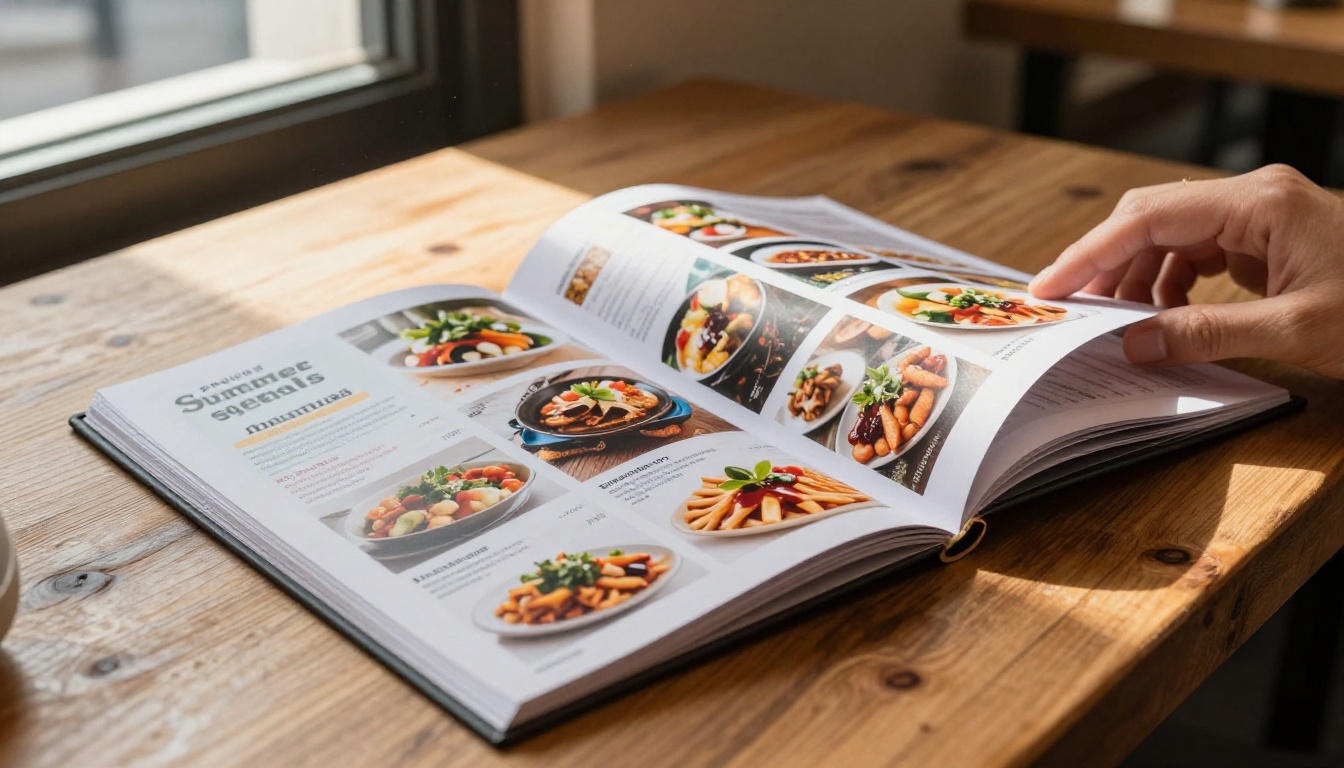
Digital menus cut printing costs
Printed seasonal menus are expensive. A full-color, laminated summer menu for 20 tables can run into hundreds of dollars, and when a drink gets discontinued or prices change, you're reprinting everything. A digital flipbook solves this instantly. Update once, and every customer who opens the link sees the new version.
💡 Pro tip: QR codes on table tents pointing to your digital flipbook let you update the live menu in seconds without touching a single table.
The flip effect draws attention
There's something genuinely satisfying about a digital page turn. Customers who receive a flipbook link before visiting spend more time browsing the menu. Studies in digital menu psychology show that interactive menus increase average order values by encouraging customers to look at more items. A static PDF doesn't create that same effect.
What Goes Into a Great Summer Cafe Flipbook
High-quality food photography is everything
No amount of clever layout fixes a blurry photo of an iced latte. Summer flipbook menus live and die on their visuals. Before you even think about layout, invest in one solid photography session covering your key summer offerings: cold brews, iced teas, smoothie bowls, fruit tarts, and any limited seasonal items.
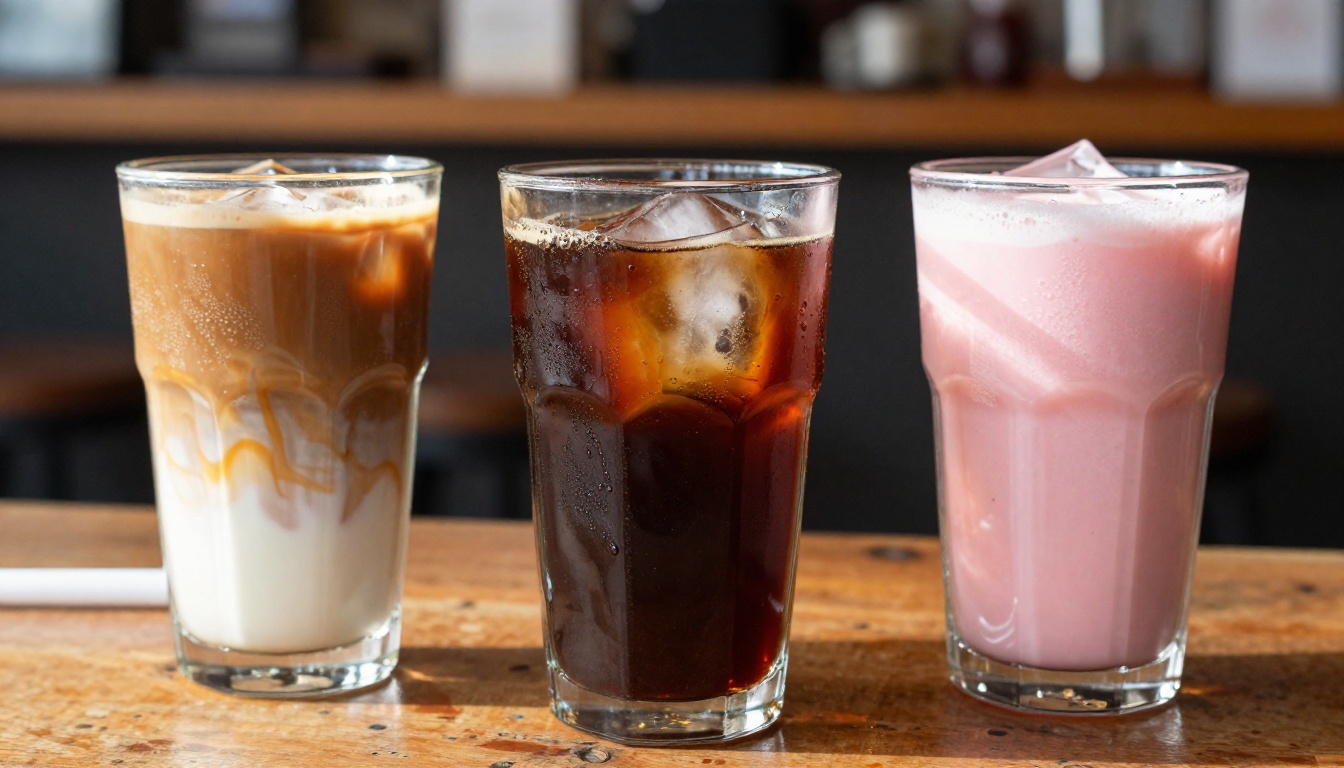
Each image in your flipbook should tell a sensory story. The condensation on a glass, the color contrast of hibiscus tea, the layers in a cold brew float. These visual details do more selling than any description.
Consistent color palette
Pick a summer palette and commit to it. Most successful summer cafe menus lean into one of these three directions:
| Palette Direction | Colors | Best For |
|---|
| Tropical | Coral, golden yellow, teal | Smoothie bars, juice cafes |
| Minimal cool | White, pale blue, seafoam | Specialty coffee, modern cafes |
| Warm earthy | Terracotta, sage, cream | Farm-to-table, brunch spots |
| Bright playful | Fuchsia, lime, orange | Kids-friendly, casual cafes |
Whatever you choose, use it throughout every page. A consistent palette makes your flipbook feel designed rather than assembled.
Easy navigation
A summer menu flipbook with 30 pages and no structure loses customers after page 4. Organize yours with clear sections:
- Cold Drinks (iced coffees, cold brew, sodas)
- Summer Specials (limited-time seasonal items)
- Smoothies and Bowls
- Seasonal Food (light bites, brunch, salads)
- Desserts
- Kids' Menu
Add a clickable table of contents on the second page so customers can jump directly to what they want. The Menu Flipbook Designer on Flipbooks AI makes this straightforward with built-in navigation tools.
Mobile-first layout
More than 65% of customers who scan a QR code to view a menu are on a mobile device. Your summer cafe flipbook needs to look flawless on a 6-inch screen, not just on a desktop preview. Test every page at mobile scale before publishing.
✅ Best practice: Keep text large enough to read without zooming (minimum 14px equivalent), and give each item its own space rather than cramming multiple dishes into a single page.
1. The iced coffee showcase
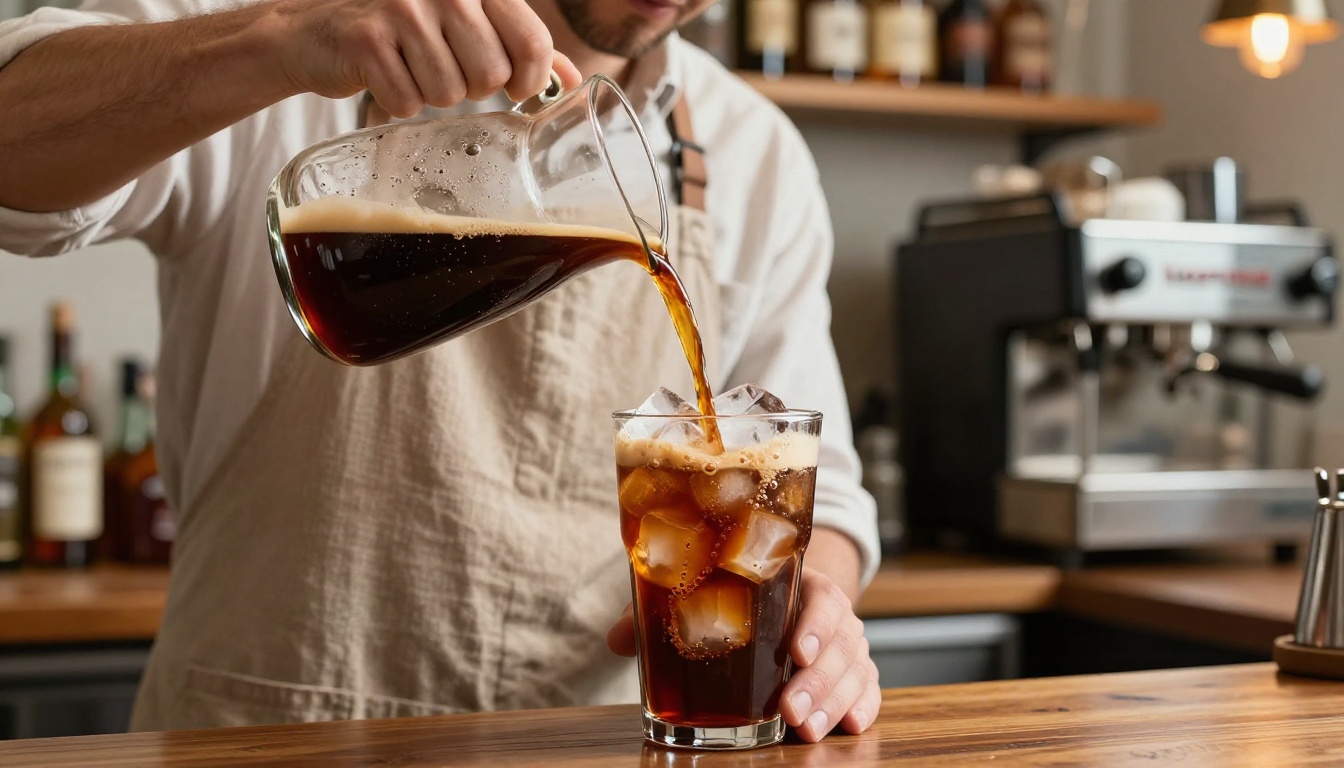
Dedicate a full spread to your cold coffee lineup. Give each drink its own photo and a 1-2 sentence description that leans into sensory language ("chocolate-forward cold brew served over a single large clear ice cube"). Customers who didn't know you offered oat milk cold foam now order it every time.
2. The tropical smoothie board
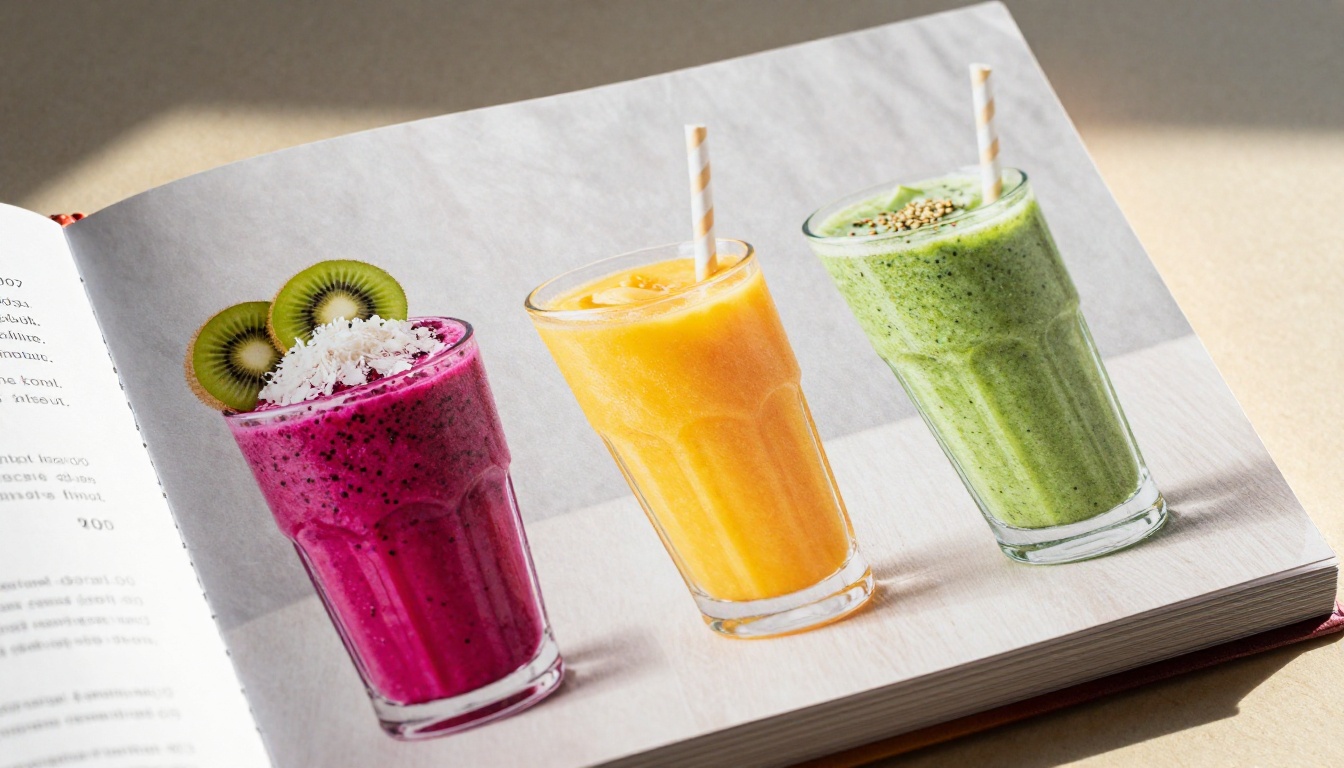
Group smoothies and smoothie bowls together in a visual spread that feels like a color explosion. Use a clean grid layout with four items per page, letting the photography carry the section. Include protein options, dairy-free options, and low-sugar variants with clear badges.
3. Cold brew flights
A "cold brew flight" page showcasing 3-4 cold brew variations (original, vanilla, cascara, nitro) printed side by side converts curious customers into multi-item buyers. Present each as a tasting note card within the flipbook, with a small price per flight and individual prices alongside.
4. Seasonal food pairings
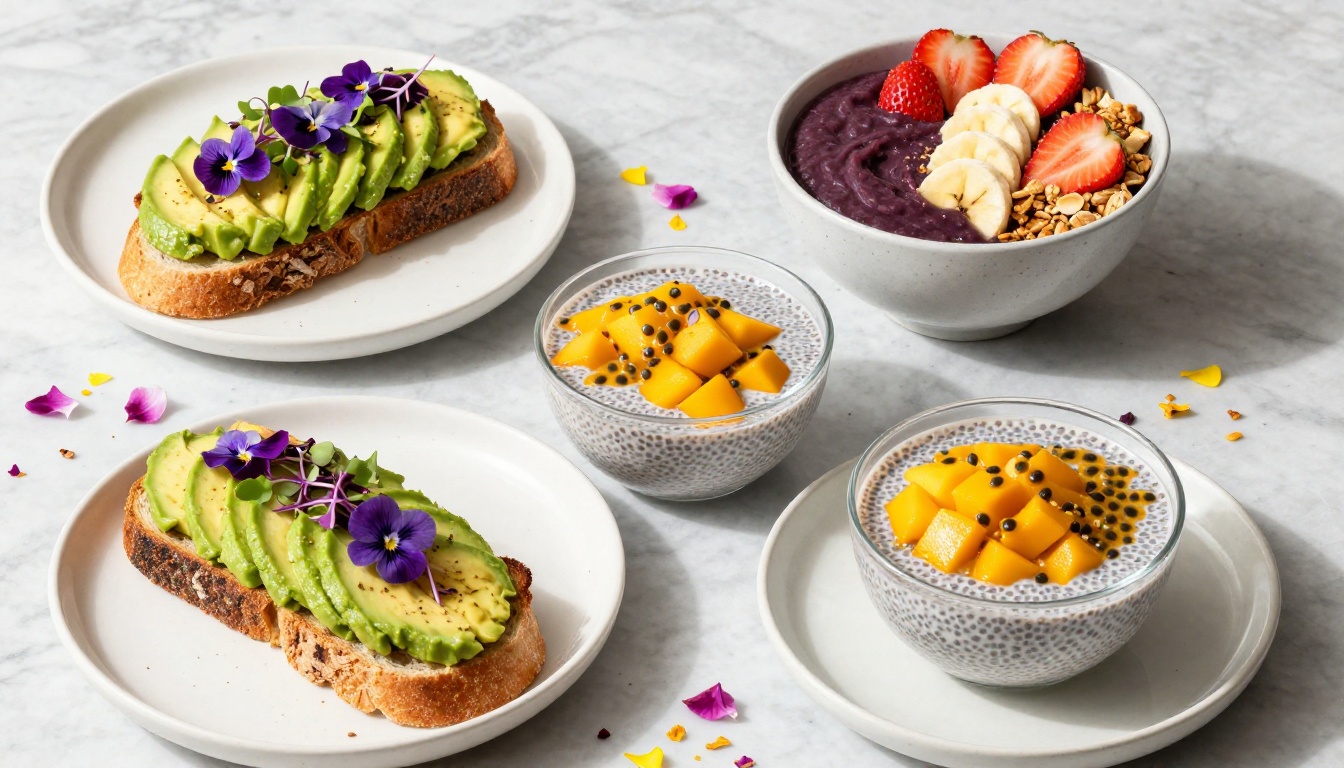
Show customers what goes together. A page called "Perfect Pairings" that pairs a lemon tart with hibiscus iced tea, or an avocado toast with a cold brew, is a menu design move that subtly increases average ticket size without any upselling pressure.
5. Limited-time dessert features
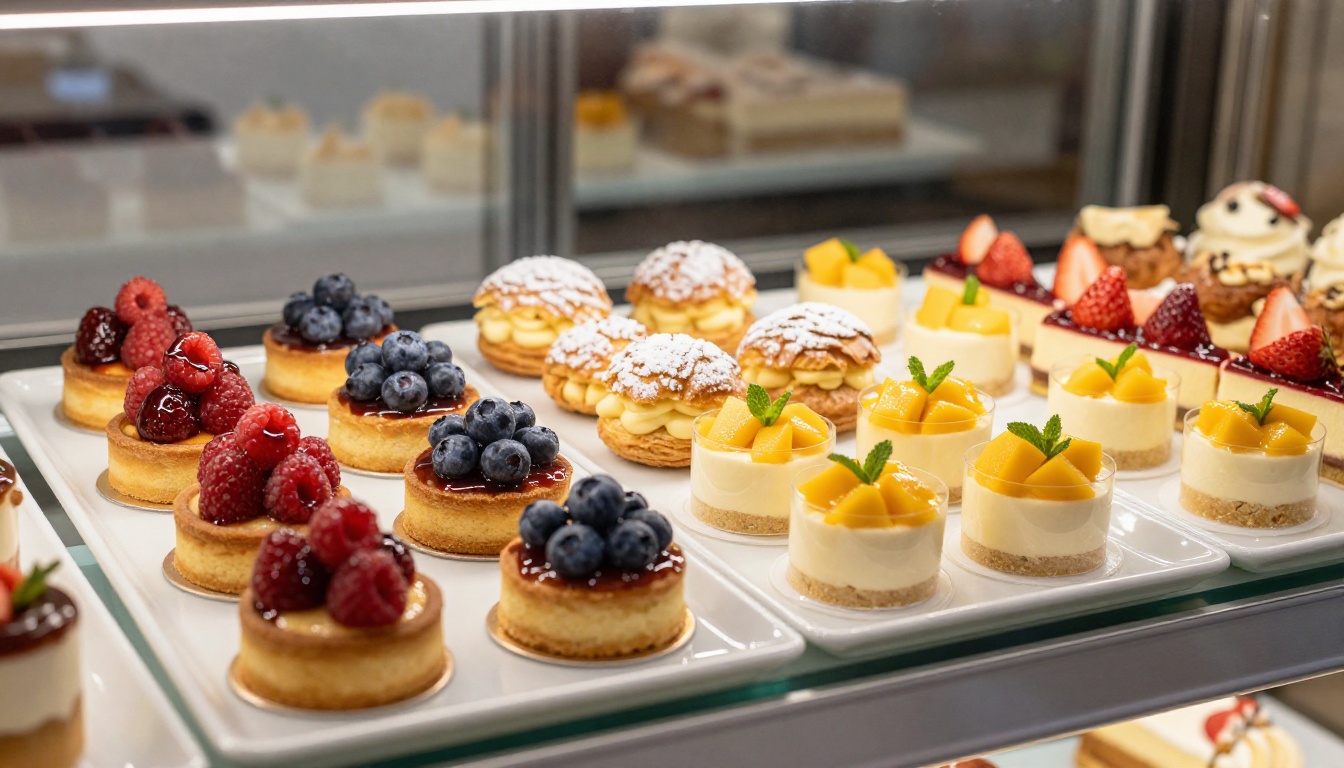
Nothing creates urgency like "only available in July." A dedicated summer desserts page in your flipbook, updated monthly with new specials, gives customers a reason to flip through the menu even if they've been before.
6. Brunch cocktail and mocktail menus
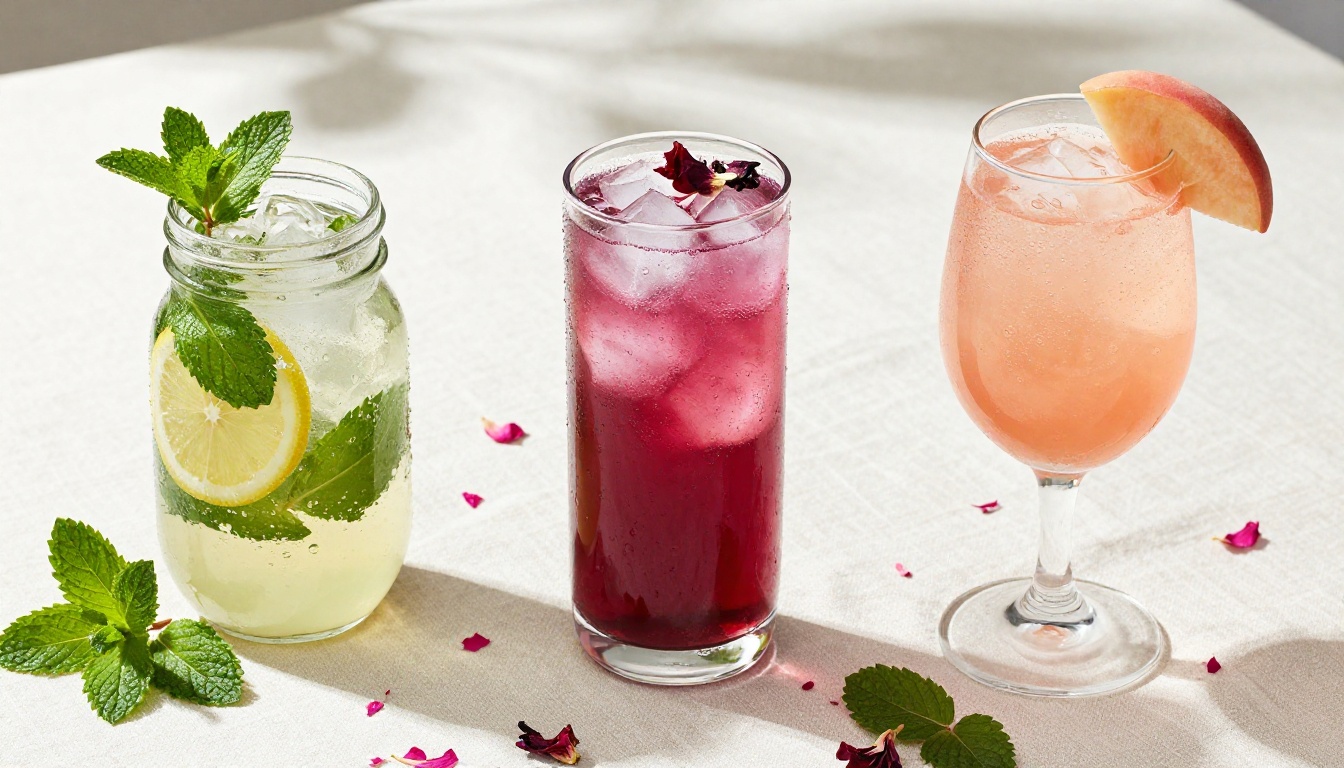
For cafes that serve weekend brunch, a separate section within the flipbook highlighting mimosa variations, aperol spritzes, and non-alcoholic botanical mocktails in matching style creates a premium perception. The page-turn experience adds ceremony to the decision.
7. Kid-friendly summer sips
A dedicated page for kids' summer drinks (fruit punches, berry lemonades, mango sodas) with fun illustrated borders keeps families at the table longer and reduces the "what do we order for the kids" friction. Parents browse the flipbook more when they know their children can also find their own section.
Typography and color choices
Summer calls for lightness. Choose one primary font for headers (something with personality, a rounded sans-serif or a clean serif) and one neutral font for descriptions. Avoid using more than two typefaces or your flipbook starts looking like a ransom note.
Color rules for summer menus:
- Background should be light (white, cream, or very pale pastels)
- Accent color pops (use your palette color for prices, badges, and section titles)
- Photography should do the heavy lifting on color
Layout flow
Think of your flipbook pages like a magazine spread. The left page introduces a category, the right page shows the items. Use full-bleed photography on the left with the item descriptions on the right, or alternate full-bleed and grid layouts to keep the reading experience varied.
⚠️ Warning: Avoid centering all your text. Left-aligned text reads faster and feels more professional in menu design.
Adding QR codes and links
Digital flipbooks let you embed clickable elements. Add:
- A QR code on the back page linking to your reservation system
- Links within the menu to allergen information pages
- An "Order Online" button on every spread that links to your ordering platform
These interactive elements are one of the biggest advantages a flipbook has over a static PDF. You can set them all up directly in Flipbooks AI without any coding.
How to Build Your Summer Flipbook with Flipbooks AI
Flipbooks AI is built exactly for this workflow: you design your menu in your preferred tool (Canva, Adobe InDesign, even Google Slides), export as a PDF, and the platform converts it into a polished interactive flipbook with a realistic page-turn effect in minutes.
Step 1: Create your summer menu PDF
Design your menu pages using any tool. If you don't have a designer, Canva's free menu templates work well as a starting point. Aim for a file between 5 and 20 pages. Export as a high-resolution PDF (300 DPI for print quality, which also looks sharp on screen).
Step 2: Upload and convert
Go to flipbooksai.com and create an account or log in. Click "New Flipbook," upload your PDF, and the conversion runs automatically. Within a minute or two, your summer menu PDF is a fully functional flipping document.
Step 3: Customize branding and appearance
This is where your cafe's visual identity comes in. In the flipbook editor:
- Set your brand colors for the viewer interface
- Add your cafe logo to the toolbar
- Choose a page-flip animation style
- Set the background texture behind the book (linen, solid color, or blur)
- Toggle on autoflip for a slideshow mode that works on display screens
Step 4: Add interactive elements
Using the built-in link tool, add clickable zones on any page:
- Link your cold brew section to an online order page
- Add a "Reserve a Table" button to the back cover
- Link allergen icons to an external allergen PDF
The Restaurant Menu Creator and Menu Flipbook Designer tools have pre-built templates for exactly this type of setup if you want a faster starting point.
Step 5: Share and embed
Once published, your summer cafe flipbook gets:
- A shareable link you can text, email, or add to your Instagram bio
- An embed code for your website's menu page
- A QR code you can print on table tents, window stickers, or receipts
- Password protection for private catering menus or private events
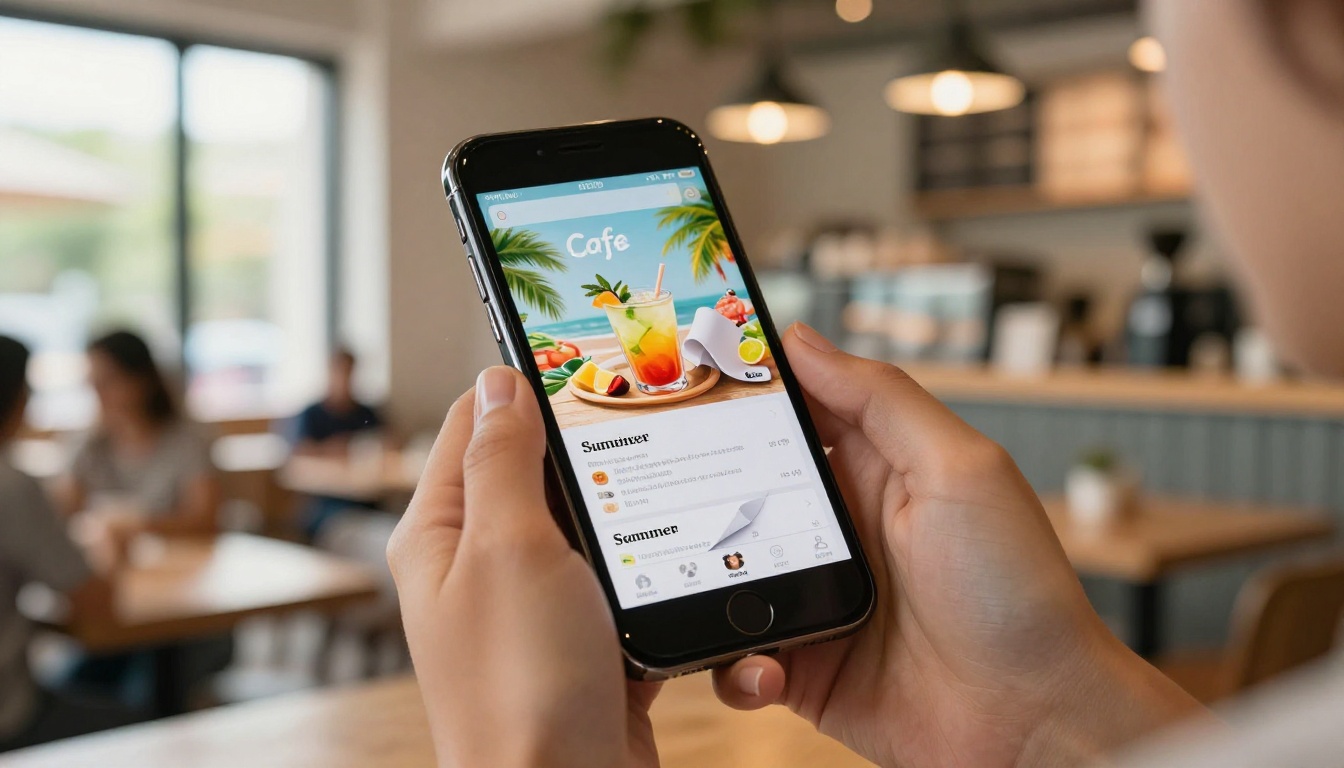
On the Professional plan, you also get viewer analytics showing which pages customers spend the most time on. For a cafe owner, this is genuinely useful data: if nobody lingers on page 8, maybe the pastry section needs better photography or a price adjustment.
💡 Pro tip: Use analytics data from your summer flipbook to decide which items to carry into your autumn menu. Pages with high dwell time but few orders usually signal a price issue. Pages with low dwell time signal a photography or placement issue.
Too many pages, not enough structure
A 40-page summer menu without clear sections is exhausting. Most customers will not flip past page 10 if they haven't found what they want. Cap your main menu at 15-18 pages and use a clear table of contents.
Ignoring mobile preview
Always check how your flipbook looks on a phone before sharing. A two-column layout that reads cleanly on a laptop often has tiny, unreadable text on mobile. Flipbooks AI includes a live mobile preview in the editor so you can catch this before publishing.
Updating the PDF but not re-uploading
If you change a price or add a new item to your PDF, you need to re-upload to Flipbooks AI for the live link to reflect the update. Build a reminder into your monthly operations so the digital menu stays current.
Using the same menu year-round
A summer flipbook published in June should be retired by September. Customers who see "Summer Specials" in October lose trust in the menu's accuracy. Archive old seasonal menus and publish fresh ones each season.
Flipbooks AI Plan Comparison
Choosing the right plan depends on how many menus you manage and what features matter for your cafe.
| Feature | Free | Standard | Professional |
|---|
| Flipbooks per account | 1 | Unlimited | Unlimited |
| Custom branding | No | Yes | Yes |
| Password protection | No | Yes | Yes |
| Embed on website | Yes | Yes | Yes |
| Analytics | No | No | Yes |
| Lead generation | No | No | Yes |
| Offline downloads | No | Yes | Yes |
| Watermark | Yes | No | No |
For most small cafes, the Standard plan covers everything you need: no watermarks, unlimited flipbooks, custom branding, and password protection for private menus. The Professional plan makes sense if you want viewer analytics or if you're running a loyalty campaign using lead capture inside the flipbook.
Compare pricing plans to see the current rates and any active promotions.
A summer menu flipbook is just one application. Once you're set up on Flipbooks AI, you can also create:
Each of these can be built from a PDF in the same way as your menu, using the same branding and the same platform.
Summer is short, and so is customer patience with boring menus. A seasonal flipbook tells customers that your cafe is alive, current, and worth another visit. It takes an afternoon to set up properly, and it works for the entire season without any additional printing costs or logistics.
The best summer menu flipbook ideas for cafes share one thing: they treat the menu as a visual experience, not just a list. Cold brew photography that makes someone thirsty, seasonal specials that feel genuinely limited, and a mobile experience that works without zooming in. That combination is what turns a first-time visitor into a regular.
Ready to build yours? Create your summer menu flipbook on Flipbooks AI and have it live before the week ends.
Browse all menu and flipbook tools to find templates and starting points, or check pricing if you're deciding which plan fits your cafe.



