Making a digital catalog sounds like it should be complicated. Hire a designer, export files, deal with software subscriptions, send links that nobody opens. If that's been your experience, you're not alone, and the good news is: it doesn't have to be that way. Flipbooks AI cuts the entire process down to minutes, turning your existing PDF into a polished, interactive catalog with a real page-flip effect that works on every device.
Whether you sell furniture, fashion, food, or anything in between, a digital catalog is one of the highest-ROI tools you can put in front of customers. This article breaks down exactly how to make one, what features actually matter, and who benefits most from going digital.
Why Your Printed Catalog Is Costing You
Printed catalogs had a good run. They still serve a purpose in some industries. But stacking them against a digital format in 2025 reveals some hard truths.

| Factor | Printed Catalog | Digital Catalog |
|---|
| Production cost | $500 to $5,000+ per run | Near zero after PDF creation |
| Update frequency | Quarterly or annually | Instantly, anytime |
| Distribution | Shipping, logistics, waste | One link, global reach |
| Customer access | Must have physical copy | Any device, any time |
| Analytics | None | Full visitor tracking |
| Interactivity | Static pages | Video, links, lead forms |
| Environmental impact | Paper, ink, transport | Minimal |
The shift is not just about savings. It's about reach. A digital catalog can be shared via WhatsApp, embedded on your website, sent as an email link, or password-protected for VIP clients. Printed catalogs can't do any of that.
💡 Pro Tip: Even if you still print physical catalogs for trade shows, having the digital version ready means salespeople can pull it up on any device during a client call, without carrying anything.
What Makes a Digital Catalog Actually Good
Not all digital catalogs are equal. A flat PDF sent by email is technically "digital," but it delivers none of the experience that converts browsers into buyers.
A proper interactive digital catalog includes:
- Page-flip animation: Mimics the tactile feel of turning real pages
- Clickable links: Products link directly to purchase pages or inquiry forms
- Embedded video: Product demonstrations inside the catalog itself
- Mobile responsiveness: Looks sharp on phones, tablets, and desktops
- Fast loading: No buffering, no waiting
- Search functionality: Readers find what they want instantly

The difference in customer engagement between a static PDF and an interactive flipbook catalog is significant. People spend more time on pages they can flip, zoom, and click through. That extra time translates directly into more inquiries and higher order values.
How to Create Your Digital Catalog in 5 Steps
Here is the exact process for going from a PDF to a live, shareable digital catalog using Flipbooks AI.

Step 1: Create or prepare your PDF
Your catalog starts as a PDF. If you already have one from a previous print run or a designer, you're ready to go. If you're starting from scratch, tools like Canva, Adobe InDesign, or even Google Slides let you build a catalog layout and export it as PDF. Focus on high-resolution images and clean typography.
Step 2: Sign up and upload
Go to Flipbooks AI and create a free account. Once inside, click to upload your PDF. The platform accepts files up to very large sizes and processes them automatically. You'll see a live preview within seconds.
Step 3: Use the Digital Catalog Maker
Head to the Digital Catalog Maker tool. This is purpose-built for product catalogs, with settings optimized for high-image-density documents. You can also use the Catalog Flipbook Creator for more control over page transitions and layout options.
Step 4: Customize your branding
Add your logo, choose your brand colors, and select a page-flip style. You can add background music, set a custom domain (on higher plans), and configure whether the catalog opens to a specific page. This is where your digital catalog stops looking like a template and starts looking like yours.
Step 5: Publish and share
Hit publish. You instantly get a shareable link, an embed code for your website, and QR code options. For private catalogs such as seasonal collections or wholesale pricing, activate password protection before sharing the link.
✅ Best Practice: Embed your digital catalog directly on your website's product or collections page. Visitors who interact with embedded catalogs stay on your site longer, which reduces bounce rate and signals quality to search engines.
Customizing Your Catalog for Maximum Impact
Customization separates a forgettable catalog from one people actually save and return to.

Branding Options Worth Using
- Logo placement: Top left or centered on the cover page
- Color palette: Match navigation buttons and page borders to your brand colors
- Custom background: Solid color or a subtle texture behind the flipbook viewer
- Page sound effects: Toggle the paper-turn sound on or off depending on your audience
- Auto-flip mode: Ideal for kiosk or screen display settings in physical locations
Adding Rich Media Inside Your Catalog
One underused feature is video embedding. If you have product videos, demonstrations, or behind-the-scenes content, you can embed them directly into catalog pages. A reader viewing your furniture catalog can watch a 30-second video of a sofa being assembled, without ever leaving the catalog.
The Product Catalog Generator also supports:
- Hyperlinked product names (clicking a product opens its purchase page)
- Pop-up information boxes with product specs or live pricing
- Audio narration on specific pages for guided browsing
- Contact forms embedded within the catalog itself for instant inquiries
💡 Pro Tip: For fashion catalogs, embed a video lookbook on the opening spread. It sets the tone immediately and keeps readers engaged before they even reach the product listings.
Who Benefits Most From Digital Catalogs
The short answer: almost any business that sells physical products or services. But some industries see a disproportionate return on switching.

Retail and Fashion
Fashion brands flip seasonal lookbooks, trend collections, and sale catalogs throughout the year. The Fashion Catalog Creator is specifically built for high-visual, editorial-style layouts. Retailers benefit from being able to update pricing instantly when promotions change, without reprinting a single page.

Furniture and Home Decor
Furniture showrooms can hand customers a QR code instead of a heavy print catalog. The Furniture Catalog Maker lets stores create room-by-room category sections with embedded product links so customers can bookmark pieces they want to revisit later.

Wholesale and B2B
Wholesalers often need to share line sheets and product catalogs with retail buyers under confidentiality. Password protection on Flipbooks AI makes this straightforward. Create one catalog, set a password, and share it only with verified buyers. No printing, no mailing, no risk of it ending up in the wrong hands.
Real Estate and Hospitality
Property portfolios, hotel amenity guides, and restaurant menus all benefit from the flipbook format. The Restaurant Menu Creator turns a static PDF menu into an interactive experience, while the Hotel Brochure tool handles multi-property hospitality groups with ease.
Sharing Your Catalog With the World
Generating your catalog is only half the job. How you distribute it determines how many people actually see and act on it.
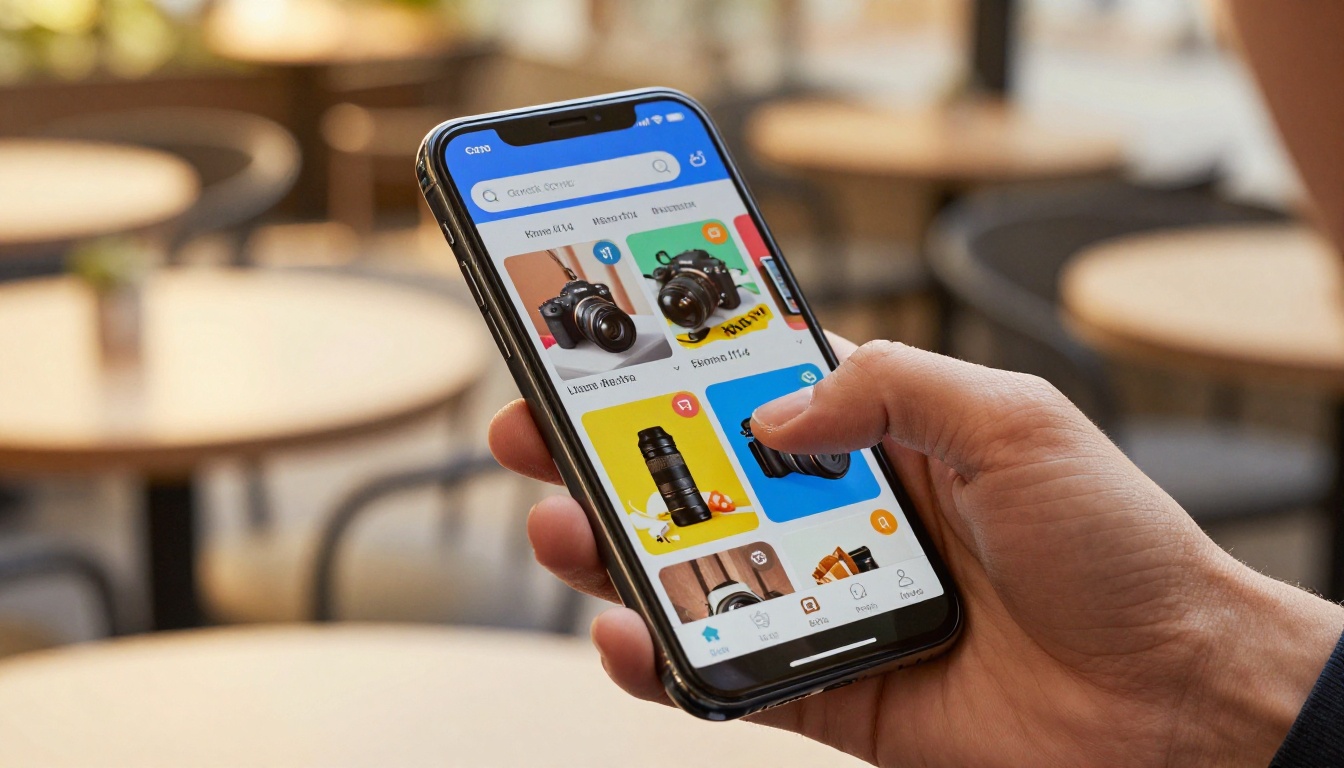
Sharing Options at a Glance
- Direct link: Paste into email, WhatsApp, SMS, or social media posts
- Website embed: Add the flipbook to any page using a simple embed code
- QR code: Print on packaging, business cards, and in-store signage
- Password-protected link: For private clients, wholesale buyers, or members-only content
- Iframe embed: Works with Squarespace, WordPress, Shopify, Wix, and most other platforms
⚠️ Warning: Don't just attach a PDF to emails. Attachment open rates are significantly lower than clickable links, and PDFs don't track engagement. A flipbook link tells you exactly who opened it, on what device, and for how long.
Social Media Distribution
Your catalog's direct link is shareable across every major platform:
- Instagram: Add to your bio via a link-in-bio tool, or share pages as Stories
- LinkedIn: Post as a company update or share in relevant industry groups
- Pinterest: Link each pin to the catalog for searchable product discovery
- Facebook: Post in groups, on your page, or as a targeted ad
- Email campaigns: Embed the catalog cover image as a clickable thumbnail that links to the full flipbook
For email specifically, using a clickable catalog thumbnail instead of a PDF attachment can dramatically increase click-through rates. People click images. They don't download attachments.
Features Worth Paying For
The free plan on Flipbooks AI is genuinely useful and a good starting point. The paid plans add capabilities that pay for themselves quickly in time saved and leads generated.

Plan Comparison
| Feature | Free | Standard | Professional |
|---|
| Number of flipbooks | Limited | Unlimited | Unlimited |
| Watermark | Yes | No | No |
| Password protection | No | Yes | Yes |
| Custom branding | Basic | Full | Full |
| Analytics | No | Basic | Advanced |
| Lead generation forms | No | No | Yes |
| Offline downloads | No | No | Yes |
| Embed on website | Yes | Yes | Yes |
| Video embedding | No | Yes | Yes |
| Custom domain | No | No | Yes |
For small businesses just moving from print to digital, the Standard plan covers almost everything you need. For B2B companies that want to know who viewed their catalog and generate leads directly from it, the Professional plan's analytics and lead capture tools deliver measurable return.
💡 Pro Tip: The lead generation feature on the Professional plan lets you add a form to your catalog that captures name and email before the reader sees page two. This turns passive catalog browsing into an active lead funnel. See plan details.
Analytics That Actually Help
Most businesses have no idea which pages of their printed catalog get read. With digital analytics, you can see:
- Total views and unique visitors per catalog
- Average time spent on each individual page
- Geographic location of viewers
- Device breakdown between mobile and desktop
- Click-through rates on embedded product links
- Which specific pages cause readers to close the catalog
This data makes your next catalog better. If page 8 has the highest drop-off rate, you know to redesign that spread. If the embedded product link on page 12 gets 40% of all clicks, you know which products to feature more prominently next season.
3 Common Mistakes Beginners Make
Even with a good tool, a few missteps can undermine your digital catalog's performance.
Using low-resolution images: Your catalog pages need to look sharp when zoomed in. Always export your PDF at 300 DPI minimum. Pixelated images make the whole catalog feel cheap, even if the products are premium.
Overloading pages with text: Digital readers skim. Keep copy tight on each page and let product images carry the weight. Save the detailed descriptions for linked product pages.
Skipping the mobile preview: Over 60% of catalog views happen on phones. Always preview your catalog on a mobile screen before publishing. What looks good on a desktop might be unreadable on a 6-inch screen.
Not updating when things change: One of the biggest advantages of a digital catalog is instant updates. Seasonal pricing, new arrivals, discontinued products: reflect changes the moment they happen. Readers who find outdated pricing lose trust fast.
Missing calls to action on every page: Every section of your catalog should have somewhere for the reader to go next. Link product names to product pages, add a "Request Quote" button to pricing pages, and put a contact form at the back. Make it impossible not to take the next step.
Your Next Step
The barrier to creating a professional digital catalog is lower than it has ever been. You don't need a design agency, a print budget, or a distribution strategy. You need a PDF and about five minutes.
Start with Flipbooks AI and turn your first catalog into something people actually want to read and share. Browse all catalog tools to find the right fit for your industry, or compare pricing plans to choose what works for your budget.
Your customers are already on their phones, scrolling and shopping. Make sure your catalog is there when they are.



