Making a flipbook online has never been simpler, and if you have not tried it yet, you are probably still emailing static PDFs that nobody opens. Flipbooks AI changes that with a free, browser-based tool that turns any PDF into a page-turning interactive publication in minutes, no design skills or software installation required.

What a Flipbook Actually Is
Before diving into the how, it helps to understand why digital flipbooks outperform static PDFs in almost every real-world situation.
A digital flipbook is an interactive publication that mimics the experience of flipping through a physical book or magazine. Pages animate with a realistic turn effect, readers can zoom in, click links, and even watch embedded videos, all directly inside a browser window. No download needed. No app to install. Just a link that works on any device.
Static PDF vs. Interactive Flipbook
| Feature | Static PDF | Digital Flipbook |
|---|
| Page-turn animation | No | Yes |
| Mobile-friendly | Partially | Yes, fully responsive |
| Embed on website | No | Yes |
| Password protection | No | Yes (paid plans) |
| Analytics tracking | No | Yes (Professional plan) |
| Embedded video and audio | No | Yes |
| Shareable direct link | Download link only | Live online link |
| Reader engagement | Low | High |
The difference is not just visual. A flipbook keeps readers on the page longer, makes sharing effortless, and gives businesses real data on who is reading and how far they get.
Who Actually Uses Flipbooks
The short answer: anyone who shares documents regularly.
- Small business owners converting product catalogs and price lists into interactive experiences
- Teachers and educators turning course materials into engaging digital publications
- Real estate agents sharing property brochures without clogging inboxes with heavy attachments
- Photographers and creatives presenting portfolios with a professional finish
- Event organizers distributing programs and schedules without printing costs
- Restaurants sharing menus online that customers can actually browse on their phones
Not every free flipbook maker delivers on its promises. Many slap a watermark on your work, limit you to one or two publications, or block sharing entirely unless you pay. Here is what actually matters when picking a tool.
No Watermarks
A watermark on a client-facing document is a problem. Flipbooks AI removes watermarks entirely, even on the free tier. Your flipbook looks professional from day one without any branding from the platform stamped across your pages.
Easy PDF Upload
The workflow should be drag, upload, done. No complicated export settings, no file size anxiety on reasonable documents. The best tools handle multi-page PDFs automatically and preserve your original formatting, fonts, and images exactly as they appear in the source file.
Sharing and Embedding Options
Once your flipbook is ready, getting it in front of people should be just as easy as creating it. Look for tools that provide:
- A direct shareable link you can paste anywhere
- An embed code to place the flipbook on your website
- Social sharing shortcuts for quick distribution to Instagram, Facebook, and LinkedIn
💡 Pro Tip: An embeddable flipbook on your website keeps visitors engaged longer and reduces bounce rate, two signals that Google rewards with better search rankings.
How to Make Your Flipbook for Free
This is the part most tutorials overcomplicate. It genuinely takes under five minutes. Here is the exact process using Flipbooks AI.

Step 1: Sign Up for Free
Head to flipbooksai.com/account and create your free account. No credit card required. The signup process takes about 30 seconds and gives you immediate access to the creation dashboard.
Step 2: Upload Your PDF
Once you are in the dashboard:
- Click Create New Flipbook
- Drag and drop your PDF into the upload area, or click to browse your files
- Wait for the conversion to finish, usually under 60 seconds for most documents
- Your flipbook preview appears automatically with the page-turn effect applied
⚠️ Watch out: Some tools cap free PDF uploads at 5 to 10MB. If your file is large, use a free PDF compressor first to bring the size down before uploading.
Step 3: Customize It
This is where Flipbooks AI pulls ahead of basic converters. Even on the free plan, you get meaningful customization options:
- Cover style: Choose how the flipbook opens and presents itself
- Page effects: Adjust the animation style for page turns
- Background color: Match your brand palette behind the pages
- Custom logo: Upload your logo for branded publications
- Thumbnail: Set a custom cover image for social sharing and link previews
For a restaurant, this might mean matching the flipbook background to the brand colors of the menu. For a photographer, it means adding a logo before sending the portfolio link to a client.
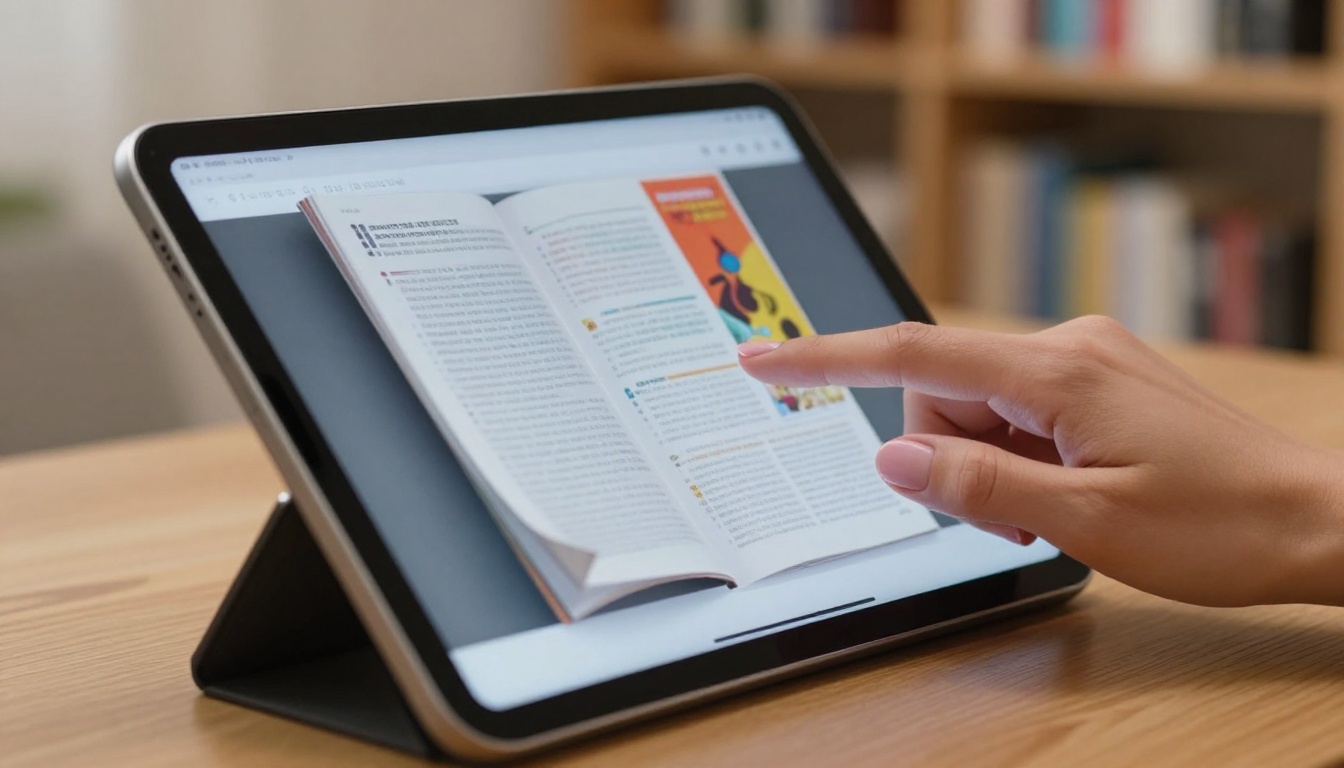
Step 4: Share or Embed
When you are happy with the result, distributing it takes seconds:
- Direct link: Copy the shareable URL and paste it into an email, message, or social post
- Embed code: Copy the HTML snippet and paste it directly into your website
- Email: Send the link from the platform dashboard
- Social media: Share to major platforms with one click
✅ Best practice: Always preview your flipbook on a mobile device before sending it publicly. Flipbooks AI generates mobile-responsive flipbooks automatically, but a quick check on your phone takes 30 seconds and prevents embarrassing layout issues.
Free vs. Paid Plans
Free is the right place to start. But knowing what each tier offers helps you plan ahead and avoid surprises.
What Free Gets You
| Feature | Free Plan | Standard Plan | Professional Plan |
|---|
| Flipbooks | Limited | Unlimited | Unlimited |
| Watermarks | None | None | None |
| Custom domain | No | No | Yes |
| Password protection | No | Yes | Yes |
| Analytics dashboard | No | No | Yes |
| Lead generation forms | No | No | Yes |
| Offline downloads | No | Yes | Yes |
| Embedded video and audio | No | Yes | Yes |
| Custom branding | Basic | Full | Full |
The free plan is ideal for testing the platform, creating occasional one-off publications, or sharing materials internally. No watermarks means even free flipbooks look polished enough to send to clients.
When to Upgrade
Consider upgrading to Standard or Professional when:
- You need password protection for private documents like contracts, internal reports, or client-only content
- You want to embed videos and audio inside the flipbook for richer multimedia presentations
- You need offline downloads so recipients can access the flipbook without internet
- You want analytics to see who is reading, how far they get, and what they click on
- Your business wants lead generation forms that collect contact info before granting flipbook access
The Professional plan adds lead generation that works especially well for sales teams sharing product catalogs. A reader interested enough to flip through your catalog is a warm lead worth capturing.
💡 Pro Tip: If you run a small business and close even one deal you can attribute to a flipbook catalog, the Standard plan pays for itself immediately. Check pricing plans to compare what each tier unlocks.
Real-World Uses That Work
Abstract benefits are one thing. Concrete scenarios help you see where a flipbook actually fits into your workflow.

Small Business Owners
A bakery owner designs a seasonal menu in Canva, exports it as a PDF, uploads it to Flipbooks AI, and sends the link to their email list. Customers browse the menu like a real printed brochure instead of squinting at a flat attachment. The Digital Catalog Maker handles this use case directly. For product-based businesses, the Product Catalog Generator or Fashion Catalog Creator provides an optimized starting point.
Teachers and Students
A teacher exports course slides as a PDF and converts them into a digital workbook. Students open it on their phones without needing any app. The Course Material Publisher and Training Manual Flipbook tools are built specifically for educational content.
Creatives and Photographers
A freelance photographer compiles their best work into a portfolio PDF and converts it into an interactive showcase using the Photography Portfolio Flipbook tool. They embed it on their website and drop the link in their social media bio. Potential clients browse it like a printed book without downloading anything.
Real Estate Agents
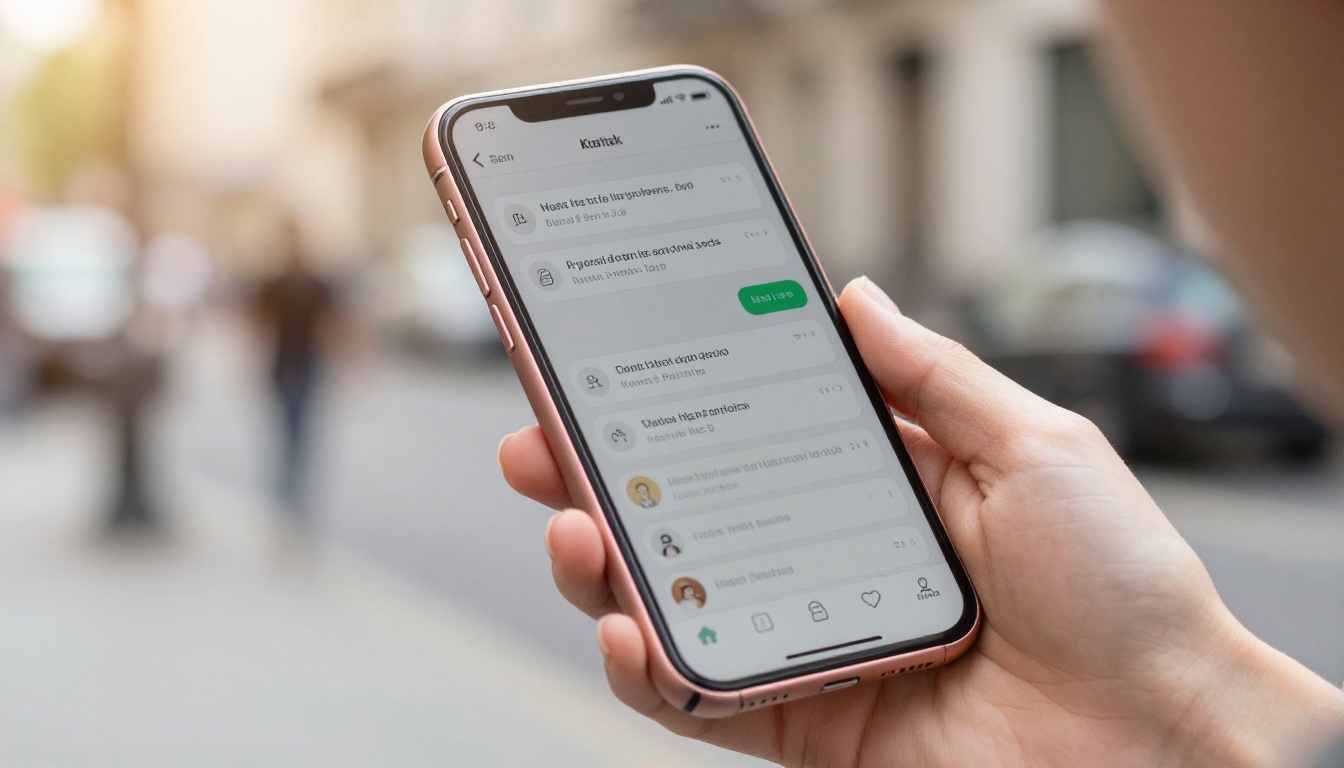
A real estate agent shares a property brochure as a flipbook link instead of a 10MB email attachment. Clients open it instantly on their phones, swipe through floor plans and photos, and forward the link to a partner. The Real Estate Brochure Creator handles multi-property presentations with layouts designed for this type of content.
Event Organizers
An event coordinator publishes the conference program as a flipbook and prints a QR code on the registration badge. Attendees scan and browse the schedule on their phones throughout the day. No printing costs, no outdated paper programs. The Event Program Maker is purpose-built for this workflow.
One thing that separates Flipbooks AI from generic converters is its library of purpose-built tools for different industries and document types. Instead of a one-size-fits-all uploader, you get optimized workflows with relevant layout options and defaults already configured.
Browse the full tools directory to find the one that matches your specific use case.

Common Mistakes to Avoid
Even with a simple tool, a few missteps can undermine the final result.
Uploading a low-resolution PDF: The flipbook quality is only as good as the source file. Export your PDF at 150 to 300 DPI minimum to keep text sharp and images crisp when readers zoom in.
Skipping mobile testing: Most readers will open your flipbook on a phone. Always preview on a mobile device before sharing publicly, even if Flipbooks AI generates responsive output automatically.
Not setting a custom thumbnail: The default thumbnail is your first page, which is often a title page without much visual punch. A custom thumbnail that is visually compelling significantly increases click-through rates on social media and email.
Ignoring the embed option: If you have a website, embedding the flipbook instead of just linking to it keeps visitors on your pages longer. Time on page is a metric that matters for SEO.
Using the wrong tool for the job: Uploading a restaurant menu through the generic PDF converter when the Restaurant Menu Creator exists means missing optimizations specific to that document type.
⚠️ Warning: If you share sensitive documents like financial reports, internal proposals, or client-only content, always enable password protection. This feature is available on the Standard plan and above at Flipbooks AI.
Why This Approach Actually Works
The reason free online flipbook tools have become so widely adopted comes down to friction. Every step removed between creating content and having someone actually read it increases the chance that content gets consumed.
A static PDF has friction: download it, find it on your device, open it in the right app, zoom in because it does not resize properly on mobile. A flipbook removes all of that. One link. Opens in the browser. Works on every device. Pages flip naturally as if it were a physical book.
For businesses, the logic is straightforward. Higher content consumption means stronger brand recall. Stronger brand recall leads to more conversions. The tool is free. The upside is real and measurable.
The PDF to Flipbook Converter is the fastest entry point: drop in a PDF, get a flipbook. That is the entire process for most users. For teams that want to take the next step, the Embed Flipbook on Website tool walks through embedding for every major website platform, step by step.
Start Your First Flipbook Today
The gap between having a document and sharing it professionally is now measured in minutes, not days or dollars.
Ready to try it yourself? Create a free account and upload your first PDF today. No credit card, no design skills, no software to download.
If you want to see everything the platform offers, compare pricing plans to find the right fit as your needs grow. The free plan gets you started immediately. Standard and Professional unlock the features that turn a simple flipbook into a business-grade publishing tool.
Not sure which tool fits your use case? Browse all flipbook tools and pick the one built for your industry. From restaurant menus to corporate annual reports, each dedicated tool makes the process faster and the result more polished.



