Most businesses pour weeks into designing their product catalogs. Every layout is refined, every product description is polished, and every price is double-checked. Then they export to PDF, attach the file to an email, hit send, and wait. Almost nobody opens it. That is the mistake. Not the design, not the content. The format itself.
Flipbooks AI was built to solve this specific problem. But before getting into the fix, it's worth understanding exactly why static PDF catalogs consistently fail, and what that failure is costing businesses that refuse to change.
Built for Print, Not for Sharing

The PDF format was created in the early 1990s to solve one problem: making documents print identically on every printer. It solved that brilliantly. The issue is that businesses have been repurposing a print format for digital distribution ever since, and the cracks have become structural.
PDFs are completely static. You cannot add clickable product links, embed a video demonstration, include a "Buy Now" button, or personalize content for different customers. The catalog just sits there, a flat document waiting for someone to scroll through 40 pages of products with no interactive reason to stay.
In a world where every website, social feed, and app is built for interaction, a PDF catalog is the digital equivalent of handing someone a printed brochure. Customers notice even when they don't say so.
A Format Frozen in Time
When your catalog needs updating, a PDF requires a full redesign-and-resend cycle. New seasonal pricing? New products? A corrected image? You create a new file, go back through your email list, and send again. Meanwhile, every previous version you sent contains outdated information with no way to update it retroactively.
An interactive digital catalog lives at a URL. When you update the source flipbook, every shared link reflects the change instantly. No resending. No version confusion. No customers referencing last season's prices.
Nobody Downloads Attachments Anymore
Think about the realistic journey of a PDF catalog once you send it. You attach a 12MB file to an email. The recipient's mail server flags it as a potential security risk. Their email client downloads it to a folder they may never find. Or the email goes directly to spam, because large attachments trigger spam filters at scale.
Even when the file reaches an inbox, opening it requires a dedicated PDF application or browser plugin. On mobile, that experience is genuinely painful. Pages designed for print render at the wrong scale. Text becomes unreadable without pinching and zooming. Product images that looked stunning at 300 DPI on a printed page look muddy at screen resolution.
⚠️ PDF attachments face significant delivery and open-rate penalties compared to links. If you're sending an attachment instead of a shareable URL, a large portion of your audience never sees a single product.
What Happens to Your PDF Catalog
Here is the realistic path a PDF catalog follows from your outbox to your audience:
- You send a 15MB PDF to 2,000 contacts
- Around 30% are filtered by spam systems before anyone sees the email
- Of those who receive it, most skip downloading an unfamiliar file attachment
- Mobile recipients who do open it face a broken layout and immediately close it
- Your beautifully designed catalog reaches a fraction of its intended audience
The result is hours of design work, printing budget or export time, and distribution costs, all to reach a handful of engaged viewers who made it through every friction point.
💡 Pro Tip: Switching from PDF attachment to a shareable link can dramatically increase how many people actually view your catalog. The friction difference between "click to download and open a file" versus "click to view instantly in browser" is enormous.
Why Customers Stop at Page 2

Even when a PDF opens successfully, the drop-off is steep. Most recipients scroll through the first two or three pages, lose momentum, and close the file. This is not about your products or your design. It's about the format providing zero interactive reason to continue.
No Interactivity, No Reason to Stay
A static page is a dead end. There's no "click for more details," no ability to watch a product demonstration inline, no quick-add to cart button. Every action a customer wants to take, they have to take outside the catalog.
They have to remember which product interested them, navigate to your website separately, search for it, and hope the search results match what they saw. That's four friction points between interest and action. Each one loses potential customers.
An interactive catalog removes that friction. Clickable product names link directly to product pages. Video demos play without leaving the catalog. Contact forms appear inline. The path from "I like this" to "I want this" becomes direct and immediate.
The Browsing Experience Feels Wrong
Physical catalog browsing is enjoyable because page-turning is intuitive and tactile. PDF scrolling replicates none of that. It's a vertical scroll through a document designed for horizontal reading, with no navigation landmarks, no page-turn feel, and no sense of where you are in the catalog.
Interactive flipbooks recreate the physical browsing experience digitally. Realistic page-turn animations, a visible page indicator, and a thumbnail navigator let customers jump directly to product categories without scrolling through irrelevant sections.
✅ Best Practice: Add a clickable table of contents to the first page of your digital catalog. Customers who can jump directly to categories they care about spend significantly more time with the catalog overall.
PDF vs. Interactive Digital Catalog

Here is a direct feature comparison of what each format actually delivers:
| Feature | PDF Catalog | Interactive Digital Catalog |
|---|
| Mobile Experience | Poor, requires zoom | Fully responsive |
| Delivery Method | Heavy email attachment | Lightweight shareable link |
| Interactivity | None | Links, videos, forms |
| Performance Data | None | Full tracking per page |
| Content Updates | Resend new file | Edit once, updates everywhere |
| Sharing Options | Email only | Link, embed, QR code, social |
| Search Visibility | None | Indexable by search engines |
| Load Speed | Slow file download | Instant browser open |
| Access Control | Limited | Password protection available |
| Distribution Cost | Scales with audience size | Fixed regardless of reach |
The gap here is not subtle. Every row where PDFs fall short is a real-world drag on your catalog's performance.
How to Fix It: PDF to Flipbook
This is a simpler process than most businesses expect. Flipbooks AI converts existing PDF catalogs into fully interactive digital flipbooks in minutes, with no redesign required.
Step 1: Create Your Account
Visit Flipbooks AI and create your account. No credit card is required to start. The dashboard is straightforward, designed so you can publish your first flipbook within minutes of signing up.
Step 2: Upload Your PDF
Click "New Flipbook" and upload your existing catalog PDF. The platform handles files of any size and automatically converts every page at full resolution. Your existing design, layout, and product photography carry through exactly as-is.

Step 3: Customize Your Brand
From the editor, you can:
- Set brand colors for the flipbook interface
- Add your company logo to the viewer header
- Customize backgrounds with your brand palette
- Add clickable hotspots over products linking to product pages
- Embed product video demonstrations directly on any page
- Include a lead capture form to collect visitor details
The Digital Catalog Maker tool includes step-by-step prompts for each configuration option, making the process fast even on your first use.
Step 4: Share With a Link
Instead of an email attachment, you share a clean browser URL. That link opens instantly on any device with no download required. Additional sharing options include:
- Website embedding via simple embed code using the Embed Flipbook on Website tool
- QR code generation for print materials and trade show displays
- Direct social media sharing with your catalog link
- Password protection for pricing-sensitive or exclusive catalogs
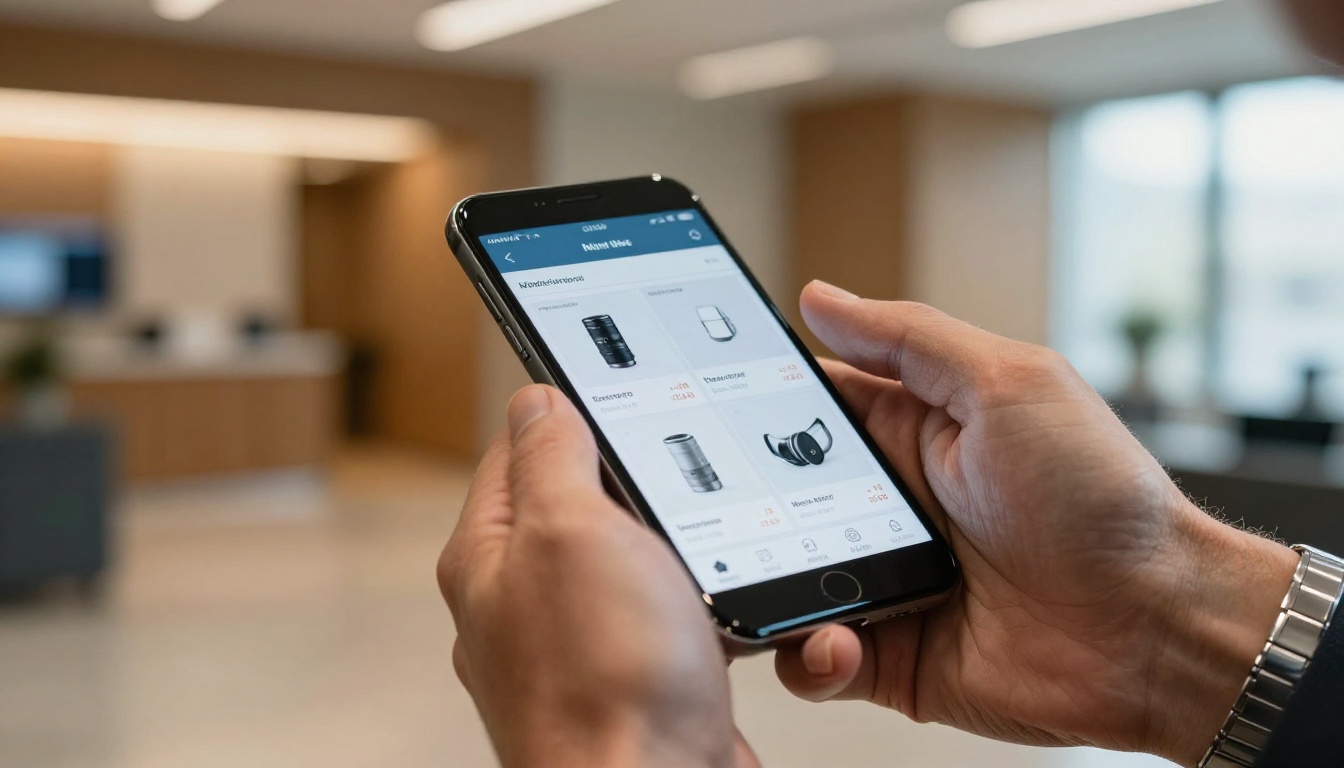
Flipbooks AI has purpose-built tools for different business types and catalog formats:
Whatever your catalog format and audience, there's a tool built for your specific use case rather than requiring you to adapt a generic solution.
The Real Cost of Staying with PDFs
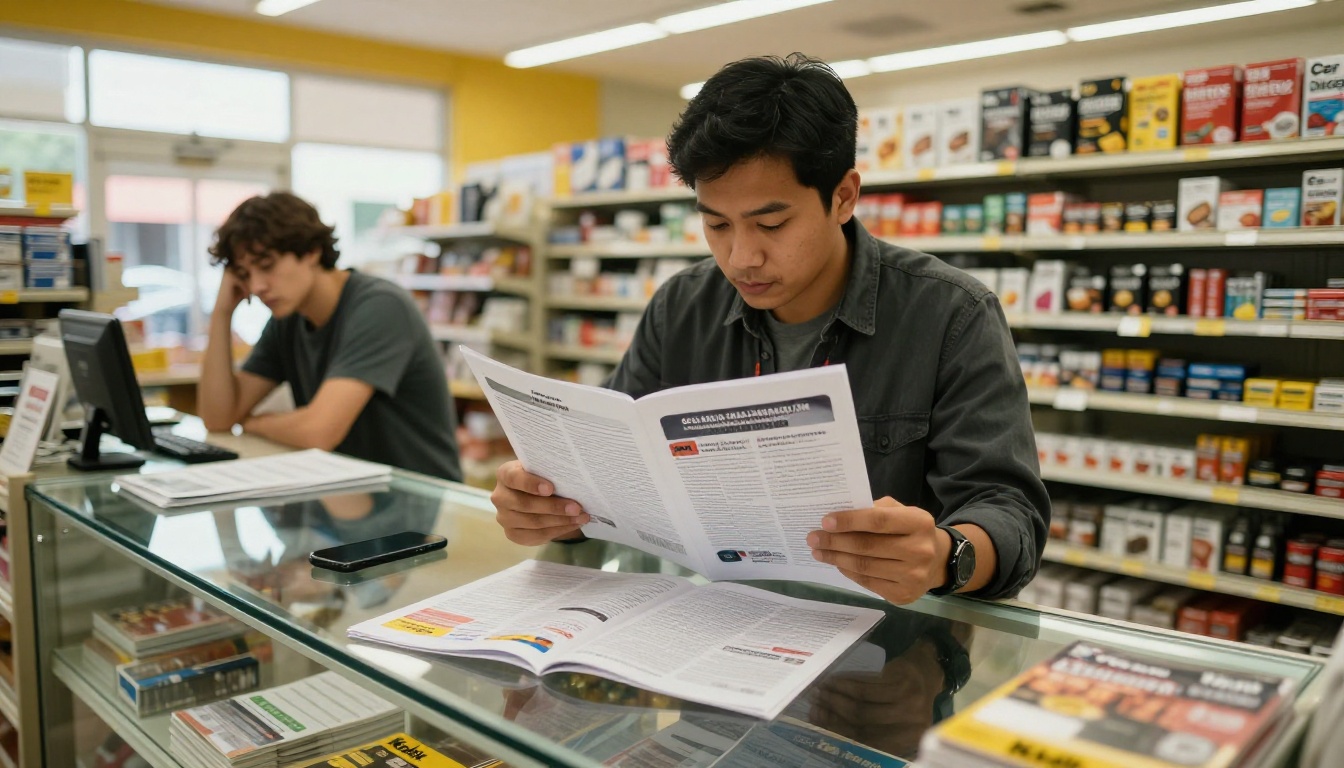
The numbers make the comparison stark. Here's a realistic scenario:
PDF catalog campaign:
- 5,000 emails sent with attachment
- 35% email open rate = 1,750 opens
- 40% of openers download the PDF = 700 downloads
- Mobile recipients hit formatting issues, about half close immediately = 350 viewers remain
- Static format average full-view rate = roughly 15% of viewers = ~52 people see the full catalog
Same campaign with an interactive digital catalog:
- 5,000 emails sent with a link
- 35% email open rate = 1,750 opens (identical)
- 85% click-through on a link vs. an attachment = ~1,487 catalog views
- Mobile-responsive design retains 80%+ of viewers
- Full-view rates increase to 40%+ with interactive navigation
The format change alone, with identical design and identical email, can mean the difference between 52 people and over 700 people seeing your complete catalog. That's not a marginal improvement.
What You Lose Without Performance Data
Without catalog analytics, every product and marketing decision is guesswork. With the Professional plan on Flipbooks AI, you get:
- Page-by-page data: See exactly which products attract the most attention
- Time on catalog: Measure how deeply different audiences read through your content
- Traffic sources: Know whether catalog traffic comes from email, social, or your website
- Lead generation forms: Capture contact details directly inside the catalog experience
- Individual viewer tracking: For B2B, see which specific contacts viewed which products
This data shifts your catalog from a passive document into a live sales intelligence tool. You can identify which product categories drive interest, which sections lose readers, and which audiences are most valuable.

Plans Built for Every Budget
Here's how the Flipbooks AI pricing tiers stack up for catalog distribution:
| Feature | Free | Standard | Professional |
|---|
| Flipbooks | 3 | Unlimited | Unlimited |
| Watermark | Yes | No | No |
| Custom Branding | No | Yes | Yes |
| Password Protection | No | Yes | Yes |
| Performance Data | No | Basic | In-depth |
| Lead Generation | No | No | Yes |
| Offline Downloads | No | No | Yes |
| Embed on Website | Yes | Yes | Yes |
| Mobile-Responsive | Yes | Yes | Yes |
For most businesses actively distributing catalogs, the Standard plan is the natural entry point. It removes watermarks, allows unlimited flipbooks, and includes custom branding without a significant cost commitment.
Who Already Made the Switch
Businesses across every sector have moved away from PDF catalogs, and their reasons are consistent:
Retailers switched because customers were abandoning PDFs before reaching seasonal sale sections. After converting to interactive flipbooks, average time per catalog session increased substantially and click-throughs to product pages followed.
B2B wholesalers switched because they needed password-protected pricing tiers for different customer segments. PDFs were being forwarded to unauthorized contacts with no access control possible.
Real estate agencies switched because PDF brochures on mobile were illegible and couldn't include virtual tour videos. A flipbook brochure solved both problems without requiring a redesign.
Restaurants switched because updating seasonal menus meant redesigning and resending a new PDF file every few months. With a digital flipbook, a menu update takes minutes and the same shareable link stays current automatically.

💡 Pro Tip: For B2B businesses, combining password protection with a lead generation form creates a "gated catalog" experience. Prospective clients request access, which generates qualified lead data before they view a single product.
The mistake most people make with PDF catalogs is not about design or content. It's about distribution. Choosing a static, print-optimized file format to reach a mobile, interactive audience is the single biggest drag on catalog marketing performance.
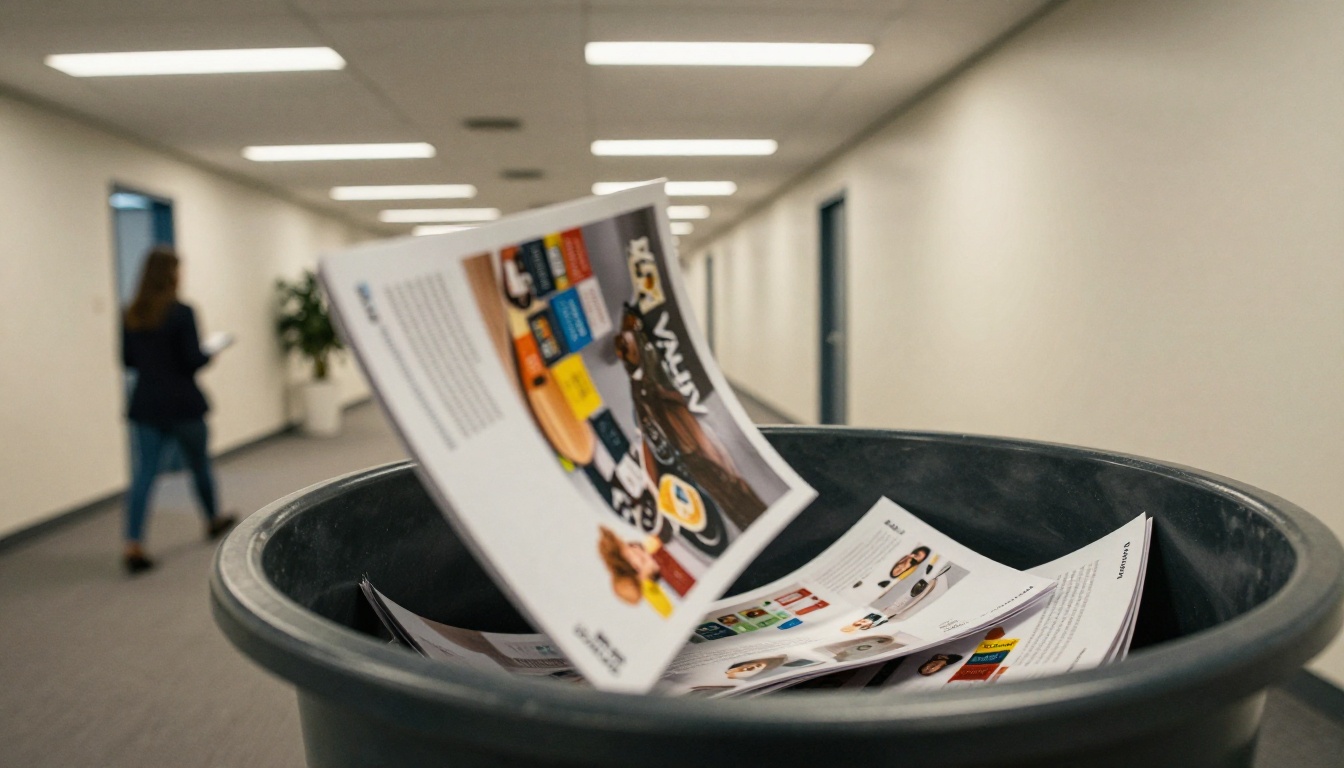
Your existing PDF catalog is not the problem. The hours you put into designing it were not wasted. The content just needs a format that works the way your audience actually browses: on their phones, without downloads, with clickable products and real data behind every view.
Flipbooks AI takes what you already have and converts it in minutes. No redesign. No starting over. Just a better format for the audience you're already trying to reach.
Create your free account and convert your first PDF catalog today. Browse all available tools to find the format that fits your business best, or compare plans to choose the option that fits your budget.
The file format you choose is a business decision. Make the one that works for your audience.



