Most travel brochures sit in a hotel lobby, get picked up once, and end up in a recycling bin. The ones that actually move people to pull out their credit cards do something different. They put the destination in motion, they invite interaction, and they follow the reader wherever they go. That is exactly what a travel brochure flipbook does, and the difference in booking conversion rates between a static PDF and an interactive flipbook is not subtle. Flipbooks AI has built the fastest way to turn any travel PDF into a page-turning digital experience that sells.
Why Static PDFs Lose Bookings
Travel is a sensory decision. When someone flips through a brochure, even a digital one, the act of physically turning a page fires the same anticipatory excitement as packing a suitcase. Static PDFs do not give that. They load, they sit, they scroll. There is no surprise on the next page, no sense of discovering something.
The Problem With Emailed PDFs
Email inboxes are where travel PDFs go to die. Open rates for PDF attachments hover around 11-18% in hospitality marketing. The file is large, it requires an app to open, and the reader cannot share it elegantly. By contrast, an interactive flipbook shared as a simple link opens instantly in any browser on any device, no app download required.
What Brochures Actually Need to Sell
A booking decision is almost always emotional before it is logical. Before someone starts comparing flight prices, they have already said yes in their mind. That emotional yes happens when they feel the warmth of the destination. A brochure that triggers that feeling does three things:
- Shows vivid, full-bleed imagery that commands the full screen
- Creates momentum through page-turning rhythm
- Places a clear, frictionless call to action at the moment of peak desire

The page-turn metaphor is deeply wired into how people process information. Magazines, catalogs, photo books. When you replicate that experience digitally, you borrow the same cognitive involvement. Studies in digital reading behavior consistently show that flipbook formats retain readers 3-4x longer than vertical-scroll documents on the same content.
Immersion That Static Layouts Cannot Match
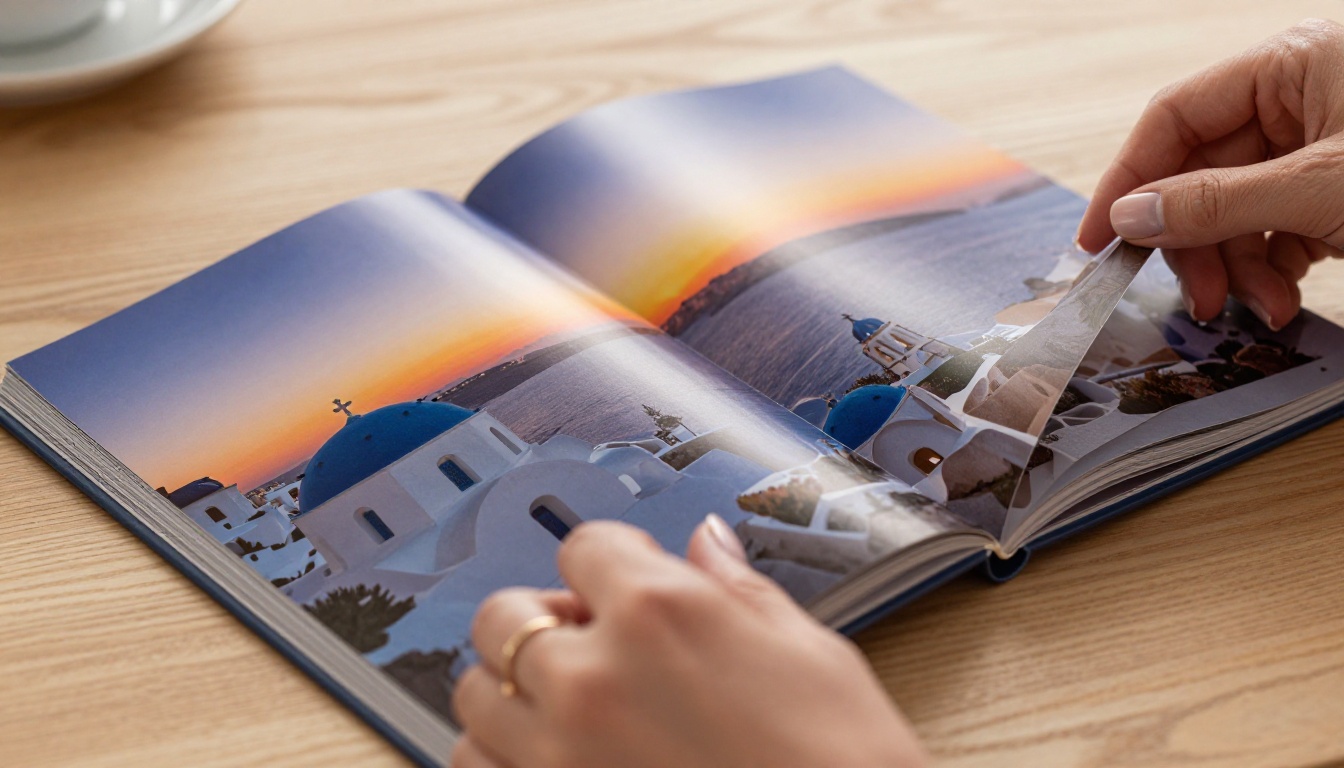
A flipbook spreads content across two pages at once, exactly as a printed travel magazine does. A destination shot that runs across both pages hits differently than a single column of compressed images. The panoramic effect of a beach, a mountain range, or a city skyline across a two-page spread is genuinely immersive.
Mobile Performance
Over 68% of travel research now happens on mobile devices. A well-built flipbook renders beautifully on a phone with swipe gestures that feel natural. The Travel Guide Flipbook tool is built specifically for this, with mobile-optimized page transitions and touch interactions that mirror the physical feel of turning pages.

💡 Pro Tip: Design your brochure pages in landscape orientation (A4 or Letter in horizontal format) for the best two-page spread effect in a flipbook. Portrait PDFs will render single pages and miss the panoramic impact.
What Makes a Travel Brochure Flipbook Convert
Not all flipbooks convert equally. The difference between a brochure that gets bookmarked and one that gets bookings comes down to five concrete elements.
1. The Opening Spread
The first two pages are your hero moment. This is where a jaw-dropping destination image should fill the entire spread. No text blocks crowding the shot. Maybe a single headline in clean white type over the image. The goal here is one thing: make the reader want to turn the page.
2. Destination-Specific Emotion
Generic travel imagery fails. A couple walking on a beach could be anywhere. What converts is specific, recognizable detail: the particular shade of blue of the Aegean, the exact red of a Moroccan riad door, the steam rising from a Japanese onsen at dawn. When readers recognize a place, they feel it.
3. Social Proof Inside the Design
Guest reviews, star ratings, and traveler photos should appear as designed elements within the brochure itself, not as an afterthought appendix. A quote from a past traveler placed beside a destination image carries enormous weight at the exact moment someone is forming their desire to go.
4. One Strong CTA Per Section
Avoid burying your booking links at the back. Each destination section should have its own call to action. "Book this itinerary," "Reserve your dates," "Check availability." These phrases placed at peak emotional moments, right after your best imagery, drive immediate action.
5. Embedded Video Moments
The Brochure Flipbook Maker supports embedded video inside flipbook pages. A short 30-second clip of a destination, a drone fly-over, or a morning at a resort integrated directly into a brochure page creates a moment that no printed material can replicate.

It helps to see exactly how the formats stack up across the factors that matter most for travel marketing.
| Feature | Static PDF | Website Page | Interactive Flipbook |
|---|
| Page-turn immersion | No | No | Yes |
| Mobile-friendly | Partially | Yes | Yes |
| Embeddable in email | No | Link only | Yes (link or embed) |
| Full-bleed two-page spread | No | No | Yes |
| Video embedding | No | Yes | Yes |
| Analytics and tracking | No | Limited | Yes (Professional) |
| Offline viewing | Yes | No | Yes (download) |
| Password protection | No | With paywall | Yes |
| Branded without watermark | Yes | Yes | Yes (Standard+) |
| Shareable with single link | No | Yes | Yes |
The flipbook format wins on the metrics that directly impact travel bookings: immersion, shareability, and the ability to place CTAs at emotionally loaded moments in the reading experience.
How to Build a Travel Brochure Flipbook With Flipbooks AI
This is the step-by-step process for creating a travel brochure flipbook that is ready to share, embed, and start converting readers into paying travelers.
Step 1: Create Your Account
Go to Flipbooks AI and create a free account. No credit card required to start. The free plan lets you test the format and see how your brochure renders before committing to a plan.
Step 2: Design Your Brochure PDF
Before uploading, make sure your source PDF is ready. A few things that matter:
- Resolution: Use 300dpi images throughout for crisp rendering on all screens
- Orientation: Landscape format (297mm x 210mm or US Letter horizontal) for optimal two-page spreads
- Typography: Use large, legible fonts for headlines. Thin decorative fonts render poorly on mobile
- Color profile: CMYK converts cleanly, but RGB works too
If you use Canva, Adobe InDesign, or Affinity Publisher, export as PDF at the highest quality setting available.
Step 3: Upload and Convert
From your Flipbooks AI dashboard, click Upload PDF. The PDF to Flipbook Converter handles the conversion automatically, typically completing a 20-30 page brochure in under 60 seconds.
✅ Best Practice: Name your PDF file with your destination and brand before uploading. This helps with file management when you have multiple brochures for different destinations or seasons.
Step 4: Customize the Brochure Experience
Once converted, open the flipbook editor to customize the reader experience:
- Branding: Add your logo, set your brand colors for the toolbar and background
- Page effects: Choose from realistic page-turn animation, slide, or fade transitions
- Table of contents: Auto-generated from your PDF structure, or manually set to help readers jump between destinations
- Background: Set a complementary color or texture behind the flipbook pages
Step 5: Embed Videos and Audio
Navigate to any page in the editor and use the Add Media button to embed a YouTube or Vimeo clip, or upload an MP4 directly. This is where you can add:
- Destination video tours
- Hotel walkthrough clips
- Traveler testimonial videos
- Background ambient audio for atmosphere
Step 6: Set Up Sharing and Protection
In the Share settings, you have full control over distribution:
- Copy the direct flipbook link for email campaigns and social media
- Use the embed code to place the flipbook directly on your website or booking page
- Enable password protection if the brochure is for private use (premium tours, VIP clients)
- Set lead generation forms to collect emails before readers access the full flipbook (Professional plan)
Step 7: Activate Analytics
With a Professional plan, activate the analytics dashboard. You will see:
- Total views and unique readers
- Average time spent per page
- Drop-off pages where readers stop
- Geographic breakdown of viewers
This data is invaluable. If readers consistently stop at page 8, something on page 8 is breaking the momentum. Fix it and watch your booking conversions improve.

Who Benefits From Travel Flipbooks
This format is not just for large tour operators. The breadth of use cases is one of its greatest strengths.
Travel Agencies
A travel agency presenting curated itineraries gains enormous credibility when the presentation looks like a luxury magazine. Sending a PDF attachment signals generic effort. Sending a link to a beautifully designed flipbook signals that you take the experience seriously before the trip even starts.
Boutique Hotels and Resorts
The Hotel Brochure Designer tool is built for exactly this. A boutique resort that creates a seasonal brochure flipbook, embeds it on their homepage and Instagram bio, and updates it each season has a constantly fresh marketing asset that costs a fraction of a print run.
Tour Operators and Adventure Travel Companies
Multi-day tour packages are complex products. A flipbook with distinct sections for each day of an itinerary, embedded video of the route, and a booking button at the end of each day's spread turns a complicated offering into an exciting story that sells itself.
Tourism Boards
Regional and national tourism boards use destination flipbooks for distribution to travel agents, at trade shows, and through email campaigns. The ability to embed the flipbook on third-party travel booking sites makes it a versatile, endlessly reusable asset.
Pricing Plans at a Glance
Choosing the right plan depends on your volume and feature needs. Here is how the Flipbooks AI plans compare for travel businesses.
| Plan Feature | Free | Standard | Professional |
|---|
| Flipbooks per month | 3 | Unlimited | Unlimited |
| Watermark | Yes | No | No |
| Custom branding | No | Yes | Yes |
| Password protection | No | Yes | Yes |
| Embedded video | No | Yes | Yes |
| Analytics dashboard | No | No | Yes |
| Lead generation forms | No | No | Yes |
| Offline download | No | Yes | Yes |
| Priority support | No | No | Yes |
For travel agencies and hotels creating seasonal brochures, the Standard plan delivers everything needed without the analytics overhead. For operators running campaigns where conversion tracking matters, Professional is the right move.
⚠️ Watch out: Many flipbook tools advertise free plans but add a visible watermark to every page. Watermarks undermine the premium feel that travel brochures require. Flipbooks AI removes watermarks entirely on paid plans.
See all pricing options at flipbooksai.com/pricing.
Design Principles That Drive Bookings
Great travel brochure flipbooks follow a specific visual logic. These are the design principles that consistently produce results.
The 3-Second Rule
A reader decides within three seconds whether to keep flipping or close the tab. Your first spread needs to answer two questions immediately: Where is this? Why do I want to be there? If the imagery does not answer both questions at a glance, the spread needs to be redesigned before anything else is changed.
Color Psychology in Travel
Colors carry subconscious associations that travel marketers can use deliberately:
- Blue tones (sea, sky, ice): freedom, clarity, calm, premium quality
- Warm greens: nature, vitality, eco-travel, adventure
- Earth tones (terracotta, sand, amber): culture, authenticity, warmth
- White space: luxury, breathing room, premium positioning
Your brochure's dominant color palette should align with the emotional promise of the destination. A cold-weather ski resort and a tropical beach resort require completely different palettes to do their job.
Typography That Does Not Compete With Imagery
Destination photography is the star. Typography is the supporting cast. Stick to two fonts maximum: one serif for headlines (elegance, authority) and one clean sans-serif for body copy. Avoid script fonts at small sizes on mobile screens.
Real-World Use Cases That Work
Seeing the format in action clarifies how to apply it to your specific situation.
Boutique Safari Operator: Creates a separate flipbook brochure for each of its three core itineraries. Each flipbook is password-protected and sent only to qualified leads after an initial inquiry call. The scarcity and exclusivity of receiving a private link for a premium product reinforces the high-end positioning.
Caribbean Island Tourism Board: Produces four seasonal flipbooks (winter sun, spring diving, summer families, autumn culture) with targeted email campaigns driving traffic to the relevant brochure. Analytics show which destination pages hold attention longest, directly informing the next season's photography budget allocation.
City Walking Tour Company: Uses a compact six-page flipbook with an embedded audio preview on page two. The combination of map visuals, neighborhood photography, and audio sample converts at nearly three times the rate of their previous PDF download.
Ski Resort: Updates its snow conditions flipbook weekly during season, embedding fresh video of that week's powder conditions on page one. The flipbook link goes out every Monday morning to an email list of 40,000 subscribers. Lift ticket sales consistently spike on Monday afternoons following the send.
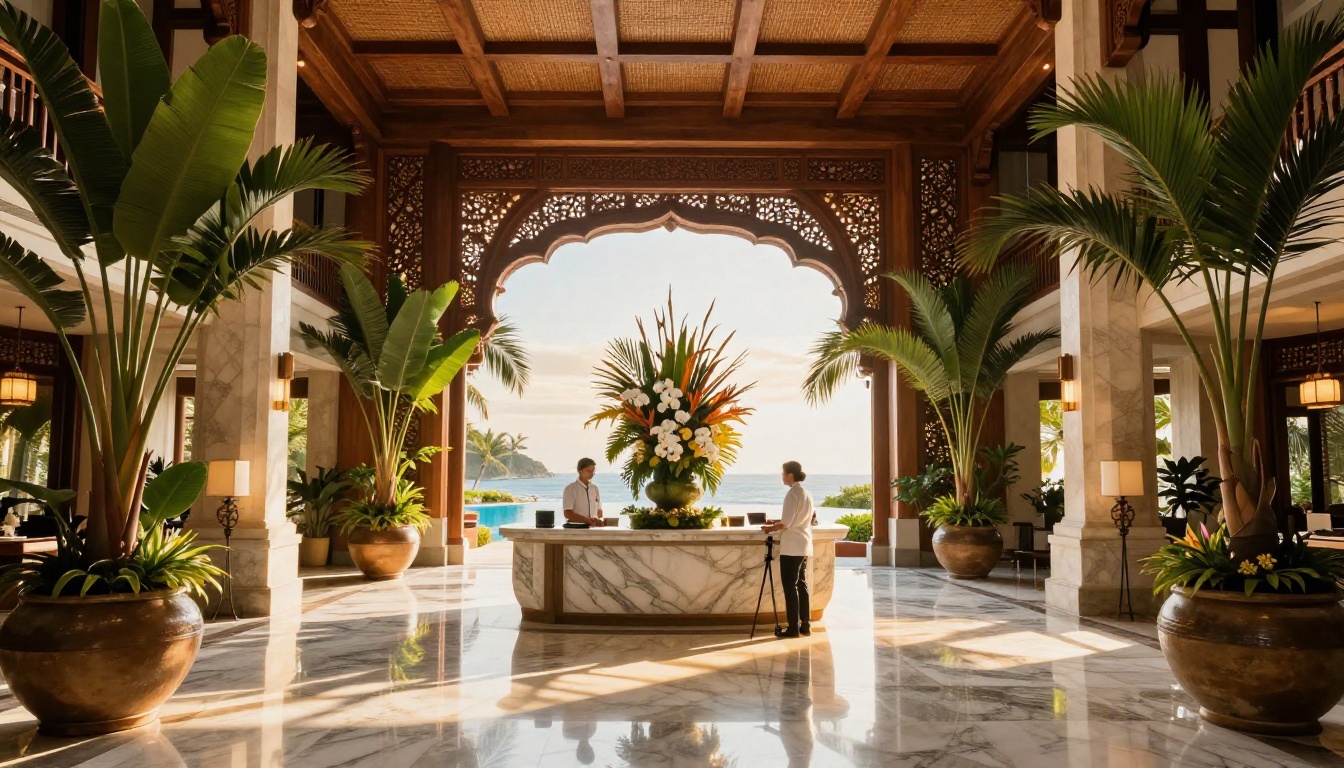
If you are unsure which Flipbooks AI tool fits your specific travel use case, this overview points you in the right direction.
Browse all available tools at flipbooksai.com/tools to find the exact fit for your content type.
Start Creating Your Travel Brochure Flipbook
A travel brochure flipbook does something a PDF cannot: it creates the feeling of being inside the destination before the trip is booked. That emotional pre-experience is what converts browsers into buyers. Every element covered here, from immersive two-page spreads to embedded video, from social proof placement to strategic CTAs, adds up to a single outcome: more bookings from every piece of marketing you send.
The format is proven. The tools are ready. The only thing standing between your existing brochure PDF and a version that actively fills your booking calendar is the conversion step.
Create your first travel flipbook for free and see how it performs against what you are currently sending. The difference is immediate and visual.
When you are ready to go further, compare pricing plans to choose the features that match your volume and conversion goals. Seasonal campaigns, lead generation forms, analytics tracking, all of it is available and takes minutes to activate.



