Most people do not finish reading PDFs. That is not an assumption. It is the predictable result of handing someone a wall of text formatted for printing and asking them to scroll through it on a phone. The PDF format was built for ink on paper. It was never designed for swiping on a tablet at the kitchen table or skimming on a laptop during a lunch break. If you are still distributing PDFs and wondering why nobody reads past page three, the format itself is the problem. Flipbooks AI converts static documents into interactive, page-turning digital publications that people actually open, read through, and share.
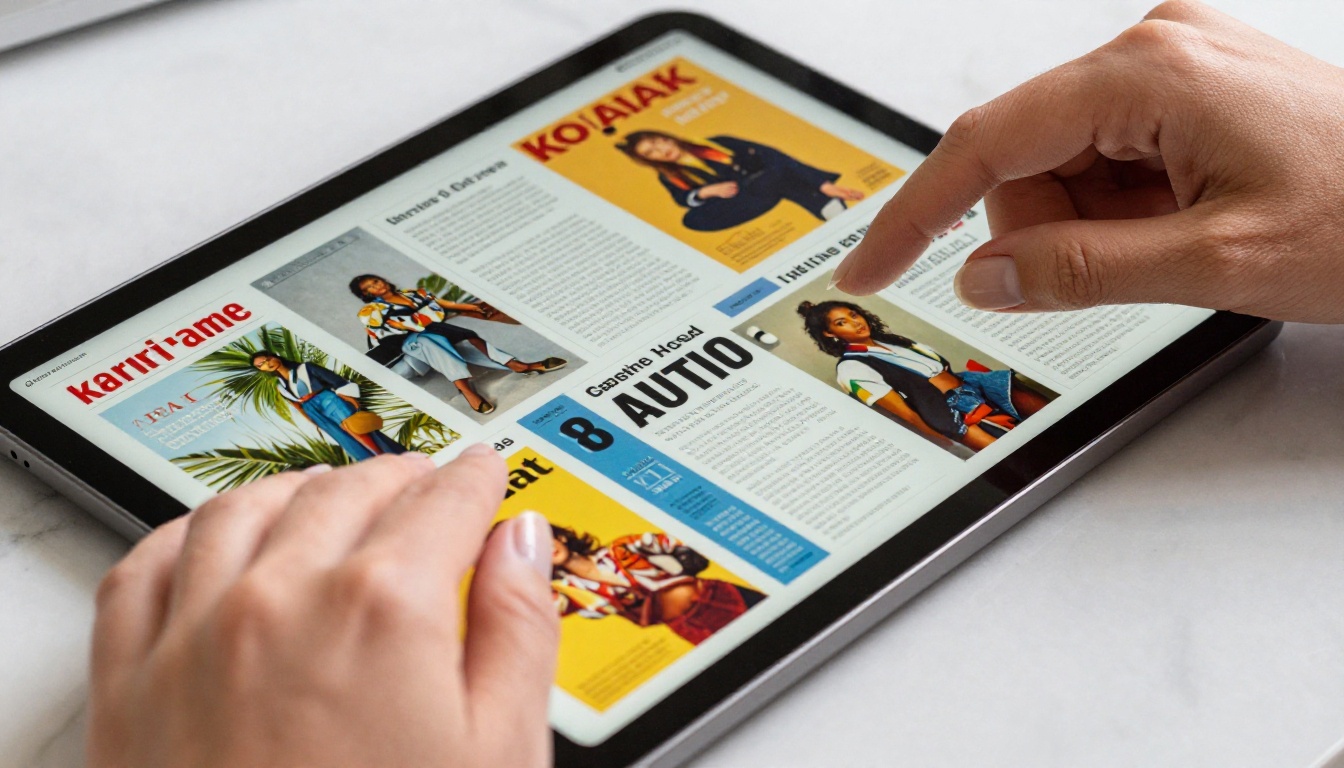
Why PDFs Lose Readers Before Page Two
There is a reason your analytics show high open rates but terrible scroll depth. People click, glance, and leave. The PDF format, when viewed digitally, asks too much of the reader. It demands sustained attention for content that was designed with printed pages in mind, not digital screens.
The Attention Problem Is Real
Readers today have a short runway before they bounce. On mobile, a multi-column PDF layout collapses into pinch-and-zoom chaos. On desktop, scrolling through a 40-page document with no visual relief is an exercise in patience most people are not willing to practice. When content looks like a legal filing, it gets treated like one: skimmed for the headline, then closed.
The issue is not that readers are lazy. The issue is that a static PDF communicates low effort. If the creator did not invest in how this looks, why should I invest time reading it? That is the silent calculation happening every time someone opens your document.
Static vs. Interactive: What the Numbers Say
Digital publications with interactive elements consistently outperform static PDFs in time-on-page. A report presented as a flipbook with visual navigation, embedded images, and a clean reading interface keeps people reading two to three times longer than the same content in a PDF. That difference compounds quickly when you are trying to sell a product, retain students in a course, or drive action from a corporate report.
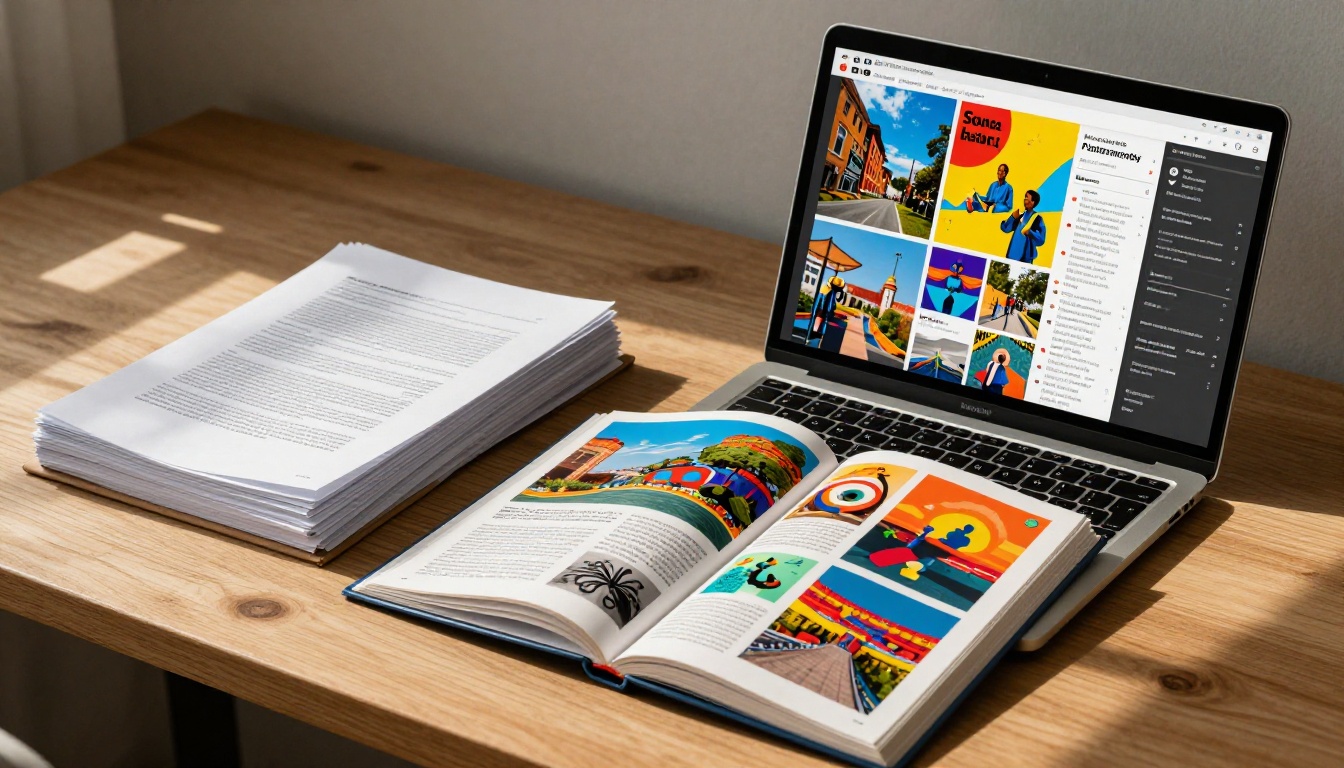
💡 The moment you add visual page-turning, real photography, and clean typography to a document, the perceived value of the content increases dramatically, even if the words inside are identical.
What Actually Makes Content Worth Reading
Before you convert anything, it helps to know what separates a document people read from one they close. The answer comes down to three things: visual hierarchy, pacing, and a reason to keep going.
Visual Hierarchy Matters More Than You Think
Print PDFs often use small fonts, dense paragraphs, and minimal white space because they were built for A4 or Letter-sized paper. On a screen, those same design choices feel oppressive. Good digital content uses large headers to chunk information, images to reset the eye, and consistent spacing to make progress feel effortless.
When you convert a PDF into a flipbook, you immediately introduce page structure. Each page becomes its own visual moment. That single change rewires how readers experience the content.
The Role of Motion and Interactivity
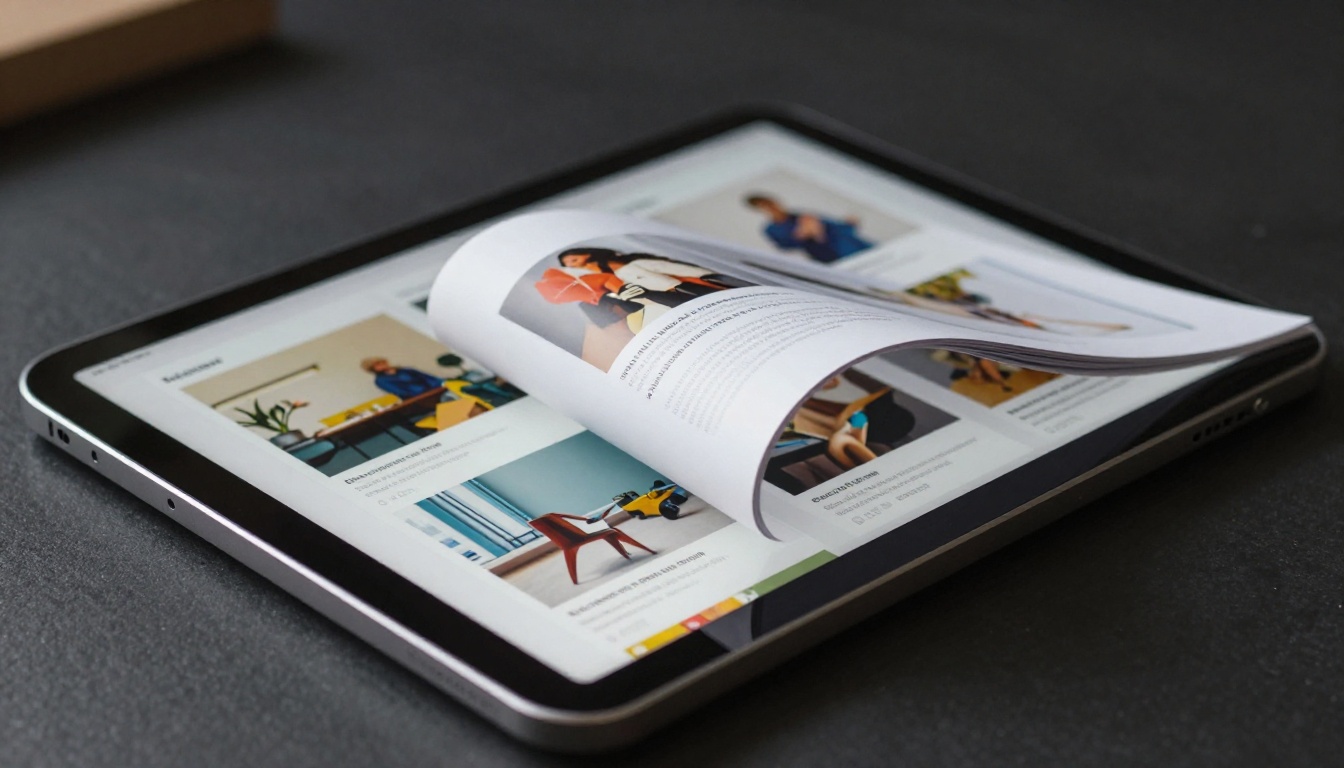
A page-turn animation is not a gimmick. It is a physical metaphor that signals this is a publication worth reading, not a form to fill out. Flipbooks add a tactile quality to digital reading that static PDFs cannot replicate. Combined with embedded media and clickable links, the document stops being a file and starts being an experience worth finishing.
5 Common PDF Problems (and How to Fix Them)
Most PDFs suffer from the same handful of issues. Here is what those look like and what the flipbook approach fixes for each one.
| Problem | Why It Happens | Flipbook Solution |
|---|
| Tiny fonts on mobile | PDF designed for print dimensions | Responsive layout scales to any screen size |
| No visual breaks | Dense paragraph formatting | Each page is its own visual unit |
| Hard to share | Download required, no link preview | Direct shareable link, opens in any browser |
| No reader analytics | PDFs have no built-in tracking | View counts and reader heatmaps (Professional plan) |
| Dated, flat appearance | Default PDF styling | Custom branding, colors, and fonts |
| No multimedia support | PDFs cannot embed video or audio natively | Video and audio embed directly into pages |
⚠️ Sending someone a PDF download link on mobile in 2025 is a friction point. Many readers will not open a downloaded file at all. A shareable flipbook link opens instantly in the browser, no app required.
How to Convert Your PDF with Flipbooks AI
This is where it gets practical. Flipbooks AI takes your existing PDF and converts it into a fully interactive, mobile-responsive digital publication in minutes. No design experience required.

Step 1: Upload Your PDF
Head to Flipbooks AI and create your free account. Once inside, click Create Flipbook and upload your PDF file directly from your computer. The platform processes your document automatically, converting each page into a high-resolution digital spread with the page-turn effect applied.
Most PDFs convert in under 60 seconds regardless of length. You will see a live preview of every page immediately after processing.
Step 2: Set Your Branding
After conversion, open the customization panel. Here you can:
- Set your brand colors for the flipbook interface
- Upload a logo that appears in the toolbar
- Choose your background style (light, dark, or custom color)
- Select a page flip animation style
- Add a custom domain for the published URL (Professional plan)
✅ Match the flipbook interface colors to your brand guidelines. It signals professionalism and keeps the reading experience consistent with your other materials.
Step 3: Add Multimedia
This is where a flat PDF document genuinely comes alive. Inside the editor, you can:
- Embed YouTube or Vimeo videos directly onto any page
- Add clickable links to external pages, product listings, or booking forms
- Insert audio narration for training materials or guided presentations
- Place pop-up text boxes for supplemental information without cluttering the layout
For product catalogs, this means embedding a product demo video right on the catalog page. For restaurant menus, this could mean linking to an online ordering system. For real estate brochures, it means a virtual property tour embedded on the listing page itself.
Step 4: Share Without Friction
Once published, your flipbook lives at a clean shareable link. No downloads. No file attachments. Just a URL that opens in any browser on any device.
Sharing options include:
- Direct link: Copy and paste anywhere, from email to social media
- Embed code: Drop the flipbook into any website using the Embed Flipbook on Website tool
- Password protection: Restrict access to paying customers, internal teams, or VIP clients
- QR code: Auto-generated for print materials, packaging, or in-store displays
💡 Use the QR code on printed materials so customers can scan and view the digital version instantly. It bridges offline and online reading in a single step.
Real-World Use Cases That Actually Work
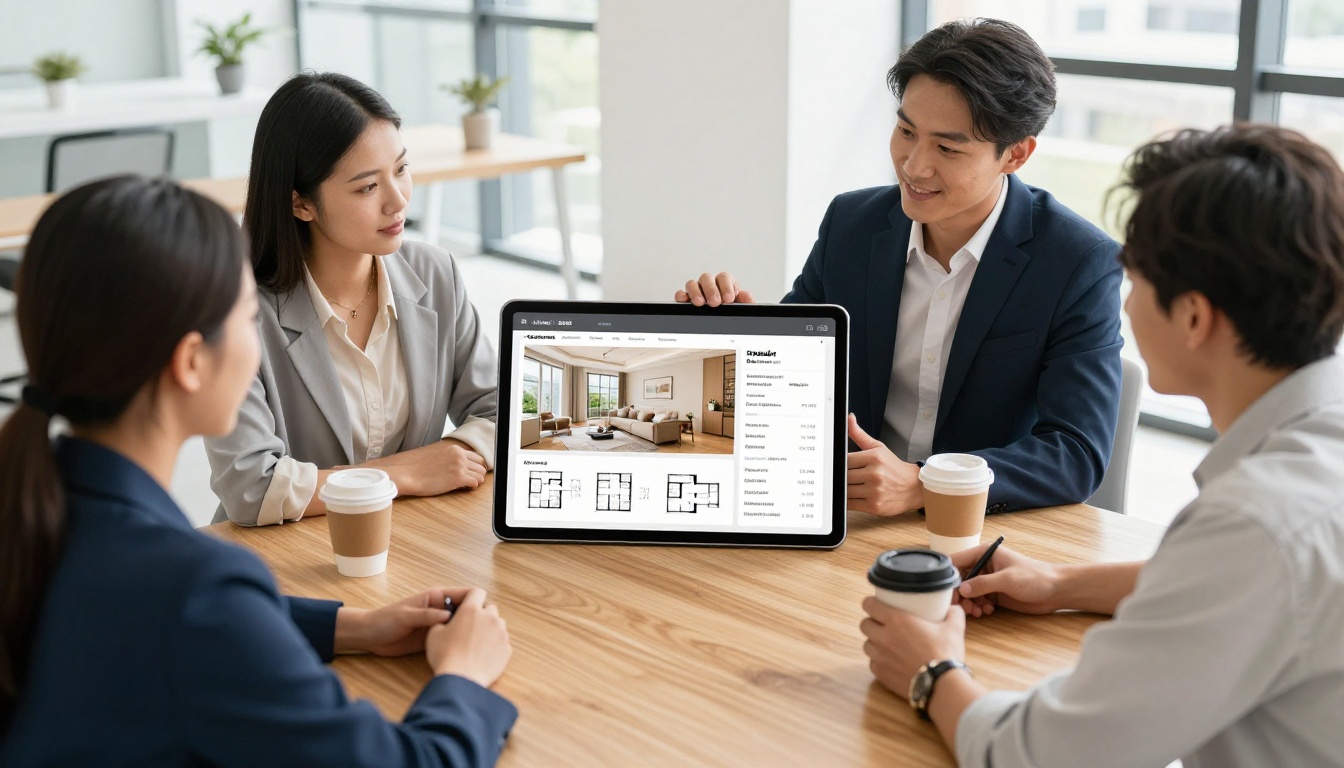
The gap between a PDF nobody reads and one people share comes down to format. Here is how different industries are using flipbooks to close that gap.
Product Catalogs People Browse
A printed product catalog uploaded as a PDF gets downloaded once and forgotten. The same catalog published as an interactive flipbook on Flipbooks AI lets customers browse on any device, click on products, and land directly on purchase pages. The Digital Catalog Maker tool is built specifically for this use case.
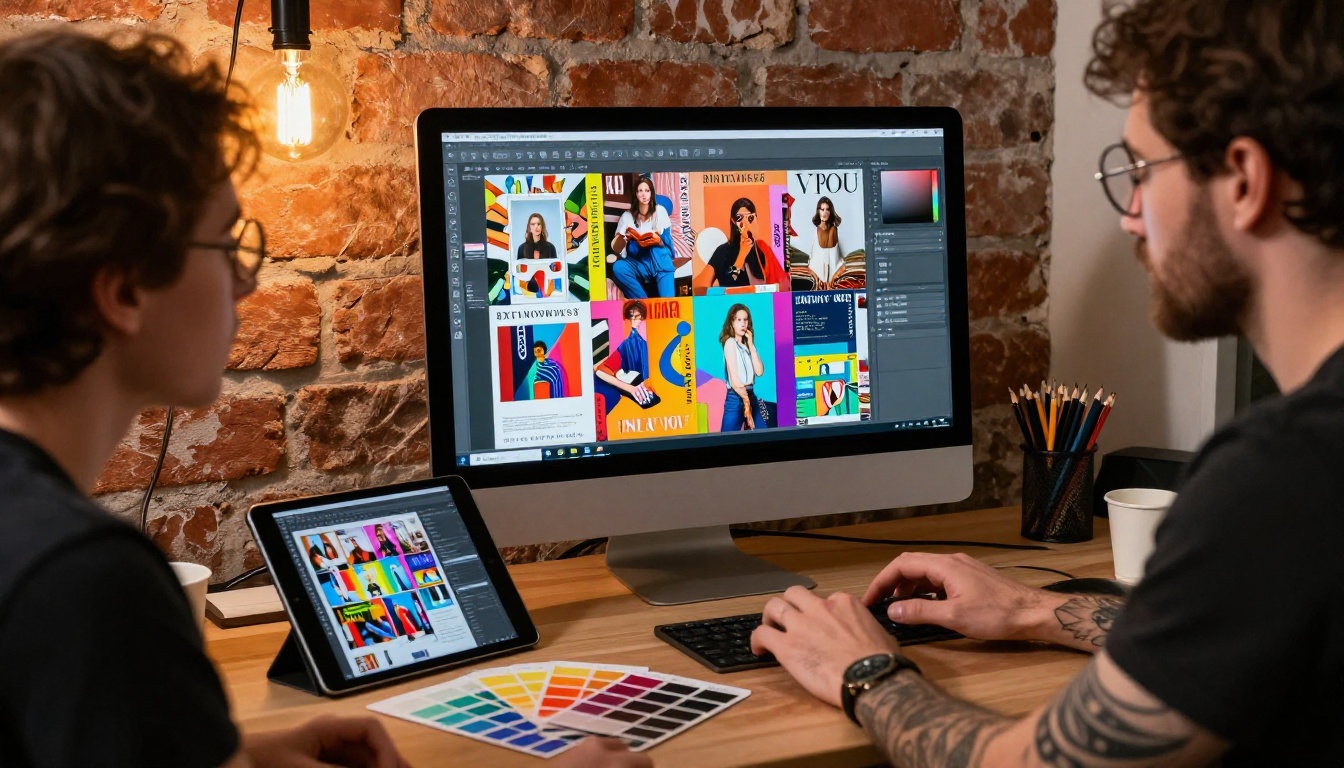
Fashion brands use the Fashion Catalog Creator to turn seasonal lookbooks into browsable digital publications with direct buy links. Furniture retailers use the Furniture Catalog Maker to create room-by-room catalogs that customers spend real time with.
Restaurant Menus That Sell
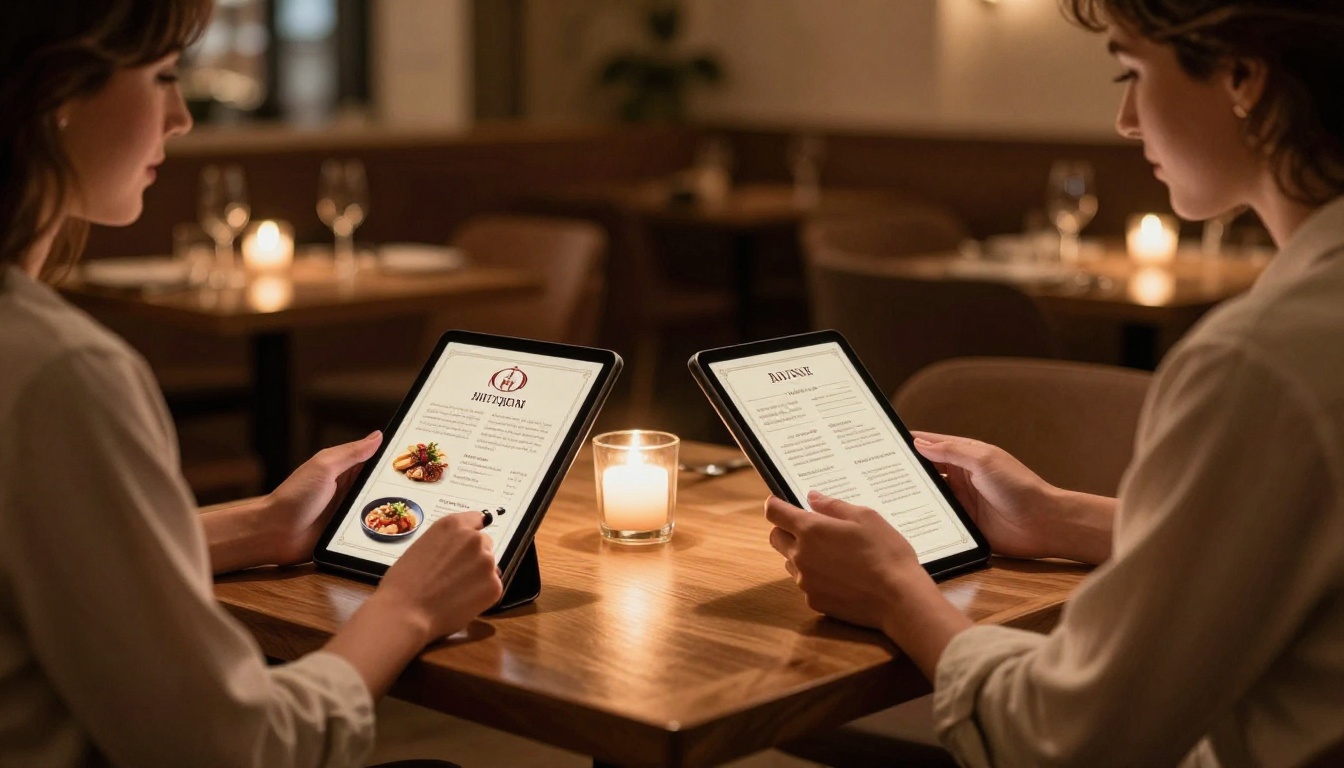
A restaurant menu sent as a PDF link to a customer's phone is a painful reading experience. Pinch to zoom, scroll sideways, lose your place. The Restaurant Menu Creator converts that same menu into a beautifully paged, mobile-optimized flipbook with food photography and clean section dividers.
When a menu is enjoyable to browse, people look at every section instead of defaulting to the first item they recognize. That behavior change has a direct effect on average order value.
Training Materials That Get Read
Internal training manuals are some of the most-avoided documents in any organization. A 60-page PDF onboarding document rarely gets read from start to finish. The Training Manual Flipbook tool converts those documents into structured, visually organized publications that employees actually work through.
The ability to embed video tutorials directly on the relevant page is what changes the experience. Instead of a PDF with hyperlinks to external training videos, the video lives right where the reader needs it, in context.
Annual Reports Worth Sharing
Most annual reports are digital paperweights. Published as a PDF, they sit on a corporate website with single-digit view counts. The Annual Report Creator lets organizations publish their annual report as an interactive flipbook with data visualizations, embedded video statements from leadership, and a reading experience that reflects the quality of the work being presented.

Use Case to Tool Reference
What the Plans Look Like
Flipbooks AI pricing is structured to work whether you are publishing one document or managing dozens of clients. Here is a quick breakdown of what each level includes:
| Feature | Free | Standard | Professional |
|---|
| Flipbooks | Limited | Unlimited | Unlimited |
| Watermarks | Yes | No watermarks | No watermarks |
| Custom branding | No | Yes | Yes |
| Password protection | No | Yes | Yes |
| Analytics | No | No | Yes |
| Lead generation | No | No | Yes |
| Offline downloads | No | No | Yes |
| Embed on website | Basic | Yes | Yes |
| Custom domain | No | No | Yes |
| Video and audio embeds | No | Yes | Yes |
✅ Start on the Standard plan if you want a clean, professional result with no watermarks. Move to Professional when you need to track who reads your documents and for how long.
See the full pricing breakdown to pick the plan that fits your publishing volume.
Who Should Stop Sending PDFs Right Now
If any of the following applies to your situation, switching to flipbooks is overdue.
You are in sales or marketing and your product brochures, case studies, or pitch decks go out as PDF attachments. Every attachment is a friction point. A flipbook link is one tap away from being read on any device.
You publish educational content and your course materials or workbooks sit as PDFs in a learning management system. Students do not avoid the material because they are disinterested. They avoid it because the format is uninviting. A well-designed flipbook removes that barrier.
You are in hospitality and your menus, spa packages, or hotel brochures live as PDFs on your website. The Spa and Wellness Menu Creator and Hotel Brochure Designer tools exist specifically for this. A flipbook QR code at the table or in the room is a far better experience than a printed menu passed between guests.
You run a nonprofit or public organization and your impact reports or program publications get minimal traction. The Non-Profit Annual Report tool helps you present your work in a way that donors and stakeholders will actually read through from the first page.
You are a creative professional with a portfolio living as a PDF attachment in email pitches. The Digital Portfolio Creator gives your work the presentation it deserves: full-screen, page-turning, and shareable with a single link.
⚠️ A PDF portfolio reads as careless, not professional. Your work deserves a format that matches its quality.

Make the Switch Today
You already have the content. The only thing standing between a document people ignore and one they read to the end is the format it lives in.
Flipbooks AI makes the conversion straightforward: upload your PDF, apply your branding, add any multimedia, and publish to a shareable link. No design software. No code. No compromise on how professional the result looks.
Browse the full library of flipbook tools to find the right starting point for your specific use case. Whether you are publishing a product catalog, a restaurant menu, a training manual, or an annual report, there is a dedicated tool built for it.
Ready to see what your content looks like when people actually want to read it? Create your free account and publish your first flipbook today.



