Your brochure is sitting in a PDF on someone's desktop right now, unread, possibly flagged for deletion. That is the reality of print-to-digital friction, and it costs businesses measurable engagement every single day. The good news: converting that same brochure into a shareable, interactive online flipbook takes less than five minutes with the right tool, and the difference in how people actually interact with your content is immediate. Flipbooks AI makes this conversion seamless, whether you have one brochure or an entire archive waiting to be brought online.

Why PDFs Are Holding Your Brochures Back
A printed brochure is a physical experience. It has weight, texture, and a natural reading flow from panel to panel. When you scan or export that brochure to a PDF and send it via email or post it on a website, most of that experience evaporates instantly. People pinch and zoom on mobile. Downloads get abandoned. File sizes block attachment limits. Analytics? Completely nonexistent.
The numbers paint a clear picture:
- PDFs have a mobile abandonment rate nearly double that of optimized web content
- Email attachments over 5MB are blocked by many corporate email servers
- A PDF provides zero insight into what pages your audience actually reads
- Sharing a PDF means sharing a static file, with no way to update it after sending
An online flipbook solves every one of these problems. It lives at a permanent URL, loads instantly in any browser, reads like a real magazine or brochure with a realistic page-turn animation, and can be updated without resending anything to anyone.
⚠️ Warning: Every time you send a PDF instead of a flipbook link, you are handing your audience a worse reading experience and yourself zero data about what they did with it.
What a Digital Flipbook Actually Does
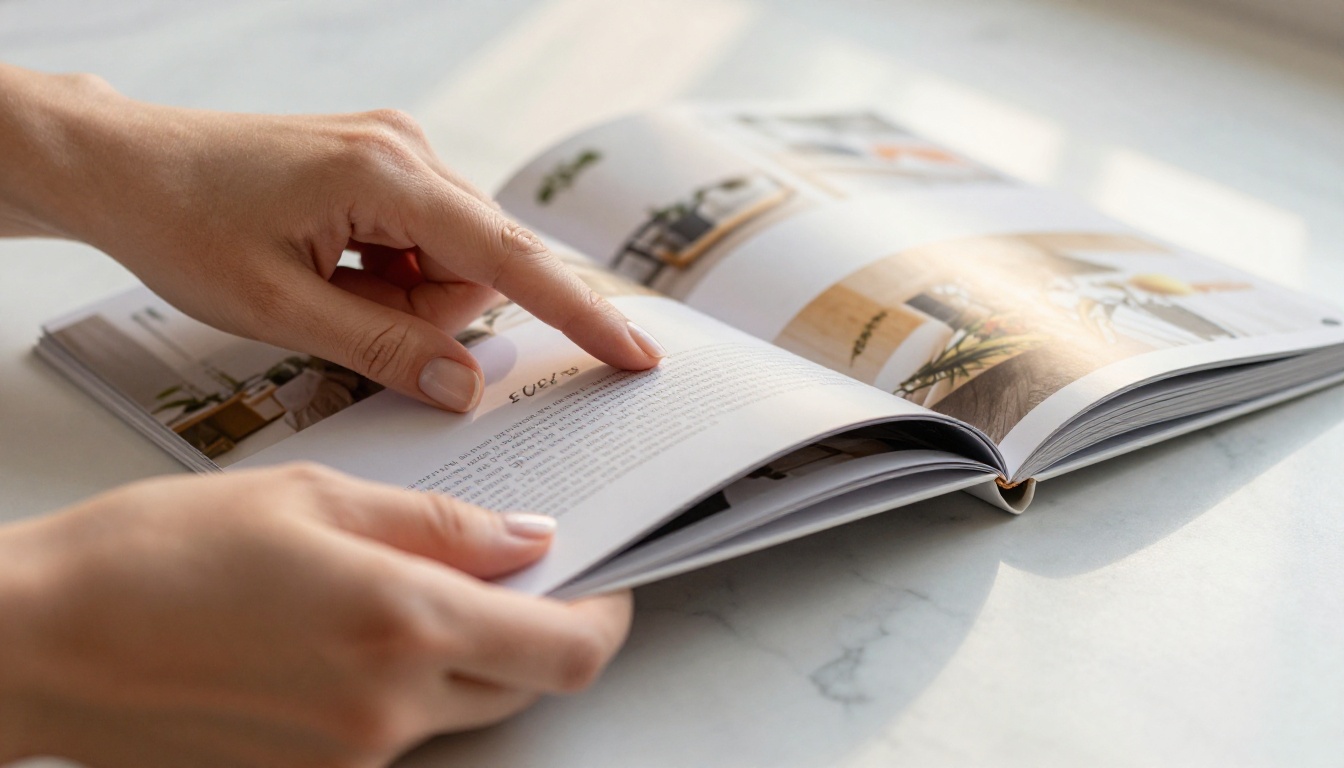
A digital flipbook recreates the physical experience of reading a brochure, catalog, or magazine inside any web browser or mobile device. Pages turn with a realistic animation. Readers zoom into specific sections, click embedded links, and interact with audio or video when the platform supports it.
Beyond the visual experience, a good flipbook tool adds layers of functionality that print simply cannot offer. The comparison below makes this concrete:
| Feature | Static PDF | Online Flipbook |
|---|
| Mobile-friendly reading | Poor (pinch and zoom) | Excellent (responsive) |
| Page-turn animation | No | Yes |
| Shareable via direct link | Download required | Yes, instant URL |
| Embeddable on website | No | Yes |
| Analytics and tracking | No | Yes (Professional plan) |
| Password protection | Limited | Built-in |
| Video and audio support | No | Yes |
| Updateable after sharing | No | Yes |
| Lead capture forms | No | Yes (Professional plan) |
The table above tells you everything about why forward-thinking marketing teams have made the switch. The interactive experience alone increases time-on-page, but adding trackable links, contact forms, and lead capture tools turns a passive brochure into an active sales asset that works around the clock.
💡 Pro Tip: A well-built flipbook is not just a prettier PDF. It is a trackable, shareable, embeddable content asset that works across every device your audience uses.
Who Uses Online Flipbooks (and Why)
The short answer is anyone who has a brochure. The longer answer involves specific use cases where the flipbook format creates a measurable difference in how content gets consumed and acted on.

Real Estate Teams
Property brochures are thick, expensive to print, and obsolete the moment a listing price changes. A real estate agent using the Real Estate Brochure Creator can share a live URL in any text message or email, update pricing or photos without reprinting, and see exactly which properties each prospect spent the most time reading. The ability to send a flipbook link via WhatsApp directly to a buyer's phone has changed how agents follow up after showings.
Hotels and Hospitality
Hotels produce a substantial volume of print material: room category brochures, spa menus, event packages, and local attraction listings. Every one of those documents can live at a shareable link and be embedded directly on the hotel website. The Hotel Brochure Designer is built specifically for this workflow, with templates optimized for hospitality presentation standards.
Retailers and Fashion Brands
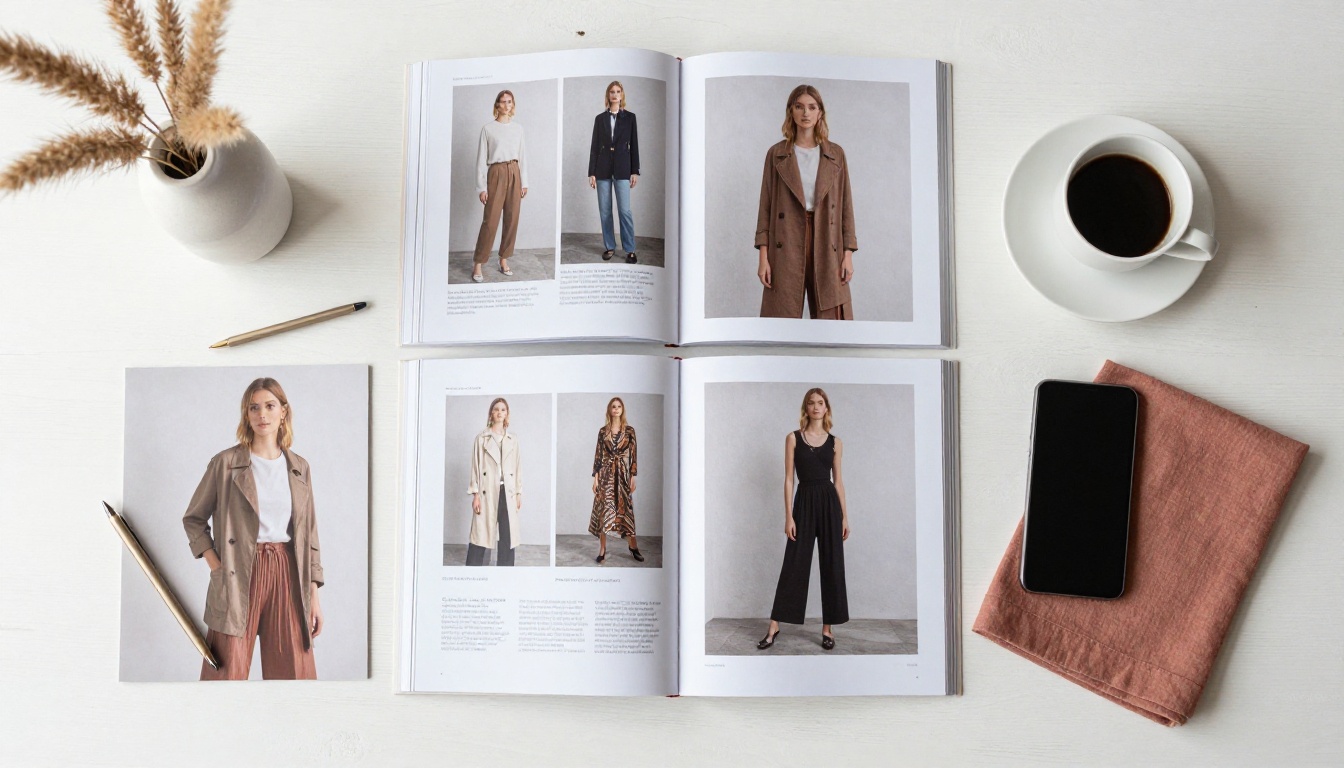
Seasonal lookbooks, product catalogs, and promotional flyers have a very short shelf life in print. A digital flipbook extends their reach by making them shareable on social media, embeddable in email campaigns, and accessible to audiences who would never walk into a physical store. When a customer shares a flipbook link with a friend, that is organic distribution you cannot buy.
Event Planners and Corporate Teams
Event programs, sponsor packages, and seating arrangements are traditionally handed out at the door and recycled before attendees reach their seats. An online flipbook version can be shared in advance via email, accessed throughout the event on any mobile device, and referenced afterward by anyone who missed a detail.
How to Turn Your Brochure into a Flipbook
This is the exact process, step by step, using Flipbooks AI:
Step 1: Create your account
Go to flipbooksai.com/account and sign up. The process takes under a minute and no credit card is required to start. You land directly on the dashboard ready to upload.
Step 2: Upload your brochure PDF
Click "New Flipbook" and upload your PDF file. The conversion engine processes each page automatically, preserving your original typography, images, and layout with high fidelity. Most standard brochure PDFs convert within 30 to 60 seconds.
Step 3: Apply your branding
Once converted, open the customization panel:
- Set your brand colors for the viewer interface and toolbar
- Upload your logo to appear in the flipbook header
- Choose a background color or texture for the reading environment
- Select a page-flip animation style: soft curl, hard cover, or minimal
Step 4: Add interactive elements
This is where the flipbook goes well beyond print. You can embed:
- Clickable hyperlinks on any product image or call-to-action text
- Video clips within specific pages for product demonstrations or testimonials
- Audio narration tracks for guided property or product tours
- Lead capture forms that appear at strategic points in the reading flow
Step 5: Configure sharing settings
Choose how your flipbook is accessed:
- Public link: anyone with the URL can view, no login required
- Password protection: require a code before viewing, ideal for confidential pricing or internal materials
- Embed code: paste into any website or landing page using the Embed Flipbook on Website tool
Step 6: Share everywhere
Copy your flipbook URL and paste it anywhere: email campaigns, WhatsApp, LinkedIn, Instagram bio, your website footer, or a QR code printed on your physical brochures. The link works on any device, in any browser, with no downloads required.
✅ Best Practice: Print a QR code linking to your online flipbook and add it to the back of your physical brochure. This creates a bridge between print and digital that works for every segment of your audience simultaneously.

Not every flipbook platform offers the same capabilities. When evaluating options, these are the criteria that matter for professional brochure sharing:
| Criterion | Why It Matters |
|---|
| PDF fidelity | Your brochure layout must be preserved exactly as designed |
| Mobile responsiveness | Over 60% of content is consumed on mobile devices |
| Custom branding | Branded interfaces look professional, generic ones do not |
| No watermarks | Watermarked flipbooks undermine client-facing credibility |
| Analytics | You need data on whether people are actually reading |
| Embed options | Placing flipbooks inside your website keeps visitors on-site longer |
| Password protection | Essential for confidential pricing or draft review materials |
| Lead generation | Converts readers directly into contacts without leaving the document |
| Offline access | Critical for sales reps presenting without reliable internet |
⚠️ Warning: Many free flipbook tools add their own branding and watermarks to your content. If you are sharing brochures with clients or prospects, this is a credibility problem. Always check watermark policies before committing to any platform.
Flipbooks AI addresses every criterion above. There are no watermarks on any paid plan, custom branding is available from the Standard plan upward, and the Professional plan unlocks full analytics, offline downloads, and lead generation tools.
Sharing Your Flipbook Everywhere
Converting the brochure is step one. Getting people to actually read it is the goal. Here is how that works across different distribution channels:
Email campaigns: Paste your flipbook link directly into any email marketing platform. Instead of attaching a heavy PDF that may get blocked by spam filters, include a thumbnail image linked to the flipbook URL. Click-through rates are consistently higher with this approach because readers know exactly what they are clicking into.
Social media: Share the flipbook link on LinkedIn, Facebook, or in Instagram Stories. The URL generates a rich preview card on most platforms, which increases visibility and click-through rates compared to generic link posts with no visual preview.
Website embedding: Use the embed code from Flipbooks AI to place the flipbook directly inside any web page. Visitors can read your full brochure without leaving your site, which keeps session times longer and reduces bounce rates on key landing pages.
QR codes: Generate a QR code linked to your flipbook URL and print it on business cards, trade show banners, physical brochures, or product packaging. This bridges offline and online in a way that feels natural and frictionless to any audience.
Direct messaging: A flipbook URL in WhatsApp or SMS is far more appropriate for mobile viewing than a PDF download link. Recipients tap once and start reading immediately, no app or download required.

Beyond the general PDF conversion, Flipbooks AI offers purpose-built tools for specific brochure types. These come with templates and default settings optimized for each industry's presentation needs:
Each tool is optimized for its specific context, with industry-relevant layouts, suggested multimedia placements, and sharing configurations built around how each sector actually distributes materials to clients and prospects.
Pricing Plans Worth Knowing
Understanding what each tier offers helps you match the right plan to your actual brochure sharing volume and professional requirements. Here is how Flipbooks AI pricing breaks down at a glance:
| Plan | Flipbooks | Watermark | Analytics | Password Protection | Lead Generation |
|---|
| Free | Limited | Yes | No | No | No |
| Standard | Unlimited | No | No | Yes | No |
| Professional | Unlimited | No | Yes | Yes | Yes |
For anyone sharing brochures with clients or prospects, the Standard plan is the minimum practical choice. Watermark removal alone justifies it from a professional credibility standpoint. The Professional plan makes sense for B2B sales teams who need to know which prospects actually read the proposal brochure and how much of it they consumed before responding.
💡 Pro Tip: The Professional plan's lead generation feature lets you embed a contact form directly inside your flipbook. Readers fill it out without leaving the document, which consistently outperforms standalone landing page forms for conversion rate.

What Offline Access Changes
One feature that surprises most people is offline download availability on the Professional plan. This sounds counterintuitive for an online format, but it matters in very specific real-world situations.
Trade show attendees often deal with poor or nonexistent venue WiFi. Sales reps in the field may be presenting in locations without reliable connectivity. Executives reviewing proposals on long flights need access without internet. The offline download option lets your audience save a local version of the flipbook while preserving the page-flip reading experience, without giving them an editable file they can freely modify or redistribute.
This is meaningfully different from handing someone a PDF. The offline flipbook still looks like your branded presentation, maintains your visual integrity, and does not expose your source files or layouts.
High-Resolution Brochures and Visual Industries
Some brochure types rely almost entirely on visual impact. Car dealerships, fashion brands, interior design studios, and luxury goods companies produce materials where the photography IS the sales pitch. For these industries, the fidelity of the flipbook conversion is not a nice-to-have, it is critical.
The Automotive Brochure Generator and the Interactive Lookbook Designer on Flipbooks AI are built with high-resolution image handling in mind. Page-turn animations render without compressing imagery. Full-bleed double-page spreads translate correctly from print layout to digital screen without cropping or distortion.
✅ Best Practice: For high-visual brochures, export your PDF at 300 DPI before uploading. The conversion engine scales intelligently for web delivery, but starting with a high-resolution source ensures details like fabric texture, vehicle paint finish, and interior photography remain crisp at any zoom level.
Beyond Brochures: Your Entire Document Library
Once you have converted your first brochure, the same workflow applies to every other print document in your organization. Product catalogs, annual reports, event programs, training materials, and restaurant menus all benefit from the same conversion process and share the same core advantages: instant URL sharing, mobile-first reading, trackable analytics, and zero downloads required.
Flipbooks AI has purpose-built tools for all of these:
The same shareable URL model applies to every document type. One platform, one consistent workflow, and an unlimited number of use cases across your entire organization.
Start Sharing Your Brochure Today
Your printed brochure already has the design, photography, and copy. The only thing it is missing is an audience that can actually read it. Turning it into a shareable online flipbook takes five minutes and costs nothing to try.
Ready to create your first flipbook? Get started for free on Flipbooks AI. Browse all available tools and templates to find the perfect fit for your brochure type. Compare pricing plans to choose what works for your business and budget.
Your brochure already exists. Now make it work harder.



