Sending a 40-page PDF to a client is the digital equivalent of handing someone a phonebook. It arrives, sits in their downloads folder, and never gets read. Interactive flipbooks changed that. With today's one-click conversion tools, you can take any document and turn it into a beautifully animated, page-flipping publication in the time it takes to brew a coffee. Flipbooks AI is built exactly for this, and this article covers everything worth knowing before you upload your first file.
Why Static PDFs Stop Working

PDF was invented in 1993 to preserve document formatting across printers. It did that job brilliantly. But the way people consume content has shifted completely since then, and a flat, scrollable file no longer holds attention the way it once did.
The Problem with Flat Files
- No interactivity: PDFs are read-only. No animations, no embedded media, no clickable elements beyond basic links.
- Poor mobile experience: A multi-column PDF layout on a smartphone is nearly unreadable. Users pinch, zoom, lose their place, and give up.
- Zero engagement data: You send a PDF and have no idea whether it was opened, which pages were read, or where the reader dropped off.
- Download friction: Most people avoid downloading files from unknown senders. A hosted flipbook requires zero download.
💡 A hosted interactive flipbook loads directly in the browser. Your reader never has to hit "Download" or open a separate app.
What the Data Says
Businesses that switched from PDF distribution to interactive flipbooks consistently report higher time-on-page and lower bounce rates. The visual cue of a turning page creates a reading pattern that matches how people consume physical magazines, which is a deeply familiar rhythm that keeps readers moving forward.
What One-Click Conversion Actually Does

The phrase "one click" is not marketing hyperbole here. Modern flipbook converters handle every technical step in the background: parsing the PDF structure, rendering each page at high resolution, applying page-turn physics, building a mobile-responsive viewer, and generating a shareable URL. You do one thing: upload the file.
Behind the Conversion
| Stage | What Happens |
|---|
| Upload | PDF is received and queued for processing |
| Rendering | Each page is rendered as a high-res image layer |
| Physics Engine | Page-flip animation is applied with realistic curl and shadow |
| Responsive Build | Viewer adapts to desktop, tablet, and mobile viewports |
| Hosting | Publication is hosted on fast CDN infrastructure |
| Share Link | A unique URL is generated for sharing or embedding |
The entire process typically completes in under 60 seconds for a standard 20-page document. Longer documents with heavy images may take slightly more, but still far less time than any manual design workflow.
File Types That Convert Well
Most professional conversion platforms accept more than just PDF. Common supported formats include:
.pdf (most common, best results).pptx and .ppt (PowerPoint presentations).docx and .doc (Word documents).jpg and .png stacks (image sequences)
⚠️ For best visual output, always upload a high-resolution PDF rather than a low-DPI scan. Page clarity directly affects how the flipbook looks on retina displays.
How to Convert Your Document in Minutes
Converting a document with Flipbooks AI follows a straightforward sequence that anyone can complete without training.
Step 1: Create Your Account
Head to flipbooksai.com/account and sign up. The free tier gives you access to basic conversion features right away, with no credit card required.
Step 2: Upload Your PDF
From your dashboard, click New Flipbook and drag your file into the upload zone, or click to browse your local storage. Files up to 200MB are accepted on most plans.
Step 3: Wait for Processing
The platform processes the document automatically. You will see a progress indicator as each page is rendered. For a typical 15-page brochure, this takes roughly 20 to 30 seconds.
Step 4: Customize the Appearance
Before publishing, you have several customization options:
- Background color and texture: Match your brand palette
- Page shadow and curl style: Adjust the realism of the flip effect
- Cover style: Hard cover, soft cover, or no cover
- Logo placement: Add your logo to the viewer frame
- Custom domain: Publish under your own URL (Professional plan)
Step 5: Publish and Share
Hit Publish and your flipbook is live. You immediately receive:
- Direct link: Share in email, WhatsApp, Slack, or social media
- Embed code: Drop the flipbook into any webpage with a single paste
- QR code: Use in print materials to connect offline audiences to online content
- Password protection: Available on Standard plan and above
✅ Always test the embed code on mobile before sending to clients. A flipbook that looks perfect on desktop must also work on a phone.
Documents That Work Best as Flipbooks
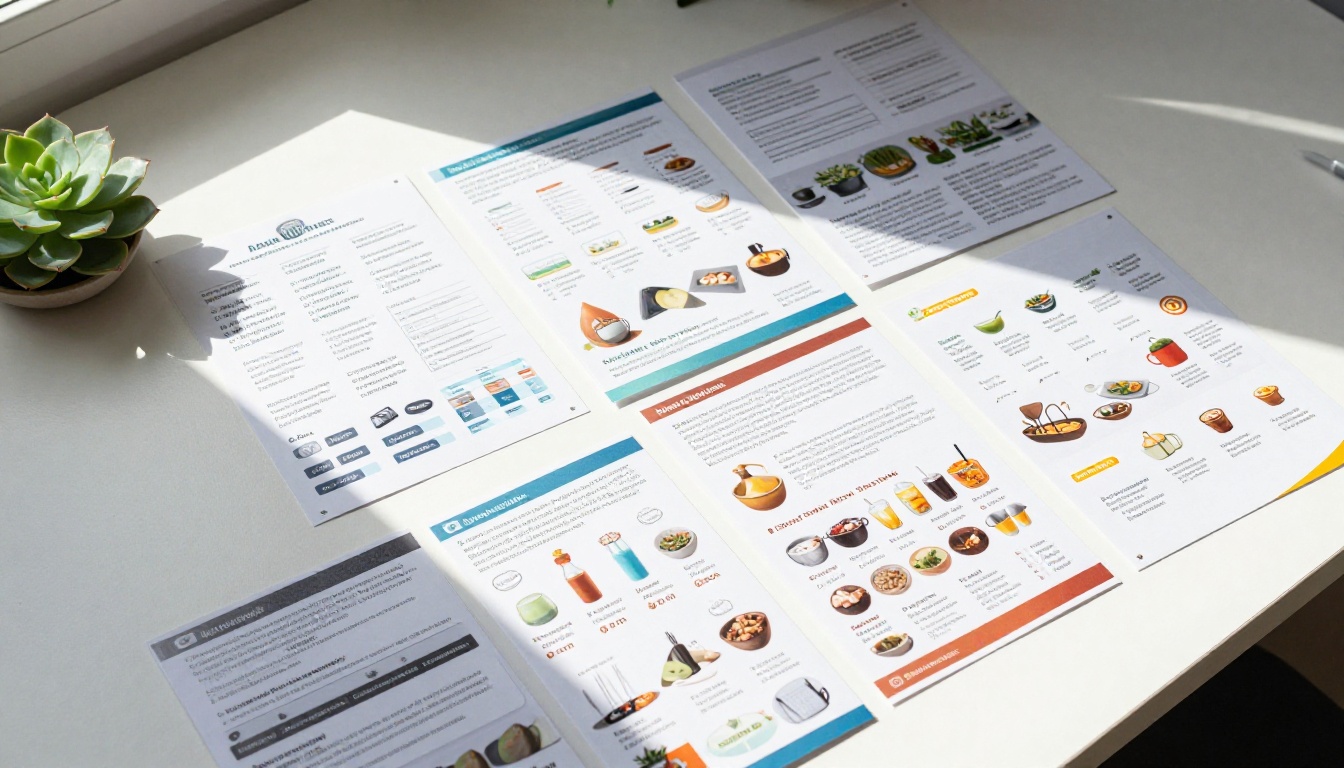
Not every document benefits equally from flipbook conversion. Some content types see dramatically higher engagement in flipbook format compared to standard PDF delivery.
High-Impact Use Cases
What Does Not Convert as Well
Some documents are genuinely better left as PDFs: legal contracts requiring printed signatures, technical spec sheets with dense tabular data that users need to copy from, and forms requiring fill-in fields. For everything else, the flipbook format wins on engagement.
Sharing, Embedding, and Publishing Options

One of the most underappreciated advantages of flipbook platforms is distribution flexibility. Once your document is converted, you are not limited to one delivery method.
Embedding on Websites
The embed code generated by Flipbooks AI is a single <iframe> snippet. Paste it into any webpage builder, whether WordPress, Squarespace, Webflow, Wix, or raw HTML. The flipbook renders natively in the page without redirecting the visitor. Visit the dedicated Embed Flipbook on Website tool for step-by-step integration instructions.
Common embedding scenarios:
- Product pages: Embed a catalog alongside the Add to Cart button
- Hotel websites: Embed a brochure on the Rooms or Packages page
- School portals: Embed course materials directly in the LMS
- Agency portfolios: Embed case studies in proposal decks
Sharing via Direct Link
Every flipbook gets a unique URL hosted on fast CDN infrastructure. Share it anywhere a URL is accepted:
- Email newsletters
- LinkedIn posts and articles
- WhatsApp broadcasts
- QR codes on printed materials
- NFC tags on product packaging
Password Protection
For internal documents, training materials, or client proposals you do not want publicly indexed, password protection restricts access to recipients who have the key. This feature is available from the Standard plan onward.
💡 Password-protected flipbooks are ideal for proposals sent to prospects. You know they opened it, and competitors cannot stumble across it through search.
Plans and What Each One Offers

Flipbooks AI offers tiered pricing designed to match different usage volumes and feature needs. Understanding what each plan includes helps you avoid paying for features you do not need, or hitting a wall when you need something the free tier does not cover.
Plan Comparison
| Feature | Free | Standard | Professional |
|---|
| Flipbooks | Limited | Unlimited | Unlimited |
| Watermarks | None | None | None |
| Custom Branding | No | Yes | Yes |
| Password Protection | No | Yes | Yes |
| Offline Downloads | No | No | Yes |
| Analytics | No | Basic | Advanced |
| Lead Generation | No | No | Yes |
| Custom Domain | No | No | Yes |
| Embed on Website | Yes | Yes | Yes |
| Video and Audio Embed | No | Yes | Yes |
✅ The Standard plan is the sweet spot for most small businesses. Unlimited flipbooks, no watermarks, and password protection covers the majority of professional use cases.
For teams that need reader-level analytics (who opened it, which pages, how long per page) and lead capture forms embedded inside the publication, the Professional plan is the appropriate choice. Explore the full breakdown at flipbooksai.com/pricing.
Real-World Scenarios Worth Knowing

Abstract feature lists are less useful than concrete examples. Here is how different industries are applying one-click document conversion in practice.
Retail and E-Commerce
A fashion brand publishes a new seasonal lookbook every quarter. Previously, they emailed a 12MB PDF to their subscriber list and watched email deliverability suffer because of attachment size. Now they upload the PDF to Flipbooks AI, generate a link, and send a single image with a button. Open rates improved, and the Fashion Catalog Creator lets them maintain consistent visual branding across every publication.
Hospitality
A boutique hotel chain distributes property brochures to travel agents. Physical brochures are expensive to print and they go out of date the moment prices change. Digital flipbooks hosted online can be updated by replacing the source PDF and re-converting. The travel agent always has a link that shows the current version, not a stale download from six months ago. The Hotel Brochure Designer is purpose-built for this workflow.
Education
A corporate training team distributes onboarding manuals to new hires across three continents. Instead of emailing a 40-page PDF and hoping it gets read, they embed the flipbook in the company onboarding portal. Completion tracking through the analytics dashboard shows which sections new hires skip, informing future revisions. The Training Manual Flipbook tool handles exactly this workflow.
Real Estate
An agency creates individual property brochures for every listing. Agents used to email PDFs, which clients would download, lose, and request again. Now each listing gets a flipbook URL that agents share via WhatsApp. Clients forward the link rather than an attachment, which effectively turns every recipient into a distribution channel. The Real Estate Brochure Creator generates professional results without requiring a graphic designer.
One area where flipbooks genuinely surpass PDFs is the ability to embed live media. A static PDF cannot play a video. A flipbook can.
What You Can Embed
- YouTube or Vimeo videos: A product demo video embedded on a catalog page creates a buying experience no print catalog can match
- Audio clips: Relevant for music portfolios, guided meditation booklets, or language learning materials
- Clickable hotspots: Areas of a page that trigger popups, reveal extra content, or link to external URLs
- Lead capture forms: Pop up at a specific page to capture contact details from interested readers (Professional plan)
💡 Embedding a short product video on page 3 of a catalog, right next to the featured product image, consistently outperforms text descriptions for conversion.
This combination of familiar page-flip navigation with embedded media richness is why interactive flipbooks have replaced PDF distribution in many marketing workflows. The Interactive E-Book Publisher is a strong starting point if you want to explore multimedia publishing in depth.

The breadth of specific-use tools available at flipbooksai.com/tools is worth surveying before you start building. Rather than applying a generic template to every document type, purpose-specific tools handle the nuances of each format automatically.
Tools by Category
Catalogs and Menus
Brochures and Publications
Business and Corporate
Creative and Portfolio
Education
The PDF to Flipbook Converter is the starting point for anyone converting an existing document. If your use case is more specific, the specialized tools above add relevant defaults and formatting rules for that content type.
Start Converting Your Documents Today
You now have the full picture: what one-click conversion does technically, which document types benefit most, how sharing and embedding work, what the plan tiers include, and where real businesses are applying this right now.
The fastest way to understand how good your documents can look is to upload one and see it for yourself. Get started for free at Flipbooks AI and convert your first document in under two minutes.
If you want to invest in a plan with advanced features like analytics, offline downloads, or lead generation, all the details are on the pricing page. For specific use cases, browse the full library of flipbook tools to find the format built for your content type.
Static PDFs had a long run. One-click flipbook conversion is what comes next.



