Static PDFs are invisible. They sit in download folders, get skipped in emails, and close after one scroll. If your documents deserve to be read, a page-turning flipbook is not a luxury, it is a requirement. Flipbooks AI makes the conversion from lifeless PDF to interactive, page-flipping digital publication a matter of minutes.

Why Static PDFs Lose Readers
Documents are meant to communicate. But a static PDF sitting behind a download link communicates one thing clearly: friction. People click away before they read, or they skim a single page and close.
The numbers confirm this. Digital publications with interactive page-turning effects see significantly higher time-on-page and scroll depth than static PDF equivalents. The reason is simple psychology: physicality creates engagement. When content mimics the feel of a real book or magazine, readers stay.
The Attention Problem with Flat Files
A PDF downloaded to a device is a document that competes for attention against every other file in a folder. It has no presence, no interactivity, no visual hierarchy beyond what was baked in at design time. There is no way to embed video, no analytics on which pages readers actually viewed, and no way to update the content without sending a new file.
Flat documents are the equivalent of mailing a printed newsletter when your competition is running an interactive website.
What Interactive Documents Actually Do
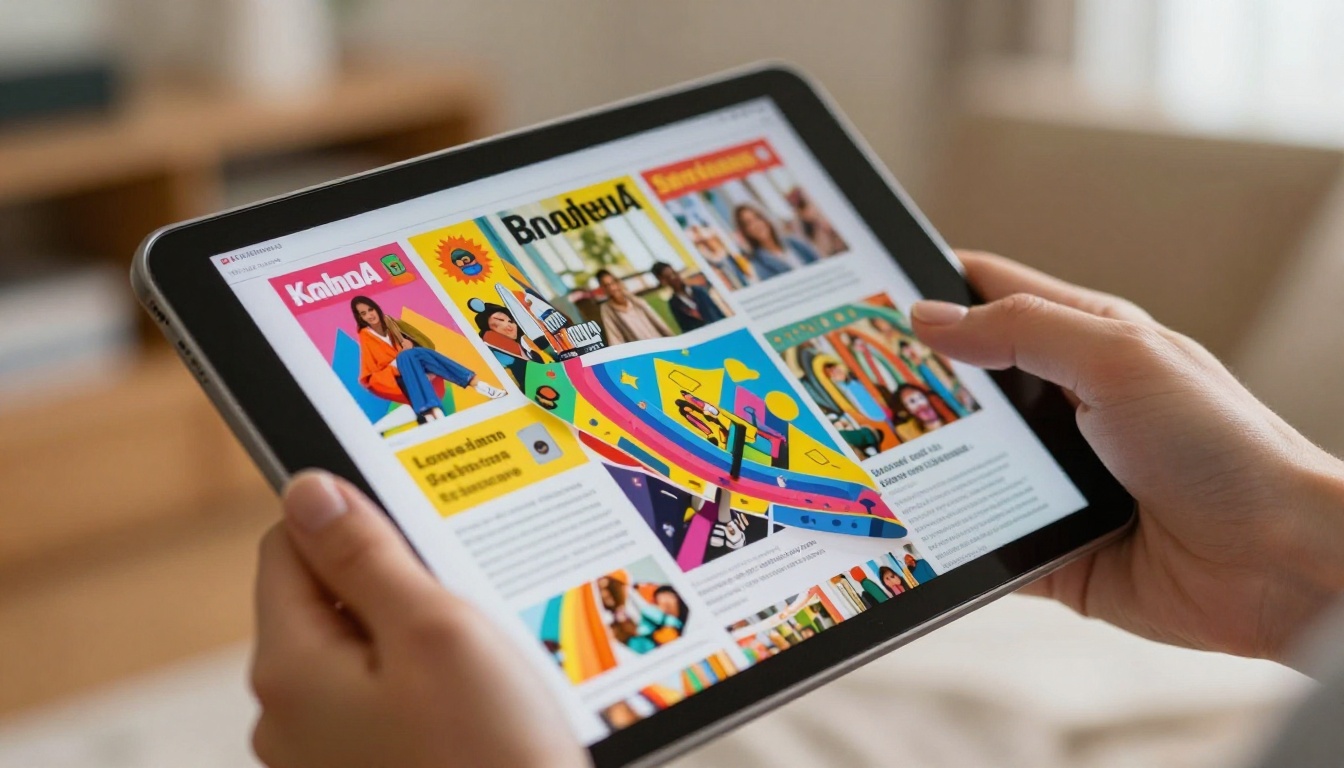
An interactive digital flipbook solves each of these problems at once. Pages turn with physics-based animation. Readers swipe or click through spreads. Videos, audio, and links work inside the document. And publishers get analytics showing exactly which pages held attention and where readers dropped off.
💡 Analytics on page engagement are available on Flipbooks AI's Professional plan. If you send documents to clients or leads, knowing which sections they read changes how you follow up.
What Makes a Flipbook Actually Work
Not every online flipbook tool delivers a real reading experience. The difference between a forgettable HTML document and a genuinely compelling digital publication comes down to a few technical and design specifics.
Page Physics That Feel Real
The page-turn animation must behave like paper. That means curved edges during the turn, appropriate shadow depth, realistic speed, and smooth response to user input. Cheap tools fake the effect with a simple slide transition. A proper HTML5 flipbook with real page physics creates muscle memory in the reader, the same subconscious satisfaction that makes flipping through a magazine enjoyable.
Mobile Responsiveness Is Non-Negotiable
More than half of digital content is consumed on mobile devices. A flipbook that requires pinching and zooming is a flipbook that gets abandoned. Every flipbook created on Flipbooks AI is automatically responsive, adjusting layout and interaction to the screen size without any extra setup.
Load Time and Performance
Large PDFs translate to large file sizes. A flipbook that takes 12 seconds to load will lose most of its audience before the first page. The best platforms compress and optimize images during conversion, delivering fast-loading publications without visible quality loss.
⚠️ Avoid platforms that serve the original PDF file directly inside a viewer. These inherit all the weight and incompatibility issues of the source file. True flipbook platforms re-process the file for web delivery.

How to Create Your First Flipbook with Flipbooks AI
The PDF to Flipbook Converter on Flipbooks AI handles the full process from upload to published URL. Here is the step-by-step workflow:
Step 1: Prepare Your PDF
Before uploading, make sure your PDF is finalized. Flipbooks preserve your original layout exactly, so typography, imagery, and spacing all carry over. High-resolution images in the source file translate to sharper pages in the flipbook.
- Use standard RGB color mode for accurate on-screen colors
- Embed all fonts to avoid substitution issues
- Export at 150-300 DPI for the optimal balance of quality and file size
Step 2: Upload and Convert
Create an account on Flipbooks AI and upload your PDF directly from the dashboard. Conversion is automatic. The platform processes each page, applies page-turn physics, and renders the publication in HTML5 within minutes regardless of page count.
✅ Use a descriptive file name before uploading. It carries over to the flipbook title and URL slug by default, saving an editing step later.
Step 3: Customize Branding and Style
After conversion, the customization panel lets you:
- Add your logo to the viewer header or corner watermark position
- Choose brand colors for the viewer background, toolbar, and page controls
- Set a custom domain if you want the flipbook served from your own URL
- Add a background texture or solid color behind the pages
- Enable autoplay with page-turn speed controls for self-running kiosk displays
- Embed multimedia by adding video or audio clips to specific pages
No watermarks appear on any published flipbook, even on the base plan. This is a hard commitment from Flipbooks AI that separates it from freemium tools that plaster their branding across your content.
Step 4: Share, Embed, or Publish
Once your flipbook is live, three distribution methods are available:
- Direct link: A clean URL you can share in emails, social posts, or SMS
- Embed code: An iframe snippet for placing the flipbook inside any webpage, blog, or CMS using the Embed Flipbook on Website tool
- Password protection: Lock the flipbook behind a password for private client deliveries, internal HR documents, or members-only content

Real-World Use Cases by Industry
The same conversion workflow applies across every sector that produces documents meant to be read, not just filed.
Retail and Fashion Catalogs
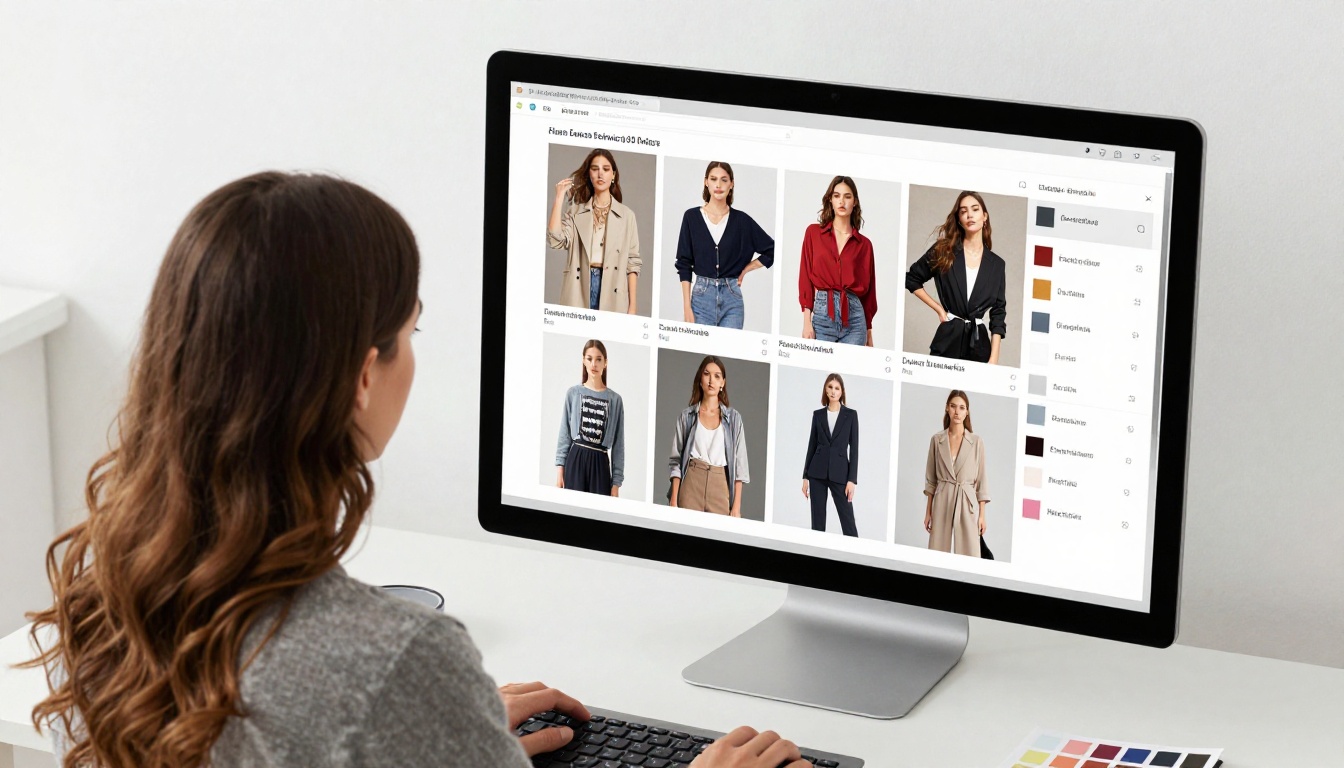
A printed product catalog mailed to buyers is a one-way communication tool that goes stale the moment it is printed. A digital catalog flipbook can be updated, shared across social channels, and embedded directly on a product or collections page.
Real-world example: A fashion brand with a 60-page seasonal lookbook uploads the PDF to Flipbooks AI, customizes the viewer with brand colors, and embeds it on their website's "New Collection" landing page. Buyers flip through on mobile the same way they would scroll a social story, except they see full editorial spreads.
Relevant tools: Fashion Catalog Creator, Interactive Lookbook Designer
Hospitality Menus and Brochures
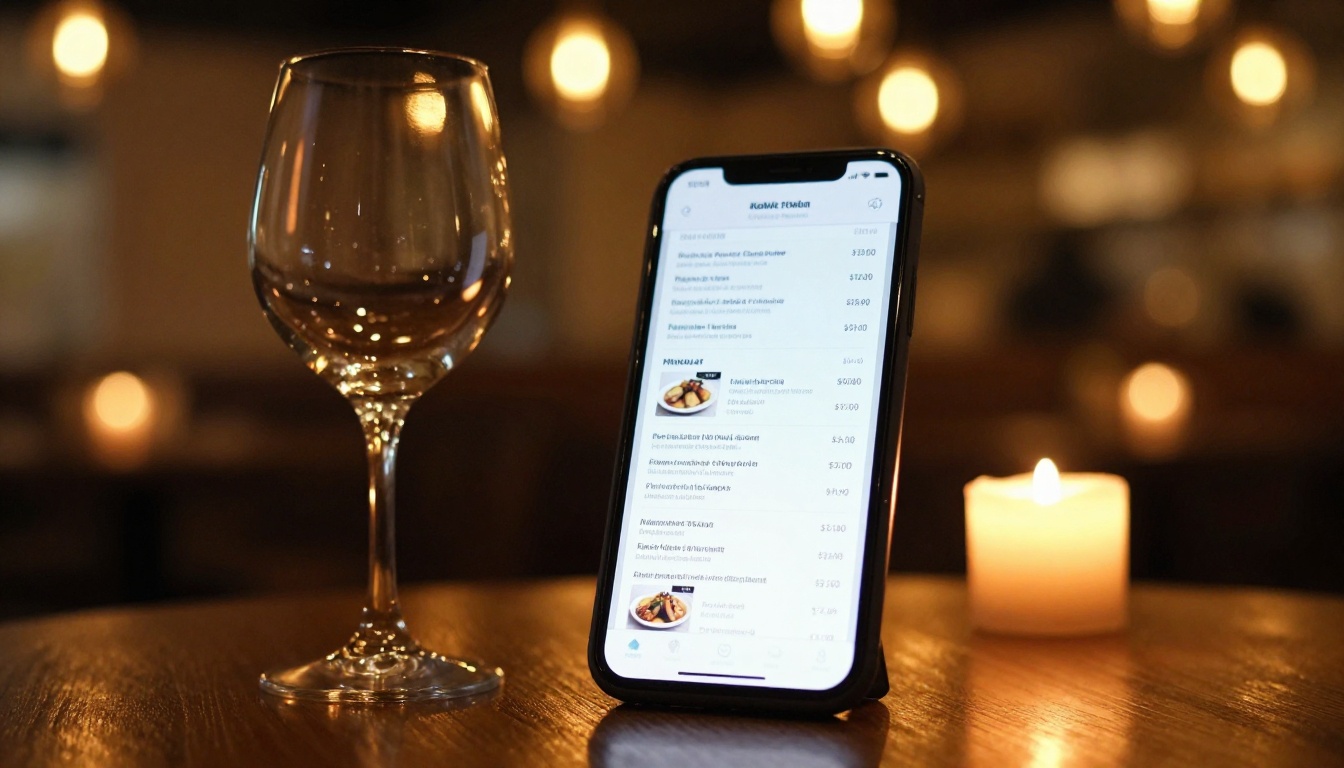
Restaurants, hotels, and spas distribute menus and experience guides across multiple touchpoints. A QR code on a table links directly to a digital menu flipbook. A hotel booking confirmation email includes a link to the property brochure as a flipbook rather than a PDF attachment.
Real-world example: A resort creates a spa and wellness menu as a flipbook with embedded video clips of treatment rooms. Guests access it on their phones before arrival. The Spa and Wellness Menu Creator is purpose-built for this format.
Real Estate Property Guides
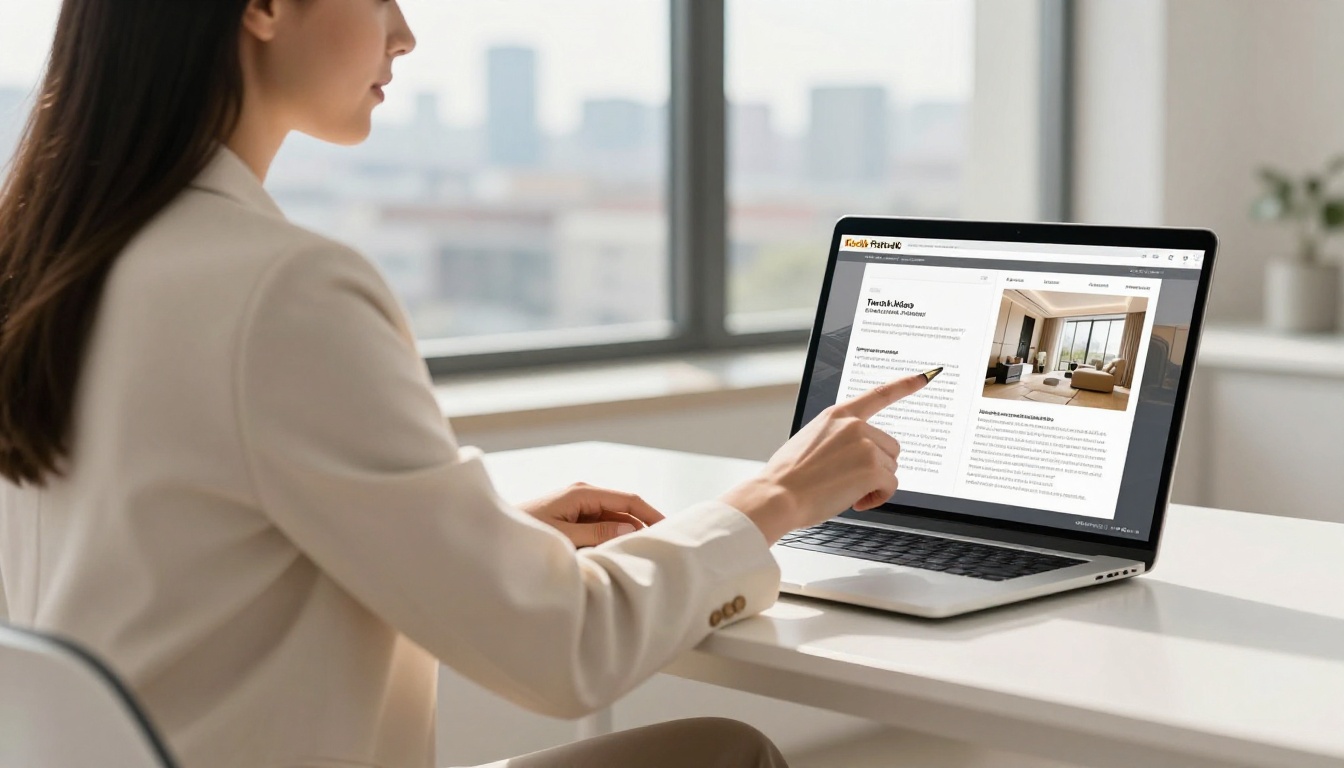
Property brochures need to be beautiful and shareable. A flipbook serves both. Agents send a link instead of a PDF, and the page-turn experience matches the premium positioning of the property. Password protection keeps off-market listings private.
The Real Estate Brochure Creator outputs a publication ready for immediate distribution with no design software required.
Education and Training Materials
Course materials, training manuals, and school newsletters benefit from an interactive format that keeps students and employees engaged. The Training Manual Flipbook and Course Material Publisher convert HR or educational PDFs into publications that work on any device.
Real-world example: An HR team converts a 45-page onboarding manual into a flipbook. New hires access it on a phone during orientation week. Analytics on the Professional plan show which sections are being skipped, flagging areas that need clearer explanation.
Features That Separate Good from Great
Not all flipbook platforms offer the same capabilities. Here is a feature comparison across the most relevant categories:
| Feature | Basic Tools | Flipbooks AI Standard | Flipbooks AI Professional |
|---|
| Page-turn animation | Basic slide | Physics-based HTML5 | Physics-based HTML5 |
| Watermark-free | Paid only | Always | Always |
| Unlimited flipbooks | No | Yes | Yes |
| Custom branding | Limited | Full | Full |
| Password protection | No | Yes | Yes |
| Embed on website | Limited | Yes | Yes |
| Video and audio | No | Yes | Yes |
| Mobile responsive | Partial | Yes | Yes |
| Analytics | No | No | Yes |
| Lead generation | No | No | Yes |
| Offline downloads | No | No | Yes |
| Custom domain | No | No | Yes |
💡 If your flipbooks are used for sales enablement or client presentations, the Professional plan's lead generation feature captures contact information directly inside the flipbook before the reader accesses the content.

Plan Comparison at a Glance
Choosing the right plan depends primarily on volume and whether you need advanced data features.
| Plan | Flipbooks | Watermarks | Analytics | Lead Gen | Offline | Best For |
|---|
| Free | Limited | None | No | No | No | Testing and small projects |
| Standard | Unlimited | None | No | No | No | Regular publishers |
| Professional | Unlimited | None | Yes | Yes | Yes | Sales teams and agencies |
All plans include password protection, embed codes, custom branding, and video support. The step up to Professional is driven by whether you need data from your readers. Compare full plan details on the pricing page.
Embedding Flipbooks on Your Website
An embedded flipbook turns a static page on your website into an interactive content experience. This is especially high-value for landing pages, product pages, and resource libraries.
Embed Codes and iFrames
After publishing, the Flipbooks AI dashboard provides a ready-to-copy embed code. Paste it into any HTML editor, WordPress block, Webflow component, or CMS rich text field. The viewer scales responsively to the container width.
The Embed Flipbook on Website tool page includes detailed instructions for major platforms including Shopify, Squarespace, and Wix.
Link Sharing and Password Protection
For documents not intended for public access, such as investor decks, private catalogs, or internal reports, password protection keeps the content secure while still delivering the full flipbook experience. The reader enters a password on a branded access page before the publication opens.
✅ Use password-protected flipbooks for client proposals. They feel significantly more premium than an email attachment, and you can revoke access or update content without sending a new file.
Getting the Most from Your Flipbooks
A few practices make a significant difference in how well your flipbooks perform, both as reading experiences and as business tools.
Before you publish:
- Keep page count reasonable. Very long PDFs (200+ pages) benefit from being split into chapters or sections. Shorter flipbooks with focused content hold attention better.
- Use full-bleed imagery on spread pages where possible. Full-width photographs across a two-page spread are one of the strongest visual moments a flipbook can deliver.
- Test on mobile before distributing. Open the published URL on a phone and navigate through several pages to confirm the experience is clean.
After you publish:
- Update content without creating a new URL. When your content changes, you can replace the underlying file and keep the same link, which matters if the URL is already shared or embedded.
- Share the direct link rather than the PDF. Even when the recipient has PDF reading software, the flipbook link delivers a better first impression.
- For Professional plan users: review page analytics weekly. High drop-off on a specific page signals a content problem worth fixing.
💡 Annual reports, company lookbooks, and event programs are ideal candidates for offline download. The Professional plan's offline feature lets readers save a local copy that retains the page-turn interface, useful for conferences or areas with limited connectivity.

Document Types That Work Best
Not every document benefits equally from a flipbook format. Here is a practical reference for matching content type to the right tool:
Browse the full library of flipbook tools to find purpose-built options for your document type.
The case for converting documents into interactive flipbooks is not about trend-chasing. It is about matching the format to where and how people actually consume content. On screens, on phones, in emails and social shares, a page-turning publication beats a static file on every measure that matters: time spent, content absorbed, and action taken.
Flipbooks AI removes every technical barrier from that conversion. No design software, no developer, no complex configuration. Upload a PDF, set your branding, and publish a flipbook that works on any device.
Ready to see the difference for yourself? Create your first flipbook for free and have it published in under five minutes. Or compare plans to find the right tier for your publishing volume. Every document you share from this point forward can be a reading experience worth having.



