Converting a static file into a polished, interactive flipbook used to require expensive software, hours of formatting, and a graphic design background. Not anymore. With the right tool, the entire process from file upload to shareable link takes less time than brewing a coffee, and the results look genuinely professional. Flipbooks AI makes this possible for anyone, regardless of technical skill or design experience.
What Counts as a Flipbook?
A flipbook is a digital publication that mimics the physical experience of flipping through a printed book or magazine. Instead of scrolling through a flat PDF, readers click or swipe through animated, page-turning content on any device. Pages curl. Chapters feel tactile. The reading experience becomes something people actually want to interact with, rather than a document they skim once and close.
The attention gap nobody talks about
Research consistently shows that interactive content holds reader attention two to three times longer than static documents. When someone opens a PDF, the default experience is a flat, scroll-heavy wall of text with no visual hierarchy beyond whatever the original author designed into the file. When they open a flipbook, they feel like they are reading something crafted specifically for a screen. That difference translates directly into more time spent with your content, more conversions from marketing materials, and significantly stronger brand recall.
The page-turn animation is not just cosmetic. It creates a psychological sense of progress, the same feeling you get reading a physical magazine, that keeps people moving forward through your content rather than abandoning it halfway through.
Why the format matters for sharing
Flipbooks generate a single shareable URL or an embed code that drops cleanly into any website. You can password-protect them for sensitive content, track views with built-in analytics, and update the underlying document without sending a new file to everyone who already has the link. Static PDFs do none of that. Once you email a PDF, you have lost control of the experience: the file gets forwarded, opened in random viewers, printed incorrectly, or saved in the wrong version.

What Files Can You Actually Convert?
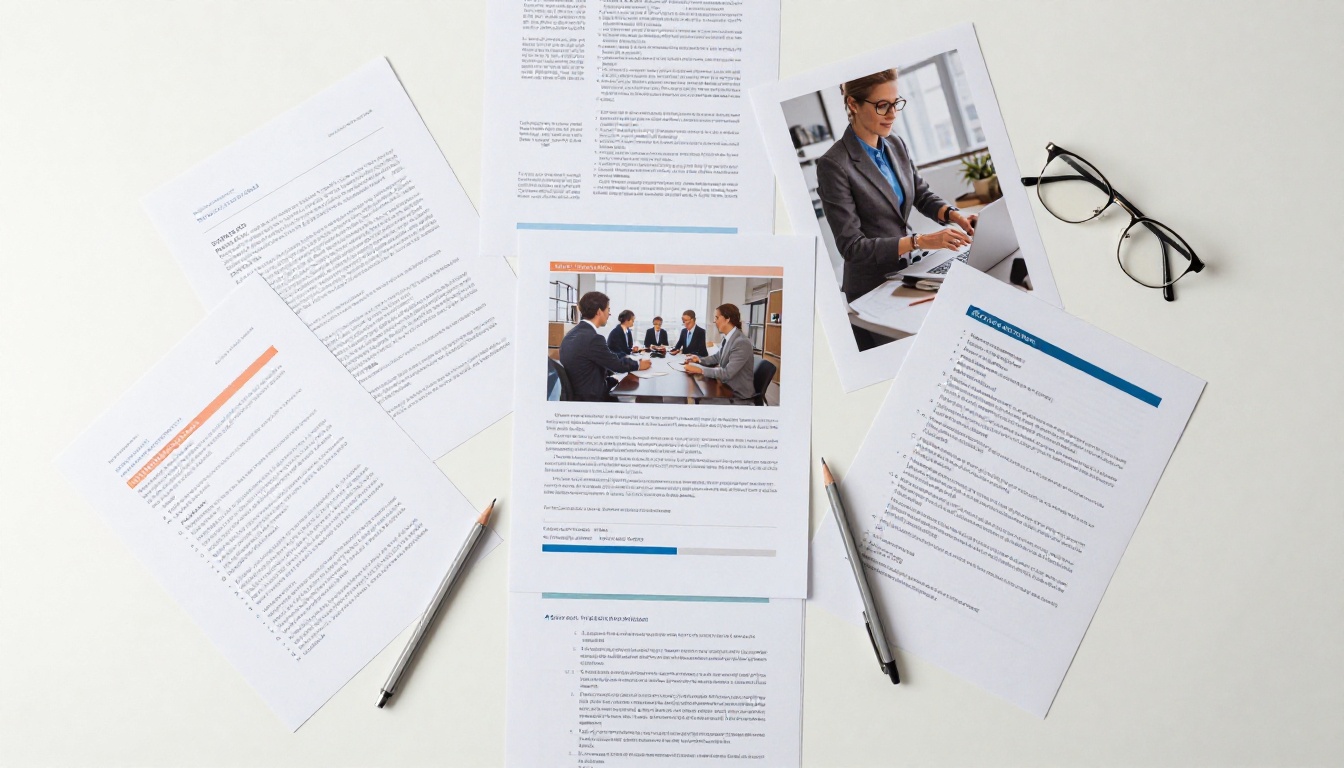
Most people assume flipbook conversion only works with PDFs. In practice, Flipbooks AI accepts a wide range of common document and image formats, so you are not locked into rebuilding anything before you start.
| File Type | Supported | Best Use Case |
|---|
| PDF | ✅ Yes | Reports, catalogs, brochures, menus |
| JPG / PNG | ✅ Yes | Photo albums, portfolios, lookbooks |
| PowerPoint (PPTX) | ✅ Yes | Presentations, pitch decks |
| Word (DOCX) | ✅ Yes | Manuals, proposals, newsletters |
| Multi-page TIFF | ✅ Yes | High-resolution print archives |
💡 Pro tip: PDF files produce the cleanest results because they preserve your original formatting, fonts, and colors exactly. If you are starting from a Word or PowerPoint document, export it as a PDF first before uploading. The flipbook output will look identical to what you designed.
Resolution and file size
For best results, aim for a PDF with at least 150 DPI resolution. Files under 100MB convert fastest, typically in under 30 seconds. If your source document is print-ready at 300 DPI, the flipbook output will look razor-sharp even on large retina displays and high-resolution tablets. There is no need to compress or downscale your file before uploading; the platform handles optimization automatically.
How Fast Is "Under 5 Minutes"?
The claim is not marketing language. Here is what the actual process looks like, broken down step by step with honest time estimates based on a standard broadband connection and a typical 10-20 page document.
| Step | Action | Time Required |
|---|
| 1 | Create a free account | 30 seconds |
| 2 | Upload your file | 20 to 60 seconds (depends on file size) |
| 3 | Processing and conversion | 30 to 90 seconds |
| 4 | Apply branding and basic customization | 1 to 2 minutes |
| 5 | Copy your share link or embed code | 10 seconds |
| Total | Ready to share | Under 5 minutes |
For a simple 10-page PDF with no customization at all, you can have a working flipbook link in under two minutes. The extra time goes into choosing brand colors, uploading a logo, and selecting a page-turn animation style. These steps are optional but worth doing once, because after your first flipbook, every subsequent conversion inherits your brand profile automatically.
✅ Best practice: Set up your brand profile completely on your first flipbook. From that point forward, each new conversion takes under two minutes because all styling choices are applied automatically.
How to Create Your First Flipbook
Flipbooks AI is purpose-built to make this process as fast and frictionless as possible. Here is the exact workflow from zero to a shareable link.

1. Create your account
Go to Flipbooks AI and sign up. The free plan lets you create flipbooks immediately with no credit card required. The whole signup process takes about 30 seconds.
2. Upload your file
From your dashboard, click "New Flipbook" and drag your PDF, image file, or document into the upload area. The platform processes the file automatically, converting each page into a high-resolution digital leaf with smooth page-curl rendering. You see a live preview as soon as processing completes.
3. Apply your branding
Once the conversion finishes, the live editor shows your flipbook alongside a panel of customization options. From here you can:
- Add your logo to the top corner of every page spread
- Set a custom background color or choose from texture presets
- Select your page-turn animation style: hard cover, soft magazine page, or fast slide
- Add a custom domain so your flipbook URL reflects your brand (available on Standard plan and above)
- Embed videos or audio clips directly into specific pages for richer presentations
- Set a background music track that plays softly as readers flip through
4. Set access and privacy
For internal documents, client proposals, or sensitive pricing materials, access control matters:
- Enable password protection so only intended recipients can open the flipbook
- Set an expiry date for time-sensitive content like seasonal offers or event programs
- Restrict access by domain for team-only publications
5. Share or embed
Copy the direct URL and send it anywhere: email, Slack, social media, or WhatsApp. Alternatively, grab the responsive embed code and drop it into your website in under 30 seconds. The PDF to Flipbook Converter handles all the technical rendering so you never touch a line of code.
💡 Pro tip: Use the Embed Flipbook on Website tool to generate a responsive embed snippet that works on any CMS including WordPress, Webflow, Wix, and Squarespace. It auto-adjusts to any container width on mobile and desktop.
Who Actually Uses This?
The 5-minute conversion workflow is not limited to tech teams or design departments. Here is how it plays out across different industries and roles where static documents were previously the only option.
Restaurants and hospitality
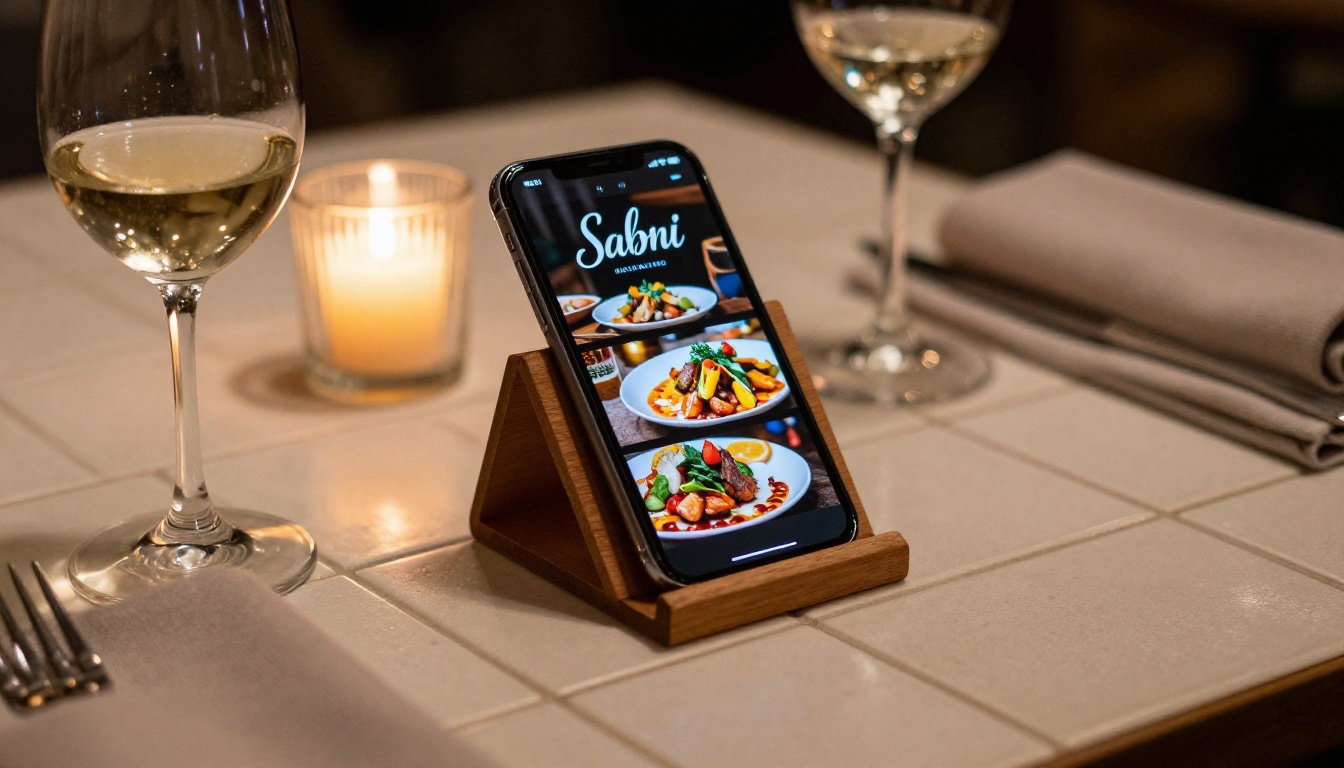
A restaurant owner receives a new seasonal menu as a Word document from their chef. They export it to PDF, upload it to Flipbooks AI, apply the restaurant's brand colors, and share the link with the front-of-house team before dinner service. The digital menu is live on the website in under four minutes. Customers browsing on their phones get a beautifully formatted, mobile-responsive experience instead of a clunky text attachment that half the devices cannot open cleanly.
The Restaurant Menu Creator tool takes this further by offering menu-specific templates optimized for readability, appetite appeal, and easy section navigation between starters, mains, and desserts.
Real estate and property sales
A real estate agent receives a property brochure from a developer as a PDF. Before a client meeting, she uploads it, adds her agency logo, and shares the link via SMS. The client arrives having already browsed floor plans and property photography on their phone during their commute. No printing costs, no file attachments, no "can you resend that PDF in a smaller size?" emails.
The Real Estate Brochure Creator handles specialized layouts for property listings with built-in support for multi-page floor plans, neighborhood maps, and high-resolution photo galleries that look stunning in the flipbook format.

Education and training
A corporate trainer uploads a 40-page training manual the morning before a workshop. Instead of emailing a PDF that half the participants cannot open on their phones, she shares a single link in the group chat. Participants flip through the material on any device during the session, bookmark specific pages, and return to the same URL for reference weeks later.
The Training Manual Flipbook and Course Material Publisher tools are built specifically for educational content with support for embedded multimedia and interactive elements on individual pages.

Other scenarios worth noting
Choosing the Right Plan
Flipbooks AI offers tiered pricing designed to scale with your needs. Here is a direct comparison of what each plan delivers.
| Feature | Free | Standard | Professional |
|---|
| Number of flipbooks | Limited | Unlimited | Unlimited |
| Watermark on output | Yes | No | No |
| Custom branding | No | ✅ Yes | ✅ Yes |
| Password protection | No | ✅ Yes | ✅ Yes |
| Offline downloads | No | ✅ Yes | ✅ Yes |
| Analytics | No | Basic | Detailed |
| Lead generation forms | No | No | ✅ Yes |
| Custom domain | No | ✅ Yes | ✅ Yes |
| Embed on website | Limited | ✅ Yes | ✅ Yes |
| Priority support | No | No | ✅ Yes |
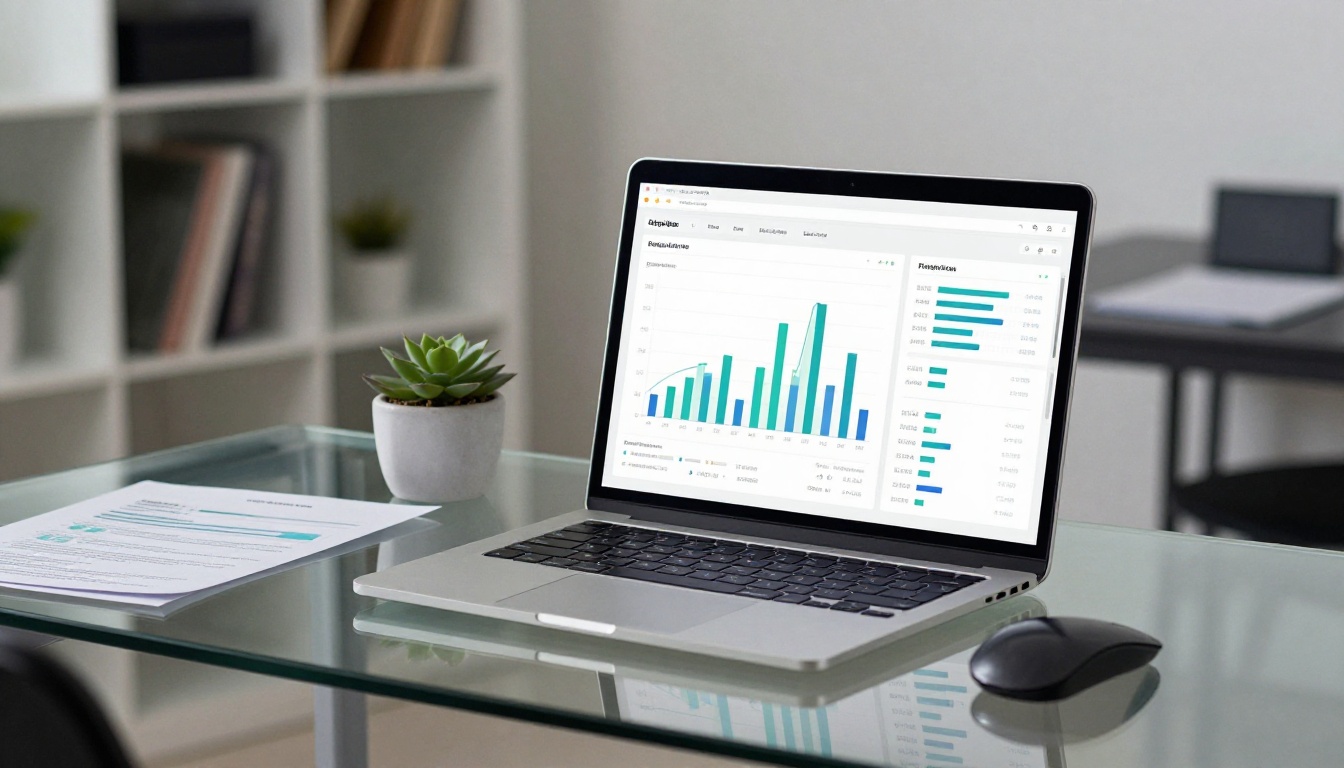
For most individual users and small businesses, the Standard plan covers everything needed day-to-day: no watermarks, unlimited flipbooks, custom branding, password protection, and website embedding. The Professional plan is the right choice if you need detailed reader analytics to track behavior across pages, or lead capture forms embedded directly inside your publications to collect contact information from interested readers.
⚠️ Worth knowing: The free plan adds a Flipbooks AI watermark to every publication. If you are sharing content with clients or customers, upgrading to Standard removes the watermark entirely and lets you present a fully branded experience that reflects your organization, not the platform you used to create it.
Tips to Get the Best Results Fast
These practical adjustments take less than a minute each and make a noticeable difference in how polished your flipbooks look and perform.
Optimize your source file first
- Use font sizes of 10pt or larger so text stays crisp after conversion
- Embed all fonts inside your PDF before exporting (check your PDF export settings)
- Keep images at 150 DPI minimum for screen use, 300 DPI for print-quality output
- Avoid very light text on white backgrounds; contrast reads significantly better on screens than on paper
Apply branding in your first session
Set your logo, brand colors, and default page-turn style once during your first flipbook creation session. Every new flipbook you create after that will inherit these settings automatically. This reduces your setup time on future conversions to near zero, turning the already-fast 5-minute process into something closer to 2 minutes.
Use password protection strategically
For pricing lists, internal reports, or client proposals, password protection adds a professional layer of access control. Share the password separately from the link through a different channel for an extra layer of security. The Digital Price List Generator combines this functionality with a clean pricing-specific layout that handles version control automatically when rates change.

Think about mobile from the start
Over 60% of document views now happen on mobile devices. Flipbooks are automatically mobile-responsive, but your source document should account for the smaller viewport too. Use single-column layouts and avoid text that runs wall-to-wall across an A4 page. Larger font sizes, generous line spacing, and well-separated sections make a dramatic difference for readers on phones. Content designed for print almost always needs minor adjustments before it shines on mobile screens.
Test your flipbook before sharing it
Before sending the link to clients or publishing it on your website, open the flipbook yourself on both a desktop browser and a mobile device. Check that all fonts render correctly, images display at full quality, and any embedded media plays without errors. This 60-second review step prevents the awkward situation of sharing a flipbook with a formatting issue you could have caught immediately.
Start Converting Your Files Today
You already have documents sitting in folders that deserve a better format than a flat PDF attachment. Product catalogs, business proposals, training materials, seasonal menus, client presentations, annual reports. Every one of them can be converted into a professional, shareable, interactive flipbook in under five minutes.
Ready to create your first flipbook? Get started for free and have a working link before your next meeting. No software to install, no design skills required, no waiting for anything to render on your local machine.
Browse all available tools and templates to find the right format for your specific content type. Whether you need a product catalog, a menu, a portfolio, or a training manual, there is a purpose-built tool ready for it. And when you are ready to activate professional features and remove watermarks, check the pricing plans to find what fits your workflow and budget.
The files are already there. The process takes five minutes. There is nothing standing between you and a shareable flipbook link right now.



