You already have the PDF. The design is done, the content is ready, and someone spent real time putting it together. So why are you still sending it as a flat file that people download, forget to open, or close after two seconds?
Converting that same PDF into an interactive flipbook takes less than five minutes and changes how people experience it completely. Instead of scrolling through a static document, readers flip through pages with a natural, satisfying motion. They can zoom in, navigate by section, share individual pages, and read comfortably on any device. That's the difference between a file someone tolerates and content someone actually reads.
Flipbooks AI is built specifically for this. No software to install, no design skills required, and no watermarks cluttering your content. Upload, customize, publish, done.
Why Static PDFs Are Losing Your Audience
PDFs made sense in a world where digital documents were primarily meant to be printed. That world is mostly gone. Today, the majority of your audience reads on smartphones, tablets, and laptops in casual settings, not at a desk with a printer nearby.
The problems with static PDFs are consistent across industries:
- Inconsistent rendering: Different devices and apps display PDFs differently. Fonts break, images shift, layouts collapse on mobile.
- No engagement data: You send a PDF and have zero idea if anyone opened it past the first page.
- Zero interactivity: No links that feel natural, no video embeds, no navigation by section.
- Friction on mobile: Pinching, zooming, and scrolling through a flat PDF on a phone is a frustrating experience that ends with the app being closed.
- Download barrier: Many recipients, especially on corporate networks, are reluctant to download file attachments from external senders.

A flipbook solves all of this. The page-turn interface is intuitive and satisfying. The document scales naturally to any screen. You can embed it directly on your website, share it via link, or send it in an email. And if you're on a Professional plan, you can see exactly how readers are engaging with every page.
💡 PDF conversion to flipbook format also improves perceived quality. A professionally animated document signals to your audience that you care about how your content is presented, not just the content itself.
What a Flipbook Actually Does
Before diving into the steps, it's worth being precise about what "flipbook" means in this context and why it works better than the alternatives.
The Page-Turn Effect
A digital flipbook recreates the physical sensation of turning pages. When a reader clicks or swipes, the page curls away in a smooth, realistic animation, revealing the next page underneath. It sounds like a small detail, but it fundamentally changes how people engage with a document. The motion is expected, natural, and satisfying in a way that scrolling simply isn't.
Beyond the animation, flipbooks rendered in HTML5 (the format Flipbooks AI uses) are:
- Fast to load: No large PDF download required
- Indexable by search engines: Unlike a static PDF, HTML5 content can be read by crawlers
- Embeddable anywhere: A single line of code places your flipbook on any website
- Shareable as a direct link: Send a URL and the reader opens the flipbook in their browser instantly
- No app required: Works in any modern browser on any device, no plugins, no downloads
Mobile and Tablet Ready
One of the most practical advantages of the flipbook format is how it handles mobile traffic. Your PDF was probably designed on a desktop and optimized for a desktop viewer. A flipbook adapts to the screen automatically, presenting content at the right scale with touch-optimized navigation.

Readers swipe through pages the same way they'd swipe through social media or a photo gallery. The interaction is familiar, which means lower abandonment rates and more time spent with your content. For teams sharing documents internally or externally, this matters more than most people expect.
How to Turn Your PDF into a Flipbook in Under 5 Minutes
This is the part that surprises most people: it genuinely takes less than five minutes from first click to published link. Here's exactly how it works on Flipbooks AI.
Step 1: Create Your Free Account
Go to flipbooksai.com and create an account. The free tier lets you start immediately without entering a credit card. Once you're in, the dashboard loads with a clean, focused interface centered around a single action: uploading your document.
Step 2: Upload Your PDF
Drag your PDF directly into the upload zone or click to browse your files. Flipbooks AI accepts PDFs of any size and page count. The platform processes the file server-side, converting each page into a high-resolution image that renders cleanly in the flipbook viewer.
⚠️ If your PDF uses non-standard fonts or embedded assets, run a quick test with your actual file before distributing the flipbook. Most files convert without any issues, but a quick preview confirms everything looks right before you share it.
What happens during processing:
- Each PDF page is rendered at high resolution
- The document is converted to an HTML5 flipbook format
- A shareable link is generated automatically
- The flipbook is ready to view, embed, or distribute
Step 3: Customize Your Branding
This is where a generic PDF becomes a branded experience. Flipbooks AI gives you control over the presentation layer without touching your original document:
- Cover design: Choose or customize the flipbook cover thumbnail
- Brand colors: Match the viewer interface to your brand palette
- Logo placement: Add your logo to the flipbook header or viewer chrome
- Background: Set the page background color or texture behind the document
- Page shadows and effects: Adjust the depth and realism of the page-turn animation
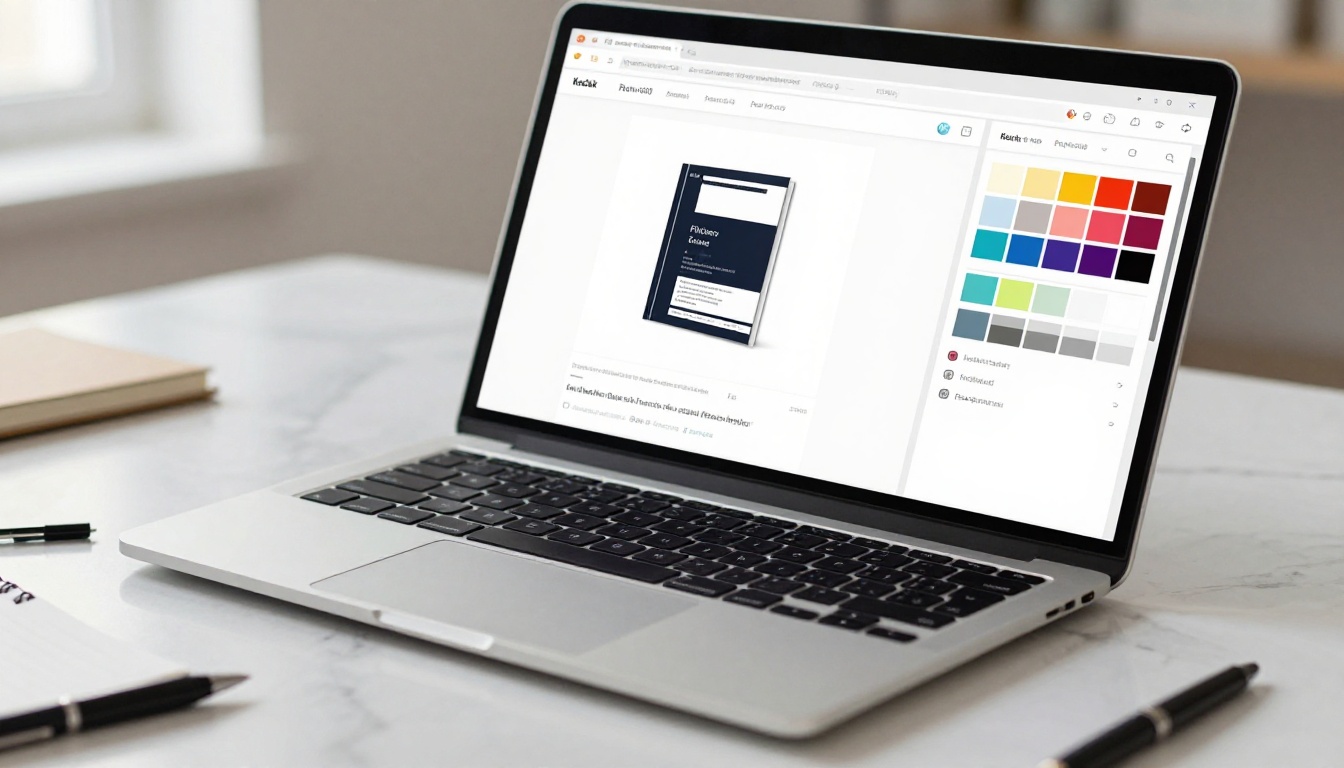
For businesses using the PDF to Flipbook Converter, this step is particularly important. A flipbook that matches your brand identity feels like an intentional product, not a converted file. Recipients notice the difference even if they can't articulate why.
💡 Even small branding details, like matching your accent color to your logo, significantly increase how professional the finished flipbook feels to recipients. It takes less than two minutes and makes a visible difference.
Step 4: Publish and Share
When your flipbook is ready, Flipbooks AI gives you several distribution options:
- Direct link: Copy a URL and share it anywhere, email, chat, social media
- Embed code: Paste a single line of HTML to embed the flipbook on your website using the Embed Flipbook on Website tool
- Password protection: Restrict access to specific audiences (available on paid plans)
- Social sharing: Built-in buttons for direct social distribution
- Download option: Allow readers to save an offline copy (Standard plan and above)
The published flipbook is live immediately. No waiting for approval, no file size limits on distribution, no recipient needing any special software to open it.
Who Uses PDF-to-Flipbook Conversion
The range of use cases is broad, but the underlying need is consistent: people want their documents to get read, not just received.
Businesses and Marketers
Marketing teams convert catalogs, brochures, and presentations into flipbooks for client distribution and website embedding. A Product Catalog presented as a flipbook gets more pages viewed per session than the same content as a PDF download. Sales teams use the format for proposals that stand out in crowded inboxes.

Real estate professionals use the Real Estate Brochure Creator to present property listings as polished digital brochures that clients can flip through on their phones. Automotive dealers use the Automotive Brochure Generator for vehicle spec sheets that can be updated instantly when inventory changes.
Educators and Trainers
Training departments convert manuals and course materials into flipbooks using the Training Manual Flipbook and Course Material Publisher tools. The format is easier for learners to navigate, reference, and return to than a multi-hundred-page PDF download.
Schools use the School Newsletter Creator and Yearbook Flipbook Maker to produce publications that parents and students actually read, because they open in a browser rather than requiring a download.
Creatives and Designers
Photographers use the Photography Portfolio tool to present their work in a format that showcases images at their best. The page-turn format feels more intentional than a gallery scroll. Event planners use the Event Program Maker to distribute programs that attendees look through before and during events.
Feature Breakdown Worth Knowing
Not every PDF-to-flipbook tool offers the same capabilities. Here's how the features stack up across what matters most for regular publishing.
| Feature | Free Plan | Standard Plan | Professional Plan |
|---|
| Flipbooks per account | Limited | Unlimited | Unlimited |
| Watermarks | None | None | None |
| Custom branding | Basic | Full | Full |
| Password protection | No | Yes | Yes |
| Embed on website | Yes | Yes | Yes |
| Analytics and tracking | No | No | Yes |
| Lead generation forms | No | No | Yes |
| Offline downloads | No | Yes | Yes |
| Video and audio embeds | No | Yes | Yes |
| Mobile responsive | Yes | Yes | Yes |
✅ Every plan includes zero watermarks. This is not a premium feature that gets phased out. Your content is always presented cleanly, without third-party branding, regardless of which tier you're on.
Pricing That Makes Sense
One of the most common frustrations with online document tools is pricing that hides real value behind expensive tiers. Flipbooks AI pricing is direct about what each plan includes.
| Plan | Who It's For | Standout Feature |
|---|
| Free | Individuals testing the platform | No credit card required |
| Standard | Regular publishers with volume needs | Unlimited flipbooks, offline downloads, video embeds |
| Professional | Teams and marketers needing data | Per-page analytics, lead generation, full white-label branding |
For most businesses producing marketing materials, product catalogs, or training content regularly, the Standard plan covers everything needed at a cost that makes sense against the time saved by not manually reformatting documents for different devices and audiences.
The Professional plan is the right choice for anyone who needs to know how their documents are performing. The analytics dashboard shows per-page engagement, time spent, and reader behavior across your published flipbooks. That's information that simply doesn't exist when you share a PDF file, and it changes how you approach content revision and distribution strategy.
Real Use Cases Worth Bookmarking
The best way to see whether this workflow fits your situation is to map it against specific scenarios people are already solving with it.
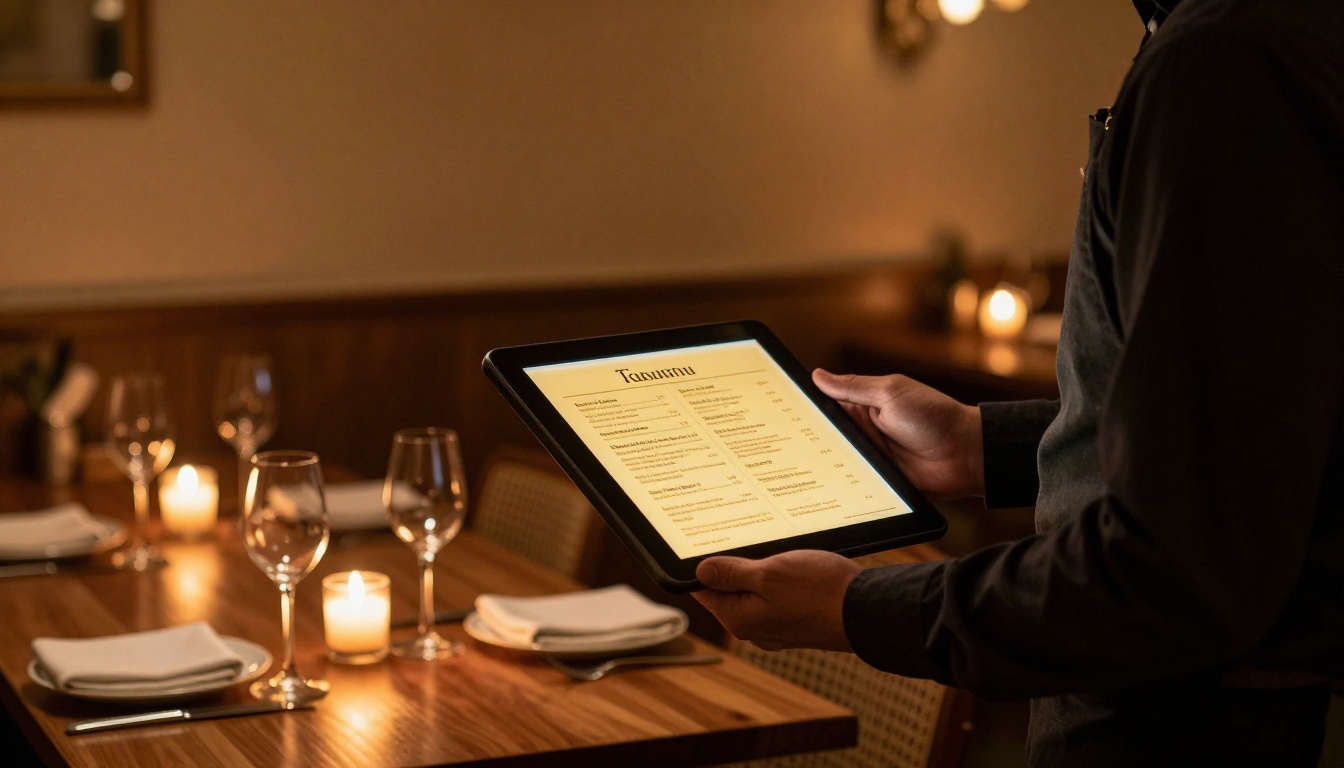
Restaurant owners spend hours designing seasonal menus. Rather than reprinting every time something changes, a flipbook menu can be updated and the same shared link reflects the new version instantly. The Restaurant Menu Creator is built specifically for this workflow.
Hotels and resorts use the Hotel Brochure Designer to present property information, amenities, and room options as an experience rather than a document. Guests browse the flipbook the same way they'd browse a magazine in a lobby, which means more time with the content and more pages read.
Non-profits use the Non-Profit Annual Report tool to present financial summaries and impact stories in a format that actually gets read by donors and board members, not just skimmed.
Wedding photographers use the Wedding Album Flipbook to deliver client albums as a digital experience before the printed version arrives. Clients share the link with family immediately without needing to download anything.
💡 A flipbook shared via link is far more likely to be viewed than a PDF attachment. Email clients sometimes block large attachments, and many recipients are reluctant to download files from unfamiliar senders. A browser-based flipbook removes both obstacles at once.
When deciding whether to convert your PDFs, the comparison isn't just against other PDF tools. It's against every other way you might share a document digitally.
Flipbook vs. Google Slides embed: Slides work for presentations but look wrong for printed-style content like catalogs or brochures. Flipbooks preserve your exact original design without any reformatting.
Flipbook vs. Issuu: Issuu adds its own branding to free accounts and imposes strict limits on free usage. Flipbooks AI presents your content first with no third-party branding at any tier.
Flipbook vs. PDF download link: A download link requires the reader to open a separate app, navigate to the right page, and manage the file on their device. A flipbook link opens immediately in any browser.
Flipbook vs. building a webpage: Turning a PDF into a proper webpage takes hours of development time and constant maintenance. A flipbook preserves your exact design in minutes with no ongoing work required.

The Professional plan's analytics make this comparison even sharper. You can see that on page 4 of your catalog, 60% of readers stop engaging. That's a signal to revisit that page on the next edition. That kind of feedback loop doesn't exist when you share a PDF file, and it's the difference between publishing that improves over time and publishing that stays static.
⚠️ If you're regularly sharing PDFs with clients or prospects and have no idea how far they read, you're flying blind. Even the basic analytics on a Professional plan will change how you think about every document you publish.
Stop Sending Flat PDFs
Every PDF you've already created is a flipbook waiting to happen. The design work is done, the content is approved, and the only thing standing between what you have now and a significantly better reader experience is five minutes on Flipbooks AI.
The format works across industries, content types, and audiences. It requires no technical skill to publish and no special software for readers to view. It loads in any browser, looks professional on every screen, and gives you distribution options that a plain PDF file simply cannot match.
The tools are available for every type of content you already produce. Product catalogs, training manuals, restaurant menus, portfolios, annual reports, e-books, event programs. Each has a purpose-built tool at flipbooksai.com/tools that gets you from PDF to published flipbook in the time it takes to make a cup of coffee.
Ready to make the switch? Create your free account and upload your first PDF today. Browse all available tools to find the right format for your specific content type, and check the pricing plans to pick the tier that fits your publishing volume.



