Nobody reads a PDF the way they read a magazine. The flat, scrollable format strips away all the tactile engagement that makes printed content feel worth your time. That's exactly why converting your PDFs into interactive flipbooks with realistic page-flip animation has become the go-to move for marketers, educators, publishers, and business owners who actually want people to read what they've created. Flipbooks AI makes this conversion instant, and the result is something that looks and behaves like a real book, right inside a browser.
Why Static PDFs Are Losing You Readers
A PDF is a container. It holds your content faithfully, but it offers almost nothing in terms of experience. There's no sense of movement, no satisfying page turn, and no visual cue that this is something worth spending time with. On mobile, PDFs are particularly punishing: pinch-to-zoom, awkward scrolling, and no sense of orientation within the document.
The numbers reflect this. Studies on digital content consumption consistently show that interactive formats hold attention significantly longer than static documents. When a reader can flip through pages, the act of navigating becomes part of the experience rather than an obstacle to it.
The core problems with static PDFs:
- No page-flip animation means no sense of narrative progression
- Difficult to navigate on mobile and tablet screens
- Cannot embed video, audio, or interactive elements
- No analytics to track who read what and for how long
- Sharing via link forces the recipient to download a file
- Zero branding opportunity in the viewing experience
These aren't minor inconveniences. For a business sending a product catalog, a school distributing a course packet, or a publisher releasing a digital magazine, the difference between a PDF and a proper interactive flipbook is the difference between content that gets skimmed and content that gets read.
What Page-Flip Animation Actually Does
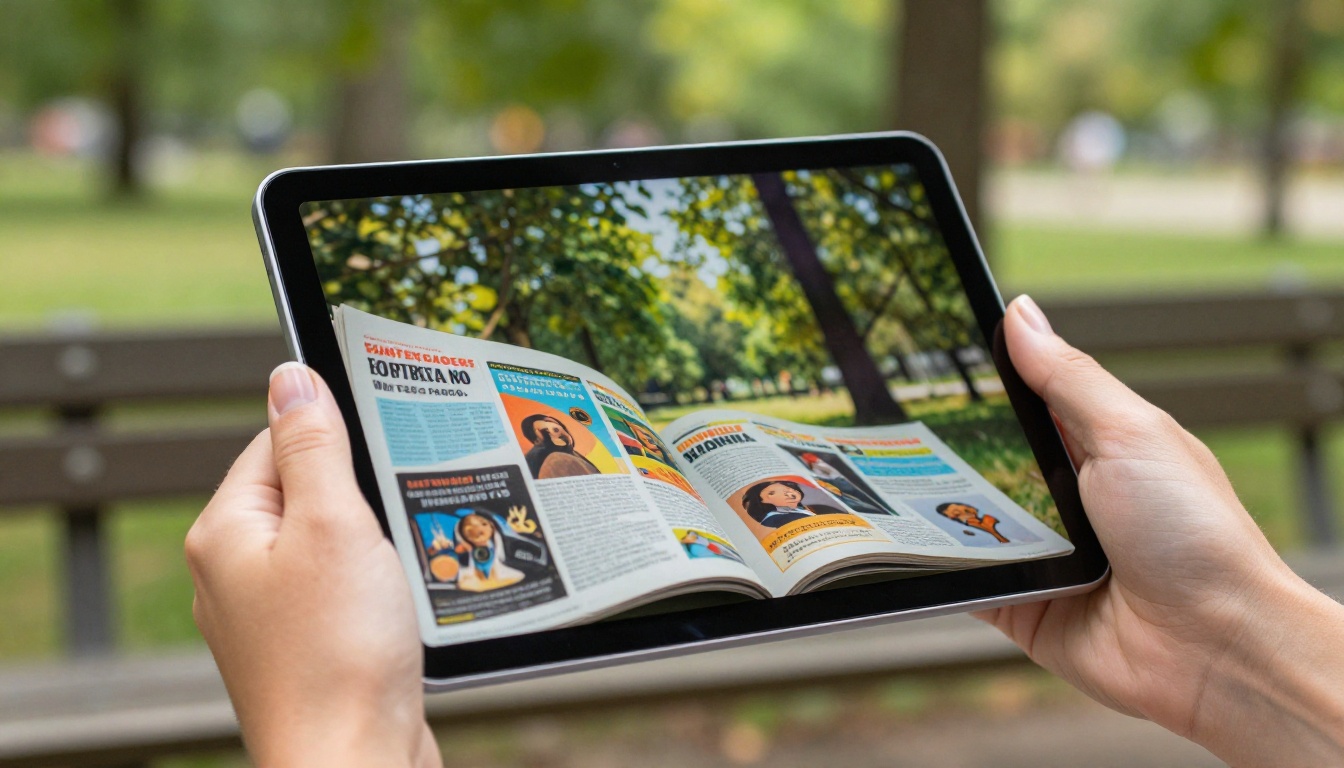
The page-flip effect is not just cosmetic. When a reader clicks or taps to advance through a flipbook, the page physically curls from corner to center, revealing the next spread beneath it. This animation activates the same mental associations as turning a real book, and that matters because familiarity breeds engagement.
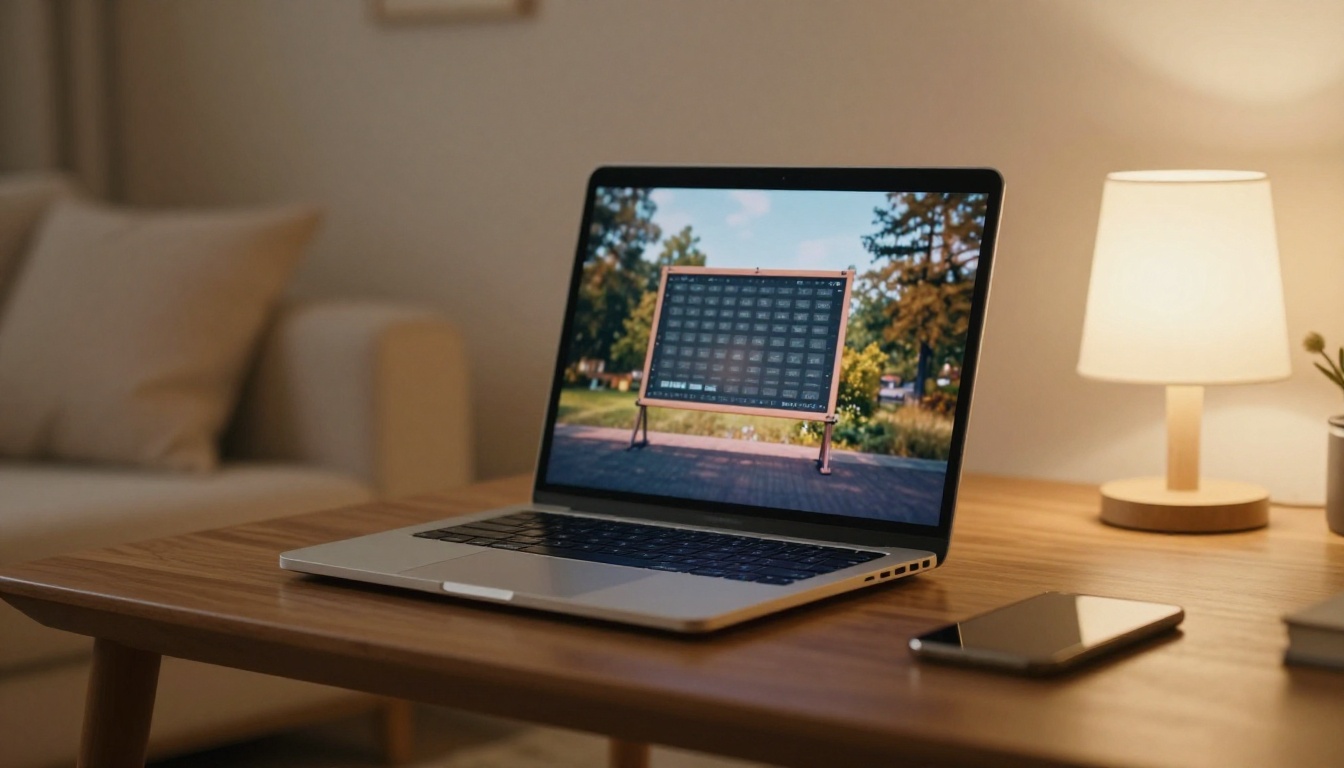
The technical side of this is handled through HTML5 canvas rendering, which means the animation runs smoothly in any modern browser without plugins or downloads. The flipbook loads as a webpage, which makes it shareable via any link and embeddable anywhere an iframe is accepted.
What the page-flip effect delivers:
- Visual continuity between pages that reinforces document structure
- Spatial orientation so readers always know where they are in the document
- Touch-gesture support on mobile for swipe-to-flip interactions
- Dual-page spreads that render correctly, just like a printed publication
- Sound effects (optional) that replicate the crisp sound of turning paper
💡 The page-flip animation is rendered client-side via HTML5, so there's nothing to install and nothing to download. Your readers open a link, and the flipbook is immediately ready.
How to Turn Any PDF into a Flipbook
This is where the process becomes genuinely simple. Flipbooks AI handles the entire conversion pipeline from PDF upload to published flipbook in under two minutes.

Step 1: Create Your Account
Go to Flipbooks AI and sign up. The free tier is available immediately, no credit card required. Once inside the dashboard, you'll see the option to create a new flipbook.
Step 2: Upload Your PDF
Click New Flipbook and select your PDF file. The platform accepts any standard PDF regardless of page count, image density, or embedded fonts. Files are processed server-side, so large documents handle just as cleanly as small ones.
⚠️ For best visual results, export your PDF at a minimum of 150 DPI. Higher resolution source files produce sharper flipbook pages, especially on retina displays.
Step 3: Configure the Page-Flip Settings
Once your PDF is processed, you'll enter the customization interface. This is where you control how the flipbook looks and behaves:
- Page flip style: Choose between hard cover, soft cover, or magazine-style curl animations
- Background color or texture: Set the backdrop that surrounds your flipbook
- Navigation controls: Toggle arrows, thumbnails, and full-screen mode
- Auto-flip: Set a timer to advance pages automatically, ideal for kiosks or presentations
- Sound effects: Enable or disable the paper-turn audio cue
Step 4: Apply Custom Branding
Under branding settings, you can add your logo to the flipbook interface, customize the color scheme of the toolbar, set a custom domain for sharing, and add a favicon. This keeps the entire experience within your brand identity with no third-party watermarks anywhere.
✅ Flipbooks AI includes no watermarks on any plan, including the free tier for your first flipbook.
Step 5: Embed or Share
Once published, you receive:
- Direct link: A URL you can share via email, social media, or messaging apps
- Embed code: An iframe snippet for placing the flipbook on any website or landing page
- Password protection: Optionally restrict access to authorized viewers only
- QR code: For linking print materials to the digital flipbook version
Use the Embed Flipbook on Website tool to generate clean embed codes sized to your layout.
Step 6: Track Performance (Professional Plan)
On the Professional plan, built-in analytics show you page-by-page engagement data: which pages readers reach, where they drop off, average time spent, and geographic breakdown of views. For sales and marketing teams, this data is directly actionable.
Who Uses PDF Flipbooks (Real-World Scenarios)
The use cases for page-flip flipbooks span almost every industry. What they share is the need to present multi-page content in a format that respects both the material and the reader's attention.

Retailers and Product Marketers
A product catalog in PDF form gets downloaded maybe once and forgotten. The same catalog as an interactive flipbook gets shared, bookmarked, and browsed like a magazine. Retailers use the Digital Catalog Maker to produce shoppable-feeling catalogs with real page-turn physics.
Restaurants and Hospitality
A restaurant PDF menu is functional but forgettable. A flippable digital menu shown on a tablet at the table or linked from a QR code on the physical menu creates a completely different impression. The Restaurant Menu Creator is purpose-built for this.
Real Estate Agencies
Property brochures contain photography-heavy layouts that look stunning when presented as flipbooks. Agents share flipbook links in listing emails, embed them on property pages, and use them during client presentations. The Real Estate Brochure Creator covers this workflow.
Publishers and Magazines
Digital magazines and newsletters converted to flipbooks retain the two-page spread layouts that make editorial design meaningful. The Magazine Flipbook Creator and E-Magazine Publishing Tool support professional publication workflows.
Education and Training
Course packets, training manuals, and school newsletters benefit enormously from the flipbook format because students and employees are more likely to actually read content that feels designed for them. The Training Manual Flipbook and Course Material Publisher serve institutional needs.
Creative Professionals
Photographers, designers, and stylists use flipbooks for portfolios and lookbooks. A Photography Portfolio Flipbook or Interactive Lookbook Designer turns a static portfolio PDF into a curated viewing experience that feels intentional.
Not all flipbook formats serve the same purpose. Here's how the main options compare when choosing the right configuration for your content:
| Format | Best For | Page-Flip Style | Mobile Experience |
|---|
| Magazine | Editorial, publications | Soft curl, dual-page | Excellent |
| Hard Cover Book | Annual reports, portfolios | Hard page turn, spine visible | Good |
| Catalog | Products, menus, pricing | Soft curl, full-bleed images | Excellent |
| Presentation | Slide decks, pitch docs | Slide-style or soft flip | Excellent |
| Brochure | Marketing, real estate | Trifold simulation or soft | Good |
💡 For documents with full-bleed photography, the magazine format with dual-page spreads creates the most immersive experience. For data-heavy reports, the hard-cover format communicates authority.
Flipbooks AI Features Worth Knowing
Beyond the core PDF-to-flipbook conversion, Flipbooks AI includes a set of features that separate it from basic conversion tools:
Multimedia Embedding
Add video clips and audio tracks directly to flipbook pages. A product catalog page can include a video demonstration. A training manual can embed an instructional recording. This is done through the page editor without any coding.
Lead Generation Forms
On the Professional plan, you can insert a lead capture form at any point in the flipbook. Readers fill in their details to continue reading, turning your content into a lead generation asset. This is especially powerful for gated reports, white papers, and premium catalogs.
Offline Downloads
Allow your readers to download the flipbook for offline viewing. The downloaded version retains the page-flip animation, making it a self-contained interactive document rather than a PDF fallback.
Password Protection
Set a password on any flipbook to restrict access. Useful for internal documents, client proposals, and premium content.
Mobile-Responsive Design
Every flipbook renders correctly on phones and tablets. On touch screens, the page-flip responds to swipe gestures, making the experience feel native.
Pricing: What You Get at Each Tier
Choosing the right plan depends on how many flipbooks you create and which features matter most to your workflow. Here's a breakdown:
| Feature | Free | Standard | Professional |
|---|
| Flipbooks | 1 | Unlimited | Unlimited |
| Watermarks | None | None | None |
| Custom branding | No | Yes | Yes |
| Password protection | No | Yes | Yes |
| Embed on website | Yes | Yes | Yes |
| Analytics | No | No | Yes |
| Lead generation | No | No | Yes |
| Offline downloads | No | Yes | Yes |
| Video/audio embed | No | Yes | Yes |
| Custom domain | No | No | Yes |
The free plan is genuinely useful for testing the format or for one-off projects. The Standard plan unlocks unlimited flipbooks with full branding control. The Professional plan adds the analytics and lead generation tools that make flipbooks a revenue-generating asset rather than just a content format.
See the full breakdown at Flipbooks AI pricing.
Where to Use Your Flipbook
The real advantage of a flipbook over a PDF is distribution flexibility. Once your document is published as a flipbook, it exists as a URL. That URL can go anywhere.

Website embedding is the most common use case. The iframe embed code drops directly into any CMS, whether that's WordPress, Webflow, Squarespace, or a custom-built site. The flipbook resizes to fit its container and remains fully interactive. Use the Embed Flipbook on Website tool to generate the exact code you need.
Email campaigns benefit from linking to a flipbook rather than attaching a PDF. A flipbook link loads instantly in a browser with no file size limitations, and unlike PDF attachments, it doesn't trigger spam filters.
Social media profiles can link to flipbooks in bio sections, story links, or post captions. The shareable URL works on every platform.
QR codes printed on physical materials, packaging, signage, or business cards link directly to the flipbook version of your document. This bridges print and digital in a way that PDFs cannot.
Presentations and pitches benefit from embedding a live flipbook into a slide deck or opening one in a browser tab during a client meeting. The page-flip animation makes a significantly stronger impression than scrolling through a PDF.

Common Mistakes to Avoid
Before you publish your first flipbook, three issues come up repeatedly that are worth addressing upfront:
-
Low-resolution source PDFs: If your PDF was exported at 72 DPI for web viewing, the flipbook pages will look pixelated. Always export at 150 DPI minimum, 300 DPI for image-heavy documents.
-
Landscape-format PDFs in portrait flipbooks: Match your flipbook orientation to your document orientation. A landscape slide deck should be configured as a landscape flipbook, not forced into portrait mode.
-
Ignoring mobile testing: Always view your published flipbook on a phone before sharing it widely. Page spreads that look perfect on desktop sometimes need adjustment for single-column mobile display.
⚠️ Test your flipbook on at least one mobile device before distributing. Most of your audience will view it on their phones.
The PDF to Flipbook Converter at Flipbooks AI works with any document you already have. Annual reports, wedding albums, recipe books, school yearbooks, event programs, price lists, travel guides: every one of these has a dedicated tool optimized for its format.
Browse all available tools at flipbooksai.com/tools.
Make Your PDFs Worth Reading
Static PDFs have had their run. Readers expect more now, and the page-flip format delivers it without requiring design skills, a developer, or a complicated workflow. You upload your PDF, configure the animation settings, and publish a link. That's the entire process.
Whether you're running a business that sends catalogs, a school that distributes course materials, a publisher producing digital magazines, or a creative building a portfolio, the flipbook format makes your content more engaging, more shareable, and more measurable than any PDF ever could be.
Ready to see what your documents look like with real page-flip animation? Create your first flipbook free on Flipbooks AI today. When you're ready to go further, compare the plans to find the right fit. And if you have a specific use case in mind, browse all flipbook tools to find the one built exactly for your document type.



