School documents have a visibility problem. Teachers spend hours designing lesson summaries, curriculum guides, and event newsletters, only to watch them disappear into crowded email inboxes or sit unopened in a shared drive folder. The format is the issue, not the content. A flat PDF looks like homework. An interactive flipbook looks like something worth opening. Flipbooks AI solves this in minutes, with no design experience required.
Why School PDFs Stop Getting Opened
There are dozens of unread emails in the average parent's school communication inbox at any given time. Most of them contain PDF attachments. The problem is not the content inside, it is the delivery format. A two-page newsletter attached as a PDF feels like an obligation. The same content in an interactive flipbook feels like a publication.
The Attention Problem in Digital Education
Students and parents are conditioned by social media, streaming, and apps to expect content that responds to them. Flat PDFs do not respond. They sit, they scroll, they end. An interactive flipbook with page-turn animation creates a fundamentally different reading experience, one that mimics the physical act of turning pages in a magazine or book, triggering a focused reading state rather than a skim.
Research in educational technology consistently finds that interactive digital content increases time-on-page by 30-50% compared to static documents. That time translates directly into comprehension and retention.
Static vs. Interactive: What Students Actually See
| Feature | Static PDF | Interactive Flipbook |
|---|
| Page-turn animation | No | Yes |
| Mobile-optimized layout | No | Yes |
| Embedded video and audio | No | Yes |
| Password protection | No | Yes |
| Reader analytics | No | Yes (Professional) |
| Shareable link | No | Yes |
| Printable | Yes | Yes |
| Custom branding | No | Yes |
| Embed on school website | No | Yes |
Every feature in the flipbook column is live today on Flipbooks AI. None of it requires a designer or a developer.
What an Interactive Flipbook Actually Does

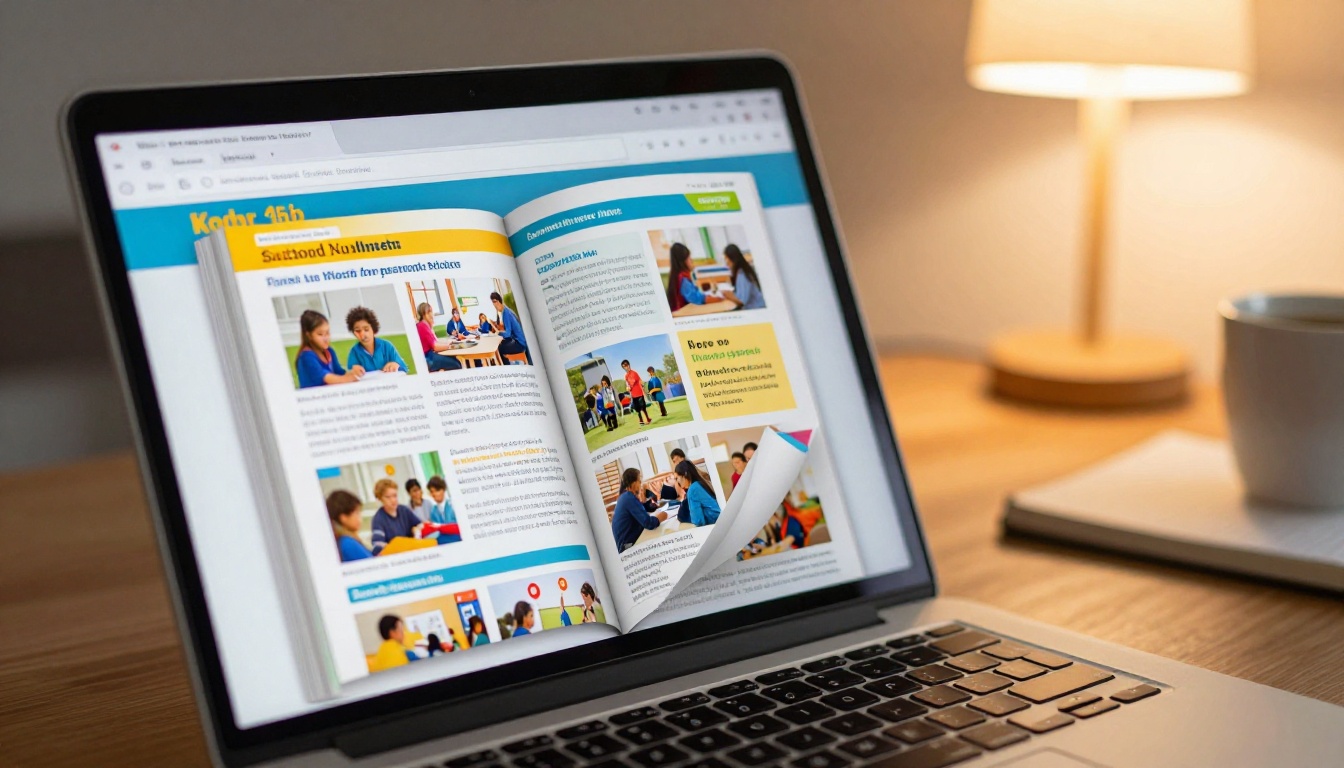
An interactive flipbook takes your existing PDF file and converts it into a digital publication with realistic page-flip physics. Pages curl when you click or swipe. The layout adapts to any screen size. Links inside the original PDF stay clickable. Images stay sharp.
The conversion is not cosmetic. The flipbook is hosted online, shareable via a single URL, embeddable into school websites, and accessible on any device without downloading anything.
The Page-Flip Effect and Why It Works
The page-curl animation is not a gimmick. It creates format familiarity: the brain recognizes the gesture of turning a page and shifts into reading mode rather than scanning mode. Students who click through a flipbook read more of each page than students who scroll through a PDF.
💡 Pro tip: PDFs with double-page spreads work especially well as flipbooks because the two-page layout preserves the magazine-style feel students recognize from print publications.
Devices and Access
| Device Type | PDF Experience | Flipbook Experience |
|---|
| Desktop browser | Needs plugin or reader | Native in browser |
| Smartphone (iOS) | App required | Browser only, no install |
| Smartphone (Android) | App required | Browser only, no install |
| Tablet | App required | Browser only, no install |
| Embedded in school site | Not possible | Yes, via embed code |
No app. No download. Just a link that works everywhere.
8 School Documents Worth Converting
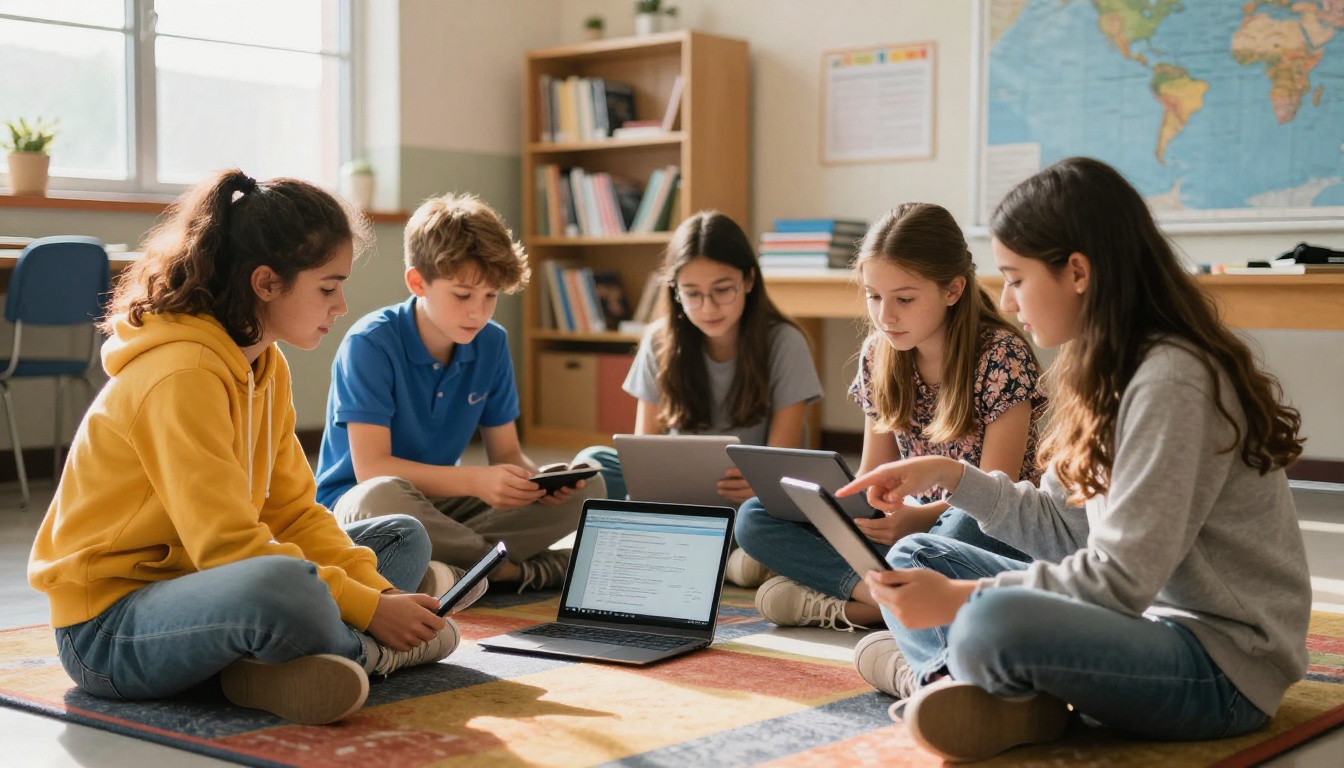
Not every school PDF becomes a better flipbook, but most do. Here are the document types where the format switch makes the biggest difference:
- School newsletters: Parents actually read them when they feel like a magazine, not a memo
- Curriculum guides: Students can navigate with page flips instead of endless scrolling
- Course syllabi: Hyperlinks stay active, making referenced resources directly clickable
- Event programs: Graduation, sports days, concerts, all of these feel premium as a flipbook
- Yearbooks: The Yearbook Flipbook Maker is built exactly for this
- Training manuals for staff: The Training Manual Flipbook format keeps procedures organized and accessible
- Course materials and handouts: The Course Material Publisher handles multi-chapter documents cleanly
- Student orientation packets: First impressions matter; a polished flipbook signals a polished institution
✅ Best practice: Convert your most frequently shared document first. The time savings compound quickly once parents and students learn to expect the flipbook format from your school.
How to Create a School Flipbook with Flipbooks AI
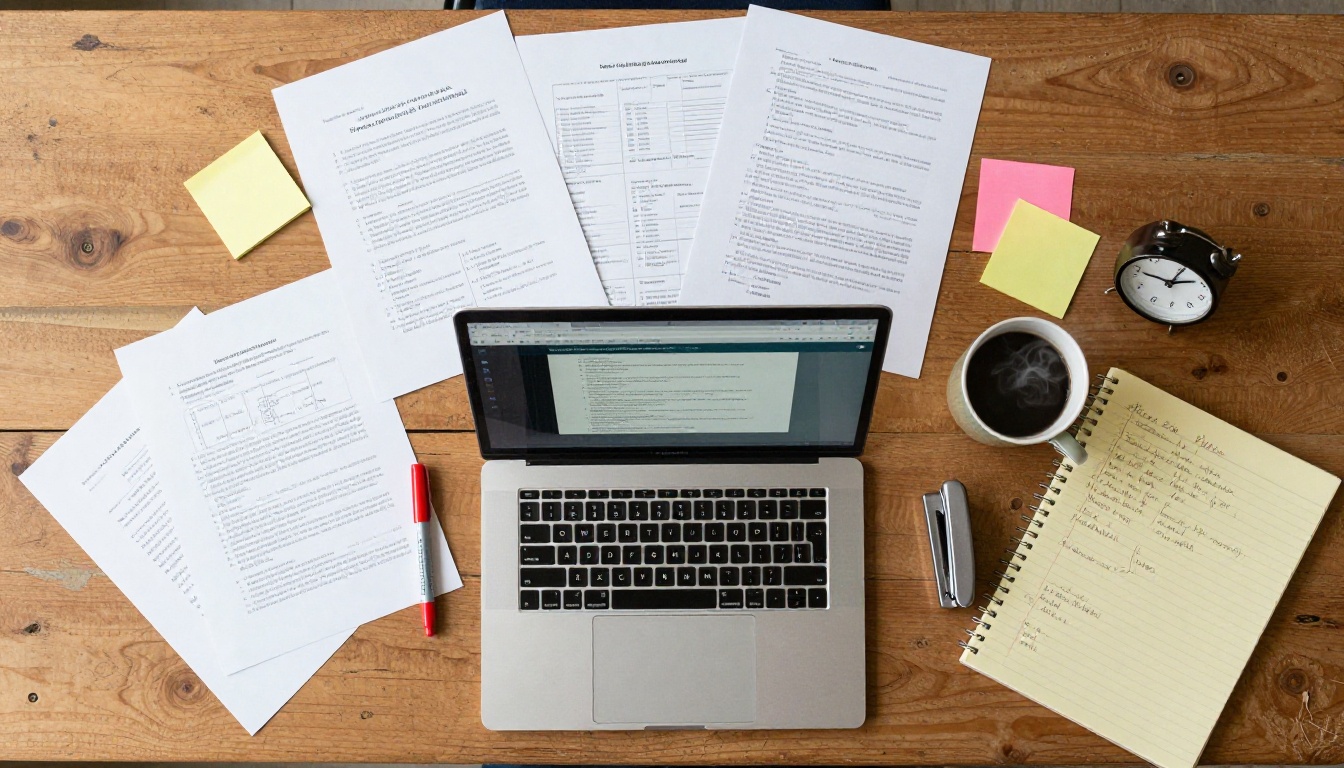
This is the full process from a PDF file to a finished, shareable flipbook in five steps.
Step 1: Create your account
Go to Flipbooks AI and create a free account. No credit card is required for the Free plan. You will be inside the dashboard in under two minutes.
Step 2: Upload your school PDF
Click "New Flipbook" and drag your PDF file into the upload area. Flipbooks AI supports multi-page PDFs up to several hundred pages. The PDF to Flipbook Converter handles the conversion automatically. Most school documents process in under 30 seconds.
Step 3: Customize branding and appearance
Once the flipbook renders, open the customization panel. You can:
- Upload your school logo to the toolbar
- Set brand colors to match your school palette
- Choose a page background color or texture
- Enable or disable the page-flip sound effect
- Add a custom cover page title and subtitle
💡 Pro tip: Set your school's primary color as the flipbook toolbar color. When parents see it embedded on the school website, it feels like a native part of the site rather than a third-party tool.
Step 4: Configure sharing and access
Flipbooks AI provides multiple sharing options for every situation:
- Direct link: Copy and paste into emails, SMS, or social media posts
- Embed code: Paste into your school website to display the flipbook inline using the Embed Flipbook on Website tool
- Password protection: Lock sensitive documents like staff handbooks or grade reports
- QR code: Generate a printable QR code pointing to the digital version for physical materials
Step 5: Track readership with analytics
On the Professional plan, you get access to full reader analytics: how many people opened the flipbook, how many pages they read on average, where they stopped, and lead generation forms you can embed inside the publication.
⚠️ Note: Analytics and lead generation are available on the Professional plan. Check pricing options to see which tier fits your school's publishing volume.
Flipbooks AI Plans at a Glance
Schools have different publishing needs depending on size and frequency. Here is how the plans break down:
| Feature | Free | Standard | Professional |
|---|
| Number of flipbooks | Limited | Unlimited | Unlimited |
| Watermarks | Yes | No | No |
| Custom branding | No | Yes | Yes |
| Password protection | No | Yes | Yes |
| Reader analytics | No | No | Yes |
| Lead generation forms | No | No | Yes |
| Offline downloads | No | Yes | Yes |
| Website embedding | No | Yes | Yes |
| Video and audio embed | No | Yes | Yes |
For most schools, the Standard plan covers every use case: unlimited flipbooks, no watermarks, password protection for private documents, and full embed support for the school website. Larger districts publishing multiple newsletters and reports monthly will find the Professional plan worthwhile for the analytics alone.
💡 Pro tip: Knowing which documents your school community actually reads changes what you publish next month. Analytics turns guesswork into a content strategy.
Real Classroom Use Cases
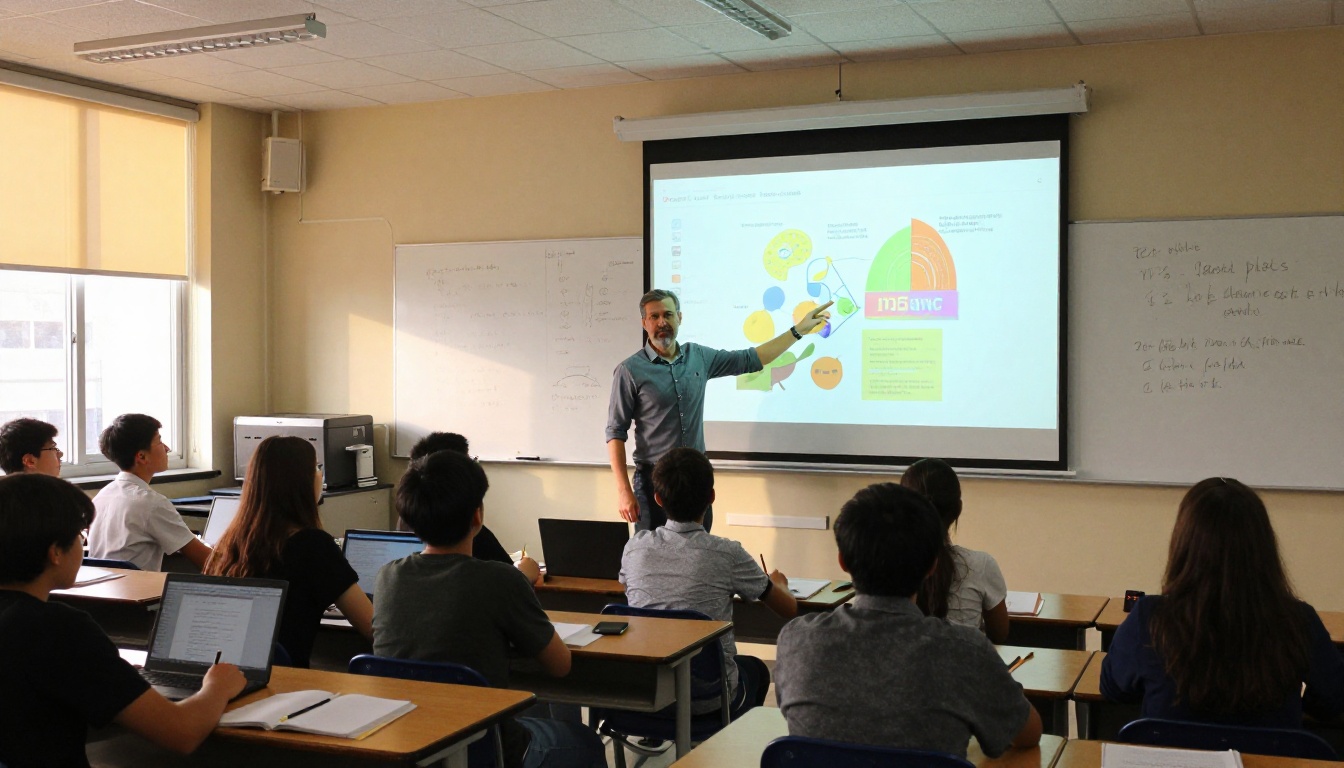
The technology is only as useful as the scenarios it fits. Here are three that schools are using right now.
Lesson Plans and Curriculum Packets
A history teacher at a secondary school converted her entire semester curriculum from a 40-page PDF into a flipbook. Students access it on their phones during class. Instead of printing 30 copies and watching them get crumpled in backpacks, she shares one link. Students bookmark it. Parents read it during conference week.
The Course Material Publisher is purpose-built for exactly this workflow, with templates designed for multi-chapter academic content.
Monthly School Newsletters
School newsletters represent the single highest-volume use case for education flipbooks. A typical school publishes one or two per month. When sent as a PDF attachment, open rates hover around 20-30%. When shared as a flipbook link, the full-screen interactive format drives significantly higher read rates because it feels like content rather than correspondence.
The School Newsletter Creator simplifies the process with newsletter-specific templates that work out of the box.
Yearbooks and Event Programs
End-of-year publications are the most significant documents a school produces. Families keep them. The Yearbook Flipbook Maker converts a designed yearbook PDF into a shareable digital edition accessible on any device. The Event Program Maker handles graduation programs, sports day schedules, and concert programs with the same one-step process.
Password-protecting the yearbook flipbook until the official reveal date adds an element of anticipation that a PDF attachment simply cannot replicate.
Printed PDF vs Interactive Flipbook
The format decision affects more than aesthetics. Here is a direct comparison across the dimensions that matter to schools:
| Dimension | Printed PDF | Interactive Flipbook |
|---|
| Distribution cost | Print plus postage | Free digital share |
| Updates after publish | Reprint required | Edit and republish instantly |
| Readership tracking | None | Full analytics (Pro plan) |
| Accessibility | Physical only | Any device, anywhere |
| Environmental impact | Paper consumption | Zero print waste |
| Clickable links | No | Yes |
| Embedded media | No | Video and audio supported |
| Search within document | No | Yes |
| Storage requirements | Physical space | Cloud-hosted |
The environmental row alone is worth the switch for schools with sustainability commitments. The readership tracking row is worth it for schools that want to know whether their communications are actually working.
Tips for Better School Flipbooks
The conversion process is automatic. The quality of the result depends on what you put in.
Format Your PDF First
Before uploading to the converter, check these things in your source document:
- Page size: Use A4 or Letter consistently throughout. Mixed page sizes create inconsistent flipbook layouts.
- Fonts: Embed all fonts during PDF export. Missing fonts render as boxes in the flipbook view.
- Images: Export at 150 DPI minimum. Lower resolution images look blurry in the full-screen flipbook display.
- Links: Ensure all hyperlinks use full URLs starting with https://. Relative links will not work.
- Margins: Add at least 10mm margins on all sides. Content too close to the edge may be clipped during the page-curl animation.
Brand Your School Flipbook
Branding your flipbook takes five minutes and makes a significant difference in how parents and students perceive the communication.
- Upload your school crest or logo as the toolbar logo
- Set primary and secondary colors to match your school identity
- Add a cover title and subtitle that names the document and date
- Enable the school website link in the flipbook header for easy back-navigation
✅ Best practice: Save your branding settings as a template in Flipbooks AI so every new flipbook you create starts with the correct colors and logo automatically. You only configure it once.

Flipbooks AI includes tools built specifically for the scenarios schools face most often. Rather than using a generic PDF converter, these purpose-built options include format-specific templates and settings tailored to each document type.
Each tool links directly to the relevant page inside the Flipbooks AI tools directory. The workflow is consistent across all of them: upload your PDF, apply branding, share the link.
Start Converting Your School Documents Today
The gap between a PDF nobody opens and a flipbook everyone reads is smaller than most school administrators expect. The document you already have is the asset. The conversion takes minutes. The difference in how parents, students, and staff respond to the content is immediate and measurable.
Your school newsletter deserves to be read. Your curriculum guide deserves to be navigated, not scrolled past. Your yearbook deserves to be experienced as a publication, not downloaded and forgotten in a downloads folder.
Get started for free on Flipbooks AI and convert your first school PDF today. If your school publishes multiple documents per month, compare plans to find the right tier for your volume. Browse all education tools to see what is available for every type of school document your team produces.



