Every school year, students spend hours pouring genuine effort into projects, only to submit a flat PDF or a printed stack of papers that gets glanced at and filed away. There is a better way to present your work, and it costs nothing. Flipbooks AI lets you turn any school project into an interactive digital flipbook that teachers can actually flip through, classmates can share across devices, and everyone will remember long after the grade is posted.
Whether you are building a science fair report, a history timeline, an art portfolio, or a college application essay, the flipbook format makes your content feel polished and professional without any design skills required.
Why PDFs Are Failing Student Work
The Problem with Static Files
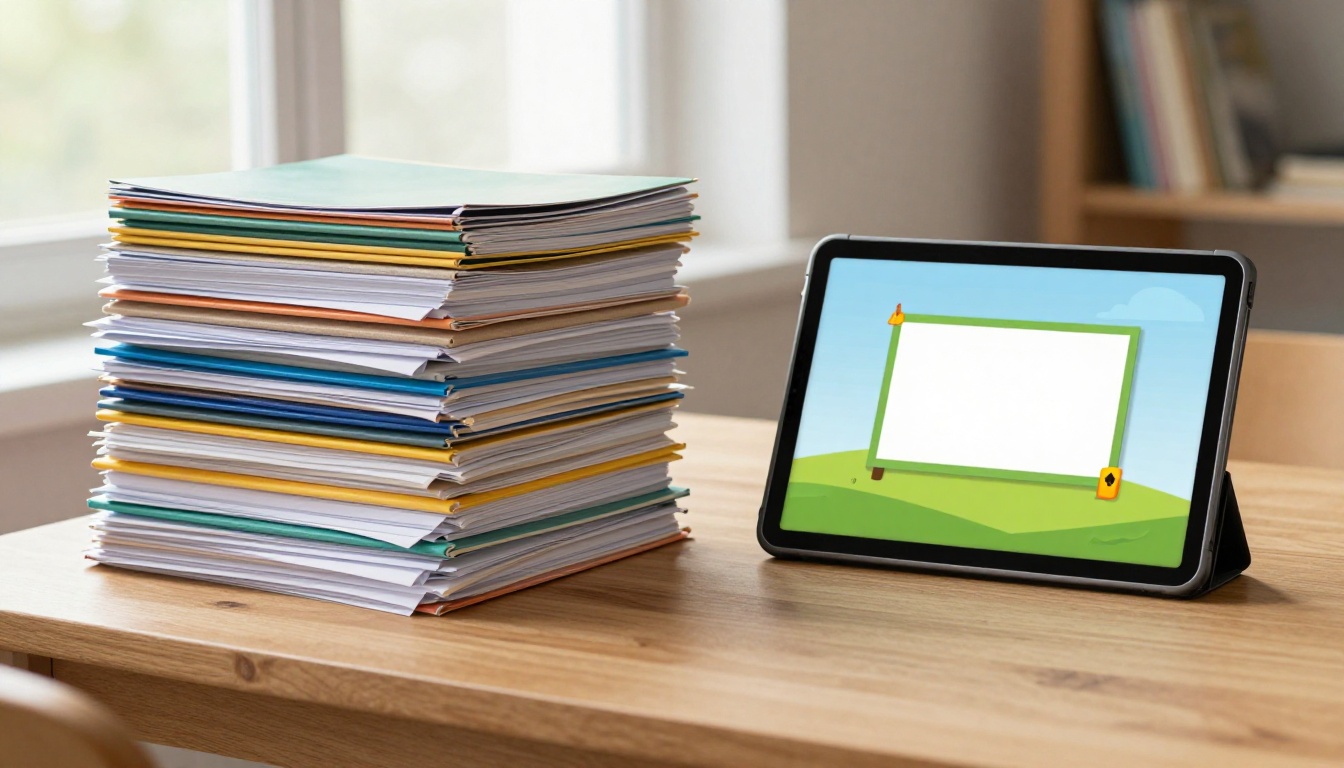
A PDF is a finished document. It sits on a screen, it scrolls, it prints. But it does not engage. Teachers reading 30 PDF submissions see the same flat experience every single time. There is no animation, no interactive element, no sense of craft in how the content is presented. Your work disappears into a folder along with every other identically formatted submission.
Static files also create sharing headaches that most students overlook until it is too late. You email a 15MB file that gets stuck in spam filters. You upload to a class portal that nobody checks. You print it and half the color diagrams come out grey because the school printer is set to black and white.
What Teachers Actually Notice
Teachers notice effort in presentation. A flipbook signals that you went one step further than required. The page-turn animation, the clean layout, the embedded images, and the ability to navigate directly to chapter headings all communicate that you took your project seriously. That impression matters, especially in subjects where presentation quality is part of the grade rubric.
💡 Pro tip: Share your flipbook link directly in the class submission portal. No attachment size limits, no formatting corruption, and it works on any device your teacher picks up.
What Makes a School Flipbook Different
Interactive vs. Static: The Real Gap
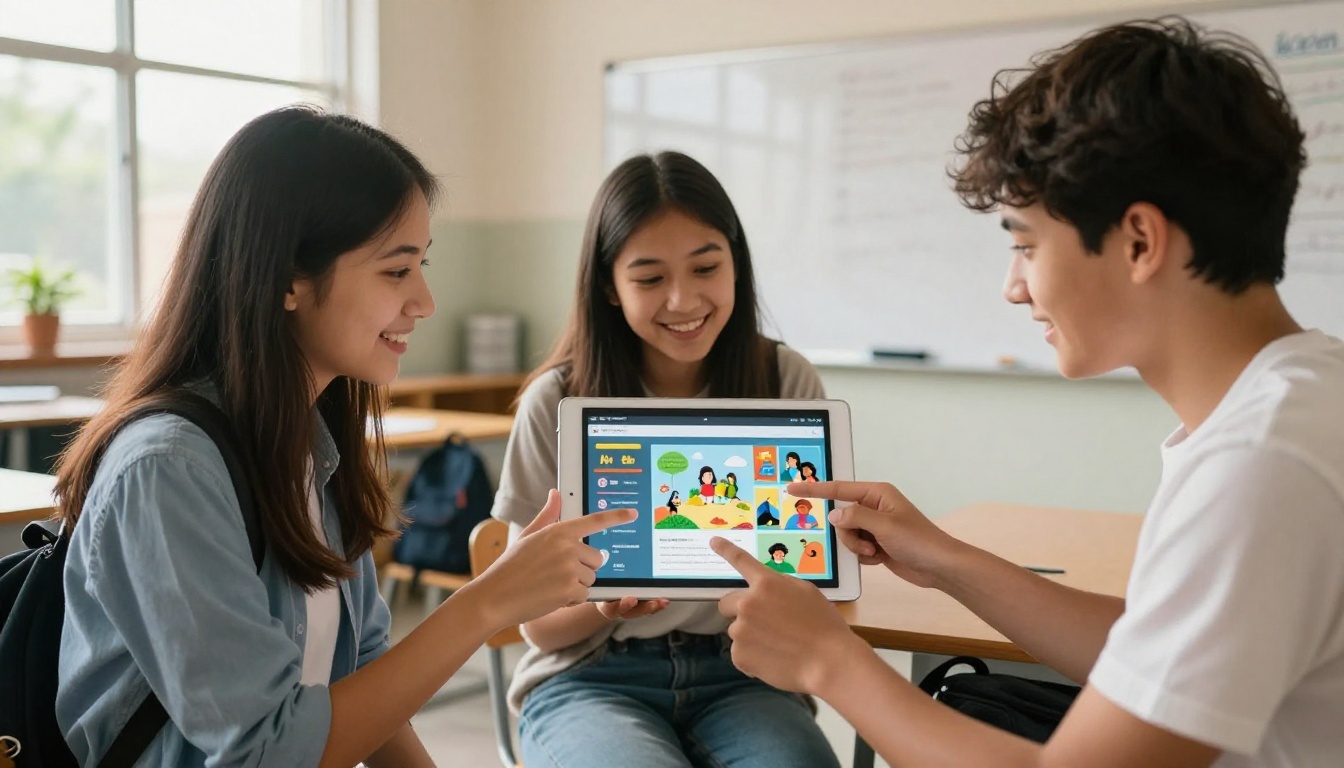
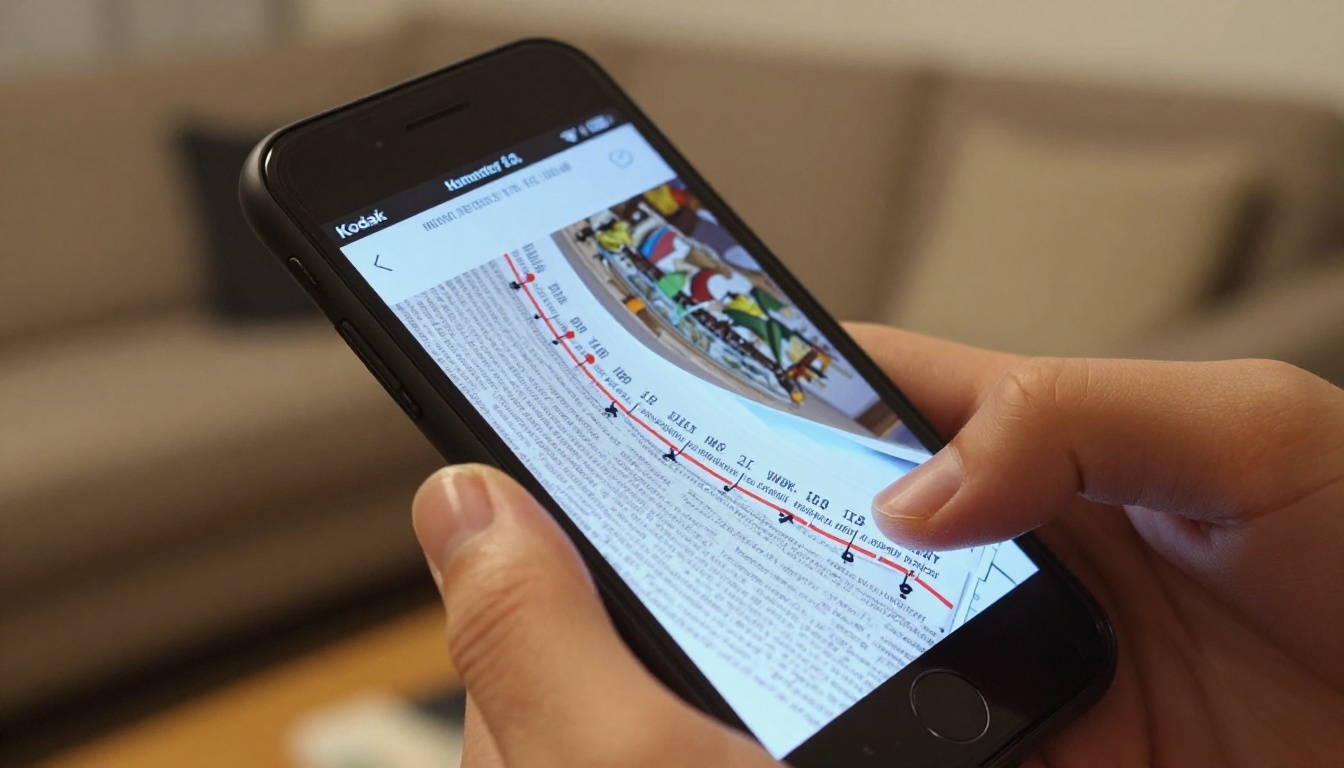
The difference between a PDF and a flipbook is not just cosmetic. Flipbooks are web-based, which means they are accessible on any device without downloading anything at all. A teacher can open your flipbook on their phone during a commute. A classmate can browse it on a tablet during group review. No apps, no software, no friction in between.
| Feature | PDF | Digital Flipbook |
|---|
| Page-turn animation | No | Yes |
| Works on any device | Requires app or reader | Yes, browser-based |
| Shareable via link | No, attachment only | Yes |
| Embeddable anywhere | No | Yes |
| Custom branding | No | Yes |
| File size limits | Yes, email caps apply | No |
| Interactive navigation | No | Yes |
| Mobile responsive | Requires zoom | Automatic |
Formats That Work Best
Almost any document format works as a source. The most common workflow is exporting your project as a PDF from Google Docs, Microsoft Word, Canva, or Google Slides, then uploading that PDF directly to Flipbooks AI. The platform handles the conversion automatically.
The best school projects for flipbook format include:
- Research papers with multiple sections and reference pages
- Science reports with diagrams, charts, and experimental data tables
- Art portfolios showcasing multiple pieces with artist statement text
- History timelines with images, maps, and source citations
- Book reports with chapter analysis and character breakdowns
- Group projects with clearly divided contributor sections
- Math projects with graphs, proofs, and worked step-by-step solutions
- Language arts with creative writing paired with original illustrations
How to Turn Any School Project into a Flipbook for Free with Flipbooks AI
This section walks through the exact process from start to finish. The whole thing takes about three minutes once your PDF is ready, and there is nothing technical about any of it.
Step 1: Create Your Free Account
Go to Flipbooks AI and sign up for a free account. No credit card required at any point. The free plan gives you everything you need for school projects: full PDF conversion, no watermarks on published flipbooks, and a shareable link that works immediately after conversion.

Step 2: Upload Your School Project PDF
Once logged in, click "New Flipbook" and drag your PDF into the upload zone. Flipbooks AI supports files across a wide range of page counts, so even long research papers convert without issues. The platform processes the document automatically and converts each page into a high-resolution flipbook page, preserving all your fonts, colors, images, and layouts exactly as designed.
✅ Best practice: Before exporting from Google Slides or Canva, set your page dimensions to match your content ratio. Widescreen 16:9 works best for projects with lots of visuals and wide diagrams.
Step 3: Customize Your Flipbook
After conversion, you can personalize your flipbook before sharing it with anyone:
- Choose a theme: Pick from color themes that match your subject. Clean white works for science, warm tones suit history, bold colors pop for art and creative writing.
- Add a title and description: This appears in the flipbook header and helps teachers identify your submission immediately without opening it.
- Set the cover page: Choose which page appears as the preview thumbnail when someone opens your share link.
- Enable page effects: The realistic page-turn effect is on by default and adds a tactile reading quality that static documents simply cannot replicate.
Step 4: Share with Your Teacher or Class
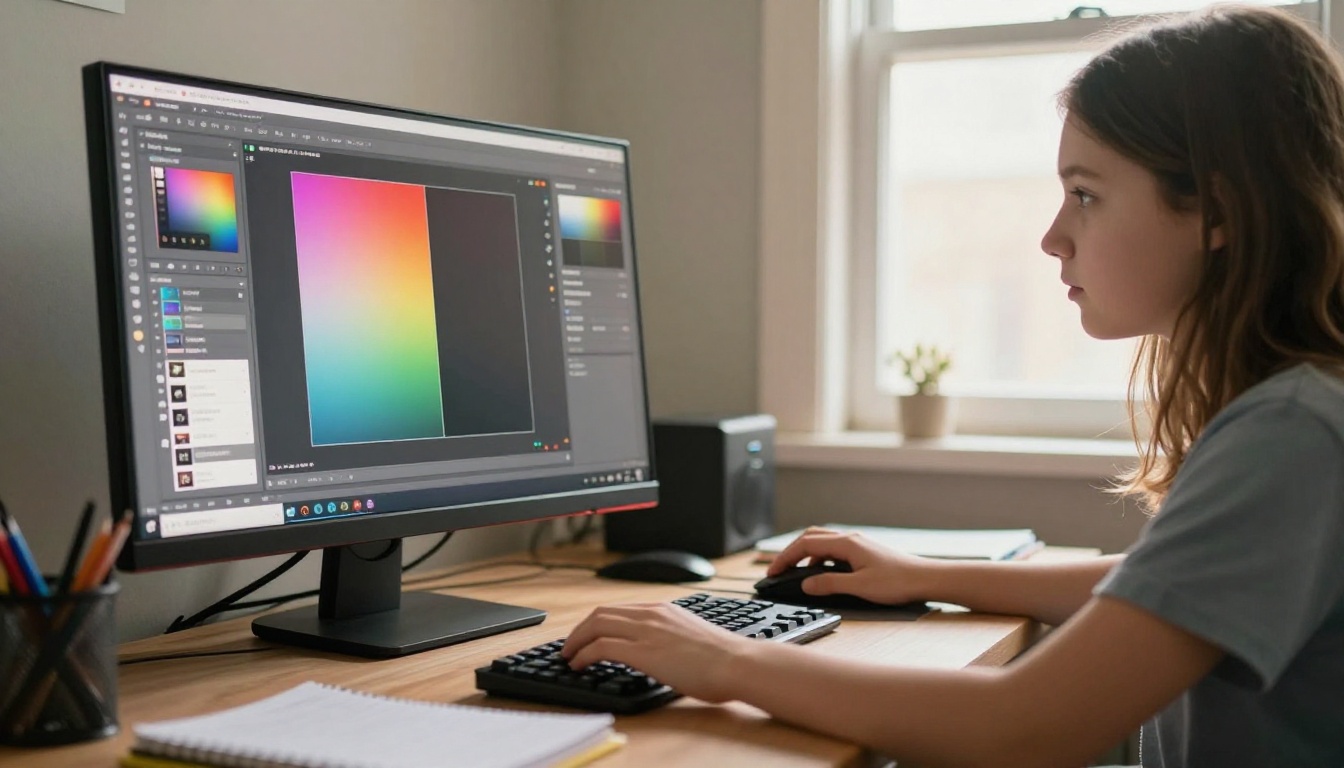
When your flipbook is ready, click "Share" to get your unique link. Your options from there include:
- Direct link: Copy and paste into any class portal, email, or messaging app
- Embed code: Drop your flipbook directly into a class website or personal blog
- Password protection: Keep your project private until submission day (Standard plan and above)
That is the entire process. Your school project is now a fully interactive flipbook accessible on any device, anywhere in the world.
💡 Pro tip: Use the Course Material Publisher tool if you are creating structured study materials with consistent section layouts, or the Digital Portfolio Creator for art and design work that needs gallery-style presentation.
Science Reports and Lab Write-ups
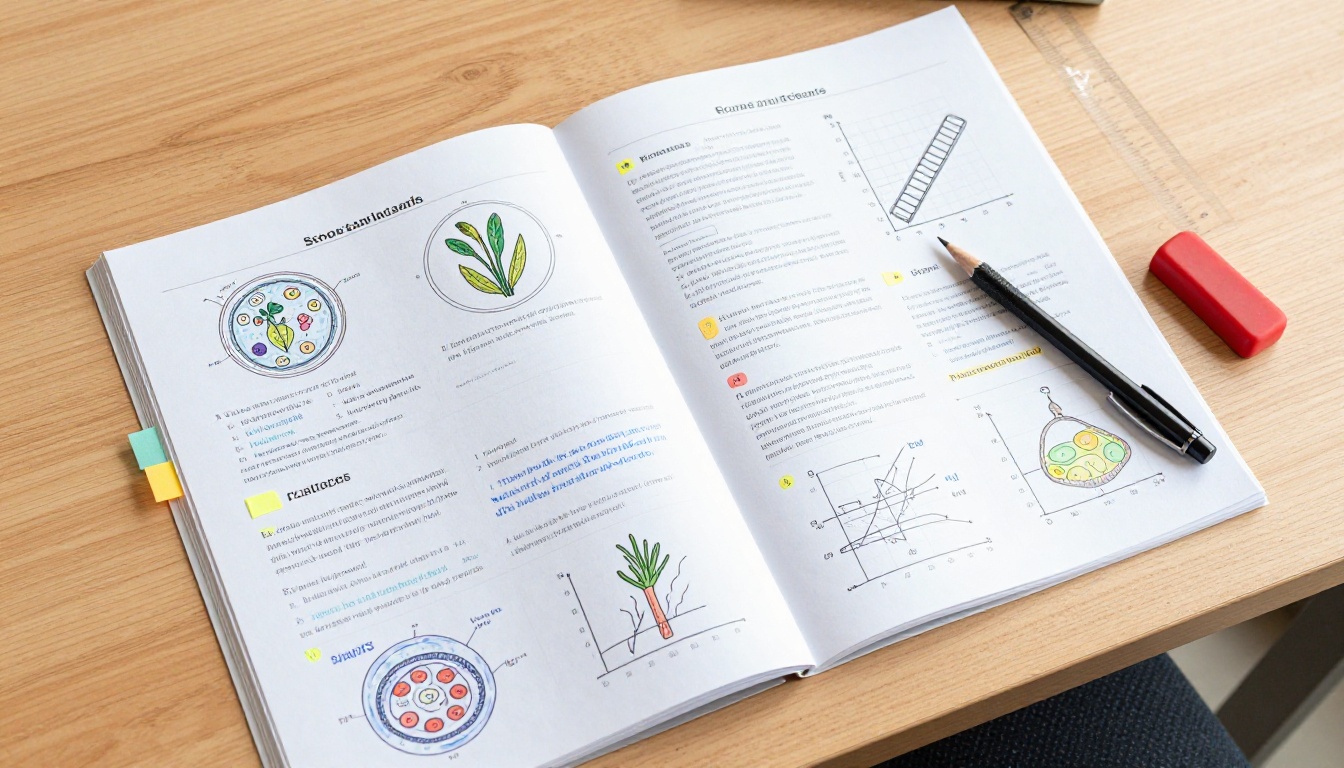
Science projects have charts, diagrams, hypothesis sections, and conclusion data spread across many pages. All of that content benefits from the clean flipbook layout where each page gets its own visual breathing room. A plant growth experiment write-up with photographs documenting each stage of growth looks dramatically better as a flipbook than as a flat document that requires constant scrolling and zooming.
The Course Material Publisher is particularly useful for structured lab reports with consistent section templates where every experiment follows the same layout.
History Timelines and Research Papers
History projects often span many pages with source images, primary source quotes, and carefully cited evidence. A flipbook lets readers navigate directly to specific sections, and the page-turn metaphor reinforces the sense of moving chronologically through time. For group history projects, different team members can own different chapter pages, and the final flipbook result feels unified and intentional.
Art Portfolios and Creative Projects
Art students can use the Digital Portfolio Creator or the Photography Portfolio tool to showcase their work in a gallery-style flipbook. Each page becomes a standalone presentation of one piece with room for artist statement text beneath the image. The physical act of page-turning creates a rhythm and pacing that transforms a portfolio from a file into an experience.
Creative writing projects, illustrated storybooks, and poetry collections also shine in flipbook format because the page-turn creates natural chapter breaks that reinforce the narrative structure of the content.

Free vs. Paid: What You Actually Need
Most students will get everything they need from the free tier without spending anything. Here is how the plans break down for school use:
| Feature | Free | Standard | Professional |
|---|
| Flipbooks | Limited | Unlimited | Unlimited |
| Watermarks | None, ever | None, ever | None, ever |
| Shareable links | Yes | Yes | Yes |
| Custom branding | Basic | Full | Full |
| Password protection | No | Yes | Yes |
| Analytics tracking | No | No | Yes |
| Lead generation forms | No | No | Yes |
| Offline downloads | No | Yes | Yes |
| Embed on website | Yes | Yes | Yes |
| Mobile responsive | Yes | Yes | Yes |
⚠️ Note: Password protection is worth considering if your school project contains original research or intellectual property you do not want publicly indexed. Upgrading to Standard for a single billing period is affordable and gives you that privacy layer when you need it for sensitive submissions.
For most school assignments submitted to a teacher, the free plan covers everything. No watermarks on any published flipbook ever, shareable links that work everywhere, and mobile-responsive design that adapts to any screen size automatically. Check out the pricing page for current plan details and what each tier includes.
Tips That Make Your Flipbook Stand Out
Cover Page Design
Your cover is the first impression your teacher has of the entire project. Before uploading, make sure your first PDF page is specifically designed to function as a cover. Include your project title in large, readable text, a strong central image or illustration related to your subject, your name and class information in smaller text at the bottom, and a clean background that gives the page visual hierarchy. Avoid cramming body content onto the cover.
Font and Color Consistency
Students often mix fonts and colors across different sections of a project built over several days. In a printed document, this inconsistency is easy to overlook because the reader is scanning quickly. In a flipbook, where each individual page is fully visible and visually isolated, inconsistency becomes immediately obvious. Pick two fonts maximum, choose a three-color palette, and apply them consistently throughout every single page before exporting.
Adding Multimedia Elements
On Standard and Professional plans, you can embed videos and audio recordings directly into flipbook pages. For a science project, this could mean embedding a timelapse video of your experiment alongside the written analysis of that same experiment. For a music class project, you could embed an audio recording of a performance on the same page as your written score notation. This level of multimedia integration is simply not possible with any static document format.
Real Student Use Cases
Elementary School Projects
Young students creating book reports, animal fact files, or personal biography projects can convert their colorfully illustrated pages into flipbooks that parents can view directly on their phones at any time. Teachers at the elementary level appreciate the shareable link format because it works for parent-teacher communication without requiring anyone to download anything or manage file attachments.
The School Newsletter Creator and Yearbook Flipbook Maker are popular tools at this level for class-wide projects where many students contribute pages to a single shared publication.
Middle and High School Reports
This is where flipbooks have the biggest measurable impact on presentation quality. Middle and high school students are increasingly graded on presentation as a distinct criterion, and a flipbook signals professionalism in a way that a PDF simply cannot. Science fair projects, AP research papers, history documentaries, English literature analyses, and group presentation decks all convert beautifully.
| Project Type | Recommended Tool | Best For |
|---|
| Research paper | Course Material Publisher | Academic writing with citations |
| Art showcase | Digital Portfolio Creator | Visual work and illustrations |
| Photo essay | Photography Portfolio | Field studies and photo documentation |
| Class presentation | Presentation Flipbook Designer | Slide-based structured content |
| Science lab report | Course Material Publisher | Structured technical writing |
| Group newsletter | School Newsletter Creator | Class-wide collaborative content |
| Year-end portfolio | Digital Portfolio Creator | Multi-subject showcase across courses |
College Assignments and Portfolios
College students using Flipbooks AI for assignments and portfolio submissions stand out immediately in a pool of standard PDF attachments. Architecture students can showcase building designs across multiple detailed pages with annotation. Journalism students can present investigative articles in polished magazine-style layouts. Marketing students can create campaign presentations that look and feel like real agency decks rather than slide exports.
The Training Manual Flipbook tool is particularly useful for structured coursework and instructional content that follows a module-based layout.

Your First Flipbook in 3 Minutes
The barrier to starting is lower than most students realize. You already have the content. Your project is written, your slides are made, your research is documented. The only thing left is the format you choose to present it in.
Here is the fastest path from finished PDF to published flipbook:
- Export your project as a PDF from whatever tool you used to create it
- Go to Flipbooks AI and create your free account
- Upload your PDF to the conversion tool
- Pick a theme that matches your subject
- Copy your shareable link and submit it
That is a three-minute process for a final presentation that looks nothing like the 29 other PDF submissions sitting in your teacher's downloads folder.
✅ Best practice: When submitting via email or a class portal, format your link clearly: "View my project flipbook here: [your link]" rather than pasting a raw URL. It signals intentionality and professional presentation before the teacher even clicks.
Ready to try it? Create your free account and upload your first school project today. Browse all available tools and templates to find the right format for your subject. When you are ready to access password protection, offline downloads, or analytics tracking, compare pricing plans to choose what fits your needs.



