School projects have always been about communication. Whether it's a science fair poster, a history report, or a group research paper, the goal is always the same: show what you know in a way that actually lands with your audience. The problem is, most projects end up as flat PDFs or PowerPoint slides that nobody wants to scroll through. Flipbooks AI changes that by letting students convert any PDF project into a fully interactive flipbook with realistic page-turn animations, embedded media, and a shareable link that works on any device.
Why Static PDFs Don't Cut It Anymore
There was a time when turning in a nicely formatted PDF felt like going the extra mile. That time has passed. Today's classrooms run on digital submissions, Google Classroom uploads, and online portals. A plain PDF gets opened, skimmed, and closed. There's no visual hook, no sense of structure, and nothing that signals the student put real effort into the experience of reading their work.
What Teachers Actually See
Teachers review dozens of submissions per assignment. A document that looks identical to every other submission gets no bonus points for presentation, even if the content is strong. An interactive flipbook with a polished title page, organized chapters, and smooth page transitions tells a different story at a glance. It signals care, organization, and a level of digital literacy that stands out immediately.
The Attention Problem in Class
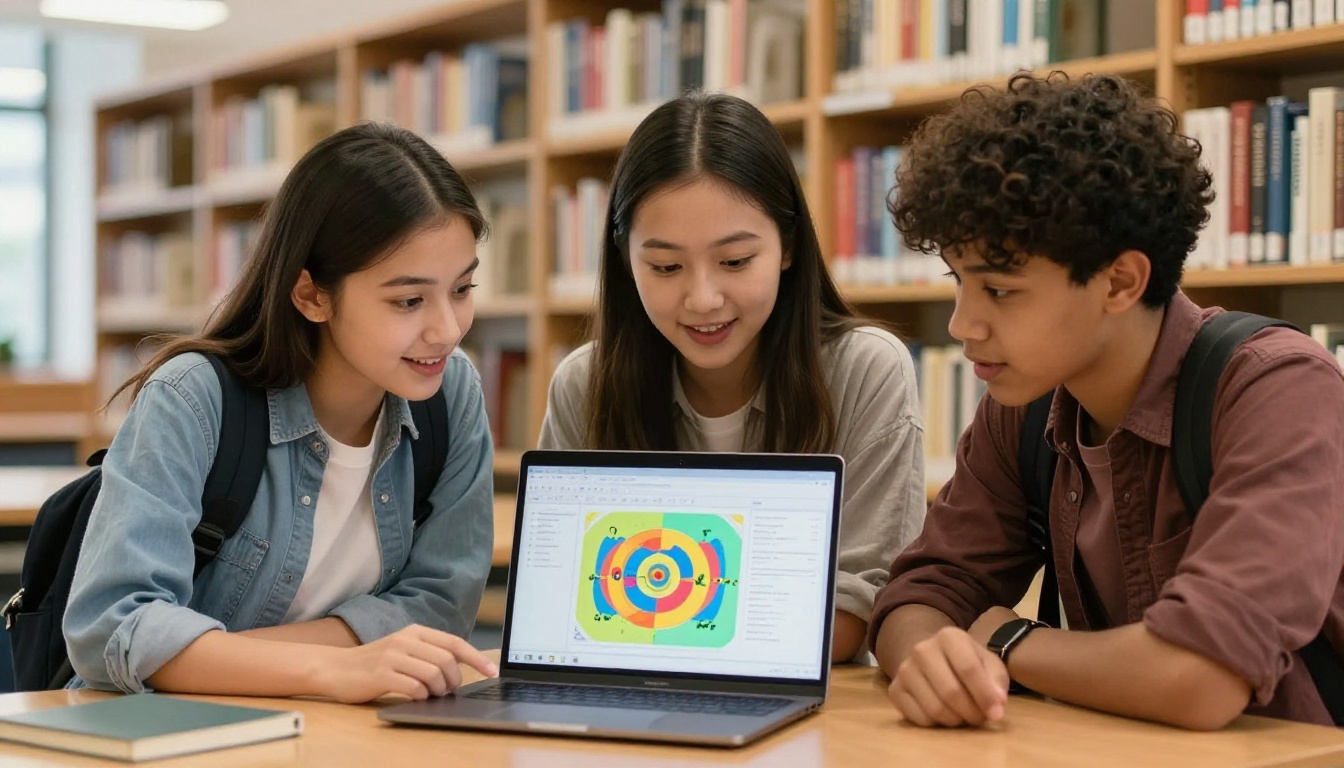
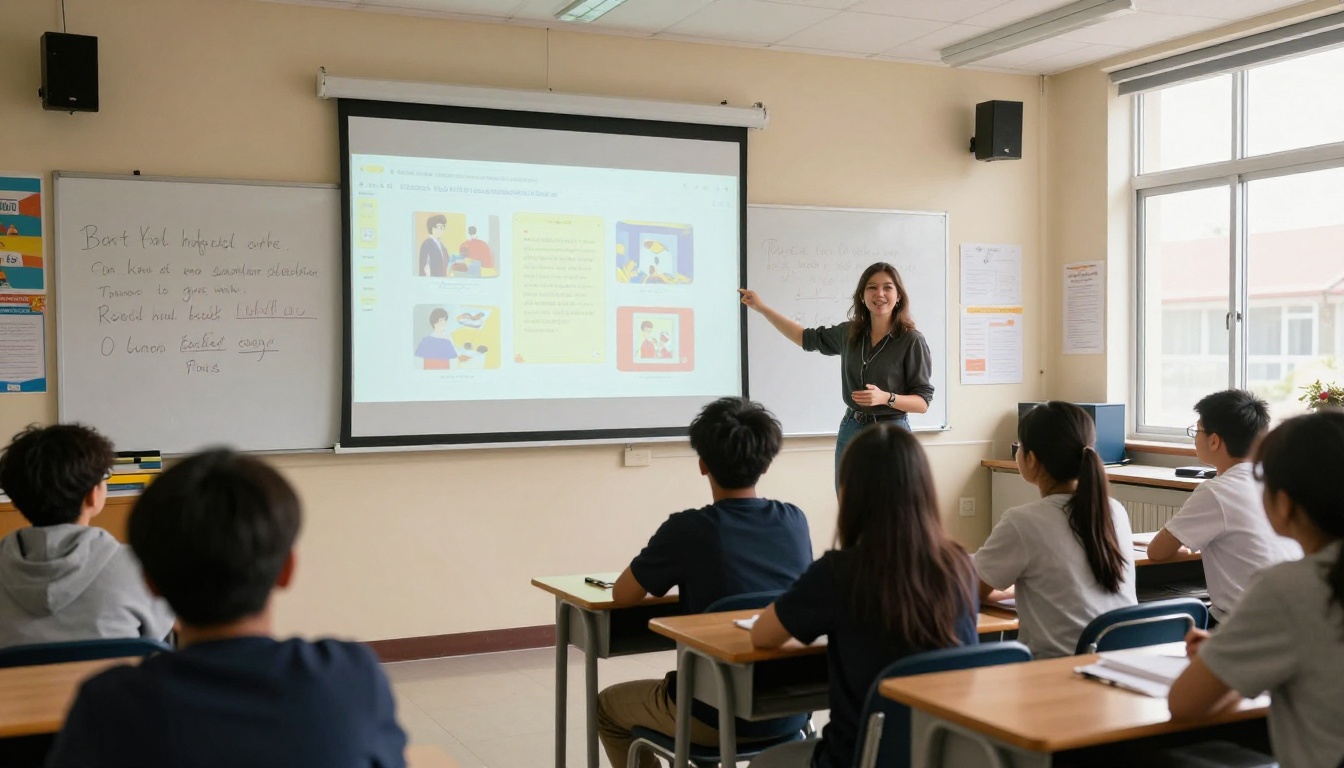
When students present projects to the class, attention drops fast. Static slides with bullet points do nothing to hold the room. A flipbook presented on a projector or shared on classmates' phones creates a shared reading experience. Pages turn. People lean in. The format itself communicates that this is worth paying attention to, before a single word is spoken.
What Makes a Flipbook Different
A flipbook is not just a PDF with a fancy skin on it. The interaction changes the reading experience fundamentally. When a page turns with a realistic curl and shadow, the reader's brain processes it differently than clicking "next" in a slide deck. That physical metaphor of a real book creates a connection that static formats cannot replicate.
Page-Flip Animations That Hold Attention
The page-flip animation is the first thing people notice, but it is not just cosmetic. It creates a rhythm to reading. Viewers know where they are in the document. They feel progress. For a school project that tells a story or builds an argument chapter by chapter, this pacing is a genuine advantage that shapes how the content is received.
Embed Media Directly into Your Project
Flipbooks AI supports embedding videos and audio directly into flipbook pages. A biology project can include a short video clip of a cell process. A music history report can embed actual audio recordings. A geography project can include an interactive map walkthrough. These are things a PDF simply cannot do, and they are the kinds of details that push a project from good to genuinely memorable.

Which Projects Work Best as Flipbooks
Not every format gets an equal boost from the flipbook treatment, but most school project types gain something real from it. Here is how different project types benefit:
| Project Type | Why Flipbooks Work | Best Feature to Use |
|---|
| Research Report | Chapters feel like a real published document | Table of contents, page navigation |
| Science Fair Project | Multi-section format translates perfectly | Embedded images, clean page layout |
| History Timeline | Sequential pages reinforce chronology | Page-flip pacing, visual chapter breaks |
| Book Report | Mirrors the reading experience being discussed | Realistic page-turn animation |
| Group Presentation | Easy to share one link with the whole class | Direct shareable link, mobile-responsive |
| Portfolio or Showcase | Looks professional immediately | Custom branding, title page design |
| Science Lab Report | Structured sections work naturally as pages | Clean layout, full image support |
| Yearbook Contribution | Perfect for memory-style presentation | Full-page imagery, colorful layouts |
💡 Students working on portfolios should check out the Digital Portfolio Creator tool, purpose-built for showcasing creative and academic work in a polished, shareable format.
How to Make Your Project a Flipbook
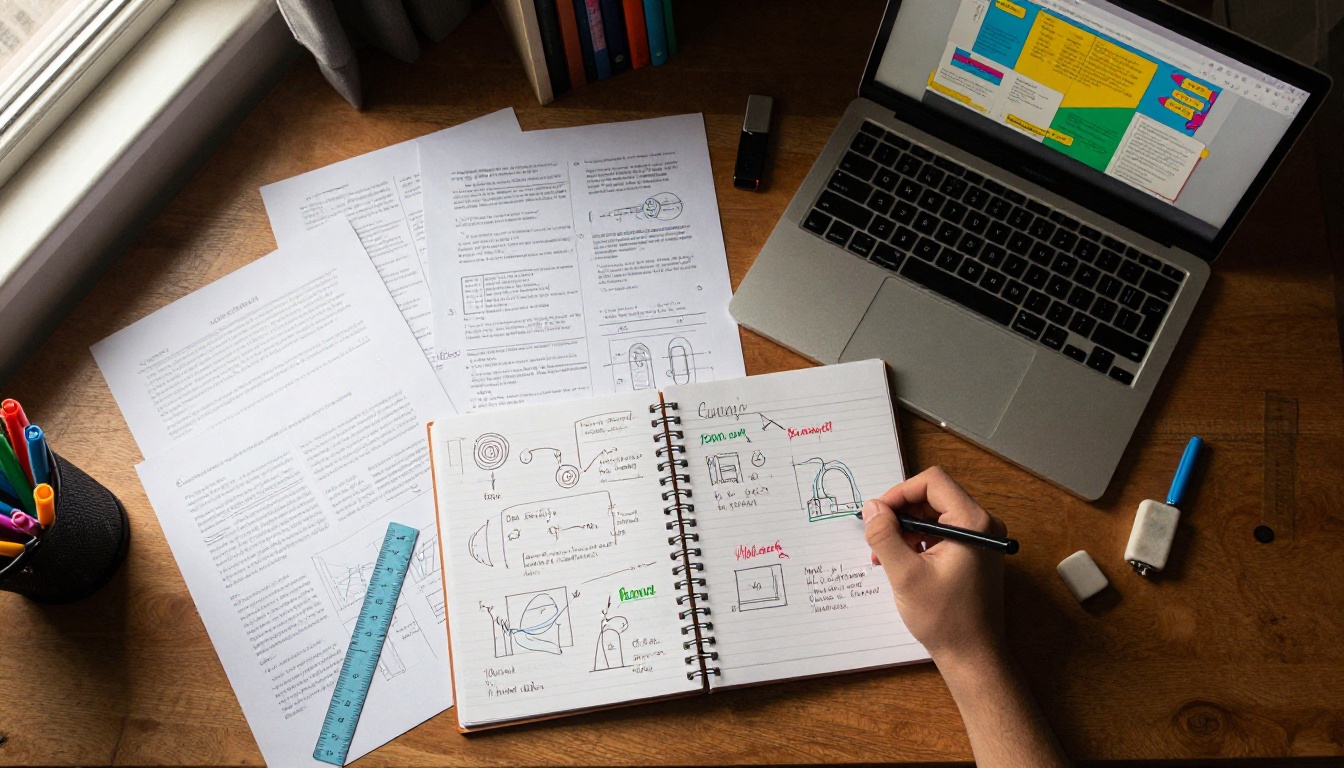
This is where the process gets concrete. Flipbooks AI is built to make conversion as fast as possible. There is no design software to install, no technical skills required, and no watermarks on any published flipbook.
Step 1 - Prepare Your PDF
Before uploading, make sure your school project is saved as a PDF. Most word processors and presentation tools export to PDF natively:
- In Google Docs: File > Download > PDF Document
- In Microsoft Word: File > Save As > PDF
- In PowerPoint or Google Slides: File > Export or Download > PDF
- In Canva: Share > Download > PDF Standard
✅ Best practice: Use landscape (horizontal) orientation for presentations and portrait for reports and essays. Both work perfectly in Flipbooks AI, but matching the layout to your content type makes the final result look more intentional.
Step 2 - Upload to the Platform
- Go to flipbooksai.com and create your free account
- Click "Create Flipbook" from your dashboard
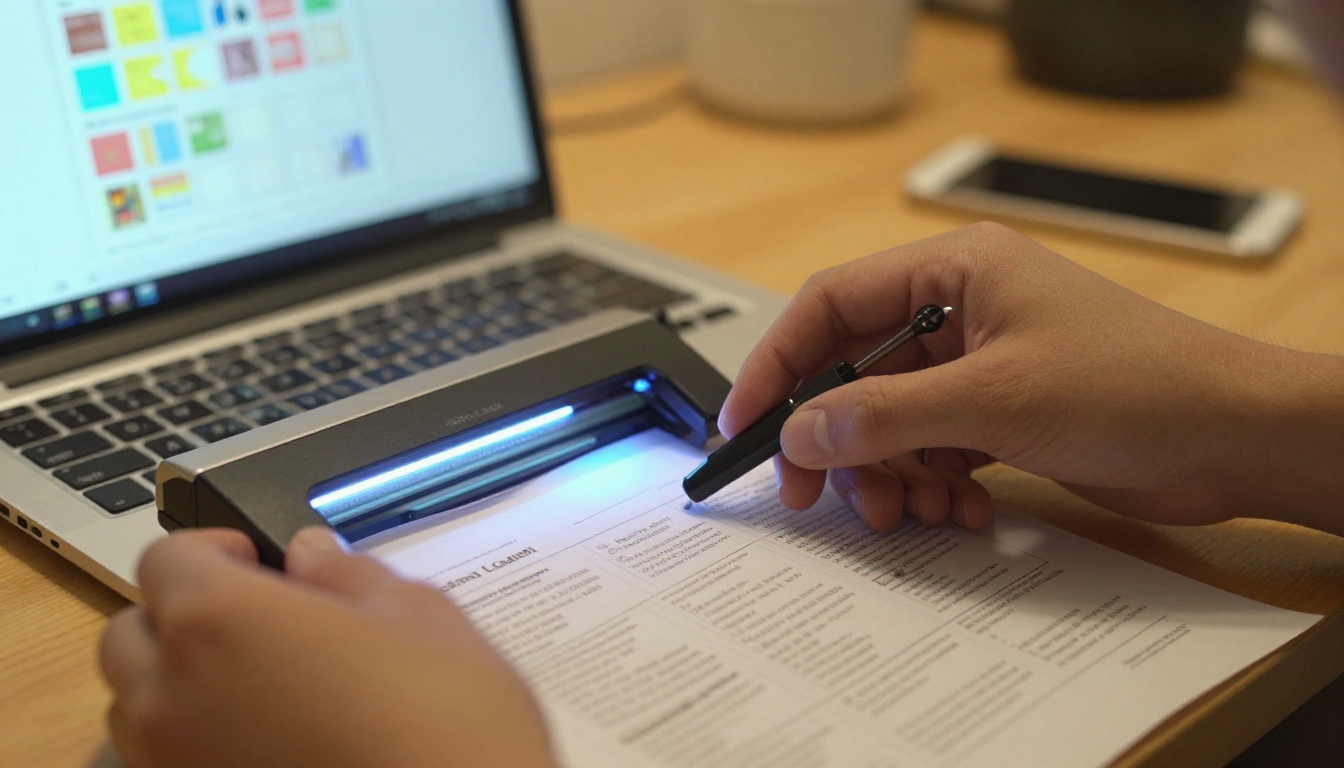
- Drag and drop your PDF file into the upload area, or click to browse
- Wait for the conversion to process, usually under 30 seconds for most school projects
- Preview the result to confirm all pages loaded correctly and the layout looks right
⚠️ If your PDF uses custom fonts, embed them before exporting. Unembedded fonts sometimes render differently after conversion and can break the visual formatting you worked hard on.
Step 3 - Customize the Presentation
Once your pages are loaded, you can shape the presentation before sharing with anyone:
- Opening image: Set a compelling title image that captures the project theme and draws readers in
- Title and description: Add your project title and a brief summary visible on the flipbook's landing page
- Page effects: Choose between hard, soft, or magazine-style page turns to match the tone of your project
- Colors: Match the flipbook's interface colors to your school colors or overall project theme
- Background: Set a solid color or subtle textured background behind the pages for a polished look
The Course Material Publisher tool is particularly useful for academic-style formatting, with layouts designed specifically for educational documents.

Step 4 - Share It with Everyone
This is where the flipbook format pays off compared to every other digital submission option. Once published:
- Copy the direct link and paste it into your assignment submission on Google Classroom, Canvas, or any other platform
- Use the embed code to drop the flipbook directly into a school website, Google Sites project, or class blog
- Enable password protection if your project contains sensitive content or is only meant for specific reviewers like a teacher or judging panel
- Share on mobile with a QR code or direct link that works on any phone or tablet, no app download required
💡 On the Professional plan, you also get analytics showing who opened your flipbook and how long they spent on each page. For competitive students, this is genuinely useful data about how well your project communicates.
Features Students Actually Need
Not every feature on a flipbook platform matters for school use. Here is an honest breakdown of what each plan offers and what actually matters for students:
| Feature | Free | Standard | Professional |
|---|
| PDF to flipbook conversion | ✅ | ✅ | ✅ |
| No watermarks | ✅ | ✅ | ✅ |
| Unlimited flipbooks | ❌ | ✅ | ✅ |
| Custom branding | Limited | ✅ | ✅ |
| Password protection | ❌ | ✅ | ✅ |
| Embed videos and audio | ❌ | ✅ | ✅ |
| Analytics | ❌ | ❌ | ✅ |
| Lead generation tools | ❌ | ❌ | ✅ |
| Offline downloads | ❌ | ✅ | ✅ |
| Mobile-responsive | ✅ | ✅ | ✅ |
For most students working on individual school projects, the Standard plan provides everything needed throughout a semester. Teachers managing multiple classes and school departments will benefit most from the Professional tier. Check pricing plans to see what fits your actual usage.
💡 There are no watermarks on any plan. Your school project always looks clean and professional from day one, without needing to upgrade to remove a logo.
Real Classroom Use Cases
Science Fair Projects
Science fair projects are dense with information: hypothesis, methodology, results, interpretation. Cramming all of that onto a poster board is a constraint that the format imposes on the content. As a flipbook, each section gets its own dedicated page. Judges flip through at their own pace. Images of experiments can be full-page. Graphs and charts breathe. The format respects the depth of the work rather than forcing it into a fixed space.
History Reports and Timelines
A history report is inherently sequential. Events have an order. Arguments build on each other. The page-flip format maps perfectly onto this structure. Students can use the first pages for context, middle pages for evidence and primary sources, and final pages for their own interpretation, with the natural rhythm of page turns reinforcing the narrative logic chapter by chapter.
Book Reports and Close Reading
There is something quietly clever about submitting a book report as a flipbook. The format mirrors the subject. A student writing about a novel submits their work in a form that feels like a book. The content and the container reinforce each other. Teachers notice that kind of thinking, and it signals a student who considered the presentation, not just the content.
Group Presentations
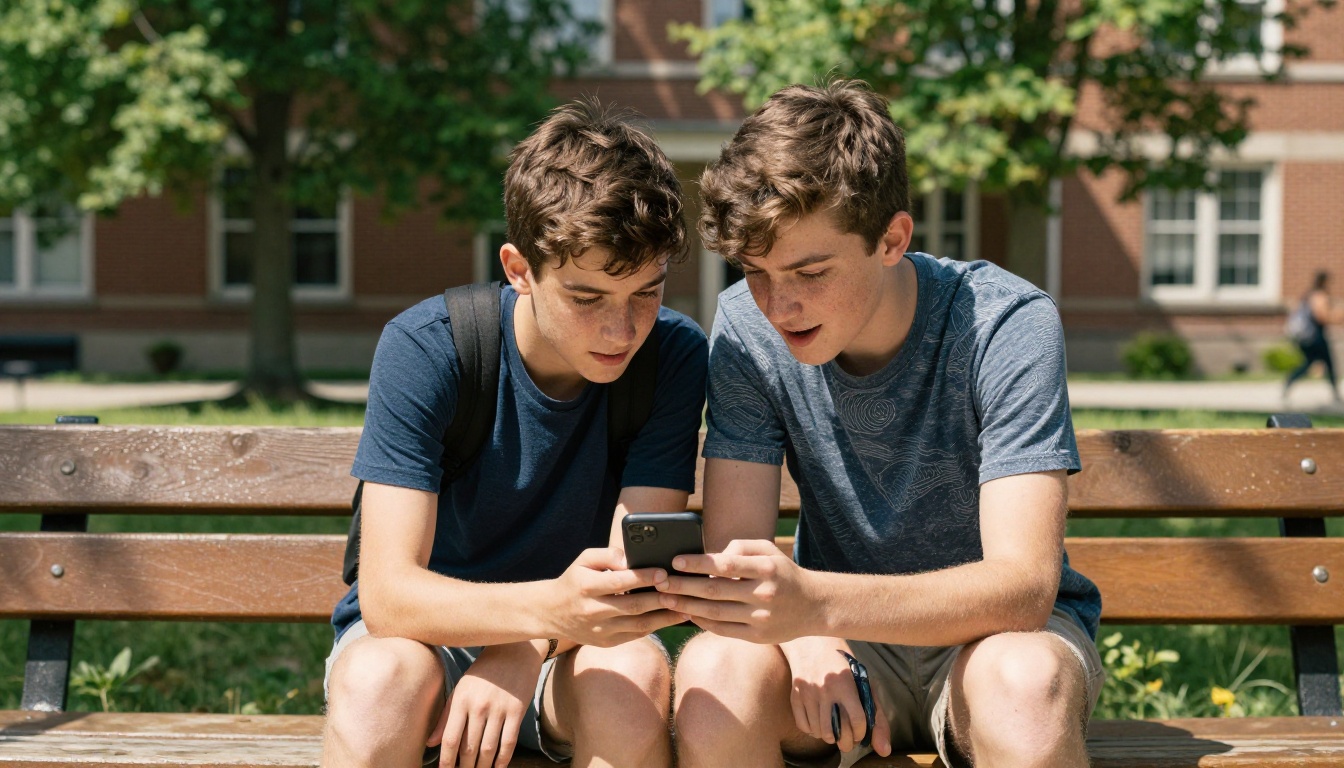
Group projects always have the coordination problem: who submits, in what format, to where? A flipbook solves this cleanly. One student creates the flipbook from the shared PDF. Everyone gets the link. The teacher gets the link. The whole class can open it during the presentation on their own devices simultaneously. No projector dependency. No file format compatibility issues. No "it works on my computer" problems.
Sharing Your Flipbook the Right Way
Direct Link Sharing
The simplest share method. Every published flipbook on Flipbooks AI gets a clean, readable URL. Paste it into a Google Classroom post, an email to your teacher, or a group chat. Anyone with the link can view it immediately in any browser, on any device, without needing to sign in or download anything.
Embedding in School Platforms
Many school projects end up on school websites, class blogs, or Google Sites pages. The embed code from Flipbooks AI drops a live, fully interactive flipbook directly into any webpage via a standard iframe. Teachers who run class blogs can embed student flipbooks as part of a published showcase, creating a real portfolio of class work that parents and administrators can browse.
The Embed Flipbook on Website tool walks through the exact process with platform-specific instructions for the most common school site builders.
Password Protection for Private Work
Some projects contain original research, personal reflections, or work that students do not want publicly indexed on the internet. Password protection ensures only the intended audience can access the flipbook. It takes one setting change and requires no technical knowledge. The link itself looks the same, but anyone who clicks it will need the password before they can read a single page.

What Makes a Great Flipbook
The format does a lot of the work, but small decisions add up to a noticeably better result. Here is what separates submissions that impress from ones that merely fulfill the requirement:
| Element | Basic Approach | Better Approach |
|---|
| Opening page | Blank or default template | Custom title image matching project theme |
| Page layout | Text-only pages throughout | Mix of text, images, and intentional whitespace |
| Images | Generic or absent | Original photos or project-specific diagrams |
| Fonts | Default system fonts | Consistent font family, embedded in the PDF |
| Page structure | All content in one continuous block | Logical chapters with clear section breaks |
| File sharing | Sent as an email attachment | Shared as a direct link, embedded where possible |
⚠️ Avoid cramming too much content onto a single page. Flipbook pages are viewed at screen size. Dense, small text is significantly harder to read on screen than it looks in a word processor at 100% zoom.
Small Details That Teachers Notice
- A descriptive title and subtitle on the opening page, not just the raw assignment name
- Page numbers consistently visible on each page
- A brief introduction page before the main content begins
- Consistent margins and font sizing throughout the PDF before conversion
- A sources or acknowledgments page formatted with the same care as the rest of the document
Using the Right Tool for the Project
Flipbooks AI offers specialized tools for specific project types beyond the general PDF converter. These purpose-built options are designed around the conventions of each format:
Each of these is available from the tools directory and requires no additional setup beyond a standard account.
Start with Your Next Assignment
Every school project is a communication exercise. The goal is not just to show that you did the research; it is to show that you can present it in a way worth reading. An interactive flipbook raises what that presentation can look like without adding hours of extra work to your process.
The conversion takes under five minutes from PDF to published link. No design background required. No watermarks. The result works on every device your teacher or classmates might use to view it, whether that is a laptop, tablet, or phone.
Ready to submit something that actually gets looked at? Create your flipbook for free on Flipbooks AI and turn your next school project into something worth reading from the first page to the last.
Not sure which plan fits your needs? Compare pricing options to find the right level for how often you will use it. Browse all tools and templates to find the format built specifically for your project type.



