Your blog content took hours to write, research, and publish. A page-flip digital magazine gives that same content a second life, reaching readers who scroll right past standard blog layouts. Flipbooks AI makes this conversion instant, turning any PDF export from your blog into an interactive, page-turning magazine that works on every device.

Why Blogs Lose Readers Fast
Most blog posts get a single visit, a quick skim, and then they disappear. The average time spent on a blog page hovers around 52 seconds. That's barely enough to read two paragraphs. The format itself is part of the problem: infinite scroll, no clear beginning or end, no sense of completion. Readers don't feel like they're consuming something valuable.
The Attention Gap in Standard Blogging
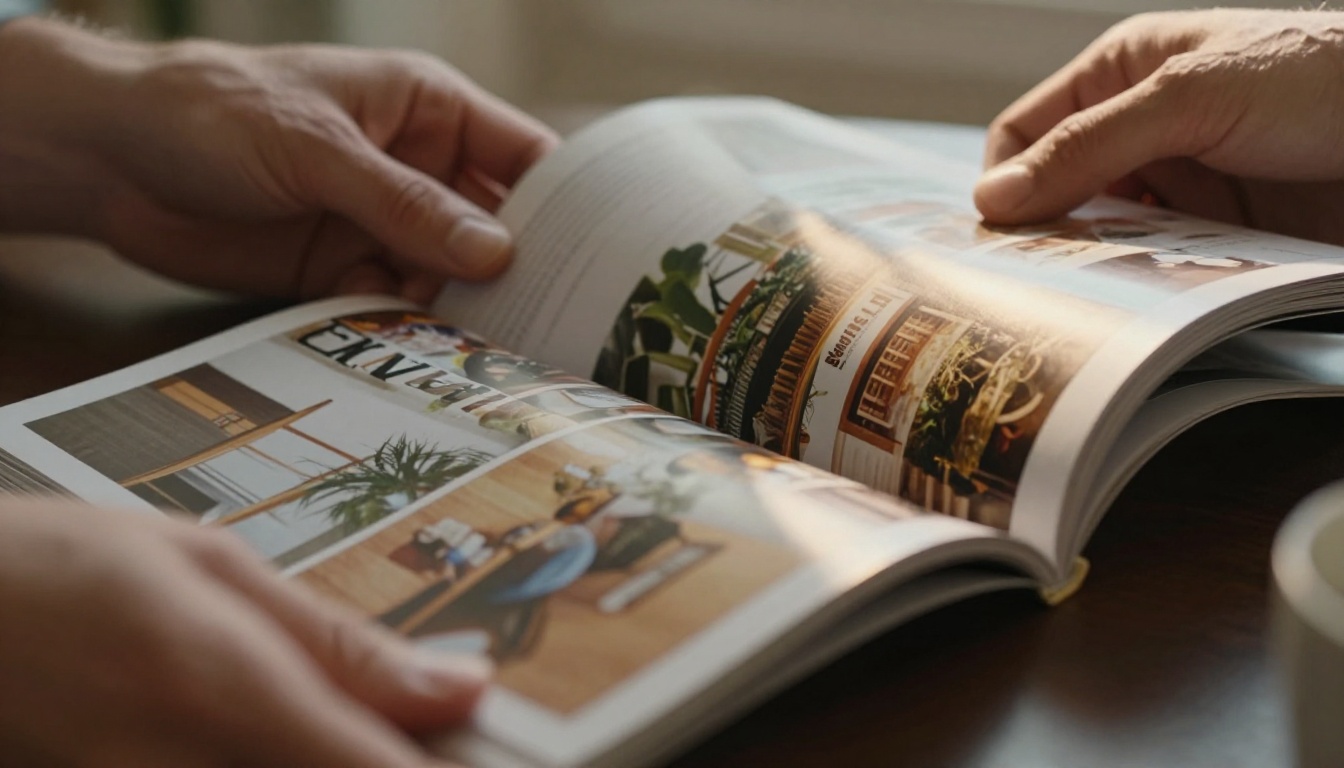
Digital magazines solve this by creating a bounded reading experience. When someone opens a flipbook, they see pages. They know there are 12 pages, or 24. That framing changes behavior entirely. Readers flip through rather than abandoning mid-scroll. They return because the format feels like something worth finishing.
What Changes When You Add Page-Flip
The visual cue of turning a page is psychologically powerful. Research on reading behavior consistently shows that paginated content gets deeper reads than infinite scroll. Add in the tactile sound of a virtual page turning, and you've created an experience that feels premium, curated, and worth a reader's full attention. Static blog posts simply cannot replicate this effect no matter how good the writing is.
💡 Pro tip: Blog posts that already have strong visual content, such as lifestyle, travel, and food, convert into the most visually compelling digital magazines. Prioritize these for your first flipbook.
The structural difference between a blog post and a magazine page isn't just aesthetic. It's functional. A blog post is optimized for search engines and single-column reading. A magazine spread is optimized for visual immersion and two-page storytelling.

| Feature | Blog Post | Digital Magazine Flipbook |
|---|
| Layout | Single column, vertical scroll | Multi-column, page-based spreads |
| Navigation | Scroll bar | Page flip with thumbnails |
| Visual impact | Inline images | Full-bleed editorial photography |
| Reader behavior | Skim and abandon | Page-through completion |
| Distribution | URL link only | Embed code, direct link, download |
| Branding | Site header and footer | Custom cover, branded colors, logo |
| Analytics | Basic page views | Heatmaps, time-per-page, lead capture |
This table explains exactly why the same content performs differently in each format. A 2,000-word blog post about sustainable fashion becomes a 16-page lookbook when converted to a flipbook. Same words. Completely different experience.
Interactive Elements That Drive Reading
Digital magazine flipbooks aren't static. The best ones include embedded video clips, clickable links, audio narration, and lead capture forms. These features separate a premium reading experience from a simple PDF download. When readers can click directly on a product image to buy, or watch a video embedded on page 7 without leaving the magazine, the time-on-publication metric climbs dramatically.
✅ Best practice: Embed at least one clickable element per page spread. Even simple hyperlinks on product names or author bios dramatically increase interaction rates across all content categories.
How to Turn Blog Posts into a Digital Magazine Flipbook
This is where the process becomes concrete. Using Flipbooks AI, converting your blog content into a polished digital magazine takes less than 15 minutes once your PDF is ready.
Step 1: Compile Your Blog Content into a PDF
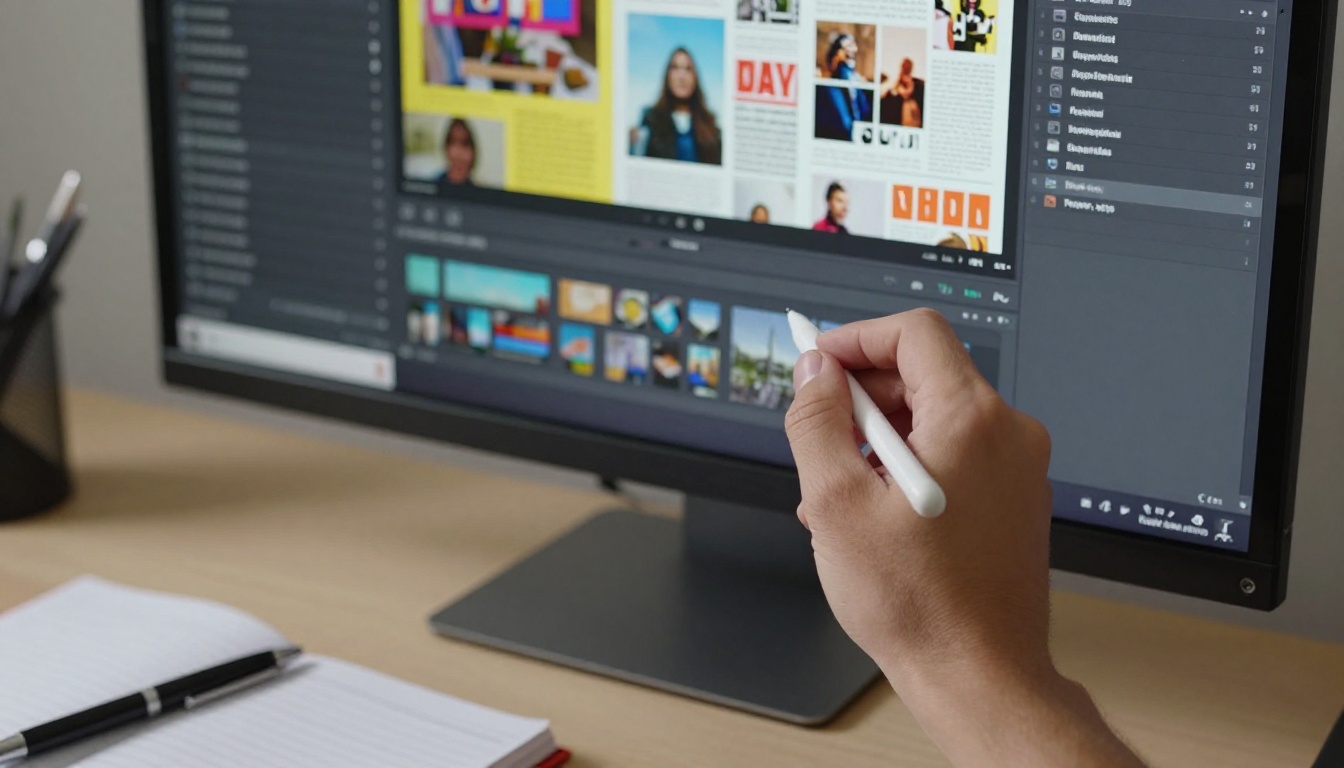
Start by gathering 3 to 10 related blog posts around a single theme. If you run a food blog, pull together your five best recipe articles. If you write about business strategy, pick posts that tell a connected story. Open them in a design tool like Canva, Adobe InDesign, or a well-formatted Google Doc. Apply magazine-style formatting: two-column layouts, large hero images, pull quotes, and page numbers.
Export as a high-resolution PDF. Aim for at minimum 1920px width for sharp results on all display types.
Step 2: Upload to Flipbooks AI
Head to Flipbooks AI and create your account. The upload process is straightforward:
- Click New Flipbook from your dashboard
- Drag and drop your PDF file into the upload zone
- Wait for the conversion, typically under 60 seconds for a 20-page document
- Preview the auto-generated page-flip layout
The platform supports PDFs up to several hundred pages, so even a full blog archive compilation works without any issues. The PDF to Flipbook Converter handles everything automatically.

Step 3: Customize Branding and Style
Once uploaded, the flipbook editor gives you full control over presentation. You can:
- Upload a custom cover image that matches your blog's visual identity
- Set brand colors for the page-flip animation and navigation UI
- Add your logo to the header or footer of every page
- Choose page effects such as soft page curl, hard cover, and shadow intensity
This step is critical for blogs building an audience. Your digital magazine should feel like an extension of your website brand, not a generic PDF viewer. Readers who know your blog should recognize the flipbook instantly.
💡 Pro tip: Use the same fonts and color palette from your blog's design system. Visual consistency across formats builds trust and signals professionalism to new readers.
Step 4: Add Multimedia and Interactive Links
This is where a digital magazine truly separates from a static PDF. Inside the Flipbooks AI editor, you can overlay:
- Clickable hyperlinks on any text or image, including product links, author pages, and related posts
- Embedded YouTube or Vimeo videos that play directly inside the magazine pages
- Audio clips for narrated content or ambient soundscapes, which work especially well for travel magazines
- Lead capture forms that appear at strategic pages, available on the Professional plan via pricing
Step 5: Set Privacy and Publish
Before publishing, decide who sees your magazine:
- Public: Anyone with the link can read it, no login required
- Password-protected: Ideal for premium content, subscriber-only editions, or internal company publications
- Offline download: Let readers save a version for offline reading, available on Standard plan and above
When ready, click Publish. You'll receive a direct shareable link and an embed code you can paste into any blog post or website page using the Embed Flipbook on Website tool.
Which Blog Content Works Best
Not every blog post converts equally. Some content types produce stunning magazines; others feel flat without significant design work first. Here's a practical breakdown by niche:
Travel and Lifestyle Blogs
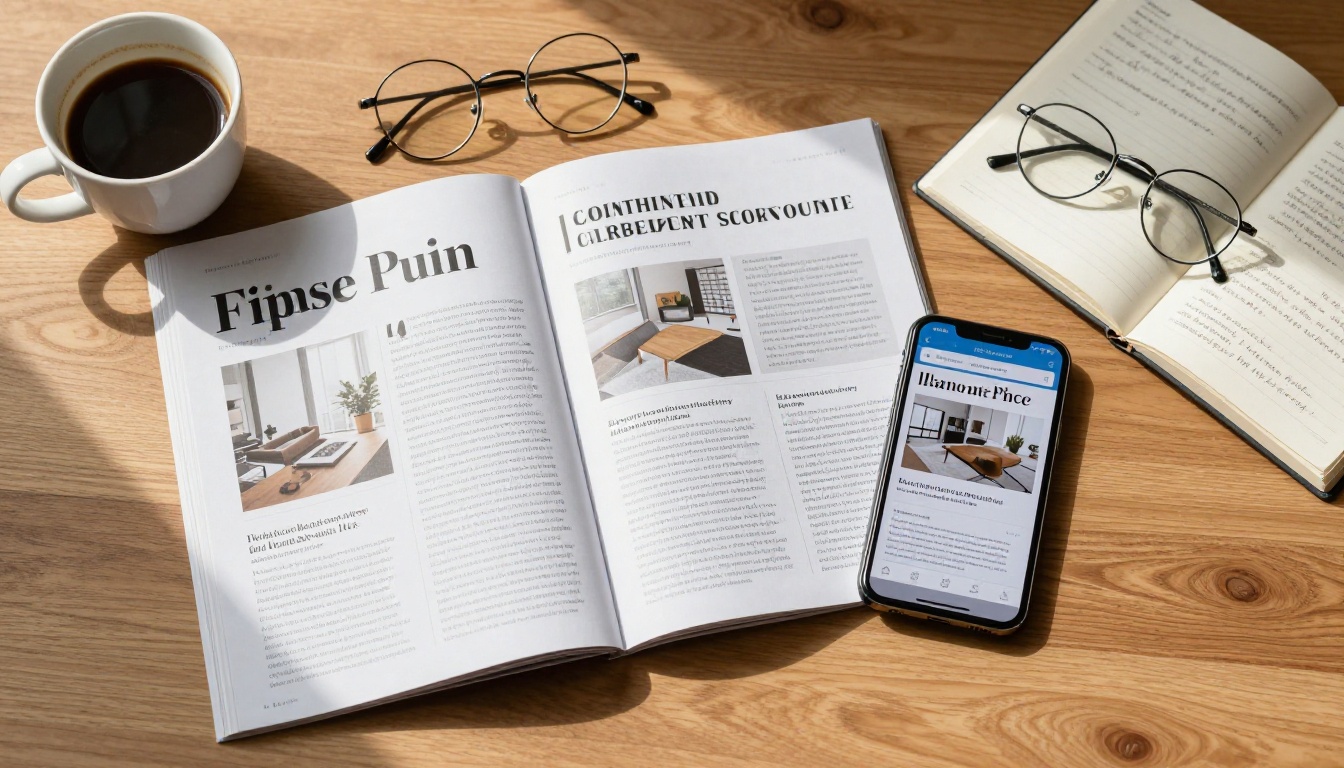
Travel content has a natural magazine format built in. Destination photography, day-by-day itineraries, local food recommendations, and packing lists map directly onto editorial magazine spreads. A travel blogger who has written 20 articles about Southeast Asia can compile a "Southeast Asia Insider" digital magazine and distribute it to their email list as a premium freebie, building subscriber value with content that already exists.
Fashion and Beauty Content
Fashion blogs that publish lookbooks, trend reports, and product roundups are an obvious fit. The Interactive Lookbook Designer provides templates built specifically for fashion editorial presentation. Brands using this format report higher click-through rates on product links embedded inside flipbook pages compared to standard blog post links.
Business and B2B Publications
B2B blogs covering industry trends, case studies, and thought leadership benefit from the authority that a magazine format projects. A quarterly "Industry Insights" digital magazine compiled from your best blog posts positions your brand as a serious publisher. Use the Magazine Flipbook Creator for these use cases.
⚠️ Watch out: B2B audiences expect high production quality. Invest time in proper layout design before uploading. A poorly formatted PDF becomes a poorly formatted flipbook. Quality in, quality out.
Flipbooks AI Plans at a Glance
Choosing the right plan depends on how often you publish and what features matter most for your audience.
| Feature | Free | Standard | Professional |
|---|
| Flipbooks per month | 3 | Unlimited | Unlimited |
| Watermarks | Yes | No | No |
| Password protection | No | Yes | Yes |
| Custom branding | No | Yes | Yes |
| Offline downloads | No | Yes | Yes |
| Analytics and heatmaps | No | No | Yes |
| Lead capture forms | No | No | Yes |
| Embedded video and audio | No | Yes | Yes |
| Custom domain | No | No | Yes |
For bloggers just starting out, the Free plan lets you test the format with three publications. Once you commit to regular publishing, the Standard plan removes watermarks and opens up unlimited flipbooks. The Professional plan adds analytics, letting you see exactly which pages readers spend the most time on. That data is invaluable for refining future issues and writing better blog content.
💡 Pro tip: Use analytics data from the Professional plan to identify which topics magazine readers engage with most, then write more blog posts on those subjects to feed your next issue.
Real Scenarios That Work
Monthly Newsletter to Digital Magazine
If you already send a monthly email newsletter compiled from your blog posts, you're one step away from a digital magazine. Instead of sending a plain-text email digest, design a 4-8 page PDF layout with your top posts, export it, and publish it as a flipbook. Send the flipbook link in your newsletter. Readers get a richer experience; you get detailed analytics on what they actually read.
Annual Blog Roundup as a Publication
End-of-year roundups are among the highest-traffic blog posts for most publishers. Rather than publishing the roundup only as a blog post, compile your top 10 articles from the year into a "Best of [Year]" digital magazine. This becomes a shareable asset, a social media campaign centerpiece, and a premium content offer for new subscribers all at once.
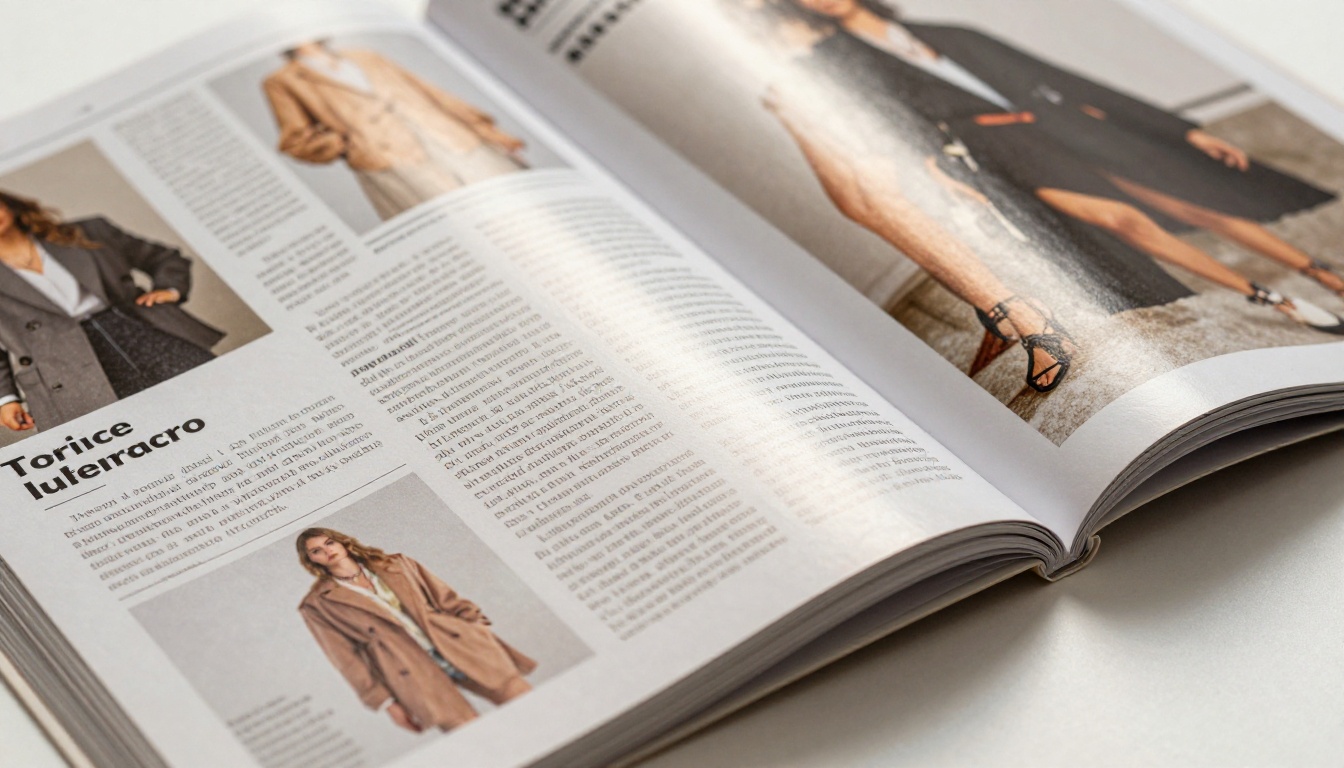
Product-Focused Catalog Magazine
E-commerce bloggers who review products can bundle reviews into a seasonal catalog. A beauty blogger's "Spring Skincare Picks" becomes a 12-page digital catalog using the Fashion Catalog Creator or Digital Catalog Maker. Every product image becomes a clickable affiliate link. Every page spread drives traffic and revenue simultaneously.
Sharing Your Digital Magazine
Getting your flipbook in front of readers requires a distribution strategy that goes beyond just publishing a link.

Embedding on Your Website
The most powerful distribution method is embedding your flipbook directly on a dedicated page on your site. Flipbooks AI provides a clean embed code that places the full interactive flipbook inside any webpage. Visitors never need to leave your site to read the full magazine. This keeps session times high and keeps readers within your ecosystem, supporting your overall content strategy.
Email and Social Distribution
- Email: Include a thumbnail preview image with a "Read the full magazine" CTA linking to the flipbook URL
- Instagram and Pinterest: Share full-page spreads as individual posts with a "Link in bio" pointer to the flipbook
- LinkedIn: For B2B content, share the flipbook link directly as a post; the platform renders a preview card automatically
- Offline download: Offer the download version as a lead magnet, available on Standard plan and above
✅ Best practice: Create a dedicated landing page on your site for each magazine edition. This page becomes a permanent, indexed asset that drives ongoing organic traffic to your flipbook for months after publication.
What This Does for Your Content Strategy
Repurposing blog posts into digital magazines isn't just a formatting change. It's a content strategy that extends the shelf life of every article you've written. Each magazine issue becomes:
- A premium content asset you can offer as a subscriber incentive or opt-in freebie
- A shareable publication that other sites want to reference and link back to
- A sales asset if your blog supports a product, service, or affiliate program
- A portfolio piece that demonstrates serious content production capability to potential clients or partners
- An SEO signal when embedded on indexed pages with strong reader interaction metrics
The same 10 blog posts that generate traffic one article at a time generate compounded impact when bundled into a magazine that readers share with their networks. Content you wrote months ago starts working again, reaching audiences who never saw it the first time.
Ready to stop letting your best content collect dust? Create your first digital magazine on Flipbooks AI and see what your blog looks like with a proper publication format. Browse all flipbook tools to find the right template for your niche, or compare pricing plans to choose the features that fit your publishing goals.



