Most documents die the moment they're opened. Someone clicks a link, the PDF loads, they scroll halfway through, and they're gone. No second glance, no sharing, no real impact. If you're still distributing flat static files to represent your brand, your products, or your ideas, you're leaving attention on the table. Converting documents into interactive flipbooks changes all that, and it's easier than most people expect.
Flipbooks AI is the platform that makes this conversion fast, clean, and professional. No coding required. No design degree necessary. Just a PDF and a few clicks.
Why Static Documents Lose People Fast
The PDF Problem Nobody Talks About
PDFs were built for printing, not for reading on screens. The format dates back to 1993, and while it solved a real problem at the time, consistent formatting across devices, it was never designed for the way people consume content today.
Readers today scroll fast, skim headers, and make split-second decisions about whether content is worth their time. A long PDF with walls of text, no interactivity, and no visual hierarchy communicates one thing immediately: this was made for a printer.
The data backs this up:
- Average time spent on a shared PDF: under 2 minutes
- Average bounce rate for static document links: above 70%
- Flipbook formats show 3x higher time-on-page vs. static PDFs in A/B tests
What Actually Holds Attention
The page-flip metaphor works because it's physically familiar. People have been reading physical books and magazines their whole lives. When a digital document mimics that tactile page-turn experience, something clicks in the brain. It feels like content worth reading, not a file that was dumped into a folder.
Beyond the psychological angle, flipbooks offer real functional advantages:
- Visual storytelling: Content flows in a defined, sequential way
- Page transitions: The animation creates a sense of progression
- Interactive elements: Links, videos, and audio can be embedded directly
- Mobile responsiveness: Flipbooks scale cleanly across phone, tablet, and desktop
Static PDF vs. Interactive Flipbook
Here's a direct comparison of the two formats across the factors that actually matter to readers and distributors:
| Feature | Static PDF | Interactive Flipbook |
|---|
| Page-flip animation | No | Yes |
| Embedded video/audio | No | Yes |
| Mobile-optimized | Partial | Yes |
| Clickable links | Limited | Yes |
| Analytics and tracking | No | Yes (Pro plan) |
| Password protection | No | Yes |
| Shareable link | Download required | Direct URL |
| Offline access | Yes | Yes (Pro plan) |
| Custom branding | No | Yes |
| Lead generation | No | Yes (Pro plan) |
The gap is not subtle. For any document that needs to perform, not just exist, the flipbook format wins on almost every dimension.

Documents Worth Converting Right Now
Business Content That Needs to Perform
Some documents are too important to leave as static files. If your content needs to drive a decision, build trust, or represent your brand, it should be a flipbook.
Top candidates for conversion:
- Product catalogs: Customers browse catalogs the same way they browse magazines. The Product Catalog Generator makes the transition seamless.
- Annual reports: A static PDF annual report communicates obligation. A flipbook communicates pride. Use the Annual Report Creator to make yours stand out.
- Sales presentations: A flipbook sent after a meeting keeps selling after the call ends. The Sales Presentation Flipbook tool handles the formatting.
- Company brochures: Real estate agents, hotels, automotive brands — any industry where aesthetics matter. See Brochure Flipbook Maker.
- Price lists: A Digital Price List Generator beats sending a spreadsheet every time.
Creative Content That Pops
Creative professionals have the most to gain from the format shift. Photography, fashion, design: all of it lands harder with page-flip animation than a static gallery or PDF download.
How to Convert Your Document with Flipbooks AI
This is a full walkthrough of the conversion process using Flipbooks AI. No technical background required.
Step 1: Create Your Account
Go to flipbooksai.com/account and sign up for free. The free plan lets you test the platform and see how your document looks as a flipbook before committing to a paid plan.
Once inside the dashboard, you'll see your flipbook library and a clear upload button. The interface is clean and direct.
Step 2: Upload Your PDF
Click "Create New Flipbook" and upload your PDF. The PDF to Flipbook Converter handles the heavy lifting. Your document is processed page by page, preserving fonts, images, and layout.
Supported file types: PDF (primary), with support for multi-page documents up to professional publishing sizes.
💡 Pro tip: For best results, export your source document as a high-resolution PDF before uploading. 300 DPI minimum for documents with photography.
Step 3: Customize Your Flipbook
This is where the real differentiation happens. After upload, you can:
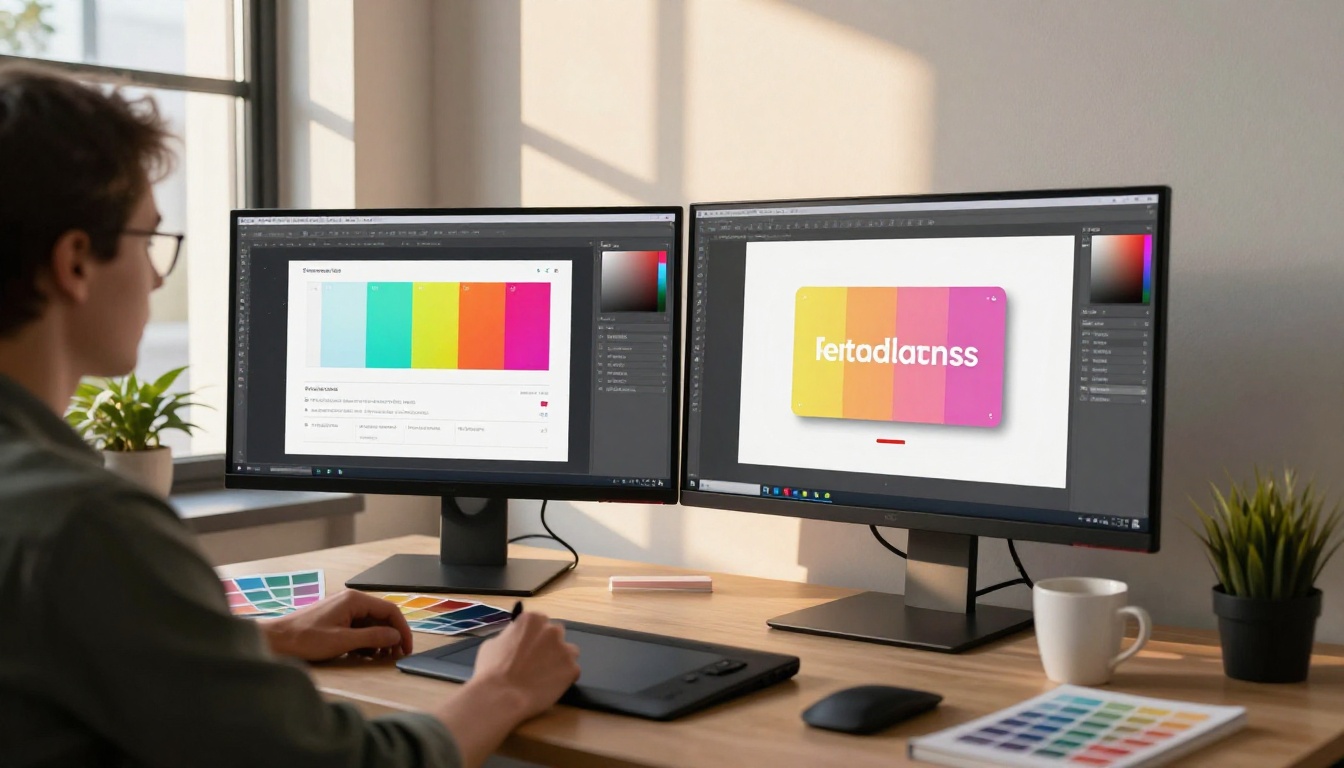
- Set your brand colors: Match your flipbook background, UI elements, and controls to your brand palette
- Add your logo: Appears in the flipbook header and on the share page
- Choose page effects: Classic paper flip, soft page turn, or modern swipe
- Add multimedia: Embed YouTube videos, audio clips, or animated GIFs directly onto pages
- Set the thumbnail: Choose which page appears as the preview image in link shares
Step 4: Configure Sharing and Access
Before publishing, decide how your flipbook should be shared:
- Public link: Anyone with the URL can view it (ideal for marketing materials)
- Password protection: Restrict access to clients, team members, or subscribers
- Embed code: Copy the embed snippet to drop your flipbook directly into a website or landing page. See Embed Flipbook on Website for details.
✅ Best practice: For sales materials sent to prospects, use the public link. For internal documents or paid content, use password protection.
Step 5: Publish and Share
Click Publish. Your flipbook gets a permanent URL instantly. You can share it:
- Directly via link (email, Slack, WhatsApp)
- Embedded on a webpage
- Via QR code (generates automatically)
- Downloaded for offline use (Professional plan)
The flipbook is mobile-responsive by default. No extra configuration needed.

Flipbooks AI Plans: What You Actually Get
Here's a clear breakdown of what each plan includes, so you can choose without guessing:
| Feature | Free | Standard | Professional |
|---|
| Flipbooks | 3 | Unlimited | Unlimited |
| Watermark | Yes | No | No |
| Custom branding | No | Yes | Yes |
| Password protection | No | Yes | Yes |
| Analytics | No | No | Yes |
| Lead generation | No | No | Yes |
| Offline download | No | No | Yes |
| Embed on website | Yes | Yes | Yes |
| Video and audio embed | No | Yes | Yes |
⚠️ The free plan includes a watermark. If you're sending this to clients or using it for marketing, upgrade before sharing externally.
Review the full pricing plans to see which tier fits your workflow.
Reading on Mobile: Why It Matters
More than 60% of digital content is consumed on mobile devices. A PDF sent to a phone is a miserable experience: tiny text, no zoom memory, forced horizontal scrolling, files that take time to download.
A flipbook loads in the browser instantly, adapts to portrait or landscape orientation automatically, and supports swipe gestures that feel native on touch screens.
The difference in reading experience is significant enough that it changes completion rates. Someone who would have closed a PDF after two pages will often read a flipbook to the end, simply because the format respects their device.
Analytics: Know What Gets Read
One of the biggest hidden advantages of the Professional plan is analytics. With a static PDF, you have no idea what happens after someone downloads it. Did they open it? Did they read past page 3? Did the product pages hold attention?
Flipbooks AI tracks:
- Total views and unique visitors
- Pages viewed per session
- Time spent on each page
- Geographic distribution of readers
- Device breakdown (mobile vs. desktop)
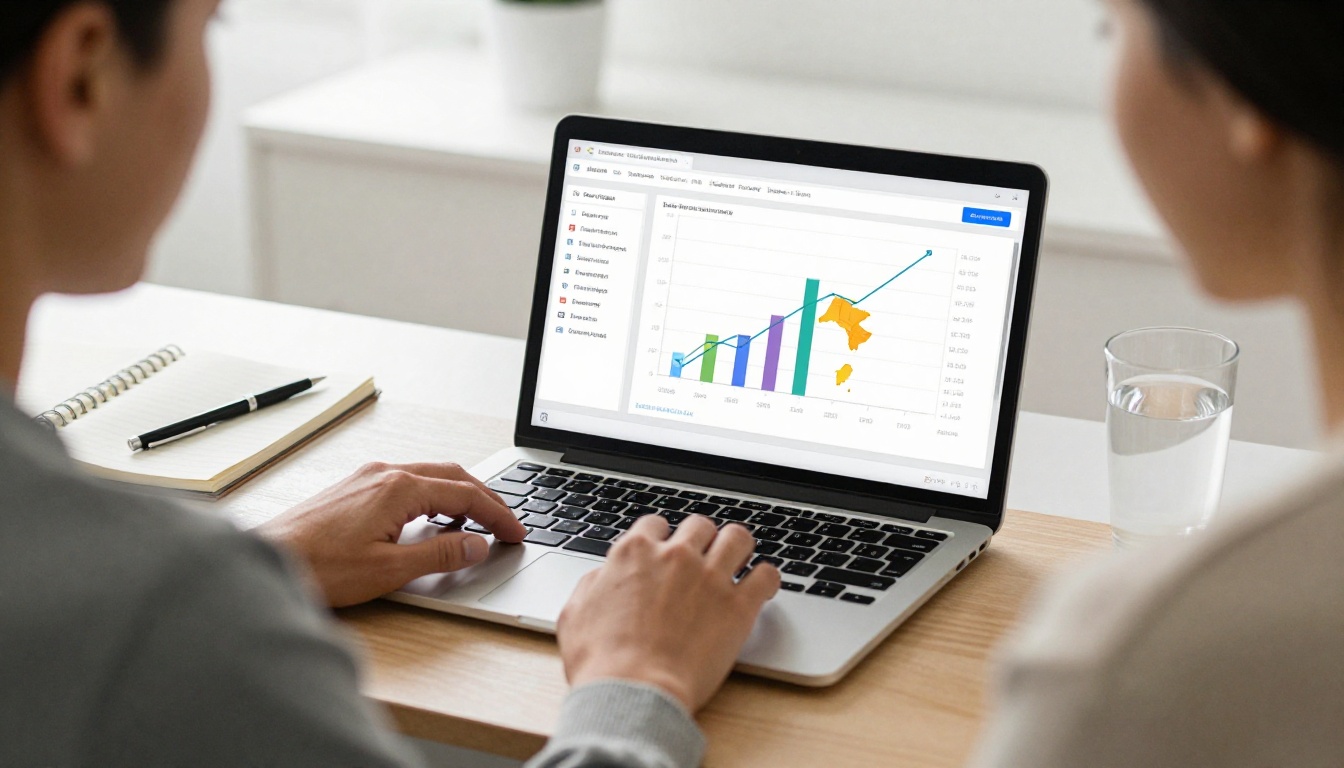
This data changes how you write and design content. If page 7 gets skipped every time, that tells you something. If the pricing page holds attention for twice as long as average, that tells you something too.
💡 Use analytics to iterate on your documents the same way you iterate on web pages. The data is there. Use it.
Lead Generation Inside Your Flipbook
Professional plan users can add lead capture forms directly inside flipbooks. A reader reaches page 5 of your product catalog, and a clean modal prompts them to drop their email to see the full collection. You capture the lead without redirecting them away from the content.
This is a capability that simply doesn't exist in PDF format. It turns passive distribution into active pipeline building.
Real-World Use Cases by Industry
Restaurants and Hospitality
A restaurant can turn its weekly menu into a shareable flipbook using the Restaurant Menu Creator. Post it on Instagram Stories, embed it on the website, and send it via WhatsApp to regulars. No app download. No PDF attachment. Just a link.
Hotels benefit similarly with the Hotel Brochure Designer, turning room photography and amenity listings into a visually compelling booking aid.
Real Estate
Real estate agents close with documentation. A property brochure as a PDF feels like paperwork. The same brochure as a flipbook, built with the Real Estate Brochure Creator, feels like a premium presentation. The page-turn creates anticipation. Each spread becomes a moment.
Education
Teachers and course creators use flipbooks to make study materials more interactive. The Course Material Publisher and Training Manual Flipbook tools handle the conversion, with embedded video support for blended learning.

Schools also use the Yearbook Flipbook Maker and School Newsletter Creator to distribute content that parents and students actually open and read.
Publishing and Media
Digital magazines, newsletters, and e-books work naturally in flipbook format. The E-Magazine Publishing Tool and Interactive E-Book Publisher give publishers the infrastructure to distribute content at scale without a dedicated app.
Sharing Without the Friction
One overlooked advantage: flipbooks require zero action from the recipient. No download. No app. No file size warning. The reader clicks a link, the flipbook opens in their browser, and they start reading.
Compare that to the PDF workflow: download the file, find it in the Downloads folder, open a PDF reader, wait for it to render, lose it next week. The friction compounds every time.

With Flipbooks AI, the sharing workflow is: click Publish, copy the link, send it. That's it. The embed code works in any website builder, CMS, or email platform that accepts iframe HTML.
What to Convert First
If you're unsure where to start, pick the one document your team shares most often. That's the one causing the most friction. Convert it, share it with your team, and watch the reaction.
Most people immediately notice the difference between clicking a flipbook link and receiving a PDF attachment. The bar is low because the PDF experience is so bad. A flipbook doesn't have to be perfect to feel dramatically better.
Start with one document. Use the PDF to Flipbook Converter. See how it looks. From there, the decision to convert everything else usually makes itself.
Make the Switch
Documents exist to communicate. If people aren't reading them, they're not doing their job. The format you choose affects whether content lands or gets ignored, whether readers finish or bounce, whether you know what resonated or fly blind.
Flipbooks are not a gimmick. They're the standard format for digital documents that need to perform. The page-flip animation, the mobile responsiveness, the analytics, the lead capture: these are real tools that produce real results.
Create your first flipbook for free and see the difference for yourself. If you want to see everything the platform can do, browse all flipbook tools and templates. When you're ready to remove the watermark and access the full feature set, compare pricing plans to choose the right tier for your needs.



