Most parents leave an orthodontic consultation with a paper packet in their hands and a dozen questions in their heads. By the time they get home, half the information is forgotten, the paperwork is on the kitchen counter, and the partner who couldn't make the appointment has no idea what was discussed. That gap, between what the orthodontist explains and what the family actually retains, costs practices cases every week.
Turning that treatment plan into a digital flipbook closes that gap. With Flipbooks AI, you can convert your PDF treatment materials into an interactive, page-turning document that parents revisit at home, share with co-parents over text, and return to throughout the entire treatment journey.
Why Printed Plans Stop Working After the Visit
The Take-Home Packet Problem
A standard orthodontic take-home packet typically runs 4 to 12 pages. It includes a treatment summary, cost breakdown, consent forms, care instructions, and sometimes photos. The information is solid. The format is the problem.
Printed documents get set aside. They don't adapt to mobile screens. They can't be forwarded with one tap. And they offer no way for the orthodontist to know whether the family ever read them.
Parents are busy. A co-parent who wasn't at the consultation needs to get up to speed quickly before any decisions get made. Handing them a stack of papers almost never results in an informed, aligned conversation. It results in delay.
What Parents Do After the Appointment
Research in patient communication consistently shows that people retain roughly 20 percent of what they hear in a clinical setting. The rest evaporates within hours. Parents who are nervous about the cost, worried about their child's experience, or simply overwhelmed by new terminology are not going to absorb a dense printed document at 9 PM.
What they will do: search online, compare quotes, or delay the decision until they feel more confident. A well-designed digital flipbook gives them a resource that answers those questions before they go elsewhere.

What a Flipbook Does Differently
Interactive Pages Replace Static PDFs
A flipbook is not just a digital version of a printed page. It is a navigable, visual experience. Parents can jump to the section they care about most, zoom in on diagrams, and share specific pages with a spouse without forwarding a 10-page PDF.
When you use the PDF to Flipbook Converter, your existing treatment plan documents become something that feels designed for the modern parent's attention span: clean, readable, shareable, and mobile-responsive.
💡 Parents who share their child's treatment plan with a co-parent before the follow-up appointment are significantly more likely to move forward at that appointment. A shareable link makes this effortless.
Sharing Changes Everything
The most underrated feature of a digital flipbook is the shareable link. An orthodontic practice that sends a parent home with a link, not a packet, changes the entire post-consultation dynamic.
That link can be texted to a spouse during a lunch break. It can be bookmarked and reopened at 11 PM when the family finally has a quiet moment to review options. It can be password-protected for sensitive financial information. It doesn't get lost in a drawer.
| Feature | Printed Plan | Digital Flipbook |
|---|
| Mobile-friendly | No | Yes |
| Shareable with co-parent | Requires scanning or photo | One-tap link |
| Searchable content | No | Yes |
| Page-flip navigation | No | Yes |
| Password protection | No | Yes (Pro plan) |
| Analytics: who viewed it | No | Yes (Pro plan) |
| Embed in email or website | No | Yes |
| Always up to date | Requires reprint | Edit and reshare |
What Goes Inside an Orthodontic Parent Flipbook
The Treatment Timeline Section
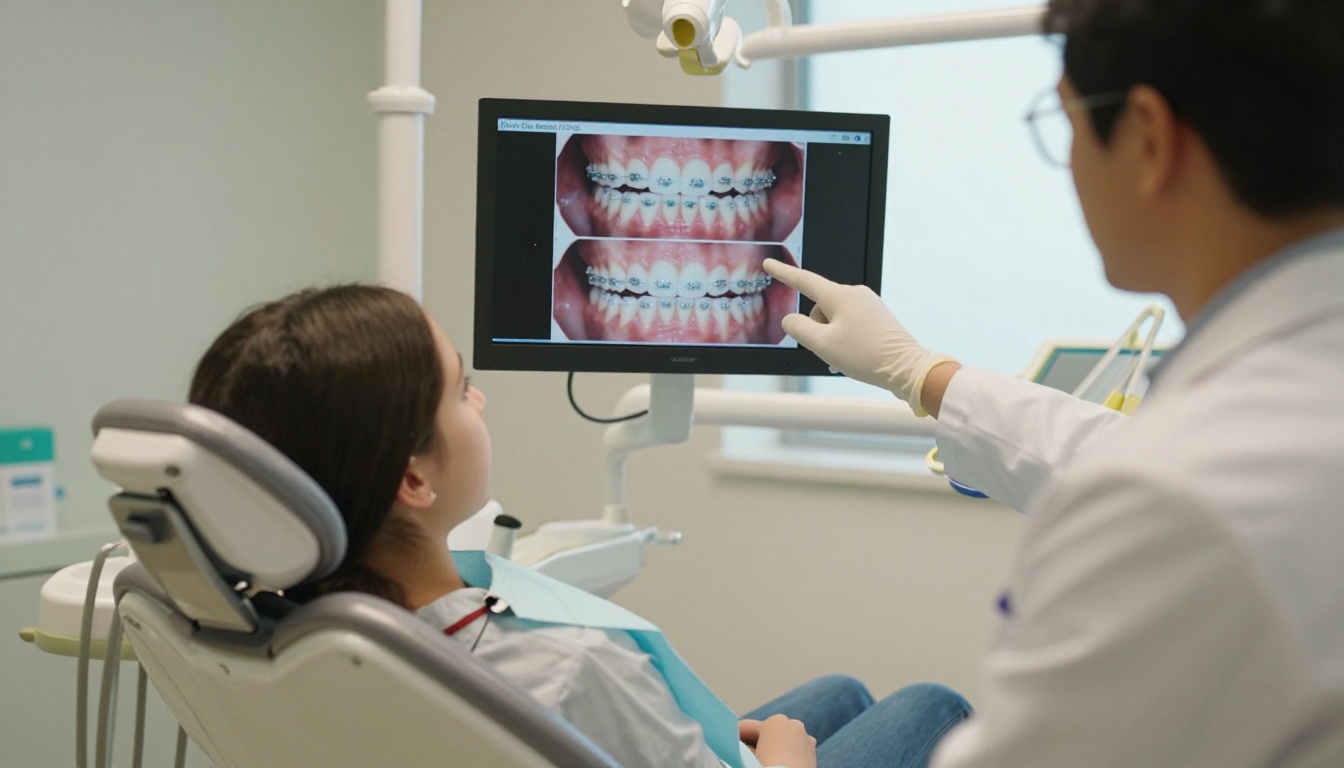
This is the page parents return to most. A clear visual timeline showing Phase 1, Phase 2, check-up intervals, estimated completion, and what changes to expect at each stage gives families a sense of the full picture that a verbal explanation rarely achieves.
Include photos of what teeth typically look like at each milestone. Parents want to know what they are comparing against at each visit.
Cost Breakdown and Payment Options
Confusion about cost is the number one reason families delay or abandon orthodontic treatment. A dedicated cost page inside the flipbook, showing the total investment, insurance coverage estimate, monthly payment options, and what happens if treatment extends, removes that confusion.
Listing payment plan options with a clear table rather than a paragraph of text increases the perceived transparency of the practice and reduces the back-and-forth with the front desk.
FAQ and Care Instructions
Anticipate the questions parents will search online after the appointment. What can my child eat with braces? What happens if a bracket breaks? When do we call versus wait for the next appointment? A short FAQ section in the flipbook means parents don't have to call the practice for routine concerns.
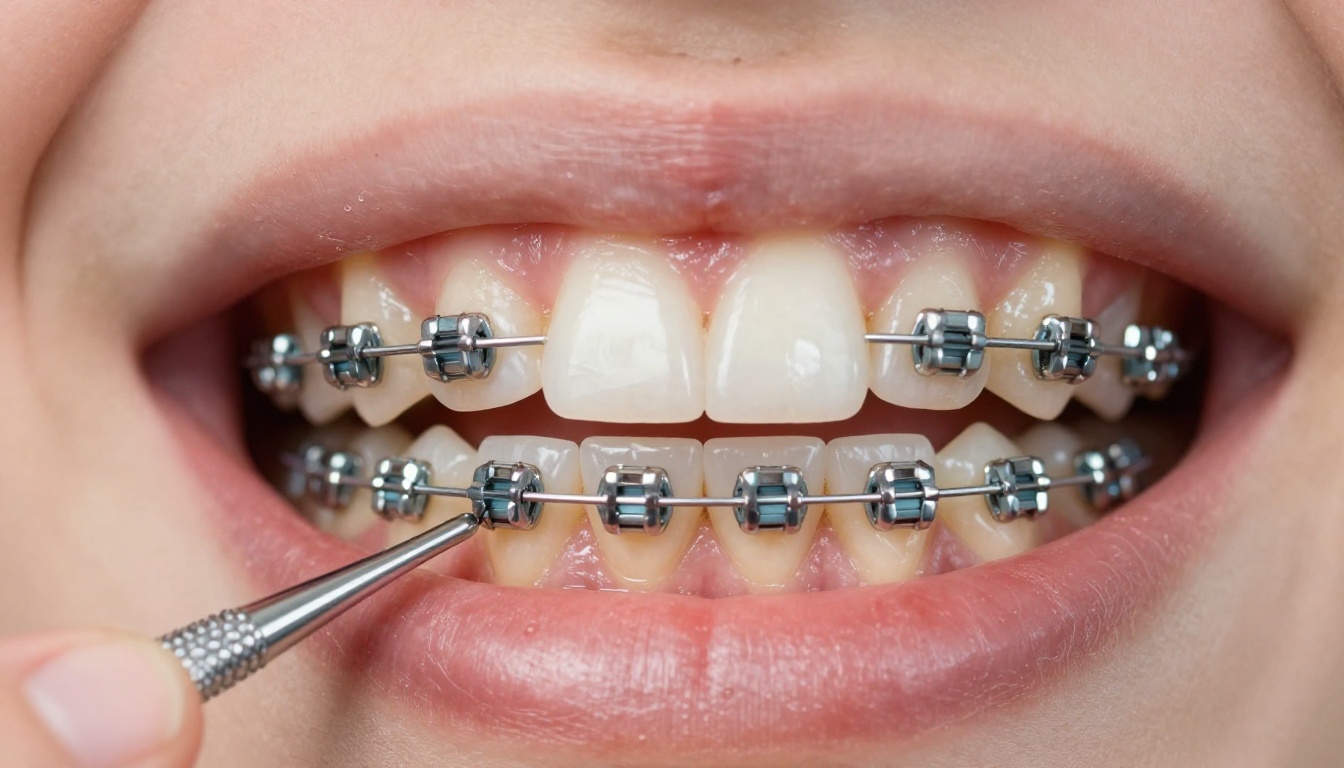
Care instructions with photos of correct brushing technique and foods to avoid make the material useful beyond the first read.
| Flipbook Section | Why It Matters | Format Recommendation |
|---|
| Treatment timeline | Sets expectations for the full journey | Visual diagram with photos |
| Cost and payment options | Reduces decision friction | Table with line items |
| FAQ | Reduces inbound calls | Short Q and A format |
| Care instructions | Improves treatment outcomes | Photos with bullet lists |
| Next steps | Reduces dropout | Numbered list with dates |
| Practice contact info | Builds confidence | Clickable links |
✅ Keep each section to one or two pages maximum. Parents scan before they read. Dense pages get skipped.
How to Build Your Orthodontic Flipbook
Building a patient-facing flipbook for parents takes less than an hour using Flipbooks AI. Here is exactly how to do it.
Step 1: Prepare your PDF
Start with your existing treatment plan document. If you don't have a polished version, design one in Canva, PowerPoint, or Google Slides first, then export as a PDF. Aim for a visual layout: one clear idea per page, photos where possible, minimal wall-of-text sections.
Step 2: Create an account
Go to flipbooksai.com/account and sign up. No credit card is required to get started on the free tier.
Step 3: Upload your PDF
From your dashboard, click "New Flipbook" and upload your PDF. The converter processes it in seconds. Your pages automatically become a navigable, page-turning flipbook with smooth transitions.
Step 4: Customize the branding
Add your practice logo, adjust the color palette to match your brand, and set a custom title page. Parents should recognize your practice the moment they open the link. Consistent branding reinforces trust.
Step 5: Set sharing options
For a treatment plan that includes cost information, enable password protection. Set the password to the patient's date of birth or a simple 4-digit code you communicate verbally at the appointment. This keeps sensitive financial data private while still making the flipbook easy to access.
For general educational materials, care instruction documents, and FAQ sheets, keep the link open and add it to your post-appointment email template.
Step 6: Copy and share the link
Once published, your flipbook has a direct shareable URL. Copy it and paste it into your appointment follow-up text or email. Some practices add a QR code to the checkout desk that links directly to the relevant flipbook for that consultation type.
Step 7: Track who opens it
On the Professional plan, you get access to view analytics: who opened the flipbook, how many times, and which pages they spent the most time on. This data is genuinely useful. If a parent opened the cost section four times but hasn't called back, that's a signal to follow up with payment plan options.
⚠️ Never send a generic flipbook link to every family. Personalize where possible. A treatment plan flipbook should feel like it was made for that specific patient, not mass-distributed.
Flipbooks AI Plan Comparison
Choosing the right plan depends on how many flipbooks you need and whether you want analytics. Here is a clear breakdown of what each tier offers for an orthodontic practice.
| Plan | Flipbooks | Branding | Password Protection | Analytics | Offline Download |
|---|
| Free | 1 | Limited | No | No | No |
| Standard | Unlimited | Full custom | No | No | No |
| Professional | Unlimited | Full custom | Yes | Yes | Yes |
💡 For most orthodontic practices, the Professional plan pays for itself if even one additional case per month accepts treatment because the family felt better informed. Analytics alone can identify which families need a follow-up call.
See all current pricing plans and feature details.
Real-World Use Cases That Work
Multi-Location Orthodontic Practices
Practices with two or more locations often struggle with consistency. Different front desk staff explain the process differently. Materials vary. A shared flipbook library, accessible to all locations, standardizes the patient education experience. Every parent at every location sees the same professional, branded treatment plan flipbook.
Solo Practitioners with Small Teams
For a single-doctor practice, reducing inbound "how much does it cost?" calls and "when does treatment end?" questions directly affects the team's time. A flipbook that answers those questions proactively means fewer interruptions during clinical hours.

Pediatric Orthodontics for Younger Families
Pediatric orthodontic patients often start treatment at 7 to 10 years old, which means parents are making decisions for a child who has no frame of reference. A flipbook designed for this age group, with photos of children in treatment, friendly language, and a reassuring tone, speaks directly to the anxiety parents feel about early intervention.
3 Common Mistakes Orthodontists Make
Too Much Text, Not Enough Visuals
A flipbook that looks like a wall of text defeats the purpose. Each page should communicate one thing, supported by a photo or diagram. Dental professionals often underestimate how unfamiliar the vocabulary is to patients. If a parent has to search a term to understand the treatment plan, something went wrong in the communication design.
No Shareable Link After the Appointment
Still handing out printed packets? Every parent who doesn't have a link is one call away from being influenced by whatever they find on a competitor's website. Giving them a link to your professionally designed flipbook keeps them in your ecosystem while they deliberate.
Forgetting the Co-Parent
Treatment decisions for children almost always involve two parents. If only one parent was at the consultation, the other needs a way to get informed without a second appointment. A shareable flipbook link solves this cleanly. The absent parent gets the same presentation, the same cost breakdown, and the same FAQ answers the present parent received in the office.
✅ Mention the shareable link explicitly at checkout. Say: "We've sent you a link to your child's treatment plan that you can share with anyone in your family. It's password-protected."
Not every orthodontic communication needs the same format. Here is a comparison of the most common digital materials and where a flipbook fits best.
| Format | Best For | Limitations |
|---|
| PDF | Internal record-keeping | Not interactive, hard to share |
| Website page | General practice information | Not patient-specific |
| Email attachment | Sending to one parent | No page-flip, easy to ignore |
| Digital flipbook | Treatment plan presentation | Requires PDF source file |
| Patient portal document | Insurance and consent forms | Feels clinical, no branding |
| Printed packet | In-office reference | Gets lost, can't be updated |
For patient-facing treatment communication, the digital flipbook sits between a static PDF and a fully custom web page. It has most of the benefits of both with almost none of the technical overhead.

What Parents Actually Look For
Clear Cost Breakdown
Every parent at every income level wants to know the full cost before they commit. Not the "starting at" number. The actual number, broken into what insurance covers, what they owe, and what the monthly payment looks like. A flipbook page dedicated entirely to this, with a clean table and zero ambiguity, builds the kind of trust that accelerates case acceptance.
What Happens If Something Goes Wrong
Parents worry. What if the timeline runs longer than expected? What if a retainer gets lost? What if there's a bracket emergency during a weekend? A short section addressing these scenarios, including contact information and what to do, converts anxiety into confidence.
Timeline Accuracy
Parents want to know the start date, the estimated end date, the number of appointments, and how long each appointment typically takes. A visual timeline chart communicates this faster than any paragraph can. When parents can see the full arc of treatment, the commitment feels less open-ended and more manageable.
The Moment You Stop Losing Cases to Hesitation
Every orthodontic practice has cases that stall after the consultation. The family seemed interested, the treatment plan was explained well, and then nothing. Days pass. The follow-up call goes to voicemail.
A digital flipbook doesn't close every case. But it gives parents something to return to when they're ready to revisit the decision, rather than starting from scratch with a competitor. It keeps your practice's name, your pricing, and your approach in front of them in a format they can actually use.
The practices that build this into their workflow, sending a personalized flipbook link with every consultation, report fewer "we'll think about it" dropouts and more families who arrive at the follow-up already aligned.

Ready to turn your treatment plan into something parents actually read? Create your first flipbook on Flipbooks AI in under an hour. Browse the full tools directory to see what else you can build, or see all pricing plans to find the right fit for your practice size.



