Speaking your ideas out loud is one of the fastest ways to capture raw thinking. You can dictate three times faster than you type, with more nuance, more personality, and far less friction. The problem is that a voice note sitting on your phone is invisible to everyone else. Nobody shares a .m4a file. Nobody reads a transcript dump. The content stays locked in a format that goes nowhere. That gap between recording and publishing is exactly where AI steps in, and what you can do with it, including turning spoken content into a fully interactive flipbook, changes what's possible for creators, educators, coaches, and business teams. Flipbooks AI is one of the platforms making this workflow genuinely practical.
Why Voice Notes Never Get Published
Most people record dozens of voice memos that never become anything. The reasons are almost always the same.
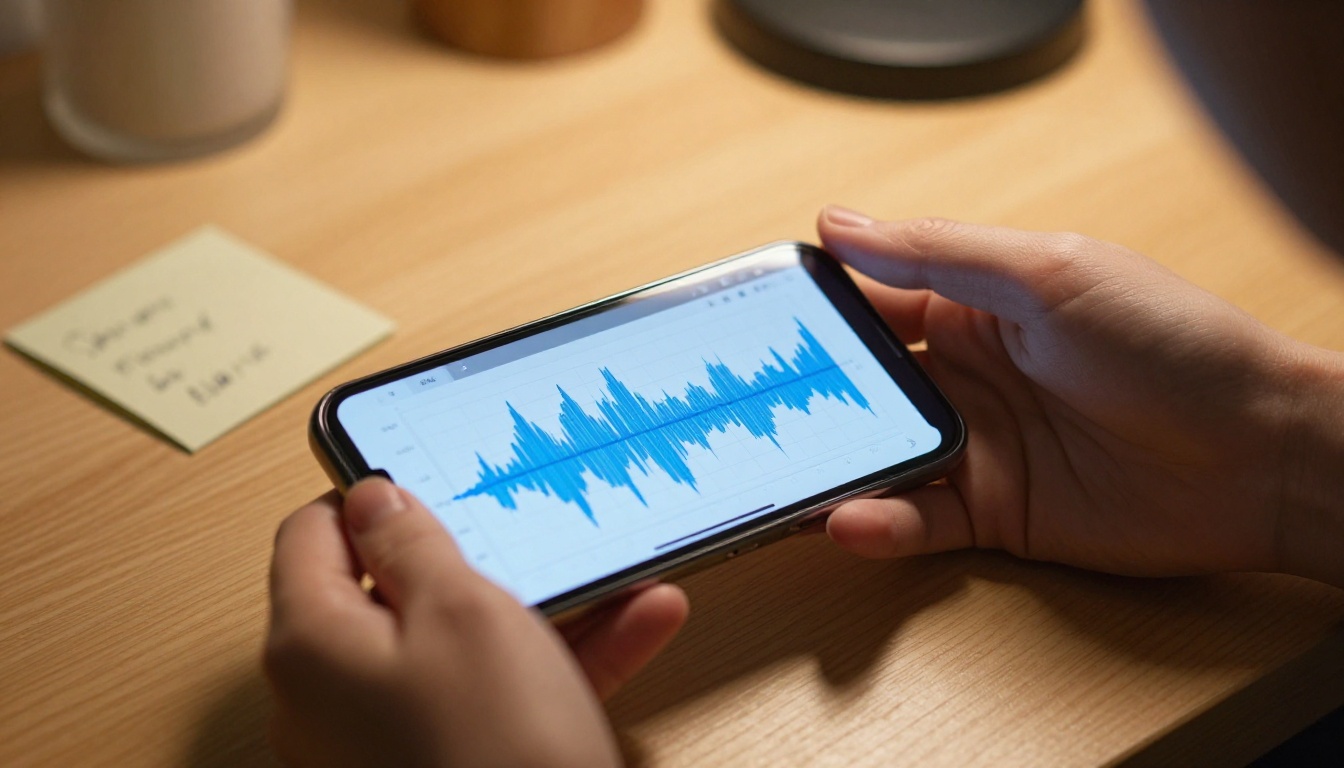
The friction after recording
Recording is effortless. Everything after it is not. Transcribing by hand is slow and error-prone. Formatting a raw transcript into readable content takes editing skill most people don't enjoy. Then there's design: turning structured text into something people actually want to read requires tools, time, and often a budget for a designer. So the voice note sits there, unread.
The format problem
Even when someone does transcribe and edit their voice memo, the result is usually a plain text document or a basic PDF. Neither of those formats is built to hold attention online. Plain documents don't feel professional. Static PDFs don't open well on mobile. They don't embed into websites. They can't include video, audio, or page-turn interactions. The format itself limits how far the content can travel.
This is the core issue AI now solves end to end: from spoken word to polished, interactive, shareable publication.
How AI Converts Speech to Content
The pipeline from voice note to published flipbook runs through three distinct AI stages, each solving a specific part of the problem.

Stage 1: Transcription
Automatic speech recognition tools like Whisper, Otter.ai, and Google Cloud Speech-to-Text convert audio into raw text with accuracy rates that often exceed 95% on clean recordings. Modern models handle accents, varied pacing, and background noise far better than they did even two years ago. The output is a time-stamped transcript you can edit in minutes rather than hours.
Stage 2: Structuring and editing
A raw transcript is not an article. AI writing assistants (including Claude, ChatGPT, or Gemini) take the transcript and impose structure: they identify natural topic breaks, suggest headings, clean up filler words, and reshape spoken language into readable prose. The result is formatted content that reads as though it was written rather than dictated.
Stage 3: Design and publication
This is where platforms like Flipbooks AI close the final gap. Once your content is structured and exported to PDF, the platform converts it into a fully interactive flipbook with page-turn animations, embedded multimedia, mobile-responsive display, and sharing options that work anywhere online.
The Step-by-Step Workflow
The full process takes longer to describe than it does to complete. Here's what it looks like in practice.
Step 1: Record your voice note
Use any recording app: your phone's native voice memo app, Otter.ai, Notion's audio feature, or a desktop recording tool. Speak naturally. Address the topic the way you'd explain it to a smart colleague. Don't worry about filler words or sentence structure; that gets cleaned up later. Aim for 5 to 15 minutes of audio for a publication-length piece.
💡 For better transcription accuracy, record somewhere quiet and keep the microphone 6 to 12 inches from your mouth. Lapel mics plugged into smartphones produce noticeably cleaner results than built-in mics.
Step 2: Transcribe with AI
Upload your audio file to a transcription tool. Whisper (via API or apps built on it) is free and highly accurate. Otter.ai has a solid free tier. Once you have a transcript, scan it for any names, technical terms, or uncommon words the model may have misheard, and fix those manually. This step usually takes 5 to 10 minutes for a 10-minute recording.
Step 3: Structure with an AI assistant
Paste your transcript into an AI assistant with a prompt like: "This is a transcript of a recorded voice note. Format it into a structured article with an introduction, clear headings, bullet points where appropriate, and a strong closing section. Fix any spoken-language artifacts but keep the original voice and meaning." The output will be a formatted draft ready for light editing.
Step 4: Design and export to PDF
Open your formatted content in any word processor or document design tool (Google Docs, Canva, or Adobe InDesign), apply your branding or a clean template, and export as a PDF. This is the file you hand off to Flipbooks AI.
⚠️ Keep your PDF design clean and readable at various screen sizes. Avoid tiny fonts, overly complex layouts, or heavy image files that may slow down the flipbook load time.
Step 5: Create your flipbook
Upload your PDF to Flipbooks AI, and within seconds the platform converts it into an interactive flipbook. From there you can customize colors, add branding, embed audio or video clips, and configure your sharing settings.

Not all transcription tools perform equally. Here's a comparison of the most-used options for this workflow:
| Tool | Free Tier | Accuracy | Speaker Detection | Export Formats |
|---|
| Whisper (OpenAI) | Unlimited (API) | Excellent | No (base model) | TXT, SRT, JSON |
| Otter.ai | 300 min/month | Very Good | Yes (up to 4) | TXT, PDF, DOCX |
| Google Cloud STT | 60 min/month | Excellent | Yes | JSON |
| Descript | 1 hr/month | Excellent | Yes | DOCX, SRT, MP4 |
| Rev.ai | Pay-per-use | Excellent | Yes | JSON, SRT |
✅ For most creators, Otter.ai's free tier covers a full month's worth of recordings. For high-volume workflows, Whisper via API is the most cost-effective long-term option.
How to Build Your Flipbook
Once your content is ready as a PDF, the actual flipbook creation on Flipbooks AI takes minutes.
Upload and convert
Sign in to your account at flipbooksai.com/account, click "New Flipbook," and upload your PDF. The converter processes it automatically, preserving your layout, fonts, and images while adding the interactive page-turn layer. There's no manual configuration required at this stage.
Customize your branding
Once uploaded, apply custom branding: set your brand colors, add a logo to the toolbar, configure the page background, and choose your reading direction. The customization panel is visual and immediate, so you see every change in real time without needing to re-export anything.
Embed multimedia from your recording
One of the strongest features for voice-to-flipbook workflows is the ability to embed your original audio recording directly into the flipbook. You can add an audio player to the first page so readers listen while reading, creating a dual-format experience that works for both auditory learners and readers alike.
💡 Embedding your original audio adds significant value for educational content, podcast summaries, and coaching materials. Readers who prefer listening get the full experience without needing a separate file.
Set sharing and privacy options
Flipbooks AI gives you multiple sharing options: a direct URL you can send anywhere, an embed code for website integration, and password protection for private or premium content. All flipbooks are mobile-responsive by default, so they work on phones, tablets, and desktops without any extra configuration.
Analytics and lead generation
On the Professional plan, you get built-in analytics showing page-by-page reading data, total views, and average time spent per page. You can also add lead generation forms directly to the flipbook, so readers who want to download or access restricted content submit their email first.
Use Cases That Actually Work
The voice-to-flipbook pipeline isn't theoretical. Here are concrete scenarios where it produces real results.

Podcast summaries and episode recaps
Podcasters already have hours of recorded content. Running episode transcripts through an AI editor and converting the result into a formatted flipbook creates a shareable, scannable version of every episode. A 45-minute podcast becomes a 12-page flipbook readers can get through in five minutes. Use the Interactive E-Book Publisher template for this format.
Sales and training materials
Sales teams often have reps recording product knowledge voice notes. Those recordings can become formatted training flipbooks that new hires actually read, because the format is far more inviting than a wall of text. The Training Manual Flipbook tool is built exactly for this scenario.
Educational lectures and course content
A professor recording 10 lecture sessions per semester has 10 potential course flipbooks. Students get the core content in a scannable format accessible on any device, with the option to embed the original lecture audio alongside the text. The Course Material Publisher makes this workflow straightforward.
Coaching and consulting deliverables
Coaches who record session notes can turn those recordings into structured client reports and strategy documents delivered as polished flipbooks. This elevates the perceived value of the deliverable without adding hours of design work to each project.
Meeting notes and internal reports
The most overlooked use case: internal meeting recordings. An hour-long strategy session transcribed, structured, and published as a flipbook is far more likely to get read than a shared document in a folder nobody opens. Use the Corporate Report Maker for internal business publications or the Annual Report Creator for formal reports.
Flipbooks AI Plan Comparison
Here's a clear breakdown of what each plan level offers for voice content workflows:
| Feature | Free | Standard | Professional |
|---|
| Flipbooks | 3 | Unlimited | Unlimited |
| Watermarks | Yes | No | No |
| Custom Branding | No | Yes | Yes |
| Password Protection | No | Yes | Yes |
| Multimedia Embeds | No | Yes | Yes |
| Analytics | No | No | Yes |
| Lead Generation | No | No | Yes |
| Offline Downloads | No | No | Yes |
| Priority Support | No | No | Yes |
For a creator just starting out, the free plan lets you test the workflow end to end. Standard removes watermarks and enables the multimedia embedding that makes voice-to-flipbook content genuinely powerful. Professional unlocks analytics and lead generation that turn flipbooks into audience-building tools. See the full breakdown on the pricing page.
What Makes Voice Flipbooks Actually Good
The content quality is only half of it. A flipbook created from voice notes needs to be designed in a way that holds attention and communicates professional quality.

Structure that reflects how people scan
Online readers scan before they commit to reading. Your flipbook needs clear headings visible at a glance, short paragraphs that don't intimidate, and callouts or highlights for the most important points. When editing your transcript-to-article, structure it for scanning, not for linear reading from start to finish.
Visuals that reinforce the content
A flipbook with text-only pages feels like a formatted document. Adding relevant images, even a handful of photographs or simple graphics, changes the reading experience completely. Flipbooks AI supports image embedding at the PDF level, so add visuals to your document before you upload.
Consistent formatting throughout
Inconsistent heading sizes, random font changes, and irregular spacing all signal that a document was assembled quickly rather than designed intentionally. Spend five minutes on a consistent template before exporting your PDF. The time investment shows clearly in the final flipbook.
Mobile-first thinking
Most flipbooks get opened on phones. Design your PDF with mobile reading in mind: larger font sizes (minimum 12pt body text), generous margins, and full-width images that don't require zooming. Flipbooks AI renders everything responsively, but the underlying PDF design still affects the reading experience on small screens.
Both formats have real strengths. Here's an honest comparison for publication purposes:
| Attribute | Voice Notes | Written First |
|---|
| Creation Speed | 3x faster | Slower, more deliberate |
| Natural Tone | Very natural | Can feel formal |
| Structure | Needs AI editing | Built in from the start |
| Accuracy | Minor ASR errors | No transcription step |
| Best For | Ideas, stories, opinions | Technical, data-heavy content |
| Flipbook Suitability | High (with editing) | High |
The takeaway: voice content carries a natural warmth that written content often lacks, and with AI handling structure and format conversion, that warmth can be preserved in the final flipbook without sacrificing professionalism.
Publish Your Voice. Reach Real Readers.
Every voice note you've recorded and never shared represents content that could be in front of an audience right now. The tools to close that gap exist: AI transcription, AI structuring, and a platform that turns your formatted content into something people actually read, on every device, with the page-turn experience that makes digital publications feel worth opening.
Start with a voice note you already have. Run it through a transcription tool, clean it up with an AI assistant, and drop the PDF into Flipbooks AI. The whole process takes under an hour the first time, and less than 20 minutes once you have the workflow dialed in.
Browse all flipbook tools to find the right format for your content type. Or compare pricing plans to find the plan that fits your publishing volume. The voice you've already captured deserves to be read.



