Every webinar you host takes hours of preparation. You build a slide deck, rehearse your talking points, run the live session, and then the slides get emailed as a PDF attachment that nobody opens twice. Sound familiar?
That pattern is easy to break. When you turn your webinar slides into a flipbook, you give that content a second life as an interactive, shareable publication that people actually want to click through. This article walks you through exactly how to do it using Flipbooks AI, and shows you why it matters for every type of webinar host.

Why Slides Alone Are Not Enough
The PDF problem
PDF attachments are convenient, but they're passive. A reader downloads the file, scrolls through it once, and it disappears into a downloads folder. There's no analytics, no interactivity, and no way to track whether anyone actually read past slide three.
Webinar slides are often the densest, most valuable content a business or educator produces. A 60-minute session might contain market research, step-by-step workflows, pricing breakdowns, or proprietary frameworks. Sending that out as a flat PDF is like printing a magazine and leaving it on a park bench.
Engagement drops fast
Research across content marketing consistently shows that static PDFs have lower completion rates than interactive formats. When a viewer has to click and drag a scroll bar, attention drops. When they can flip through pages like a real publication, they stay longer and absorb more.
⚠️ If your slides sit unread in inboxes, you're losing the ROI on every webinar you produce.
What a Flipbook Does Differently
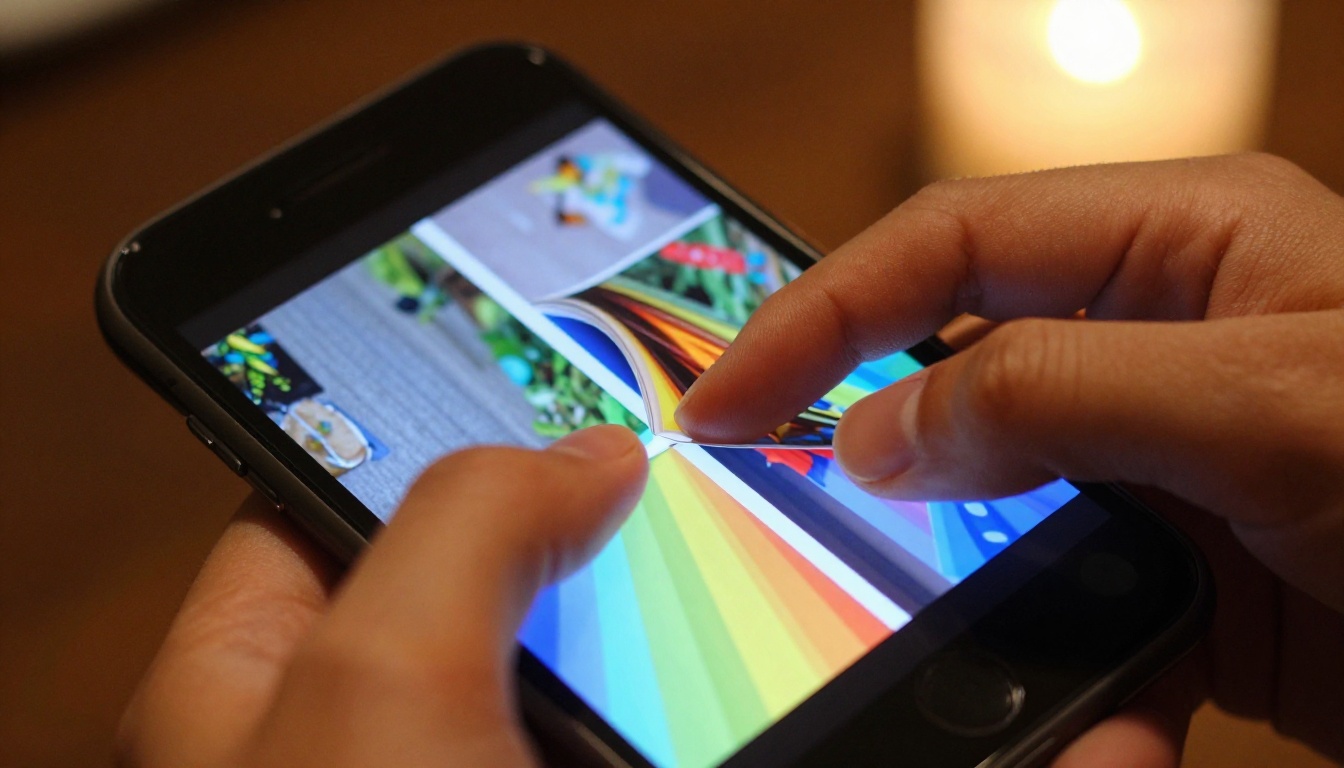
A digital flipbook replicates the physical sensation of turning pages, inside a browser. No app to download. No special software. It works on phones, tablets, and desktops equally well.

Page-turning experience
The page-curl animation is not just eye candy. It signals to the reader's brain that content has structure, that there are chapters and sections worth exploring. Readers naturally navigate through flipbooks with more intention than they do with a scrolling PDF.
Flipbooks also support embedded video and audio on Flipbooks AI, meaning you can attach your actual webinar recording to the matching slide, right inside the publication itself.
Mobile-ready without extra work
Over 60% of email opens happen on mobile devices. A PDF requires pinching and zooming to read any meaningful content on a phone screen. A flipbook built on Flipbooks AI automatically adapts to any screen size, so your content reads perfectly on a 5-inch phone just as it does on a 27-inch monitor.
💡 Mobile responsiveness is built in by default, with no extra configuration needed on your end.
How to Turn Your Webinar Slides into a Flipbook
This is where it gets practical. The process takes under five minutes once your slides are ready.
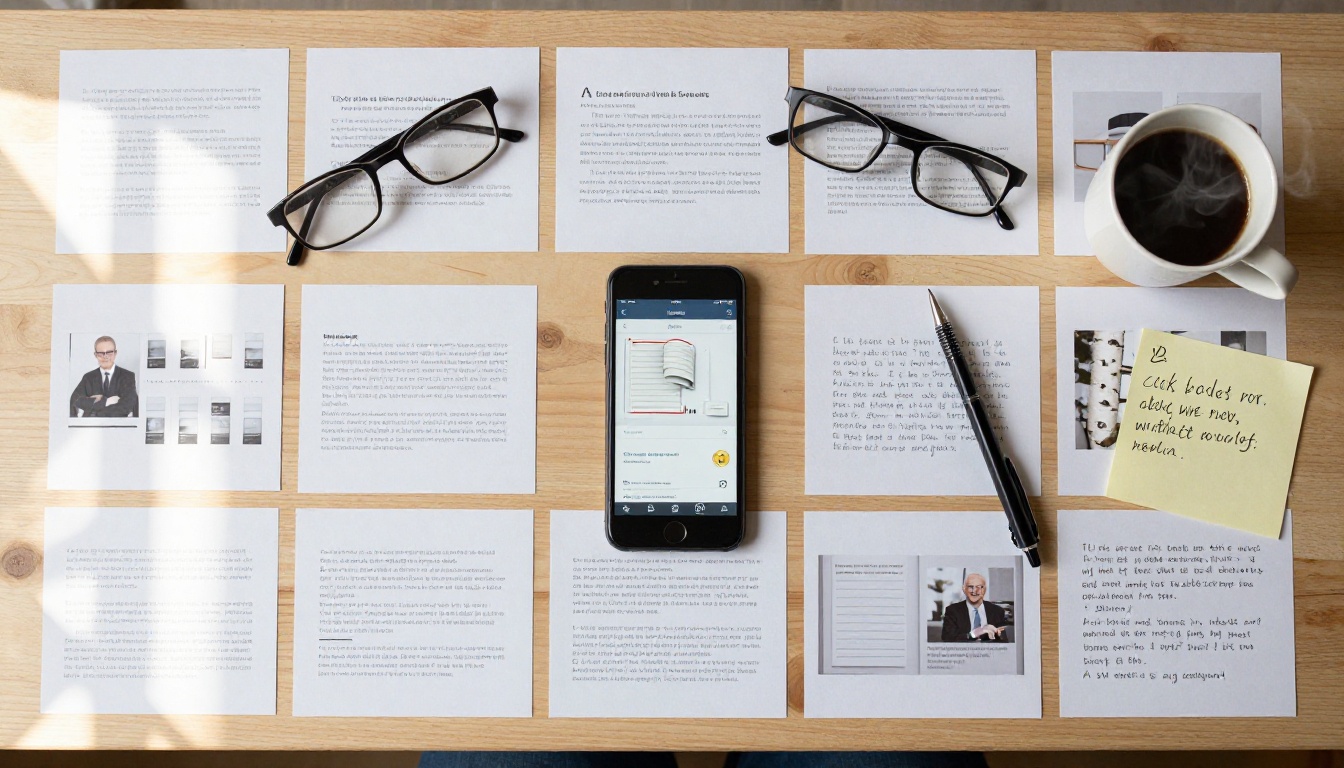
Step 1: Export your slides as PDF
Whether you build your webinar deck in PowerPoint, Google Slides, Keynote, or Canva, every tool has a PDF export option.
- PowerPoint: File > Export > Create PDF/XPS
- Google Slides: File > Download > PDF Document
- Keynote: File > Export To > PDF
- Canva: Share > Download > PDF Print (highest quality option)
Choose the highest resolution setting available. Slide content that looks sharp as a PDF will look equally sharp inside your flipbook.
Step 2: Upload to Flipbooks AI
Go to Flipbooks AI and create an account if you haven't already. The upload process is straightforward:
- Click "Create New Flipbook" from your dashboard
- Drag and drop your PDF file into the upload zone
- Wait for the platform to convert each slide into an interactive flipbook page (usually under 30 seconds for a 20-slide deck)
- Preview the result in the built-in viewer before publishing
✅ Flipbooks AI supports PDF files of any size and converts them automatically, with no manual page-by-page work required.
Step 3: Customize your flipbook
This is where your webinar flipbook separates itself from a generic PDF share. The platform gives you a full customization suite:
- Branding: Add your logo and choose brand colors for the toolbar and background
- Page effects: Select the page-turn animation style (classic flip, slide, or fade)
- Multimedia: Embed links, YouTube videos, or audio clips directly on specific pages
- Cover design: Choose which slide serves as the cover thumbnail readers see first
- Password protection: Lock the flipbook with a password for paid webinar content or internal training materials

Step 4: Share it anywhere
Once published, your webinar flipbook gets a unique URL you can distribute through any channel. Additional sharing options include:
- Embed code: Paste a single snippet to embed the flipbook directly in a blog post, landing page, or LMS platform. See the Embed Flipbook on Website tool for details.
- Direct link: Send via email, social media, or Slack
- QR code: Generate a QR code for printing on physical event handouts
- Password-protected link: Ideal for paid content or internal-only webinar archives
💡 Embedding the flipbook on your website keeps traffic on your domain and increases time-on-page, which has a positive effect on search visibility.
Best Use Cases for Webinar Flipbooks
Not all webinars are the same, and neither are the audiences who benefit from a flipbook version. Here's how different sectors put this workflow to use.

Corporate training sessions
HR and L&D teams regularly produce webinars covering compliance, onboarding, tool walkthroughs, and company policy updates. When those sessions end, the content needs to stay accessible. A flipbook version of training slides gives new employees a self-paced resource they can refer back to at any time.
The Training Manual Flipbook and Course Material Publisher tools on Flipbooks AI are specifically built for this use case.
Educational institutions
Universities and online schools often host live webinars before exams, during orientation, or for guest lectures. Converting those slides into flipbooks gives students a structured study resource with the visual layout of the original presentation intact.
The School Newsletter Creator and Yearbook Flipbook Maker show how flexible the platform is across different educational contexts.
Marketing and sales teams
A product webinar that walks prospects through a solution becomes a powerful sales asset when turned into a flipbook. Sales reps can share a direct link instead of attaching a bulky PDF. Marketers can embed the flipbook in follow-up email campaigns for higher click-through rates.
The Sales Presentation and Presentation Flipbook Designer tools are purpose-built for this specific workflow.
Flipbooks AI Plans at a Glance
Flipbooks AI offers plans for different needs. Here's how the tiers compare for webinar use cases:
| Feature | Free | Standard | Professional |
|---|
| Flipbooks per month | Limited | Unlimited | Unlimited |
| Watermark | Yes | No | No |
| Password protection | No | Yes | Yes |
| Custom branding | No | Yes | Yes |
| Analytics | No | No | Yes |
| Lead generation | No | No | Yes |
| Offline downloads | No | No | Yes |
| Embed on website | No | Yes | Yes |
⚠️ The Free plan adds a watermark to all publications. For professional or client-facing use, the Standard plan removes it entirely.
For webinar hosts who want to track who viewed their content, which slides held attention longest, or who submitted their email through a lead form, the Professional plan includes built-in analytics and lead generation tools. That turns a passive slide deck into an active lead capture asset. Check current pricing details to see which tier fits your volume.
Webinar Flipbook vs. Static PDF
Here's the honest side-by-side comparison between the two formats:
| Factor | Static PDF | Interactive Flipbook |
|---|
| Mobile reading experience | Poor (pinch-to-zoom required) | Excellent (fully responsive) |
| Page navigation | Scroll only | Click, swipe, or flip |
| Embedded video support | No | Yes |
| Analytics and tracking | No | Yes (Professional plan) |
| Password protection | No | Yes |
| Embed on website | Requires third-party plugin | Native embed code |
| Brand customization | None | Logo, colors, toolbar |
| Sharing ease | Email attachment | Single shareable URL |
The table makes the case clearly. A flipbook does not just look better, it performs better across every measurable metric that matters for content distribution.
Repurposing Webinar Content Beyond Sharing
Converting slides to a flipbook is just the first step. Once the flipbook exists, you have a reusable content asset that works across multiple channels simultaneously.

Blog post recap: Embed the flipbook inside a written recap article. Readers get the visual context of the slides without leaving the page, and your site gets a longer average session duration.
Email follow-up campaign: Link to the flipbook URL instead of attaching the PDF. Email clients block large attachments and flag them as suspicious; a link always works cleanly.
Social media content: Share individual slide pages as screenshot images with the flipbook link in the caption. Each slide becomes its own piece of content.
Lead magnet: Gate the flipbook behind a sign-up form using the Professional plan's lead generation feature. Your most valuable webinar content attracts qualified subscribers.
Internal knowledge base: Embed the flipbook in Confluence, Notion, or SharePoint so team members can review the webinar content on demand, without hunting through email archives.
✅ One webinar session can generate five or more distinct content assets just by converting the slides to a flipbook and distributing the link strategically across channels.
Pro Tips for a Better Flipbook
These small adjustments make a significant difference in how readers interact with your webinar flipbook.
Use a strong cover slide. The cover is the first thing readers see as a thumbnail. If your first webinar slide is a plain title card with a company logo, consider creating a more visually engaging graphic before exporting to PDF.
Add a table of contents on slide 2. Flipbooks let readers jump to any page. A contents page helps them navigate directly to the sections most relevant to their needs.
Embed the webinar recording. If you recorded the live session, upload it to YouTube and embed the video link on the flipbook's opening page. Readers can watch the full presentation before diving deeper into the slides.
Link out directly from slides. Any URL mentioned during the webinar can be embedded as a clickable hyperlink on the relevant slide page. This removes the friction of copying URLs from email or video descriptions.
Publish updates without changing your link. Rather than creating a new flipbook for every iteration of a webinar, update the same publication with revised slides. Your embed codes and share links stay the same, and returning readers see the current version automatically.
💡 Use the PDF to Flipbook Converter for the fastest upload-to-publish workflow available on the platform.
What Happens to Your Webinar Content Now

Here's the reality for most webinar hosts: the live session is the only time most people ever see those slides. After the recording link expires and the PDF attachment gets buried in email threads, that content is effectively gone.
Turning your webinar slides into a flipbook solves all three problems. The content stays discoverable through a permanent URL. It's readable on any device without friction. And with the right plan, you can see exactly who engages with it and capture leads in the process.
If you host webinars regularly, whether for training, sales, education, or community-building, the flipbook format is the most efficient way to extend the life of every session you run.
Ready to give your webinar slides a longer shelf life? Create your first flipbook on Flipbooks AI today. Want to see all available tools for presentations and publications? Browse the full tools directory. If you're weighing which plan fits your workflow, compare all pricing options to find the right match for your needs.



