Your wedding day produced hundreds, maybe thousands, of photos. Some are tucked away on a USB drive. Some are scattered across phones, email threads, and shared folders that nobody has opened since. A few made it into framed prints or sit waiting on a photographer's delivery portal. All of them deserve something better, something worthy of what those moments actually meant.
Turning those wedding photos into a beautiful digital album is one of the most meaningful things you can do with them, and it's far simpler than most couples realize. With Flipbooks AI, you can take any collection of wedding images and turn them into an interactive flipbook that looks and feels like a real book, flips with a satisfying page-turn effect, and can be shared instantly with every person who was part of your day.
Why Printed Albums Fall Short
Printed wedding albums have a certain charm. The weight of them, the smell of the pages, the tangible proof that something real happened. But they also have real limitations that most couples don't fully reckon with until years later.

A physical album sits on one shelf, in one house. It can be damaged by water, fire, or just the slow fade of time. Colors shift. The spine cracks. And if you want copies for your parents, in-laws, or siblings who flew in from across the country, you're paying hundreds of dollars and waiting weeks for each additional copy.
Then there's the timing problem. Your wedding photographer typically delivers edited photos four to eight weeks after the event. A printed album can take another four to eight weeks after that. By the time the album arrives, the emotional peak of the wedding has passed. You've moved on to thank-you cards, new addresses, new routines.
Digital wedding albums change the entire dynamic.
| Feature | Printed Album | Digital Album |
|---|
| Cost per copy | $100-$500+ | Free to share unlimited copies |
| Delivery time | 2-6 weeks after ordering | Instant, same day as photos arrive |
| Durability | Fades, moisture damage, fire risk | Permanent cloud-hosted storage |
| Shareability | One physical object | Unlimited links, embed codes |
| Interactivity | Static pages | Page-flip effects, audio, video |
| Updates | Permanent once printed | Edit and update any time |
| Accessibility | Requires physical presence | Opens on any device, anywhere |
💡 Pro Tip: A digital album doesn't replace your printed one. It complements it. Share digitally with everyone from day one, frame your favorites individually, and keep the print for your anniversary table.
What Makes a Digital Wedding Album Actually Beautiful
Not all digital photo formats are created equal. A Google Photos link feels utilitarian. A PDF is flat and lifeless. A slideshow is passive and takes control away from the viewer. What actually works is a flipbook format: full pages that turn with a realistic page-curl animation, displayed in a full-screen reader that feels cinematic and intentional.
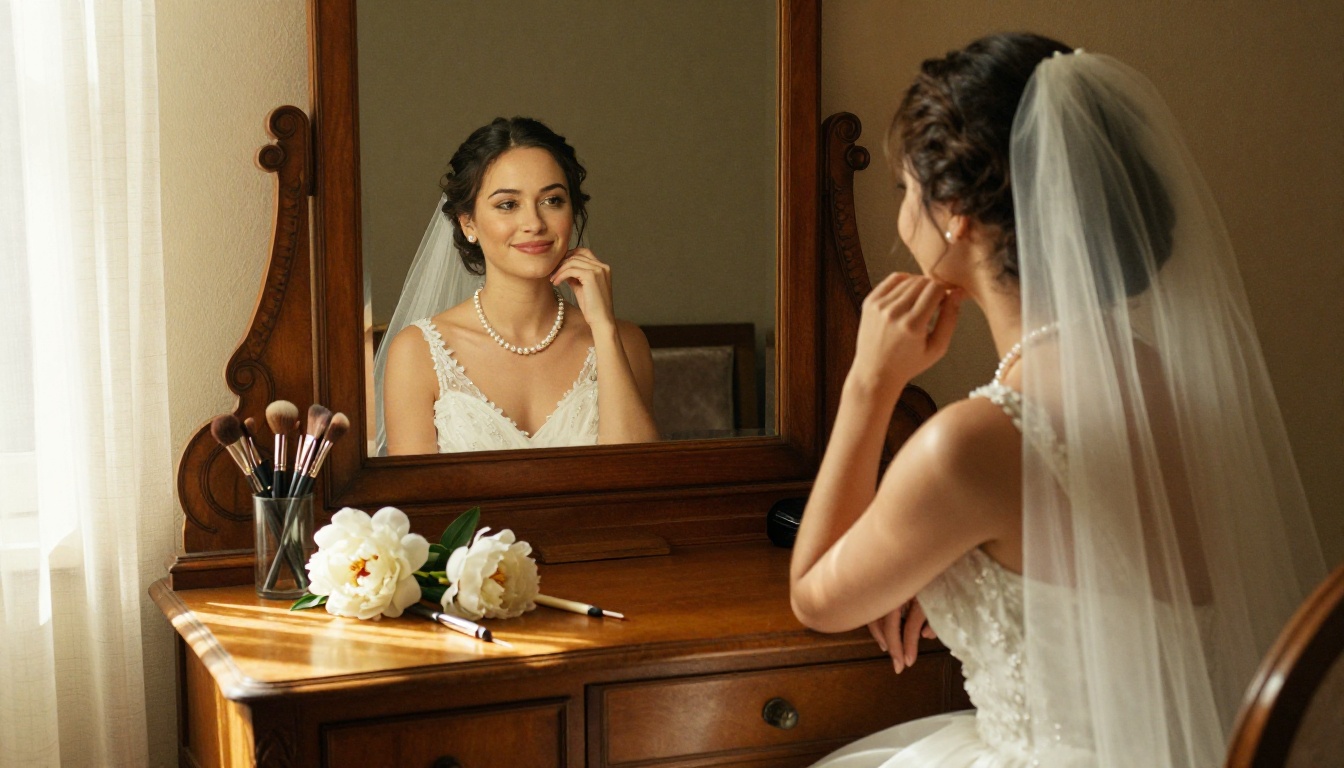
The qualities that separate a beautiful digital wedding album from a forgettable one:
- Full-bleed photography: Images that span the full page, edge to edge, with no white margins cutting into the moment. Your ceremony shot should fill the screen entirely.
- Smooth page transitions: The physical sensation of turning a page, even on a screen, triggers the same emotional response as holding the real thing.
- Mobile responsiveness: Your album should look stunning whether viewed on a 4K monitor or a phone screen in a dark reception hall. Most guests will open it on their phones.
- Fast loading: No one waits three seconds for a photo to load. Compressed, CDN-delivered images open instantly regardless of connection speed.
- Private sharing options: Not everything needs to be public. Password protection keeps intimate moments in the right hands.
- No watermarks: A watermark on a wedding photo is a distraction. It pulls the eye away from the moment and toward branding that belongs to nobody in the photo.
How to Create Your Wedding Album with Flipbooks AI
This is where the actual work happens, and it takes far less time than you might expect.
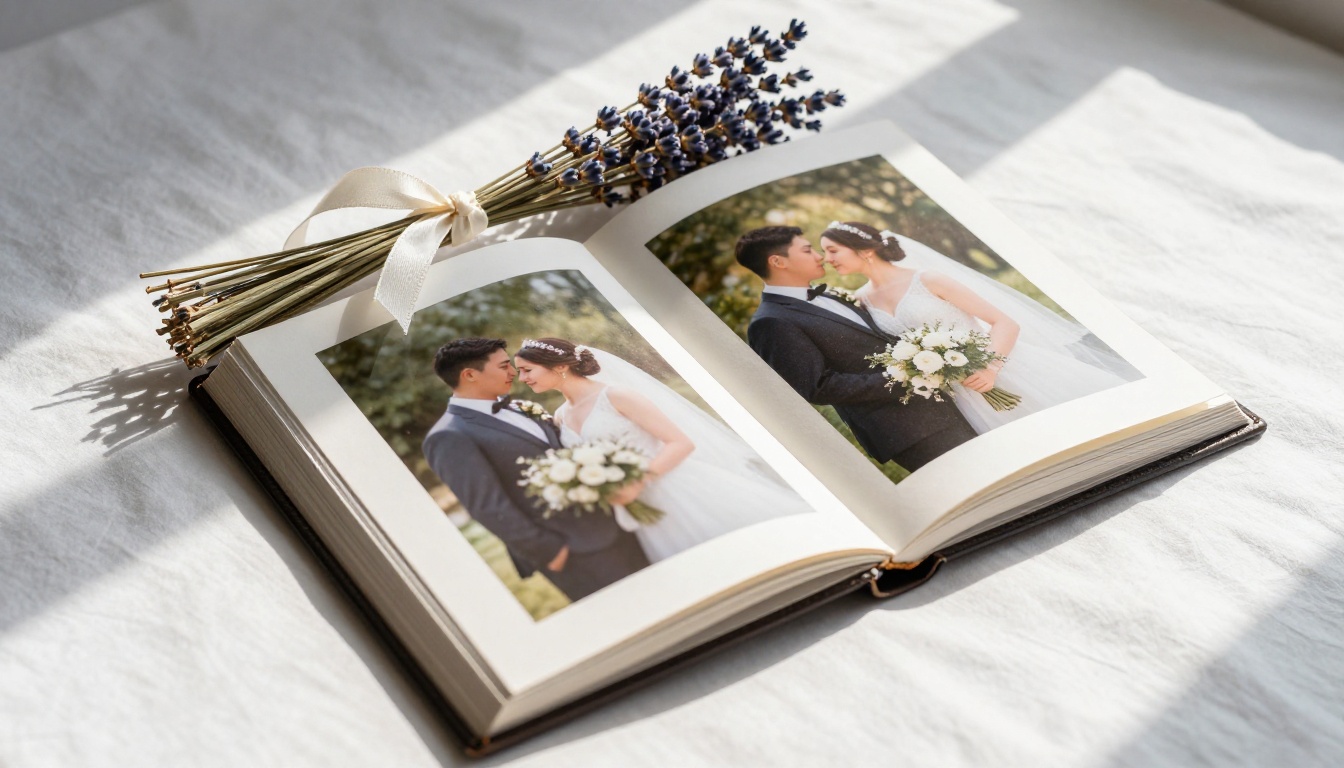
The Wedding Album Flipbook tool on Flipbooks AI is built specifically for this purpose. Here's the full process from photos to published album:
Step 1: Organize your photos first
Before uploading anything, sort your photos chronologically or by moment: getting ready, ceremony, portraits, reception, first dance, cake cutting, evening dancing, send-off. This sequence tells your story the way it actually happened. Most couples find 60-120 photos is the right count for a thorough album without unnecessary padding.
Step 2: Create your PDF
Export your selected photos from Lightroom, Photoshop, Canva, or any photo book layout tool as a single PDF. This is the format Flipbooks AI accepts for conversion. Canva's photo book templates make this step particularly fast and produce beautiful double-page spreads. Aim for consistent page ratios throughout for the cleanest visual result.
Step 3: Upload and convert
Create your account at flipbooksai.com and upload your PDF using the PDF to Flipbook Converter. The conversion takes seconds, not minutes. Your photos are instantly a live, shareable flipbook with realistic page-turn effects.
Step 4: Personalize your album
This is where your album goes from good to stunning:
- Add your names and wedding date as a custom header
- Choose a background color or texture that complements your wedding palette
- Set your opening image: the first thing guests see when they open the album
- Add background music if you want the experience to feel cinematic
- Enable full-screen reading mode for immersive viewing on any screen size
Step 5: Set privacy settings
If you want your album viewable only by invited guests, enable password protection. Available on the Standard plan and above, this feature gives you full control over who sees your memories. It's especially valuable for photos from private moments like the getting-ready suite or candid family shots you want to share selectively.
Step 6: Share everywhere
Once live, you get a shareable link and an embed code. Send the link by text, email, or WhatsApp. Embed the album directly on your wedding website or personal blog. Your guests open it on any device, anywhere in the world, with no app download required.
✅ Best Practice: Send your album link within 48 hours of receiving the edited photos from your photographer. Guest excitement is highest in the first week after the wedding, and that's when your album will get the most views and shares.
Customization That Feels Personal
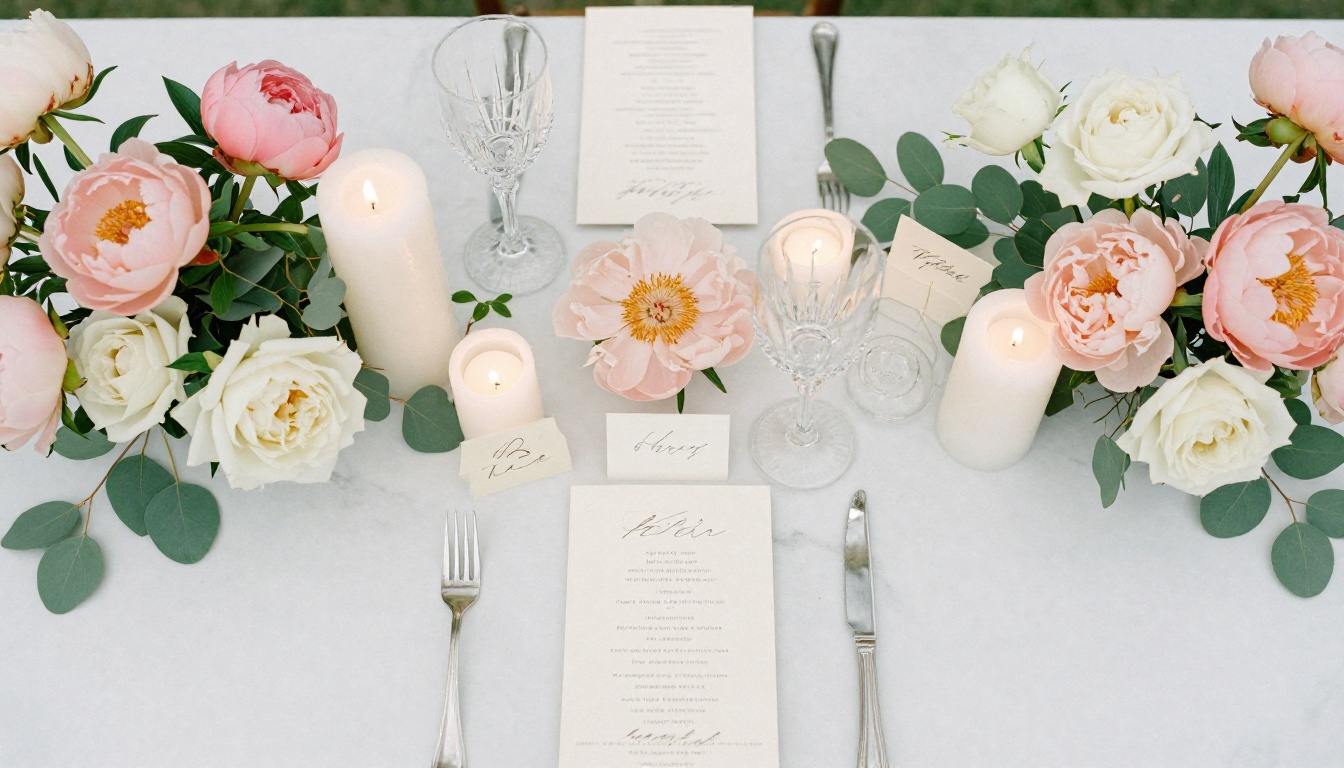
One of the most underrated aspects of a digital wedding album is how much you can personalize it without any design experience. Flipbooks AI gives you control over every visual element:
- Front page design: Upload a custom image with your names and date as the opening of the album
- Color themes: Match the album's interface color to your wedding palette
- Page layout: Single-page portraits or double-page spreads for panoramic shots and wide reception scenes
- Typography: Font styling for captions, chapter titles, and dedication pages
- Audio: Embed the song you danced to as continuous background music while guests flip through
- Video clips: Embed short ceremony or speech clips directly into album pages
💡 Pro Tip: Use your first-look photo as your opening image. It's typically one of the most emotionally charged shots of the day, and it sets the tone for everything guests will see as they flip through.
Albums for Different Wedding Styles
Not every wedding album looks or feels the same. Here's how different couples use the format most effectively:
| Wedding Style | Recommended Layout | Special Features to Use |
|---|
| Destination wedding | Panoramic spreads, landscape orientation | Embed travel video clips from the location |
| Intimate ceremony | Single full-page portraits, minimal text | Audio of vows reading over the pages |
| Large reception | Chapter-divided sections by moment | Password protection for candid family moments |
| Multicultural wedding | Bilingual captions per chapter section | Multiple front page options per family |
| Elopement | Minimal, editorial, wide-angle shots | Black and white alternating with color pages |
| Garden wedding | Soft color palette, floral detail pages | Botanical background texture overlay |
Sharing Your Album With Everyone Who Matters
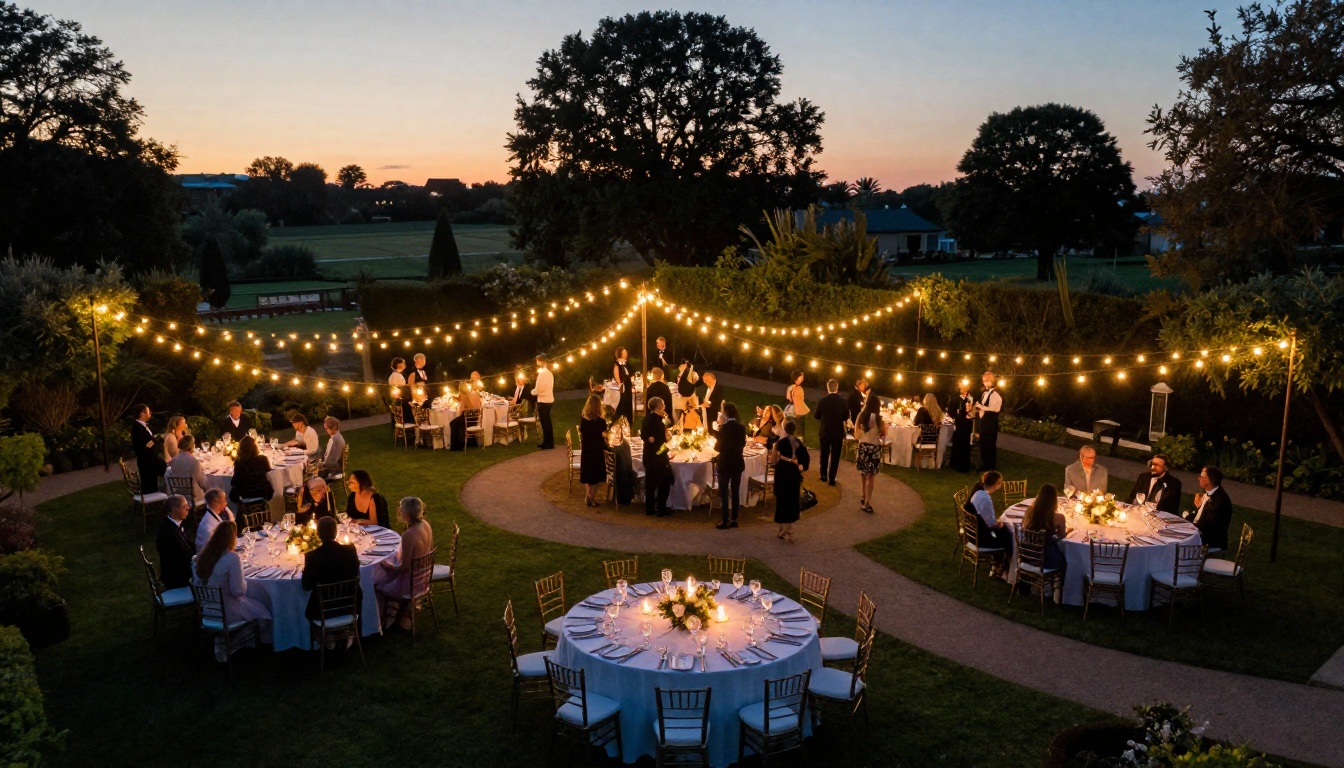
Once your digital wedding album is live, the ways to share it are genuinely exciting. No more emailing photo folders. No more asking people to download an app they'll delete in a week.
Direct link sharing: One URL, works on every device, no app download required. Text it, email it, post it in your family group chat. Your 80-year-old grandmother and your tech-savvy college roommate both open it the exact same way.
Social media: Share the link or post a preview image on Instagram, Facebook, or X. The album stays on Flipbooks AI with no compression or quality degradation. Your followers see the beauty of your photos as they were intended to be seen.
Wedding website embed: If you used The Knot, Zola, or a custom site, embed the album directly using the provided embed code. The Embed Flipbook on Website tool walks you through the process step by step. Guests visiting your wedding website can flip through the album without ever leaving the page.
QR code: Print a QR code linking to your album and include it in your thank-you cards. Guests scan it and the album opens instantly, bridging the physical card and digital memory in a detail people genuinely remember.
Selective family sharing: Create multiple password-protected albums for different groups. A version for immediate family with candid getting-ready shots. A general version for all guests with ceremony and reception highlights. Each group gets something that feels made specifically for them.
⚠️ Important: Always preview your album on a smartphone before sending the link. Most of your guests will open it on their phones first, and the mobile experience needs to feel just as polished as the desktop version.
The Difference Between Plans
Flipbooks AI offers several plans depending on how much you need. For wedding album purposes, here's how they compare:
| Feature | Free | Standard | Professional |
|---|
| Number of flipbooks | 1 | Unlimited | Unlimited |
| Watermarks | Yes | No | No |
| Password protection | No | Yes | Yes |
| Custom domain | No | No | Yes |
| Analytics and tracking | No | No | Yes |
| Lead generation tools | No | No | Yes |
| Offline downloads | No | Yes | Yes |
| Embed on website | No | Yes | Yes |
| Background music | No | Yes | Yes |
For a wedding album, the Standard plan gives you everything that actually matters: no watermarks, password protection, embed codes, offline downloads, and unlimited flipbooks so you can create separate editions for different family groups.
The Professional plan adds analytics, which shows you exactly who opened the album and how long they spent on each page. For couples who are curious about how their guests experienced the album, it's fascinating data. For photographers offering flipbook albums as a service to clients, it's a valuable business tool.
💡 Pro Tip: If you're creating a wedding album as a gift from a friend or family member (maid of honor, best man, parents), the Standard plan lets you create unlimited flipbooks so you can produce a personalized edition for each family involved without additional cost per album.
Preserving Your Wedding Memories Long-Term
Here's something most couples don't think about until it's too late: hard drives fail. Cloud services change their terms. Photo platforms get acquired and shut down. A photo sitting in an account you haven't logged into in two years is not a preserved memory. It's a risk.
A digital wedding album on a reliable hosting platform solves part of this. It's hosted, accessible via permanent URL, and can be downloaded offline at any time. But a full preservation strategy goes further.
These practices actually protect your wedding memories over the long run:
- Back up originals in three places: A local drive, an external hard drive kept off-site, and a cloud service like Google Photos, iCloud, or Backblaze. Three locations means three chances for survival if one fails.
- Download your album as a PDF: Flipbooks AI lets you download the flipbook as a full-resolution PDF for offline archiving. Print it if you want a physical backup that doesn't depend on any platform.
- Request editing files from your photographer: Ask for Lightroom catalog exports or editing notes alongside your JPEGs. If you ever need to reprint or re-edit, you'll have the starting materials.
- Create anniversary editions: Add new photos from your first year, second year, and beyond as additional chapters. Make the album a living document of your relationship, not a static record of a single day.
What to Include Beyond the Ceremony
Most wedding albums stop at the reception. The ones people truly treasure go deeper:
- Pre-wedding photos: The story starts before the wedding day itself
- Behind-the-scenes getting-ready moments: The quiet, candid ones that feel most real and human
- Detail shots: Rings, florals, stationery, shoes, table settings, cufflinks
- Guest candids: The laughing, crying, dancing moments that ceremony shots miss entirely
- Speeches and toasts: Stills from video footage showing the faces of people delivering and receiving them
- Honeymoon highlights: A final chapter that shows what came next
Making Your Album a Gift
One of the most thoughtful things you can do with a digital wedding album is give it as a gift to the people who made your day possible. Parents, especially, often feel left out of the photo experience until prints arrive weeks after the event.
With Flipbooks AI, creating a personalized gift album takes under an hour:
- Curate a separate selection of photos specifically for each set of parents, prioritizing shots of them during the day: their reactions, their dances, their quiet moments
- Add a personal dedication on the first page with their names and a few words about what their presence meant
- Set a unique password that feels exclusive and personal
- Share it on the same day you receive your edited photos, while the emotion is still fresh
✅ Best Practice: A "Parents Edition" flipbook focuses on candid shots of them throughout the day: their faces during the vows, their moment on the dance floor, the quiet conversation with the couple at the end of the night. These are moments they lived through but never saw from the outside.
Real Couples, Real Scenarios
The couples who get the most from digital wedding albums treat the format as a starting point, not an endpoint. Here are three scenarios that show what's actually possible:
The destination wedding couple who couldn't invite extended family due to travel costs created a digital album with embedded video clips from the ceremony. Family members who couldn't be there watched the vow exchange within the album itself, on the evening of the wedding. The album became a way to include people who were excluded by geography.
The wedding photographer who started offering digital flipbook albums as a paid add-on for her clients using Flipbooks AI. Each couple received a fully interactive album they could share within the same week as photo delivery. Her referral rate increased significantly because wedding guests kept asking "who did your photos and album?" after seeing it shared online.
The couple who eloped created a minimal, editorial-style flipbook with 40 photos from their city hall ceremony and a morning-after brunch in the park. They sent the link to family with a simple note: "We eloped. Here's our album." The flipbook format made an unconventional announcement feel warm, considered, and permanent, not impulsive.
Your Wedding Photos Deserve This
Your photos are already beautiful. All they need is a format that honors what they represent.
A digital wedding album that flips like a real book, loads instantly on any device, and can be shared with everyone you love is not an optional add-on. It's the right home for photos this important.
Get started for free on Flipbooks AI and create your first wedding album in under 30 minutes. Use the Wedding Album Flipbook tool for a purpose-built experience, or browse all available flipbook tools to find the perfect format for your photo collection.
Ready to remove the limitations? Compare pricing plans to find what works for your needs. The Standard plan removes every restriction that makes free tools frustrating, and gives you the features that matter most for something this personal.
Your wedding day happened once. Your album should last forever.



