Your portfolio is the first thing a client, gallery director, or creative recruiter sees before deciding whether to reach out. A static PDF attachment or a grid of JPEGs buried on a personal website does not carry the same weight as a portfolio that breathes, turns pages, and places your art inside a genuinely immersive reading experience. That shift, from static file to page-flipping showcase, is what separates artists who get callbacks from those who get silence. Flipbooks AI makes this possible without any technical skill, and thousands of artists are already using it to present their work at a level that feels professional and personal at the same time.
Why Static Portfolios Are Losing Clients
The art world is more competitive than ever. Clients browse dozens of portfolios before making contact, and the format of your presentation shapes their perception of your work before they even look at a single piece. When your portfolio looks like every other PDF in a downloads folder, you are already at a disadvantage.
The First Impression Problem
Research into digital attention spans consistently shows that interactive content retains viewers longer. A flat PDF gives a viewer nothing to engage with beyond scrolling. A page-flipping portfolio creates a physical sensation through the screen, the anticipation of a turning page, that activates a different kind of attention. It signals care, professionalism, and creativity before the viewer has read a word or studied a brushstroke.
💡 Pro tip: The first three pages of your portfolio carry the most weight. Put your strongest work there, and let the page-flip experience amplify the impact.
What Clients Actually Look For
Beyond the work itself, clients and art directors assess how an artist presents themselves. Presentation quality communicates how you will handle client projects, deadlines, and communication. A beautifully formatted, interactive portfolio signals that you take your craft seriously in every dimension, not just on the canvas.
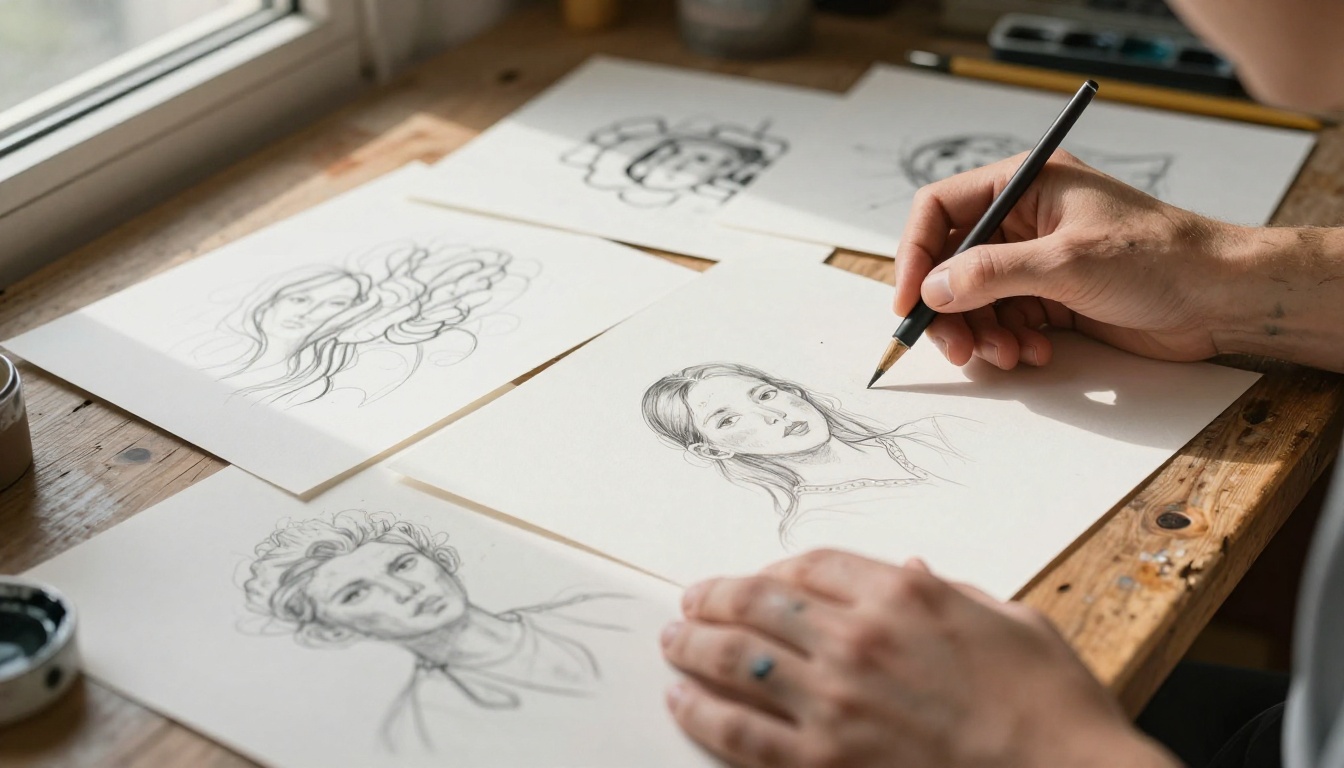
Static vs. Page-Flipping Portfolio Formats
The differences between a traditional static portfolio and a page-flipping flipbook go well beyond aesthetics. Here is a direct comparison:
| Feature | Static PDF / Website Grid | Page-Flipping Flipbook |
|---|
| Viewer engagement | Passive scrolling | Active page-turning interaction |
| Shareability | Download required | Shareable link, no download |
| Mobile experience | Often awkward | Fully mobile-responsive |
| Branding options | Limited | Custom colors, logo, domain |
| Privacy control | None | Password protection available |
| Analytics | No viewer data | Page views, time on page |
| Multimedia | Images only | Embed video and audio |
| Loading speed | Heavy file download | Instant browser streaming |
| Impression | Standard | Premium and memorable |
The gap is significant. On almost every dimension that matters for a professional art portfolio, the page-flipping format wins.
Who Should Use a Flipbook Portfolio
This format is not just for one type of artist. The page-flipping experience adds value across the entire creative spectrum.
| Artist Type | What They Showcase | Best Tool |
|---|
| Illustrators | Character sheets, editorial work, book art | Portfolio Flipbook Builder |
| Photographers | Shooting series, client campaigns, fine art | Photography Portfolio |
| Fashion designers | Lookbooks, seasonal collections, mood boards | Interactive Lookbook Designer |
| Graphic designers | Brand identities, print projects, packaging | Digital Portfolio Creator |
| Fine artists | Painting series, sculptures, installations | Portfolio Flipbook Builder |
| Wedding photographers | Complete wedding story albums | Wedding Album Flipbook |
Every artist type benefits from the same core advantage: their work is seen in a curated, sequential experience that respects the viewer's attention and rewards the artist's intention.
How to Build a Flipbook Portfolio
The process is straightforward. You do not need design software expertise or technical knowledge. Here is how to go from a collection of artwork to a published, shareable flipbook portfolio.
Step 1: Curate and Prepare Your Artwork
Before anything else, select the pieces that tell your story most effectively. Quality beats quantity every time. Aim for 20 to 40 pages for a portfolio flipbook, with each piece given room to breathe on the page.
- Resolution: Export images at minimum 300 DPI for sharp detail
- Consistency: Use a consistent background color or margin across all pages
- Sequence: Arrange work in a narrative arc, not alphabetically or by date
- Variety: Mix close-up detail shots with full-composition views
⚠️ Warning: Low-resolution images that looked fine in small thumbnails will appear blurry in full-page flipbook view. Always export at high resolution.

Step 2: Build Your Portfolio PDF
Your flipbook starts as a PDF. If you use Adobe InDesign, Affinity Publisher, or even Canva, you can assemble your portfolio pages there and export as a high-quality PDF. Each page becomes one spread in your flipbook.
Tips for a strong portfolio PDF:
- Use a consistent page size (A4 landscape or US Letter work well)
- Keep text minimal, let the art speak
- Include a title page and a brief artist statement page
- Add a contact page at the end with your name, website, and email
Step 3: Convert with Flipbooks AI
Go to Flipbooks AI and create your account. The upload process is simple:
- Click New Flipbook from your dashboard
- Upload your portfolio PDF
- Wait for the automatic conversion, usually under two minutes
- Your flipbook is live and ready to customize
The PDF to Flipbook Converter handles all file sizes and preserves full image quality during conversion. No watermarks appear on your finished portfolio, at any plan level.
Step 4: Customize Your Presentation
This is where your flipbook becomes yours. Flipbooks AI gives you complete control over the visual identity of your portfolio:
- Background color: Choose a color that complements your artwork style
- Logo: Add your name or personal logo to the flipbook viewer
- Page flip sound: Toggle on for a tactile feel, off for a silent presentation
- Table of contents: Let viewers jump to specific sections
- Custom domain: Link your flipbook to your personal website domain
✅ Best practice: Match your flipbook background to the palette of your artwork. A dark background makes colorful paintings pop; a white or cream background suits delicate illustrations and photography.
Step 5: Share Your Portfolio Everywhere
Once customized, your flipbook is ready to share. Flipbooks AI gives you multiple distribution options:
- Direct link: Share a URL that opens instantly in any browser, no download needed
- Embed code: Place your flipbook directly on your website or portfolio page using the Embed Flipbook on Website tool
- Password protection: Send a private link to a specific client or gallery with a custom password
- QR code: Print a QR code on your business card that links directly to your flipbook

Features That Make Portfolios Memorable
Once your flipbook is live, the platform continues working for you in ways a static PDF never could.
Analytics That Show What Resonates
With the Professional plan, Flipbooks AI provides detailed viewer analytics. You can see:
- Which pages viewers spend the most time on
- Where people stop reading or go back to reread
- How many total views your portfolio has received
- Geographic data on where your viewers are located
This data is genuinely useful. If viewers consistently linger on your editorial illustration work but skip past your logo designs, that tells you something important about where your strongest market position lies.
Privacy and Access Control
Not every portfolio is for public consumption. Flipbooks AI supports password-protected flipbooks, which is ideal for:
- Sending speculative work to a single client
- Sharing a proposal with a specific gallery before a show
- Protecting unpublished or under-NDA client work during review

Multimedia Integration
Static portfolios can only show images. Flipbooks AI lets you embed video and audio directly inside your flipbook pages. This opens up possibilities like:
- A time-lapse of a painting being created
- Audio commentary from the artist on a specific piece
- A short video tour of an installation or sculpture
- Process videos showing sketches evolving into finished work
These additions do not just make your portfolio richer. They give viewers a reason to stay longer and share it further.
Flipbooks AI Plan Comparison
Choosing the right plan depends on how you use your portfolio and how often you share it.
| Feature | Free | Standard | Professional |
|---|
| Flipbooks | 1 | Unlimited | Unlimited |
| Watermark | None | None | None |
| Password protection | No | Yes | Yes |
| Custom branding | No | Yes | Yes |
| Analytics | No | No | Yes |
| Lead generation | No | No | Yes |
| Offline downloads | No | No | Yes |
| Embedded video/audio | No | Yes | Yes |
| Custom domain | No | No | Yes |
💡 Pro tip: Most working artists find the Standard plan covers everything they need for client portfolios. Upgrade to Professional when you want analytics on which pieces are generating the most attention.
See all options on the pricing page to find what fits your workflow.
Real-World Portfolio Scenarios
Seeing how other artists use this format makes the possibilities concrete.

Scenario 1: The Freelance Illustrator
A freelance illustrator sends a link to their flipbook portfolio instead of a PDF attachment with every pitch email. The client clicks the link, the portfolio opens instantly in their browser, and pages flip through character designs, editorial spreads, and book cover concepts. The illustrator receives a callback within 48 hours instead of the usual silence.
Scenario 2: The Emerging Photographer
A photographer uses the Photography Portfolio tool to create three separate flipbook portfolios: one for wedding clients, one for editorial agencies, and one for fine art galleries. Each is tailored to a different audience, password-protected for specific contacts, and updated seasonally with new work.
Scenario 3: The Fashion Designer
A fashion design graduate creates an Interactive Lookbook for their final collection. Each spread features a full-bleed image, with a short video clip of the garment in motion embedded mid-flipbook. The result gets shared widely across social media by people who have never met the designer.
Scenario 4: The Fine Art Painter
A painter preparing for a solo gallery show creates a flipbook as a digital catalog for the show. It includes high-resolution images of each painting, dimensions and medium, pricing, and an artist statement. Collectors who cannot attend in person can browse the full show from anywhere in the world.

Presenting Your Portfolio on Any Device
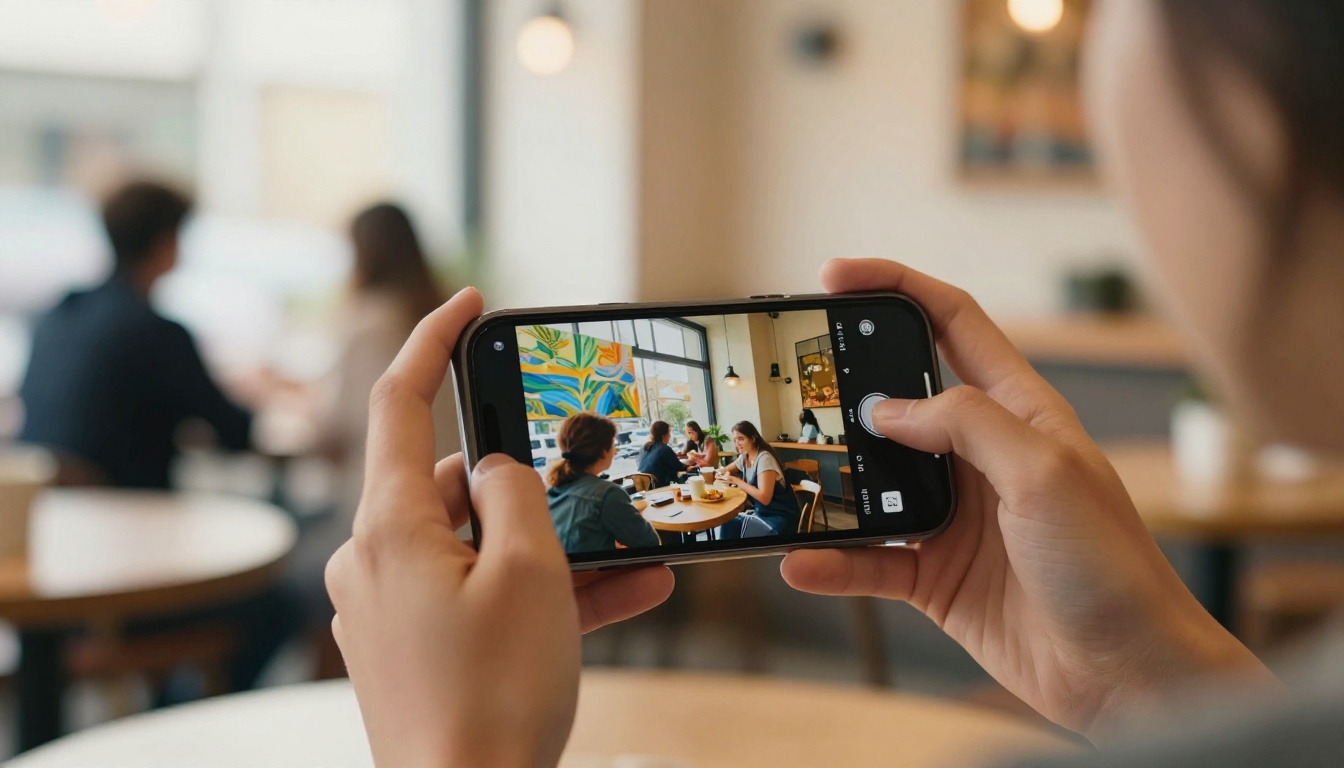
One thing that consistently frustrates artists with traditional PDF portfolios is how poorly they translate to mobile. Clients review submissions on phones as often as on desktops, and a PDF that requires pinching, zooming, and horizontal scrolling on a small screen leaves a bad impression regardless of the art inside.
Flipbooks AI is fully mobile-responsive. Every portfolio flipbook adjusts automatically to any screen size, with touch-to-flip gestures working exactly as expected on smartphones and tablets. The experience your client gets on a 27-inch monitor is essentially the same one they get on an iPhone.
Keeping Your Portfolio Current
A portfolio is never finished. Artists grow, styles evolve, and the work that defines your practice today may be entirely different from what defined it two years ago. Static PDF portfolios require completely rebuilding and re-sending every time you update. With Flipbooks AI, you can replace individual pages or re-upload an updated PDF at any time, and the same shareable link continues to work. Anyone who bookmarked or embedded your portfolio sees the new version automatically.
This is especially valuable for artists who maintain a portfolio presence on job boards, agency rosters, or gallery websites. The embedded flipbook stays current without anyone needing to update the embed code.
Make Your Art Impossible to Ignore
Your artwork deserves to be seen in its best possible light. A page-flipping portfolio does not just display your work, it creates an experience around it, one that feels intentional, polished, and worthy of the hours you poured into every piece.
The barrier to getting started is lower than most artists expect. You do not need to hire a web developer, learn design software, or pay for expensive hosting. You need your artwork, a PDF, and an account on Flipbooks AI.
Ready to create your first flipbook portfolio? Get started for free on Flipbooks AI and see exactly how your work looks in a page-flipping format in under two minutes.
Browse all available tools and templates to find the right fit for your art style and audience. Whether you are a photographer, illustrator, painter, or fashion designer, there is a purpose-built tool that fits your specific needs.
Compare pricing plans to choose what works for your portfolio and sharing habits. The Standard plan gives most artists everything they need, and upgrading is simple when your practice grows.
Your art is already remarkable. The presentation should be too.



