Paper drink menus have a lifespan measured in weeks, not years. They tear at the spine, absorb moisture from sweating glasses, and become instantly obsolete the moment you drop a seasonal special or raise a price by two dollars. If you have spent any time behind a bar, you know the quiet frustration of handing a guest a dog-eared, coffee-ringed menu that does absolutely nothing to sell your best cocktails. There is a better way, and Flipbooks AI makes it surprisingly simple.
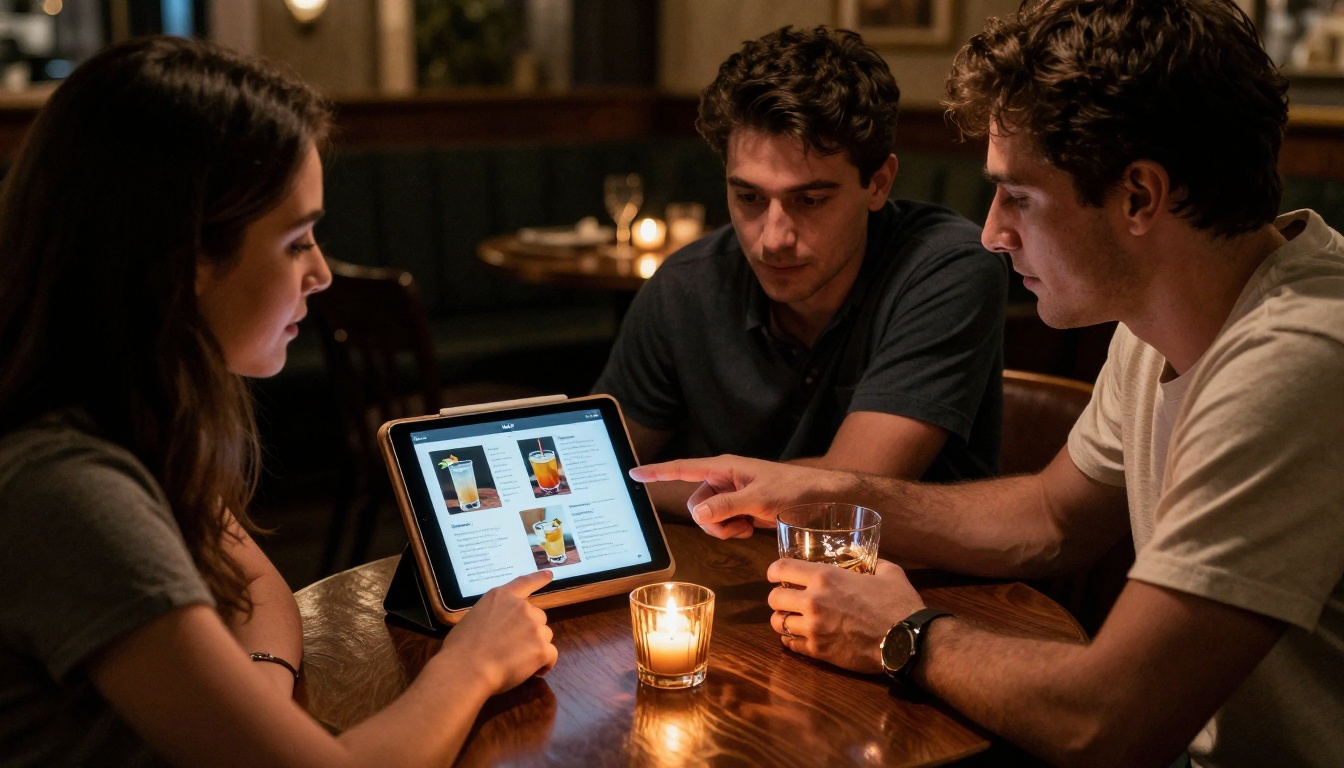
Turning your bartending menu into a flipbook is not just a cosmetic upgrade. It is a shift in how guests experience your bar before they even order. A digital flipbook feels like a magazine, not a laminated sheet. Pages turn. Drinks look the way they actually taste. And when a guest swipes through your cocktail list on their phone, they are already half-sold before you say a word.
Most bar owners underestimate what a poorly presented menu actually costs them. Guests who cannot read small print in low lighting skip past premium options. Bartenders spend precious minutes describing drinks that a good visual would sell instantly. And every time the menu changes, someone has to spend money on reprinting.
Digital flipbooks solve all three problems at once.
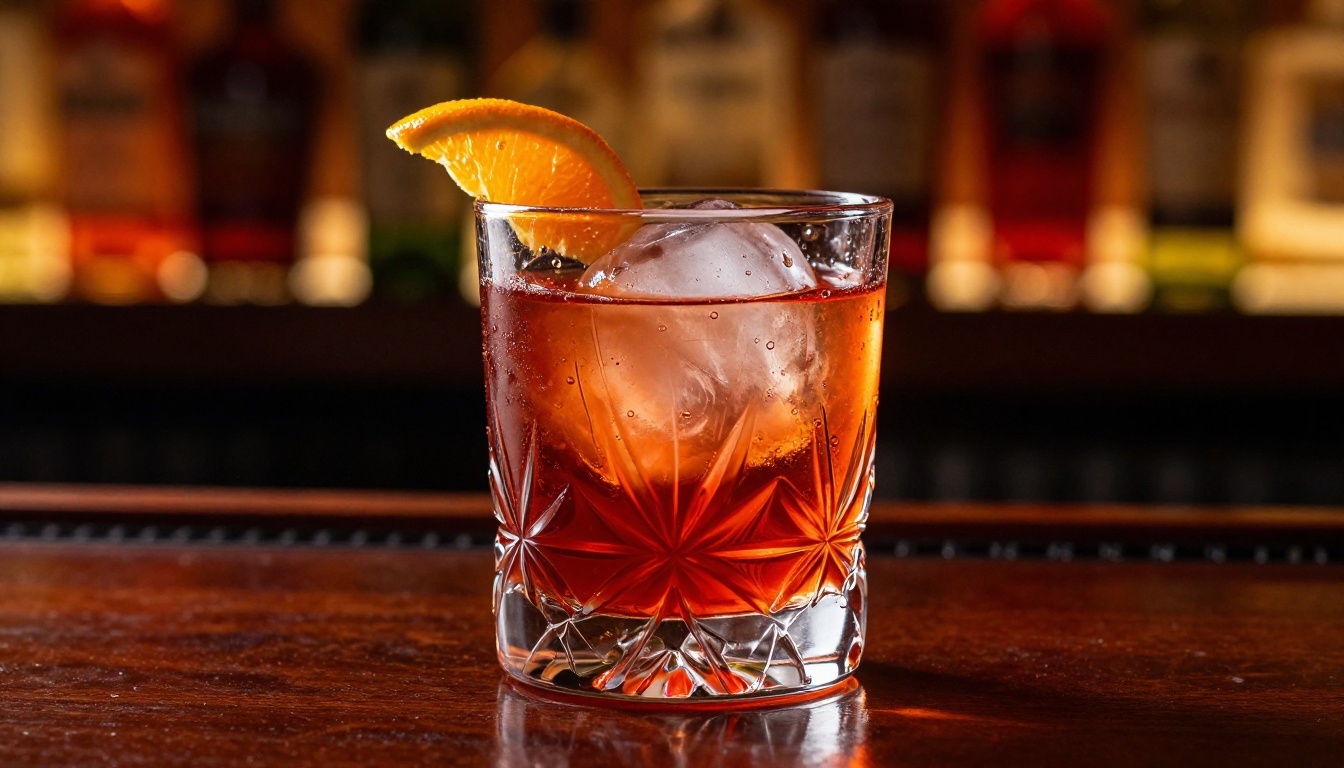
The Real Cost of Printed Menus
| Cost Category | Printed Menu | Digital Flipbook |
|---|
| Initial design | $200–$800 | One-time PDF design |
| Reprinting per season | $150–$400 | $0 (update the PDF) |
| Replacement for damage or loss | $10–$30 per copy | $0 |
| Update speed | Days to weeks | Minutes |
| Guest accessibility | In-venue only | Anywhere, any device |
The numbers stack up fast, especially for small bars and independent bartenders watching every dollar.
What Guests Actually Want
Modern bar guests, particularly those in the 25-to-45 age range, are already accustomed to browsing everything digitally. They scan QR codes for restaurant menus without a second thought. A flipbook menu feels native to that behavior, but it goes further: the page-turn animation, the high-resolution cocktail photography, the ability to zoom in on ingredients, all of it builds anticipation for the drink that is coming.
Research from hospitality design firms consistently shows that visual menus increase average spend per table. When guests can see what a drink looks like before ordering, they choose aspirationally rather than defaulting to whatever they already know.
A bartending menu flipbook is your existing menu, whether that is a PDF, a designed document, or even a scanned printed menu, converted into an interactive digital publication that readers can page through online.
The result sits somewhere between a cocktail magazine and a point-of-sale display. Pages flip with smooth animation. The menu lives at a custom URL you share via QR code at every table. Guests browse it on their phone while you shake their first drink. It can also be embedded directly on your website so visitors planning a night out can see your full drinks list before they arrive.
What You Can Include in a Bar Flipbook
- Full cocktail menu with names, ingredients, and pricing
- High-resolution drink photography for every signature cocktail
- Bartender notes and tasting descriptions that sell each drink before the guest asks
- Seasonal specials with a dedicated section that is easy to update
- Wine and spirits list with tasting notes organized by region or style
- Beer selection with brewery origin and ABV information
- Non-alcoholic and mocktail options, which are increasingly important to modern guests
- Food pairing suggestions for bars that serve small plates or snacks
💡 Bars that include drink photography in their menus report higher average order values. People order what they can visualize.
This is where Flipbooks AI does the heavy lifting. The Menu Flipbook Designer is built specifically for this use case. Here is the full process from PDF to published flipbook.
Step 1: Create an Account
Head to Flipbooks AI and sign up. The process takes about 90 seconds. No credit card is needed to start, and the free tier lets you test the full conversion workflow before committing to a plan.
Step 2: Prepare Your Menu PDF
Your menu needs to be in PDF format before uploading. If your current menu exists in:
- Canva: Export as PDF Print
- Adobe InDesign: Export as PDF (Print)
- Microsoft Word: Save As PDF
- Google Docs: File > Download > PDF Document
- Existing printed menu: Scan at 300 DPI minimum and save as PDF
⚠️ Image quality matters. A low-resolution PDF produces a blurry flipbook. Always export at the highest quality setting your software offers.
Step 3: Upload and Convert
- From your dashboard, click New Flipbook
- Select your menu PDF from your device
- Flipbooks AI converts each page automatically, preserving your layout, fonts, and images
- Conversion typically takes 30 to 90 seconds depending on page count
Step 4: Customize Your Flipbook
This is where the menu comes alive. The editor lets you:
- Set your bar's brand colors on the flipbook frame and player controls
- Add your logo to the flipbook header or footer
- Choose a page-flip animation (classic paper flip or smooth slide)
- Enable or disable a table of contents for multi-section menus
- Set background color or texture behind the pages
- Add social media links in the flipbook footer for post-visit follow
Step 5: Share with Guests
Once published, you have multiple ways to put the menu in front of guests:
- Direct link: A short URL you can text, email, or print on receipts
- QR code: Download a QR code image and print it on table cards, coasters, or frame it at the bar
- Website embed: Paste one line of code into your website and the flipbook appears inline, fully interactive
- Password protection: Useful for private events or VIP menus you prefer to keep off public search
✅ Print the QR code on 4x4-inch cards and laminate them. Place one at each table, one at the bar, and one at the entrance. The cost is under $20, and no reprinting is required when the menu changes.
Step 6: Update Without Reprinting
When your seasonal cocktails rotate, when a new spirit joins the list, or when a price changes, you upload a revised PDF. The flipbook URL stays the same. Every QR code you already printed automatically serves the new menu. No new print run, no redistributing physical copies, no waste.
Comparing Flipbook Plans for Bar Owners
Not every bar has the same needs. Here is how the Flipbooks AI pricing tiers map to typical bar use cases:
| Feature | Free | Standard | Professional |
|---|
| Number of flipbooks | 1 | Unlimited | Unlimited |
| Watermark | None | None | None |
| Password protection | No | Yes | Yes |
| Custom branding | No | Yes | Yes |
| Website embed | No | Yes | Yes |
| Analytics | No | No | Yes |
| Lead generation forms | No | No | Yes |
| Offline downloads | No | No | Yes |
| Best for | Testing | Single bar | Multi-venue or events |
For most independent bars, the Standard plan covers every essential feature. The Professional plan becomes relevant when you are running events, want to track which drinks guests click most, or want to capture email leads from curious visitors browsing your menu online.
💡 Analytics on a cocktail menu is surprisingly powerful. Knowing that guests spend 40 seconds on your whiskey page but scroll past your wine section in three seconds tells you exactly where your next redesign should focus.
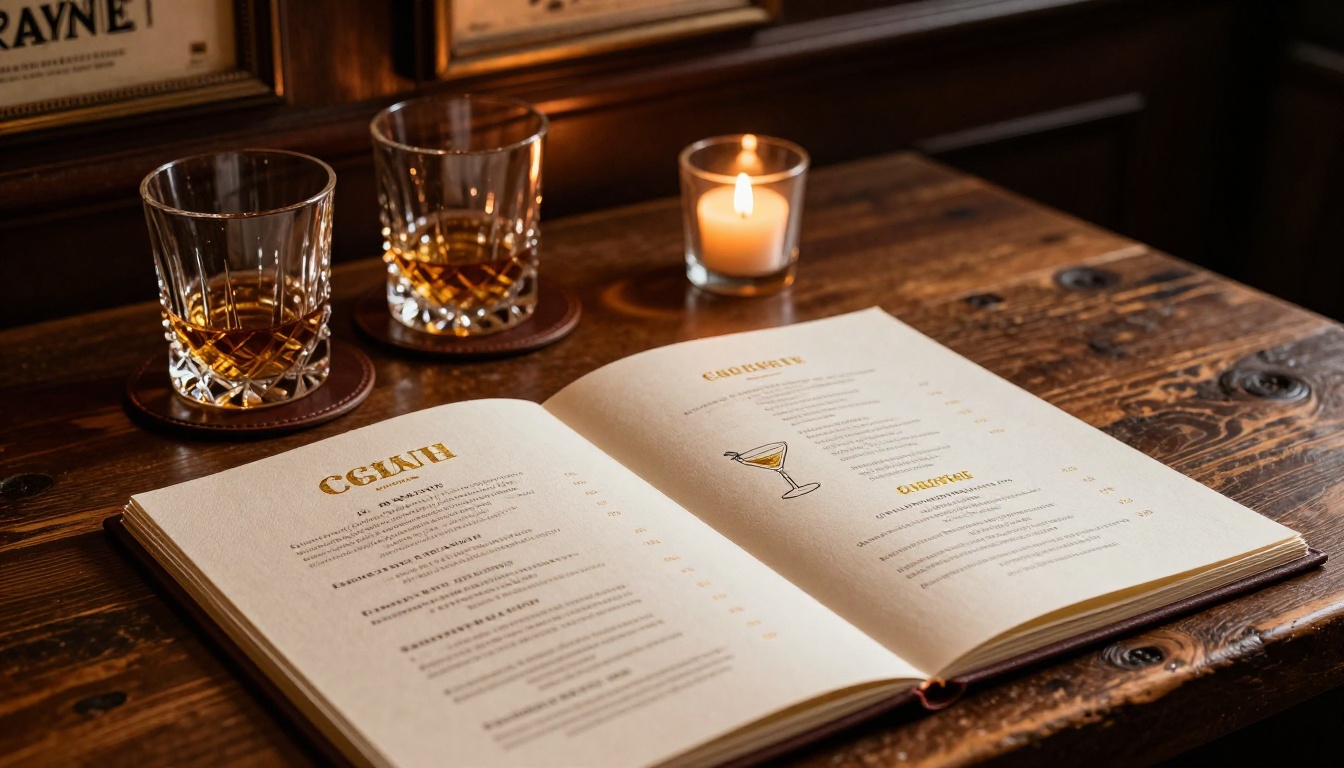
The QR Code Revolution Behind the Bar
QR codes went from novelty to standard practice in the hospitality industry between 2020 and 2023. Guests are not just tolerant of them anymore — they expect them. A well-designed QR code stand beside a beautifully crafted cocktail is now part of the bar's visual identity.
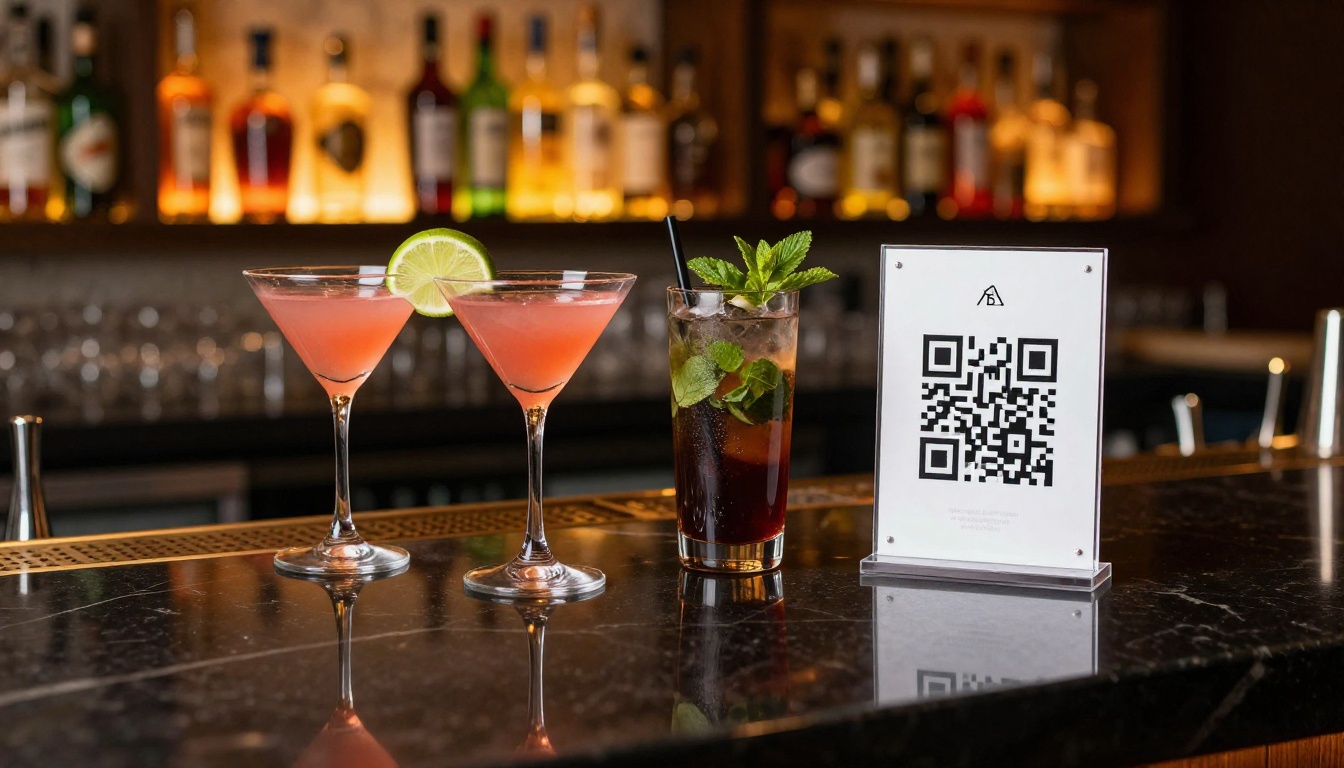
Flipbooks AI generates a dedicated QR code for every published flipbook. You download it in high resolution and use it on:
- Laser-engraved wooden table stands for a premium, reusable feel
- Printed coasters that put the menu directly under every drink
- Chalkboard signage at the entrance
- Receipt footers so guests can revisit your menu after paying
- Social media bios so followers can browse your drinks list anytime
QR Code vs. Printed Menu: Side-by-Side
| Scenario | Printed Menu | QR Flipbook |
|---|
| Guest spills a drink on menu | Replace at cost | Not affected |
| Menu changes mid-season | Reprint everything | Upload new PDF |
| Guest wants to share the menu | Not possible | Send the link |
| Guest is visually impaired | Fixed font size | Can zoom freely |
| Bar runs out of physical menus | Guest waits | Always available |
| Late-night busy service | Menu gets lost or damaged | Scannable anywhere |
Not all bar formats benefit equally. Here is where the impact tends to be highest.
Craft Cocktail Bars
A cocktail bar with 30-plus original drinks, each with a story, a base spirit, and a custom garnish, is the ideal candidate. The flipbook format lets you photograph each drink, write tasting notes, and give the menu the editorial quality it deserves. Guests who browse a well-designed cocktail flipbook order with confidence instead of anxiety.
Hotel Bars and Lounges
Hotel bars serve guests who are already comfortable with QR codes from their travel experience. A flipbook menu embedded on the hotel website lets guests browse the bar before they even check in, which drives foot traffic from guests who would otherwise head to a nearby restaurant.
Private Event Bars and Pop-Ups
For a wedding bar, a private activation, or a ticketed tasting event, a custom flipbook menu is a premium touch that paper cannot match. You can create a password-protected flipbook for VIP events, or build a branded experience that matches the event aesthetic. The Menu Flipbook Designer lets you align colors, fonts, and branding to any event theme in minutes.
Rooftop and Outdoor Bars
Outdoor bars and physical menus are a poor combination. Wind, moisture, and sun damage paper menus quickly. A QR code on a weatherproof stand with a link to your flipbook solves this permanently.
A flipbook is only as good as the PDF you put into it. Here is what separates a cocktail menu that guests flip through in three seconds from one they actually read.
Photography Is Non-Negotiable
A cocktail menu without drink photography is a list. A cocktail menu with photography is an experience. You do not need a professional photographer for every shot. A modern smartphone with decent bar lighting can produce cocktail images that are more than good enough for a menu flipbook.
💡 Shoot drinks from above, from the side at eye level, and from a low angle to capture garnish height. Using three angles across your menu creates visual rhythm that keeps guests browsing longer.
Menu Hierarchy That Works
Structure your menu so the highest-margin items appear first and most prominently. Guests read menus the same way they read most things: top-left to bottom-right, with attention dropping off after the first third. Put your signature cocktails up front. Reserve the back pages for the wine list and spirits directory.
Price Psychology in a Digital Menu
Paper menus often drop the dollar sign to reduce price sensitivity. Digital flipbooks let you go further. You can present cocktails in a visual grid where the drink image dominates and the price appears small below the name. The photograph does more selling than the number beside it.
Every bar that has a website should have its cocktail menu embedded on that site. Not as a PDF download link, not as a photograph of the menu, but as a live, interactive flipbook that visitors can browse exactly as they would in the venue.
Flipbooks AI generates an embed code for every published flipbook. You paste one snippet into your website and the flipbook appears inline, fully interactive. It is mobile-responsive, so it works on the phones that the majority of your website visitors are using.
The SEO benefit is substantial. A page that contains your full cocktail list as readable text, which is what a well-structured flipbook produces for search engines, is a page that can rank for searches like "best negroni in [your city]" or "bar with aged rum selection." A PDF download link produces none of that value.
Seasonal cocktail programs are one of the strongest differentiators a craft bar can have. The problem with seasonality is the cost and friction of reprinting menus four times a year.
With a flipbook, seasonal rotation becomes straightforward:
- Design your seasonal additions in your usual design tool
- Export the updated PDF
- Upload to Flipbooks AI and replace the existing file
- Every existing QR code now points to the updated menu automatically
No new print run. No redistributing physical menus. No desk covered in obsolete paper. The entire process takes about ten minutes once your PDF is ready.
✅ Keep a core menu PDF for your permanent cocktails and create a separate seasonal specials PDF as a second flipbook. Link both from a simple landing page behind your QR code so guests can access either.
A flipbook menu is not just for guests. It is a training asset.
New bartenders and servers who need to absorb the menu can browse the flipbook on their phone during any downtime. They can zoom in on ingredient lists, read the tasting notes you wrote for each cocktail, and build real product knowledge before they face a guest's question. That confidence shows in service.
Some bars create a second internal flipbook that includes cost information, upsell cues, and pairing notes that they prefer not to show guests. This internal version stays password-protected so it remains staff-facing only, a feature available on Flipbooks AI Standard and Professional plans.
Beyond the menu flipbook, Flipbooks AI offers a full range of tools relevant to bars and hospitality businesses:
Each tool is purpose-built for its specific format, which means the default layouts and settings are already optimized rather than generic.
What to Do Right Now
If you have a bar menu sitting as a PDF on your desktop, or even a printed menu you can scan, you are about ten minutes away from a published flipbook.
The steps are simple:
- Create your free account on Flipbooks AI
- Upload your menu PDF
- Customize the branding to match your bar
- Download your QR code
- Print it on card stock and place it at the bar, at tables, and at the entrance
The first flipbook is free. No watermarks. No time limits. If you want unlimited menus, password protection, or website embedding, compare the available plans and pick what fits your operation.
Paper menus have served bars well for a long time. But the bars building loyal, repeat-visit guest bases right now are treating every touchpoint, including the menu, as part of the experience. A flipbook menu signals that you take your craft seriously. It says the same thing your best cocktail says: this was made with care.
Ready to see the difference? Start building your bar's flipbook menu today.



